Sample Refund Form With Validation
Description
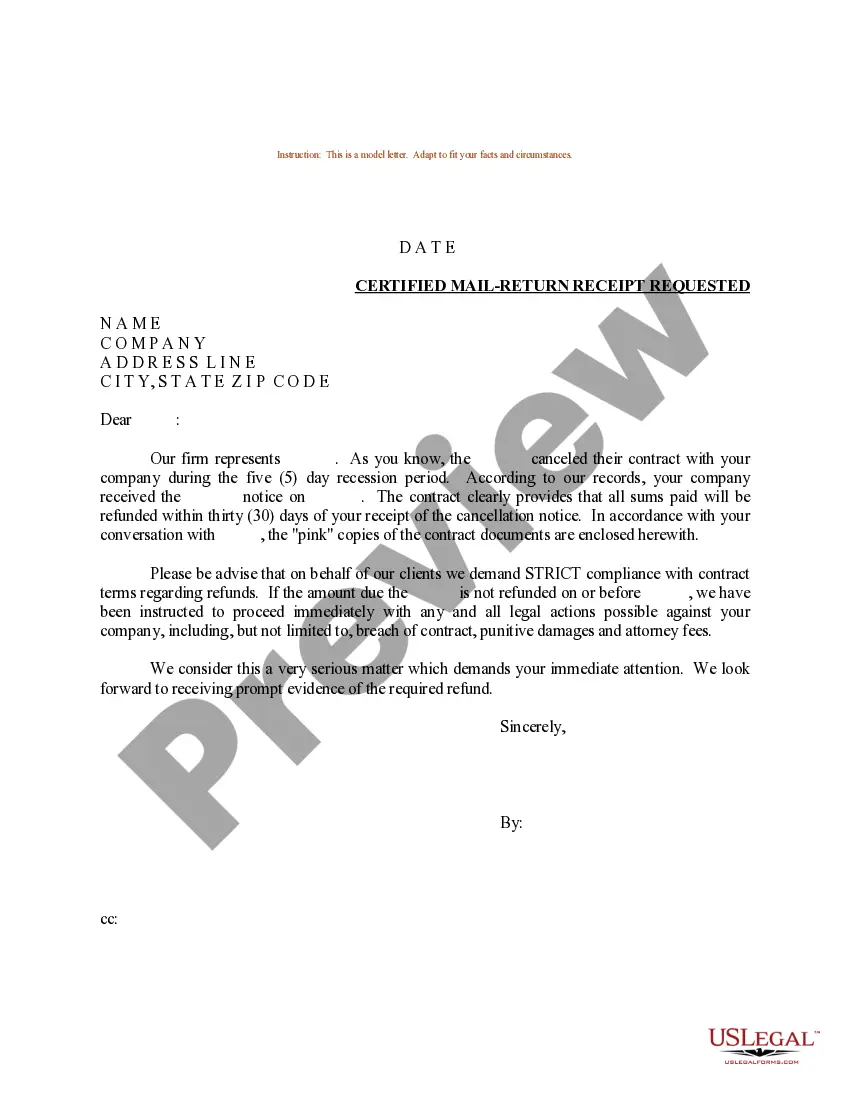
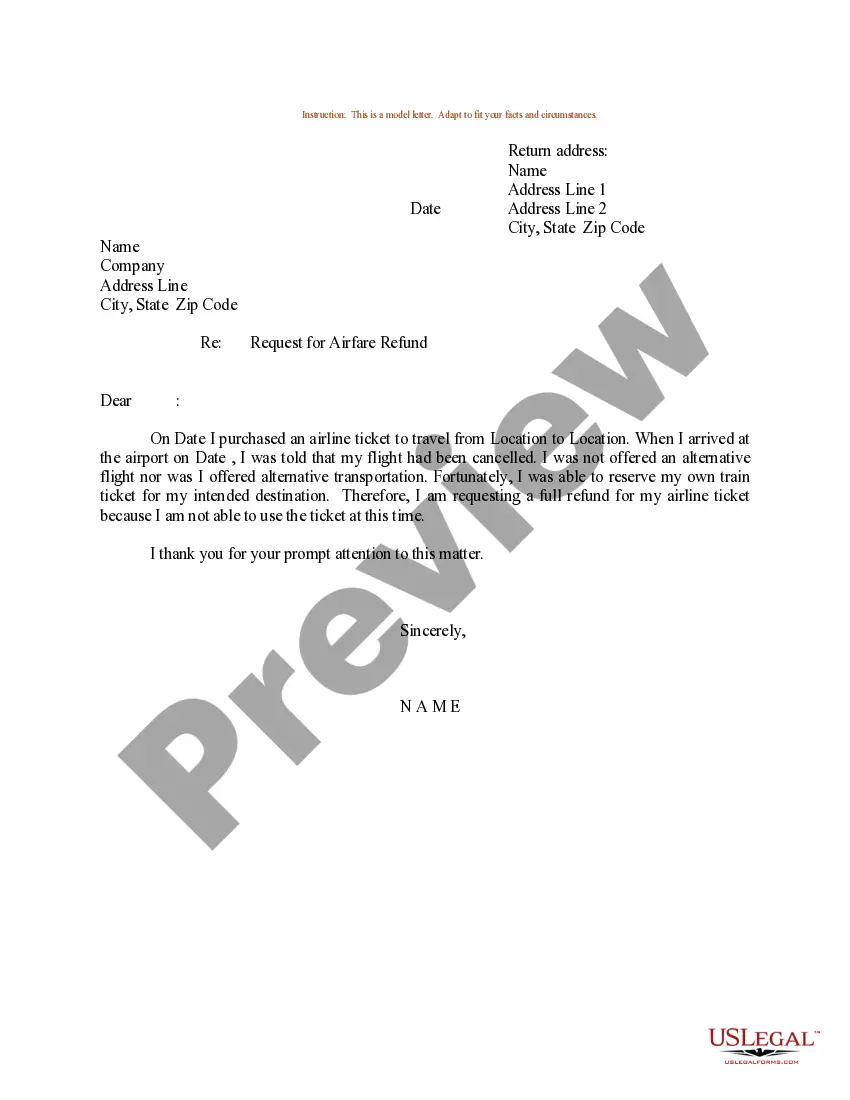
Get your form ready online
Our built-in tools help you complete, sign, share, and store your documents in one place.
Make edits, fill in missing information, and update formatting in US Legal Forms—just like you would in MS Word.
Download a copy, print it, send it by email, or mail it via USPS—whatever works best for your next step.
Sign and collect signatures with our SignNow integration. Send to multiple recipients, set reminders, and more. Go Premium to unlock E-Sign.
If this form requires notarization, complete it online through a secure video call—no need to meet a notary in person or wait for an appointment.
We protect your documents and personal data by following strict security and privacy standards.

Make edits, fill in missing information, and update formatting in US Legal Forms—just like you would in MS Word.

Download a copy, print it, send it by email, or mail it via USPS—whatever works best for your next step.

Sign and collect signatures with our SignNow integration. Send to multiple recipients, set reminders, and more. Go Premium to unlock E-Sign.

If this form requires notarization, complete it online through a secure video call—no need to meet a notary in person or wait for an appointment.

We protect your documents and personal data by following strict security and privacy standards.
Looking for another form?
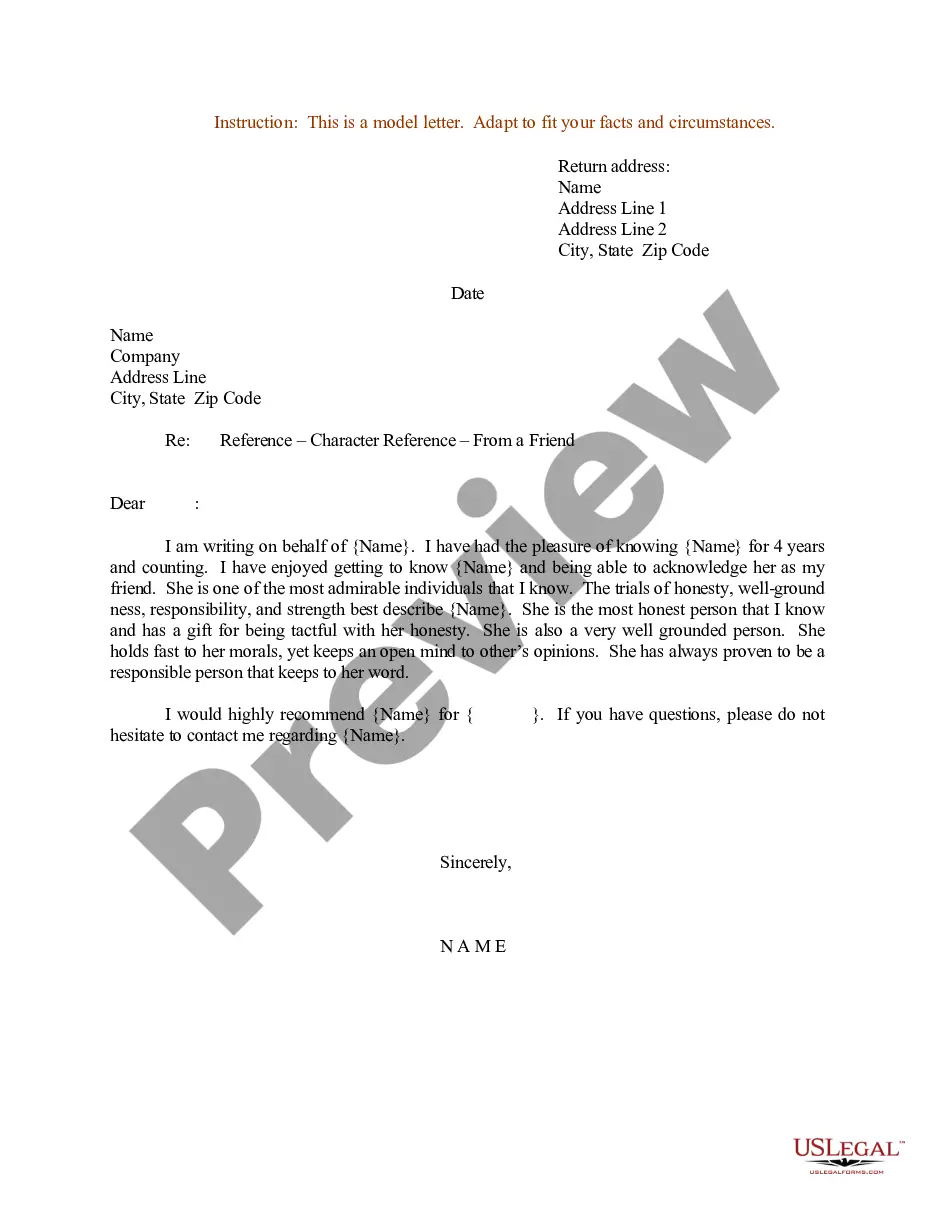
How to fill out Sample Letter For Refund For Duplicate Payment?
Obtaining legal document samples that meet the federal and local regulations is essential, and the internet offers a lot of options to choose from. But what’s the point in wasting time looking for the appropriate Sample Refund Form With Validation sample on the web if the US Legal Forms online library already has such templates gathered in one place?
US Legal Forms is the greatest online legal catalog with over 85,000 fillable templates drafted by lawyers for any business and life situation. They are easy to browse with all documents organized by state and purpose of use. Our experts stay up with legislative changes, so you can always be sure your paperwork is up to date and compliant when obtaining a Sample Refund Form With Validation from our website.
Getting a Sample Refund Form With Validation is quick and easy for both current and new users. If you already have an account with a valid subscription, log in and download the document sample you require in the preferred format. If you are new to our website, follow the steps below:
- Analyze the template utilizing the Preview option or via the text description to make certain it meets your requirements.
- Look for another sample utilizing the search function at the top of the page if needed.
- Click Buy Now when you’ve located the correct form and choose a subscription plan.
- Create an account or sign in and make a payment with PayPal or a credit card.
- Choose the right format for your Sample Refund Form With Validation and download it.
All templates you locate through US Legal Forms are reusable. To re-download and complete earlier obtained forms, open the My Forms tab in your profile. Benefit from the most extensive and easy-to-use legal paperwork service!
Form popularity
FAQ
How to set up validation with HTML5 functionality Making fields required using required. Constraining the length of data: minlength , maxlength : for text data. ... Restricting the type of data using type : <input type="email" name="multiple> Specifying data patterns using pattern :
There are three types of form validation: required, regular expression (regex) matcher, and predicate evaluation.
Typical validation tasks are: has the user filled in all required fields? has the user entered a valid date? has the user entered text in a numeric field?
This is called form validation. When you enter data, the browser and/or the web server will check to see that the data is in the correct format and within the constraints set by the application.
To validate the form using HTML, we will use HTML <input> required attribute. The <input> required attribute is a Boolean attribute that is used to specify the input element must be filled out before submitting the Form.
