Executor Beneficiary Form With Trust
Description


Get your form ready online
Our built-in tools help you complete, sign, share, and store your documents in one place.
Make edits, fill in missing information, and update formatting in US Legal Forms—just like you would in MS Word.
Download a copy, print it, send it by email, or mail it via USPS—whatever works best for your next step.
Sign and collect signatures with our SignNow integration. Send to multiple recipients, set reminders, and more. Go Premium to unlock E-Sign.
If this form requires notarization, complete it online through a secure video call—no need to meet a notary in person or wait for an appointment.
We protect your documents and personal data by following strict security and privacy standards.

Make edits, fill in missing information, and update formatting in US Legal Forms—just like you would in MS Word.

Download a copy, print it, send it by email, or mail it via USPS—whatever works best for your next step.

Sign and collect signatures with our SignNow integration. Send to multiple recipients, set reminders, and more. Go Premium to unlock E-Sign.

If this form requires notarization, complete it online through a secure video call—no need to meet a notary in person or wait for an appointment.

We protect your documents and personal data by following strict security and privacy standards.
Looking for another form?








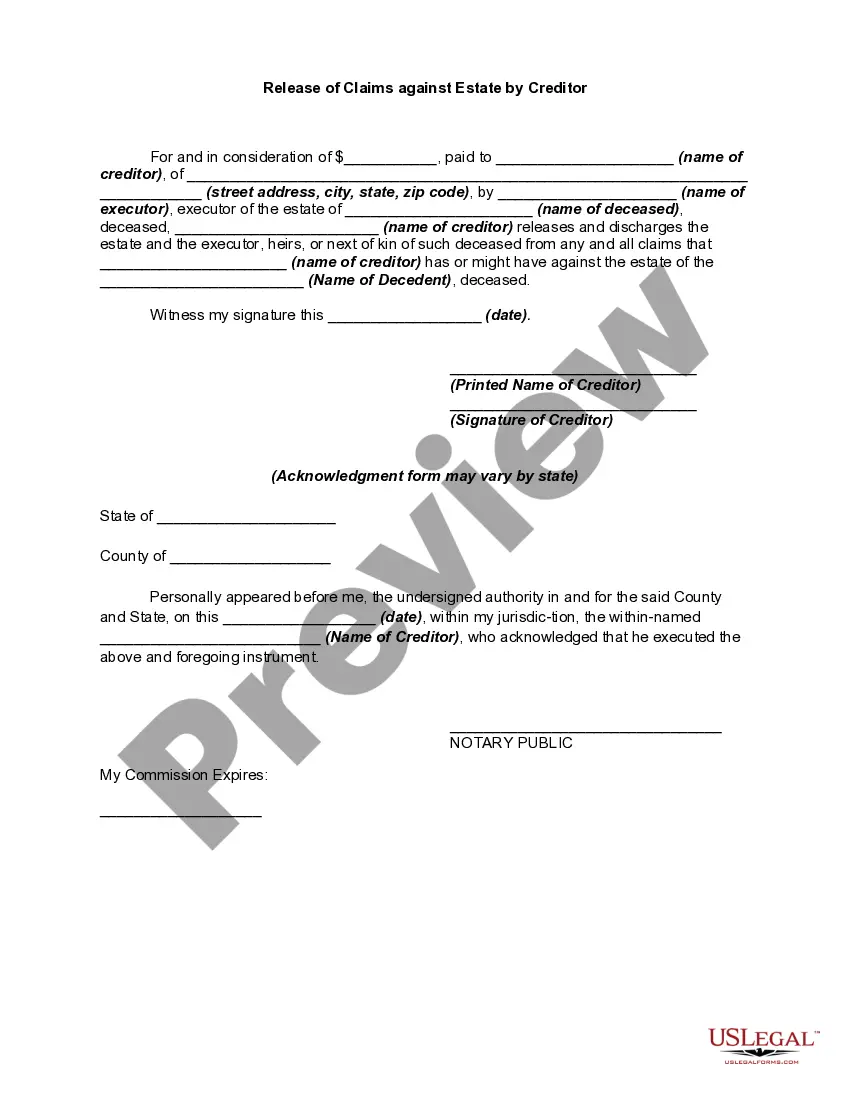
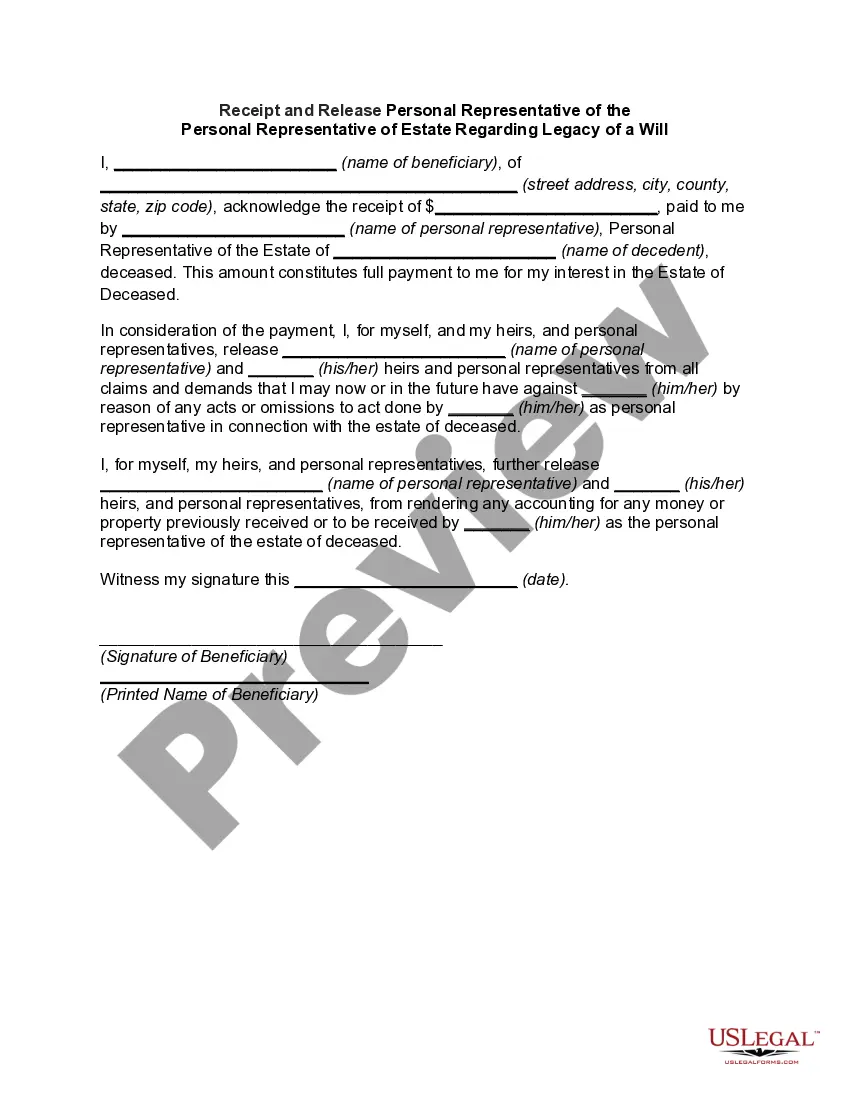
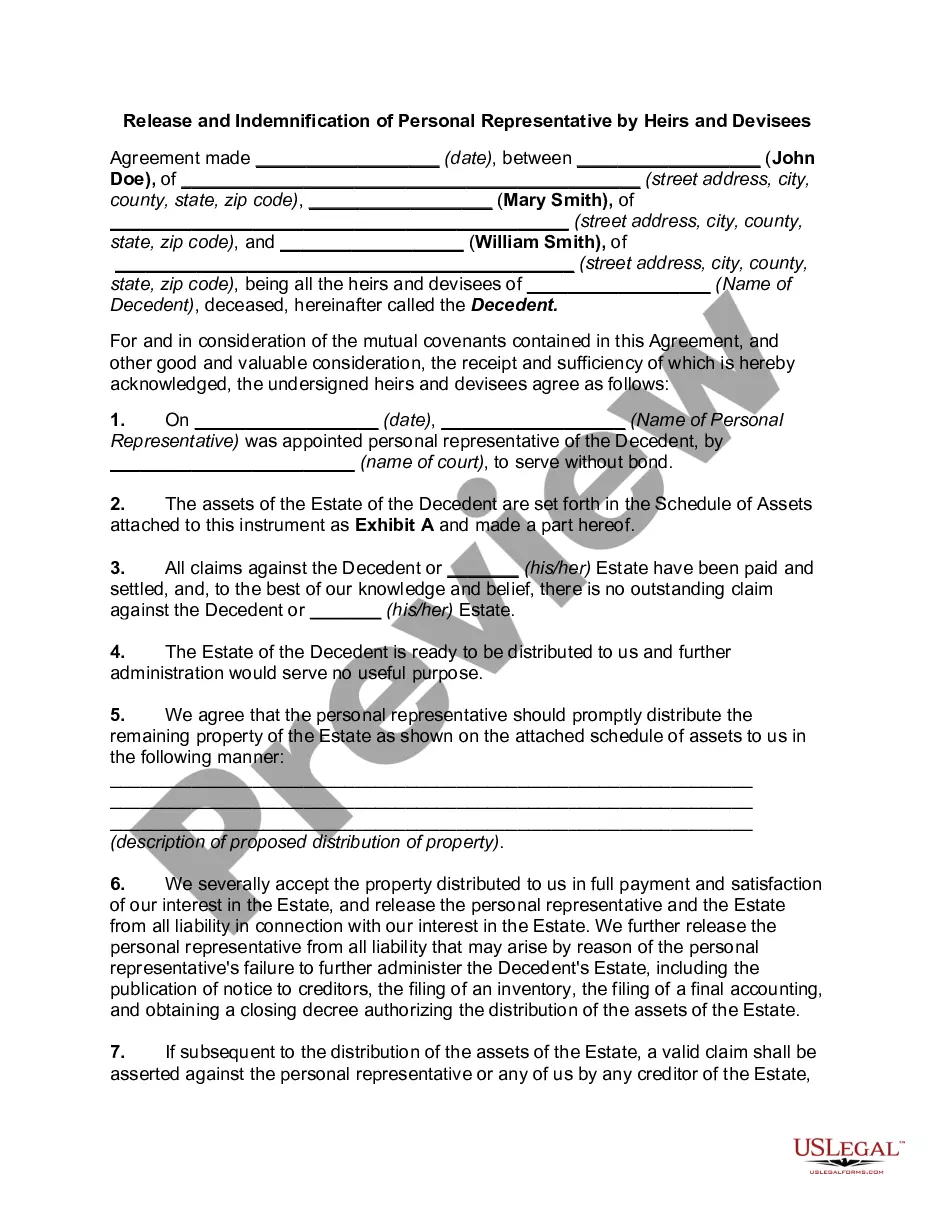
How to fill out Release And Exoneration Of Executor On Distribution To Beneficiary Of Will And Waiver Of Citation Of Final Settlement?
Handling legal documents and operations can be a time-consuming addition to the day. Executor Beneficiary Form With Trust and forms like it often require that you look for them and understand how to complete them appropriately. For that reason, whether you are taking care of economic, legal, or individual matters, having a thorough and hassle-free web catalogue of forms on hand will greatly assist.
US Legal Forms is the top web platform of legal templates, featuring over 85,000 state-specific forms and a number of tools to assist you complete your documents quickly. Discover the catalogue of appropriate papers accessible to you with just one click.
US Legal Forms provides you with state- and county-specific forms offered by any time for downloading. Shield your document managing procedures having a top-notch service that lets you put together any form within a few minutes without any additional or hidden cost. Just log in to your account, locate Executor Beneficiary Form With Trust and acquire it immediately within the My Forms tab. You can also access previously downloaded forms.
Would it be your first time using US Legal Forms? Sign up and set up your account in a few minutes and you will get access to the form catalogue and Executor Beneficiary Form With Trust. Then, follow the steps below to complete your form:
- Ensure you have found the proper form by using the Preview option and reading the form description.
- Select Buy Now when all set, and choose the monthly subscription plan that suits you.
- Choose Download then complete, eSign, and print out the form.
US Legal Forms has 25 years of expertise assisting users deal with their legal documents. Obtain the form you require right now and enhance any operation without breaking a sweat.
Form popularity
FAQ
Certain assets like IRAs and financial accounts cannot be left to minors. In these cases, naming the trust as the beneficiary allows you to ensure the financial assets will be held and then distributed to your minor children ing to your wishes.
A beneficiary of trust is the individual or group of individuals for whom a trust was created. The person who creates a trust also determines the trust beneficiary and appoints a trustee to manage the trust in the beneficiary's best interests.
The primary disadvantage of naming a trust as beneficiary is that the retirement plan's assets will be subjected to required minimum distribution payouts, which are calculated based on the life expectancy of the oldest beneficiary.
Name a Trust Provide the following information on the beneficiary designation: The full name of the trust as it shows on the trust document. The date the trust was created. The name of the trustee, followed by the word ?trustee,? or if you cannot provide a trustee, ETF may accept another contact person.
Write only one beneficiary on each line. Make sure that you write the full names of all beneficiaries. For example, if you name you children as beneficiaries, DO NOT merely write ?children? on one of the lines; instead write the full names of each of your children on separate lines.