Juvenile Records In California
Description

Get your form ready online
Our built-in tools help you complete, sign, share, and store your documents in one place.
Make edits, fill in missing information, and update formatting in US Legal Forms—just like you would in MS Word.
Download a copy, print it, send it by email, or mail it via USPS—whatever works best for your next step.
Sign and collect signatures with our SignNow integration. Send to multiple recipients, set reminders, and more. Go Premium to unlock E-Sign.
If this form requires notarization, complete it online through a secure video call—no need to meet a notary in person or wait for an appointment.
We protect your documents and personal data by following strict security and privacy standards.

Make edits, fill in missing information, and update formatting in US Legal Forms—just like you would in MS Word.

Download a copy, print it, send it by email, or mail it via USPS—whatever works best for your next step.

Sign and collect signatures with our SignNow integration. Send to multiple recipients, set reminders, and more. Go Premium to unlock E-Sign.

If this form requires notarization, complete it online through a secure video call—no need to meet a notary in person or wait for an appointment.

We protect your documents and personal data by following strict security and privacy standards.
Looking for another form?

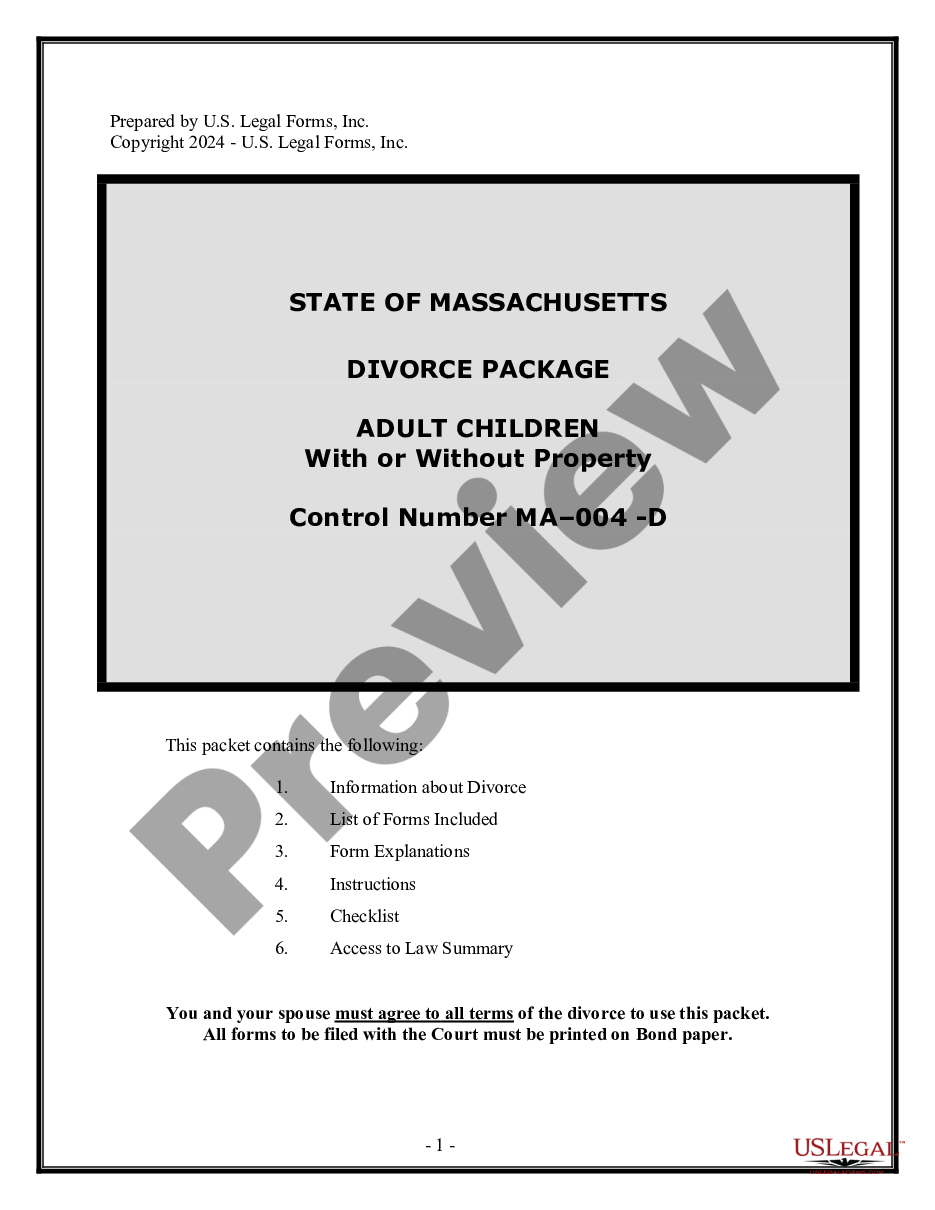



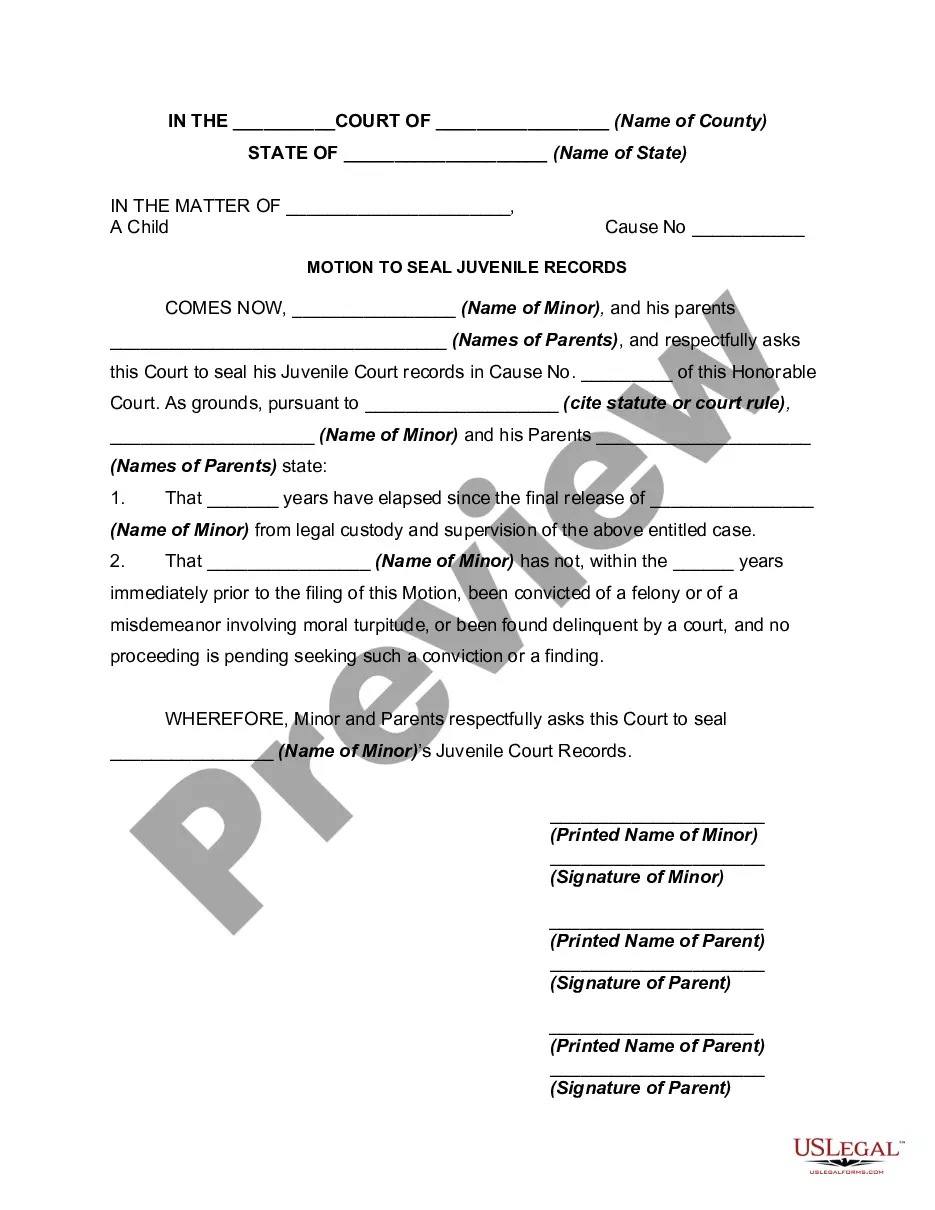
How to fill out Motion To Seal Juvenile Records?
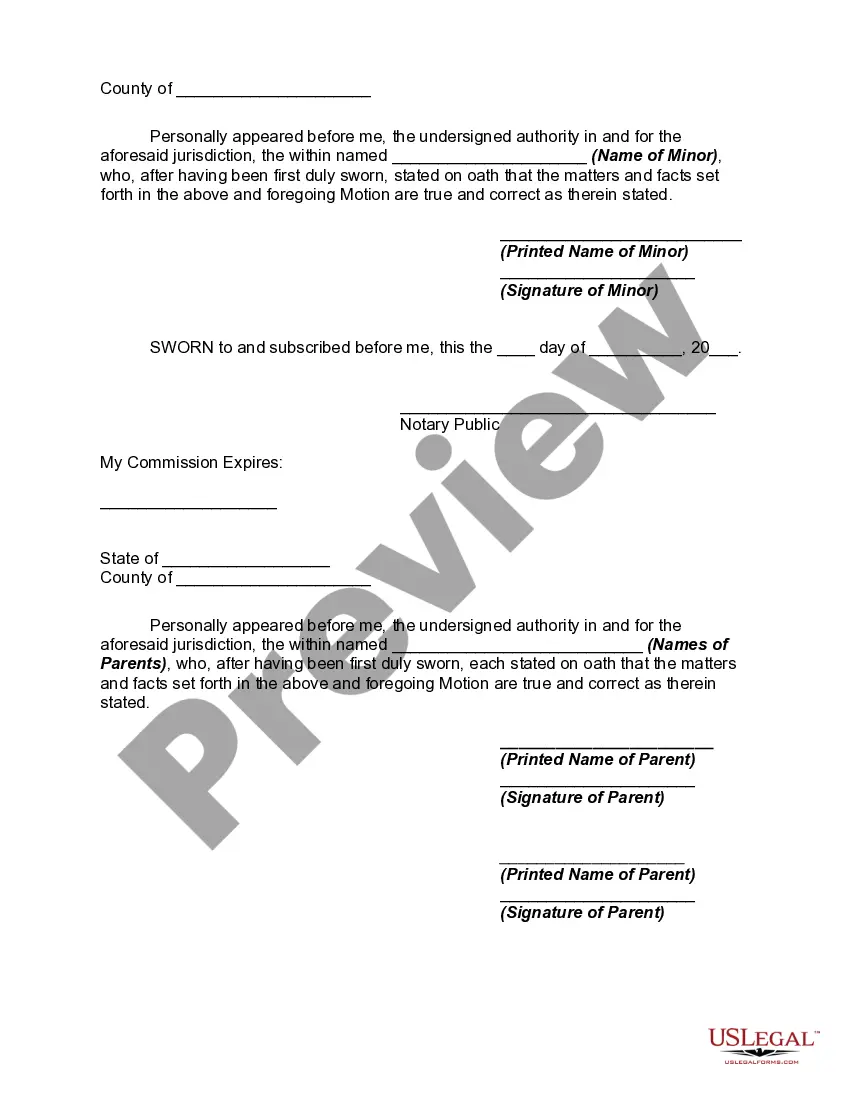
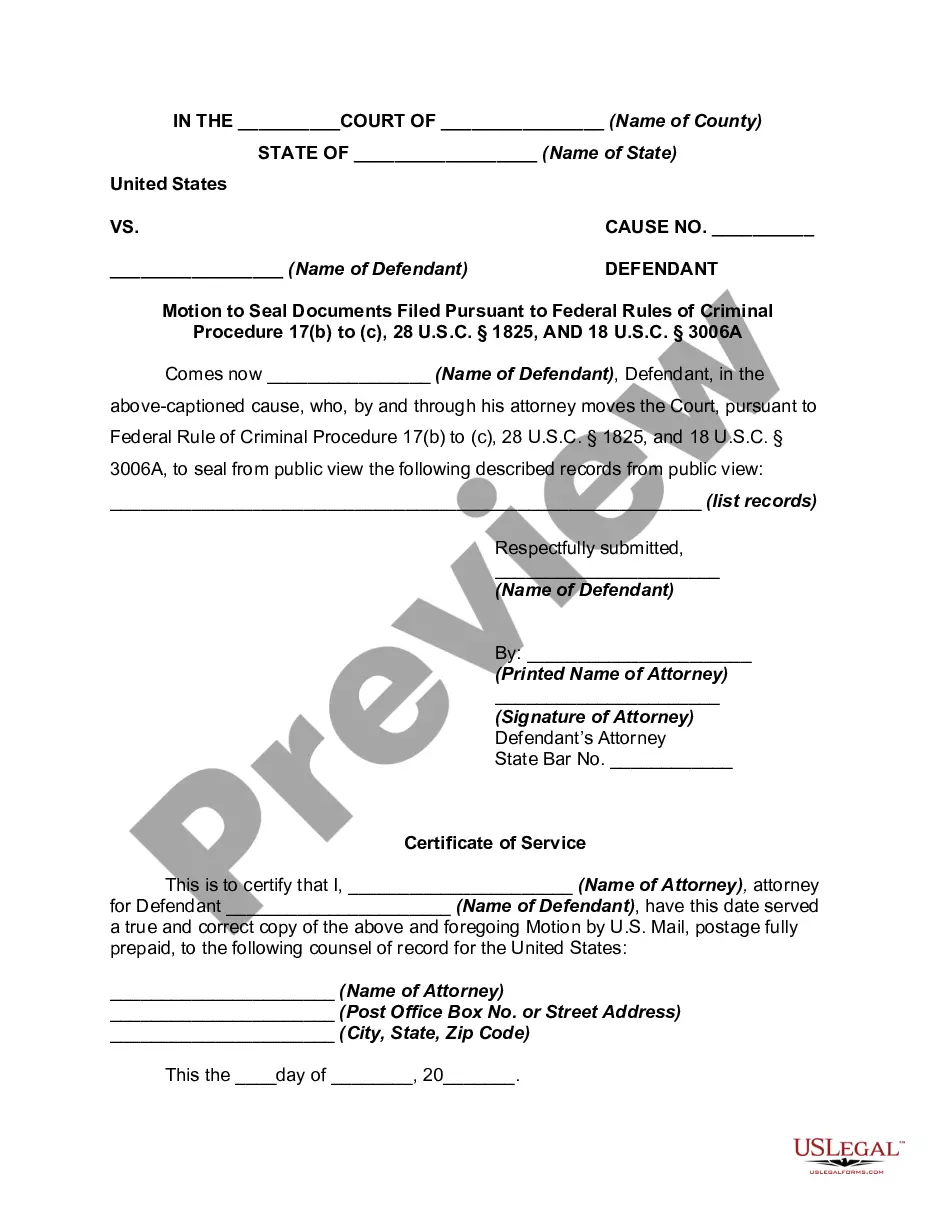
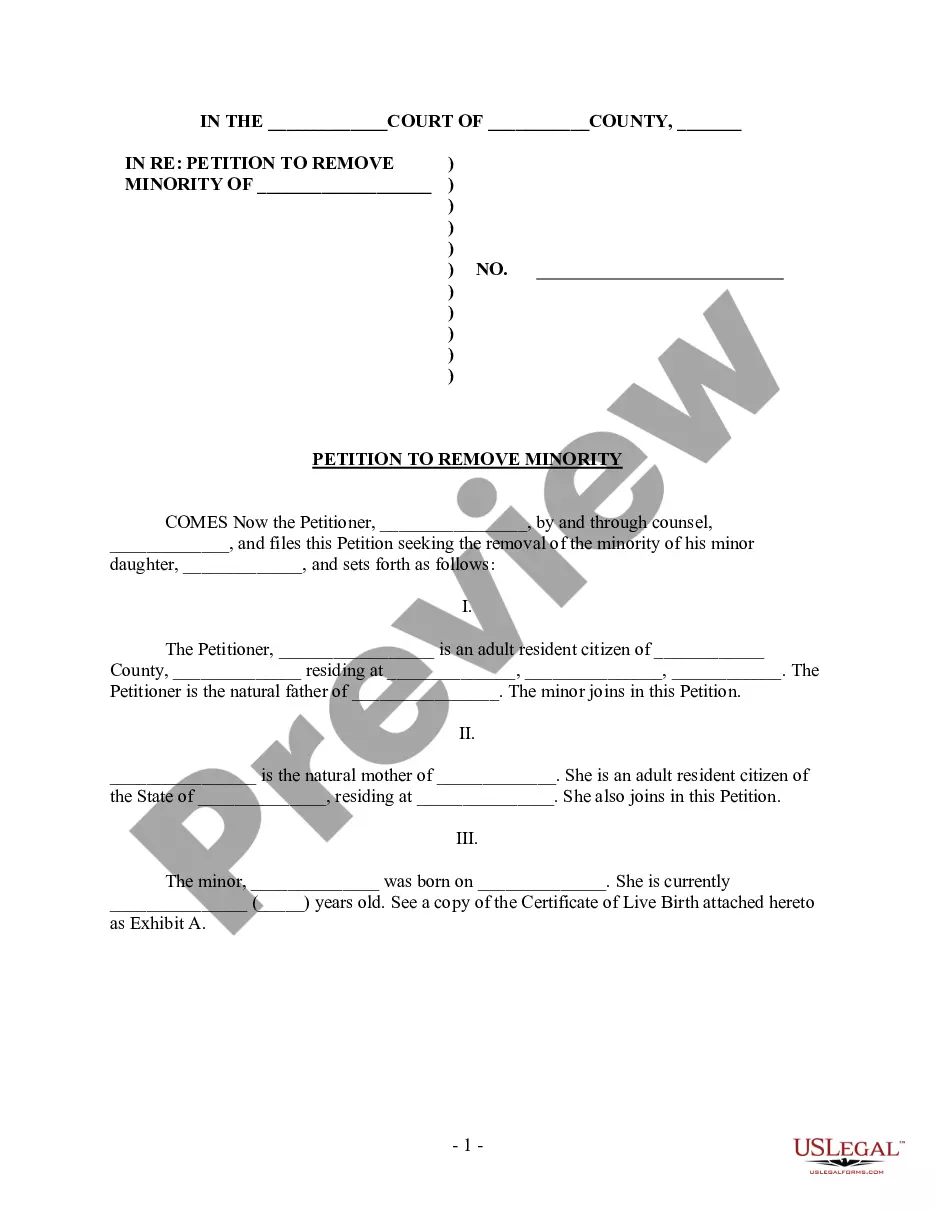
The Youth Records In California you see on this page is a reusable legal template crafted by expert attorneys in compliance with federal and local statutes.
For over 25 years, US Legal Forms has supplied individuals, organizations, and legal practitioners with more than 85,000 confirmed, state-specific documents for any business and personal circumstance. It’s the fastest, simplest, and most reliable method to acquire the forms you require, as the service assures the utmost level of data protection and anti-malware security.
Complete and sign the documents. Print out the template to fill it out by hand. Alternatively, use an online multifunctional PDF editor to swiftly and accurately complete and sign your form with an electronic signature. Download your documents one more time. Reuse the same document whenever necessary. Access the My documents tab in your profile to redownload any previously saved forms. Register for US Legal Forms to have verified legal templates for all of life’s situations at your fingertips.
- Search for the document you require and review it.
- Browse through the sample you looked for and preview it or read the form description to confirm it meets your needs. If it does not, utilize the search bar to find the correct one. Click Buy Now once you have found the template you need.
- Register and Log In.
- Choose the pricing option that fits you and create an account. Use PayPal or a credit card to make a quick payment. If you already possess an account, Log In and check your subscription to continue.
- Acquire the editable template.
- Select the format you prefer for your Youth Records In California (PDF, DOCX, RTF) and download the sample on your device.
Form popularity
FAQ
Petition/Application Juvenile records are not automatically sealed upon a youth's 18th birthday. Youth must petition the juvenile court to have them sealed. Youth can do this by filling out a form and filing it with the juvenile court in the county where the youth was convicted.
They are no longer public records. The end result is that any juvenile offenses will not show up on a background check.
However, that's not the case in California, where the court does not automatically seal juvenile records. That means your record will remain available for anyone to access unless you proactively seek out a judicial order to have it sealed.
To ask to seal your juvenile record, you fill out and turn in a form to the probation department or court where your case was processed. The probation department will review your form and then turn it to the court with a recommendation. Then, a judge will decide whether to seal your record.
Contrary to common misperception, juvenile records are not automatically sealed once you turn 18 unless you obtain a judicial order to seal and destroy them under WIC 781.