Board Nonprofit Form Application For Passport
Description
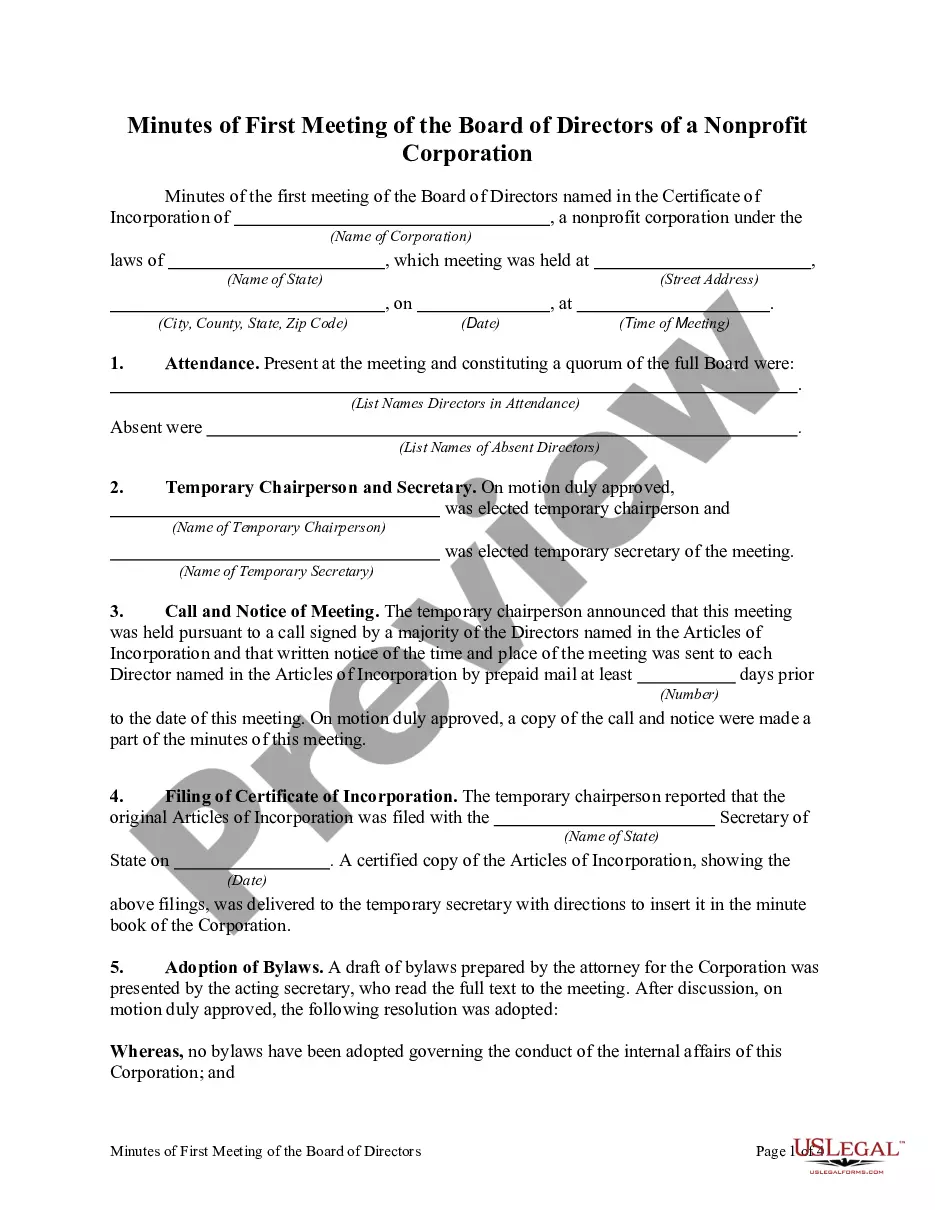
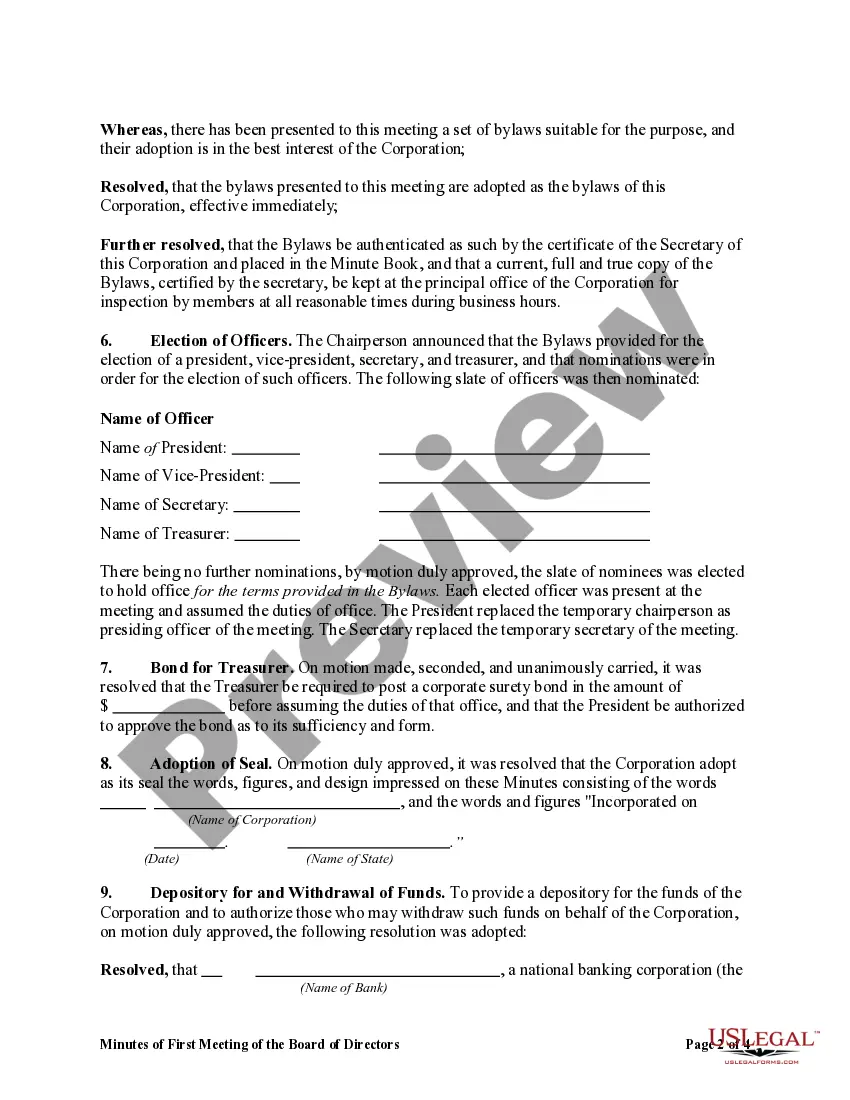
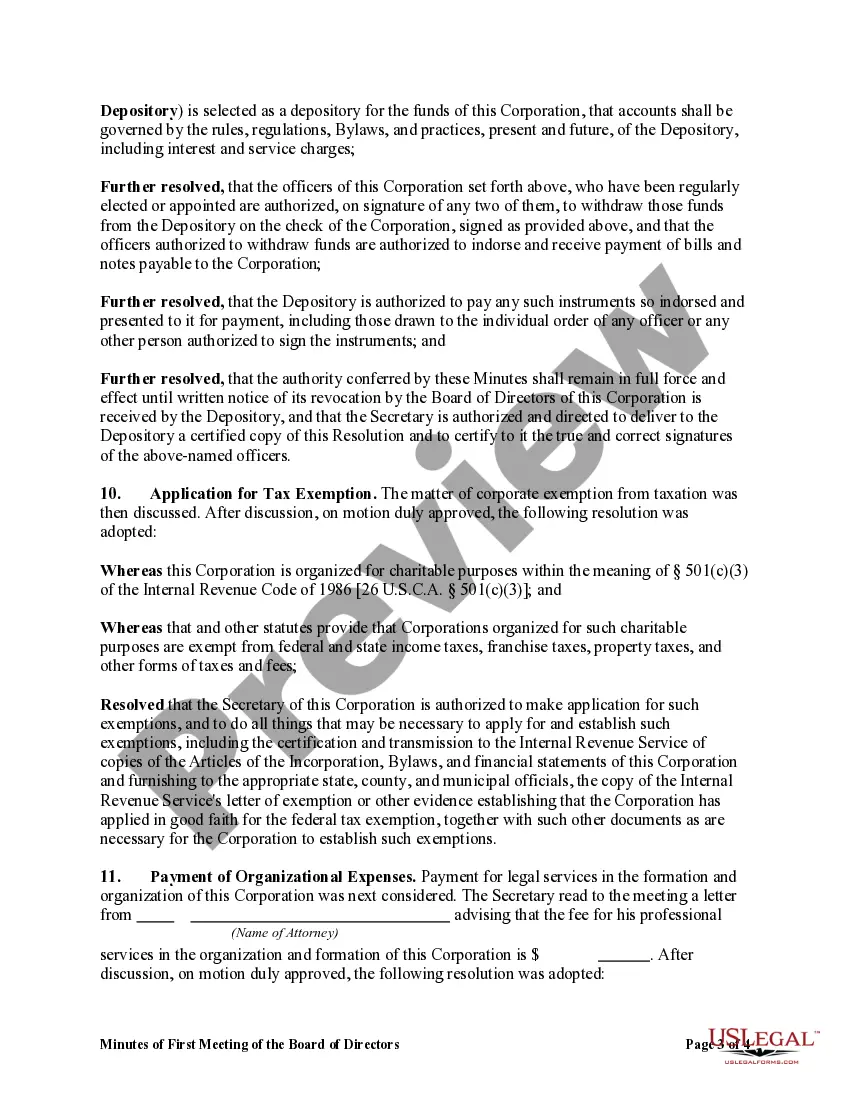
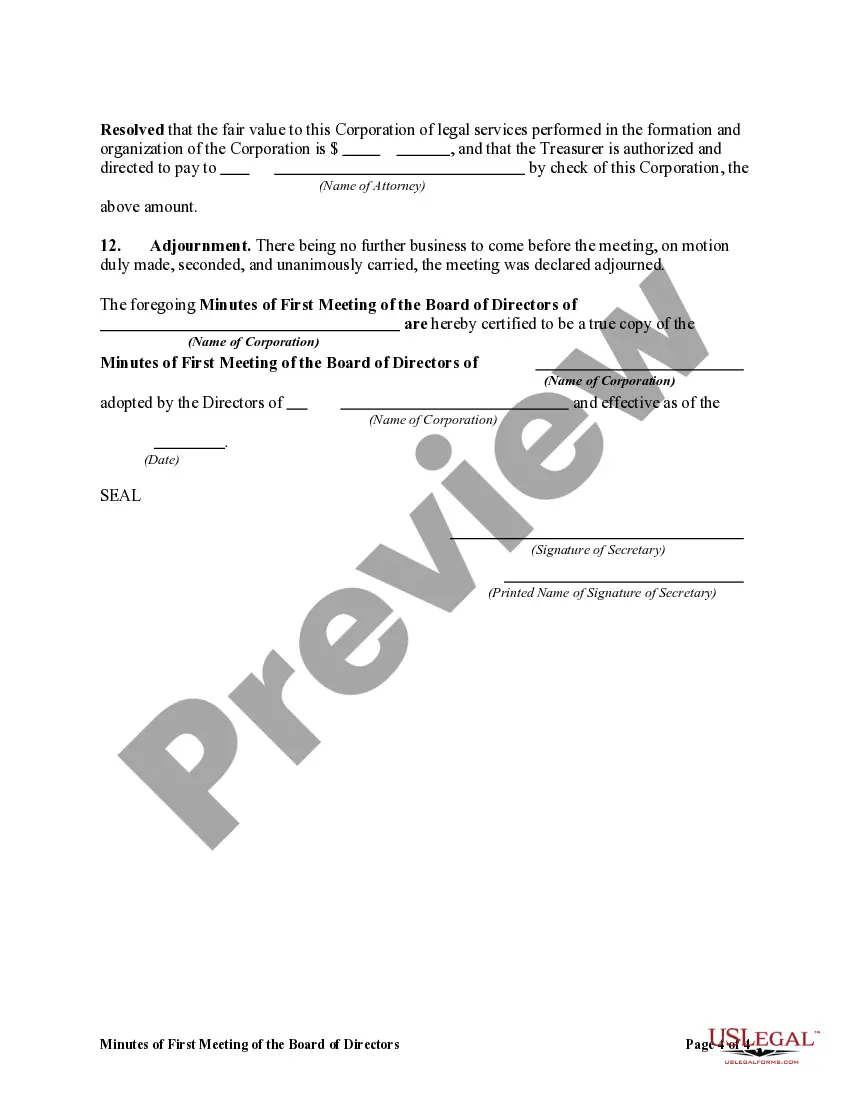


Get your form ready online
Our built-in tools help you complete, sign, share, and store your documents in one place.
Make edits, fill in missing information, and update formatting in US Legal Forms—just like you would in MS Word.
Download a copy, print it, send it by email, or mail it via USPS—whatever works best for your next step.
Sign and collect signatures with our SignNow integration. Send to multiple recipients, set reminders, and more. Go Premium to unlock E-Sign.
If this form requires notarization, complete it online through a secure video call—no need to meet a notary in person or wait for an appointment.
We protect your documents and personal data by following strict security and privacy standards.

Make edits, fill in missing information, and update formatting in US Legal Forms—just like you would in MS Word.

Download a copy, print it, send it by email, or mail it via USPS—whatever works best for your next step.

Sign and collect signatures with our SignNow integration. Send to multiple recipients, set reminders, and more. Go Premium to unlock E-Sign.

If this form requires notarization, complete it online through a secure video call—no need to meet a notary in person or wait for an appointment.

We protect your documents and personal data by following strict security and privacy standards.
Looking for another form?


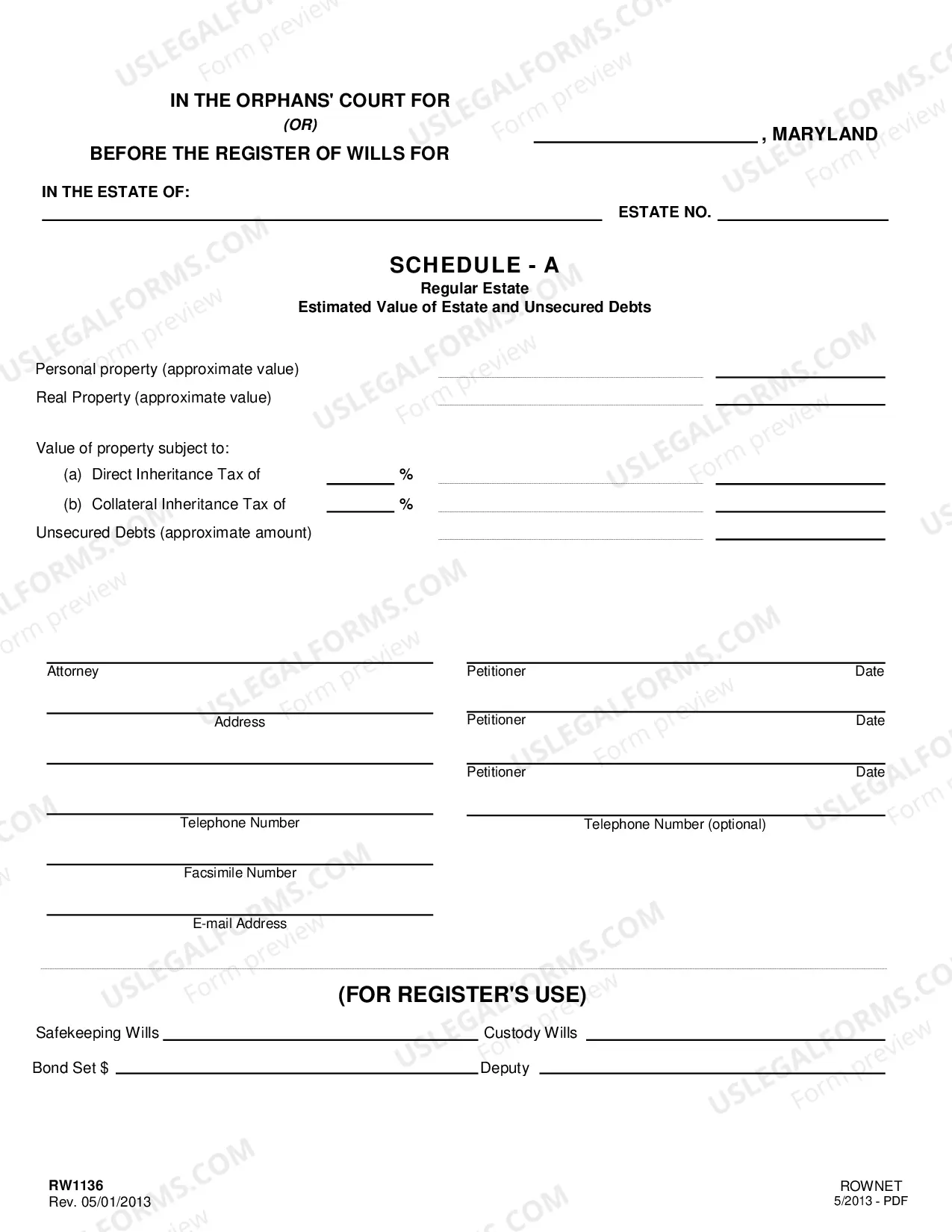

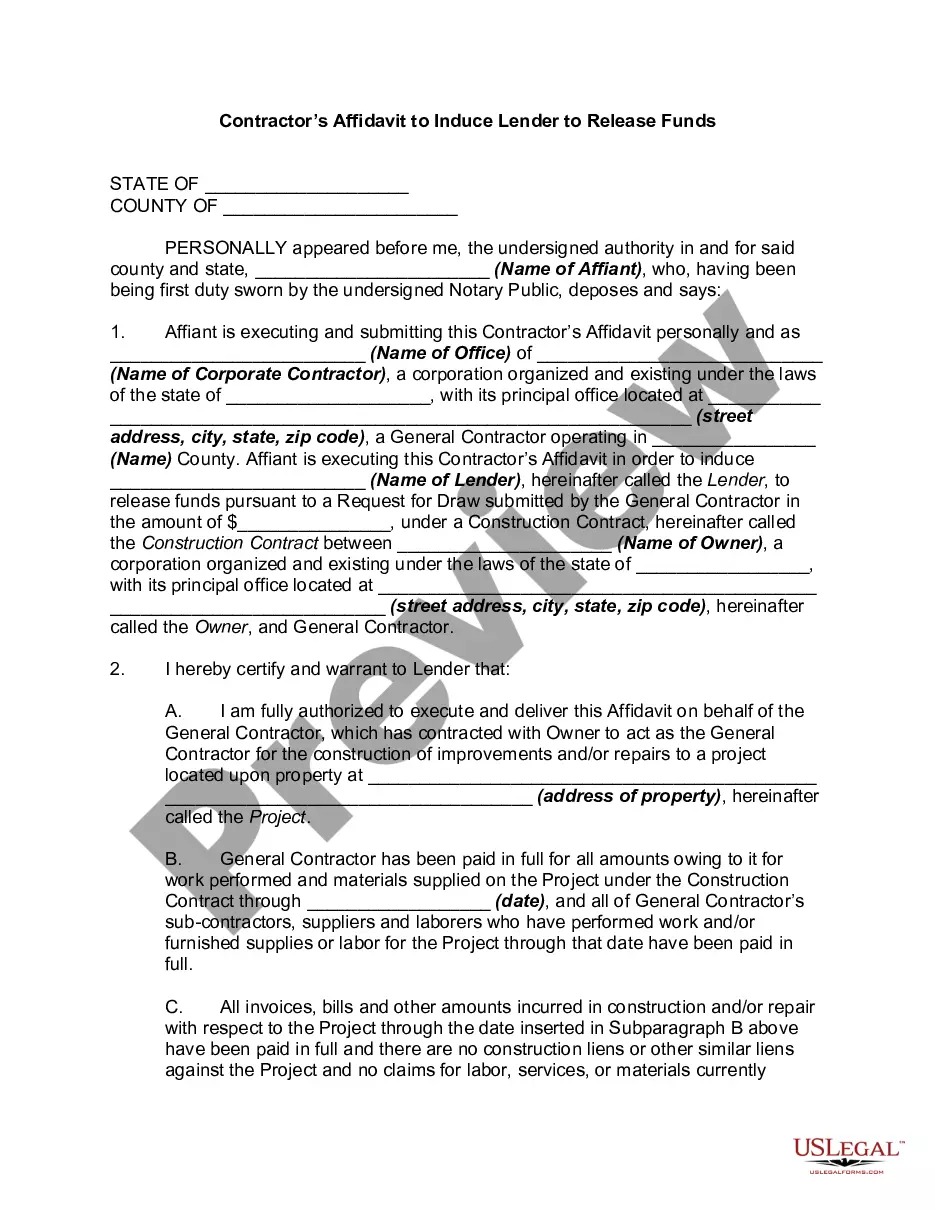




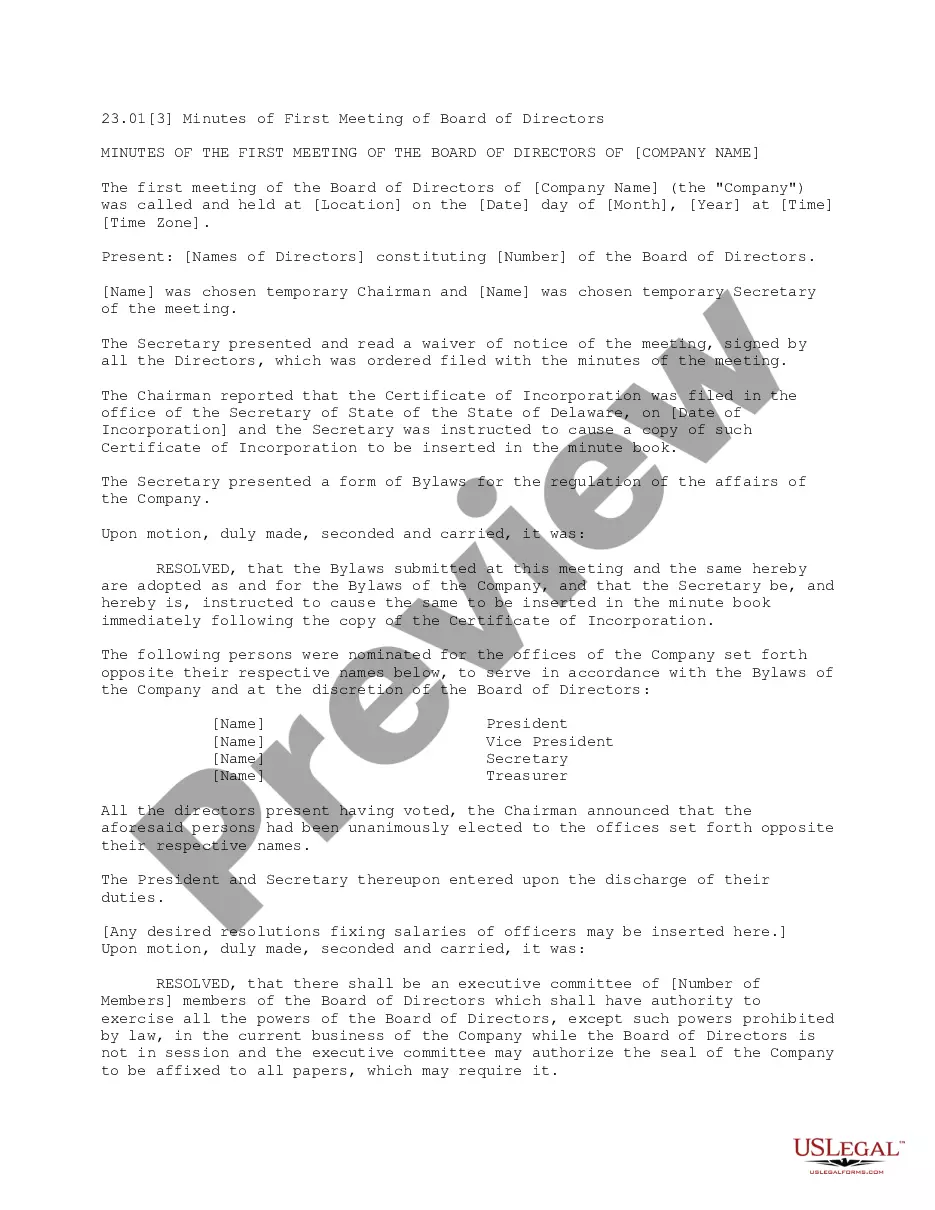
How to fill out Minutes Of First Meeting Of The Board Of Directors Of A Nonprofit Corporation?
The Board Nonprofit Form Application For Passport displayed on this page is a reusable formal template created by professional attorneys in accordance with federal and state statutes and regulations.
For over 25 years, US Legal Forms has provided individuals, businesses, and legal practitioners with more than 85,000 verified, state-specific templates for any business and personal circumstance. It’s the quickest, most straightforward, and most reliable method to acquire the documents you require, as the service ensures bank-level data security and anti-malware safeguards.
Subscribe to US Legal Forms to have verified legal templates for all of life's situations at your fingertips.
- Search for the document you require and verify it.
- Browse through the file you searched and preview it or check the form description to ensure it meets your needs. If it does not, utilize the search option to find the correct one. Click Buy Now when you have located the template you require.
- Sign up and Log In.
- Choose the pricing plan that fits you and register for an account. Use PayPal or a credit card to make a rapid payment. If you already possess an account, Log In and check your subscription to continue.
- Obtain the fillable template.
- Select the format you desire for your Board Nonprofit Form Application For Passport (PDF, Word, RTF) and save the sample on your device.
- Complete and sign the document.
- Print the template to fill it out manually. Alternatively, use an online versatile PDF editor to swiftly and precisely fill out and sign your form with a legally-binding electronic signature.
- Download your files once again.
- Utilize the same document again whenever necessary. Access the My documents tab in your profile to redownload any previously downloaded templates.
Form popularity
FAQ
Reasons for denying a passport include a valid, unsealed federal warrant of arrest, a federal or state criminal court order, a condition of parole or probation forbidding departure from the United States (or the jurisdiction of the court), or a request for extradition.
You can fill a passport application form offline by following these steps. Step 1: Obtain the passport application form. ... Step 2: Read the instructions carefully. ... Step 3: Fill out the personal details. ... Step 4: Choose the type of passport you need. ... Step 5: Provide supporting documents. ... Step 6: Pay the application fee.
You can fill out the form using the online form filler of the Department of State website ( ) or print it out and fill it out by hand using a black pen.
We've compiled the mistakes we see most often and put together six of our best tips to avoid some common passport errors. Not Checking If You Need A Passport First. ... Applying Too Close To Your Departure Date. ... Missing Proper Documents for the Application. ... Not Filling Out the Form Correctly. ... Not Double Checking Everything.
No-Fee Regular - Blue no-fee regular passports are issued to, among others, certain categories of employees of the Department of Defense, American National Red Cross, and Peace Corps volunteers assigned overseas.