Choosing Domain Name
Description
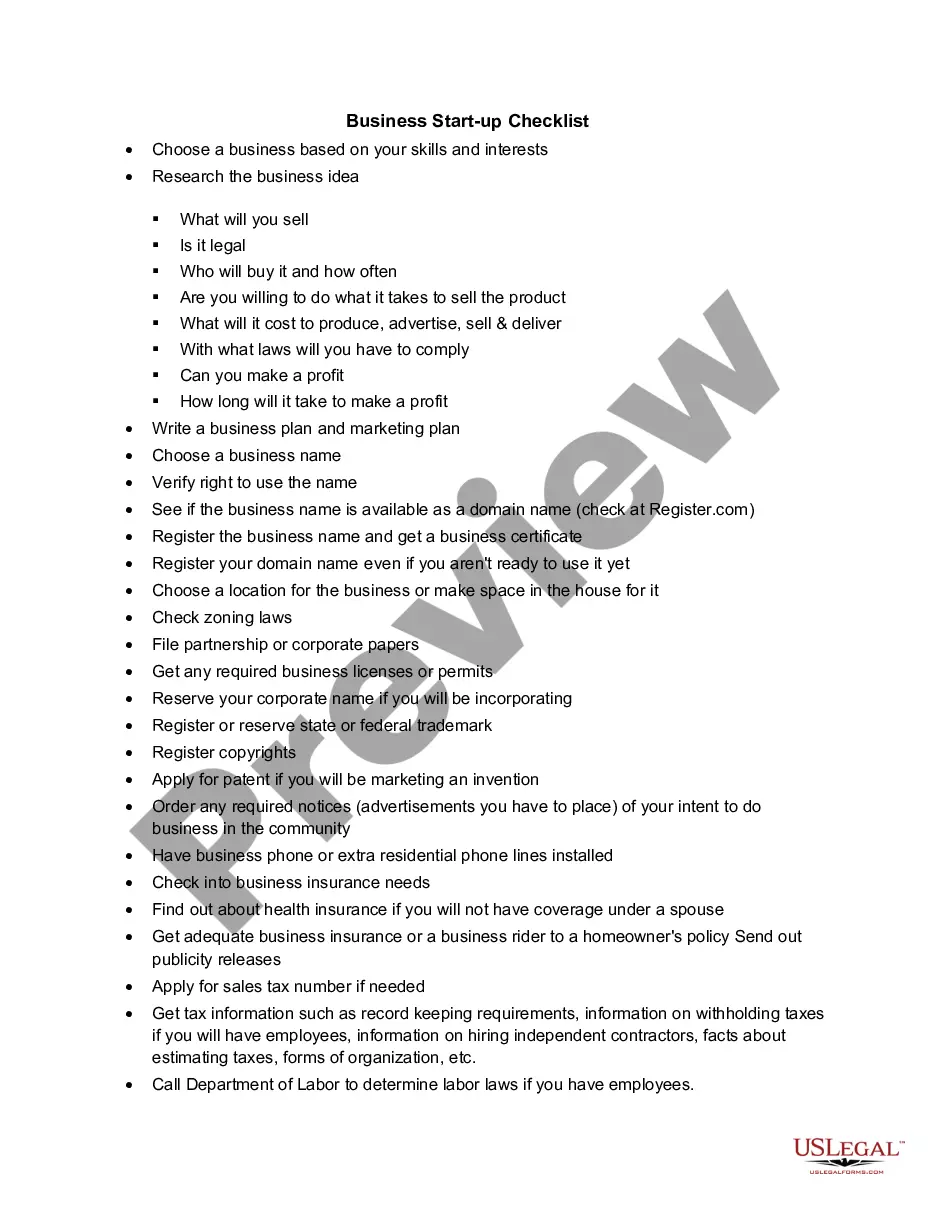
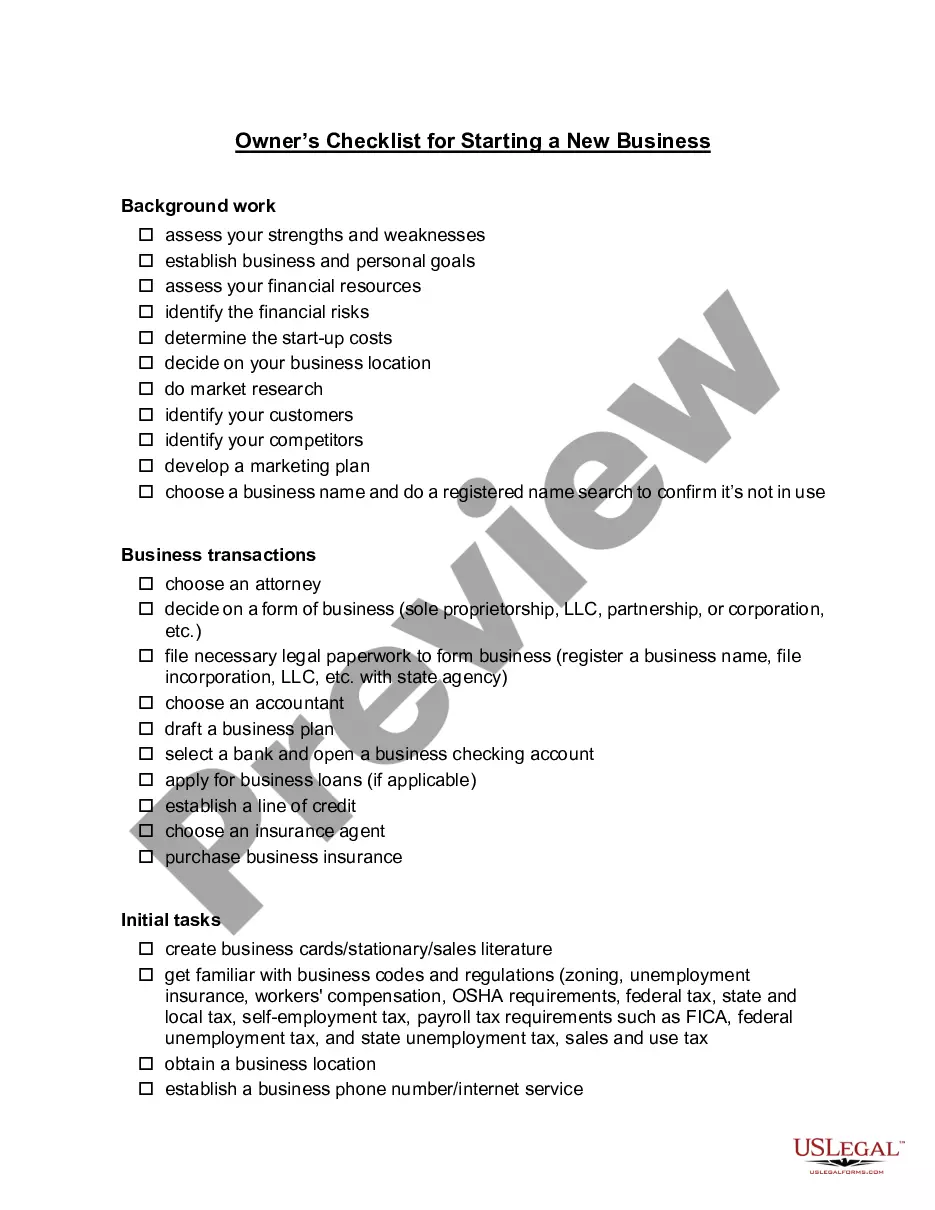
Get your form ready online
Our built-in tools help you complete, sign, share, and store your documents in one place.
Make edits, fill in missing information, and update formatting in US Legal Forms—just like you would in MS Word.
Download a copy, print it, send it by email, or mail it via USPS—whatever works best for your next step.
Sign and collect signatures with our SignNow integration. Send to multiple recipients, set reminders, and more. Go Premium to unlock E-Sign.
If this form requires notarization, complete it online through a secure video call—no need to meet a notary in person or wait for an appointment.
We protect your documents and personal data by following strict security and privacy standards.

Make edits, fill in missing information, and update formatting in US Legal Forms—just like you would in MS Word.

Download a copy, print it, send it by email, or mail it via USPS—whatever works best for your next step.

Sign and collect signatures with our SignNow integration. Send to multiple recipients, set reminders, and more. Go Premium to unlock E-Sign.

If this form requires notarization, complete it online through a secure video call—no need to meet a notary in person or wait for an appointment.

We protect your documents and personal data by following strict security and privacy standards.
Looking for another form?




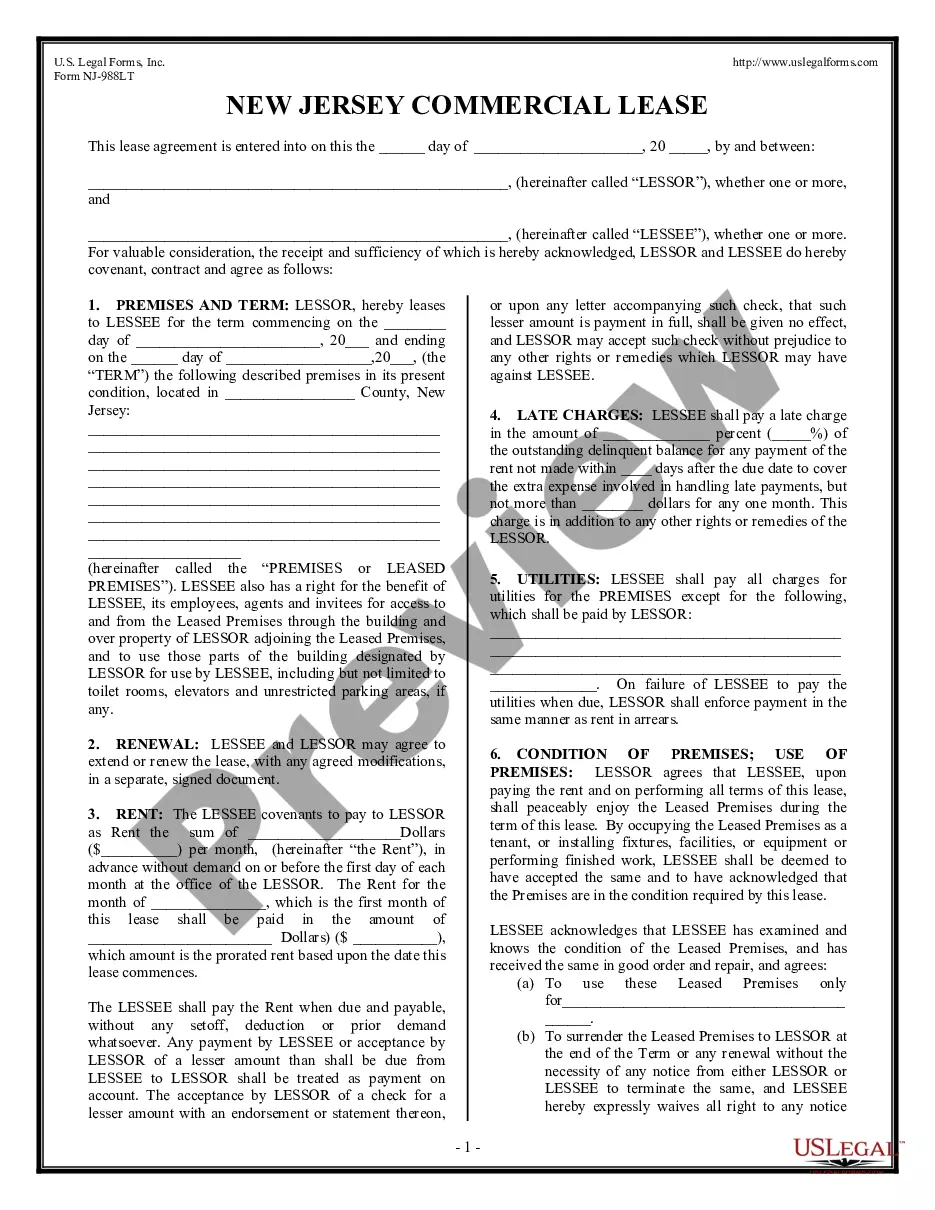





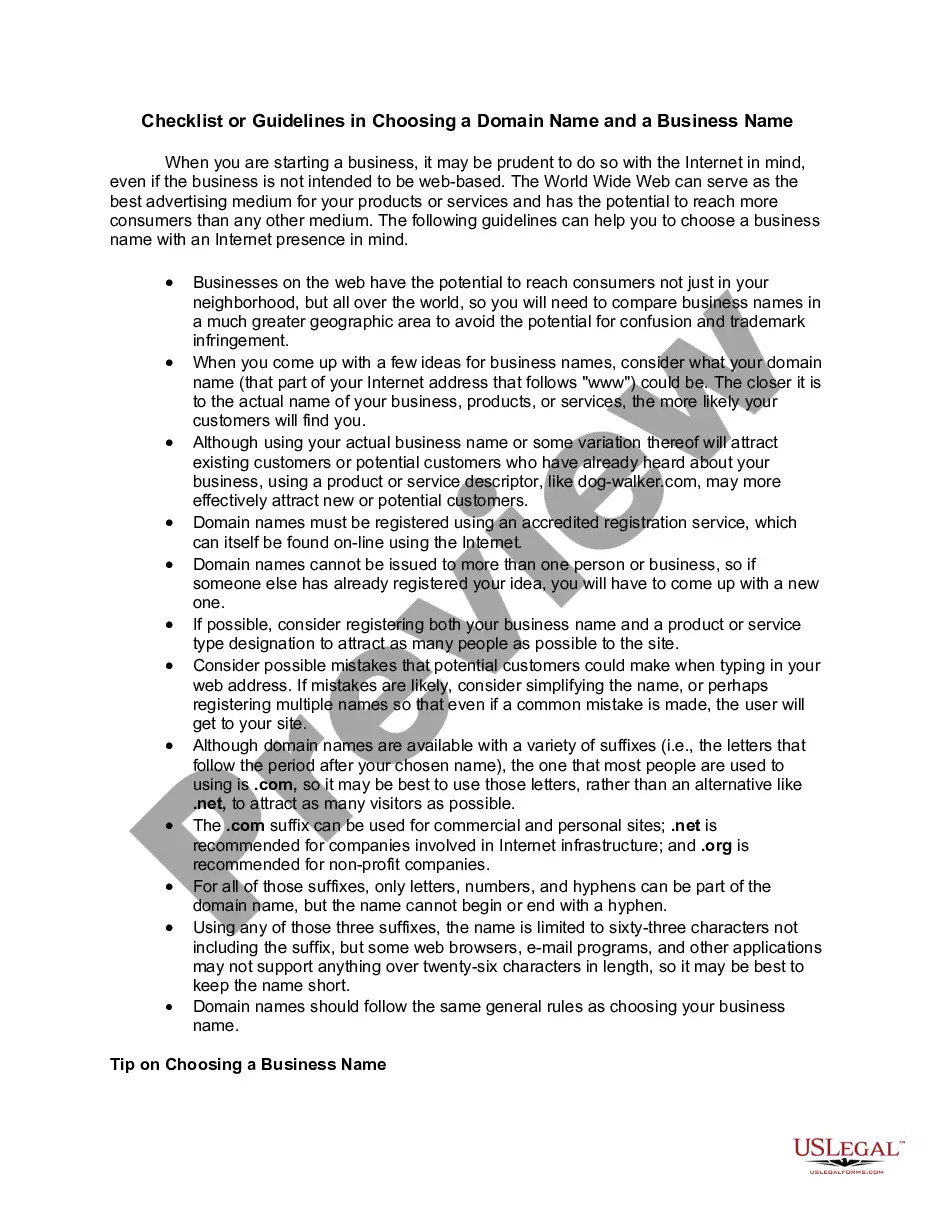
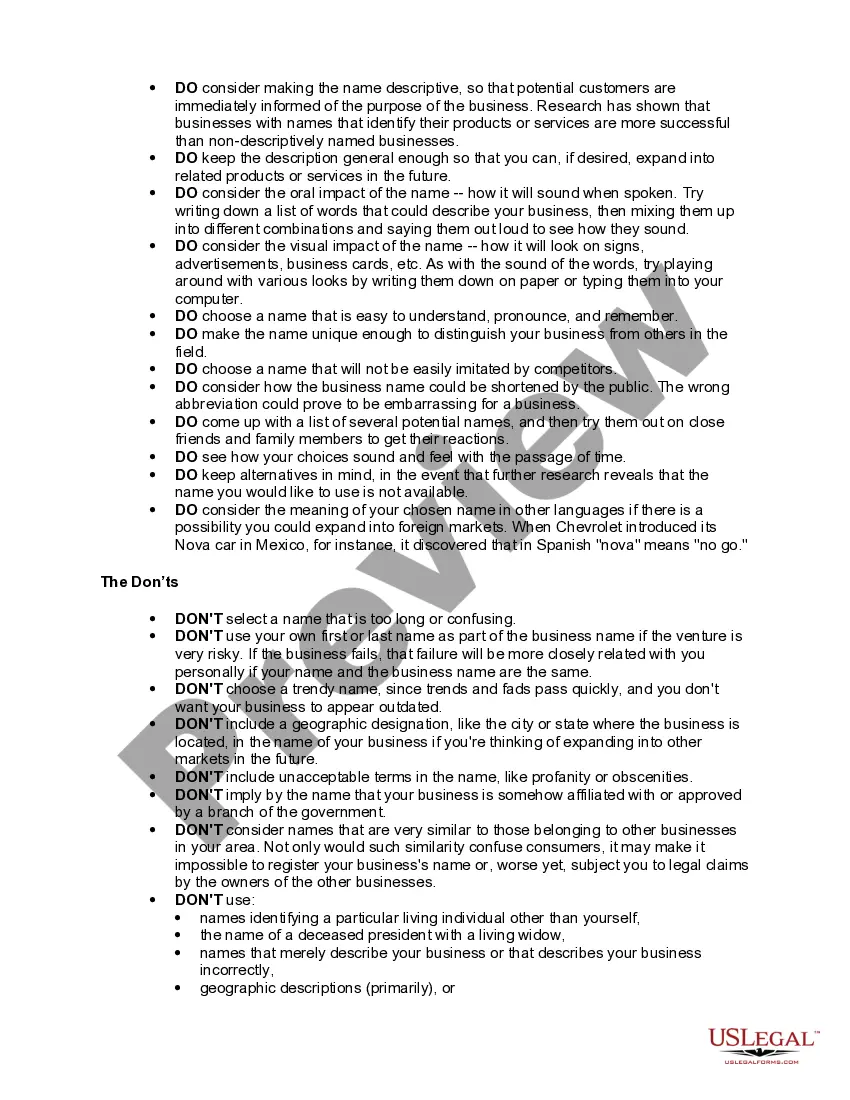
How to fill out Checklist Or Guidelines In Choosing A Domain Name And A Business Name?
It’s well-known that you cannot transform into a legal expert instantly, nor can you easily learn how to efficiently prepare Choosing Domain Name without possessing a distinct skill set.
Assembling legal documents is a lengthy process demanding specific education and expertise. So why not entrust the preparation of the Choosing Domain Name to the experts.
With US Legal Forms, one of the most comprehensive legal document repositories, you can find everything from court records to templates for internal business communication.
If you need a different template, restart your search.
Create a free account and select a subscription plan to acquire the form. Click Buy now. Once your payment is processed, you can access the Choosing Domain Name, complete it, print it, and send or mail it to the designated recipients or organizations.
- We recognize how vital compliance and adherence to federal and regional regulations are.
- That's why, on our site, all templates are location-specific and current.
- Let’s begin with our website and obtain the form you need in just minutes.
- Locate the document you require using the search bar at the top of the page.
- Preview it (if this option is available) and review the accompanying description to determine if Choosing Domain Name is what you seek.
Form popularity
FAQ
Keep in mind that you can check for domain availability in various places, such as DreamHost Domains. Choose Your Top Level Domain Extension Carefully. ... Incorporate Targeted Keywords. ... Make Sure Your Domain is Easy to Pronounce and Spell. ... Avoid Hyphens and Doubled Letters. ... Keep Your Domain Name Short. ... Stay Unique and On Brand.
How to choose a domain name Choose a domain name that is easy to type. Keep it short. Use keywords. Target your area. Avoid numbers and hyphens. Be memorable. Research it. Choose a domain name extension that fits. Protect and build your brand. Act fast. Try it now!
How to choose the best domain name Keep your domain name short, brandable, and memorable. Avoid hyphens and numbers. Choose a .com domain name. Check for other top level domains like ccTLD's or .shop. Include SEO keywords in your domain name, if possible. Use a domain name generator for inspiration.
Your domain name is your website's home address on the Internet. And while it's not the only thing that affects your site's success, there are tons of reasons it's important to choose a domain name carefully: A unique, memorable name is more likely to stick with visitors and encourage them to return.
Other examples of domain names are google.com and wikipedia.org. Using a domain name to identify a location on the Internet rather than the numeric IP address makes it much easier to remember and type web addresses. Anyone can purchase a domain name.