Sales Contract In Sap
Description
Get your form ready online
Our built-in tools help you complete, sign, share, and store your documents in one place.
Make edits, fill in missing information, and update formatting in US Legal Forms—just like you would in MS Word.
Download a copy, print it, send it by email, or mail it via USPS—whatever works best for your next step.
Sign and collect signatures with our SignNow integration. Send to multiple recipients, set reminders, and more. Go Premium to unlock E-Sign.
If this form requires notarization, complete it online through a secure video call—no need to meet a notary in person or wait for an appointment.
We protect your documents and personal data by following strict security and privacy standards.

Make edits, fill in missing information, and update formatting in US Legal Forms—just like you would in MS Word.

Download a copy, print it, send it by email, or mail it via USPS—whatever works best for your next step.

Sign and collect signatures with our SignNow integration. Send to multiple recipients, set reminders, and more. Go Premium to unlock E-Sign.

If this form requires notarization, complete it online through a secure video call—no need to meet a notary in person or wait for an appointment.

We protect your documents and personal data by following strict security and privacy standards.
Looking for another form?






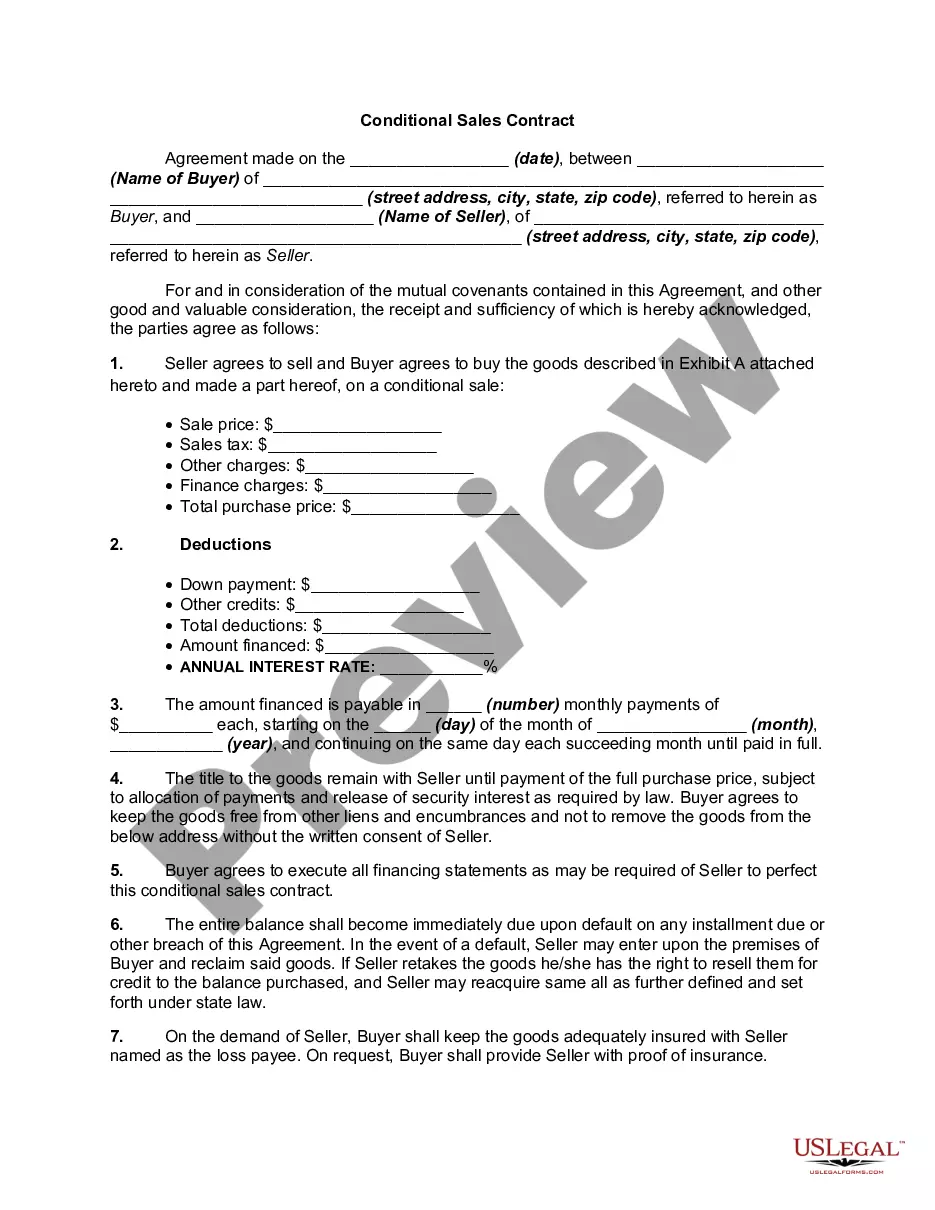
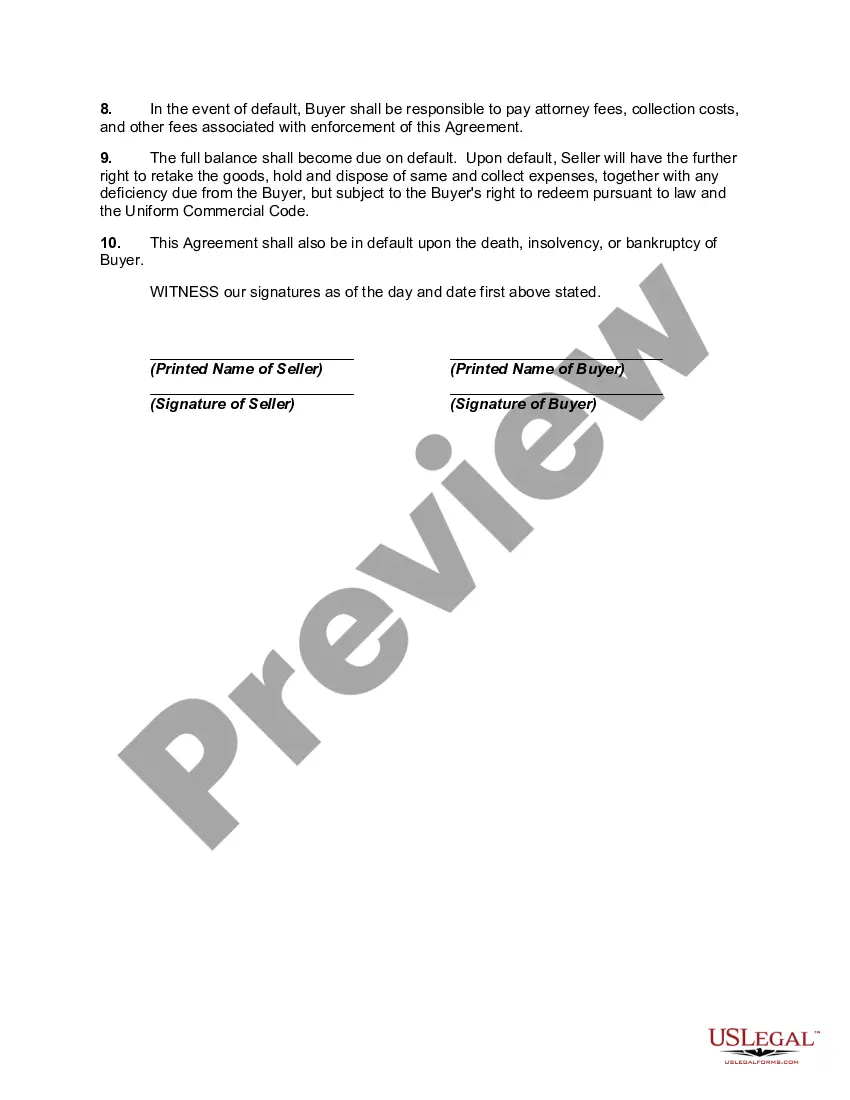
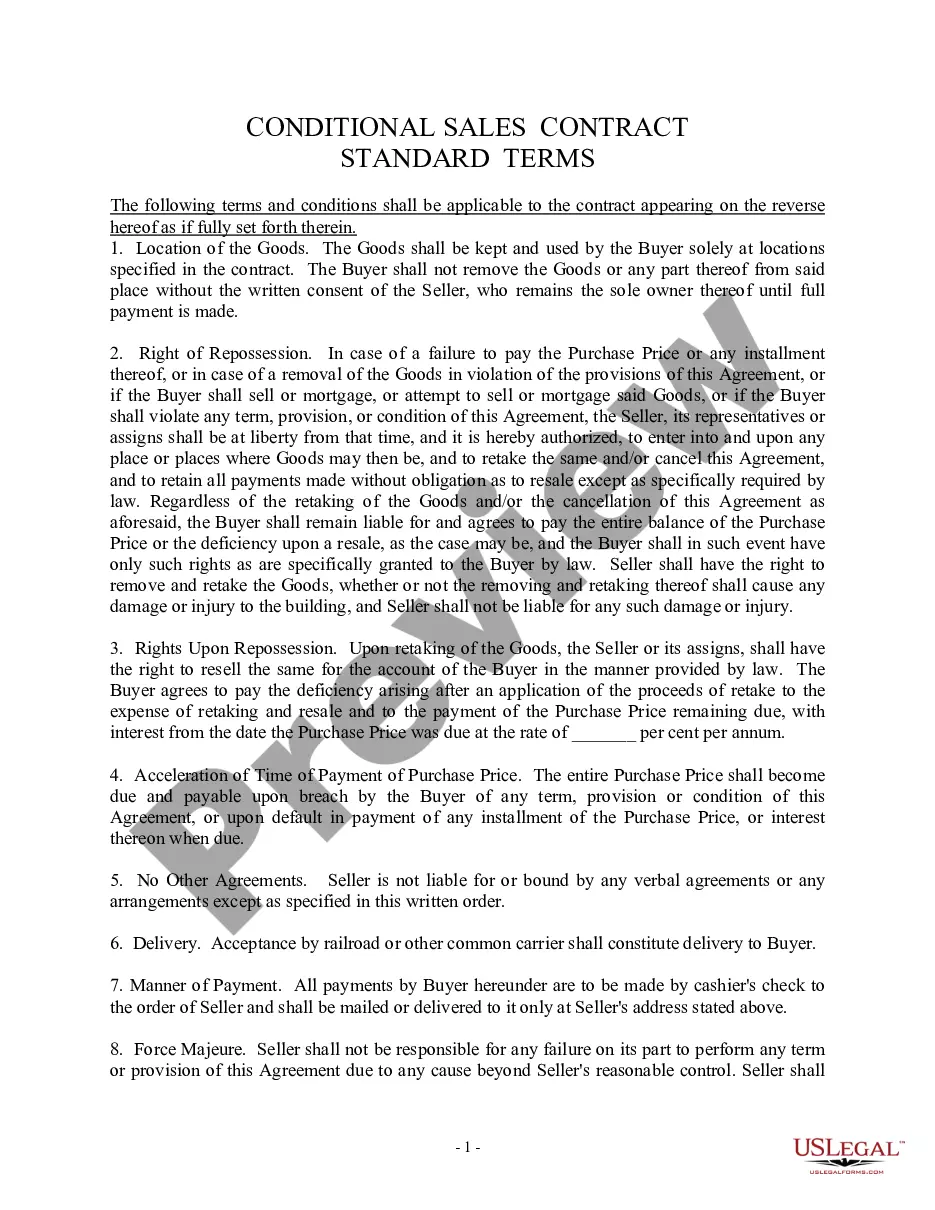
How to fill out Conditional Sales Contract?
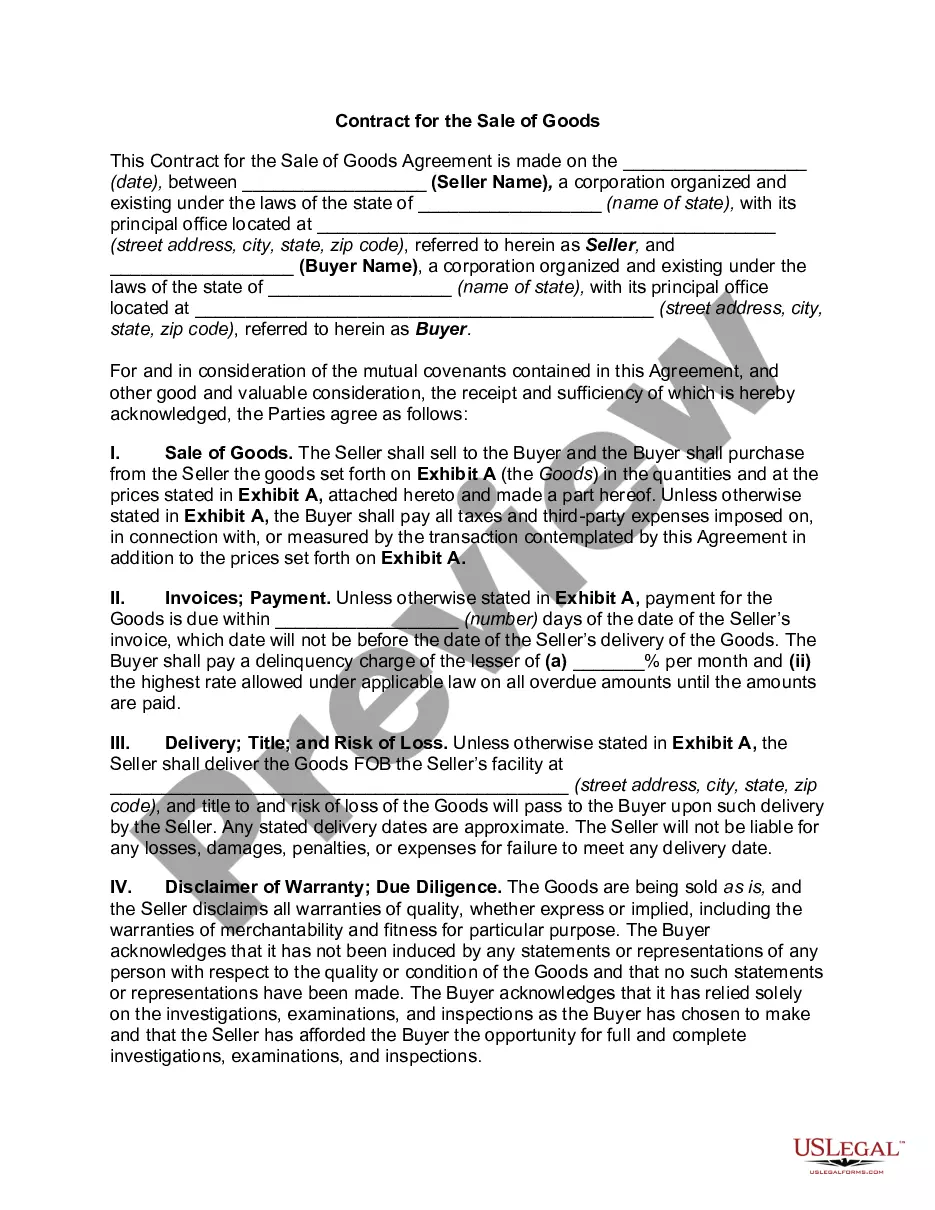
The Sales Agreement In Sap you observe on this page is a reusable official template crafted by expert attorneys in accordance with federal and local laws.
For over 25 years, US Legal Forms has supplied individuals, entities, and legal practitioners with more than 85,000 authenticated, state-specific documents for any business and personal situation. It’s the quickest, most direct, and most reliable method to secure the documentation you require, as the service ensures the utmost level of data protection and anti-malware security.
Select the format you desire for your Sales Agreement In Sap (PDF, Word, RTF) and store the sample on your device.
- Search for the document you require and examine it.
- Browse through the file you looked for and preview it or check the form description to confirm it meets your requirements. If it doesn’t, utilize the search bar to locate the appropriate one. Click Buy Now once you have identified the template you need.
- Register and Log In.
- Choose the pricing option that best fits you and create an account. Use PayPal or a credit card to make a swift payment. If you already possess an account, Log In and verify your subscription to continue.
- Acquire the editable template.
Form popularity
FAQ
Create sales contracts. Specify attributes such as the sold-to party, ship-to party, customer reference, and validy. Navigate to an overview page of sales contract items and edit them before sales contract creation. Navigate to the Display Sales Contracts - VA43 and Change Sales Contracts - VA42 apps.
You can create a contract via trasaction VA41.
Table of Contents Step 1: Give it an accurate name. Step 2: Mention all parties involved. Step 3: Describe your services or product with all rights, guarantees, and restrictions. Step 4: State the contract duration and make deadlines clear. Step 5: Include the price, services, payment conditions, and penalties.
Elements of a sales agreement Buyer and seller names and contact information. Description of goods, services, or property being purchased. Payment amount, dates, and method. Liability of each party in the case of loss, damage, or delivery failure. Ownership information, such as when ownership formally transfers to the buyer.
An outline sales agreement that contains special conditions negotiated between the vendor and a customer, for example, price, target value. or target quantity. A sales contract is valid for a specified period. A customer submits a sales order to release products from the amount agreed in the contract.