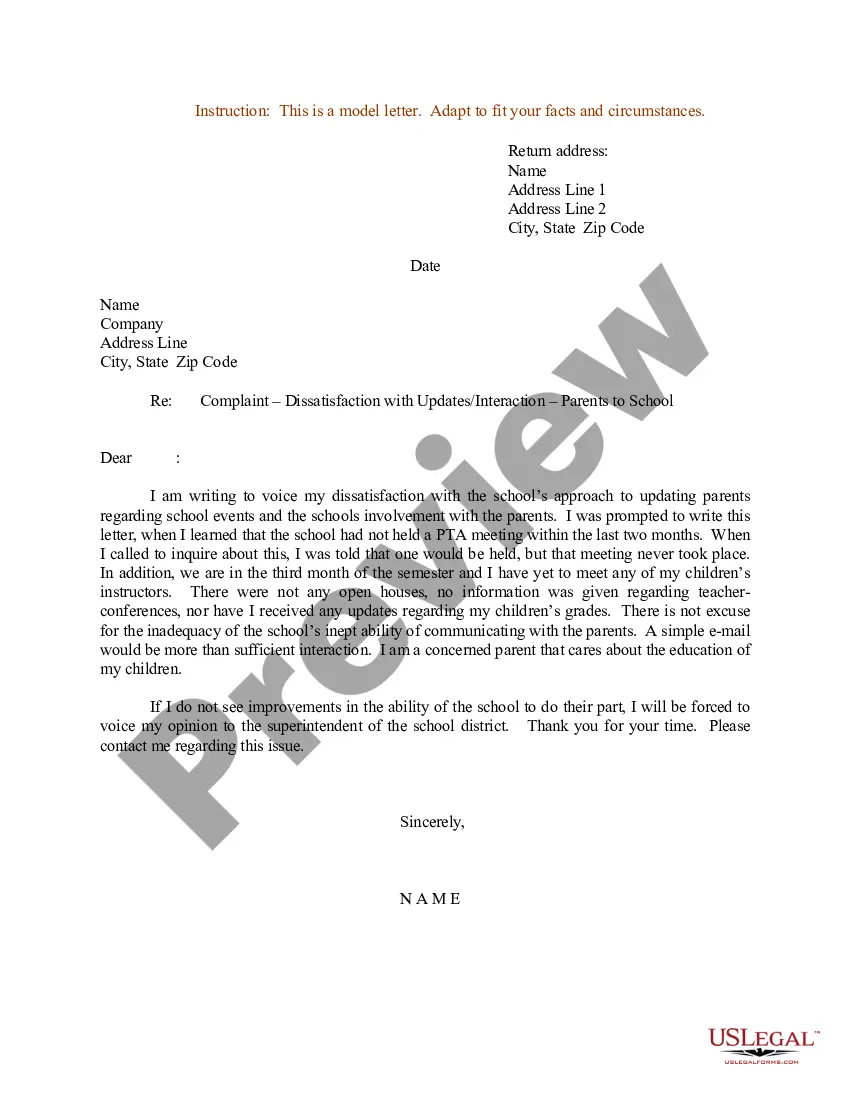
Address On Letter Format
Description
Get your form ready online
Our built-in tools help you complete, sign, share, and store your documents in one place.
Make edits, fill in missing information, and update formatting in US Legal Forms—just like you would in MS Word.
Download a copy, print it, send it by email, or mail it via USPS—whatever works best for your next step.
Sign and collect signatures with our SignNow integration. Send to multiple recipients, set reminders, and more. Go Premium to unlock E-Sign.
If this form requires notarization, complete it online through a secure video call—no need to meet a notary in person or wait for an appointment.
We protect your documents and personal data by following strict security and privacy standards.

Make edits, fill in missing information, and update formatting in US Legal Forms—just like you would in MS Word.

Download a copy, print it, send it by email, or mail it via USPS—whatever works best for your next step.

Sign and collect signatures with our SignNow integration. Send to multiple recipients, set reminders, and more. Go Premium to unlock E-Sign.

If this form requires notarization, complete it online through a secure video call—no need to meet a notary in person or wait for an appointment.

We protect your documents and personal data by following strict security and privacy standards.
Looking for another form?
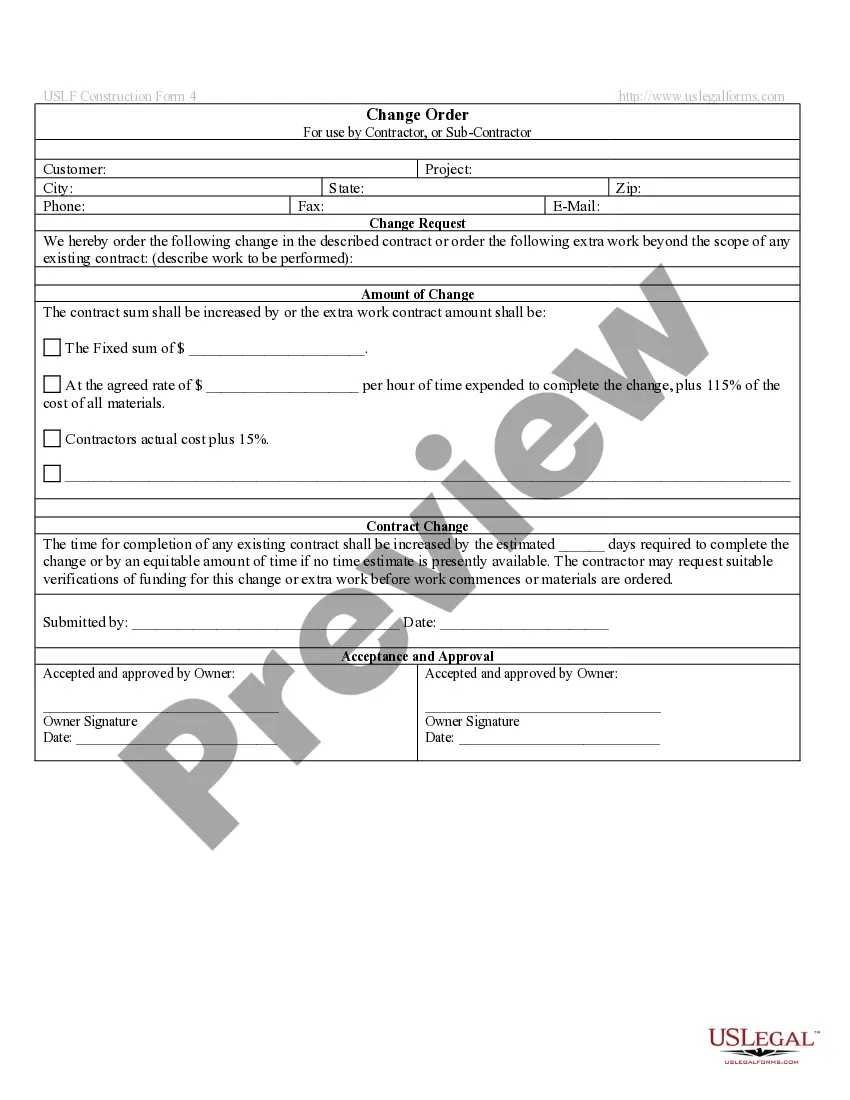



How to fill out Sample Letter For Complaint - Dissatisfaction With Updates - Interaction - Parents To School?
Managing legal paperwork and processes can be a lengthy task during the day.
Address On Letter Format and similar forms often necessitate you to search for them and comprehend how to fill them out correctly.
Consequently, whether you are managing financial, legal, or personal issues, having a comprehensive and user-friendly online library of forms readily available will be immensely beneficial.
US Legal Forms is the premier online platform for legal templates, offering over 85,000 state-specific documents and various tools to help you complete your paperwork with ease.
Simply Log In to your account, search for Address On Letter Format, and obtain it instantly from the My documents section. You can also retrieve previously saved documents.
- Explore the collection of pertinent documents available to you with just one click.
- US Legal Forms provides state- and county-specific templates accessible anytime for download.
- Safeguard your document management tasks with a top-tier service that allows you to create any form in minutes without extra or concealed charges.
Form popularity
FAQ
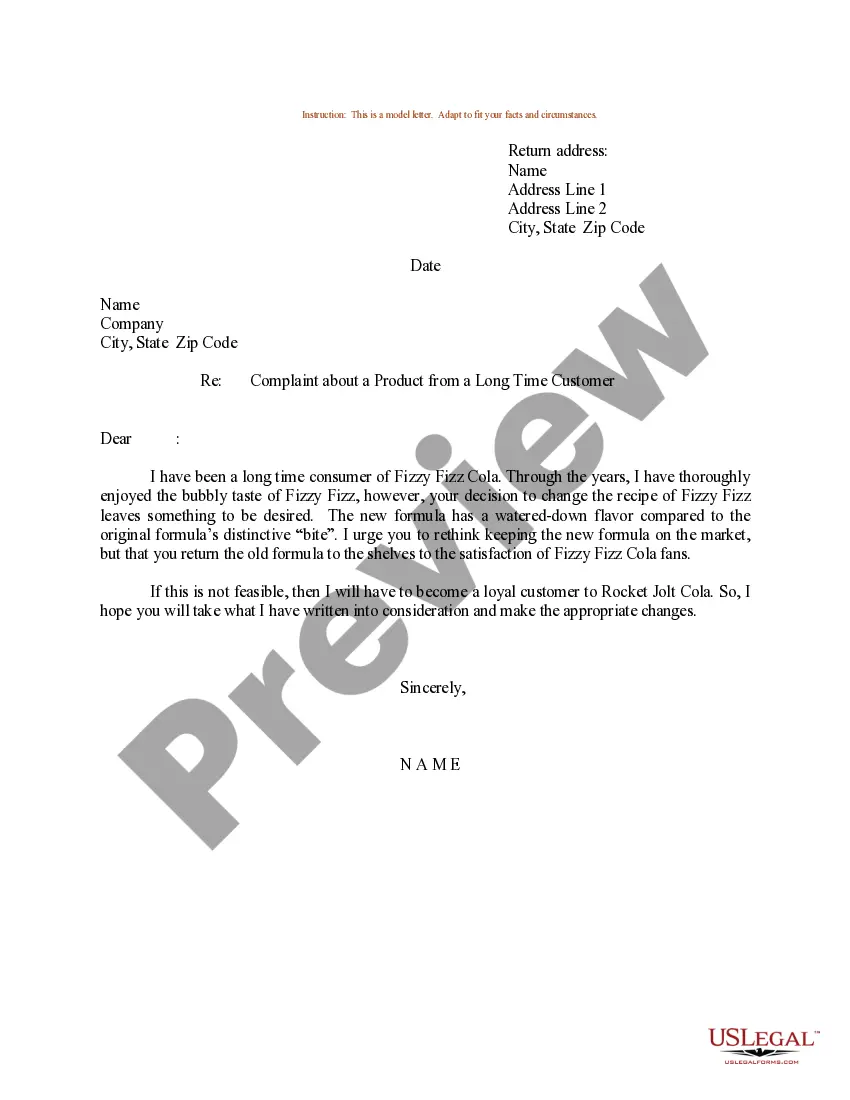
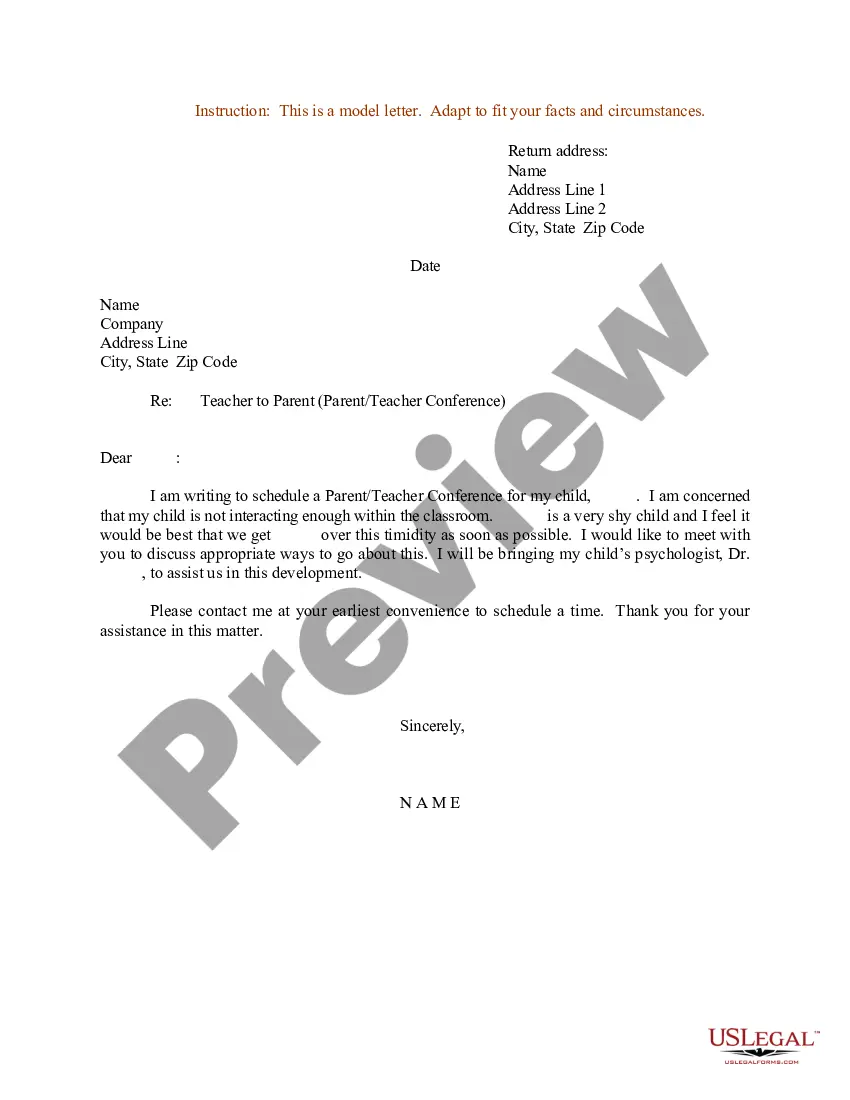
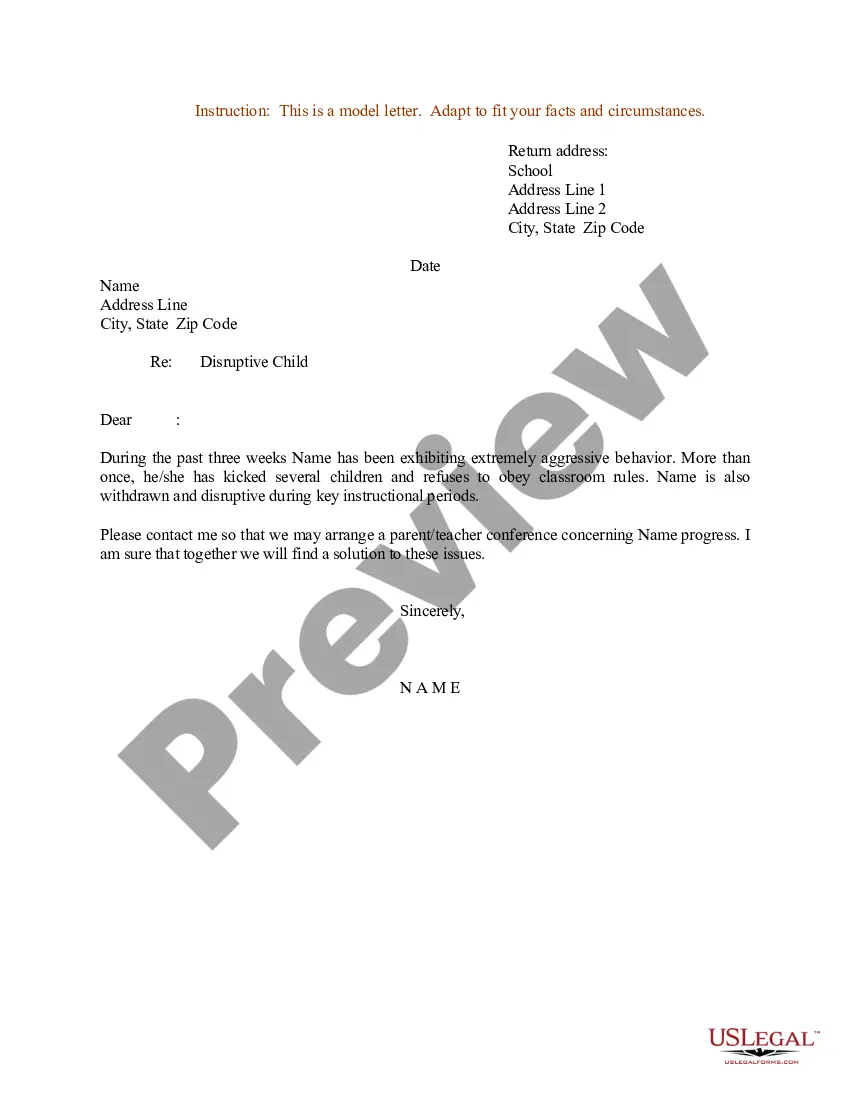
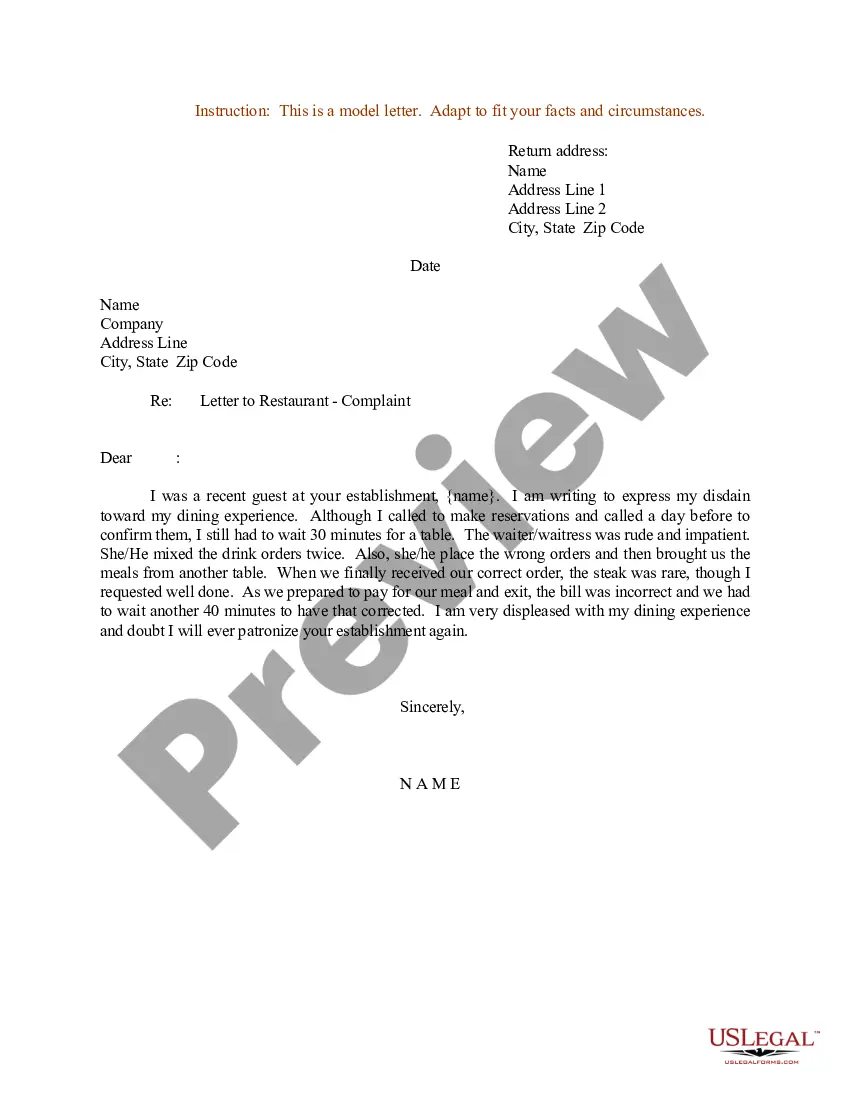
When writing an address on a formal letter, place the recipient's address in the top left corner, formatting it in the correct order: name, street address, city, state, and ZIP code. Make sure to use a professional tone and clear layout to enhance readability. This proper address on letter format sets the right tone and shows respect to the recipient.
The recipient's address Place the recipient's name on the first line. On the second line, write the building number and street name. Include the city, state and ZIP code on the final line.
After the date, you need to place the recipient's name and address, on the left-hand side of the document. As with the return address, you should add a street address if you're sending the letter to an individual in their private capacity, or else a business address for corporate matters.
How to Write a US Address The recipient's first and last name. Street number and name (address line 1) Apartment or unit and its number (address line 2) City, state and zip code (include all of this on one line with a comma between city and state, but not zip code) Country.
Here's how it should look: : Line 1: Full name. Line 2: The company you work for, if applicable. Line 3: Your street address. Line 4: Your city, state (abbreviated) and ZIP code. Line 5: Your country if you are writing to someone in a different country. Line 6: Your phone number and/or email address.
Most business letters must include a return address (letterhead or your name and address), date, an inside address (receiver's name and address), a salutation, body paragraphs, and a closing. However, there are several ways to format this information.