Employee Certificate For Passport
Description
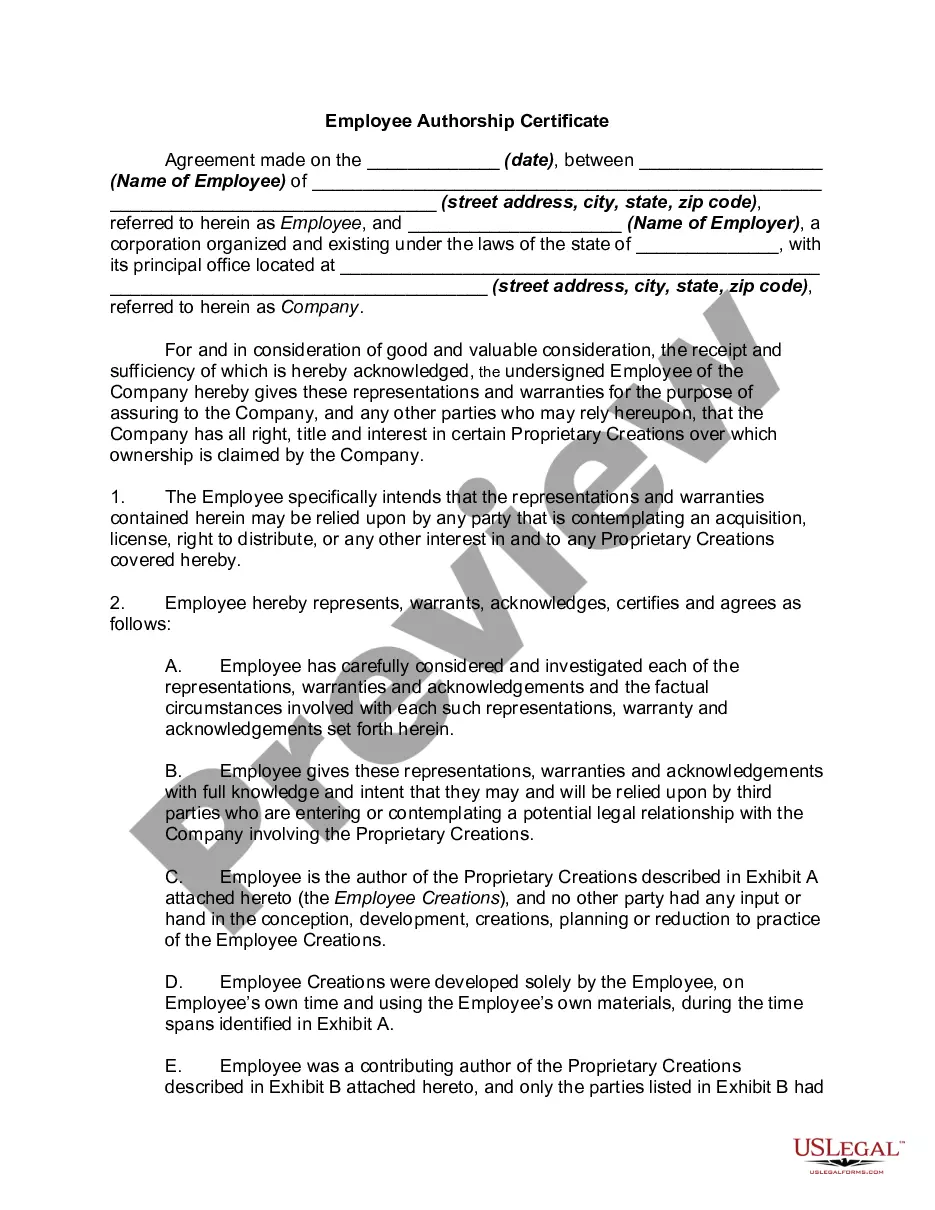
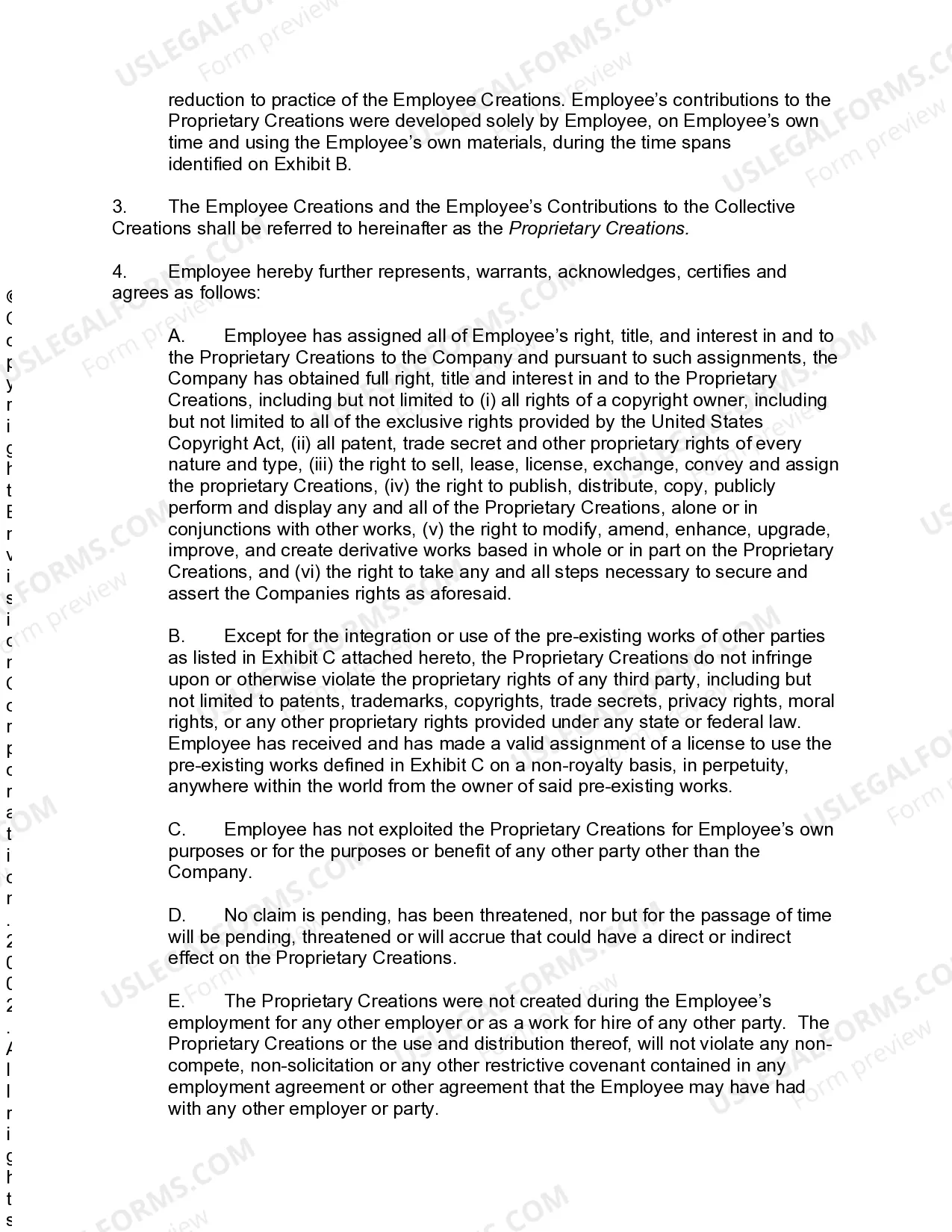
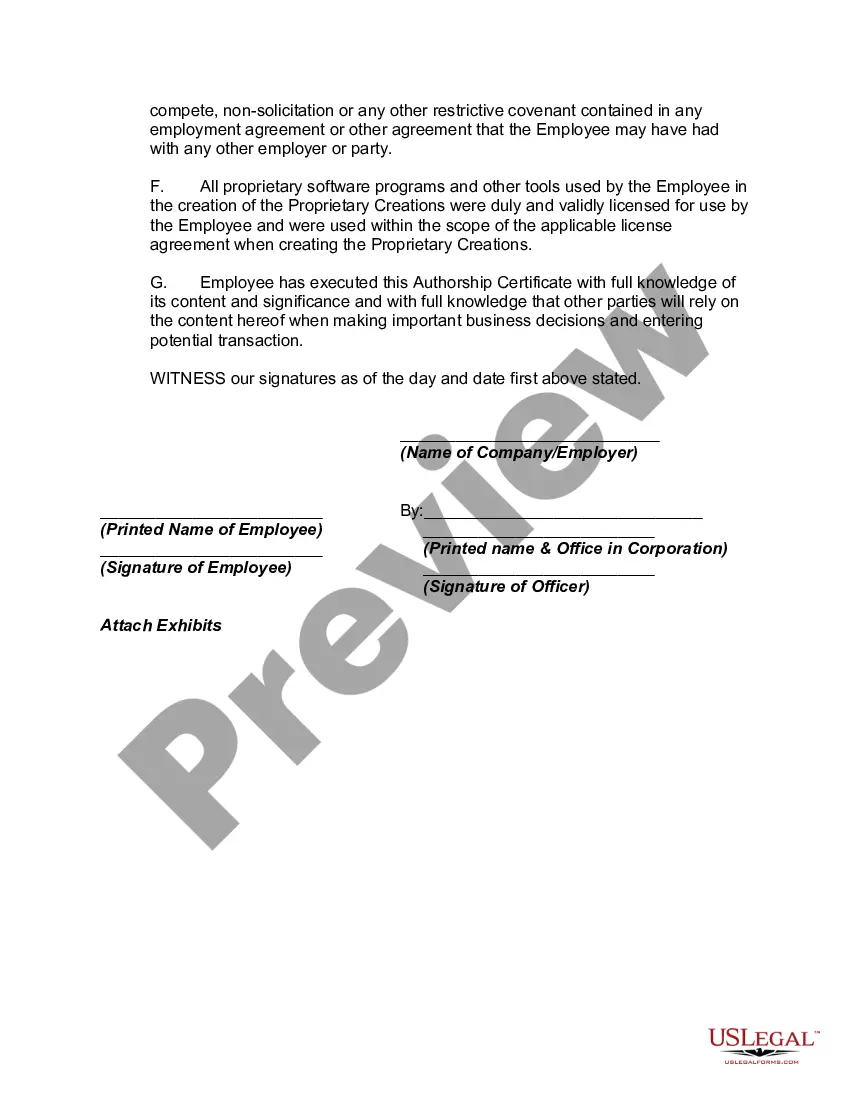

Get your form ready online
Our built-in tools help you complete, sign, share, and store your documents in one place.
Make edits, fill in missing information, and update formatting in US Legal Forms—just like you would in MS Word.
Download a copy, print it, send it by email, or mail it via USPS—whatever works best for your next step.
Sign and collect signatures with our SignNow integration. Send to multiple recipients, set reminders, and more. Go Premium to unlock E-Sign.
If this form requires notarization, complete it online through a secure video call—no need to meet a notary in person or wait for an appointment.
We protect your documents and personal data by following strict security and privacy standards.

Make edits, fill in missing information, and update formatting in US Legal Forms—just like you would in MS Word.

Download a copy, print it, send it by email, or mail it via USPS—whatever works best for your next step.

Sign and collect signatures with our SignNow integration. Send to multiple recipients, set reminders, and more. Go Premium to unlock E-Sign.

If this form requires notarization, complete it online through a secure video call—no need to meet a notary in person or wait for an appointment.

We protect your documents and personal data by following strict security and privacy standards.
Looking for another form?

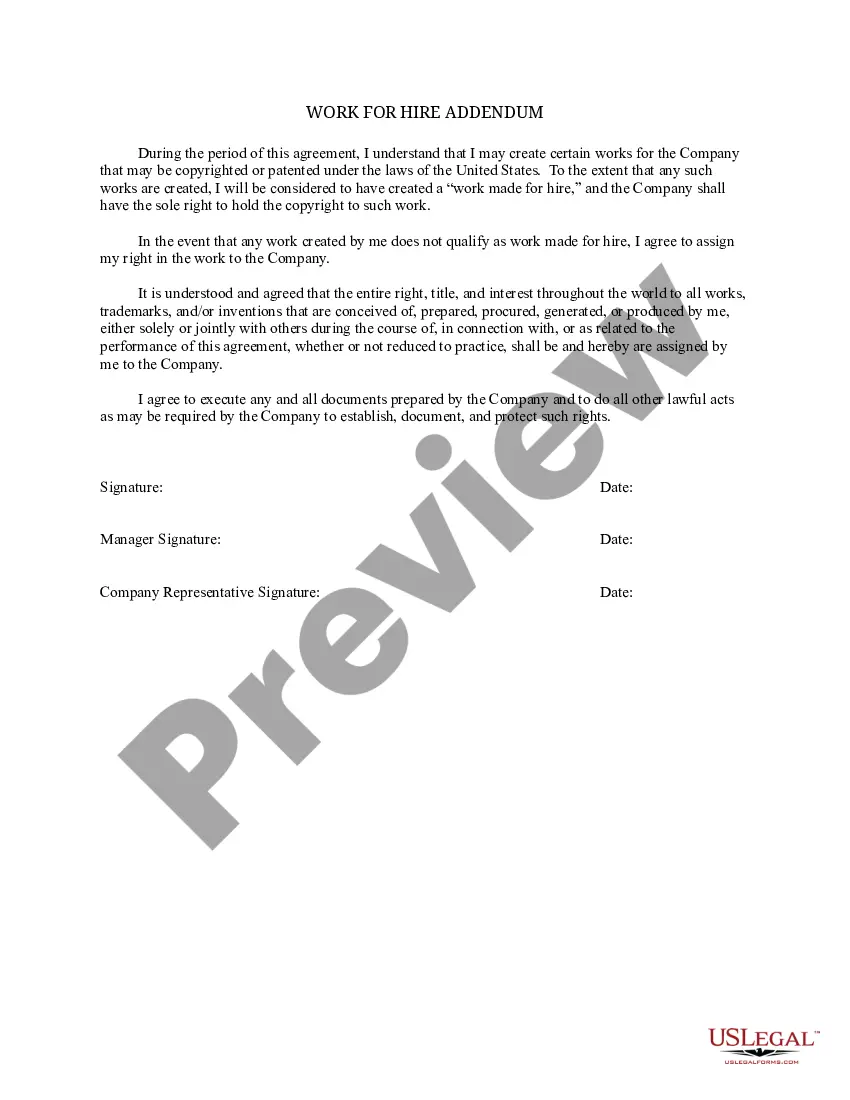

How to fill out Employee Authorship Certificate?
Dealing with legal documents and processes can be a time-consuming addition to your schedule.
Employee Certificate For Passport and similar forms usually necessitate searching for them and figuring out how to complete them correctly.
For this reason, whether you are managing financial, legal, or personal issues, having a comprehensive and practical online repository of forms readily available will be very beneficial.
US Legal Forms is the leading online source of legal templates, featuring over 85,000 state-specific forms along with various resources to assist you in completing your documents easily.
Simply Log In to your account, find Employee Certificate For Passport, and download it directly from the My documents section. You can also retrieve previously downloaded forms.
- Browse the collection of relevant documents at your convenience with just one click.
- US Legal Forms provides you with state- and county-specific forms accessible at any moment for download.
- Protect your document management processes by using a premium service that allows you to create any form in just minutes without any additional or hidden fees.
Form popularity
FAQ
I need some help with the information requested on the passport application form. Please call the National Passport Information Center, toll-free, at 1-877-487-2778 or 1-888-874-7793 (TDD/TTY). General passport help is also available at npic@state.gov.
The passport application process is designed to be straightforward and efficient, and unnecessary details like employer or school information are typically not needed. By omitting this information, you can simplify the application process and save time.
We've compiled the mistakes we see most often and put together six of our best tips to avoid some common passport errors. Not Checking If You Need A Passport First. ... Applying Too Close To Your Departure Date. ... Missing Proper Documents for the Application. ... Not Filling Out the Form Correctly. ... Not Double Checking Everything.
Make checks or money orders payable to "U.S. Department of State." Please print the full name and date of birth of the applicant on the front of the check* or money order. Do not send cash. We are not responsible for cash sent through the mail.
Cross through the incorrect information once and write correct information legibly, or complete a new application. Fillable applications are available on the U.S. Department of State's website. White-out or corrective tape is not accepted by the U.S. Department of State on a passport application!