Promissory Notes Form Document With Interest
Description
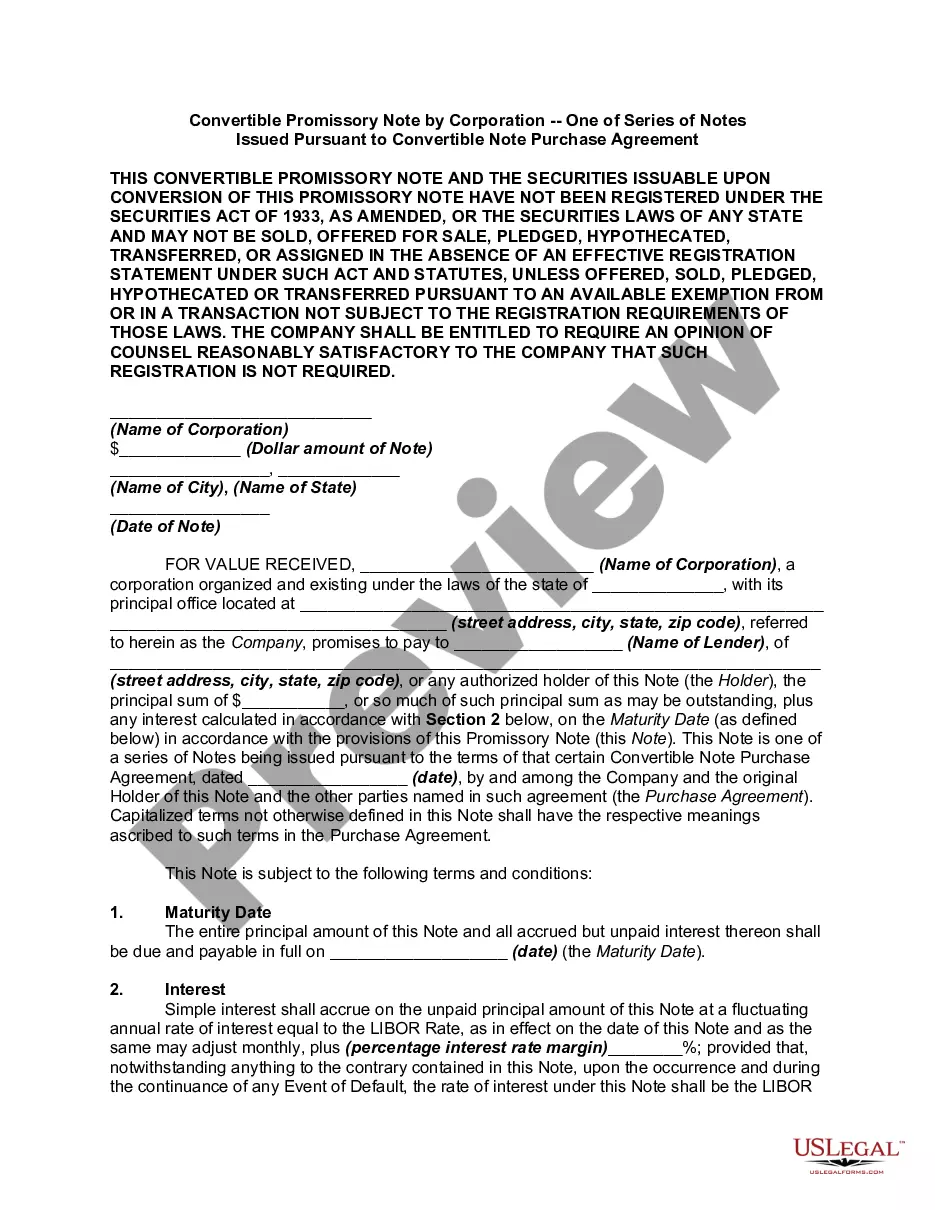
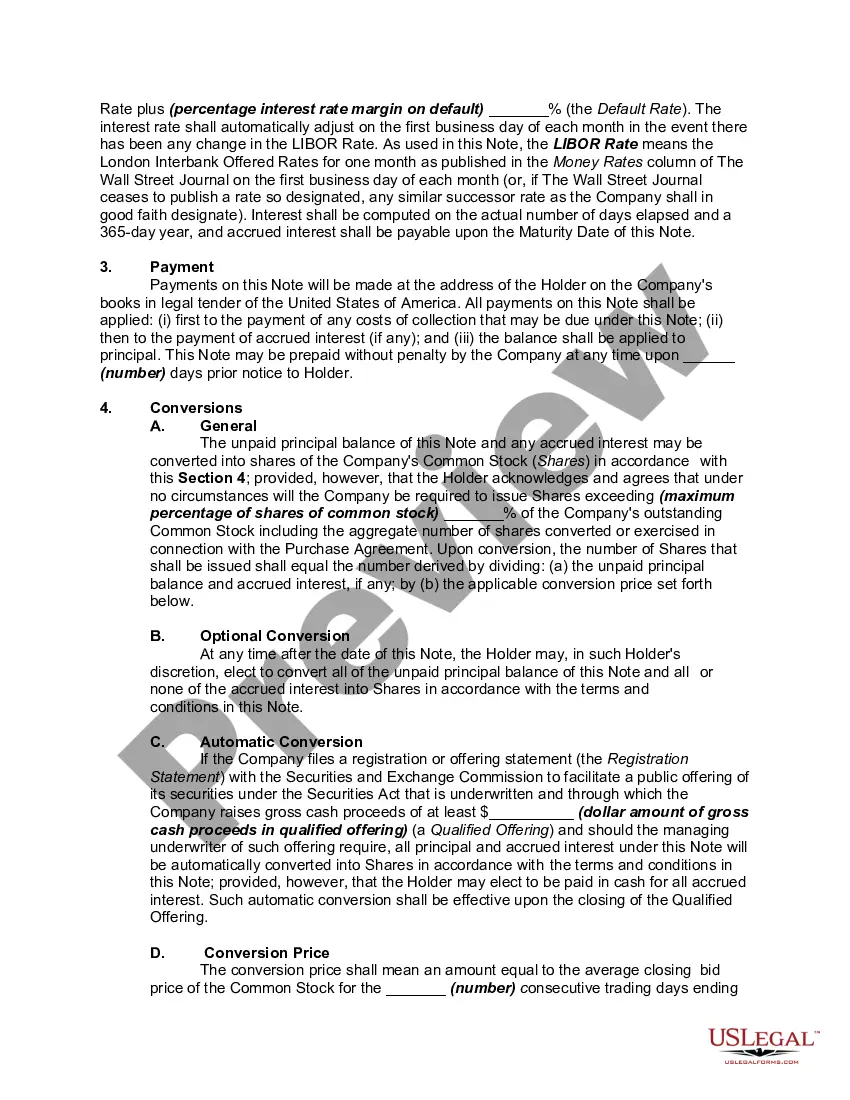
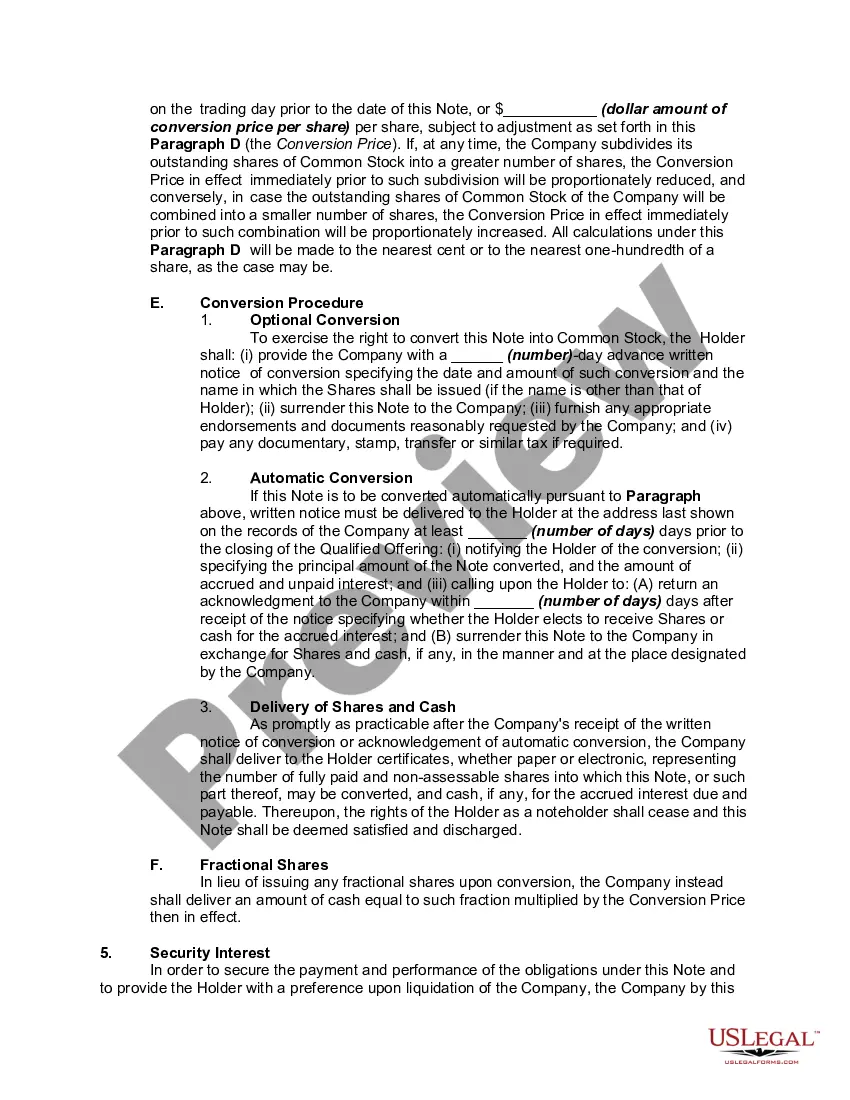
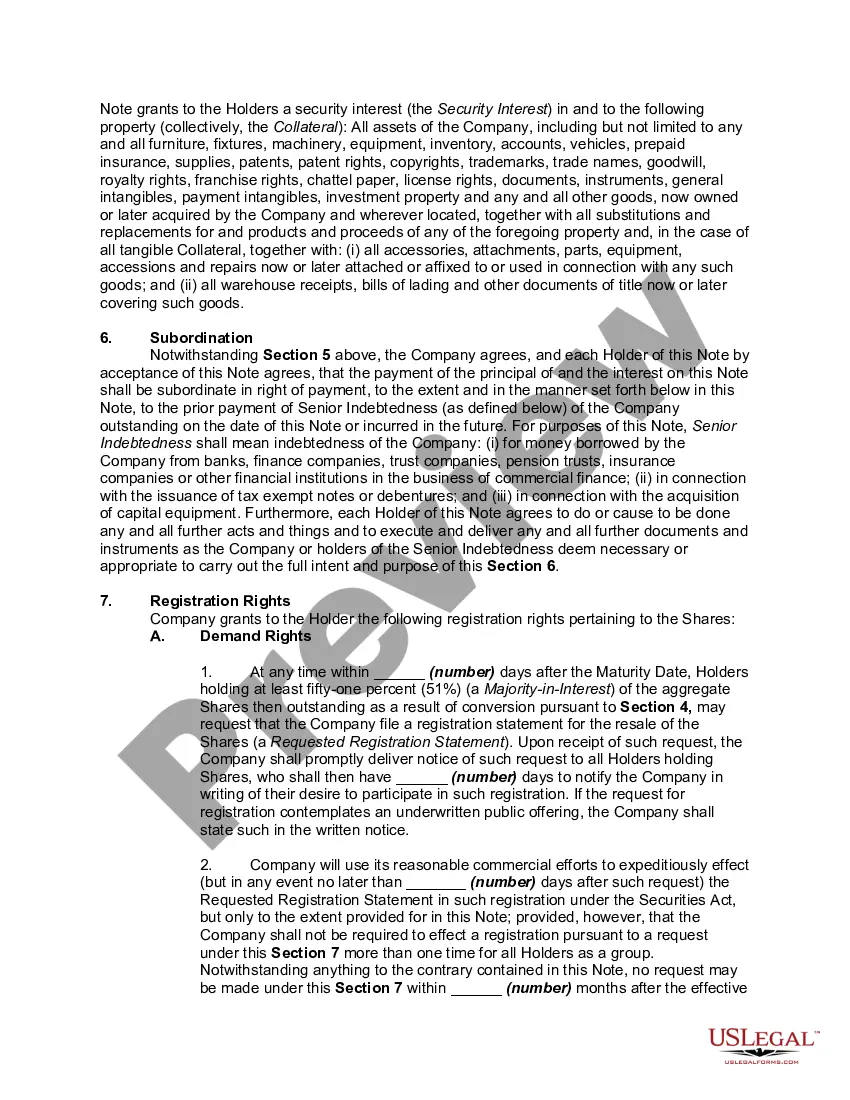
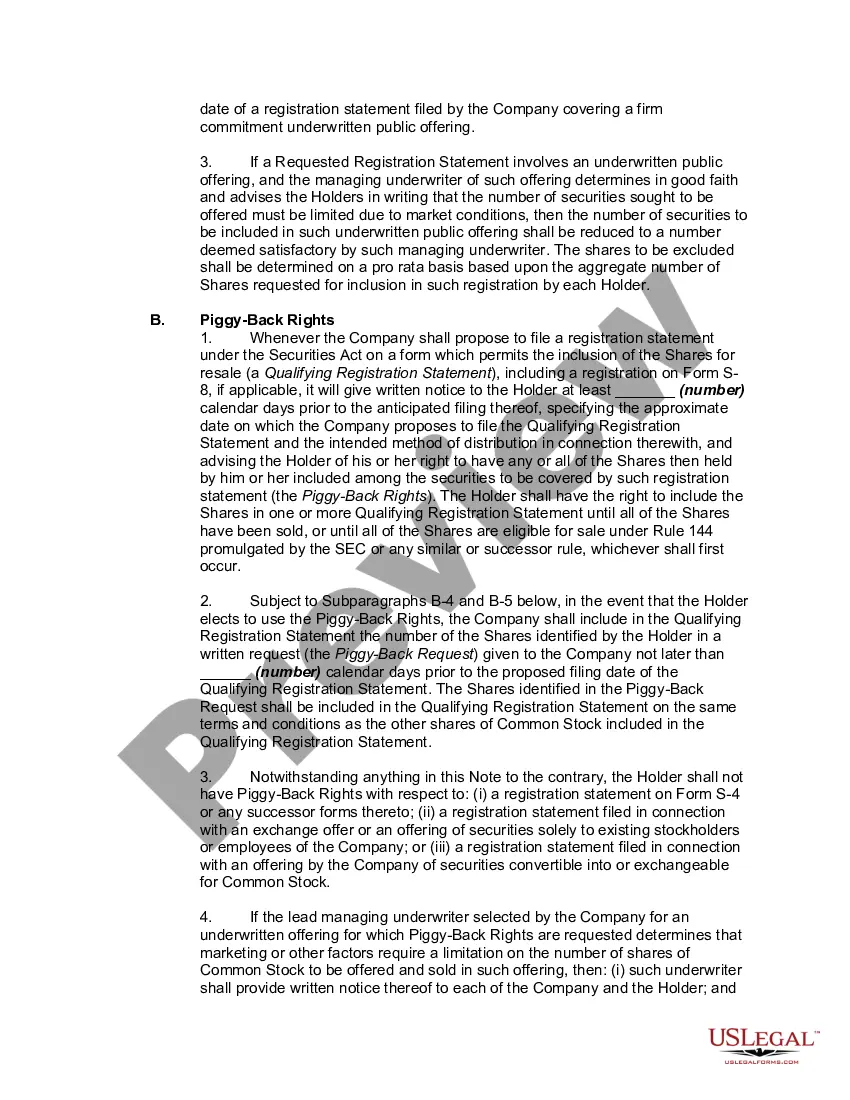
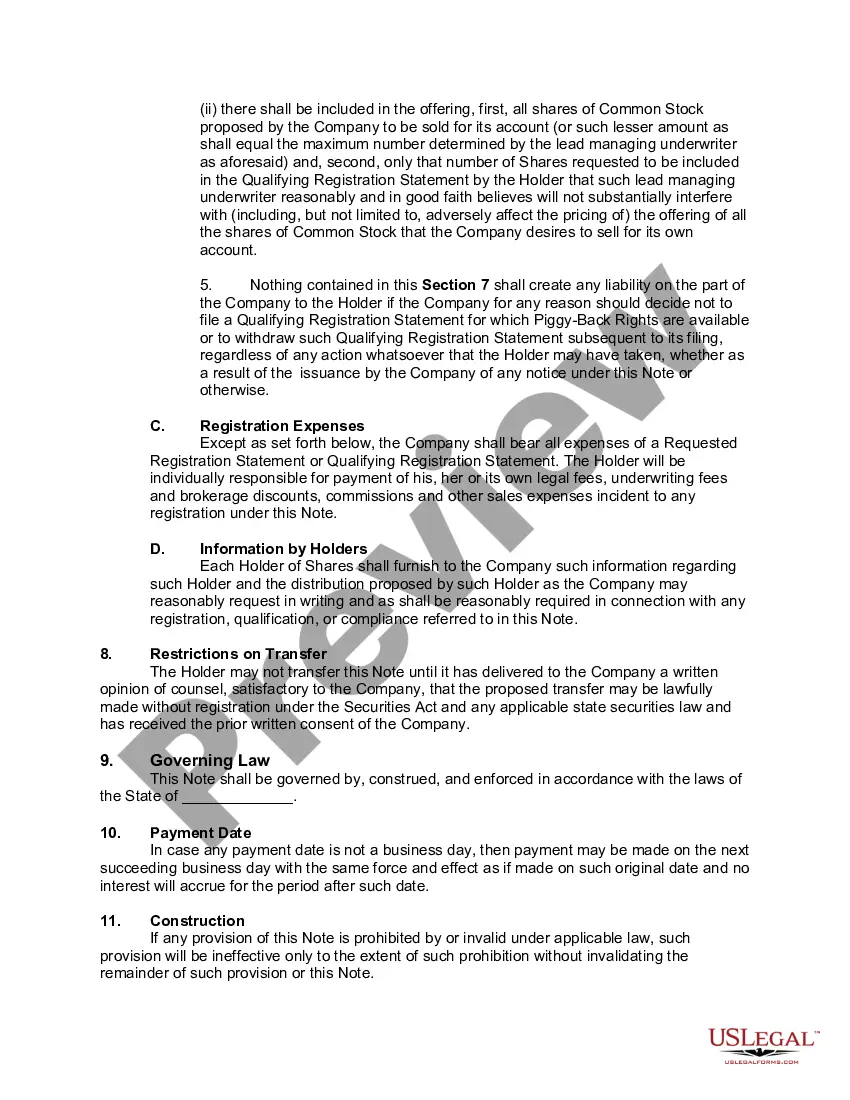
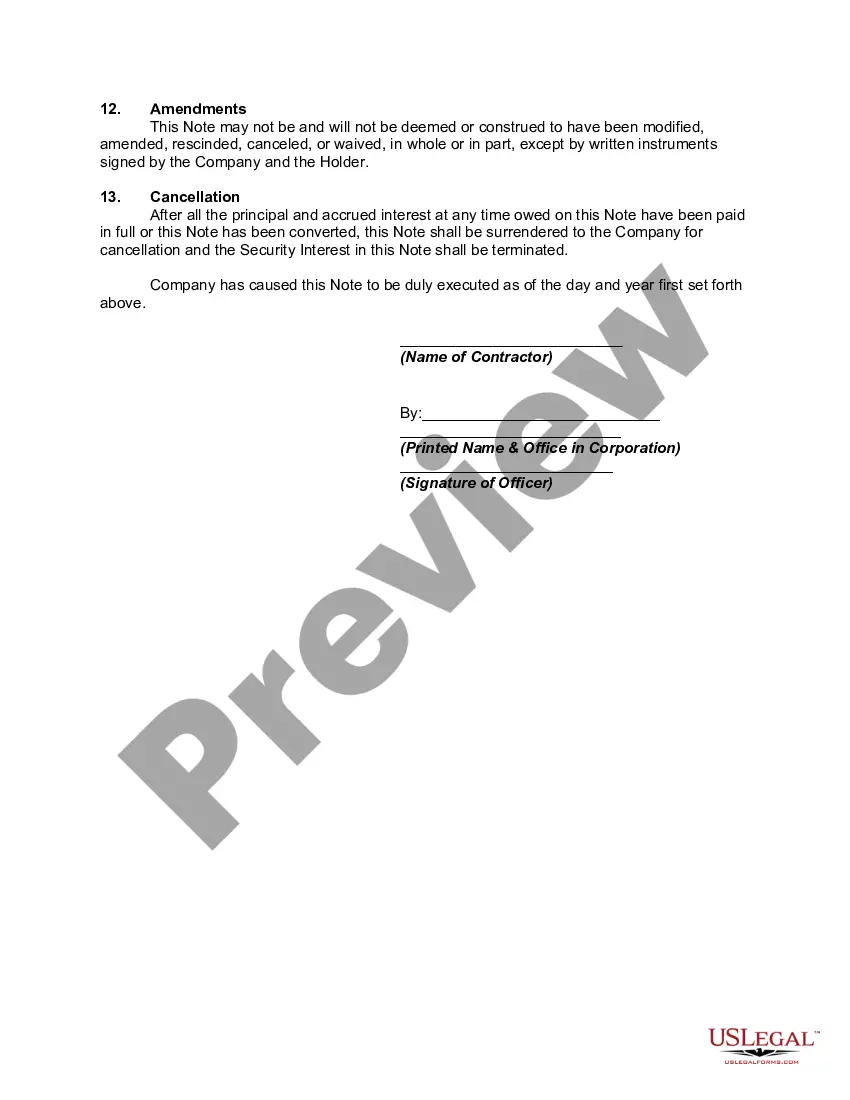
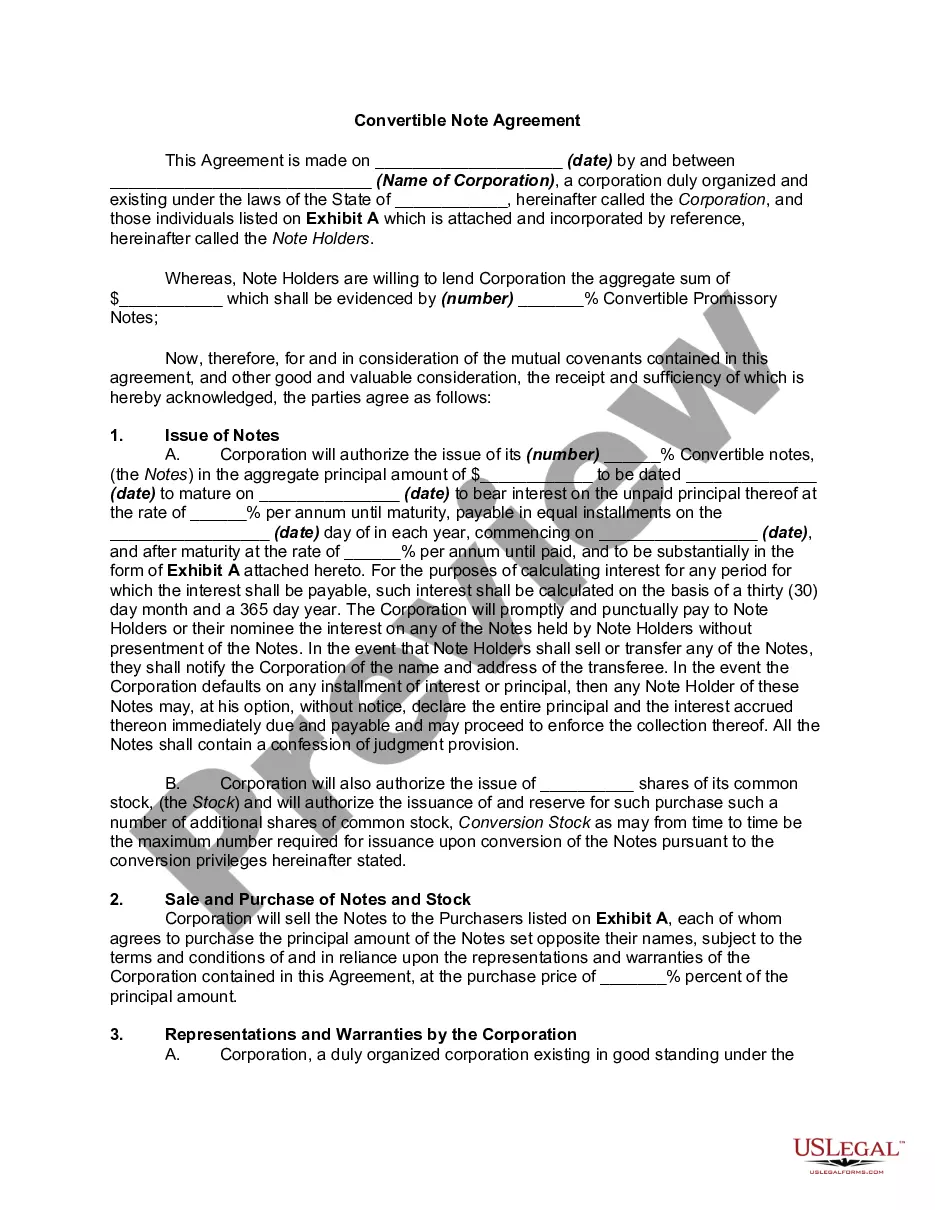
Get your form ready online
Our built-in tools help you complete, sign, share, and store your documents in one place.
Make edits, fill in missing information, and update formatting in US Legal Forms—just like you would in MS Word.
Download a copy, print it, send it by email, or mail it via USPS—whatever works best for your next step.
Sign and collect signatures with our SignNow integration. Send to multiple recipients, set reminders, and more. Go Premium to unlock E-Sign.
If this form requires notarization, complete it online through a secure video call—no need to meet a notary in person or wait for an appointment.
We protect your documents and personal data by following strict security and privacy standards.

Make edits, fill in missing information, and update formatting in US Legal Forms—just like you would in MS Word.

Download a copy, print it, send it by email, or mail it via USPS—whatever works best for your next step.

Sign and collect signatures with our SignNow integration. Send to multiple recipients, set reminders, and more. Go Premium to unlock E-Sign.

If this form requires notarization, complete it online through a secure video call—no need to meet a notary in person or wait for an appointment.

We protect your documents and personal data by following strict security and privacy standards.
Looking for another form?

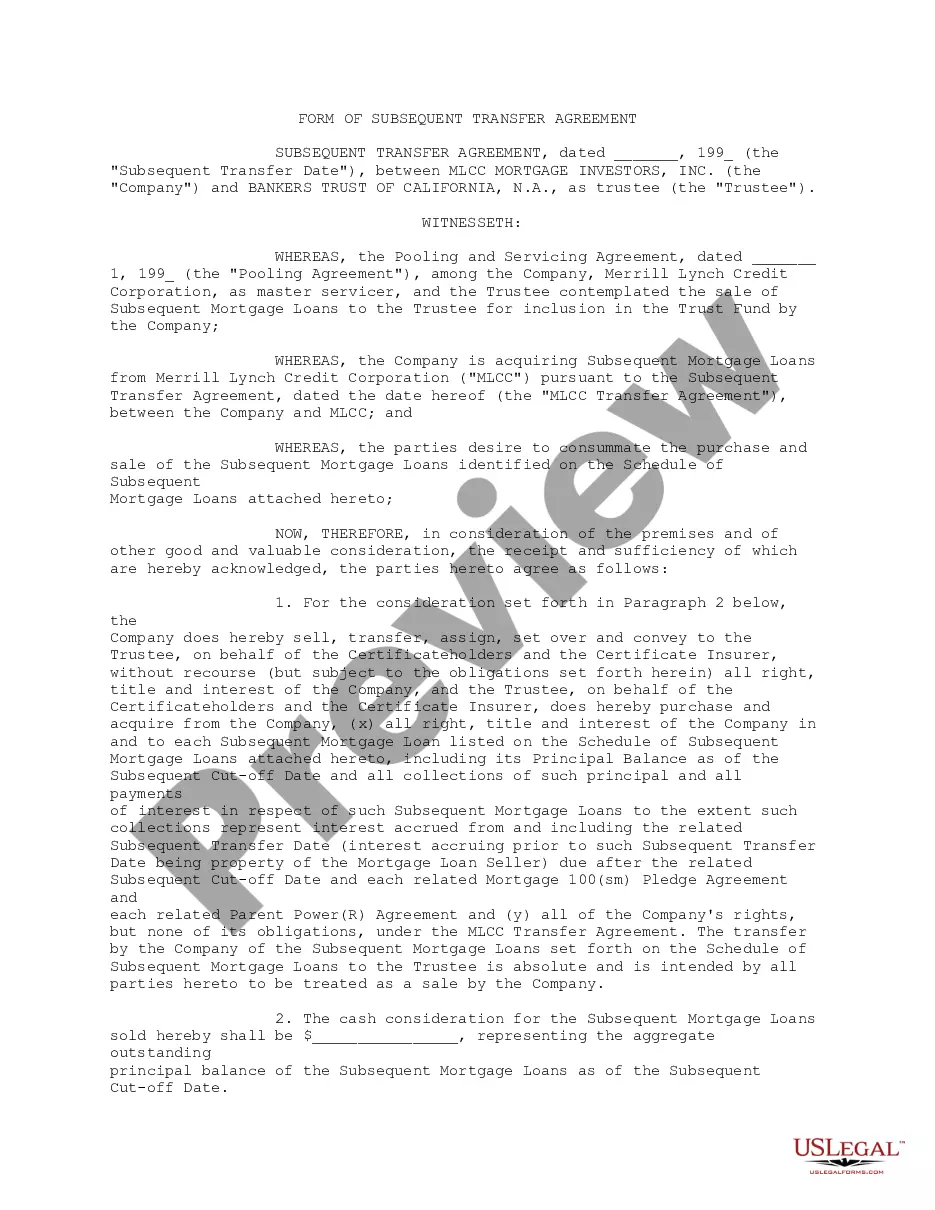



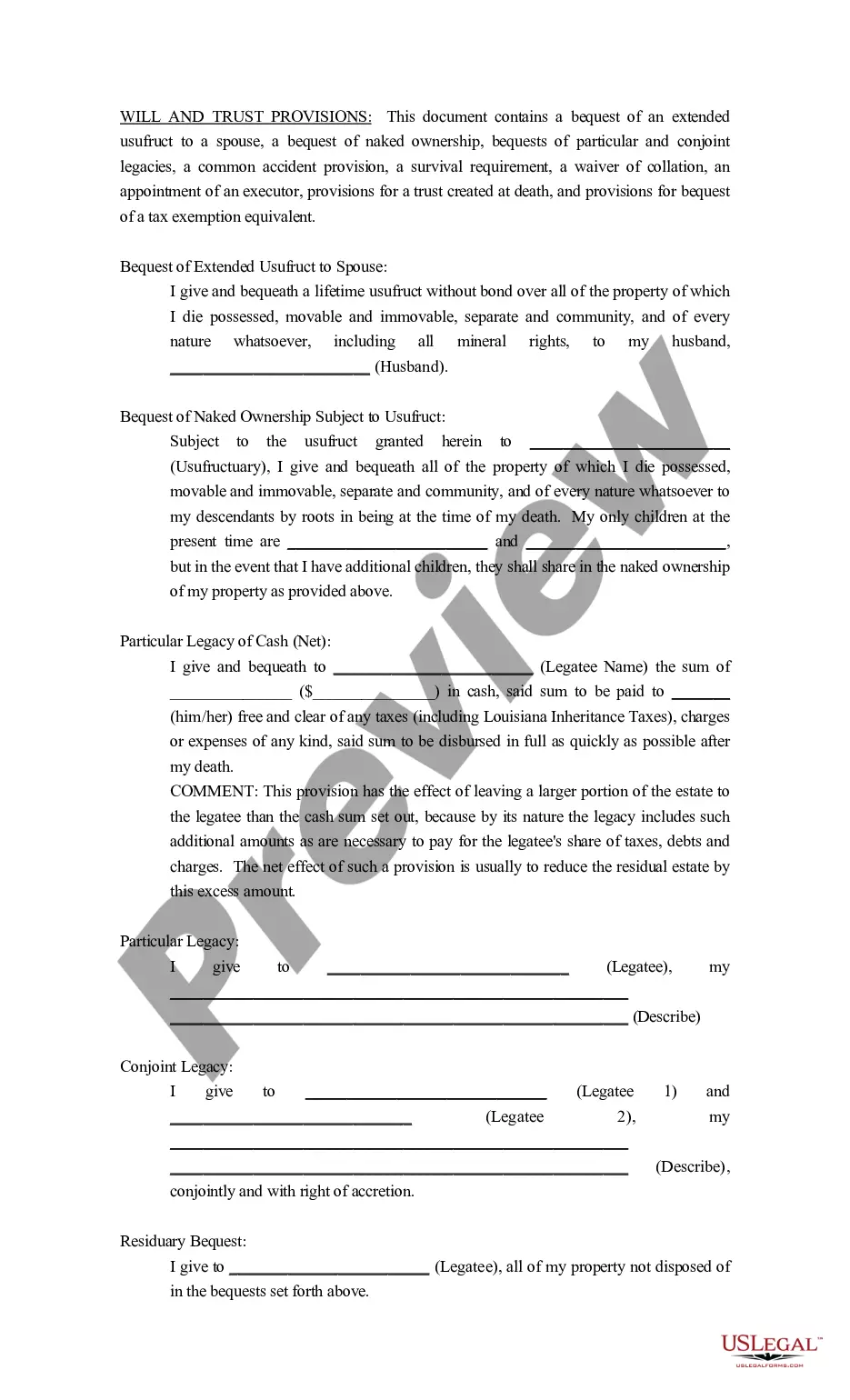




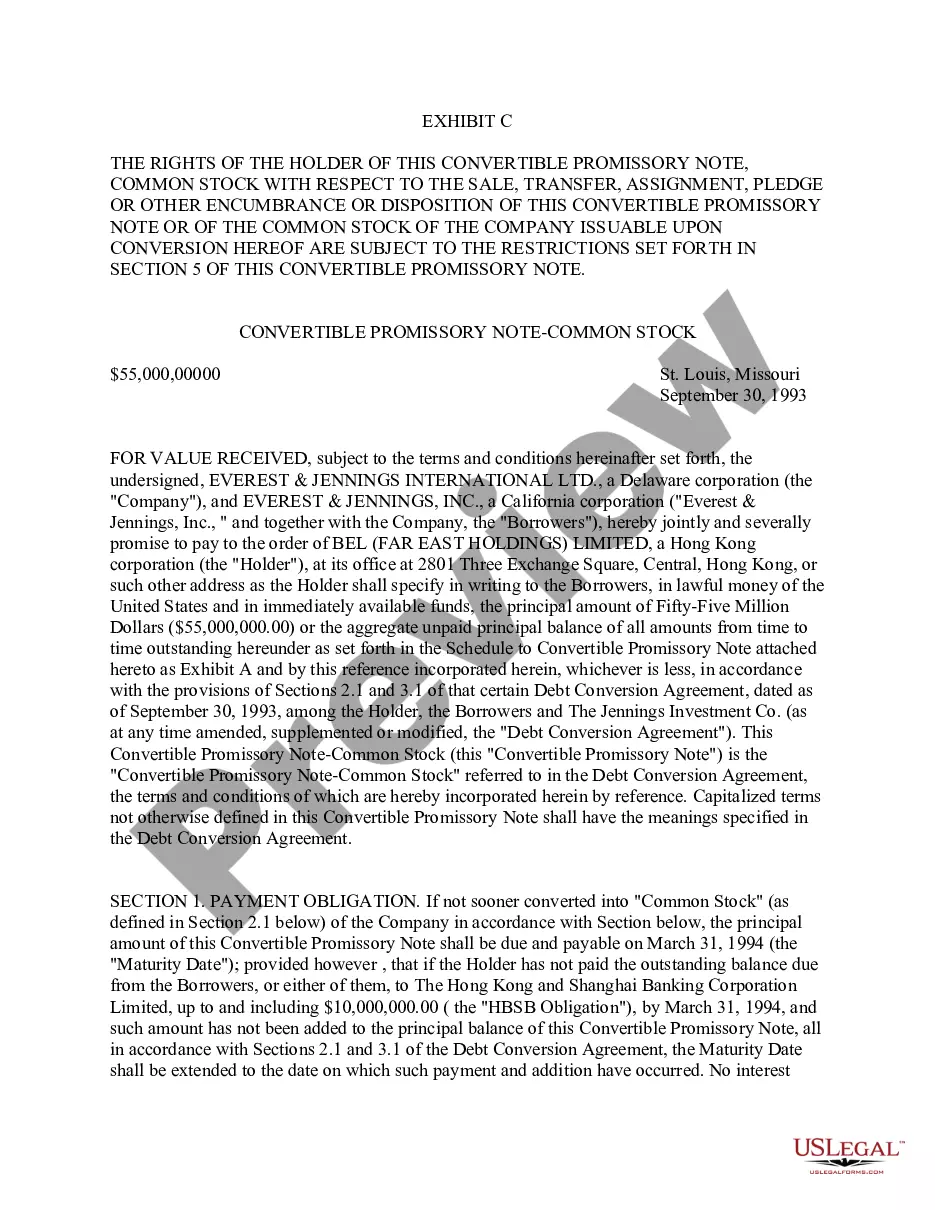
How to fill out Convertible Promissory Note By Corporation - One Of Series Of Notes Issued Pursuant To Convertible Note Purchase Agreement?
Handling legal documents can be daunting, even for seasoned experts.
When you're looking for a Promissory Notes Form Document With Interest and you don't have the opportunity to search for the correct and current version, the process can become stressful.
Access state- or county-specific legal and organizational documents.
US Legal Forms addresses every requirement you may have, ranging from personal to business documentation, all in one location.
If this is your initial experience with US Legal Forms, create a free account to enjoy unlimited access to all the advantages of the library.
- Employ cutting-edge tools to fill out and handle your Promissory Notes Form Document With Interest.
- Utilize a valuable collection of articles, manuals, and resources related to your circumstances and requirements.
- Save time and labor searching for the documents you need, and take advantage of US Legal Forms’ improved search and Preview function to find the Promissory Notes Form Document With Interest and obtain it.
- If you possess a subscription, Log In to your US Legal Forms account, search for the form, and obtain it.
- Check the My documents tab to review the documents you’ve previously downloaded and manage your folders as needed.
- Utilize an extensive online form library can dramatically improve the situation for anyone aiming to navigate these matters efficiently.
- US Legal Forms stands out as a leading provider of online legal documents, offering over 85,000 state-specific legal forms accessible anytime.
- With US Legal Forms, you can.
Form popularity
FAQ
In contrary as occurs with Google Documents, Sheets and Slides, Google Forms doesn't have the revision history feature. Unfortunately Google Drive doesn't keep revisions of Google Forms either.
Microsoft Forms is available in the following plans: Microsoft 365 business basic, standard, and premium; Microsoft 365 A3/A5 and E3/E5; Office 365 A1/A3/A5 and E1/E3/E5; and Microsoft 365/Office 365 F3.
If you want to undo a recent change: At the top right of your form, click Undo .
Google Forms does not have version history like Google Docs or Sheets. When you delete responses in Google Forms, it will be deleted permanently. The deleted form responses cannot be restored later.
Right now unfortunately, you can recover the entire Form from recycle bin if, it was deleted. however, recovering only a deleted question from the Form is currently not supported.
There is also no version history which makes it very difficult to reset the questions that have been overwritten.
I'm afraid to inform you that version history feature for Microsoft Forms is not yet available but this feature is currently up for a vote for a possible future implementation. You may check on this link for more information: ...
Open a previously saved or published form. From the toolbar in the designer, click Versions. The Version History log appears. The log shows how many times the form was saved or published along with the date and time.