Agreement Sale Business Contract Format
Description

Get your form ready online
Our built-in tools help you complete, sign, share, and store your documents in one place.
Make edits, fill in missing information, and update formatting in US Legal Forms—just like you would in MS Word.
Download a copy, print it, send it by email, or mail it via USPS—whatever works best for your next step.
Sign and collect signatures with our SignNow integration. Send to multiple recipients, set reminders, and more. Go Premium to unlock E-Sign.
If this form requires notarization, complete it online through a secure video call—no need to meet a notary in person or wait for an appointment.
We protect your documents and personal data by following strict security and privacy standards.

Make edits, fill in missing information, and update formatting in US Legal Forms—just like you would in MS Word.

Download a copy, print it, send it by email, or mail it via USPS—whatever works best for your next step.

Sign and collect signatures with our SignNow integration. Send to multiple recipients, set reminders, and more. Go Premium to unlock E-Sign.

If this form requires notarization, complete it online through a secure video call—no need to meet a notary in person or wait for an appointment.

We protect your documents and personal data by following strict security and privacy standards.
Looking for another form?

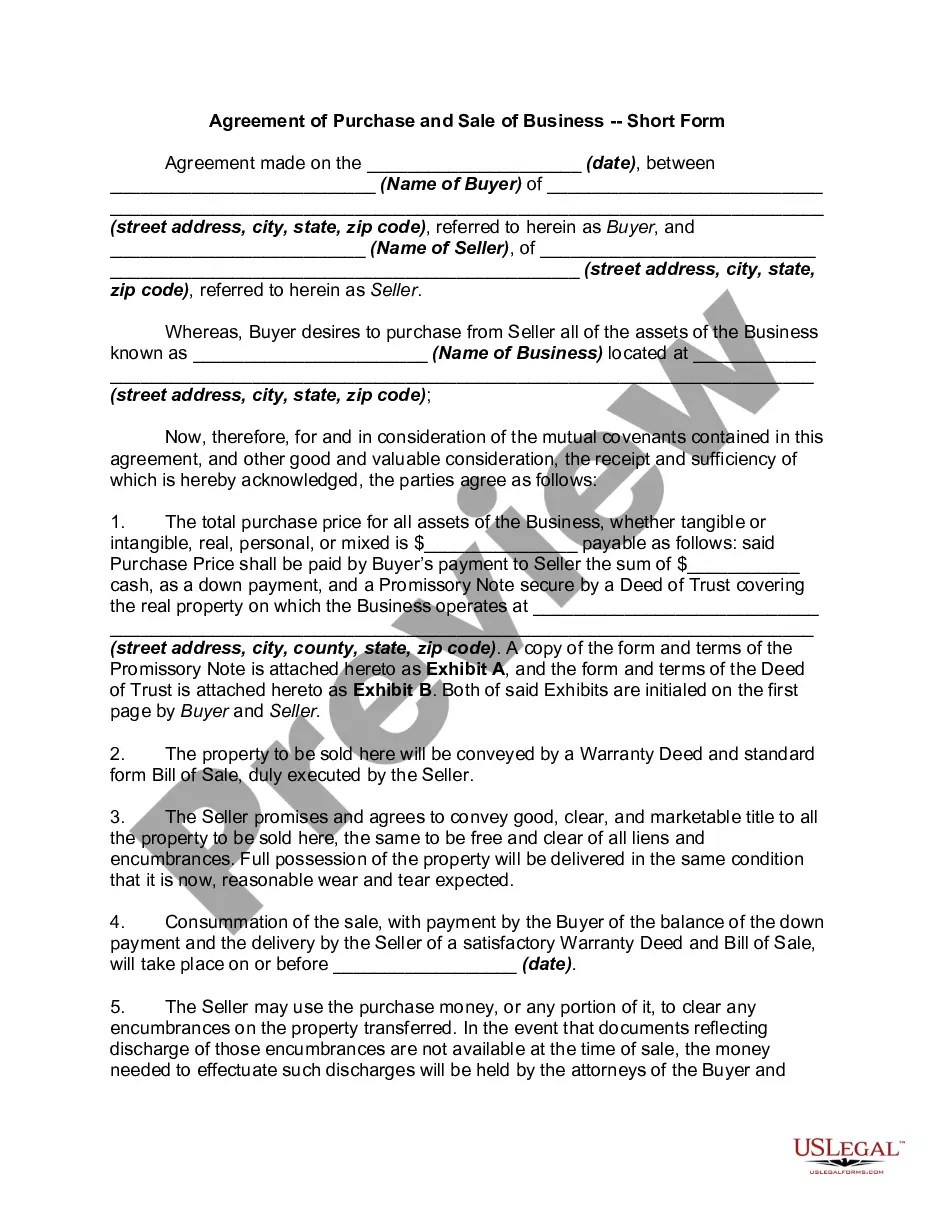
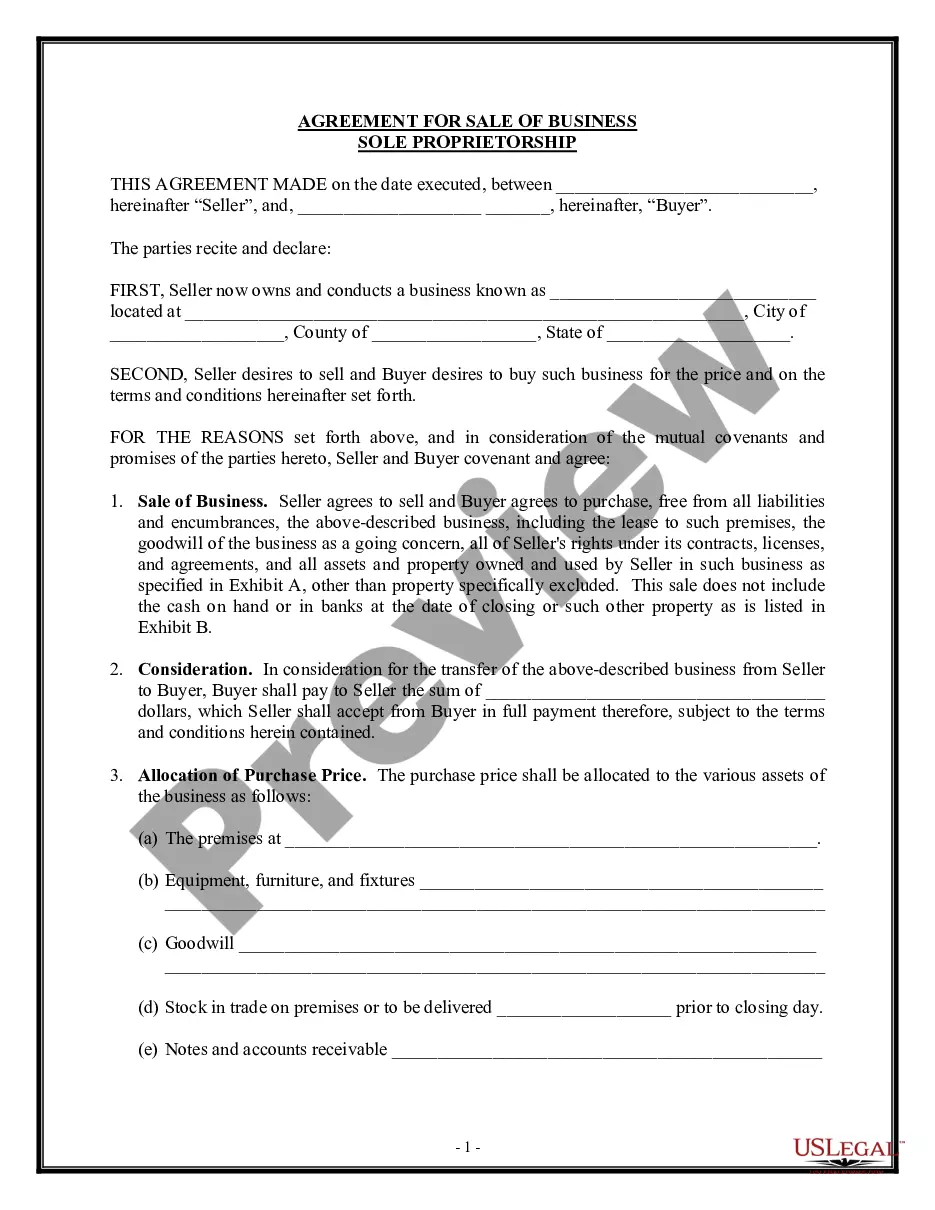
How to fill out Agreement Of Purchase And Sale Of Business - Short Form?
It’s clear that you cannot transform into a legal expert instantly, nor can you comprehend how to swiftly create Agreement Sale Business Contract Format without having a specialized background.
Constructing legal documents is a lengthy process that demands particular education and competencies. So why not entrust the drafting of the Agreement Sale Business Contract Format to the specialists.
With US Legal Forms, one of the most extensive legal template databases, you can access anything from court documents to templates for in-office correspondence.
You can regain access to your documents from the My documents section at any time.
If you’re an existing client, you can easily Log In, and find and download the template from the same section.
- Find the document you require using the search bar at the top of the page.
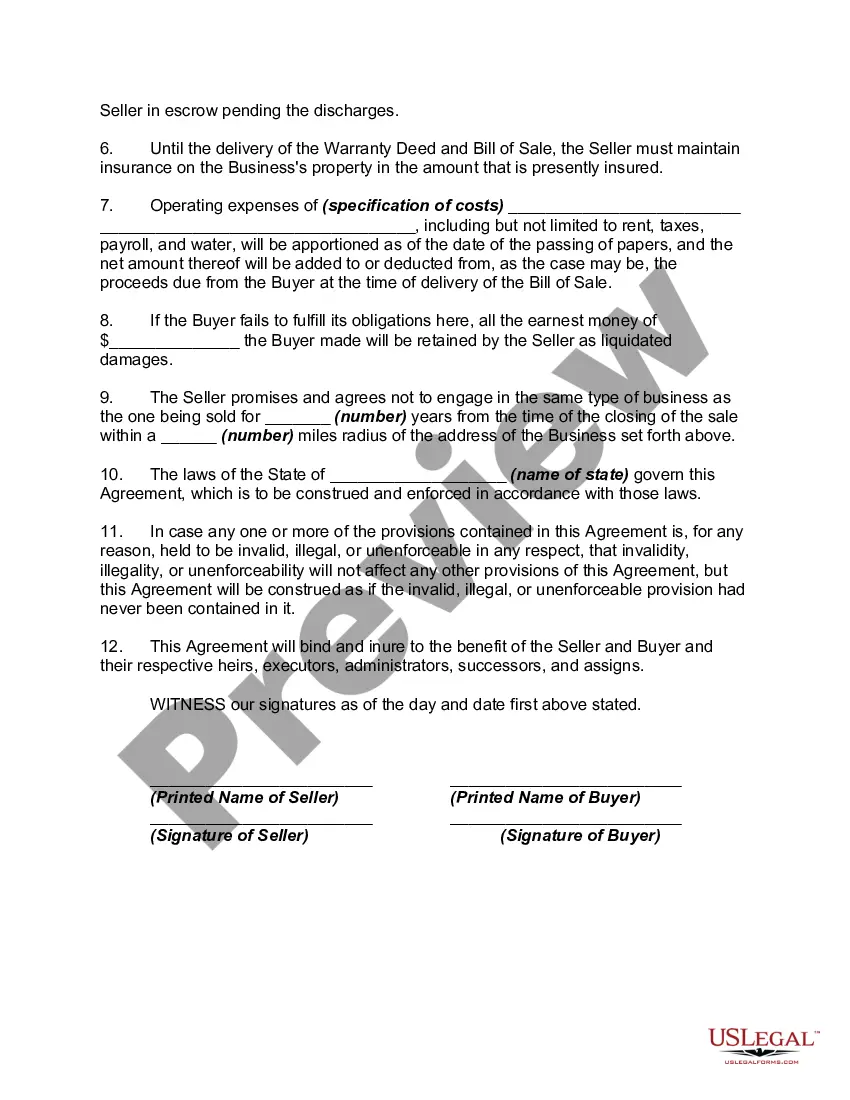
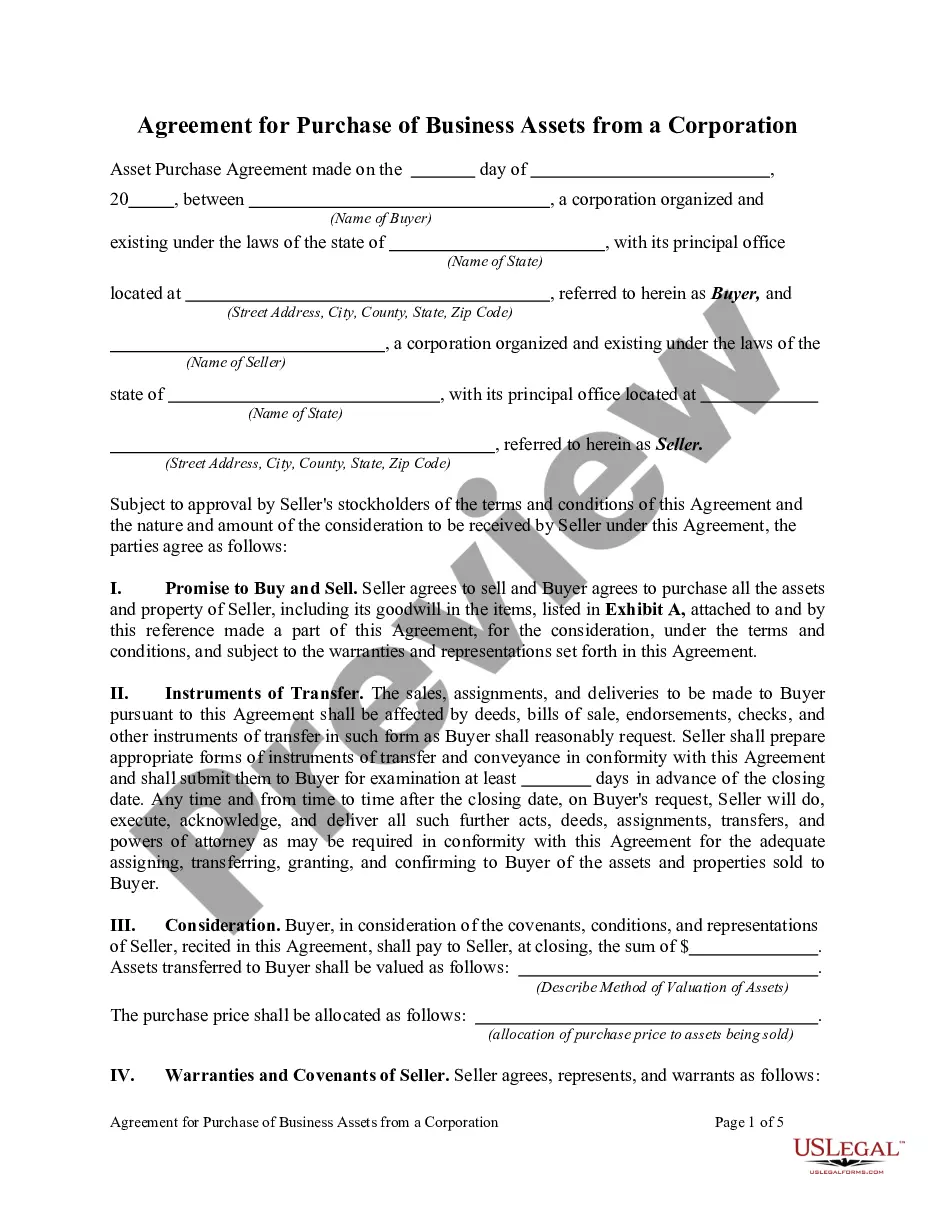
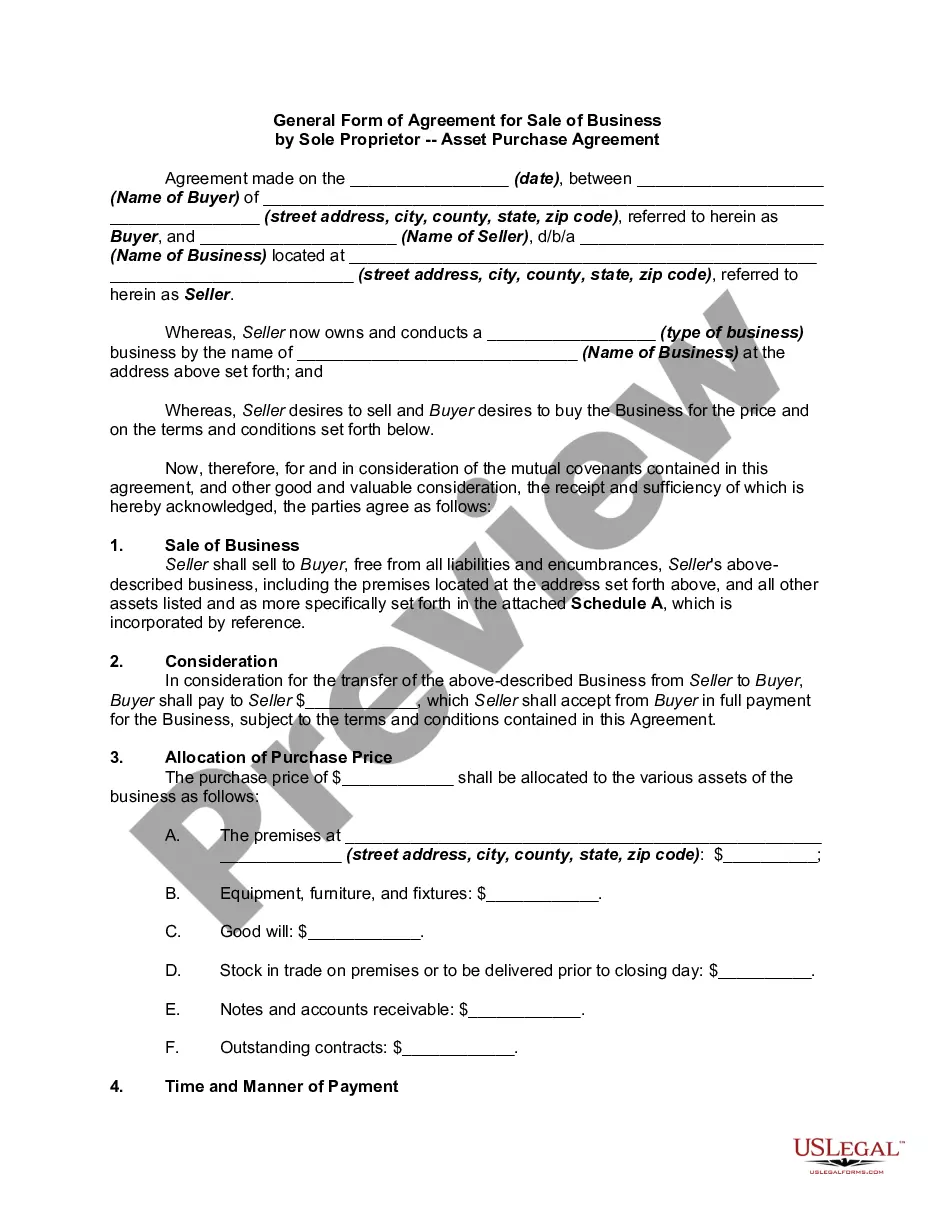
- Preview it (if this feature is available) and review the accompanying description to determine if Agreement Sale Business Contract Format is what you need.
- Initiate your search again if you require a different template.
- Create a free account and select a subscription plan to purchase the template.
- Click Buy now. After the purchase is completed, you can download the Agreement Sale Business Contract Format, fill it out, print it, and send or post it to the designated individuals or organizations.
Form popularity
FAQ
How to write a client contract Include contact information of both parties. ... Outline project terms and scope. ... Create payment terms. ... Set a schedule. ... Decide what to do if a contract is terminated. ... Determine who owns final copyrights. ... Clarify the working relationship. ... Choose your law and venue.
Those seven elements are: Identification (Defining all the parties involved) Offer (The agreement) Acceptance (Agreement mirrored by other parties) Mutual consent (Signatory consent of all parties) Consideration (The value exchanged for the offer) Capacity (Legal/mental competence of all parties)
A typical draft should have following details. The date on which the sale agreement is being executed. Name, Father/Husband's Name, Age, Address and PAN card details of the Vendor(s) and Purchaser(s) Schedule of the property. Title flow of the property. Total sale consideration, i.e. the total sale value.
If you're asking whether you need a lawyer to draft a contract, legally, the answer is no. Anyone can draft a contract on their own and as long as the elements above are included and both parties are legally competent and consent to the agreement, it is generally lawful.
Write the contract in six steps Start with a contract template. ... Open with the basic information. ... Describe in detail what you have agreed to. ... Include a description of how the contract will be ended. ... Write into the contract which laws apply and how disputes will be resolved. ... Include space for signatures.