Sample Reference Document With Header And Footer
Description
Get your form ready online
Our built-in tools help you complete, sign, share, and store your documents in one place.
Make edits, fill in missing information, and update formatting in US Legal Forms—just like you would in MS Word.
Download a copy, print it, send it by email, or mail it via USPS—whatever works best for your next step.
Sign and collect signatures with our SignNow integration. Send to multiple recipients, set reminders, and more. Go Premium to unlock E-Sign.
If this form requires notarization, complete it online through a secure video call—no need to meet a notary in person or wait for an appointment.
We protect your documents and personal data by following strict security and privacy standards.

Make edits, fill in missing information, and update formatting in US Legal Forms—just like you would in MS Word.

Download a copy, print it, send it by email, or mail it via USPS—whatever works best for your next step.

Sign and collect signatures with our SignNow integration. Send to multiple recipients, set reminders, and more. Go Premium to unlock E-Sign.

If this form requires notarization, complete it online through a secure video call—no need to meet a notary in person or wait for an appointment.

We protect your documents and personal data by following strict security and privacy standards.
Looking for another form?
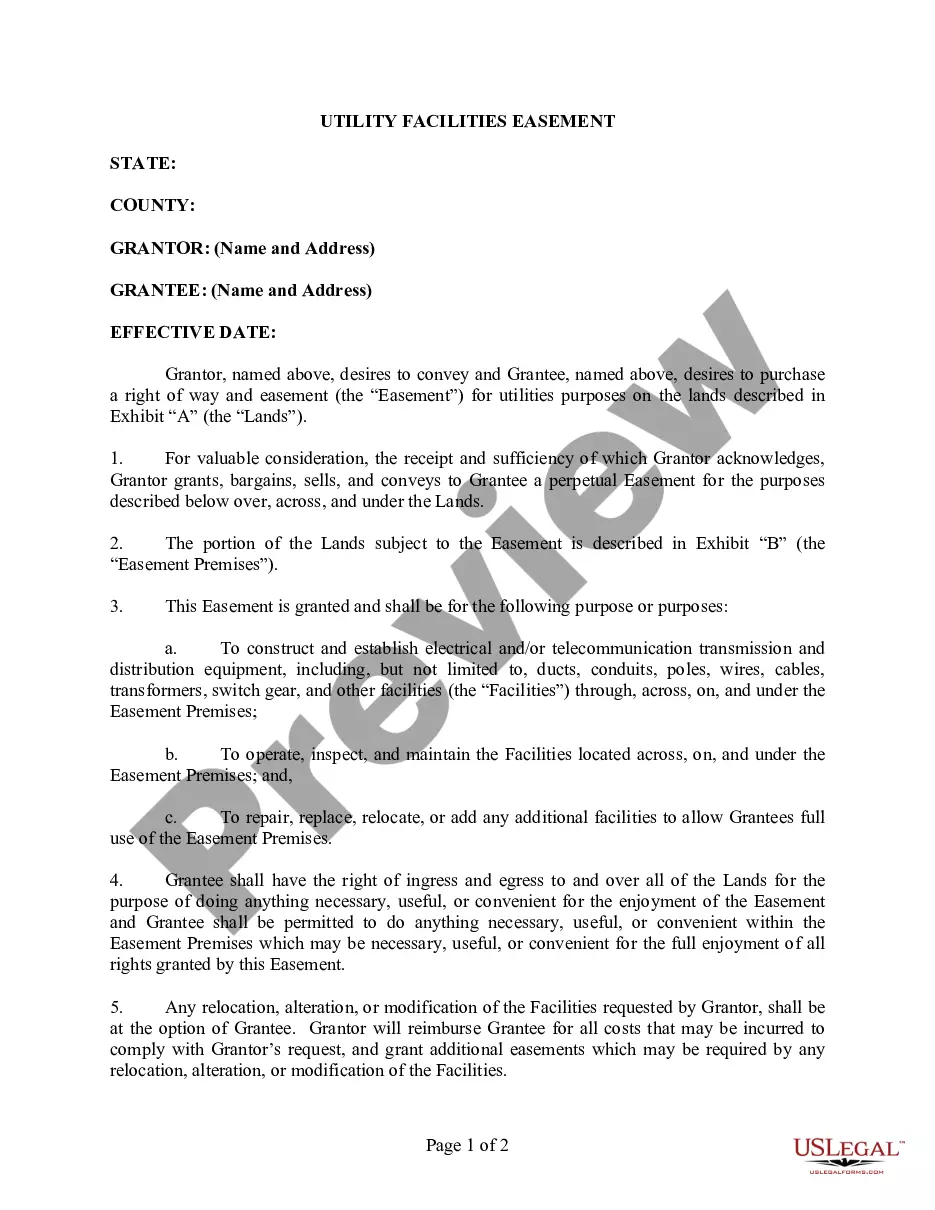
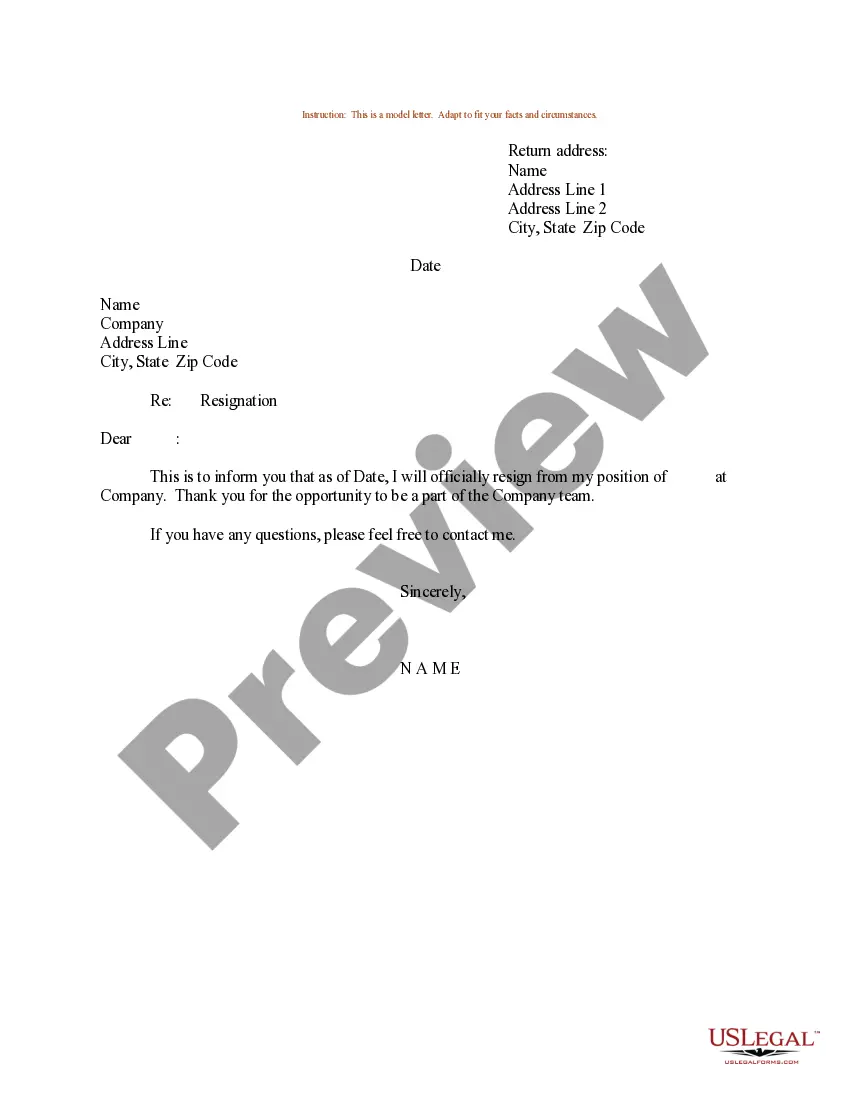
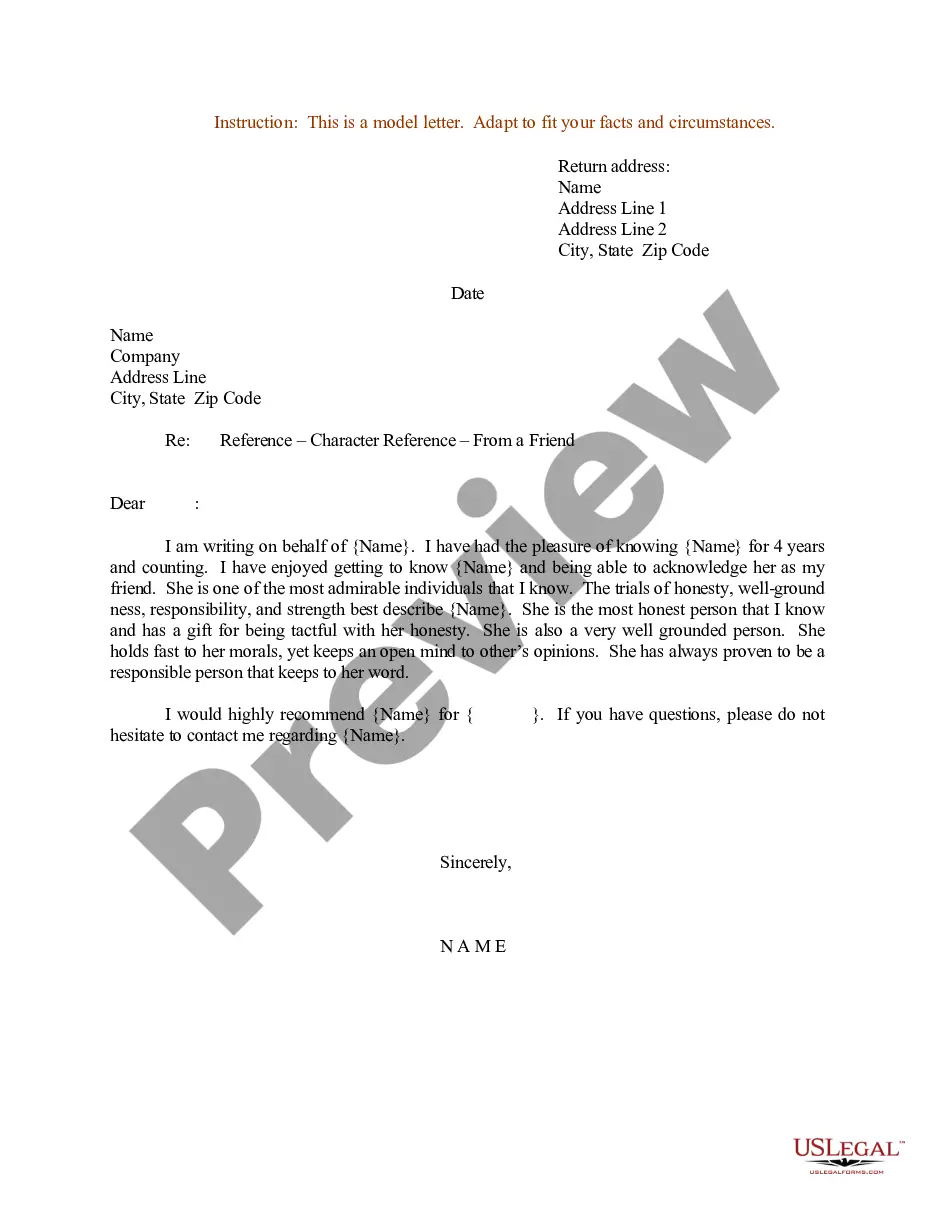
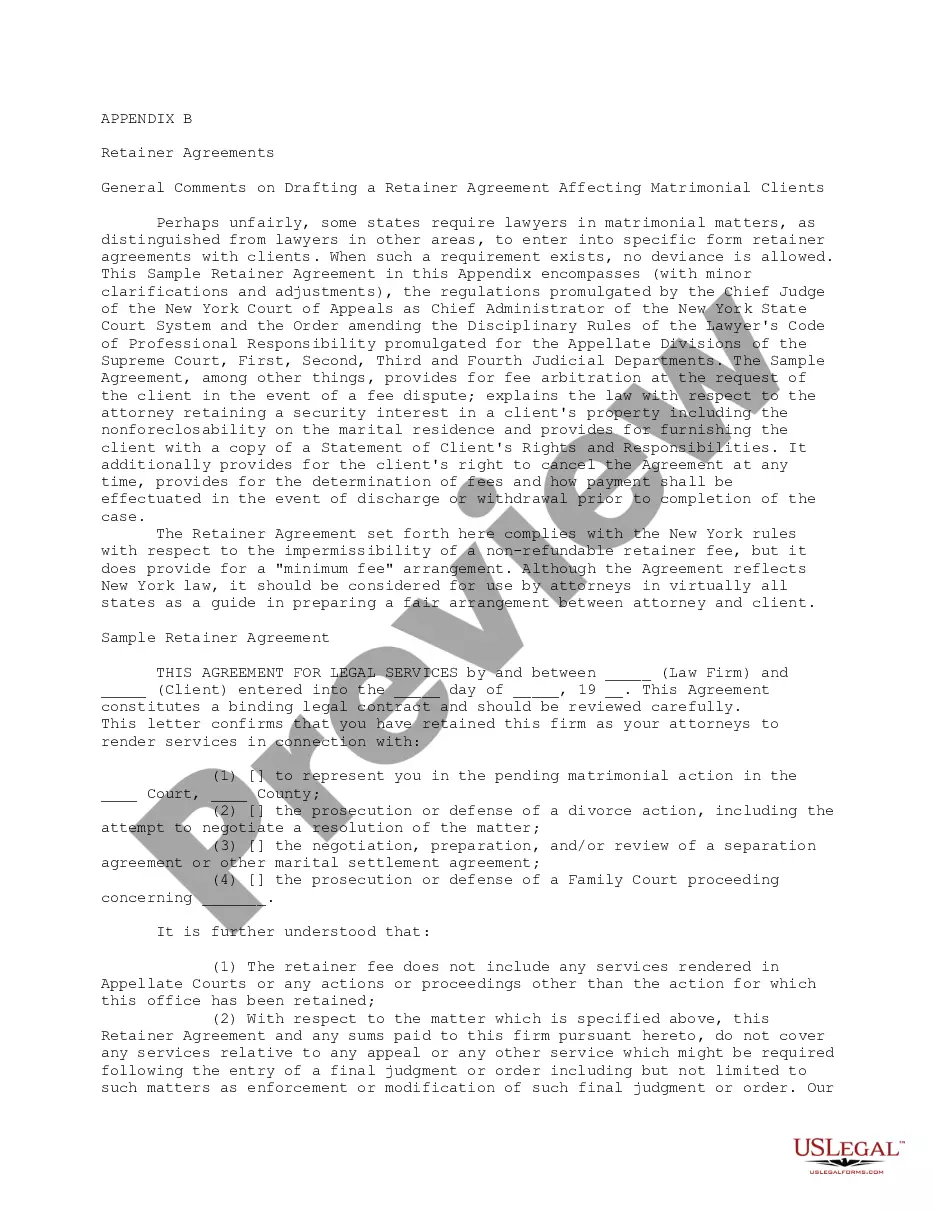


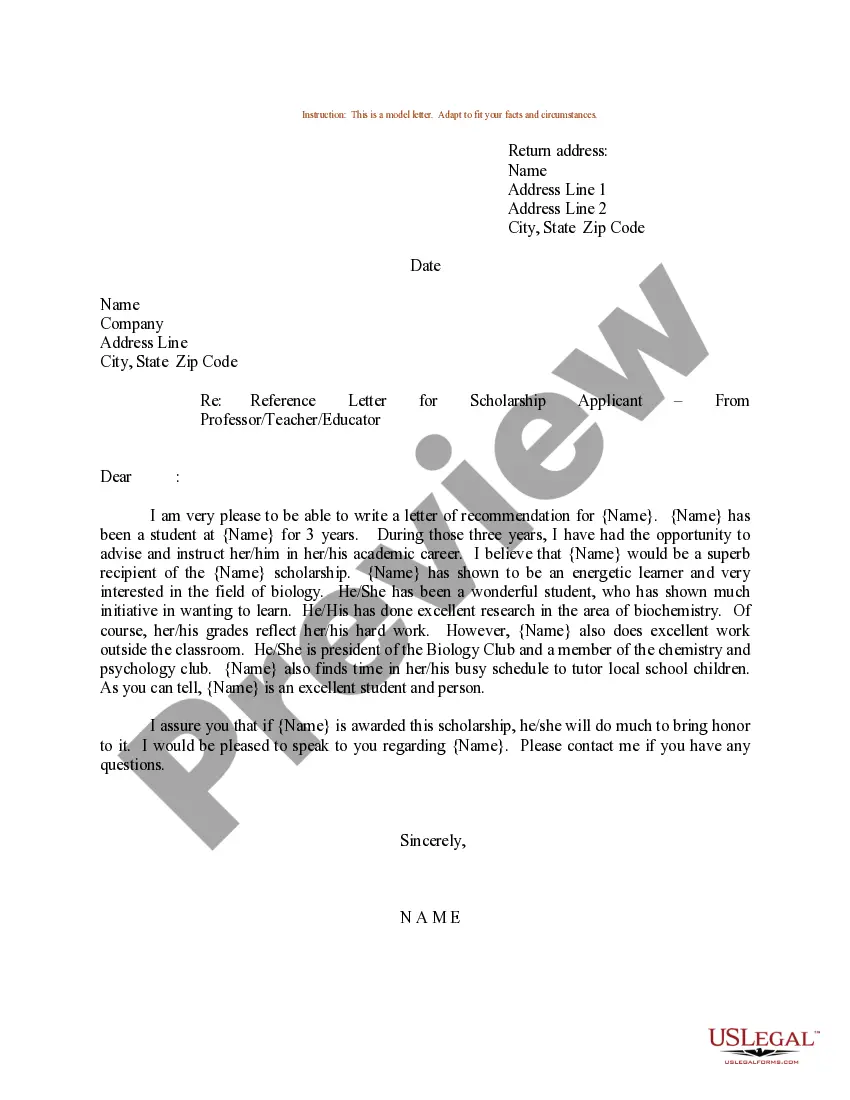
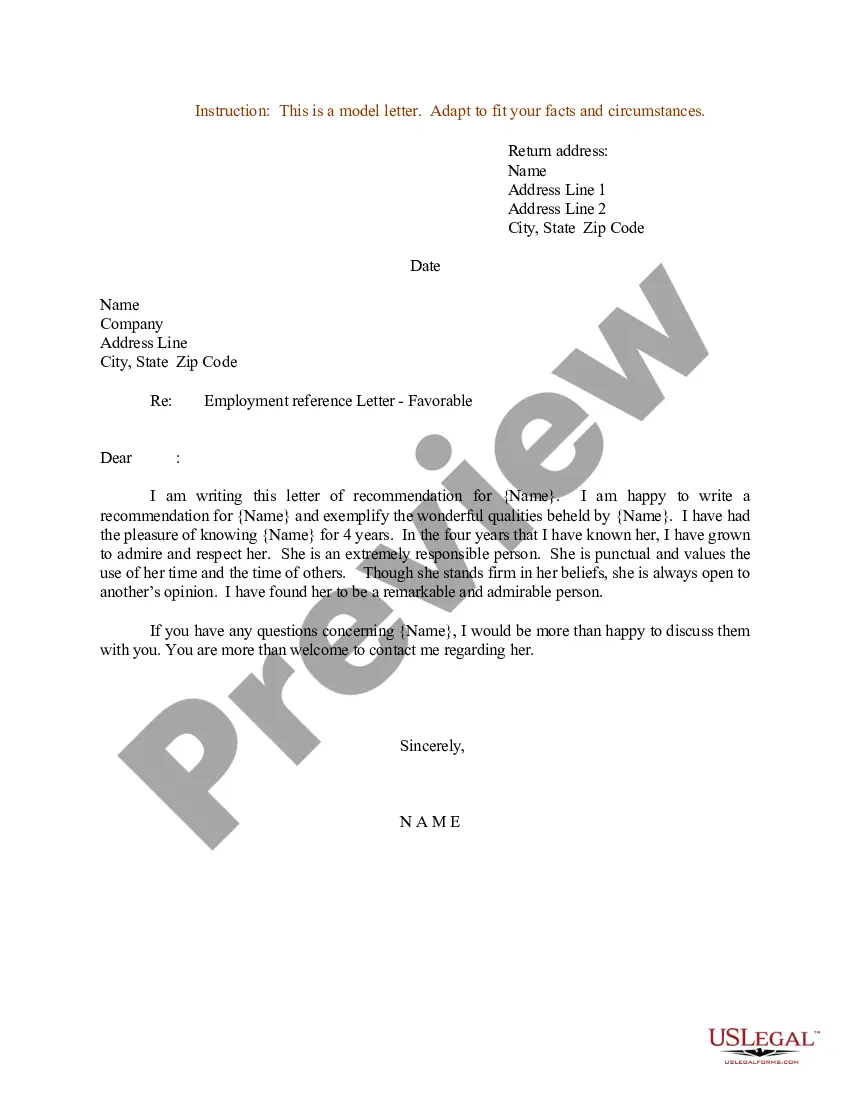
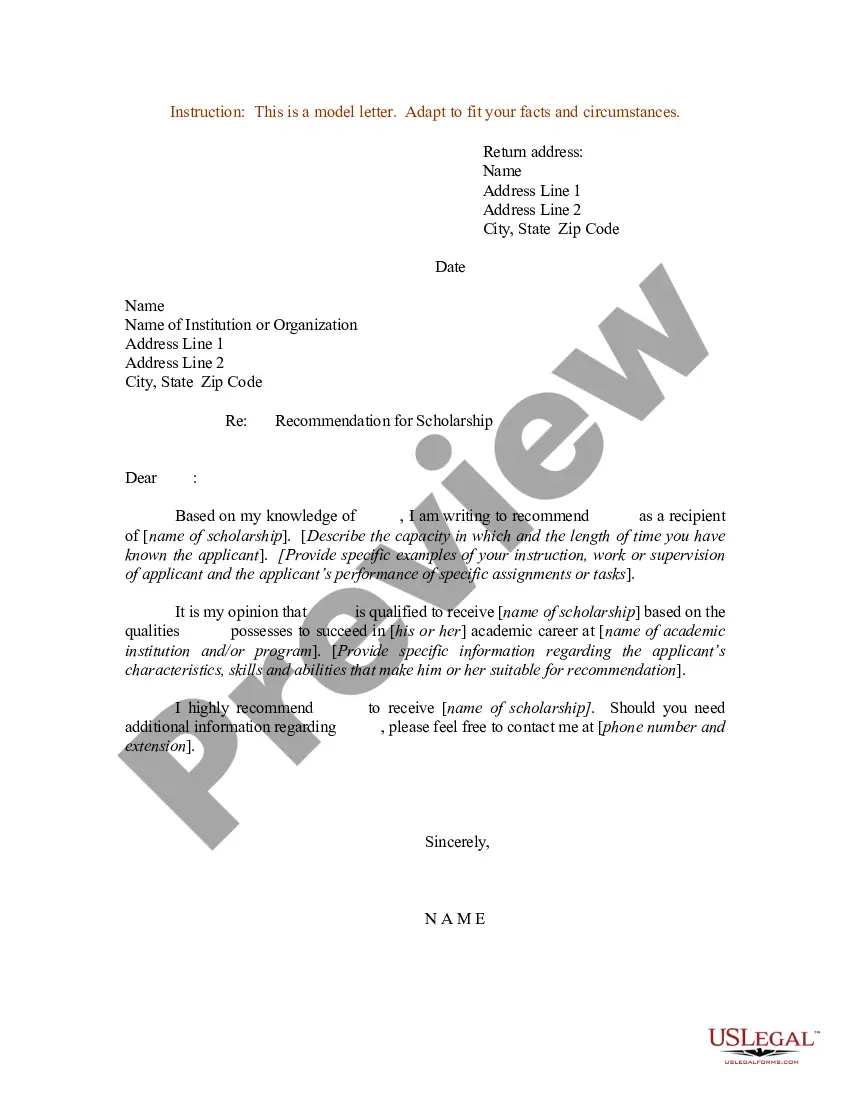
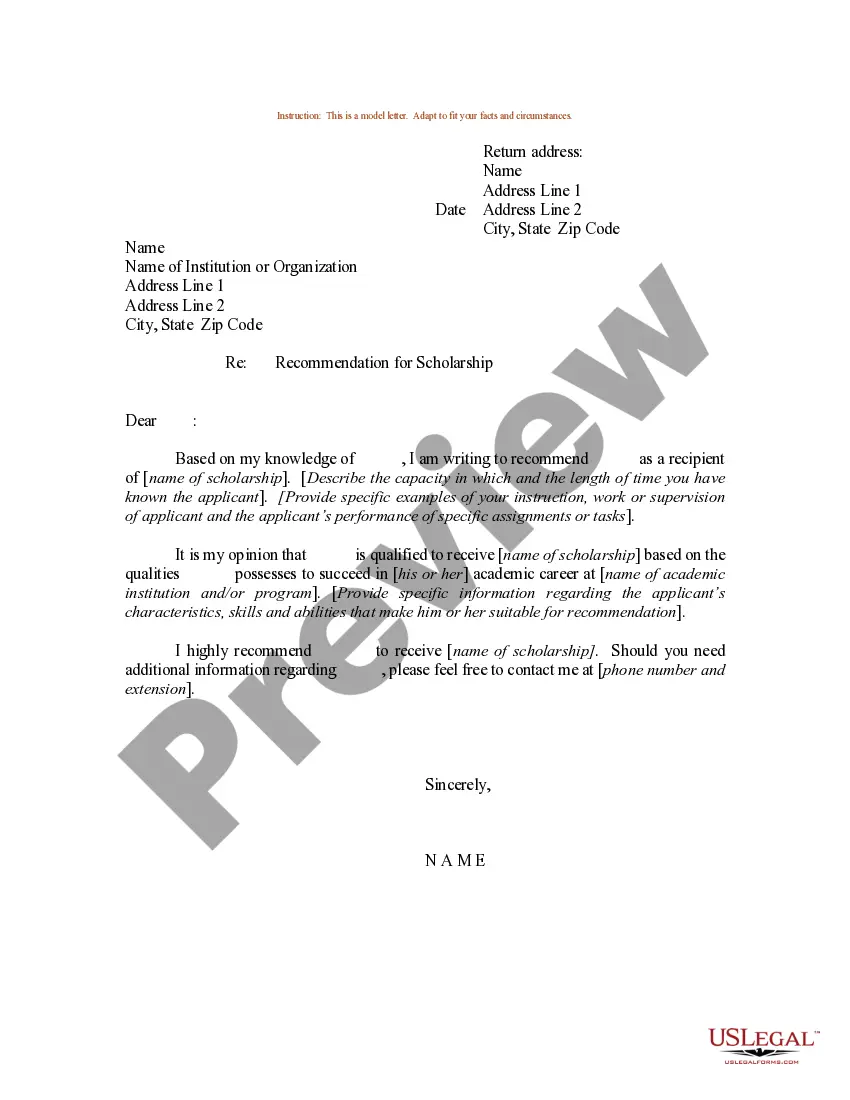
How to fill out Sample Letter For Reference Letter For A School Or College Scholarship Applicant - From Employer?
Handling legal documents and procedures can be a lengthy addition to the day.
Sample Reference Document With Header And Footer and forms like it generally necessitate you to search for them and navigate how to fill them out accurately.
Thus, if you are managing financial, legal, or personal issues, possessing a thorough and handy online library of forms readily available will significantly help.
US Legal Forms is the premier online platform for legal templates, providing over 85,000 state-specific forms and a variety of tools that will assist you in completing your documents swiftly.
Is it your first time using US Legal Forms? Register and create an account in just a few minutes, and you will gain access to the form library and Sample Reference Document With Header And Footer. Then, follow the steps outlined below to complete your form: Ensure you have found the correct form using the Review feature and examining the form description. Select Buy Now when ready, and choose the subscription plan that fits you best. Click Download, then fill out, eSign, and print the form. US Legal Forms has 25 years of experience helping clients manage their legal documents. Acquire the form you need right now and enhance any process without any hassle.
- Browse the collection of relevant documents available to you with just one click.
- US Legal Forms offers you state- and county-specific forms accessible at any moment for downloading.
- Safeguard your document management processes by utilizing a high-quality service that enables you to create any form within minutes without any additional or concealed fees.
- Simply Log In to your account, find Sample Reference Document With Header And Footer, and download it instantly within the My documents section.
- You can also access previously downloaded forms.
Form popularity
FAQ
The header is a section of the document that appears in the top margin, while the footer is a section of the document that appears in the bottom margin. Headers and footers generally contain information such as page number, date, document name, etc.
Use headers and footers to add a title, date, or page numbers to every page in a document. Select Insert > Header or Footer. Select one of the built in designs. Type the text you want in the header or footer.
Insert a header or footer Go to Insert > Header or Footer. Choose the header style you want to use. ... Add or change text for the header or footer. ... To eliminate a header--like deleting it on the title page--select it and then check the Different First Page box. Select Close Header and Footer or press Esc to exit.
A header is text that is placed at the top of a page, while a footer is placed at the bottom, or foot, of a page. Typically these areas are used for inserting document information, such as the name of the document, the chapter heading, page numbers, creation date and the like.
