Title Possessor Unknown Download With No Mac
Description
Get your form ready online
Our built-in tools help you complete, sign, share, and store your documents in one place.
Make edits, fill in missing information, and update formatting in US Legal Forms—just like you would in MS Word.
Download a copy, print it, send it by email, or mail it via USPS—whatever works best for your next step.
Sign and collect signatures with our SignNow integration. Send to multiple recipients, set reminders, and more. Go Premium to unlock E-Sign.
If this form requires notarization, complete it online through a secure video call—no need to meet a notary in person or wait for an appointment.
We protect your documents and personal data by following strict security and privacy standards.

Make edits, fill in missing information, and update formatting in US Legal Forms—just like you would in MS Word.

Download a copy, print it, send it by email, or mail it via USPS—whatever works best for your next step.

Sign and collect signatures with our SignNow integration. Send to multiple recipients, set reminders, and more. Go Premium to unlock E-Sign.

If this form requires notarization, complete it online through a secure video call—no need to meet a notary in person or wait for an appointment.

We protect your documents and personal data by following strict security and privacy standards.
Looking for another form?



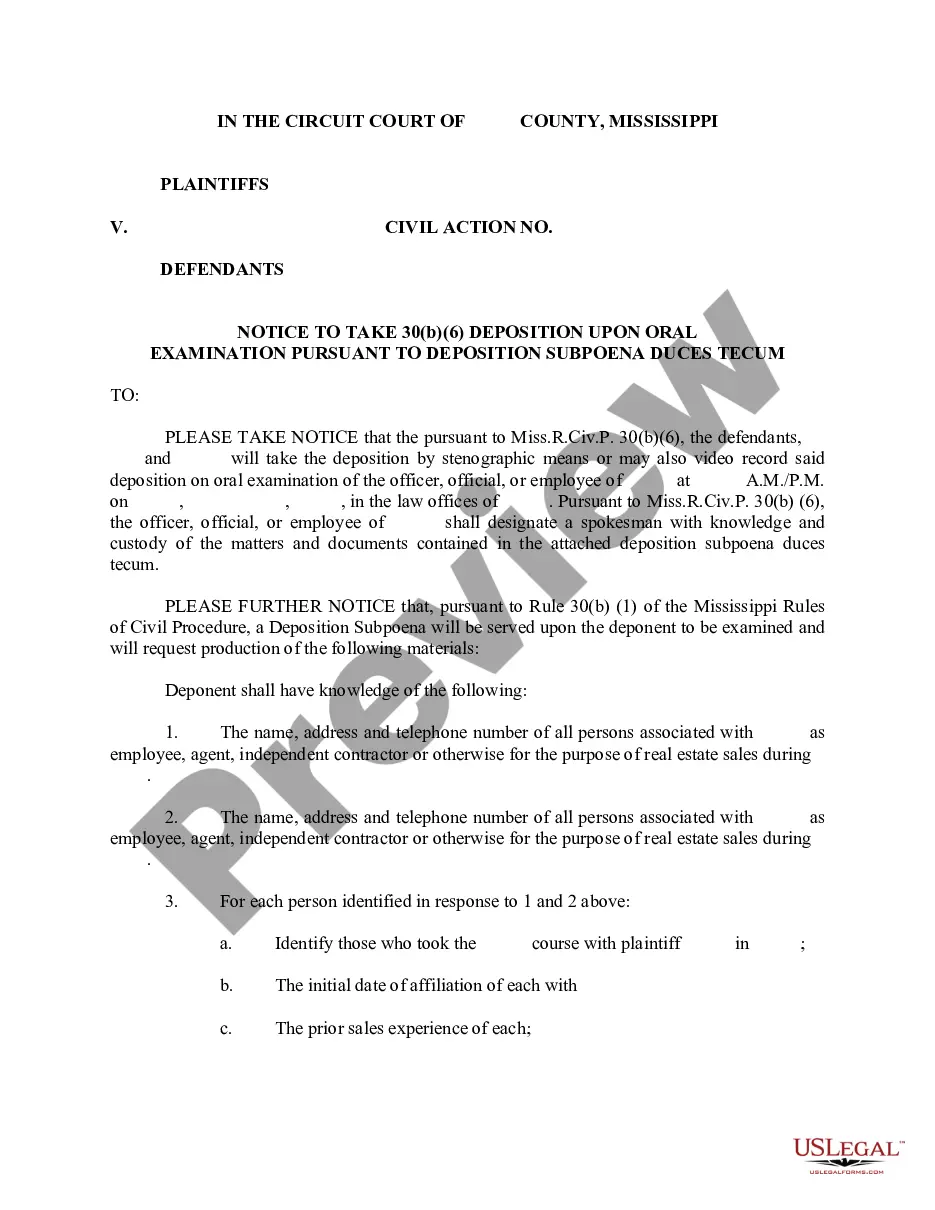

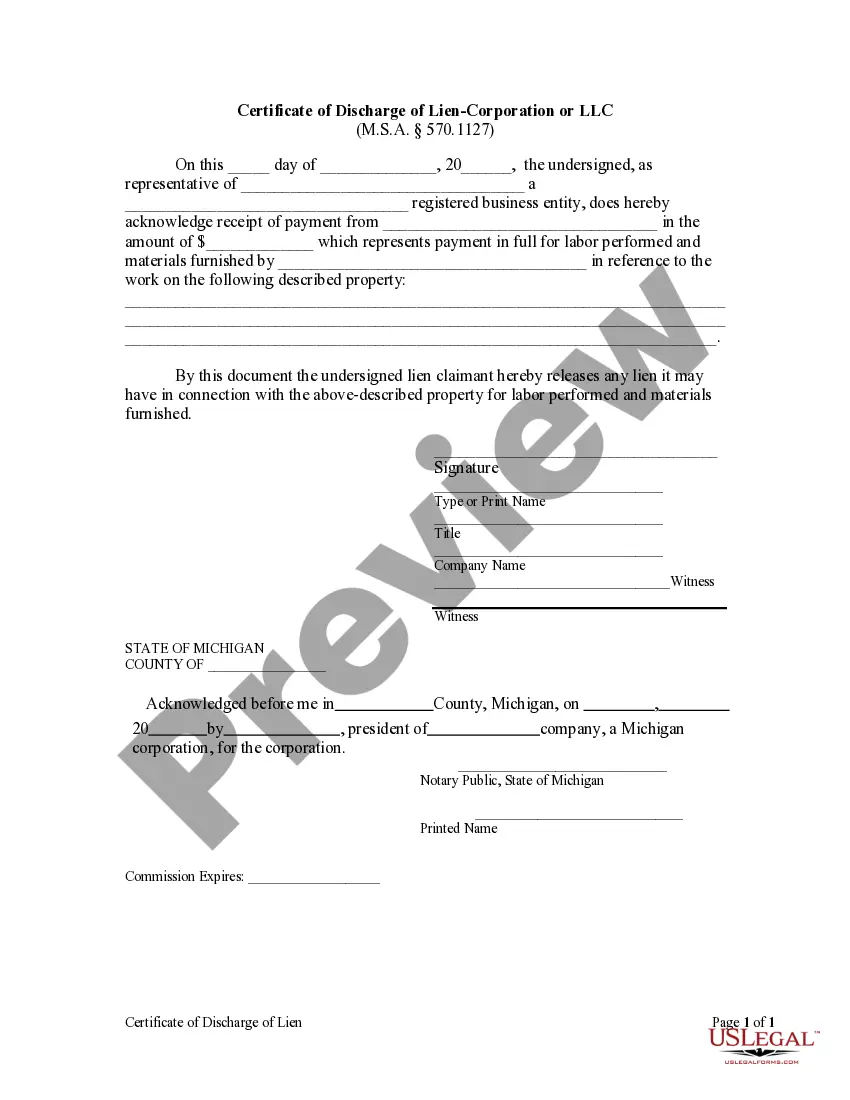
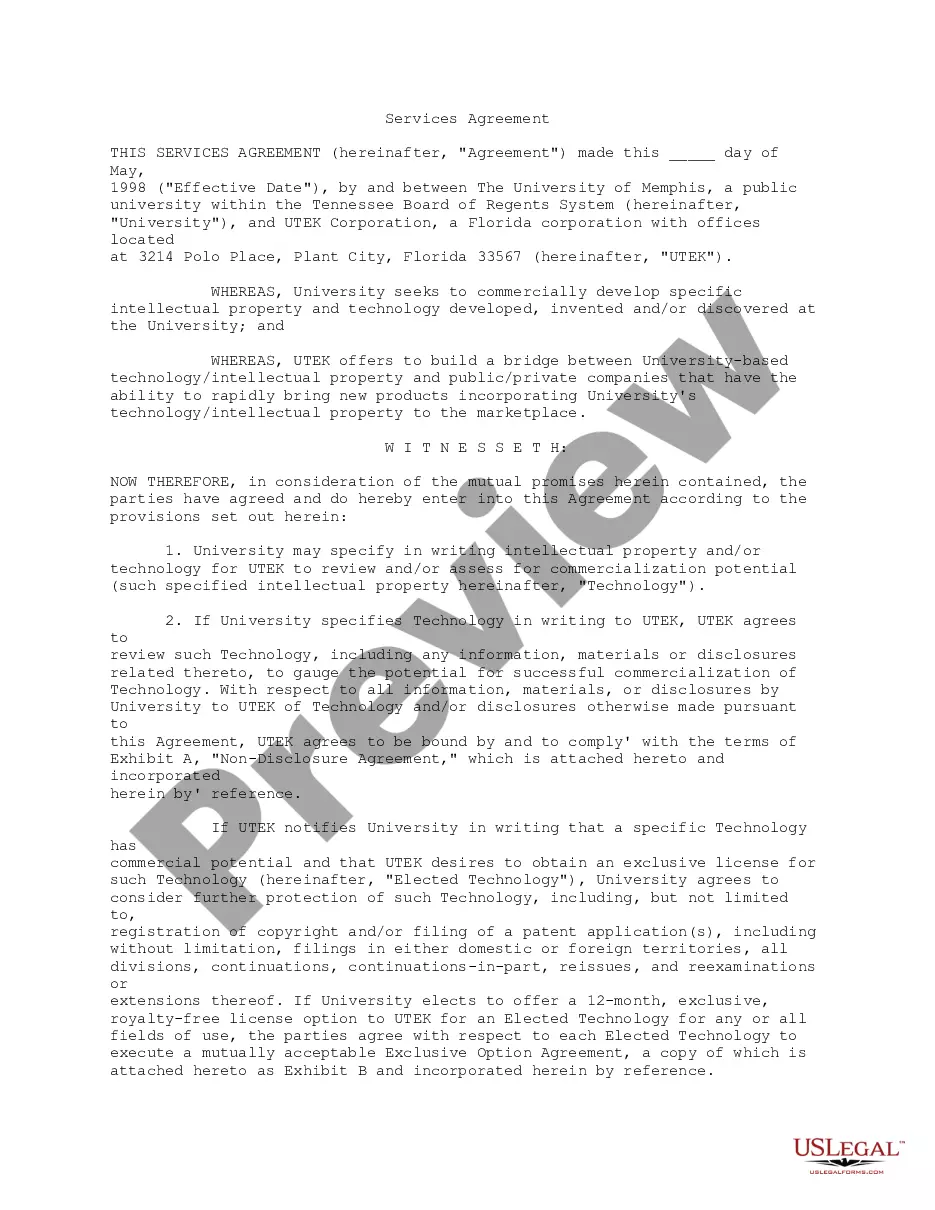
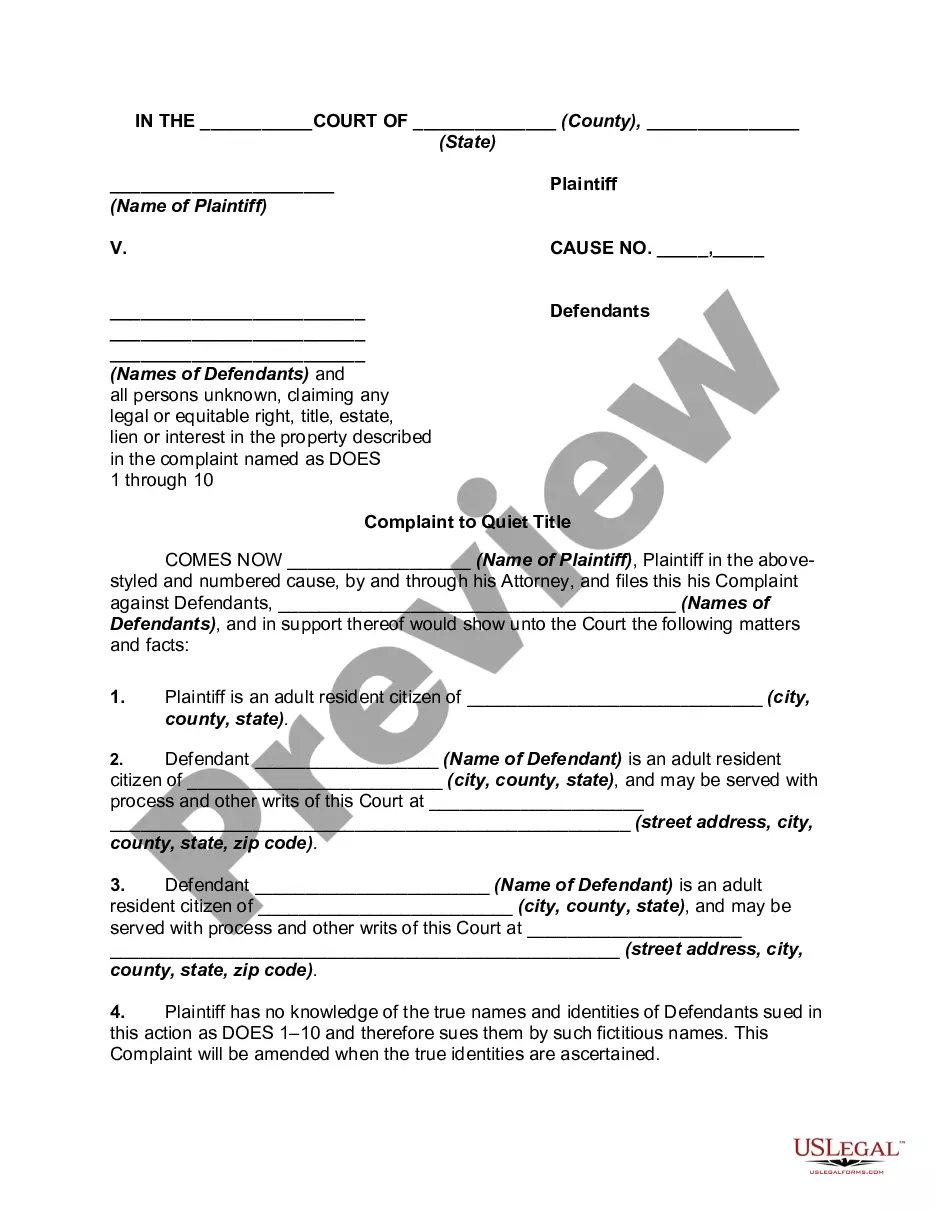
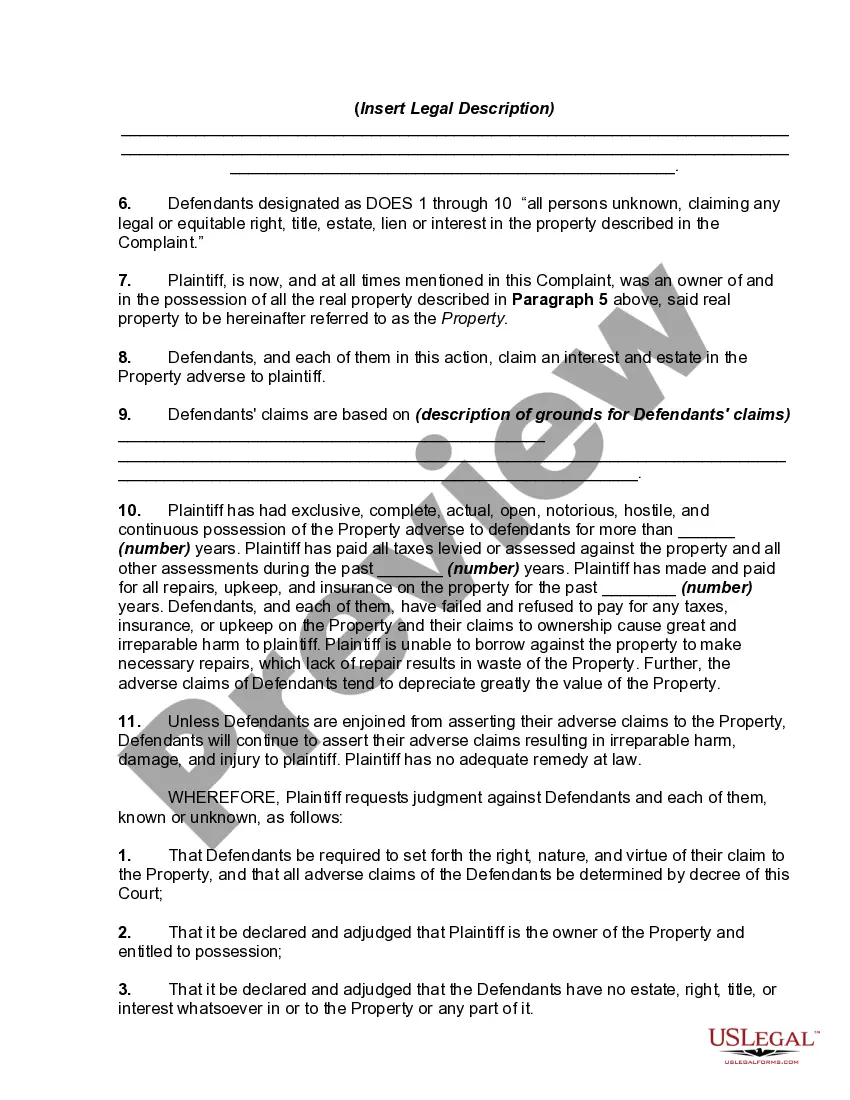
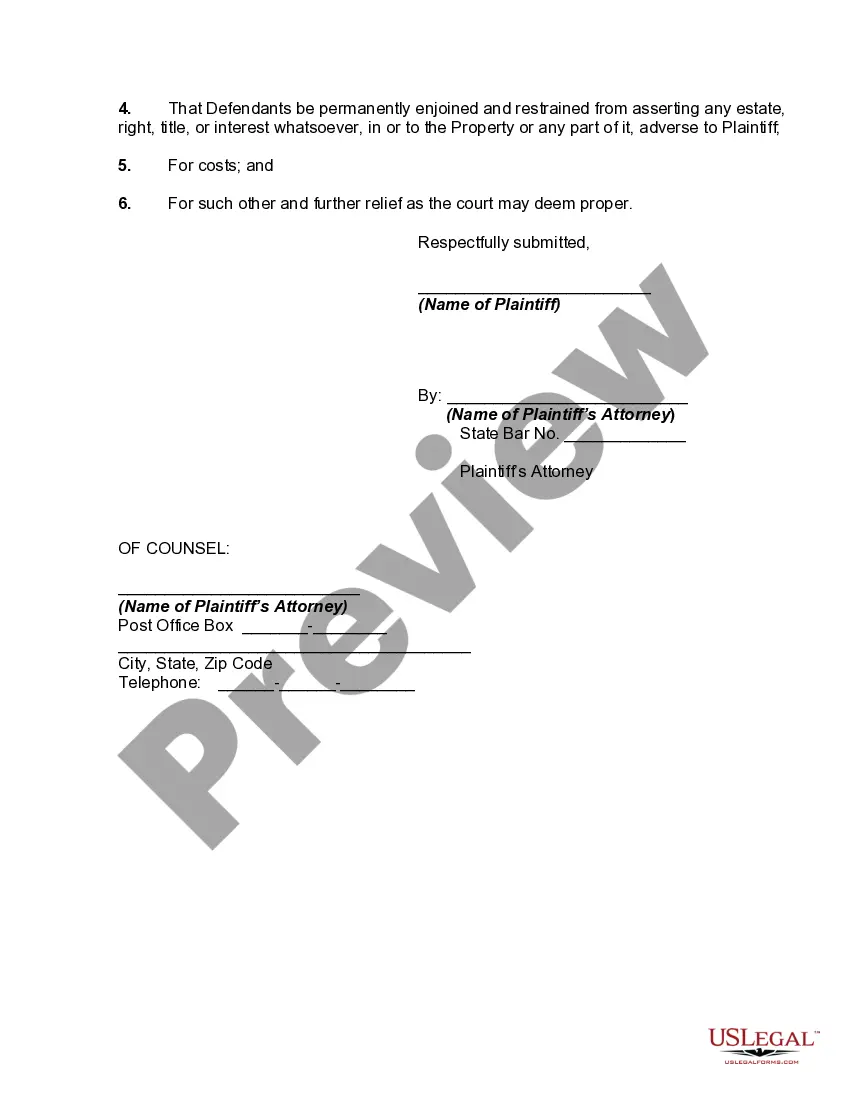
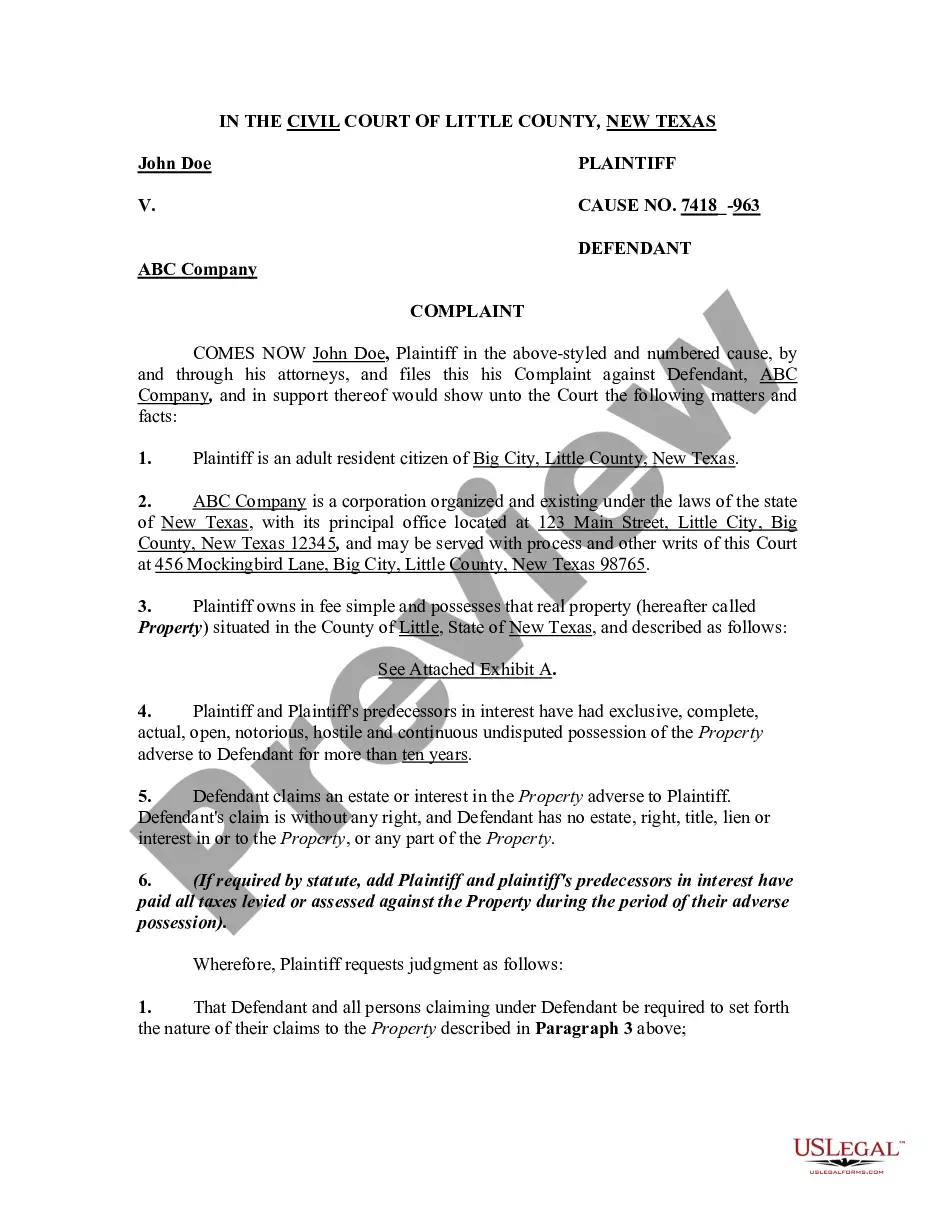
How to fill out Complaint To Quiet Title By Adverse Possessor With Unknown Defendants?
- Log in to your account if you're an existing user. Ensure your subscription is active; renew if necessary.
- Preview the form to confirm it meets your requirements and complies with your local regulations.
- If the selected form isn't suitable, utilize the search feature to find an appropriate template.
- Purchase the desired document by selecting the 'Buy Now' button and choose your preferred subscription plan.
- Enter your payment information, either via credit card or PayPal, to finalize your subscription.
- Download the template to your device. Access it anytime through the 'My Forms' section of your profile.
In conclusion, US Legal Forms makes the process of obtaining legal documents simple and accessible for everyone. With a vast collection of over 85,000 editable forms, finding the right template is just a few clicks away. Don’t hesitate to start your journey to efficient legal documentation today!
Explore US Legal Forms now and empower yourself with the legal documents you need!
Form popularity
FAQ
To allow downloads from unknown sources on your Mac, go to 'System Preferences' and then click 'Security & Privacy.' In the 'General' tab, adjust the settings to allow downloads from 'Anywhere' or 'App Store and identified developers.' This action is essential when dealing with files such as the title possessor unknown download with no mac.
Removing ownership from your Mac involves wiping your data and reinstalling macOS. Start by backing up files you want to keep, then access Recovery Mode via Command + R. Once in Recovery Mode, erase the disk using Disk Utility, allowing you to restore the Mac to factory settings, making it ready for a new owner.
To remove a previous owner's Apple ID from your used MacBook, you first need to sign in with your own Apple ID. Next, go to 'System Preferences' and select 'Apple ID.' From there, you can sign out of the previous account. If you encounter issues, consider contacting Apple Support for further assistance.
To create an untitled folder on your Mac, navigate to the location where you want the folder to appear. Right-click in the desired space and select 'New Folder.' The folder will appear as 'Untitled Folder,' and you can rename it at your convenience, perhaps organizing files related to the title possessor unknown download with no mac.
To remove yourself as a user from a Mac, you must be logged in as another administrator. Go to 'System Preferences' and select 'Users & Groups.' After unlocking the settings, click on your account and hit the '–' button. This action will delete your account and its associated data.
To remove an original administrator from your Mac, go to 'System Preferences' and select 'Users & Groups.' You will need to unlock the settings by clicking the padlock and entering an admin password. From there, select the administrator account and use the '–' button to delete it, ensuring you retain admin rights for yourself.
To clear your Mac for a new owner, back up any important data first. Next, sign out of iCloud, iTunes, and other accounts. Finally, restart the Mac and hold down Command + R to enter Recovery Mode, where you can erase the disk and reinstall macOS, ensuring a fresh start for the next user.
To allow downloads from unknown sources on your Mac, open 'System Preferences.' Click on 'Security & Privacy,' then select the 'General' tab. Here, you can adjust your settings to permit downloads from unidentified developers. This adjustment is crucial for accessing files like the title possessor unknown download with no mac.
To bypass the unidentified developer restriction on your Mac, you can hold the Control key while clicking the app's icon and select 'Open' from the context menu. This grants you temporary access and allows you to open the application. For instances where you're trying a Title possessor unknown download with no mac, this method facilitates seamless access to your desired content.
If your Mac warns that an application cannot be opened due to being from an unidentified developer, you can still open it. Right-click the app icon, select 'Open,' and then confirm your choice in the dialog that appears. This process is straightforward and allows you to access a Title possessor unknown download with no mac that you need.