Title Edit
Description
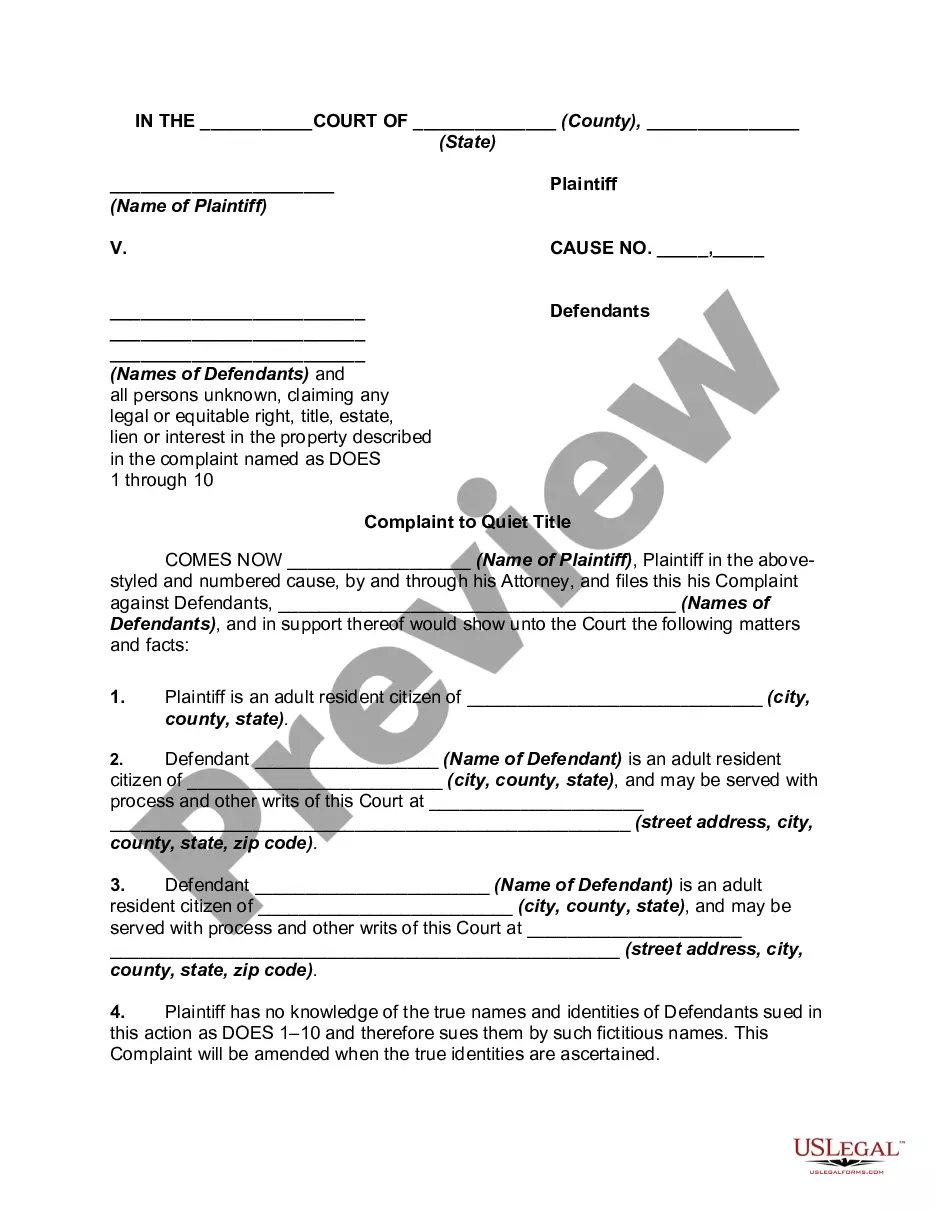
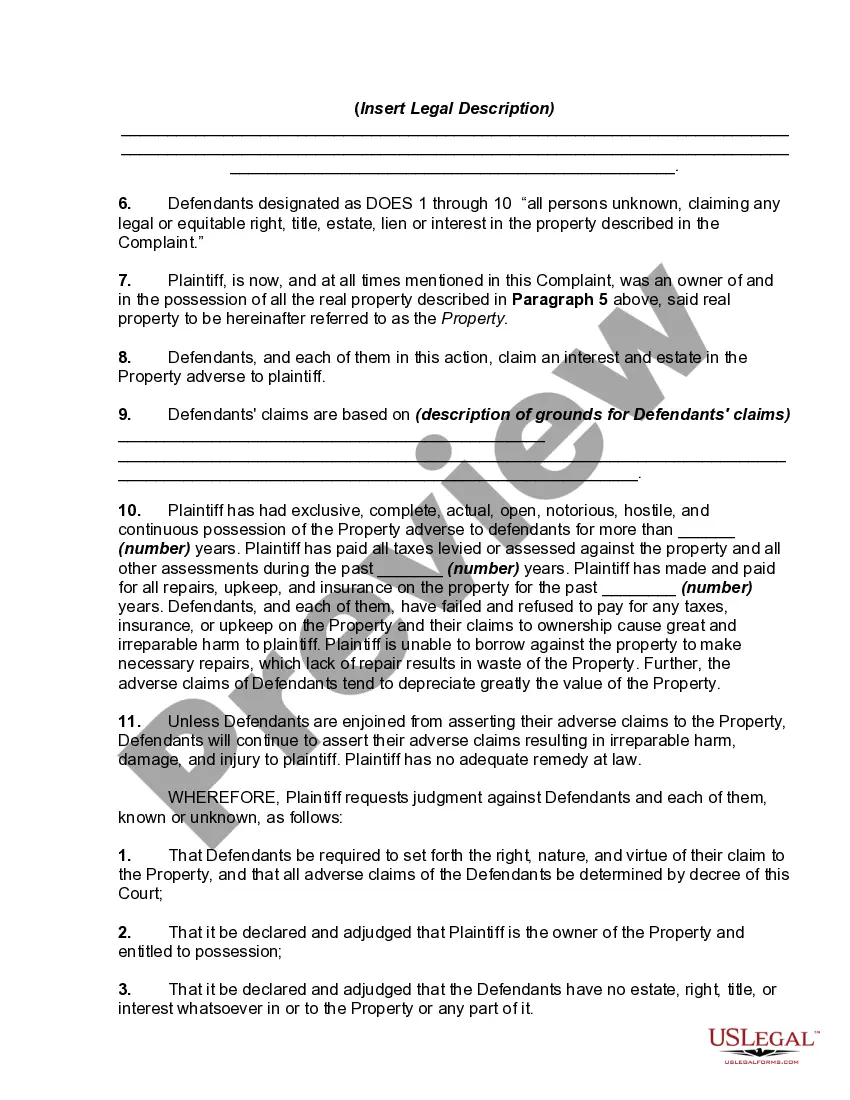
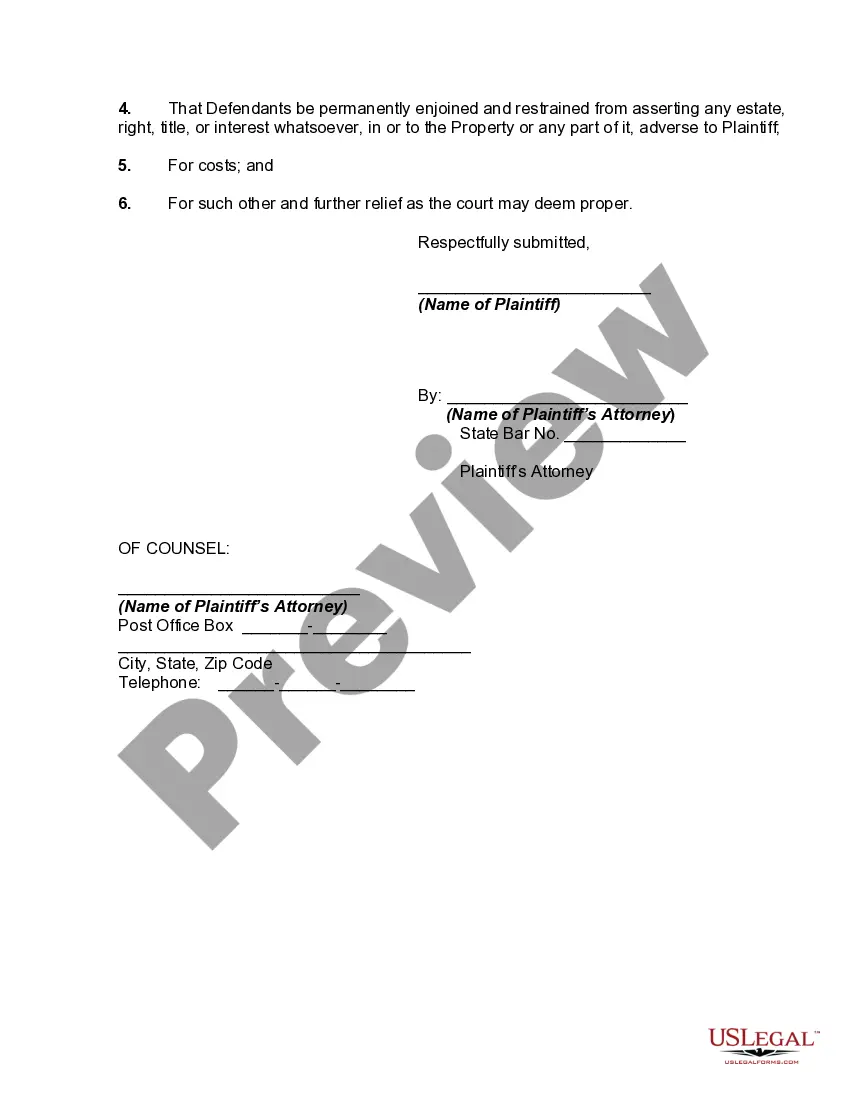
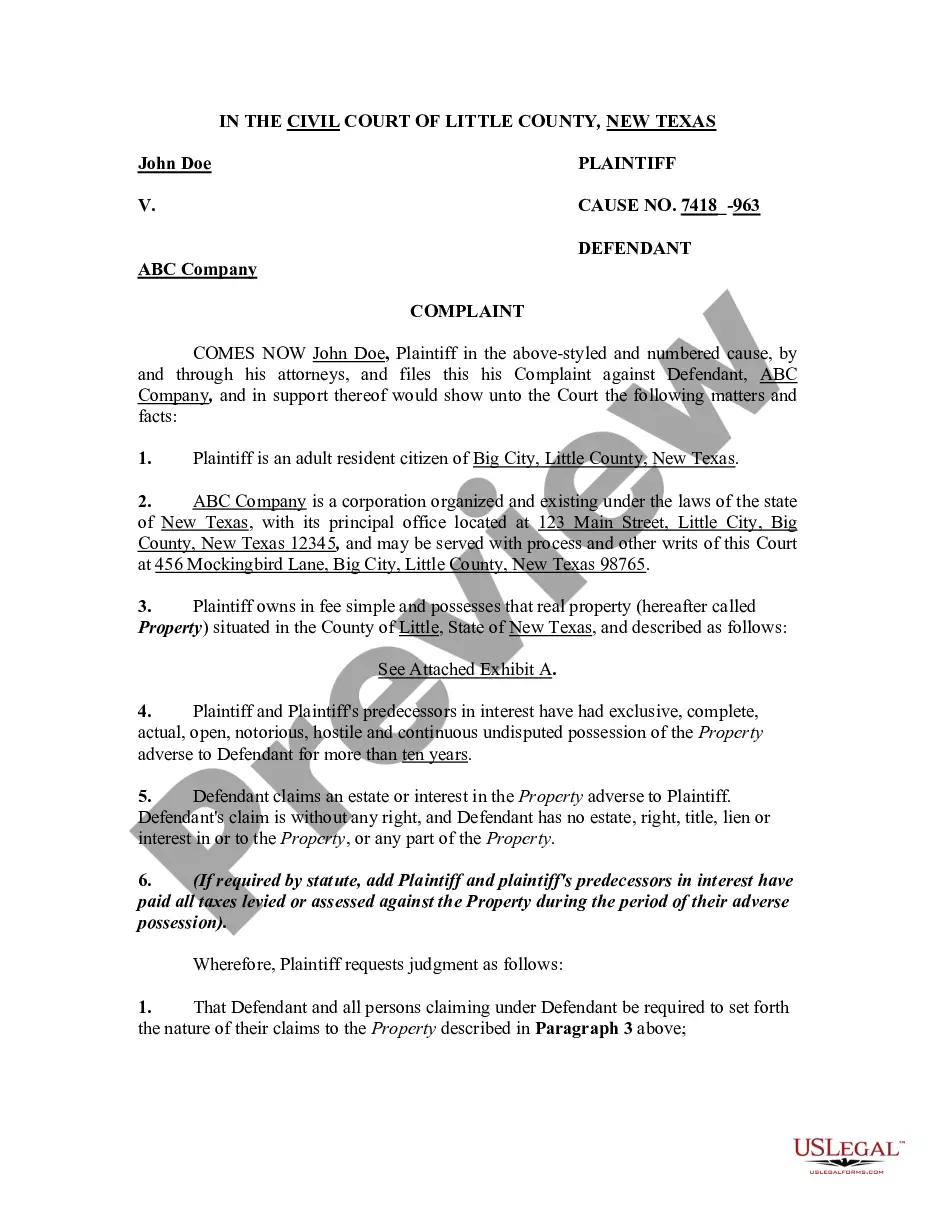
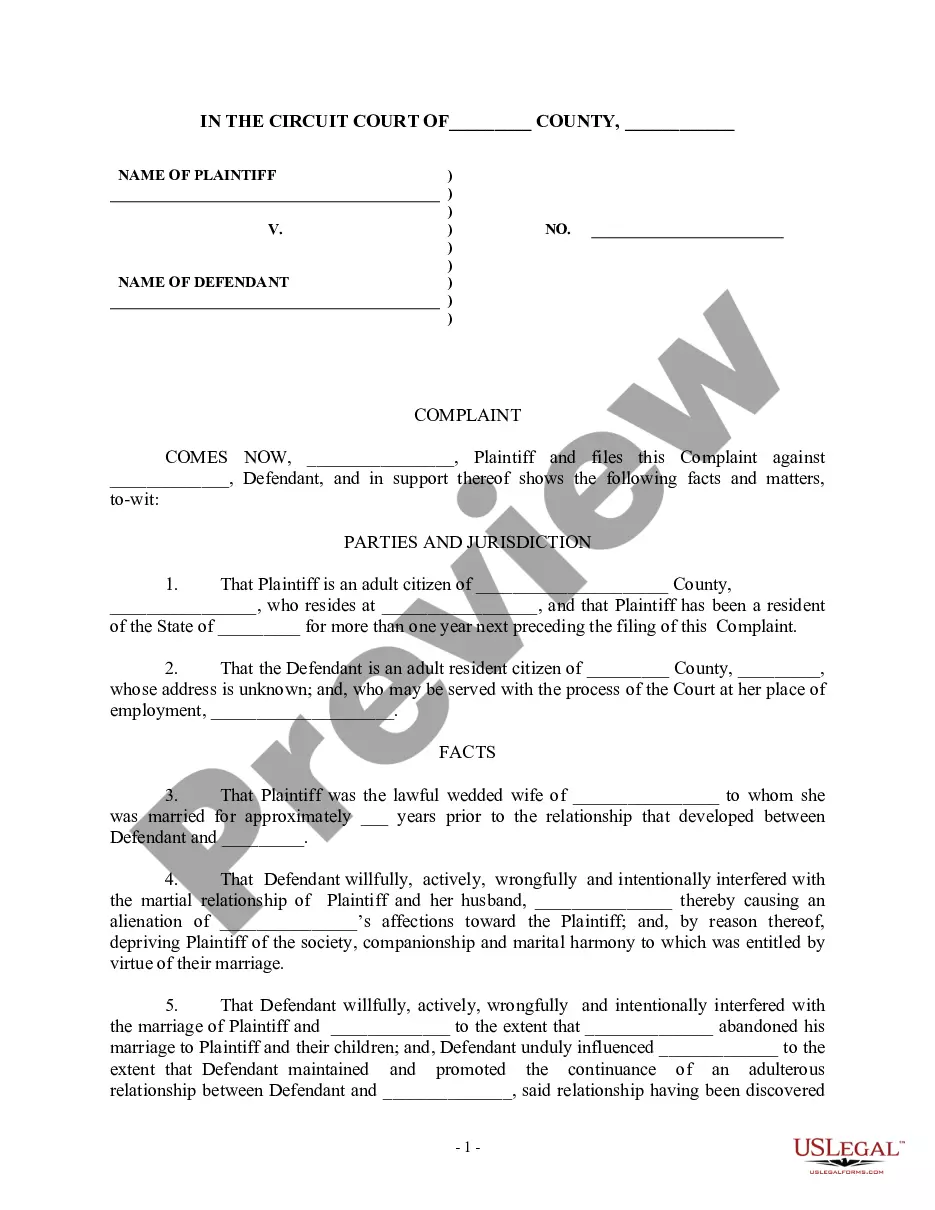
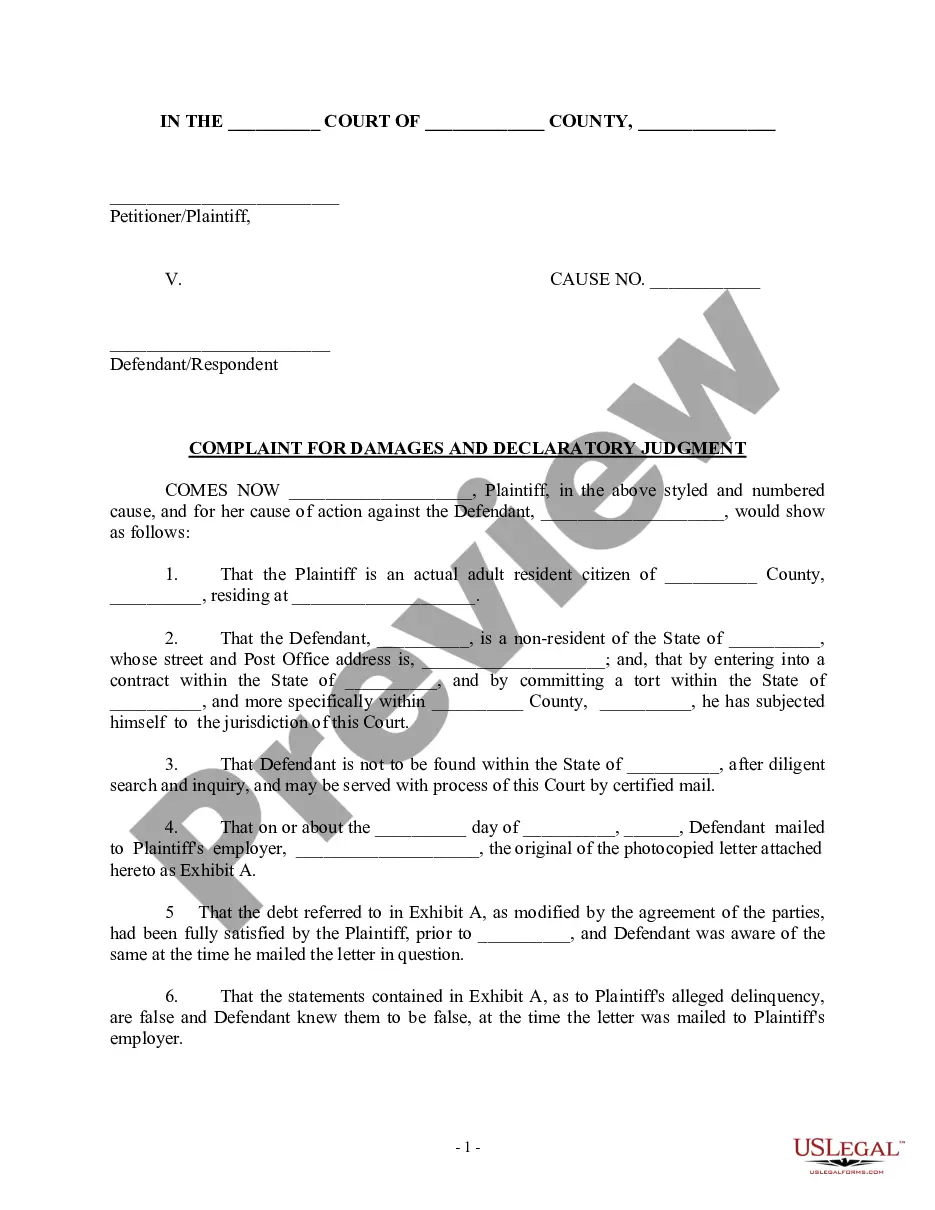
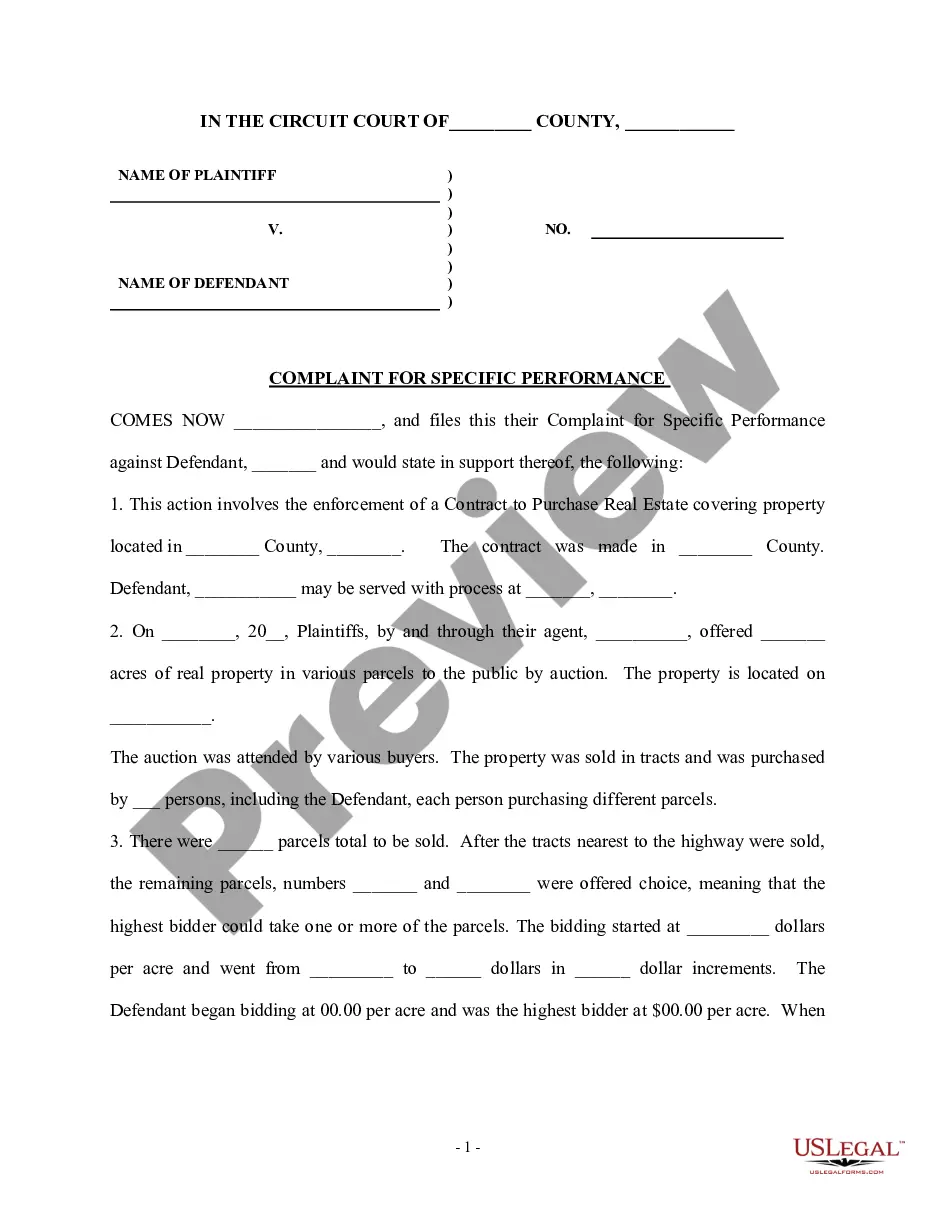
Get your form ready online
Our built-in tools help you complete, sign, share, and store your documents in one place.
Make edits, fill in missing information, and update formatting in US Legal Forms—just like you would in MS Word.
Download a copy, print it, send it by email, or mail it via USPS—whatever works best for your next step.
Sign and collect signatures with our SignNow integration. Send to multiple recipients, set reminders, and more. Go Premium to unlock E-Sign.
If this form requires notarization, complete it online through a secure video call—no need to meet a notary in person or wait for an appointment.
We protect your documents and personal data by following strict security and privacy standards.

Make edits, fill in missing information, and update formatting in US Legal Forms—just like you would in MS Word.

Download a copy, print it, send it by email, or mail it via USPS—whatever works best for your next step.

Sign and collect signatures with our SignNow integration. Send to multiple recipients, set reminders, and more. Go Premium to unlock E-Sign.

If this form requires notarization, complete it online through a secure video call—no need to meet a notary in person or wait for an appointment.

We protect your documents and personal data by following strict security and privacy standards.
Looking for another form?


How to fill out Complaint To Quiet Title By Adverse Possessor With Unknown Defendants?
- Log in to your account if you are a returning user, ensuring your subscription is active. If needed, renew it according to your payment plan.
- If you're a new user, start by exploring the Preview mode and form descriptions to find the template that meets your local jurisdiction requirements.
- Should you find any discrepancies, utilize the Search tab to look for alternative templates that suit your needs.
- Once you locate the appropriate form, click 'Buy Now' and select a subscription plan. Create an account to access the full library.
- Proceed with your payment using a credit card or PayPal to purchase the subscription.
- Finally, download the form to your device. You can always revisit your downloaded documents in the My Forms section of your profile whenever you need.
By following these simple steps, you can effectively access the robust collection of forms that US Legal Forms offers. Not only do you have a wide range of options, but you also have the ability to consult premium experts for assistance, ensuring your documents are complete and accurate.
Ready to streamline your legal document needs? Visit US Legal Forms today and take advantage of their extensive resources!
Form popularity
FAQ
To change the file title in Microsoft Word, open the document and navigate to 'File,' then 'Info.' Click on 'Properties' to find the title field, where you can perform your title edit. A clear title not only serves you better but also makes it easier for others to understand your content.
Editing the title of a file is essential for keeping your documents in order. First, locate the file in your file manager, then right-click and choose 'Rename.' Type in the new title you prefer and hit 'Enter.' This title edit can significantly enhance how quickly you find what you need.
To change the file title on a Mac, locate the file in Finder and click on it once. Press 'Return' to make the title editable, type in your new title, and press 'Return' again to save it. A title edit on Mac ensures that your files align with your organization preferences.
Retitling a file typically involves right-clicking on the file and selecting 'Rename' from the menu. Type in the new title and press 'Enter' to save the changes. This title edit not only updates the file name but also helps in keeping your files well-organized.
In Microsoft Word, changing the title of a file is straightforward. Open your document, go to 'File,' and then select 'Info.' You will see the 'Properties' section where you can click on 'Title' to edit it. A proper title edit enhances your document's accessibility and clarity.
To edit the title in a file, start by opening the file in the appropriate application. Look for an option that says 'File' in the top menu, and select 'Properties' or 'Info.' There, you can find the title field and make necessary changes. Remember, a simple title edit can improve file organization and retrieval significantly.
If you make an error during a title transfer, it may delay the process or lead to legal complications. Typically, you will need to file a title edit with the correct information before the transfer can be finalized. If you're uncertain about the procedure, using resources like USLegalForms can guide you through correcting the mistake swiftly, ensuring compliance with state regulations.
To correct a title mistake in Texas, you must submit an Application for Texas Title and/or Registration form along with an affidavit of correction if necessary. Additionally, you may need to provide identification and proof of the mistake. Engaging with USLegalForms can help you gather the required documentation efficiently, ensuring that your title edit is handled correctly.
An affidavit of correction title in Texas is a legal document used to amend certain errors on a vehicle title without requiring a new title. This affidavit allows the owner to make specific corrections, such as name misspellings or address changes. Submitting this affidavit helps to maintain accurate ownership records. You can find templates for this affidavit on USLegalForms, simplifying the title edit process.
Filling out a title for a DMV requires you to include basic details such as the vehicle identification number, make, model, and year of the vehicle. Then, ensure both the buyer and seller sign the title where indicated. If any information requires a title edit, you may follow up with additional documentation as needed. USLegalForms can facilitate this process by offering clear instructions and forms.