Vacate Leave With You
Description







Get your form ready online
Our built-in tools help you complete, sign, share, and store your documents in one place.
Make edits, fill in missing information, and update formatting in US Legal Forms—just like you would in MS Word.
Download a copy, print it, send it by email, or mail it via USPS—whatever works best for your next step.
Sign and collect signatures with our SignNow integration. Send to multiple recipients, set reminders, and more. Go Premium to unlock E-Sign.
If this form requires notarization, complete it online through a secure video call—no need to meet a notary in person or wait for an appointment.
We protect your documents and personal data by following strict security and privacy standards.

Make edits, fill in missing information, and update formatting in US Legal Forms—just like you would in MS Word.

Download a copy, print it, send it by email, or mail it via USPS—whatever works best for your next step.

Sign and collect signatures with our SignNow integration. Send to multiple recipients, set reminders, and more. Go Premium to unlock E-Sign.

If this form requires notarization, complete it online through a secure video call—no need to meet a notary in person or wait for an appointment.

We protect your documents and personal data by following strict security and privacy standards.
Looking for another form?
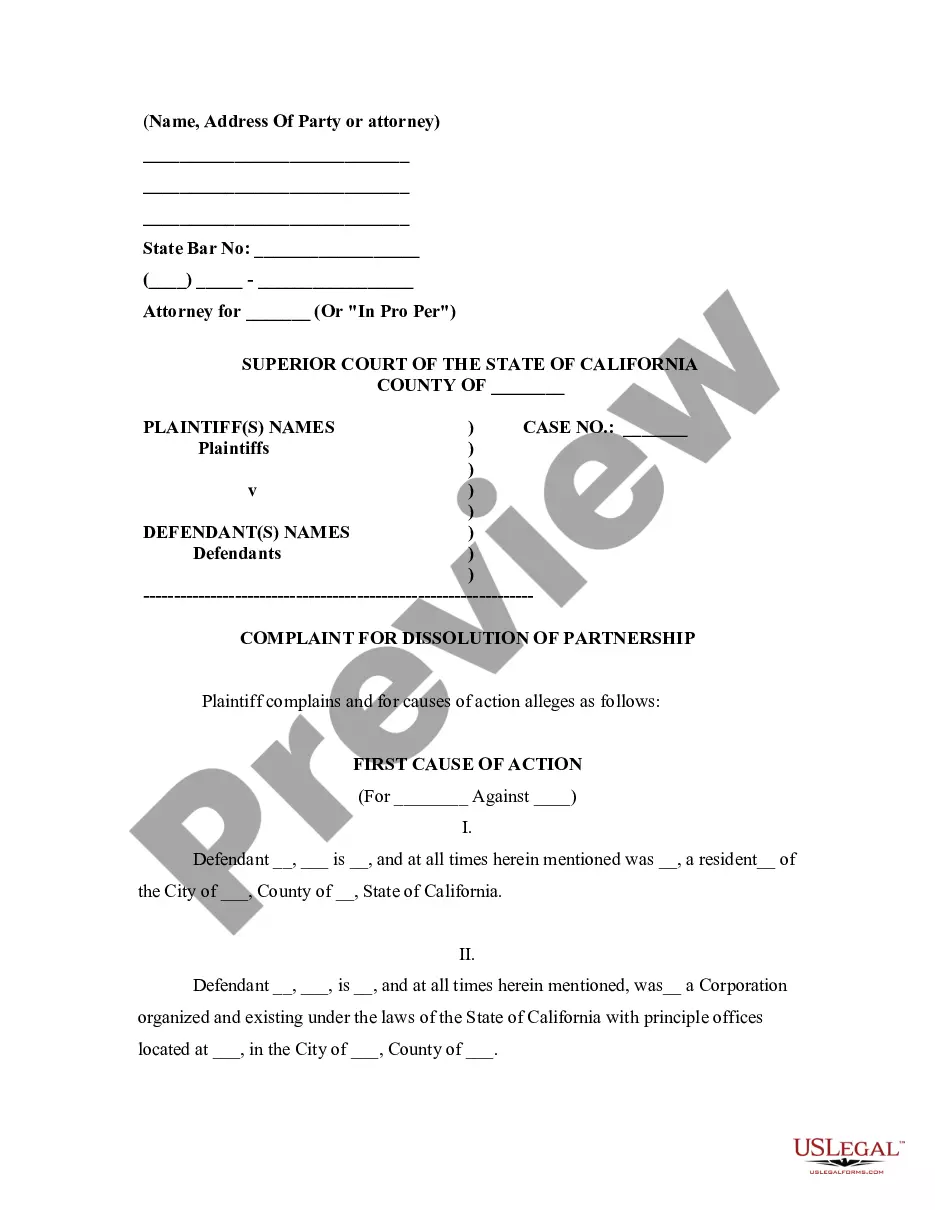
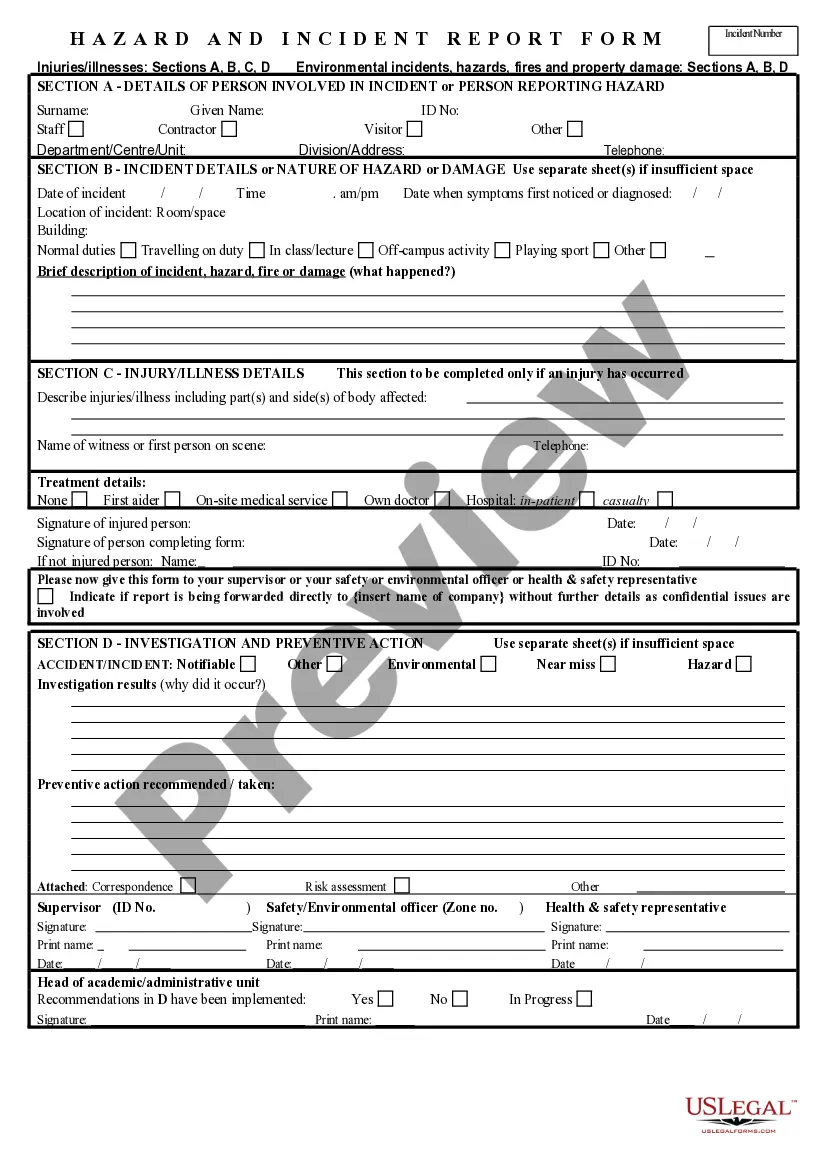








How to fill out Motion To Vacate Judgment, Quash Subpoena Duces Tecum, Dismiss Writ Of Garnishment, And For Leave To File An Answer To Complaint?
It's clear that you cannot transform into a legal specialist in a single night, nor can you determine how to swiftly prepare Vacate Leave With You without a specialized foundation.
Drafting legal documents is a lengthy task that entails a certain level of education and expertise.
So why not entrust the drafting of the Vacate Leave With You to the experts.
You can access your documents through the My documents section at any time. If you are a returning customer, simply Log In to find and download the template from the same section.
Regardless of the reason for your documentation—be it financial, legal, or personal—our site has you covered. Give US Legal Forms a try now!
- Locate the document you require using the search bar at the top of the page.
- Preview it (if this option is available) and read the accompanying description to assess if Vacate Leave With You fits your needs.
- If you need another document, restart your search.
- Sign up for a complimentary account and select a subscription plan to purchase the template.
- Click Buy now. Once the payment is finalized, you can download the Vacate Leave With You, fill it out, print it, and send or mail it to the relevant parties or organizations.
Form popularity
FAQ
Here is a short guide that you can easily follow when you need to write a letter of notice to your tenant/s: Determine the notice period. ... Indicate the date of issuance. ... Write complete addresses. ... Write salutation. ... Begin with an introduction. ... Provide more details in the body. ... Conclude the letter.
In Florida a tenant must give the landlord 30 days written notice of his intention to vacate the premises at the end of the agreement term. He could be staying, or he could be moving on, but he has to provide that 30 days notice.
I/we will be vacating the above premises and returning the keys on [date]. Please note that the tenancy will terminate on this date in ance with clause 88. Please contact me at [your phone number] during work hours to arrange a mutually convenient time for a final inspection.
Dear [landlord or property manager's name], This letter shall serve as my written notice to vacate on [DD/MM/YYYY]. I request to vacate and terminate the lease which was signed and agreed upon on [start of lease date]. I will be moving out of the property at [current full address], at the latest, by [DD/MM/YYYY].
Dear (Name of landlord or manager), This letter constitutes my written (number of days' notice that you need to give based on your lease agreement) -day notice that I will be moving out of my apartment on (date), the end of my current lease. I am leaving because (new job, rent increase, etc.