Vacate Answer With Questions
Description







Get your form ready online
Our built-in tools help you complete, sign, share, and store your documents in one place.
Make edits, fill in missing information, and update formatting in US Legal Forms—just like you would in MS Word.
Download a copy, print it, send it by email, or mail it via USPS—whatever works best for your next step.
Sign and collect signatures with our SignNow integration. Send to multiple recipients, set reminders, and more. Go Premium to unlock E-Sign.
If this form requires notarization, complete it online through a secure video call—no need to meet a notary in person or wait for an appointment.
We protect your documents and personal data by following strict security and privacy standards.

Make edits, fill in missing information, and update formatting in US Legal Forms—just like you would in MS Word.

Download a copy, print it, send it by email, or mail it via USPS—whatever works best for your next step.

Sign and collect signatures with our SignNow integration. Send to multiple recipients, set reminders, and more. Go Premium to unlock E-Sign.

If this form requires notarization, complete it online through a secure video call—no need to meet a notary in person or wait for an appointment.

We protect your documents and personal data by following strict security and privacy standards.
Looking for another form?

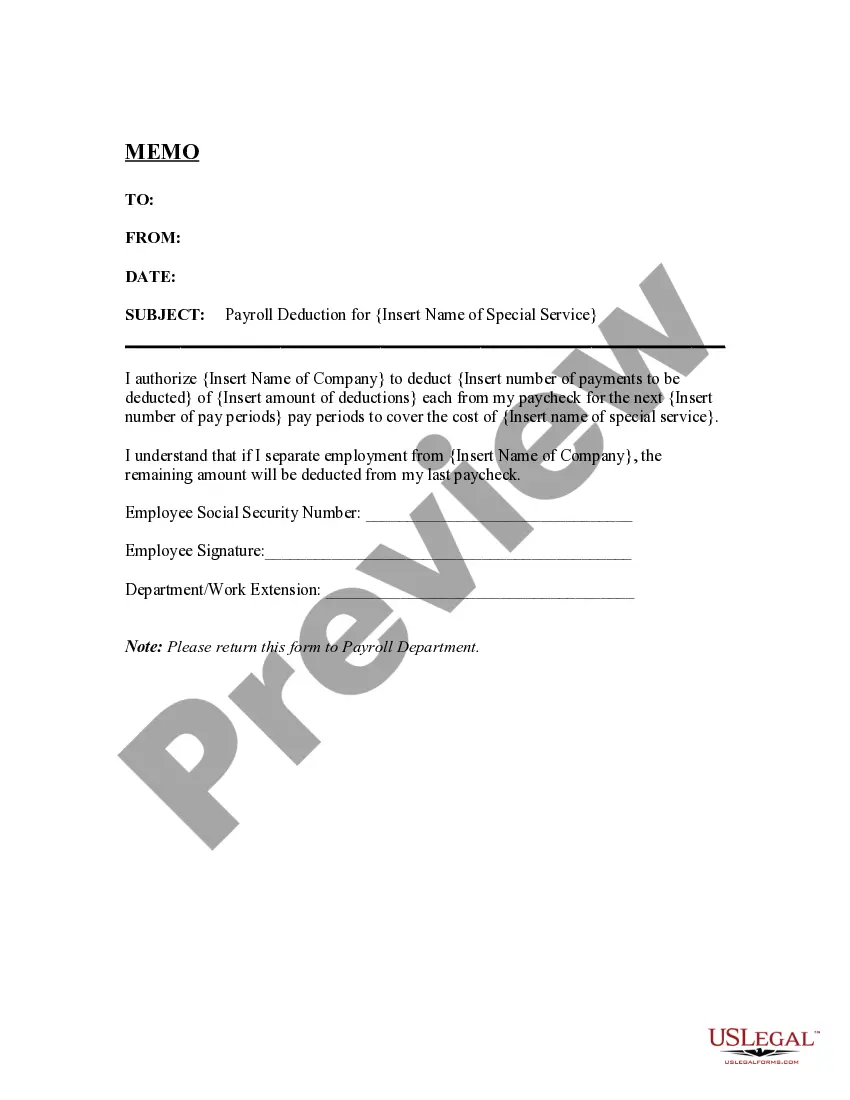




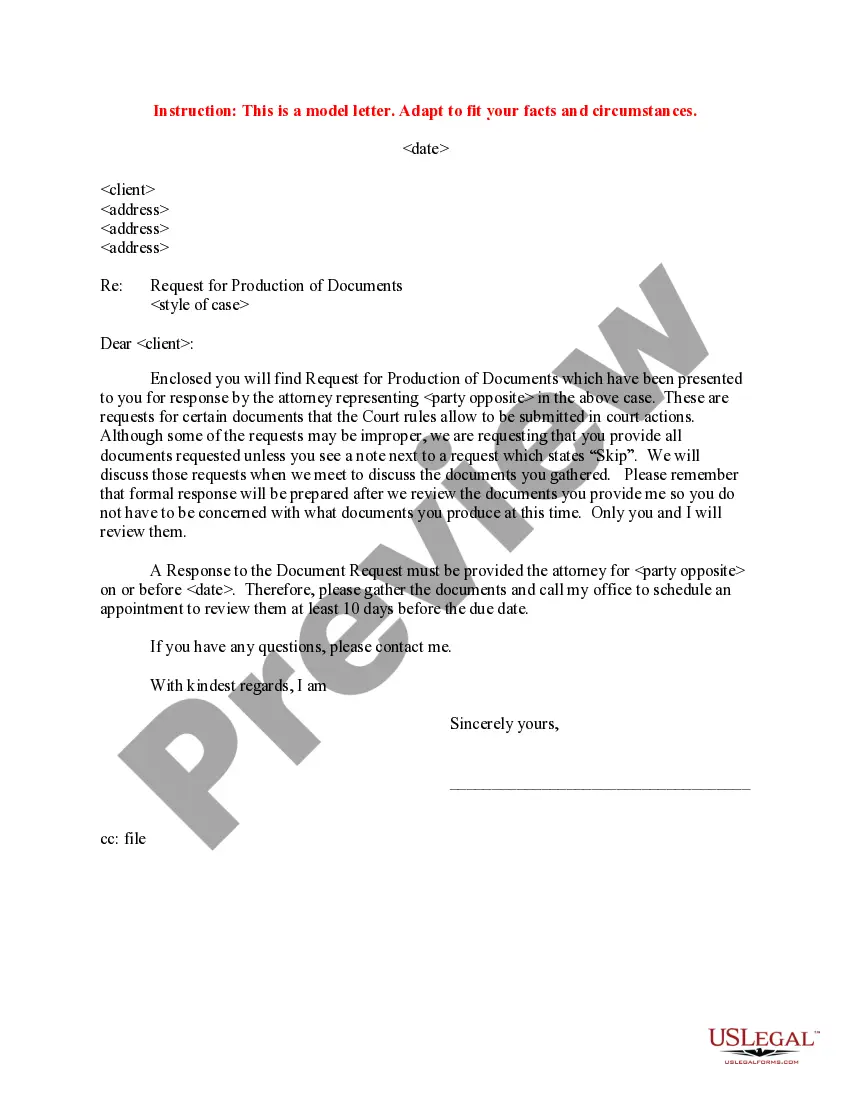
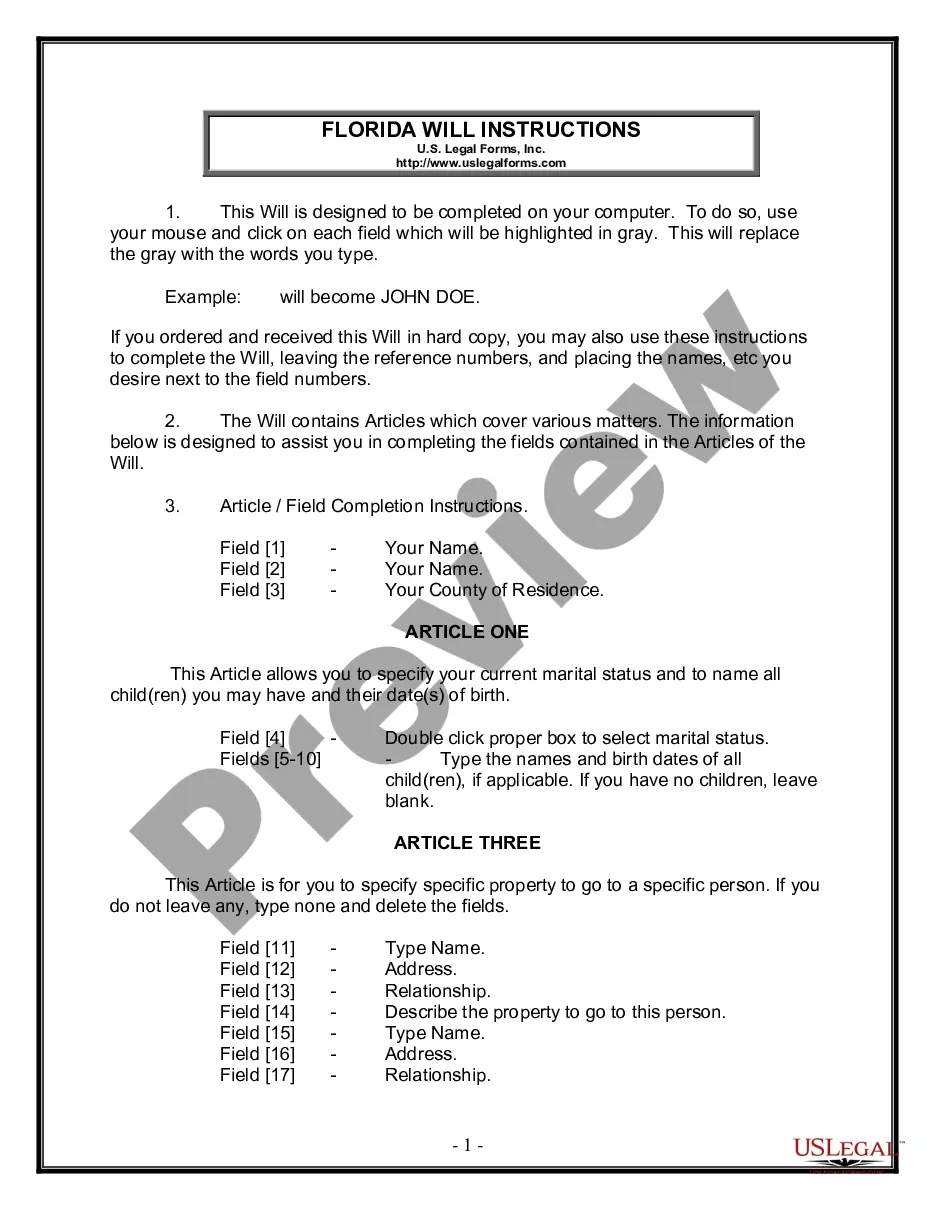
How to fill out Motion To Vacate Judgment, Quash Subpoena Duces Tecum, Dismiss Writ Of Garnishment, And For Leave To File An Answer To Complaint?
Handling legal documents can be exasperating, even for the most seasoned experts.
When you are looking for a Vacate Response With Inquiries and don’t get an opportunity to invest time in finding the appropriate and current version, the procedures can be stressful.
Access a collection of articles, guides, and manuals pertinent to your circumstances and needs.
Save time and effort searching for the documentation you require, and use US Legal Forms’ sophisticated search and Review feature to locate Vacate Response With Inquiries and obtain it.
Choose Buy Now when you are ready, select a monthly subscription option, find the necessary format, and Download, complete, eSign, print, and send your document. Experience the US Legal Forms online library, backed by 25 years of expertise and reliability. Change your routine document management into a straightforward and user-friendly process today.
- If you have a subscription, Log Into your US Legal Forms account, search for the form, and download it.
- Check your My documents tab to review the documents you have previously obtained and to manage your folders as needed.
- If this is your first experience with US Legal Forms, create an account for unlimited access to all the benefits of the library.
- After acquiring the form you need, verify it is the correct version by previewing it and reviewing its details.
- Ensure that the template is sanctioned in your state or county.
- Access state- or county-specific legal and business documents.
- US Legal Forms addresses all requirements you may have, from individual to corporate documentation, all in one location.
- Utilize advanced tools to complete and manage your Vacate Response With Inquiries.
Form popularity
FAQ
If the court finds that the State's Attorney has proved grounds for vacating the judgment of conviction or probation before judgment and that the interest of justice and fairness justifies vacating the judgment of conviction or probation before judgment, the court shall vacate the judgment of conviction or probation ...
You can file a motion to revise or vacate (cancel) the judgment in writing within 30 days after the date of the judgment. This motion is usually filed to correct clerical errors, or to vacate a judgment if you believe that you were not served with the court papers or were not notified of the court date.
You can file a motion to revise or vacate (cancel) the judgment in writing within 30 days after the date of the judgment. This motion is usually filed to correct clerical errors, or to vacate a judgment if you believe that you were not served with the court papers or were not notified of the court date.
If it has been 30 days or less, you can get rid of ("vacate") a default judgment by filing a motion. This is a written request to the judge asking them to throw out the judgment. You will have to send a copy of the motion to the other party in the case, and then show up in court for a hearing.
You can tell the clerk that you want to file an order to show cause (?OSC?). On the OSC form you can tell the court why they should vacate this judgment based on either excusable default, lack of personal jurisdiction, or both. The OSC should include 1) a reasonable excuse and 2) a good defense.