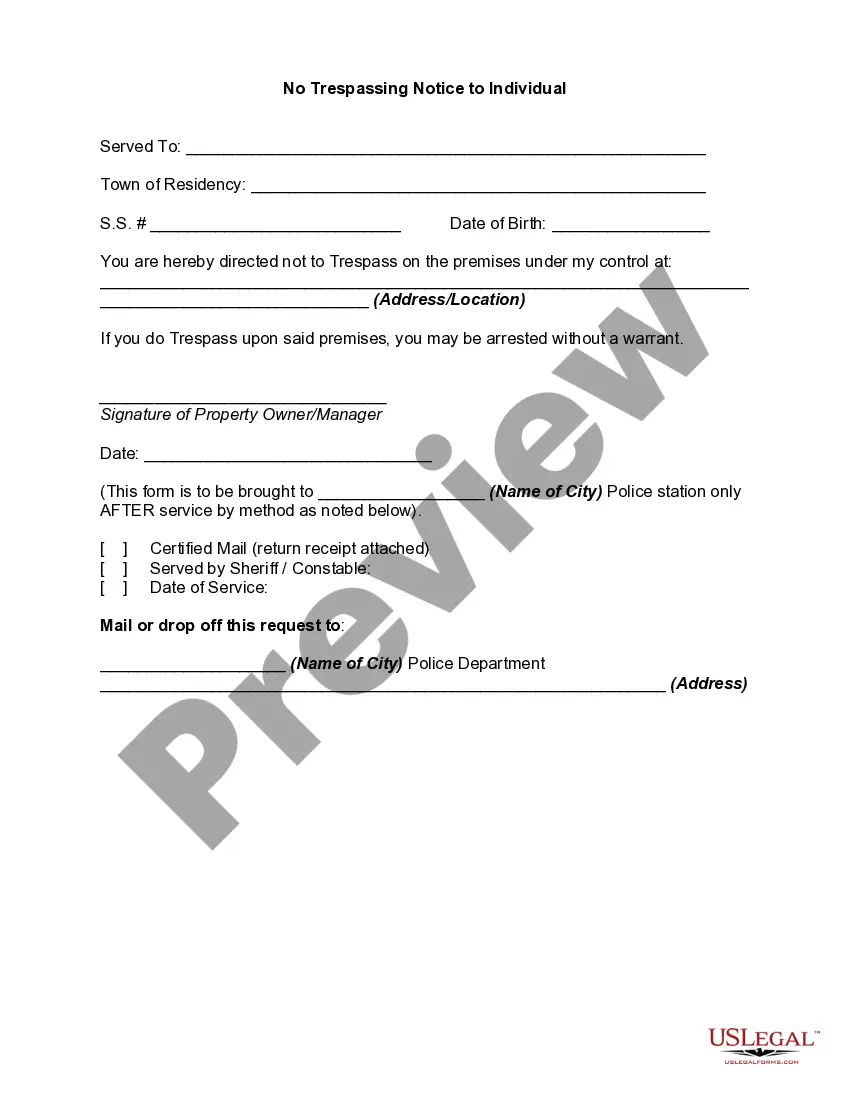
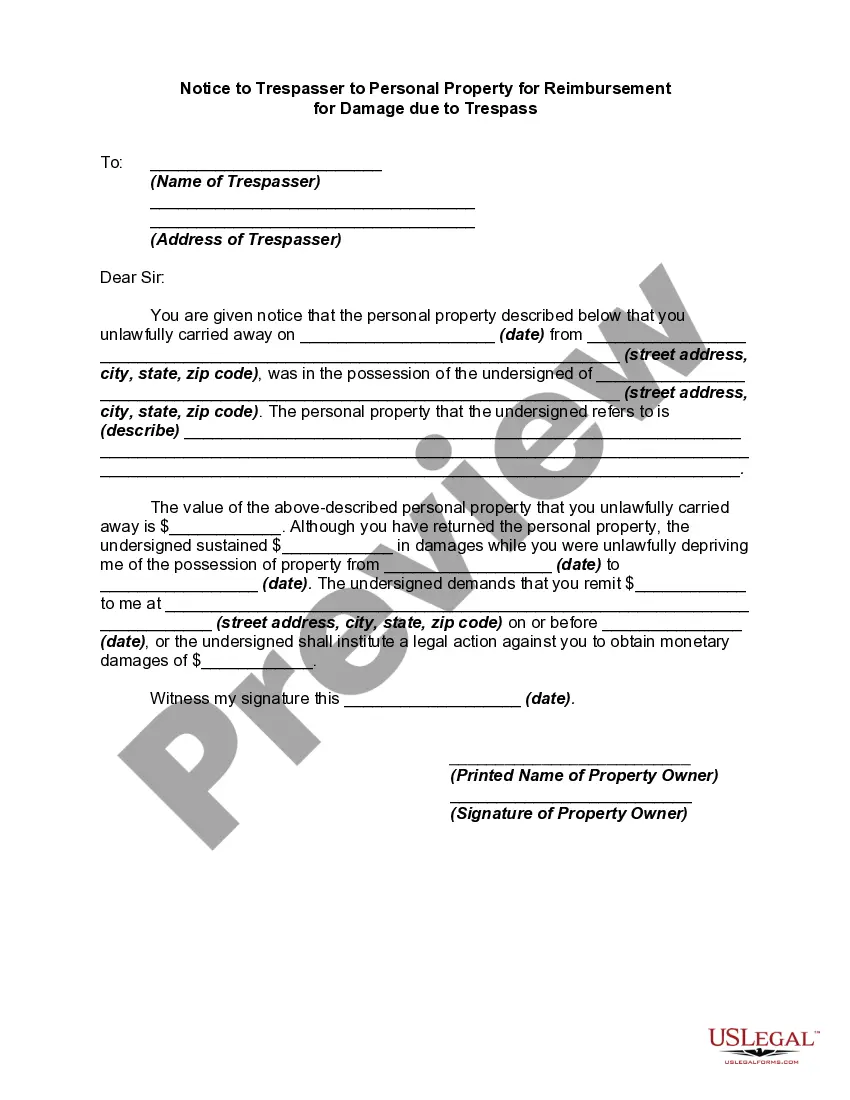
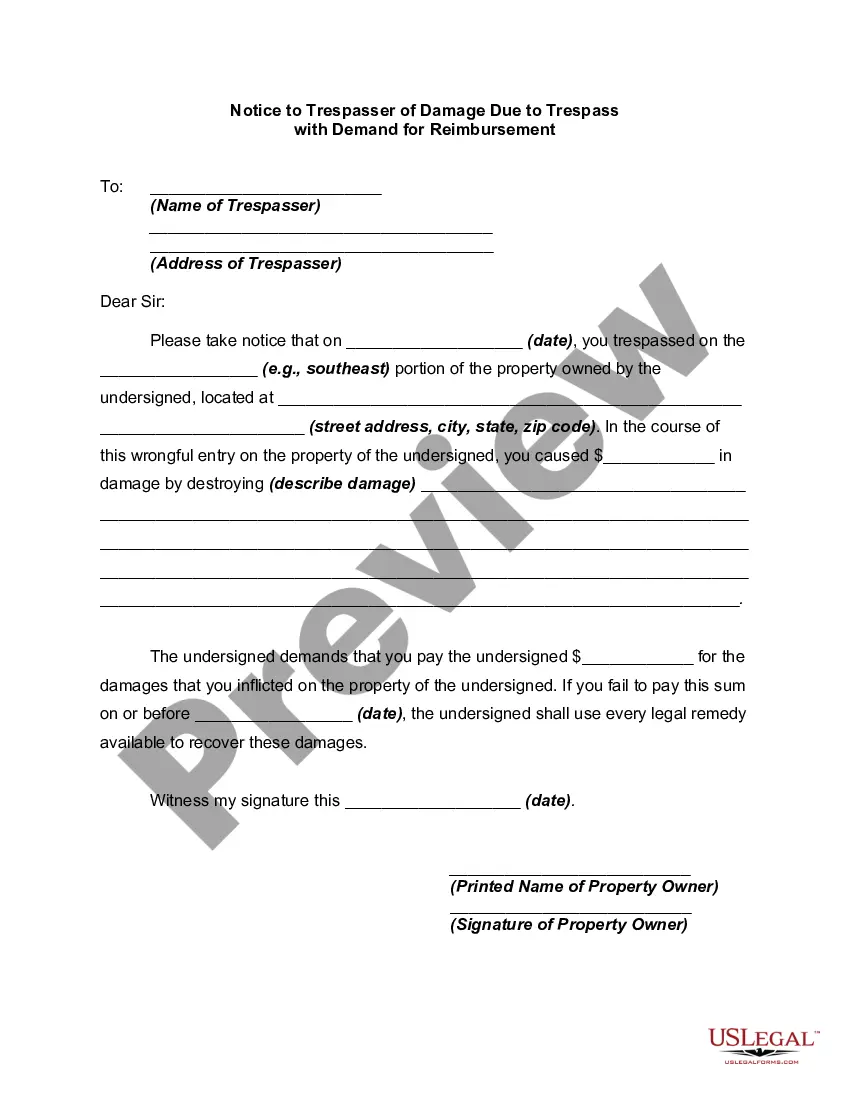
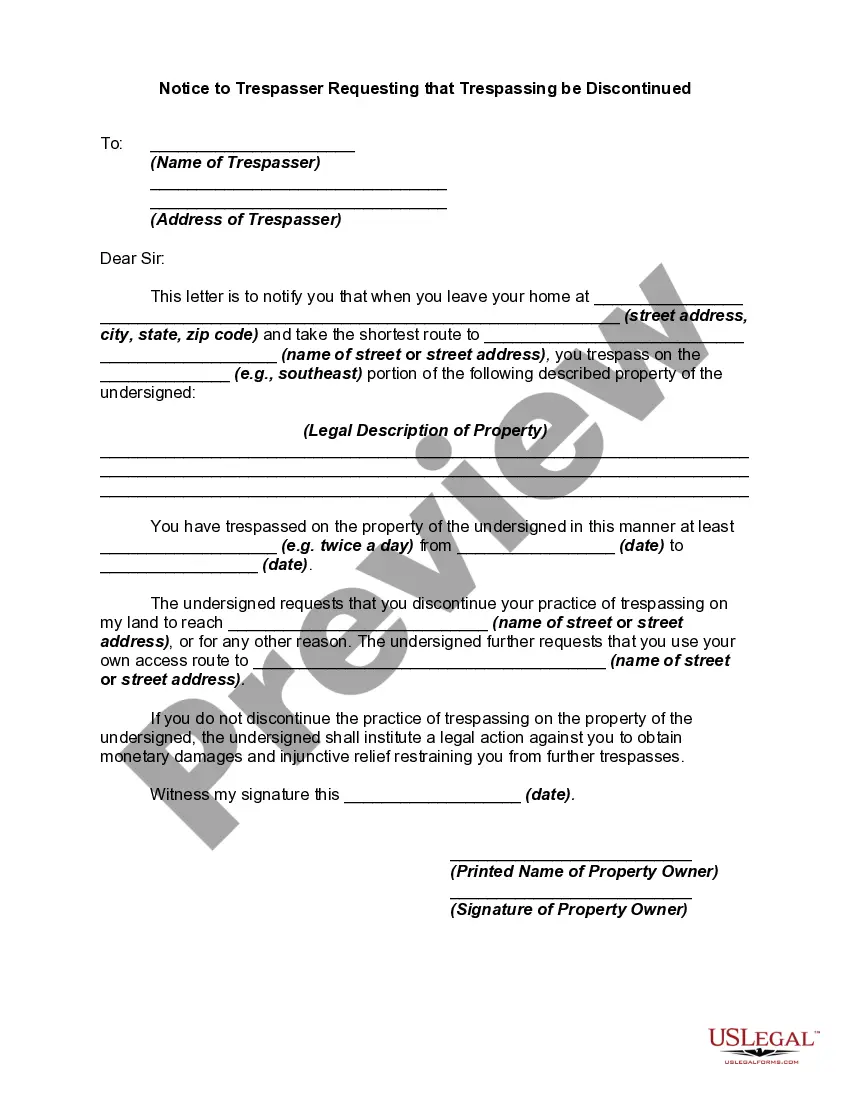
Trespassing Order Template For No
Description
Get your form ready online
Our built-in tools help you complete, sign, share, and store your documents in one place.
Make edits, fill in missing information, and update formatting in US Legal Forms—just like you would in MS Word.
Download a copy, print it, send it by email, or mail it via USPS—whatever works best for your next step.
Sign and collect signatures with our SignNow integration. Send to multiple recipients, set reminders, and more. Go Premium to unlock E-Sign.
If this form requires notarization, complete it online through a secure video call—no need to meet a notary in person or wait for an appointment.
We protect your documents and personal data by following strict security and privacy standards.

Make edits, fill in missing information, and update formatting in US Legal Forms—just like you would in MS Word.

Download a copy, print it, send it by email, or mail it via USPS—whatever works best for your next step.

Sign and collect signatures with our SignNow integration. Send to multiple recipients, set reminders, and more. Go Premium to unlock E-Sign.

If this form requires notarization, complete it online through a secure video call—no need to meet a notary in person or wait for an appointment.

We protect your documents and personal data by following strict security and privacy standards.
Looking for another form?





How to fill out No Trespassing Notice To Individual?
Whether for commercial reasons or personal affairs, everyone must handle legal circumstances at some stage in their life.
Completing legal documentation requires meticulous care, starting from choosing the correct form template.
With an extensive US Legal Forms catalog available, you don’t need to waste time searching for the correct template online. Utilize the library’s straightforward navigation to find the proper form for any scenario.
- Locate the template you require by utilizing the search bar or catalog navigation.
- Review the form's details to confirm it aligns with your circumstance, state, and locality.
- Click on the form's preview to inspect it.
- If it is the incorrect document, return to the search function to locate the Trespassing Order Template For No variant you require.
- Download the template if it suits your requirements.
- If you possess a US Legal Forms profile, click Log in to retrieve previously saved documents in My documents.
- If you do not have an account yet, you can acquire the form by clicking Buy now.
- Select the appropriate pricing option.
- Complete the profile registration form.
- Choose your payment method: use a credit card or PayPal account.
- Select the document format you prefer and download the Trespassing Order Template For No.
- After it is downloaded, you can fill out the form using editing software or print it and complete it by hand.
Form popularity
FAQ
For a trespassing claim, you will need evidence that includes photographs, witness statements, and documentation of previous incidents. This information helps establish a pattern of behavior and reinforces your case. A Trespassing order template for no can guide you in organizing this evidence effectively, ensuring you present a strong case.
To get a court order for trespassing, you must file a petition in your local court detailing the trespasser's actions. Include evidence such as photographs or witness statements to support your claim. A Trespassing order template for no can assist you in presenting your case clearly and effectively, increasing your chances of a favorable outcome.
To put a no trespassing order on someone, first, document any trespassing incidents and gather evidence. Then, file a formal request with your local court or law enforcement. Utilizing a Trespassing order template for no can streamline this process, ensuring you include all pertinent information for your request.
To write up a no trespassing order, start with a clear introduction stating your authority over the property. Specify the area that is off-limits and outline any consequences for violation. A Trespassing order template for no can provide you with a structured format, making it easier to cover all necessary points.
The best wording for a no trespassing sign is clear and direct. Use phrases like 'No Trespassing' or 'Private Property' along with a warning about legal action. A Trespassing order template for no can guide you in creating an effective sign that communicates your intentions without ambiguity.
Writing a letter of trespass involves clearly stating the property boundaries and the individual's unauthorized entry. Include specific dates and descriptions of the trespass incidents. A Trespassing order template for no can help you format your letter effectively, ensuring it conveys your message clearly.
To take out a trespass order, start by gathering evidence of the trespassing incidents. Then, contact your local law enforcement or legal office to understand the specific process. Using a Trespassing order template for no can simplify this process, ensuring you include all necessary information to support your case.
To post a no trespassing sign, choose a visible location on your property. Ensure the sign complies with local laws regarding size and wording. You can use a Trespassing order template for no to draft your sign, which makes it clear that unauthorized individuals are not welcome.
To legally post no trespassing signs, you need to ensure they are clearly visible and placed at strategic locations around your property. Use a Trespassing order template for no as a guide to understand any specific requirements in your state. Make sure your signs include clear language stating that trespassing is prohibited. This proactive approach helps protect your rights as a property owner.
To put someone on no trespassing, start by completing a Trespassing order template for no. This document formally notifies the individual that they are not allowed on your property. After filling out the template, you should ensure it is signed and dated. Finally, deliver the notice to the person directly or post it in a visible area on your property.