Publishing Contract Template For Virtual Assistant
Description

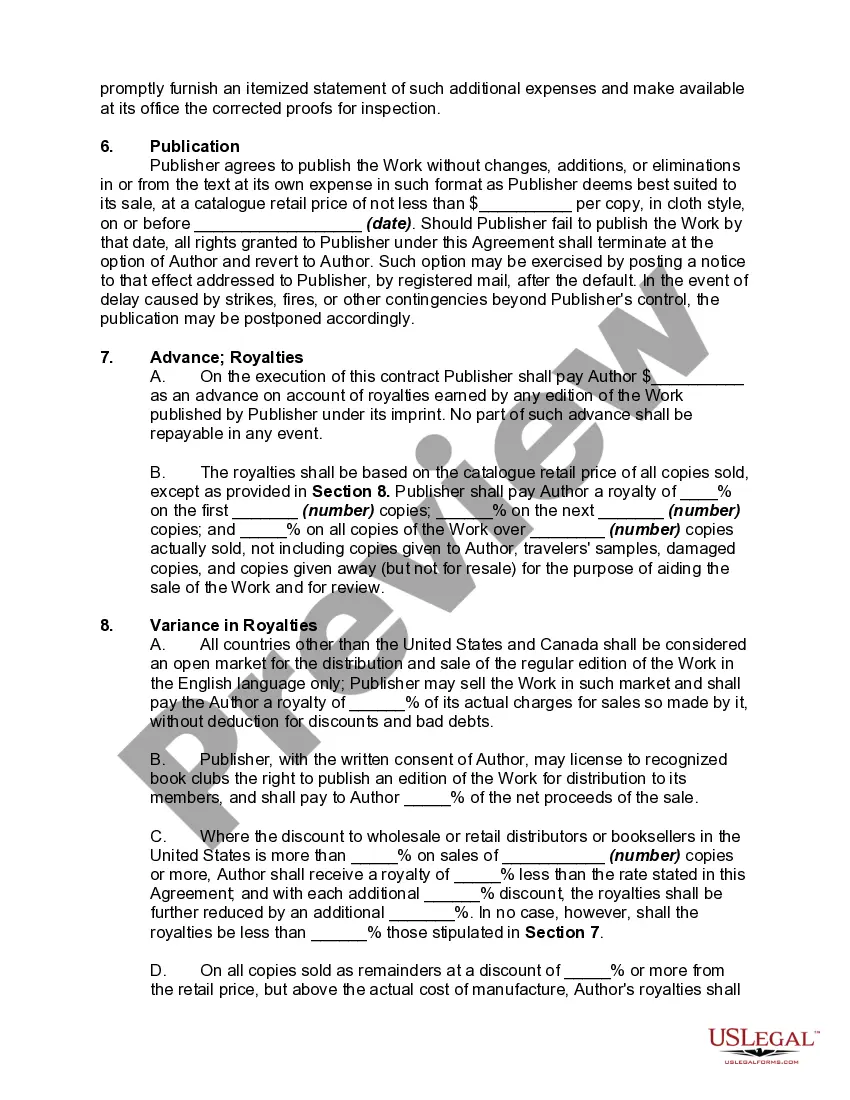
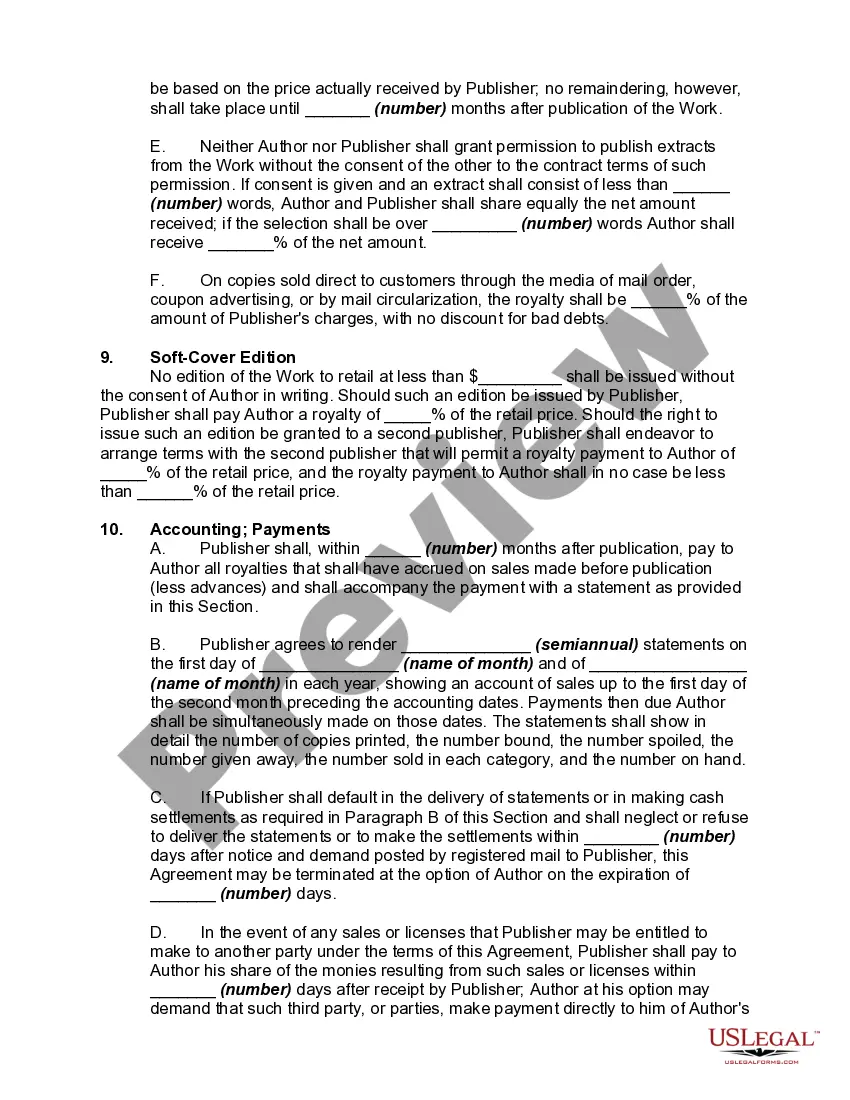
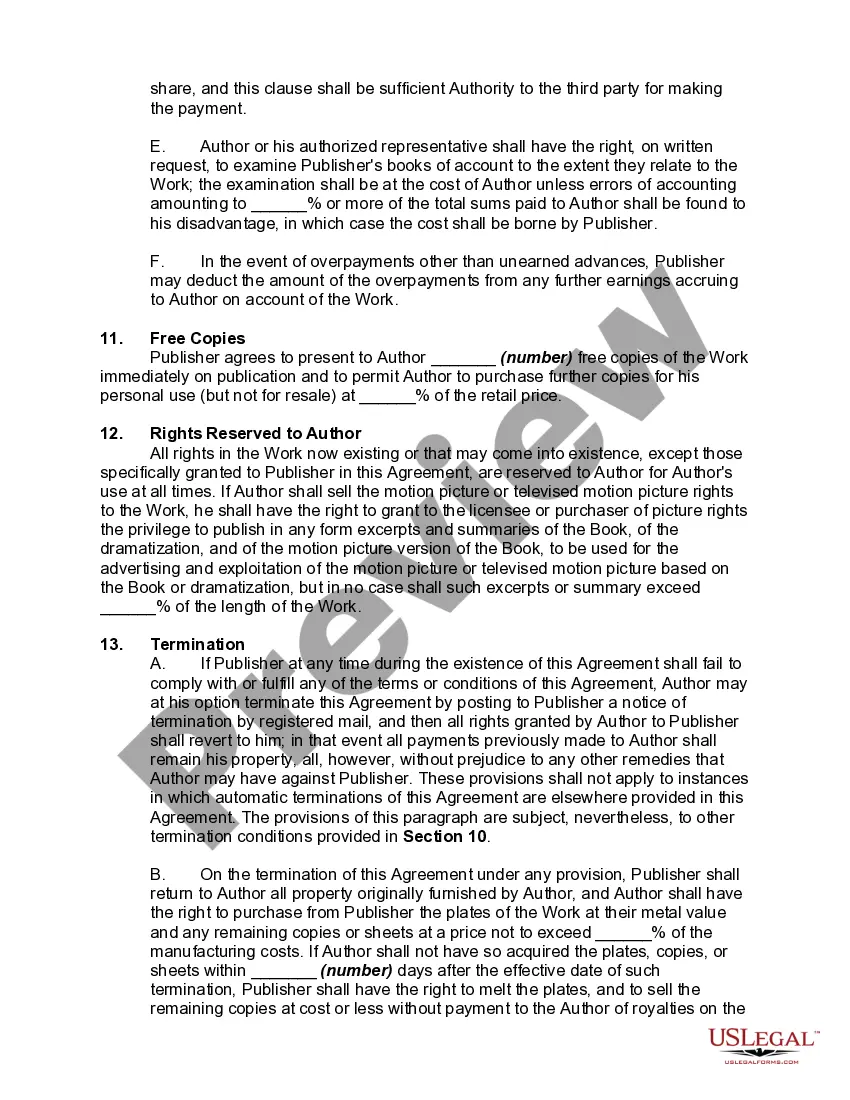
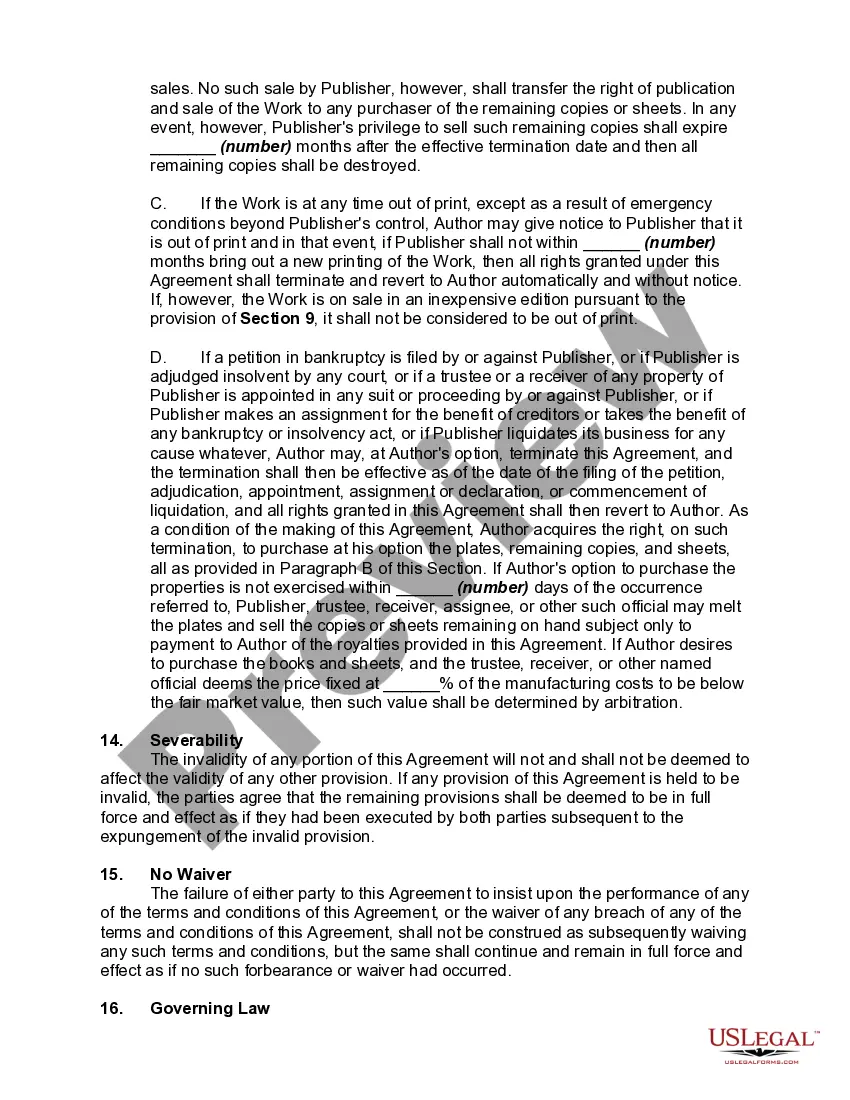
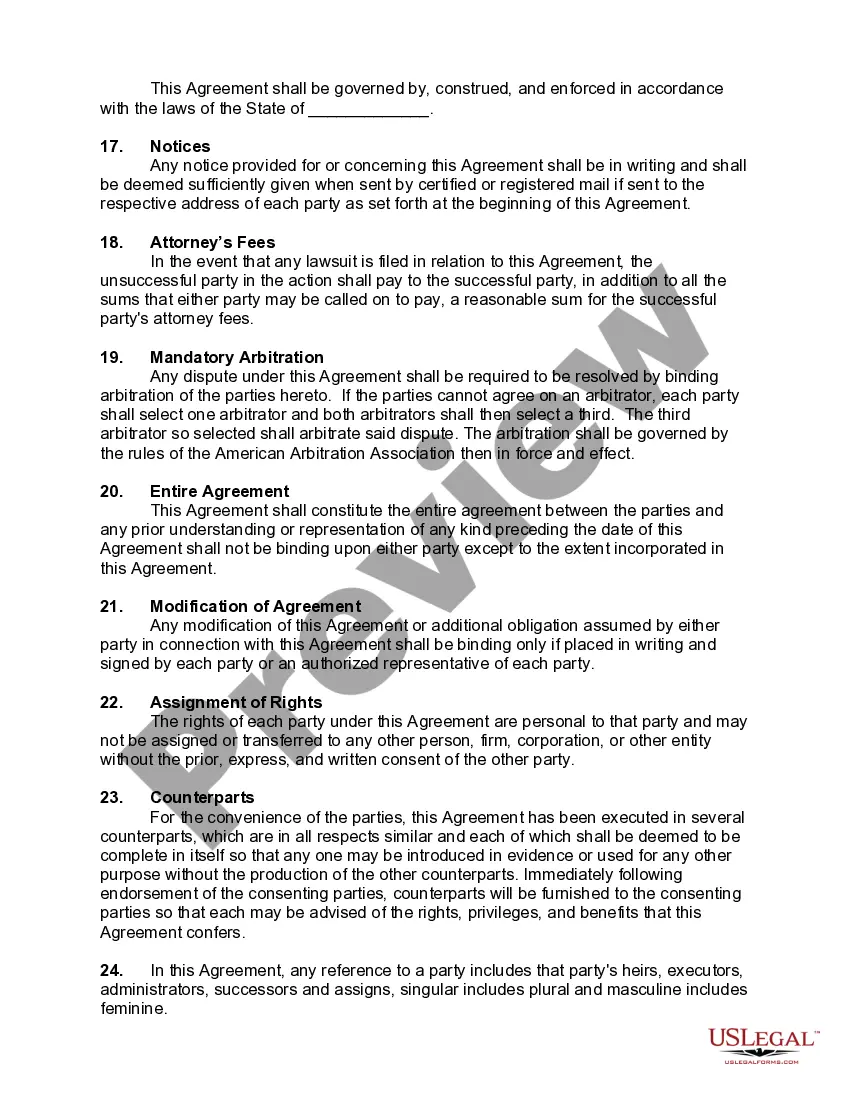
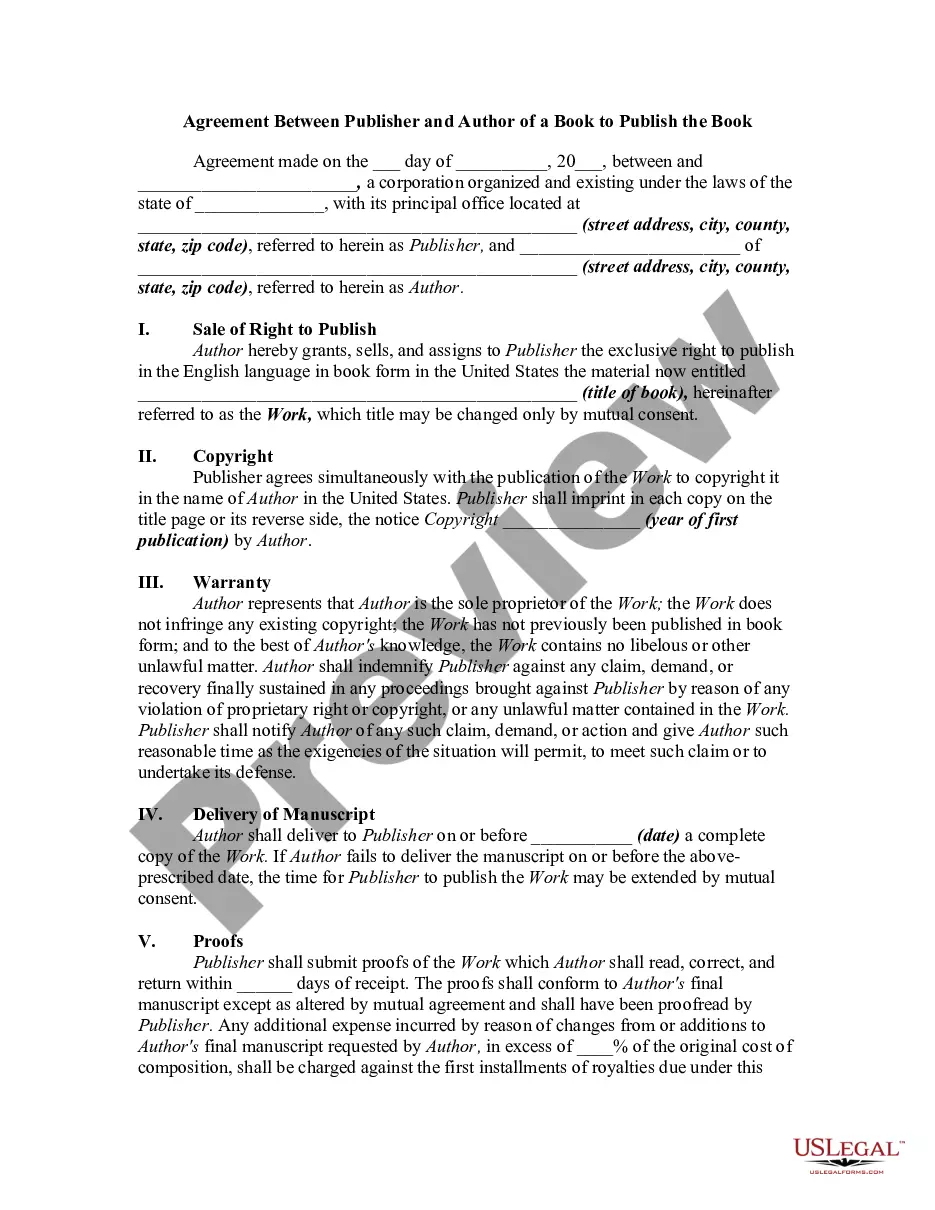
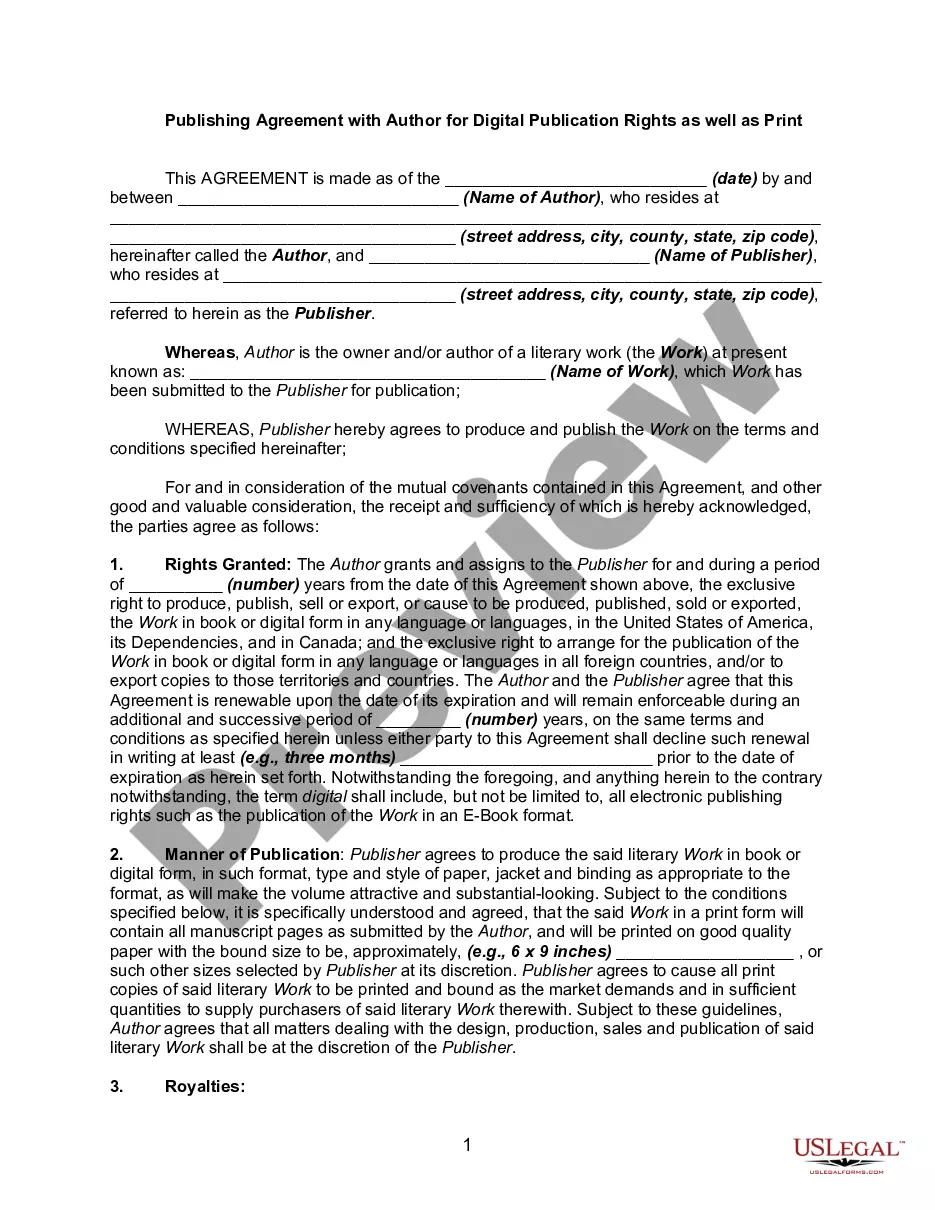
Get your form ready online
Our built-in tools help you complete, sign, share, and store your documents in one place.
Make edits, fill in missing information, and update formatting in US Legal Forms—just like you would in MS Word.
Download a copy, print it, send it by email, or mail it via USPS—whatever works best for your next step.
Sign and collect signatures with our SignNow integration. Send to multiple recipients, set reminders, and more. Go Premium to unlock E-Sign.
If this form requires notarization, complete it online through a secure video call—no need to meet a notary in person or wait for an appointment.
We protect your documents and personal data by following strict security and privacy standards.

Make edits, fill in missing information, and update formatting in US Legal Forms—just like you would in MS Word.

Download a copy, print it, send it by email, or mail it via USPS—whatever works best for your next step.

Sign and collect signatures with our SignNow integration. Send to multiple recipients, set reminders, and more. Go Premium to unlock E-Sign.

If this form requires notarization, complete it online through a secure video call—no need to meet a notary in person or wait for an appointment.

We protect your documents and personal data by following strict security and privacy standards.
Looking for another form?
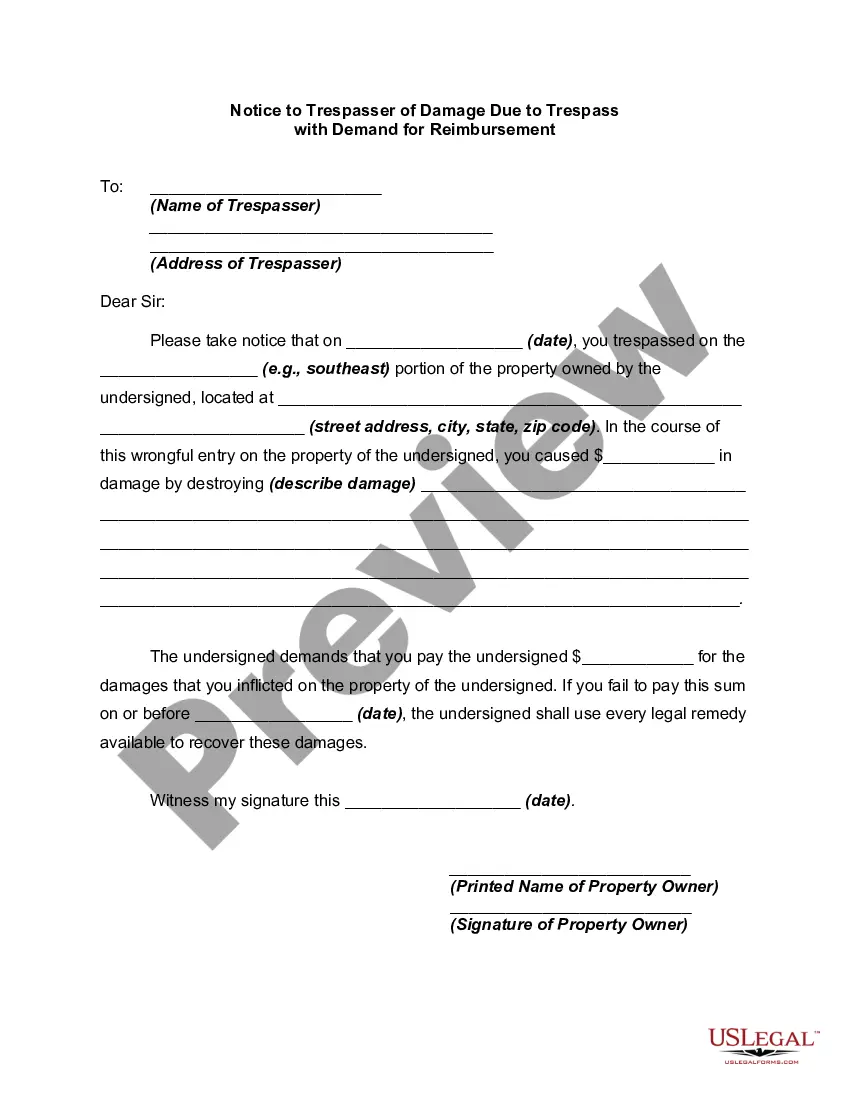
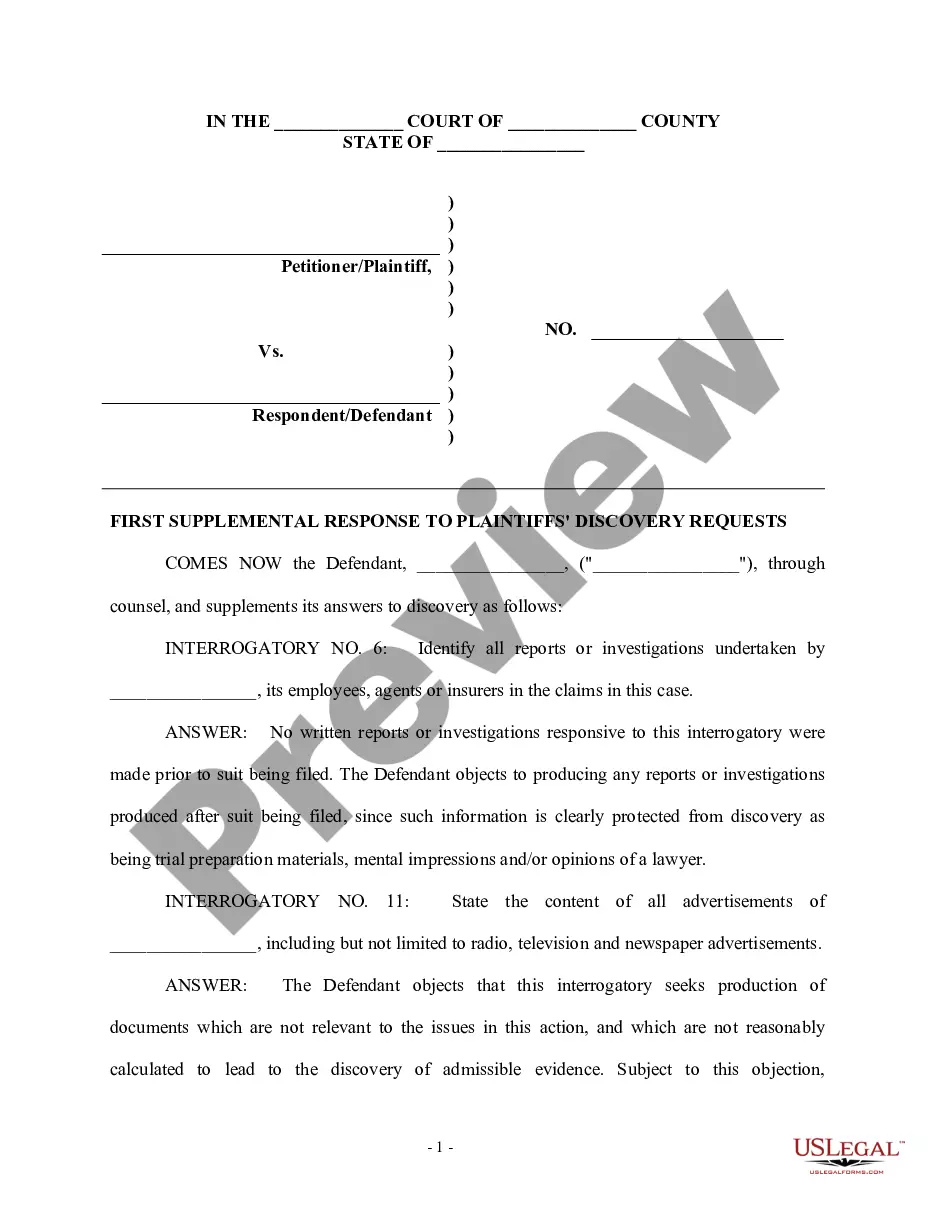
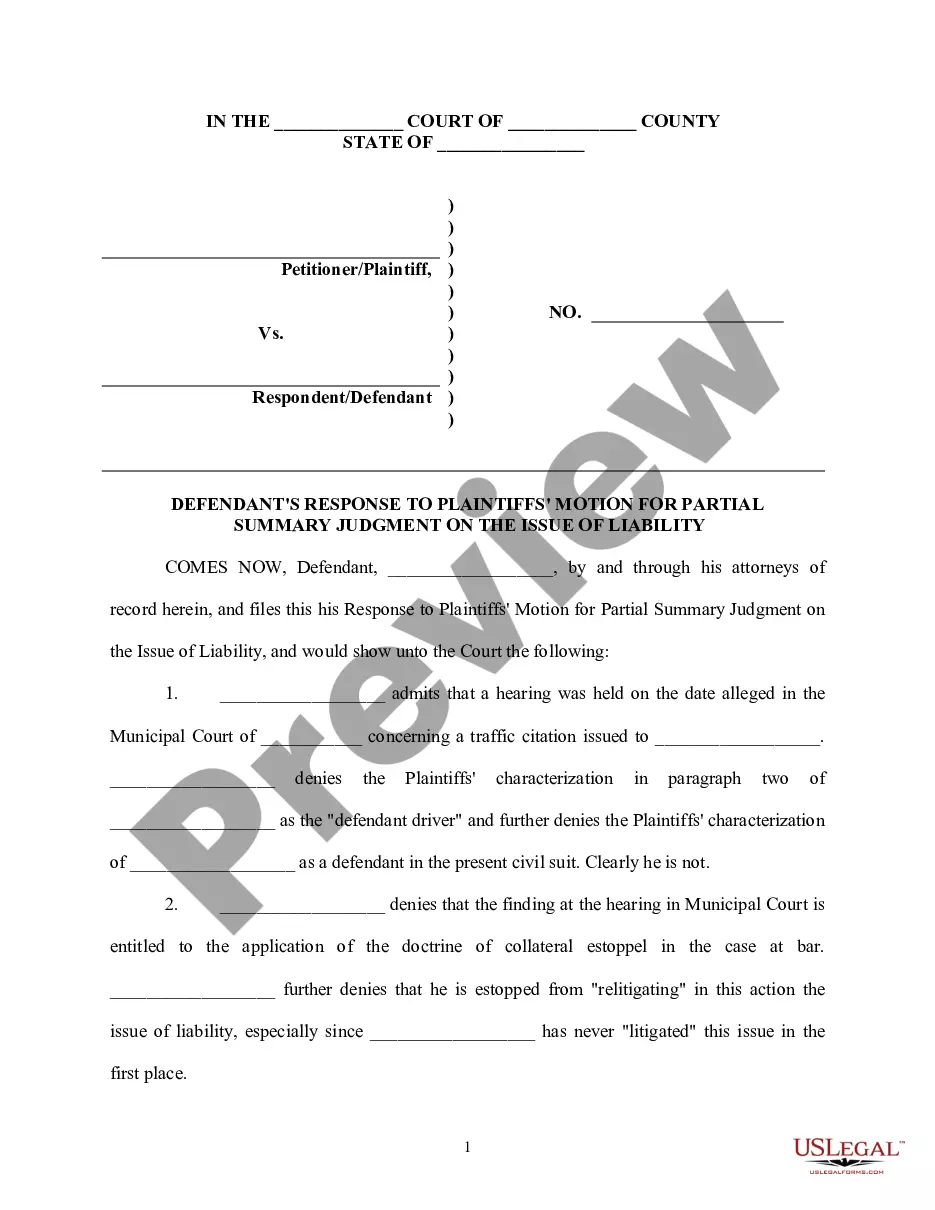


How to fill out Book Publishing Contract?
Obtaining a reliable source to access the latest and pertinent legal templates is a significant part of navigating bureaucracy.
Selecting the appropriate legal documents requires accuracy and meticulousness, which is why it is essential to source samples of the Publishing Contract Template For Virtual Assistant exclusively from reputable providers, such as US Legal Forms.
Once you have the form on your device, you can modify it using the editor or print it out and fill it in manually. Eliminate the hassle associated with your legal documents. Explore the vast US Legal Forms library where you can discover legal templates, assess their relevance to your situation, and download them instantly.
- An incorrect template will squander your time and delay your situation.
- With US Legal Forms, there is minimal to worry about.
- You can access and verify all the details regarding the document’s applicability and significance for your situation and within your state or territory.
- Follow the steps below to complete your Publishing Contract Template For Virtual Assistant.
- Utilize the library navigation or search bar to locate your template.
- Examine the form’s description to determine if it fulfills the criteria of your state and area.
- Preview the form, if available, to confirm that the template is indeed the one you need.
- If the Publishing Contract Template For Virtual Assistant does not meet your criteria, continue searching for the correct template.
- If you are confident about the form’s applicability, download it.
- If you are a registered user, click Log in to validate and access your chosen templates in My documents.
- If you have not yet created an account, click Buy now to acquire the template.
- Select the pricing option that fits your requirements.
- Proceed to register to complete your purchase.
- Finalize your purchase by selecting a payment method (credit card or PayPal).
- Choose the document format for downloading the Publishing Contract Template For Virtual Assistant.
Form popularity
FAQ
As noted above, a contract for virtual assistant services should always include: A detailed description of the work, and any deliverables. Details on how much, and when payments are expected. Any particular hours to be worked. How and when a contract is to be terminated. An NDA and non-solicitation clause.
Admin/ Management Customer service through email, chat, or phone. Monitoring and responding to emails. Organizing email inboxes. Managing blog comments. Managing social media comments. Live webinar assistance. Calendar maintenance. Data entry.
A tax form called a 1099 is used when a business-owner pays another business (a Virtual Assistant, for example) for services totaling more than $600 in a calendar year. A business owner is required to send that business a 1099 at the end of the year. A 1099 is NOT a W-2, so it won't have taxes taken out.
How to become a virtual assistant with no experience Take training courses. You've got to prepare for working as a VA and running your online business. ... Determine the work you like and can do. ... Figure out the prices to charge. ... Create an online presence. ... Start applying to jobs. ... Learn about yourself and clients.
?Greetings. I'm (name), and I'm a virtual assistant helping small businesses save time and money by offering a variety of data entry, clerical, organizational, and scheduling services to make sure they're as efficient as they could be! Would you like my card??