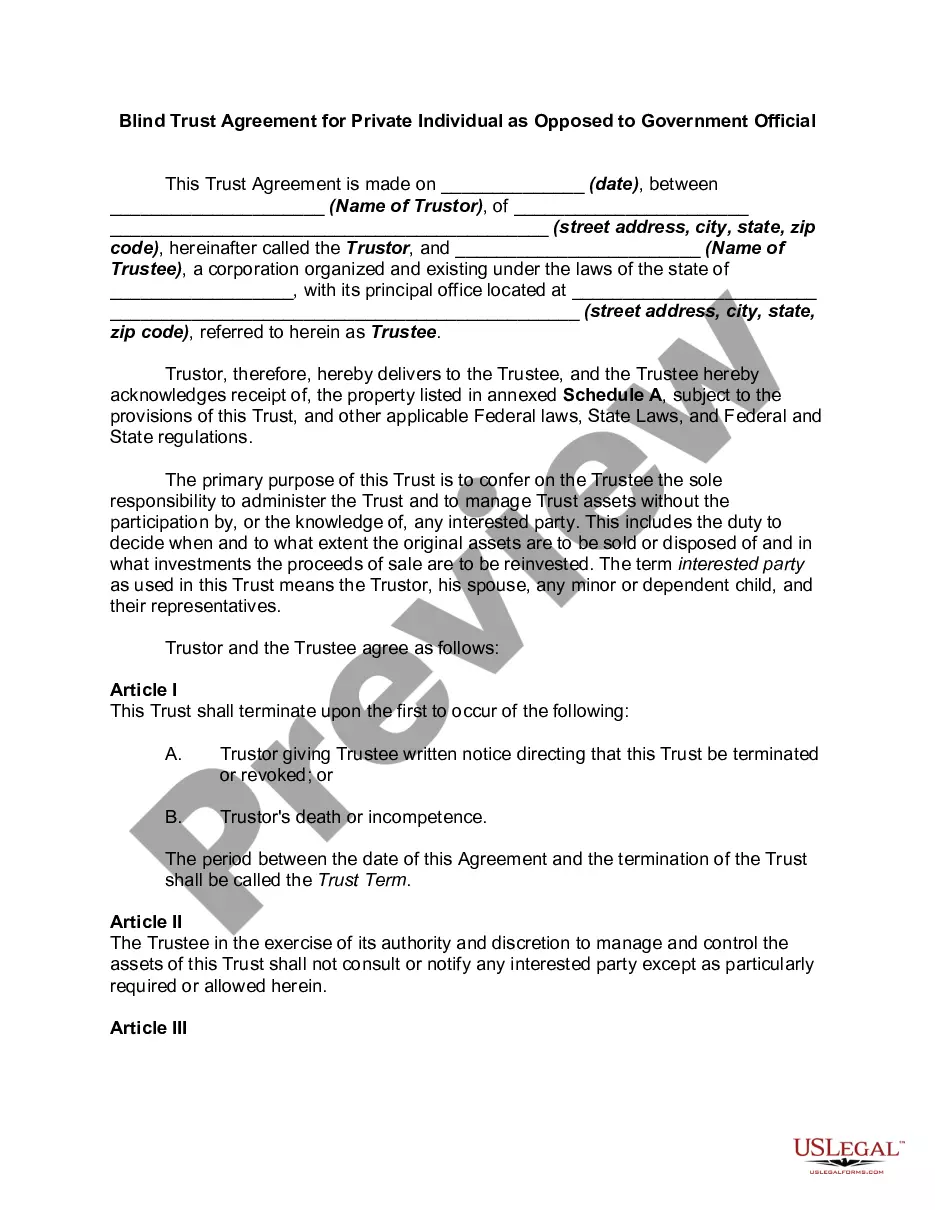
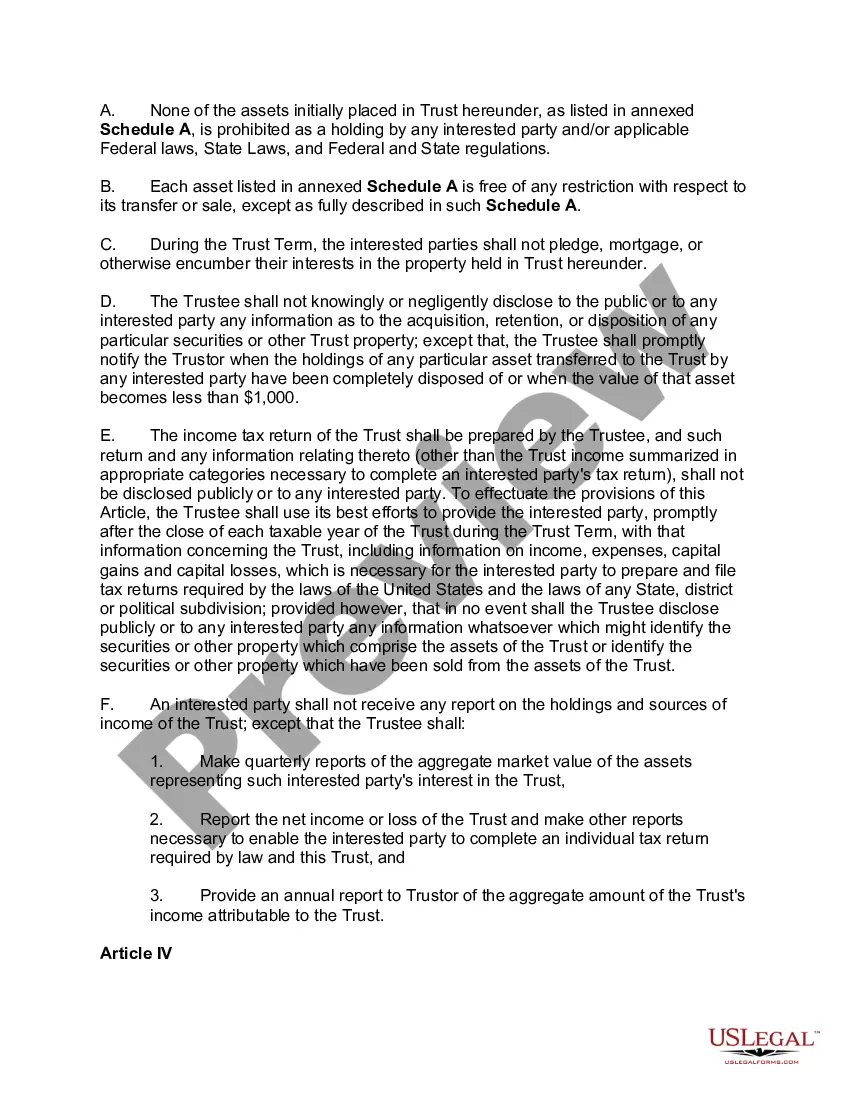
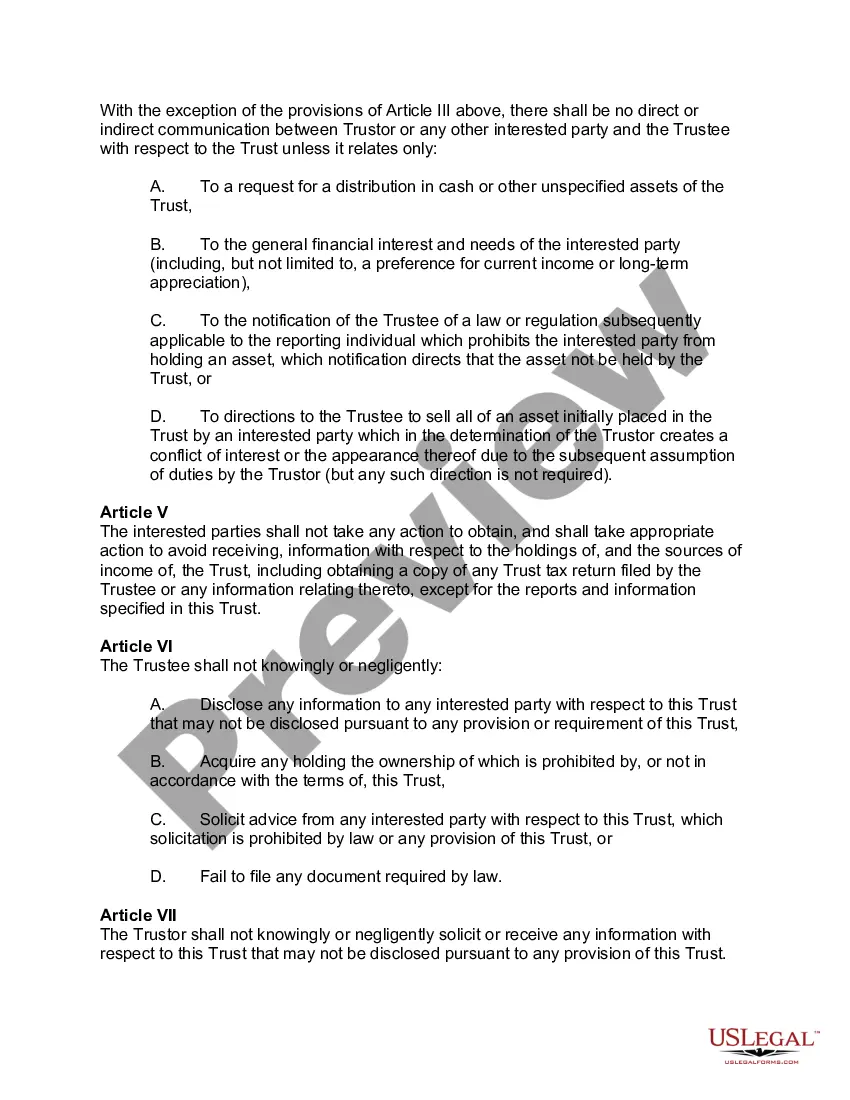
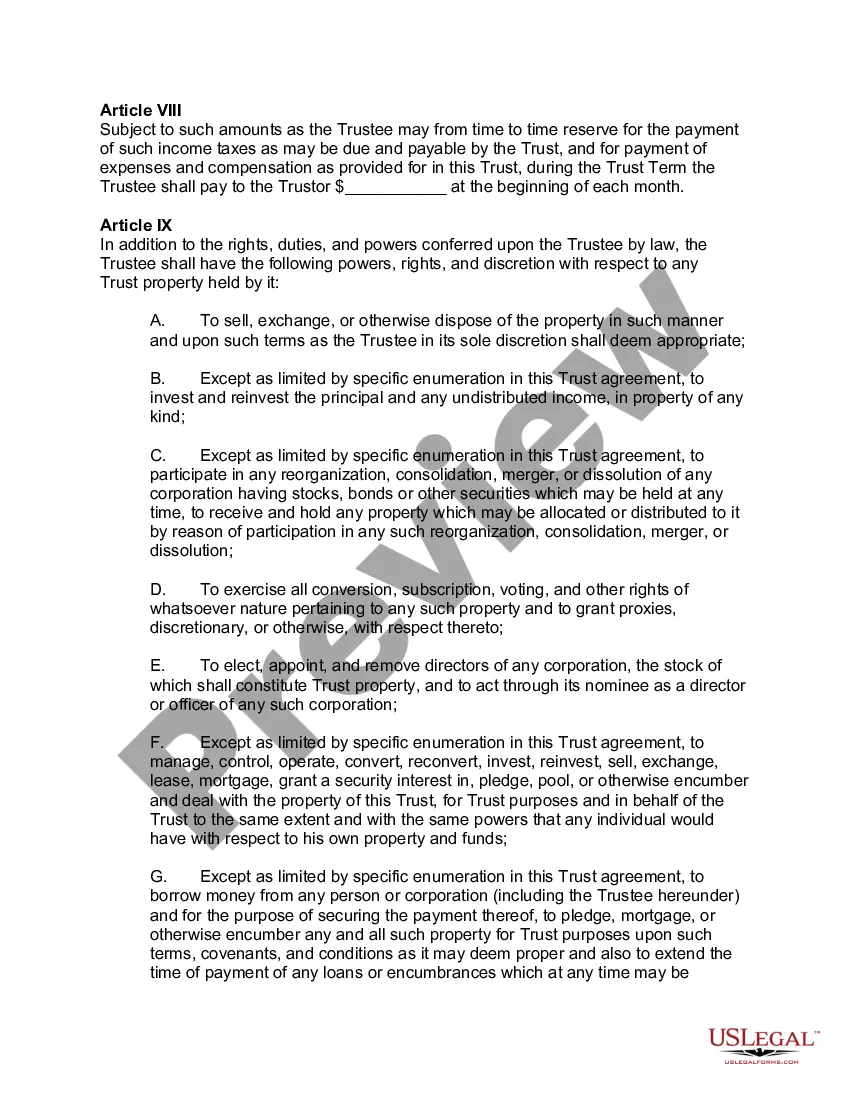
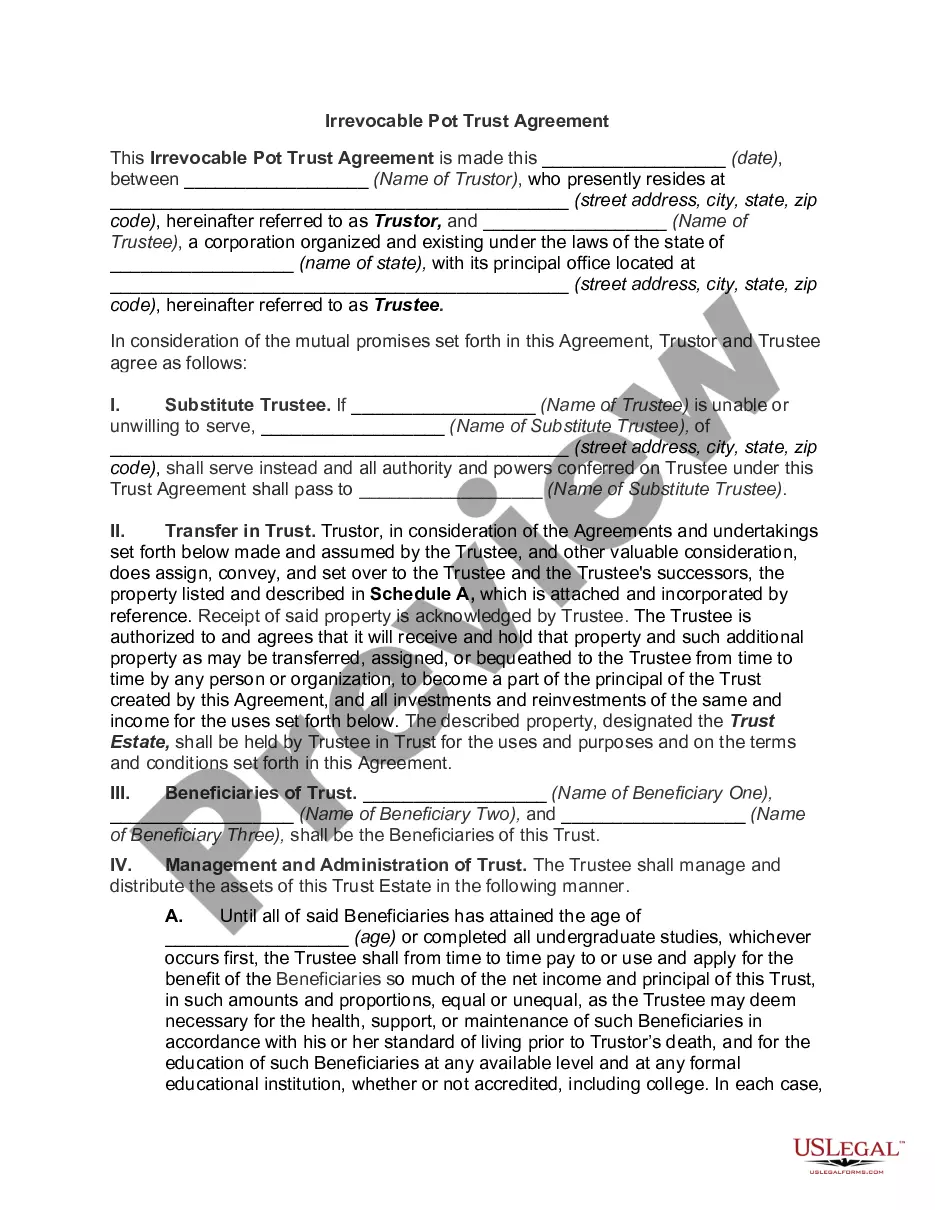
Blind Trust Fund For Northern California
Description
Get your form ready online
Our built-in tools help you complete, sign, share, and store your documents in one place.
Make edits, fill in missing information, and update formatting in US Legal Forms—just like you would in MS Word.
Download a copy, print it, send it by email, or mail it via USPS—whatever works best for your next step.
Sign and collect signatures with our SignNow integration. Send to multiple recipients, set reminders, and more. Go Premium to unlock E-Sign.
If this form requires notarization, complete it online through a secure video call—no need to meet a notary in person or wait for an appointment.
We protect your documents and personal data by following strict security and privacy standards.

Make edits, fill in missing information, and update formatting in US Legal Forms—just like you would in MS Word.

Download a copy, print it, send it by email, or mail it via USPS—whatever works best for your next step.

Sign and collect signatures with our SignNow integration. Send to multiple recipients, set reminders, and more. Go Premium to unlock E-Sign.

If this form requires notarization, complete it online through a secure video call—no need to meet a notary in person or wait for an appointment.

We protect your documents and personal data by following strict security and privacy standards.
Looking for another form?

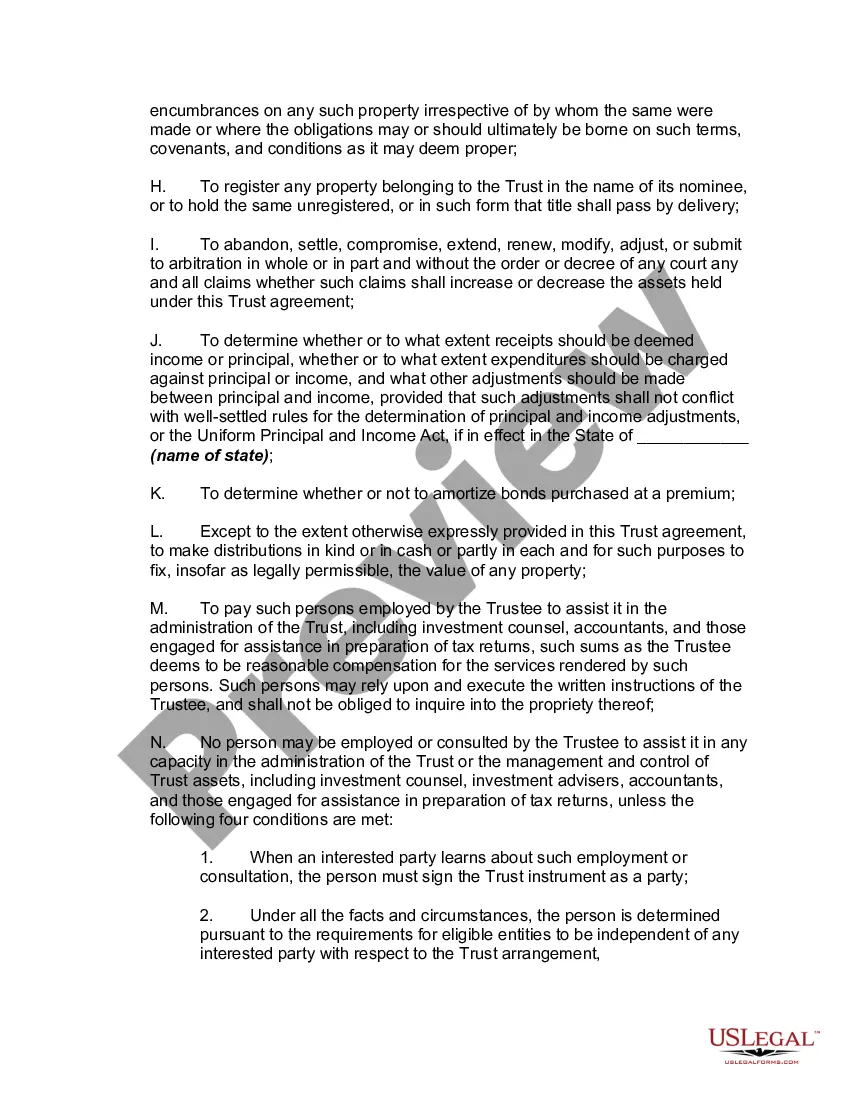
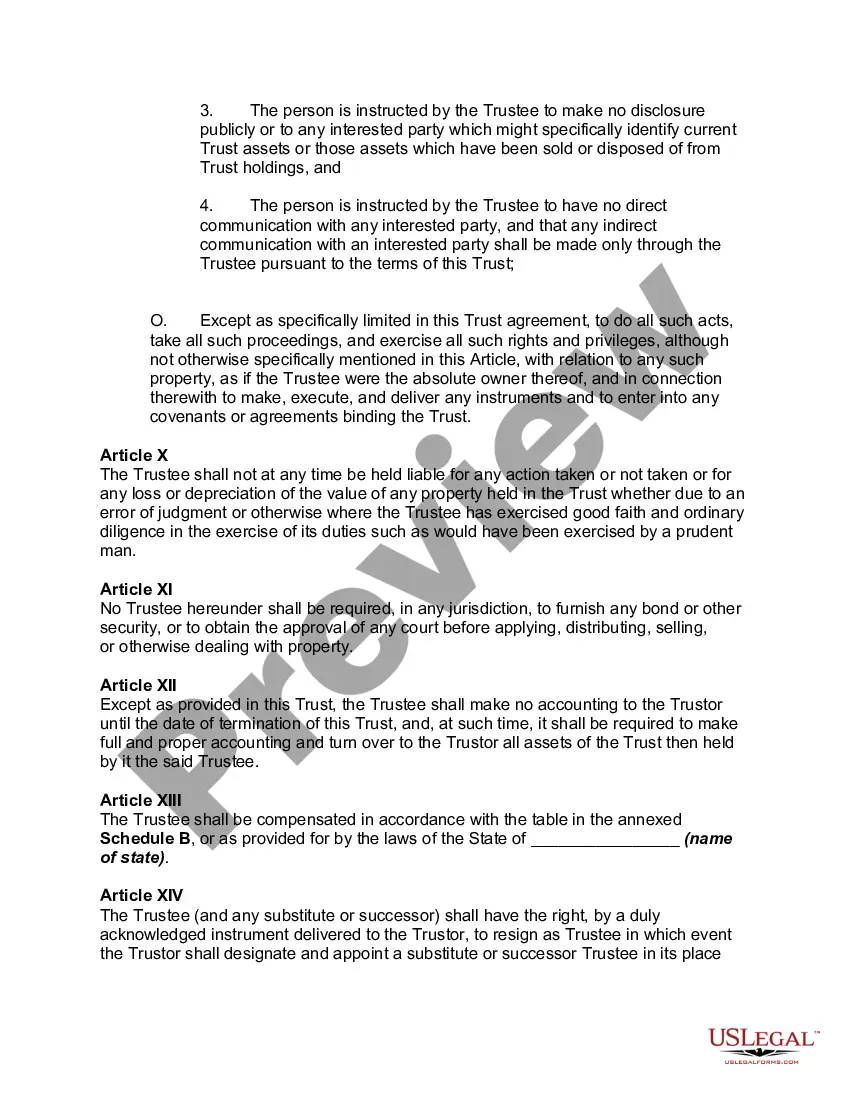
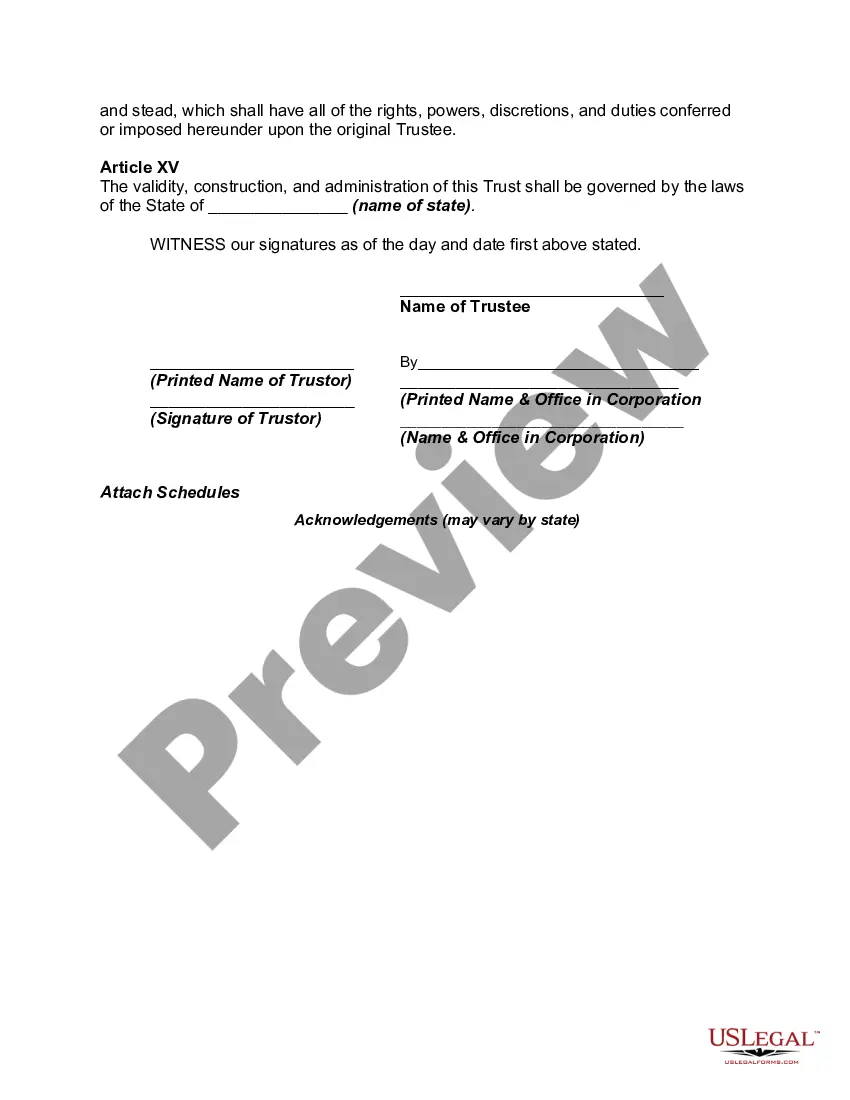
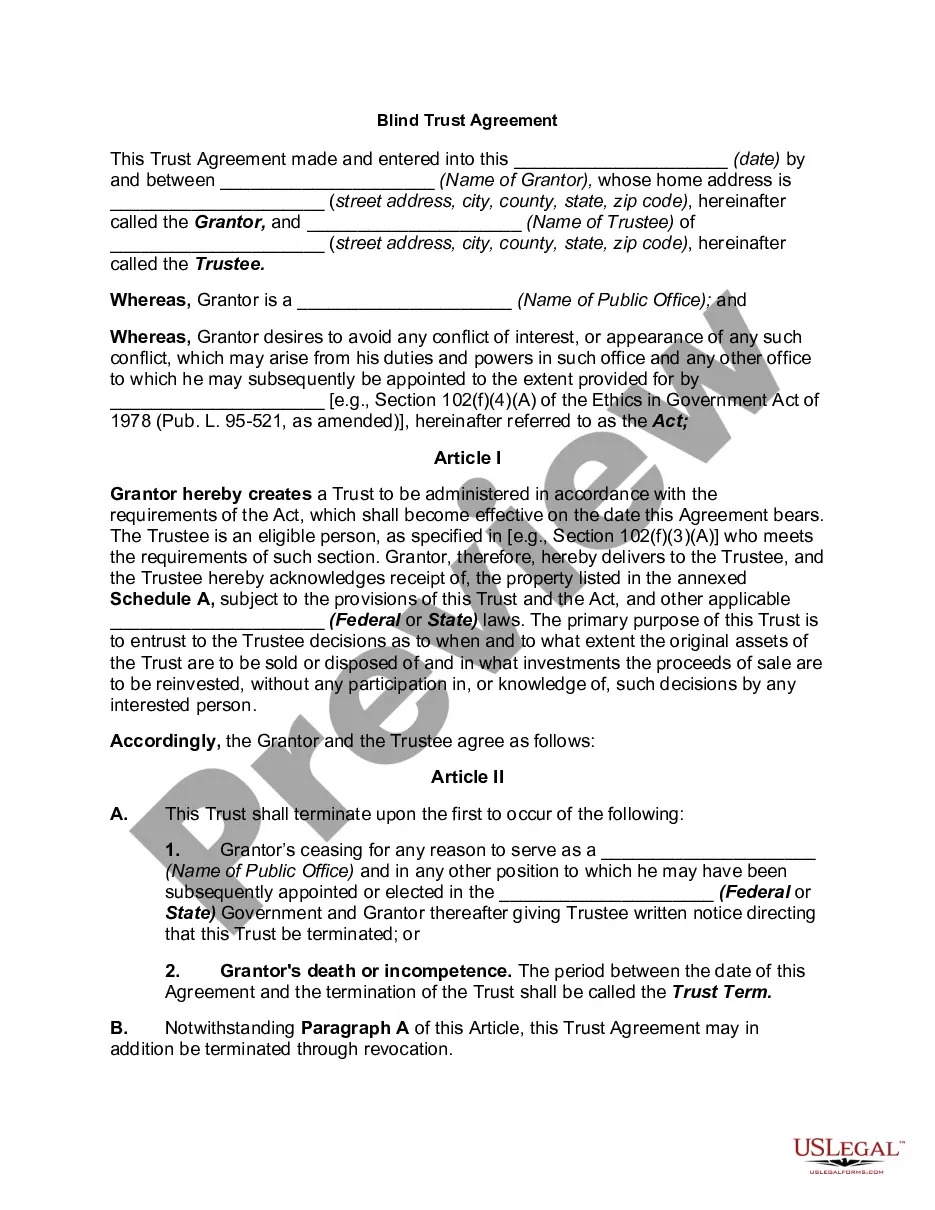
How to fill out Blind Trust Agreement For Private Individual As Opposed To Government?
Locating a reliable source to obtain the most up-to-date and pertinent legal templates is a significant part of dealing with bureaucracy. Securing the appropriate legal documents requires accuracy and meticulousness, which is why it is crucial to acquire samples of Blind Trust Fund For Northern California solely from trustworthy sources, such as US Legal Forms. An incorrect template will squander your time and postpone the issue you are facing. With US Legal Forms, you have minimal worries. You can access and review all the details regarding the document’s application and suitability for your situation and in your state or county.
Consider the following actions to complete your Blind Trust Fund For Northern California.
Once you have the form on your device, you may edit it with the editor or print it and fill it out manually. Eliminate the hassle that comes with your legal documentation. Explore the extensive US Legal Forms collection where you can discover legal samples, assess their relevance to your situation, and download them instantly.
- Use the library navigation or search box to locate your sample.
- Examine the form’s description to determine if it aligns with the requirements of your state and area.
- Check the form preview, if available, to confirm that the form is the one you are seeking.
- Return to the search and locate the appropriate template if the Blind Trust Fund For Northern California does not meet your requirements.
- If you are certain about the form’s applicability, download it.
- If you are a registered user, click Log in to verify and access your chosen forms in My documents.
- If you do not yet have an account, click Buy now to acquire the form.
- Select the pricing option that suits your needs.
- Proceed to the registration to finalize your purchase.
- Conclude your purchase by selecting a payment method (credit card or PayPal).
- Choose the file format for downloading Blind Trust Fund For Northern California.
Form popularity
FAQ
The grantor usually does not have tax liability for the income generated within the trust. However, the trust may be subject to income tax, and distributions to beneficiaries may also be taxed.
Which state is best for your trust situs for your trust? ing to independent rankings, the top states with the best trust laws are South Dakota trust law and Nevada in the US. But why is this?
That really depends on which benefits are most important to you. But, generally, the consensus among advisers and estate attorneys is that the trust laws of South Dakota and Nevada offer the best combination of tax benefits, asset protection, trust longevity and flexible decanting provisions. Why Do I Need a Trust?
How to Set Up a Blind Trust Gather the documentation for the assets that you want put into the blind trust. ... Appoint a trustee. ... Create the trust agreement. ... Sign the trust and have it notarized, taking care to follow any recording laws that your state has. Officially transfer the relevant assets into the trust.
One of the most popular varieties in California is the blind trust, often used to preserve the funder's privacy while avoiding conflicts of interest.