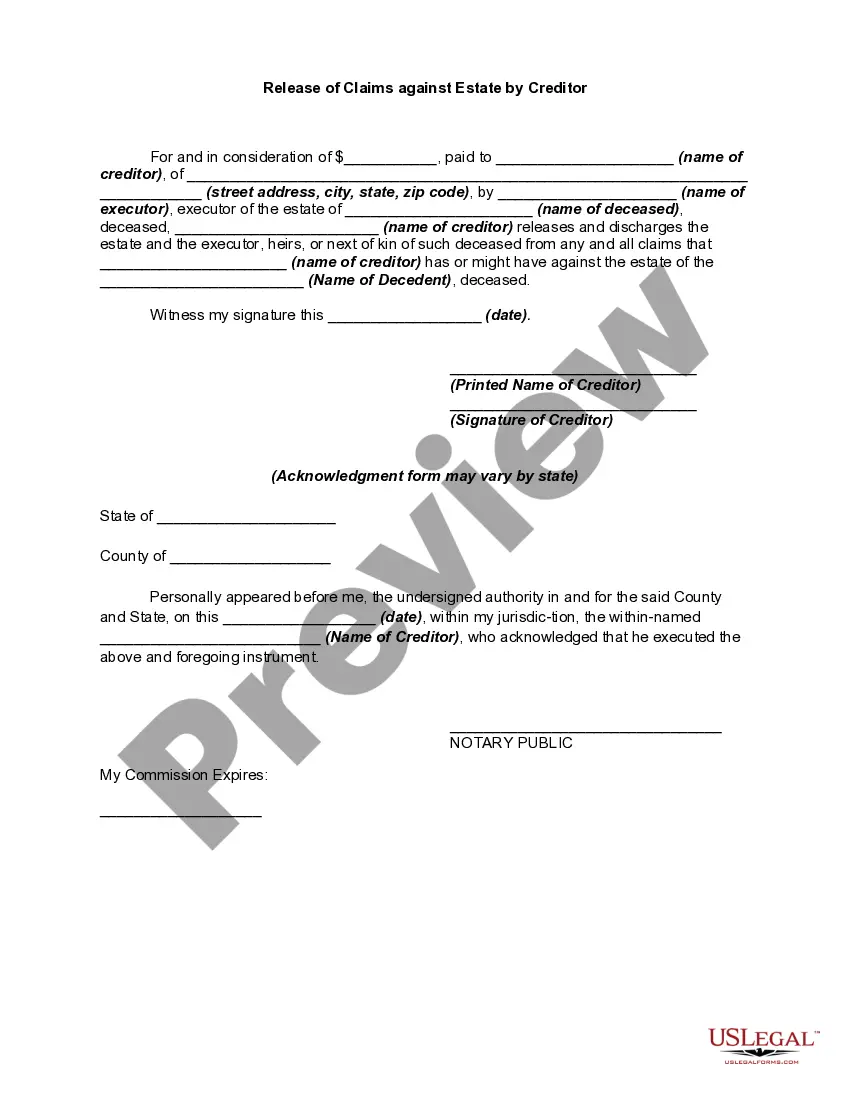
Claims Estate Document Without Comments
Description
Get your form ready online
Our built-in tools help you complete, sign, share, and store your documents in one place.
Make edits, fill in missing information, and update formatting in US Legal Forms—just like you would in MS Word.
Download a copy, print it, send it by email, or mail it via USPS—whatever works best for your next step.
Sign and collect signatures with our SignNow integration. Send to multiple recipients, set reminders, and more. Go Premium to unlock E-Sign.
If this form requires notarization, complete it online through a secure video call—no need to meet a notary in person or wait for an appointment.
We protect your documents and personal data by following strict security and privacy standards.

Make edits, fill in missing information, and update formatting in US Legal Forms—just like you would in MS Word.

Download a copy, print it, send it by email, or mail it via USPS—whatever works best for your next step.

Sign and collect signatures with our SignNow integration. Send to multiple recipients, set reminders, and more. Go Premium to unlock E-Sign.

If this form requires notarization, complete it online through a secure video call—no need to meet a notary in person or wait for an appointment.

We protect your documents and personal data by following strict security and privacy standards.
Looking for another form?


How to fill out Release Of Claims Against Estate By Creditor?
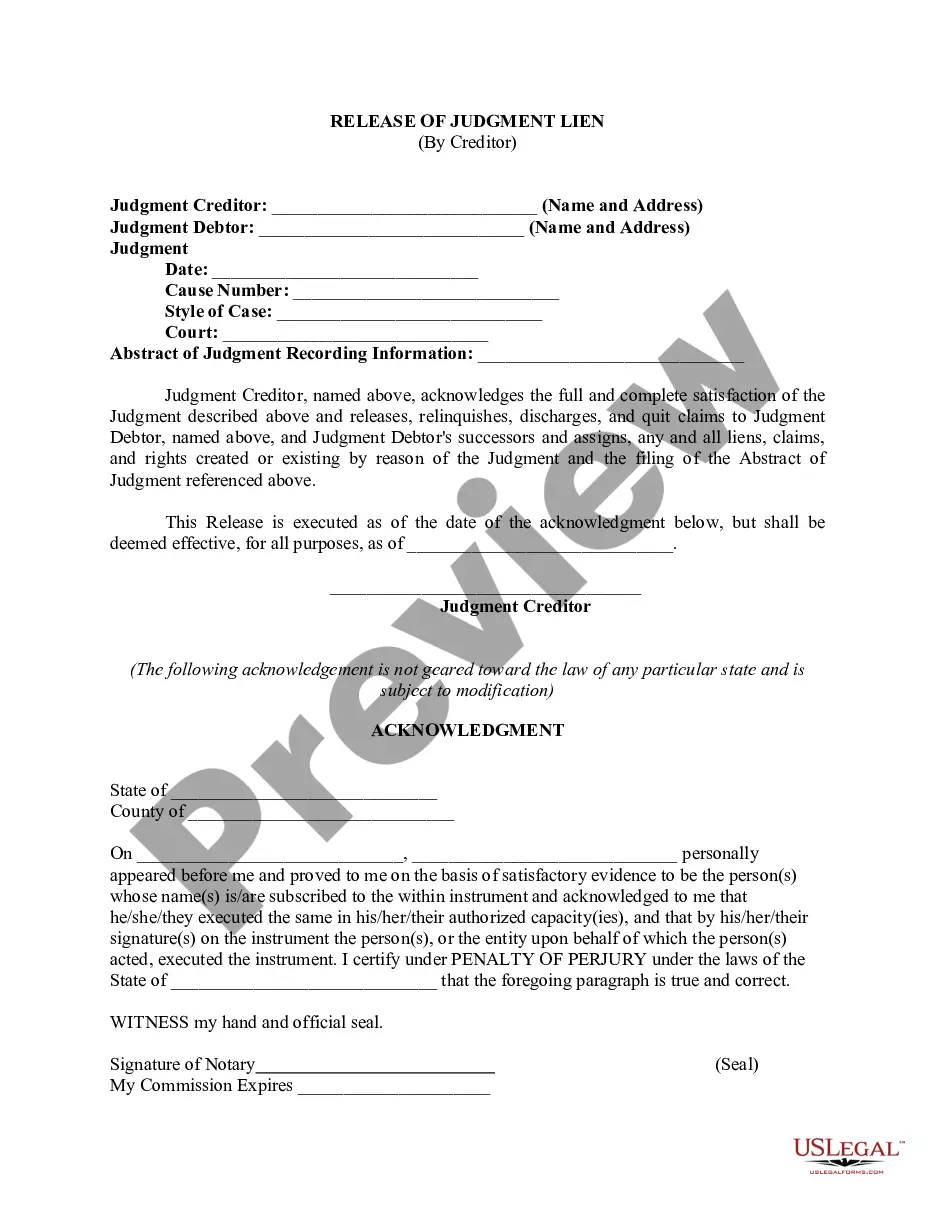
The Claims Estate Document Without Comments that you find on this page is a versatile legal framework crafted by expert attorneys in compliance with federal and local laws.
For over 25 years, US Legal Forms has supplied individuals, enterprises, and legal experts with more than 85,000 authenticated, state-specific documents for any business or personal circumstance. It’s the fastest, easiest, and most trustworthy way to acquire the paperwork you require, as the service assures bank-level data security and anti-malware safeguarding.
Obtain the editable template. Choose the format you desire for your Claims Estate Document Without Comments (PDF, DOCX, RTF) and store the sample on your device. Fill out and sign the document. Print out the template to complete it manually. Alternatively, use an online multifunctional PDF editor to swiftly and accurately fill out and sign your form with a valid signature. Download your documents again. Reuse the same document whenever necessary. Access the My documents tab in your profile to redownload any previously saved forms. Register for US Legal Forms to have verified legal templates for all of life’s situations at your fingertips.
- Search for the document you require and verify it.
- Go through the sample you found and preview it or review the form description to ensure it meets your needs. If not, utilize the search function to find the correct one.
- Click Buy Now once you’ve identified the template you require.
- Sign up and Log In.
- Choose the pricing plan that fits you and create an account. Utilize PayPal or a credit card for a swift payment. If you already possess an account, Log In and review your subscription to proceed.
Form popularity
FAQ
The form must include: The witnesses' names and addresses. Relationships to the decedent. Decedent's date of death. Decedent's marital history. Decedent's family history (children, grandchildren, parents, siblings, nieces/nephews)
A will, or a last will and testament, is a legal document that describes how you would like your property and other assets to be distributed after your death.
How to fill out a small estate affidavit in Illinois Fill in your name and information in #1. Complete the information about the decedent in #2-4. Mark either #7a or #7b depending on what is true. ... Complete #9a to indicate the names of the spouse and children if any.
In its most basic form, a last will and testament is a legal document in which you express your wishes as to how your property will be distributed after your death. A will lets you control what happens to your property and affairs.
What is a ?Small Estate?? North Carolina considers ?small estates? to be any estate valued at less than $20,000.00 (or $30,000.00 if the only beneficiary is a surviving spouse). You do not have to count real property or certain retirement accounts and life insurance policies if they already include a named beneficiary.