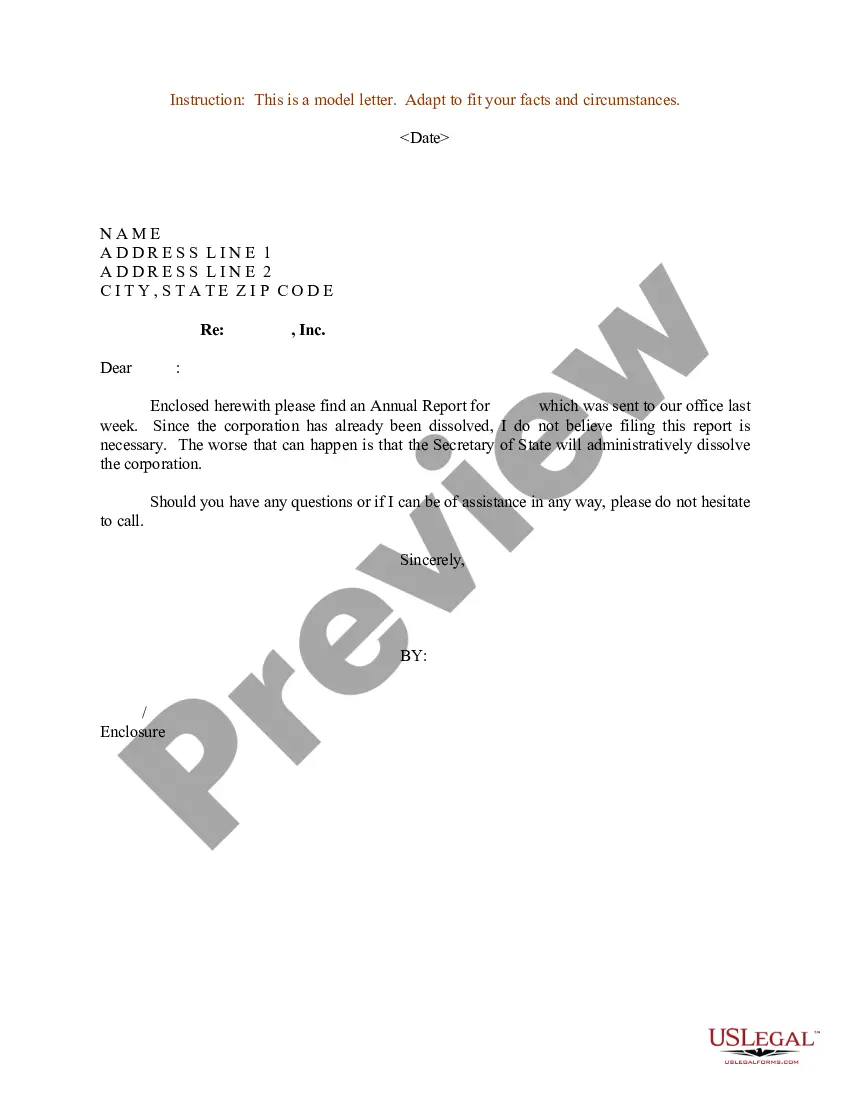
Annual Report Format Sample For Business
Description
Get your form ready online
Our built-in tools help you complete, sign, share, and store your documents in one place.
Make edits, fill in missing information, and update formatting in US Legal Forms—just like you would in MS Word.
Download a copy, print it, send it by email, or mail it via USPS—whatever works best for your next step.
Sign and collect signatures with our SignNow integration. Send to multiple recipients, set reminders, and more. Go Premium to unlock E-Sign.
If this form requires notarization, complete it online through a secure video call—no need to meet a notary in person or wait for an appointment.
We protect your documents and personal data by following strict security and privacy standards.

Make edits, fill in missing information, and update formatting in US Legal Forms—just like you would in MS Word.

Download a copy, print it, send it by email, or mail it via USPS—whatever works best for your next step.

Sign and collect signatures with our SignNow integration. Send to multiple recipients, set reminders, and more. Go Premium to unlock E-Sign.

If this form requires notarization, complete it online through a secure video call—no need to meet a notary in person or wait for an appointment.

We protect your documents and personal data by following strict security and privacy standards.
Looking for another form?









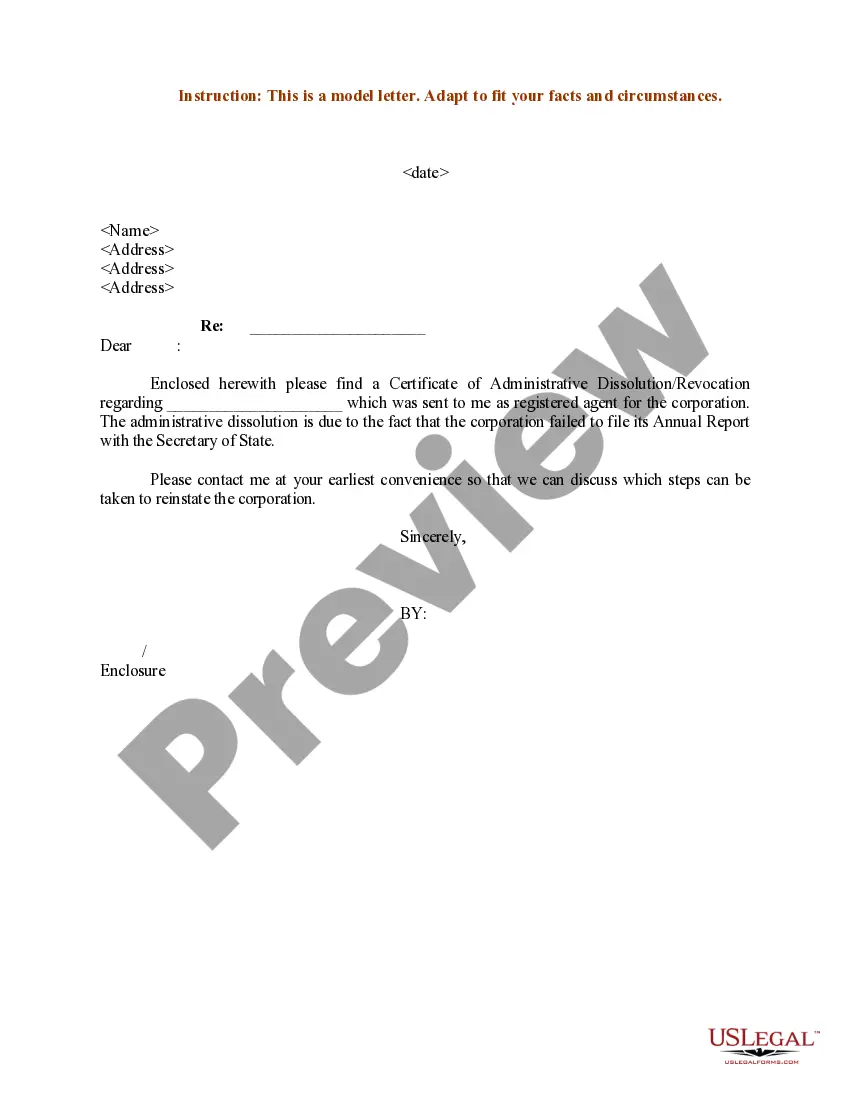
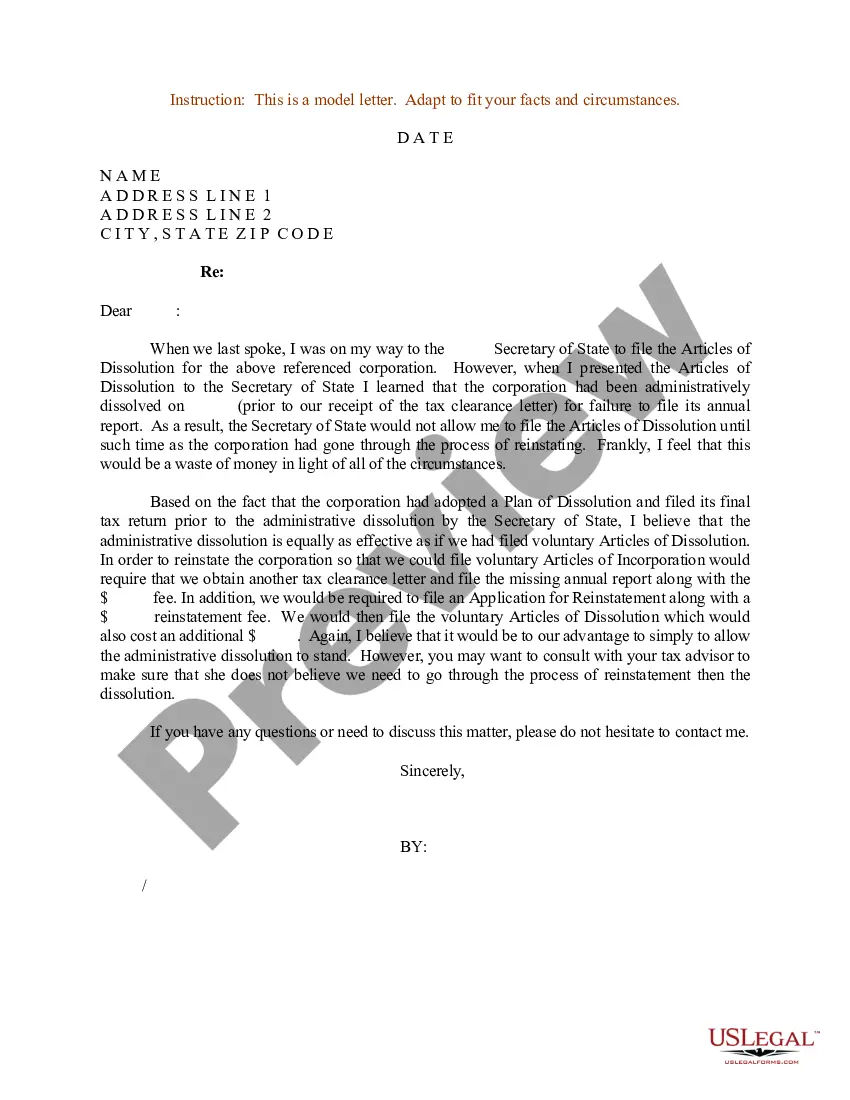
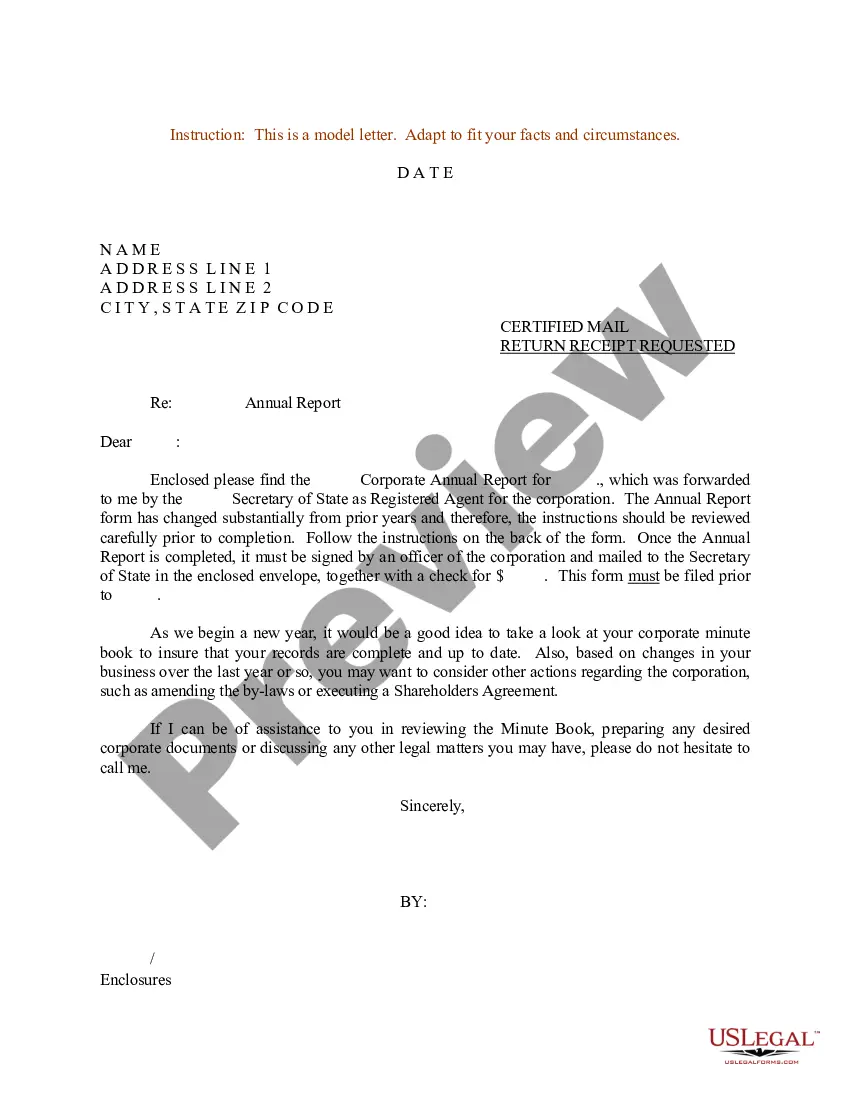
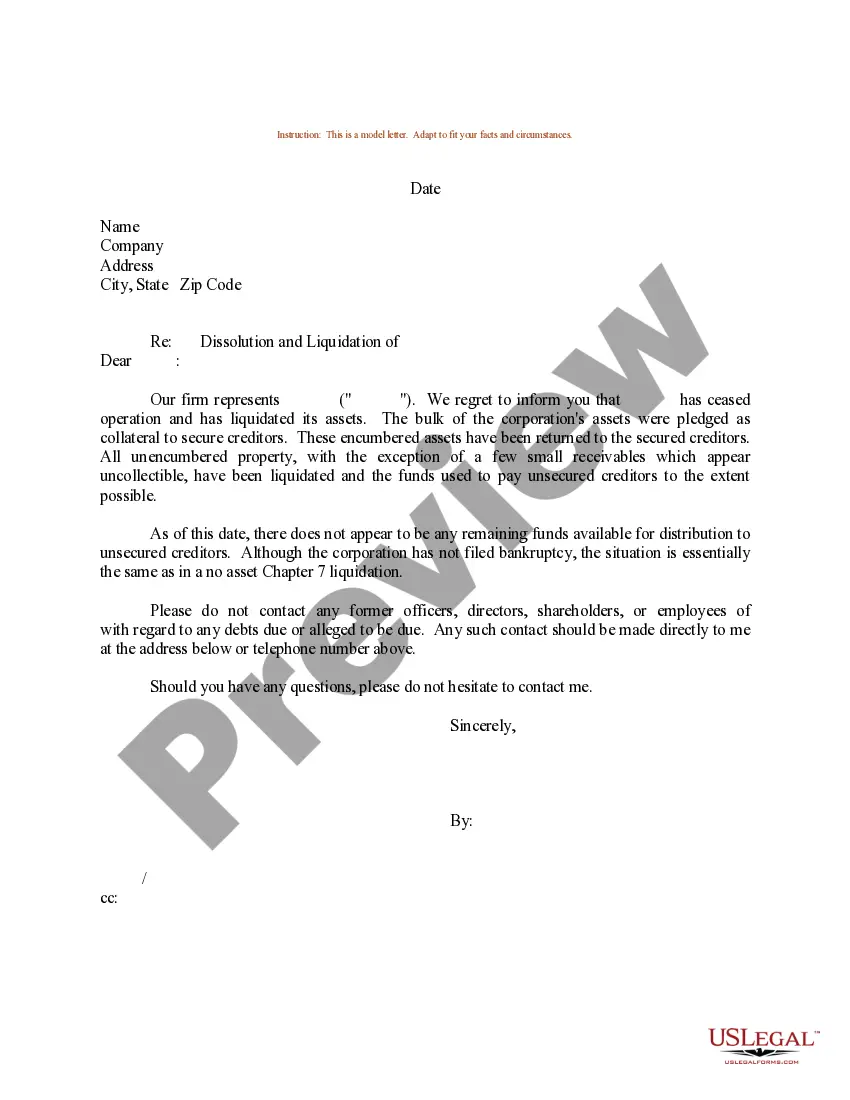
How to fill out Sample Letter For Annual Report - Dissolved Corporation?
Managing legal documents and procedures could be a lengthy addition to the day.
Annual Report Format Example For Business and forms like it generally necessitate that you look for them and navigate the way to fill them out accurately.
As a result, whether you are dealing with financial, legal, or personal issues, having a comprehensive and accessible online directory of forms at your disposal will be extremely beneficial.
US Legal Forms is the leading online platform of legal templates, featuring over 85,000 state-specific forms and a range of resources to help you complete your documents effortlessly.
Is this your first time using US Legal Forms? Sign up and create a free account in just a few minutes to gain access to the form directory and Annual Report Format Example For Business. Then, follow the steps below to complete your form: Ensure you have located the correct form by using the Review feature and examining the form description. Select Buy Now when ready, and choose the subscription plan that suits your requirements. Click Download then fill out, eSign, and print the form. US Legal Forms has 25 years of expertise aiding individuals in managing their legal documents. Acquire the form you need today and streamline any process without difficulty.
- Explore the directory of pertinent documents available to you with just one click.
- US Legal Forms provides you with state- and county-specific forms available at any time for downloading.
- Protect your document management processes by utilizing a premium service that enables you to create any form in a matter of minutes without extra or hidden fees.
- Simply Log In to your account, locate Annual Report Format Example For Business and obtain it instantly in the My documents section.
- You can also access previously downloaded forms.
Form popularity
FAQ
An annual report begins with a letter to the shareholders, then a brief description of the business and industry. Following that, the report should include the audited financial statements: balance sheet, income statement, and statement of cash flows.
Use a 2-column layout for optimal readability. Leave plenty of whitespace in your report design. Apply consistent motifs across every page of your report design. Use color blocks to group related information.
Highlight your key points Your executive summary should not be a summary of your entire annual report. It should focus on the most important and relevant aspects of your organization's performance and strategy. You should highlight your key achievements, challenges, and goals in a clear and concise way.
How to Prepare an Annual Report for Your Business Step 1: Cover Page. ... Step 2: Table of Contents. ... Step 3: Letter From the Owner or CEO. ... Step 4: Summary of Mission, Vision, Values, and Goals. ... Step 5: Description of Products or Services. ... Step 6: Financial Report. ... Step 7: Social and Environmental Report. ... Step 8: Appendix.
Generally, these are the 7 must-have pages: Cover Page. Table of content. Note From CEO, Chief Operating Officer, or Director. Executive Summary. Financial Overview. Project Overview. Projections.