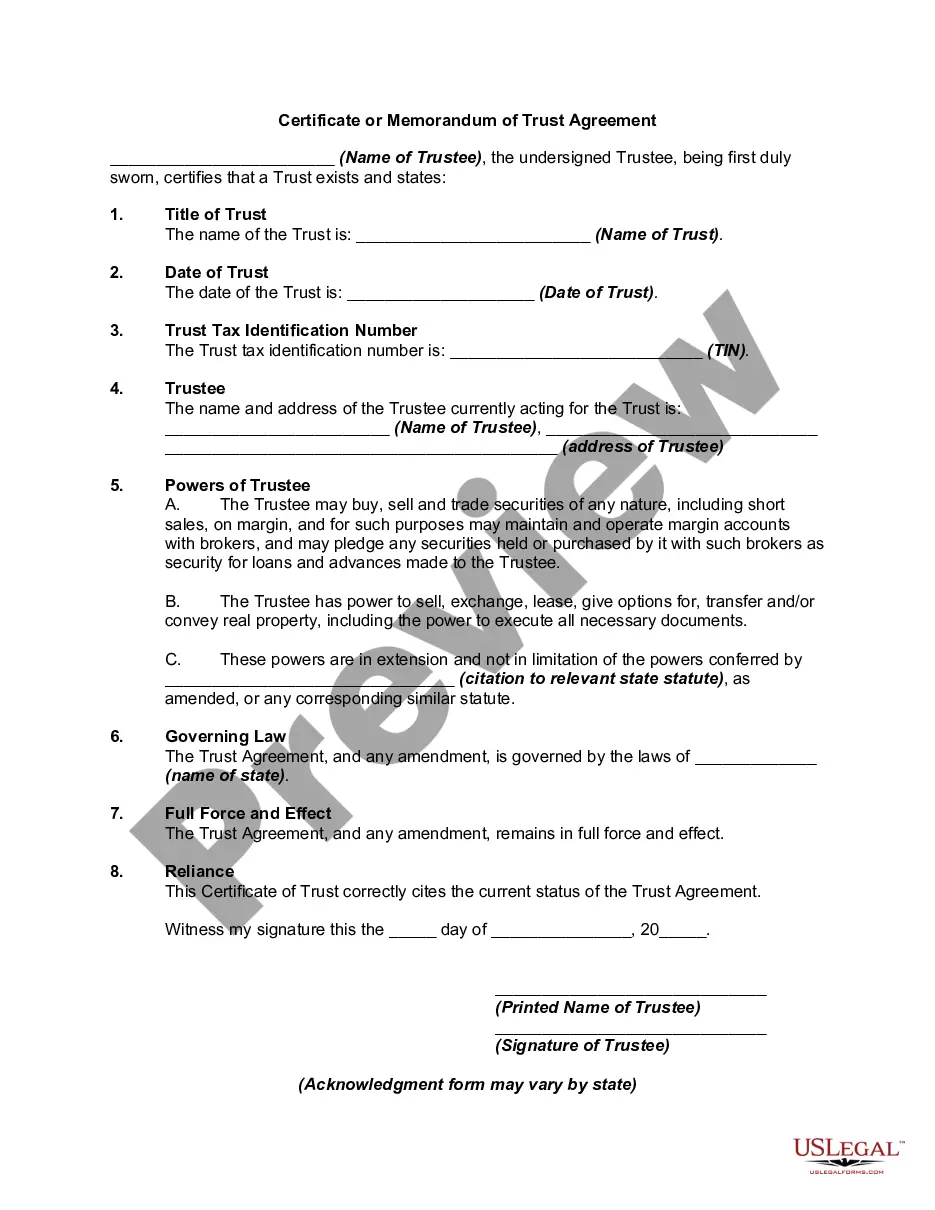
Certification Of Trust Example With Parameters
Description
Get your form ready online
Our built-in tools help you complete, sign, share, and store your documents in one place.
Make edits, fill in missing information, and update formatting in US Legal Forms—just like you would in MS Word.
Download a copy, print it, send it by email, or mail it via USPS—whatever works best for your next step.
Sign and collect signatures with our SignNow integration. Send to multiple recipients, set reminders, and more. Go Premium to unlock E-Sign.
If this form requires notarization, complete it online through a secure video call—no need to meet a notary in person or wait for an appointment.
We protect your documents and personal data by following strict security and privacy standards.

Make edits, fill in missing information, and update formatting in US Legal Forms—just like you would in MS Word.

Download a copy, print it, send it by email, or mail it via USPS—whatever works best for your next step.

Sign and collect signatures with our SignNow integration. Send to multiple recipients, set reminders, and more. Go Premium to unlock E-Sign.

If this form requires notarization, complete it online through a secure video call—no need to meet a notary in person or wait for an appointment.

We protect your documents and personal data by following strict security and privacy standards.
Looking for another form?








How to fill out Certificate Or Memorandum Of Trust Agreement?
Regardless of whether for corporate reasons or personal affairs, everyone must confront legal issues at some point in their lifetime.
Filling out legal documents necessitates meticulous care, beginning with selecting the correct form template. For instance, if you choose an incorrect version of the Certification Of Trust Example With Parameters, it will be rejected upon submission. Thus, it is crucial to have a reliable source of legal documents like US Legal Forms.
With an extensive US Legal Forms catalog available, you do not need to waste time searching for the suitable template online. Utilize the library's straightforward navigation to locate the correct template for any occasion.
- Access the template you require through the search bar or catalog navigation.
- Review the form’s details to ensure it fits your circumstances, state, and locality.
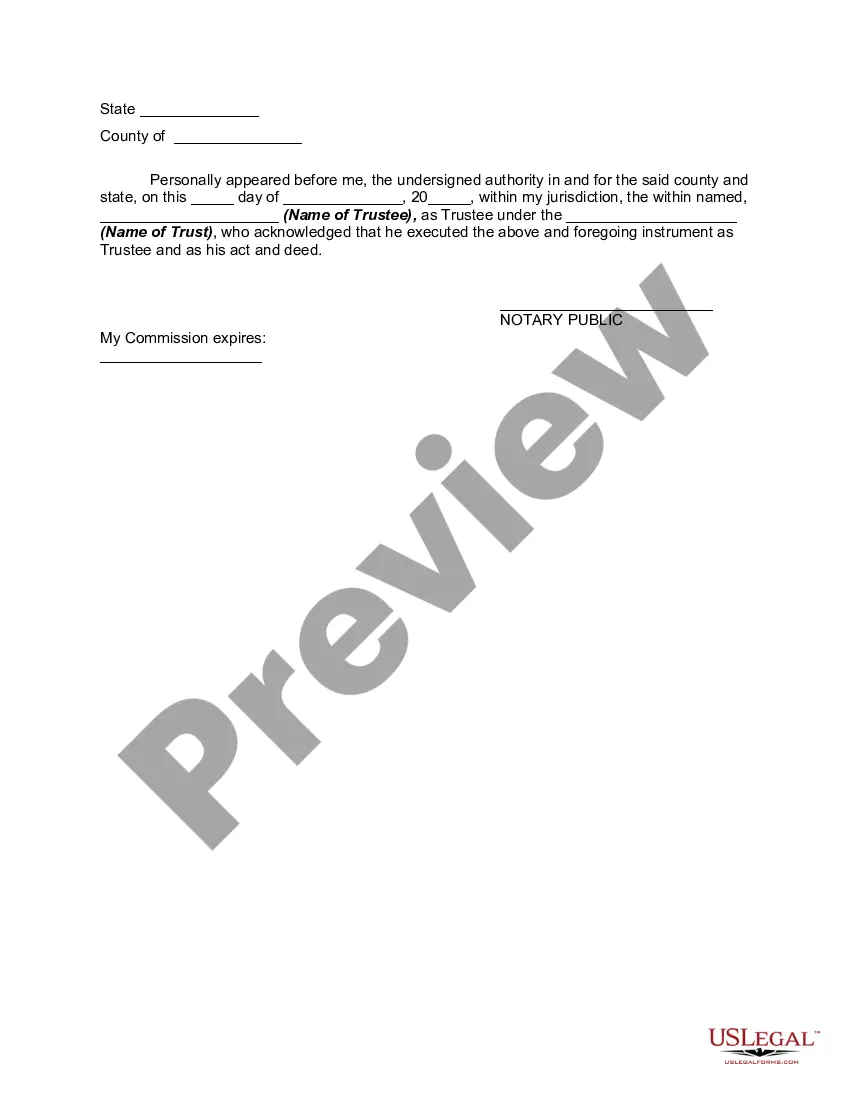
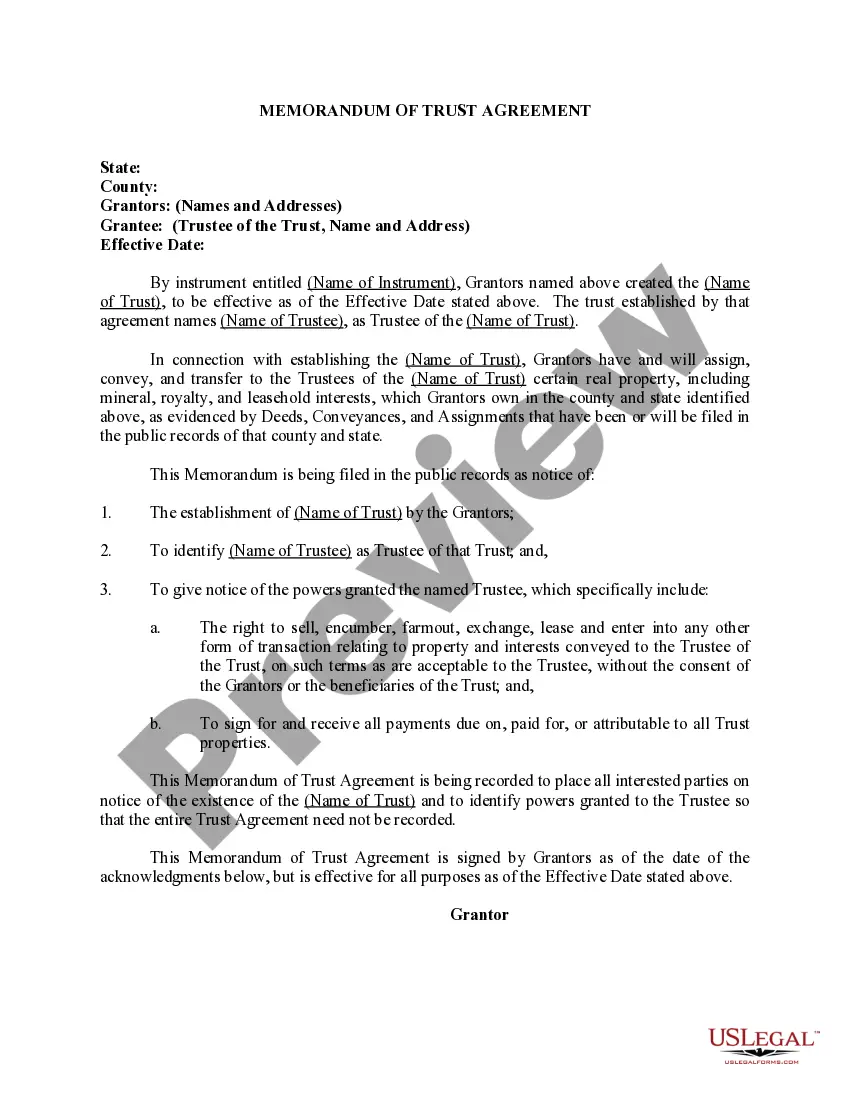
- Click on the form’s preview to inspect it.
- If it is the incorrect document, return to the search tool to find the Certification Of Trust Example With Parameters template you need.
- Download the file when it aligns with your needs.
- If you already possess a US Legal Forms account, simply click Log in to retrieve previously saved documents in My documents.
- If you do not have an account yet, you can download the form by clicking Buy now.
- Select the appropriate pricing option.
- Fill out the account registration form.
- Choose your payment method: you can utilize a credit card or PayPal account.
- Select the document format you prefer and download the Certification Of Trust Example With Parameters.
- Once it is saved, you can complete the form using editing software or print it and fill it out manually.
Form popularity
FAQ
For a trust to be valid, it generally must have a clear purpose, a designated trustee, identifiable beneficiaries, and assets to fund the trust. These elements ensure that the trust operates as intended and meets legal standards. Reviewing a certification of trust example with parameters can provide insights into structuring your trust correctly.
Whether a trust certification needs to be notarized can depend on state laws and the specific requirements of the institutions involved. While notarization is not always necessary, it can add an extra layer of authenticity to your certification. Always check local regulations and consider using a certification of trust example with parameters for guidance.
Yes, you can write your own certificate of trust, but it's essential to ensure you include all the necessary information. To create a legally binding document, follow the guidelines provided in a certification of trust example with parameters. Consulting with a legal professional can also help you avoid common pitfalls and ensure your document meets legal requirements.
To fill out a certificate of trust form, start by gathering the trust's key information, including the trust's name, date of creation, and trustee details. Make sure that you accurately represent the trust's provisions as they appear in the original document. A helpful certification of trust example with parameters can serve as a template to streamline this process and reduce errors.
Filling out a certification of trust involves providing essential details about the trust, such as the name of the trust, the names of the trustees, and the powers granted to them. You may also need to include the date the trust was created. Using a certification of trust example with parameters can help guide you through this process and ensure you include all necessary information.
Although the terms 'certificate of trust' and 'certification of trust' are often used interchangeably, they can have different connotations. A certification of trust example with parameters typically refers to a specific document summarizing trust information, while a certificate of trust may refer to a broader range of documents. It's important to understand the specific context in which these terms are used.
A declaration of trust is a document that outlines the terms and conditions of a trust, while a certification of trust is a summary of the trust's existence and its key provisions. The certification of trust example with parameters provides essential information without disclosing all the details of the trust. This makes it easier for third parties to verify the trust without accessing sensitive information.