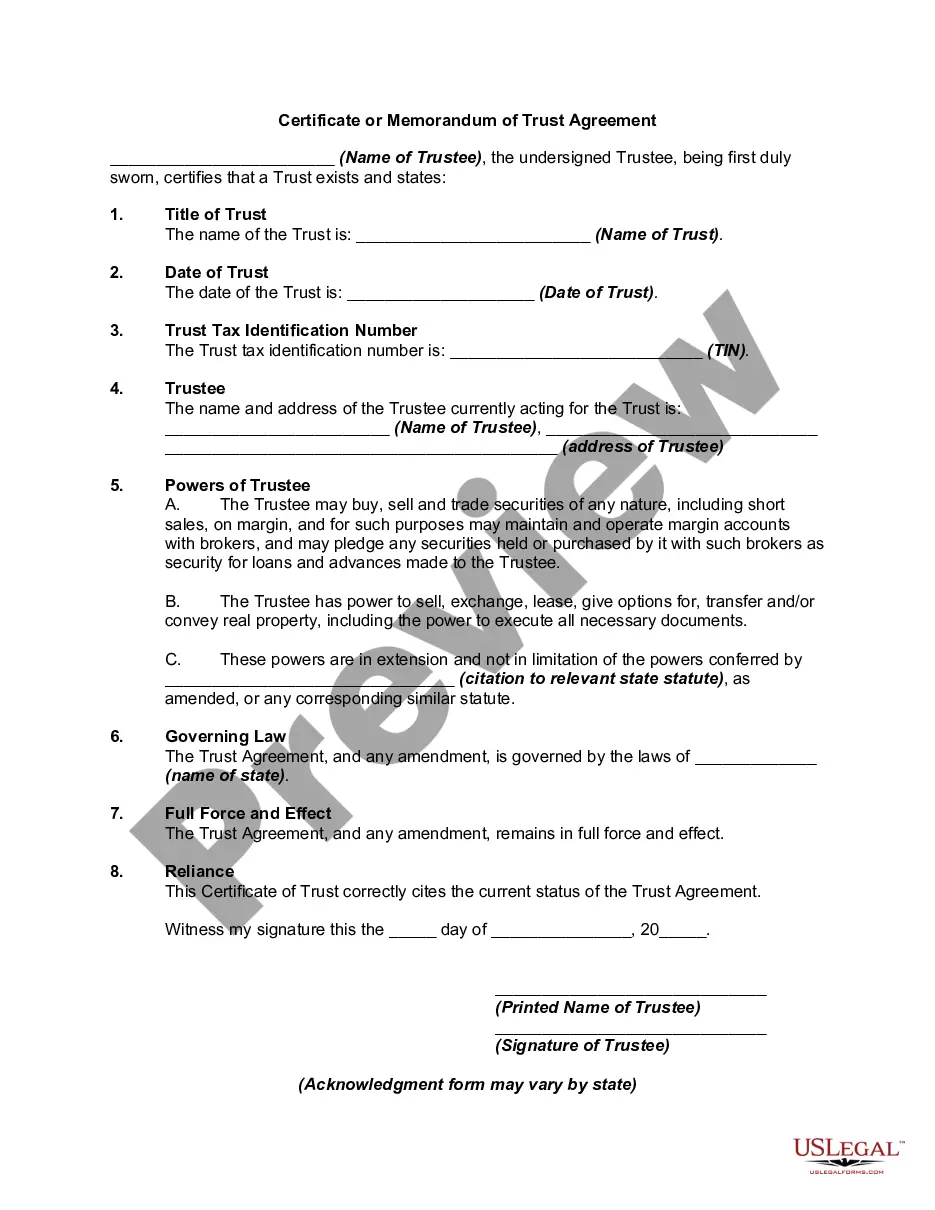
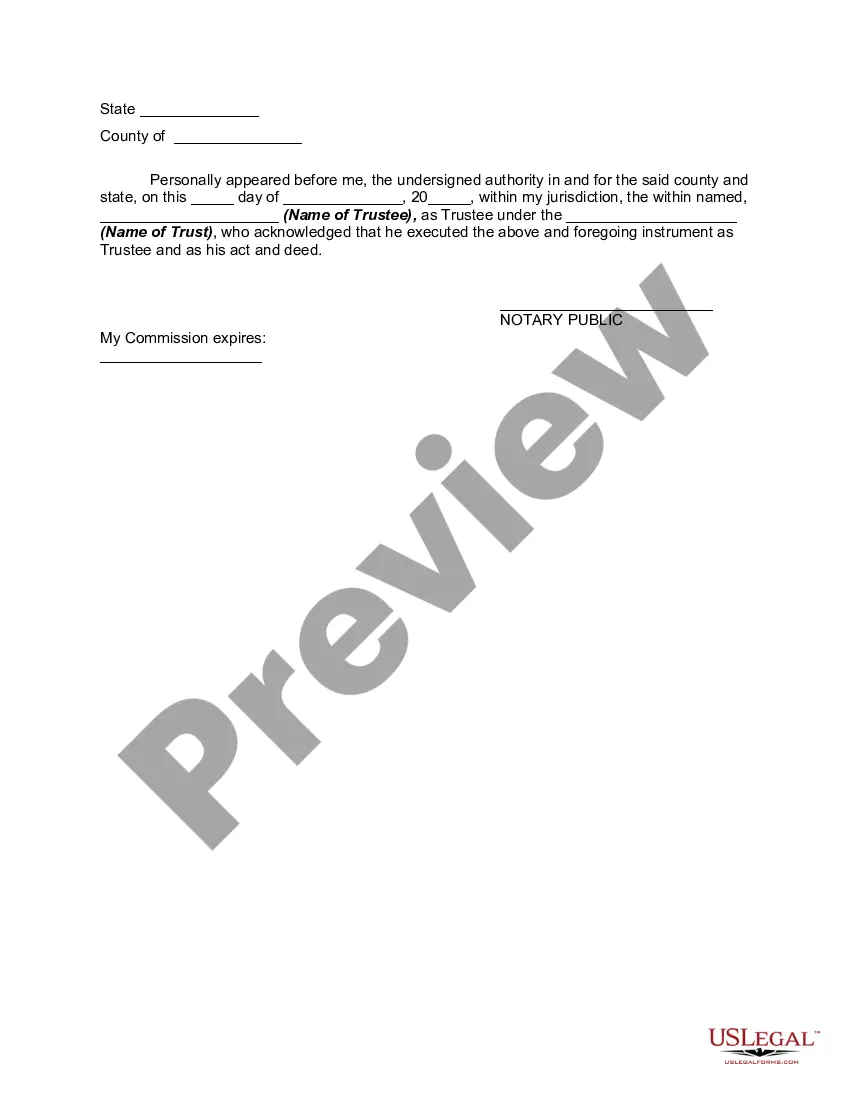
Certificate Of Trust Example With Additional Insured
Description
Get your form ready online
Our built-in tools help you complete, sign, share, and store your documents in one place.
Make edits, fill in missing information, and update formatting in US Legal Forms—just like you would in MS Word.
Download a copy, print it, send it by email, or mail it via USPS—whatever works best for your next step.
Sign and collect signatures with our SignNow integration. Send to multiple recipients, set reminders, and more. Go Premium to unlock E-Sign.
If this form requires notarization, complete it online through a secure video call—no need to meet a notary in person or wait for an appointment.
We protect your documents and personal data by following strict security and privacy standards.

Make edits, fill in missing information, and update formatting in US Legal Forms—just like you would in MS Word.

Download a copy, print it, send it by email, or mail it via USPS—whatever works best for your next step.

Sign and collect signatures with our SignNow integration. Send to multiple recipients, set reminders, and more. Go Premium to unlock E-Sign.

If this form requires notarization, complete it online through a secure video call—no need to meet a notary in person or wait for an appointment.

We protect your documents and personal data by following strict security and privacy standards.
Looking for another form?







How to fill out Certificate Or Memorandum Of Trust Agreement?
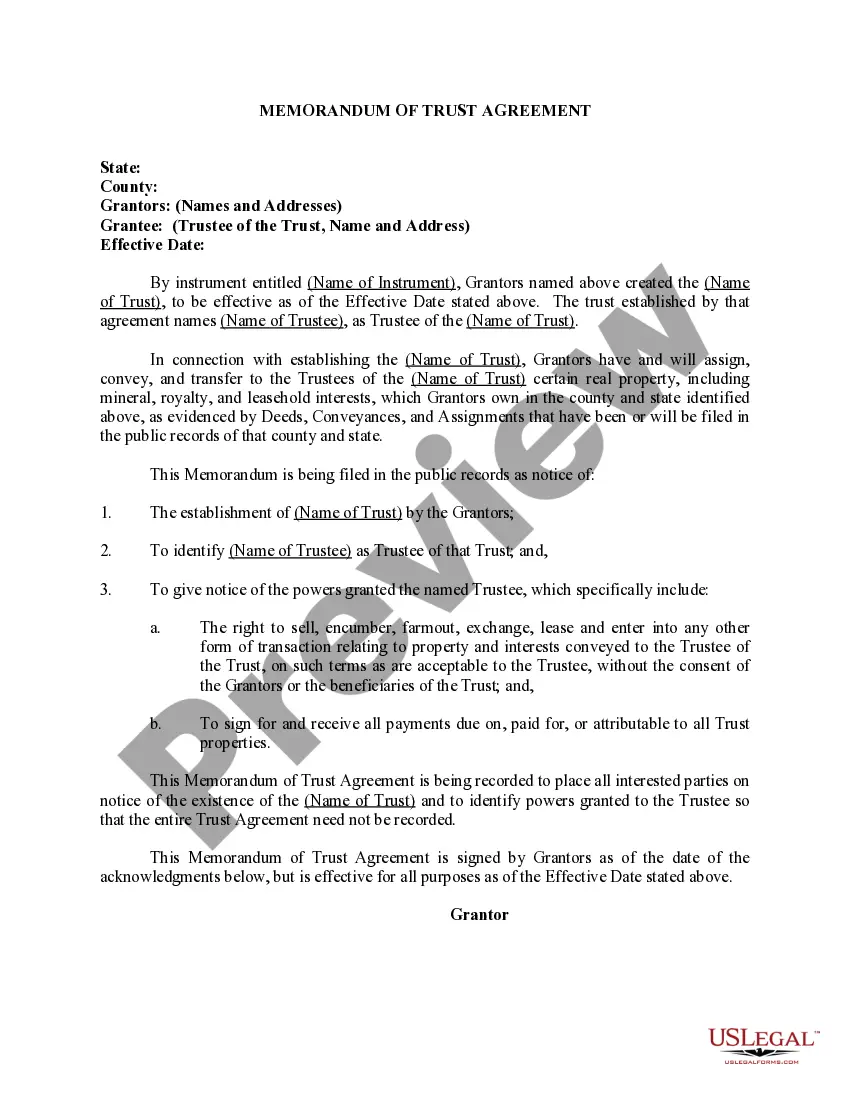
The Trust Certificate Template With Additional Insured displayed on this page is a reusable official document created by skilled attorneys in compliance with federal and local statutes and guidelines.
For over 25 years, US Legal Forms has supplied individuals, companies, and legal experts with over 85,000 validated, state-specific forms for any business and personal purpose. It’s the fastest, easiest, and most trustworthy option to acquire the necessary papers, as the service ensures bank-quality data protection and anti-malware security.
Pick the format you desire for your Trust Certificate Template With Additional Insured (PDF, DOCX, RTF) and store the sample on your device.
- Search for the document you require and examine it.
- Browse through the file you searched and view it or assess the form description to confirm it meets your requirements. If it doesn’t, utilize the search function to find the suitable one. Click Buy Now once you have found the template you wish to use.
- Choose and sign in.
- Select the pricing option that fits you and create an account. Utilize PayPal or a credit card for swift payment. If you already possess an account, Log In and check your subscription to proceed.
- Obtain the editable template.
Form popularity
FAQ
If you know the county of marriage, you can request a search for a fee from the county clerk.
The license will be issued the same day and must be obtained prior to the marriage ceremony.
Information Needed For Marriage License $53.00 Cash (no checks) Identification indicating proof of age (i.e.: valid driver's license, picture I.D., certified copy of Birth Certificate or Passport). ... Birth city, county, state or foreign country of applicants. Social Security Number.
Applicants must use the online marriage application system to complete the application. Public access computers are available in the Clerk of Court Office for applicants who do not have internet access. Proof of age, such as a driver's license or passport, is required.
Certified copies are not available from State Office. Fee for search and verification of essential facts of marriage is $10.00. Apply to Clerk of District Court where marriage license was purchased if known. Remarks: Clerk of District Court in county where marriage license was purchased.
Finding Montana Marriage Records Marriages are kept by the county clerk for each county and begin at the creation of the county. 1943 - state index begins; however, records are not held by the state and must be obtained locally from county courthouse.
How to Change Your Name (6 steps) Complete a Petition for Name Change. Prepare the Additional Required Forms. File Your Forms at the Courthouse. Publish the Notice of Hearing. Complete the Order for Name Change. Attend Your Hearing.