Suppress Evidence Of For Each Loop
Description
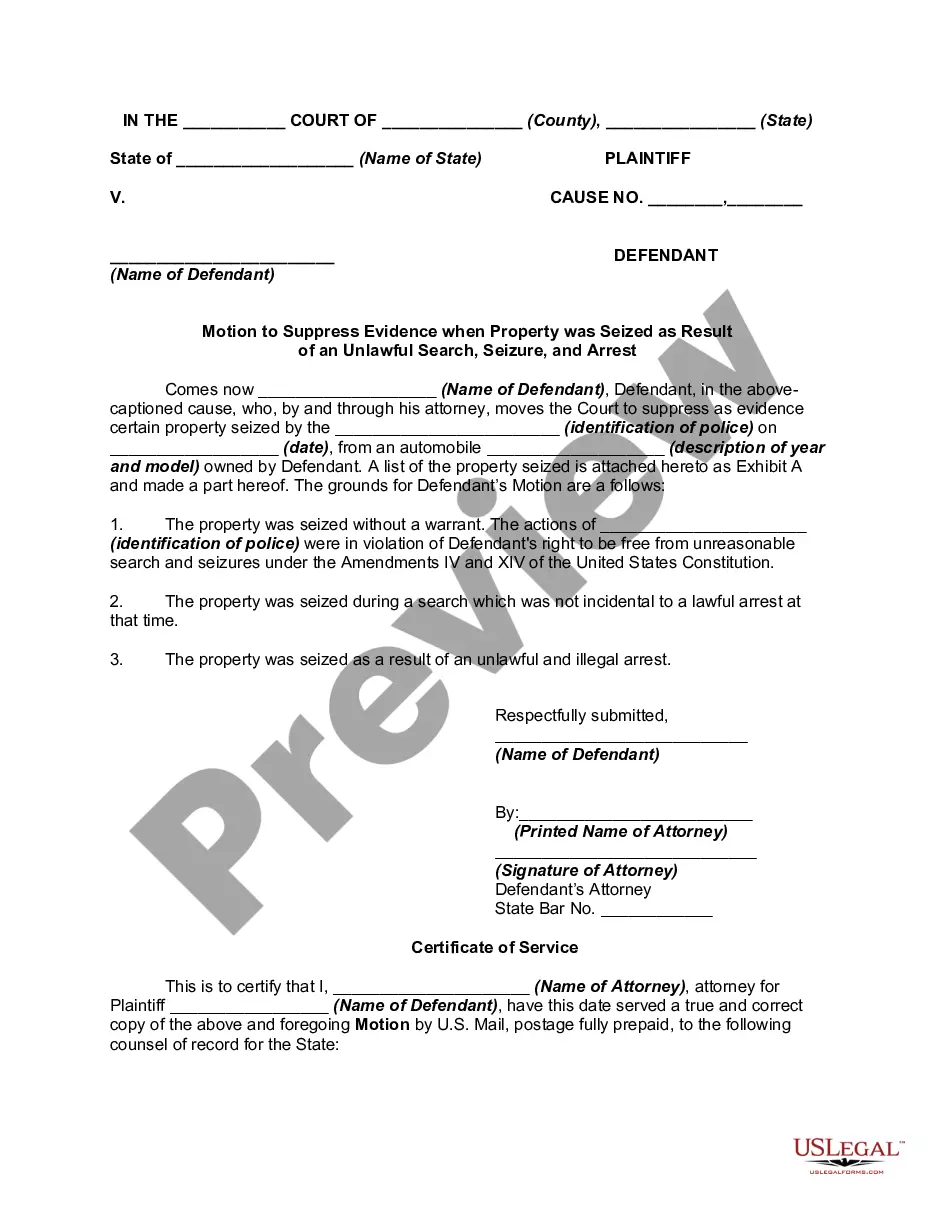
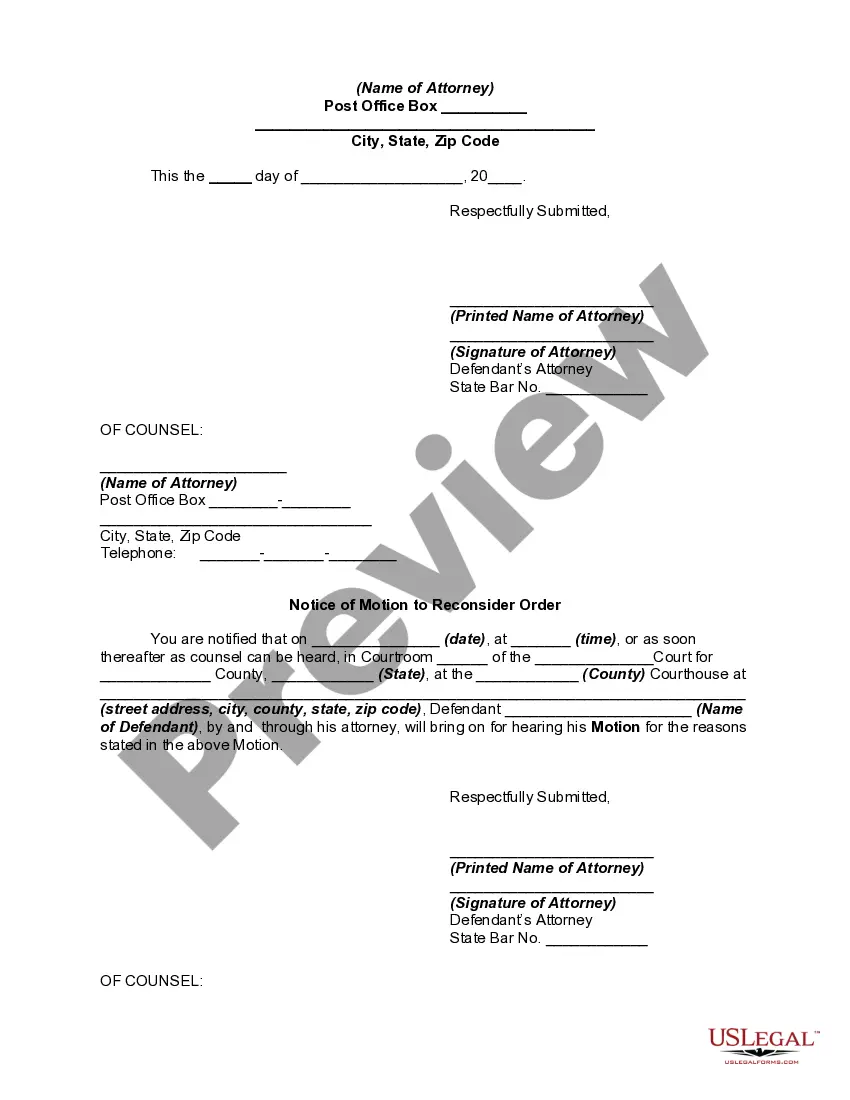

Get your form ready online
Our built-in tools help you complete, sign, share, and store your documents in one place.
Make edits, fill in missing information, and update formatting in US Legal Forms—just like you would in MS Word.
Download a copy, print it, send it by email, or mail it via USPS—whatever works best for your next step.
Sign and collect signatures with our SignNow integration. Send to multiple recipients, set reminders, and more. Go Premium to unlock E-Sign.
If this form requires notarization, complete it online through a secure video call—no need to meet a notary in person or wait for an appointment.
We protect your documents and personal data by following strict security and privacy standards.

Make edits, fill in missing information, and update formatting in US Legal Forms—just like you would in MS Word.

Download a copy, print it, send it by email, or mail it via USPS—whatever works best for your next step.

Sign and collect signatures with our SignNow integration. Send to multiple recipients, set reminders, and more. Go Premium to unlock E-Sign.

If this form requires notarization, complete it online through a secure video call—no need to meet a notary in person or wait for an appointment.

We protect your documents and personal data by following strict security and privacy standards.
Looking for another form?






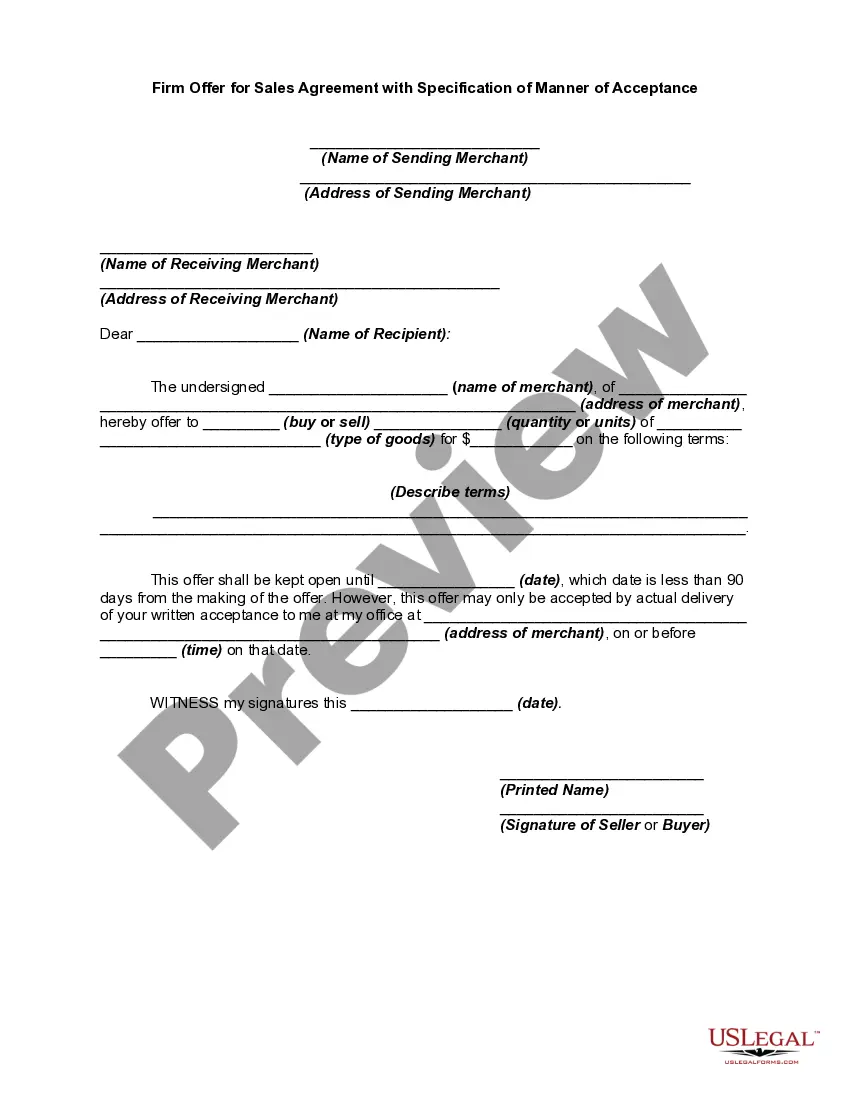



How to fill out Motion To Suppress Evidence When Property Was Seized As Result Of An Unlawful Search, Seizure, And Arrest?
- Start by logging into your account at US Legal Forms. If you’re new, create an account to begin.
- Browse through our vast collection of over 85,000 legal templates. Use the preview mode to confirm the document meets your specific requirements.
- If necessary, utilize the search feature located at the top of the page to find alternatives that better suit your needs.
- Select your desired document and click the 'Buy Now' button to choose your subscription plan.
- Proceed to payment by entering your credit card details or using PayPal to complete your transaction.
- Once your purchase is confirmed, download the form directly to your device and access it anytime through the 'My Forms' section on your profile.
By choosing US Legal Forms, you're not just gaining access to templates; you’re leveraging a robust collection that allows for an easier custom legal process. Our platform is designed to ensure every document you create is accurate and compliant.
Don't wait any longer to simplify your legal documentation process. Sign up today and take advantage of our powerful resources for your legal needs!
Form popularity
FAQ
To remove an element from an array, you can use the `splice` method in JavaScript. This method modifies the original array, suppressing evidence of the removed element from your existing dataset. Alternatively, consider creating a new array using `filter` to retain only the elements you want to keep, providing flexible solutions for array modification.
When you want to remove elements from a list while iterating, it's advisable to iterate backward through the list or use `RemoveAll`. This strategy allows you to suppress evidence of removed elements without causing issues related to index shifting. Such methods ensure that your iteration remains accurate and efficient, even as changes occur.
In C#, you cannot break from a `foreach` loop directly, but you can use a `for` loop instead. By using this method, you can easily suppress evidence of any further iterations and exit when your specified condition is met. This gives you better control over your loop's execution.
To exclude an element from an array, you can use the `filter` method. By passing a condition that excludes the item, you can create a new array that suppresses evidence of the unwanted element. This approach keeps your data structured while enabling you to perform necessary exclusions with ease.
To break out of a `forEach` loop in JavaScript, you should consider using alternative looping methods like a standard `for` loop. Since `forEach` does not support `break` or `continue`, using a traditional loop allows you to suppress evidence of ongoing iterations and terminate when a specific condition is fulfilled.
While you cannot directly stop a `forEach` loop, you can manage it by returning from your callback function. If your condition is met, simply use a `return` statement. This will suppress evidence of any further iterations, effectively allowing for a controlled exit from the looping process.
To remove a specific part of an array, you can utilize the `filter` method in JavaScript to create a new array. By specifying the condition you want to keep, you effectively suppress evidence of the part you wish to remove. This method is useful for maintaining a clean dataset while allowing you to easily modify your arrays as necessary.
While for-each loops simplify syntax and enhance code readability, they do not inherently guarantee faster execution than traditional for loops. In many cases, the difference in execution speed is negligible, and the trade-off between speed and readability should be considered. You might find that using the for-each loop helps you suppress evidence of inefficiencies in your code, so you can focus on developing a clear logic flow. Tools like US Legal Forms can assist you in understanding these programming concepts with legal clarity.
The performance differences between traditional for loops and enhanced for each loops are often minimal in practice. Traditionally, loops may offer slight advantages in performance due to control over loop mechanics. However, the enhanced for loop allows you to suppress evidence of performance concerns by concentrating on simplicity and avoiding common pitfalls. Overall, when efficiency matters, both styles can be useful, but the enhanced option is preferred for cleaner code.
In legal matters, especially when considering a motion to suppress, the standard of proof generally rests with the party that seeks to suppress evidence. This standard is often a preponderance of the evidence, indicating that it is more likely than not that the evidence should be excluded. In this context, understanding how to suppress evidence of for each loop may help clarify the legal terminology around motions. For those who need assistance navigating these processes, US Legal Forms offers a wealth of resources to support your journey.