Ending An Irrevocable Trust For Real Estate
Description

Get your form ready online
Our built-in tools help you complete, sign, share, and store your documents in one place.
Make edits, fill in missing information, and update formatting in US Legal Forms—just like you would in MS Word.
Download a copy, print it, send it by email, or mail it via USPS—whatever works best for your next step.
Sign and collect signatures with our SignNow integration. Send to multiple recipients, set reminders, and more. Go Premium to unlock E-Sign.
If this form requires notarization, complete it online through a secure video call—no need to meet a notary in person or wait for an appointment.
We protect your documents and personal data by following strict security and privacy standards.

Make edits, fill in missing information, and update formatting in US Legal Forms—just like you would in MS Word.

Download a copy, print it, send it by email, or mail it via USPS—whatever works best for your next step.

Sign and collect signatures with our SignNow integration. Send to multiple recipients, set reminders, and more. Go Premium to unlock E-Sign.

If this form requires notarization, complete it online through a secure video call—no need to meet a notary in person or wait for an appointment.

We protect your documents and personal data by following strict security and privacy standards.
Looking for another form?



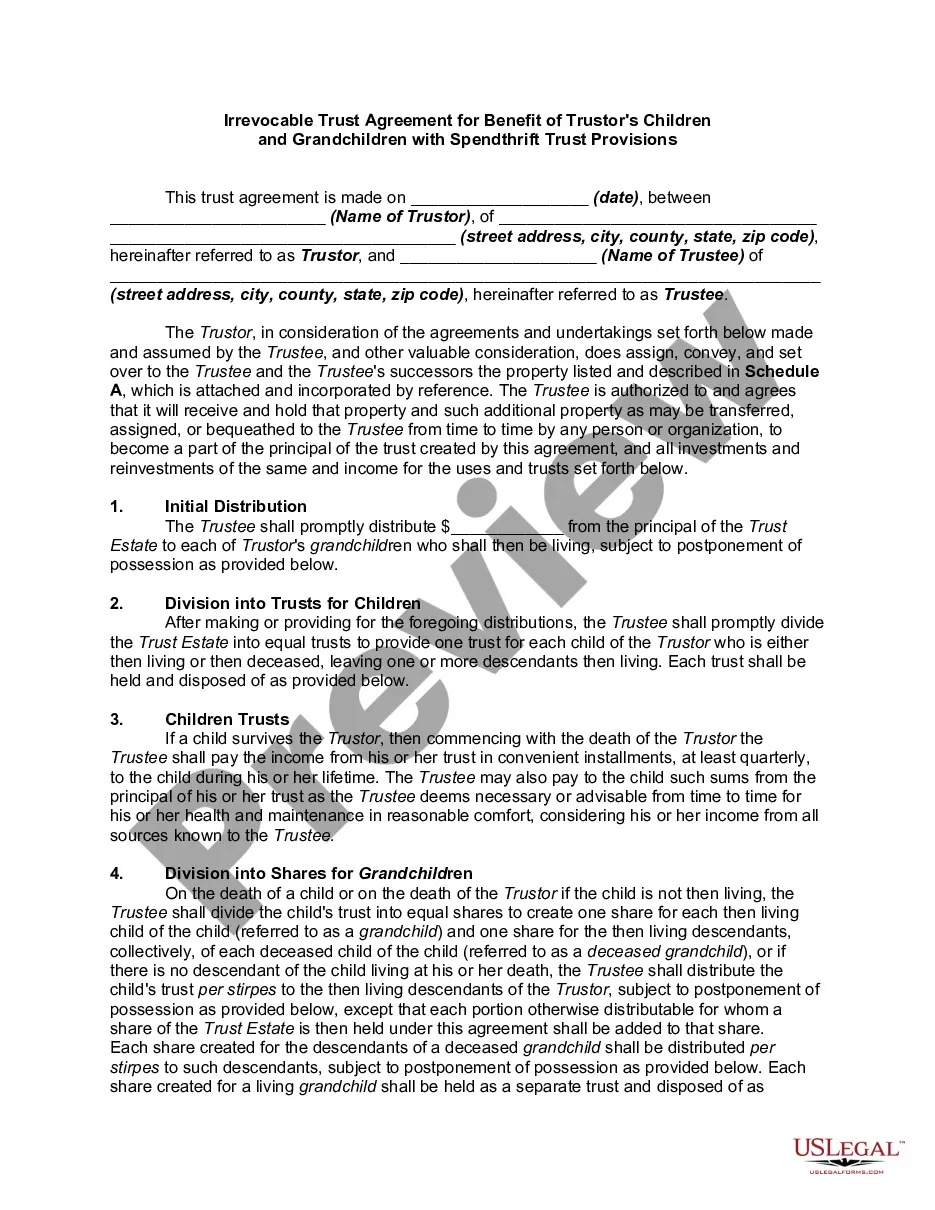
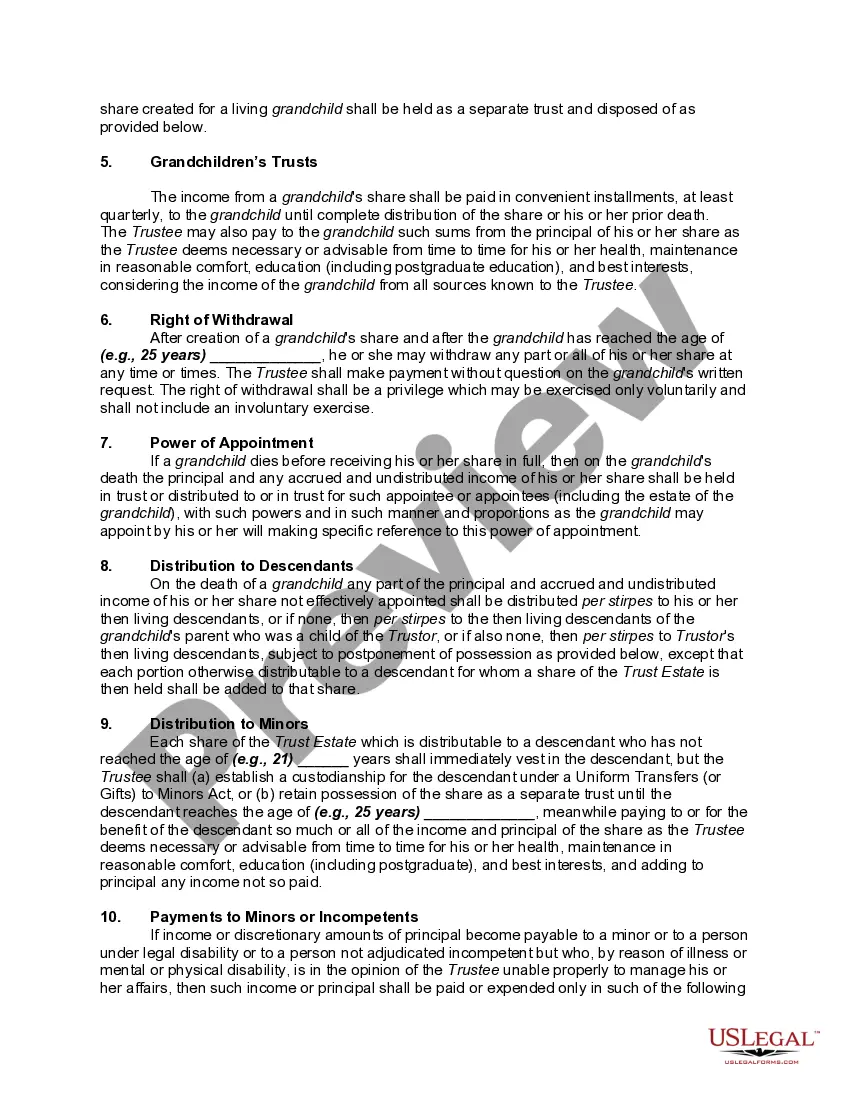
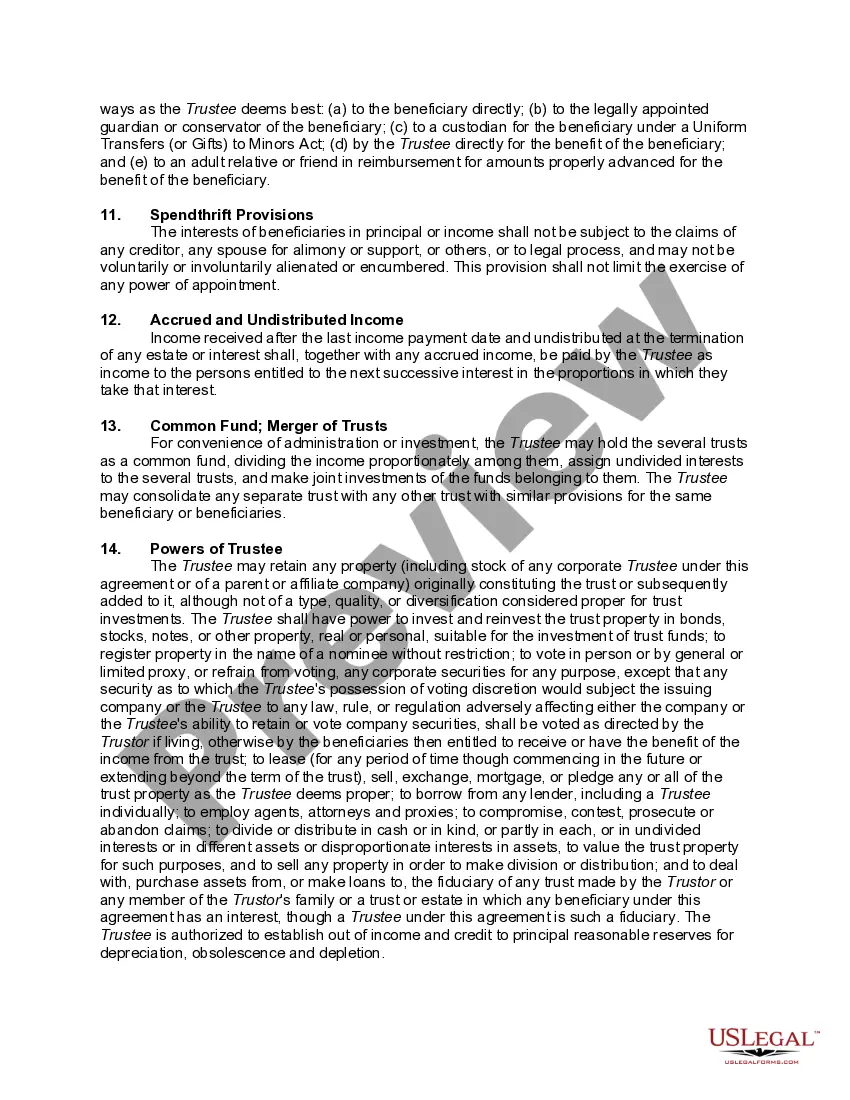
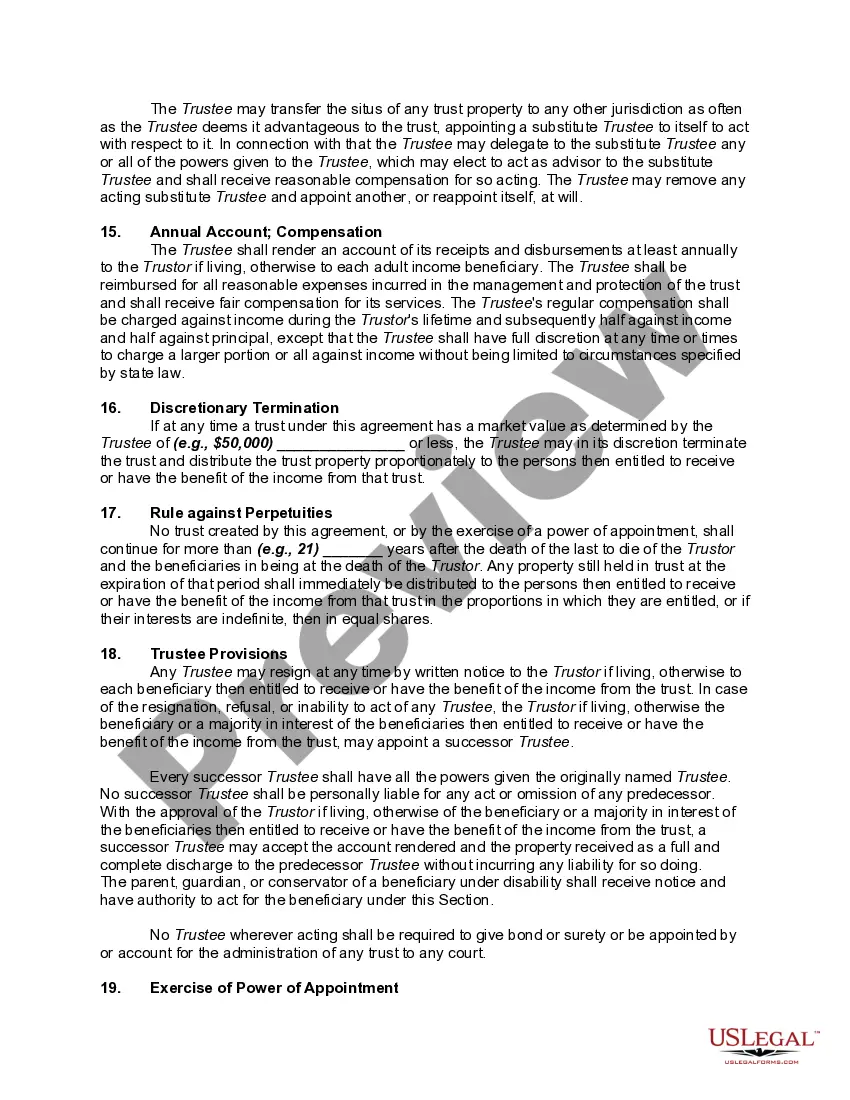
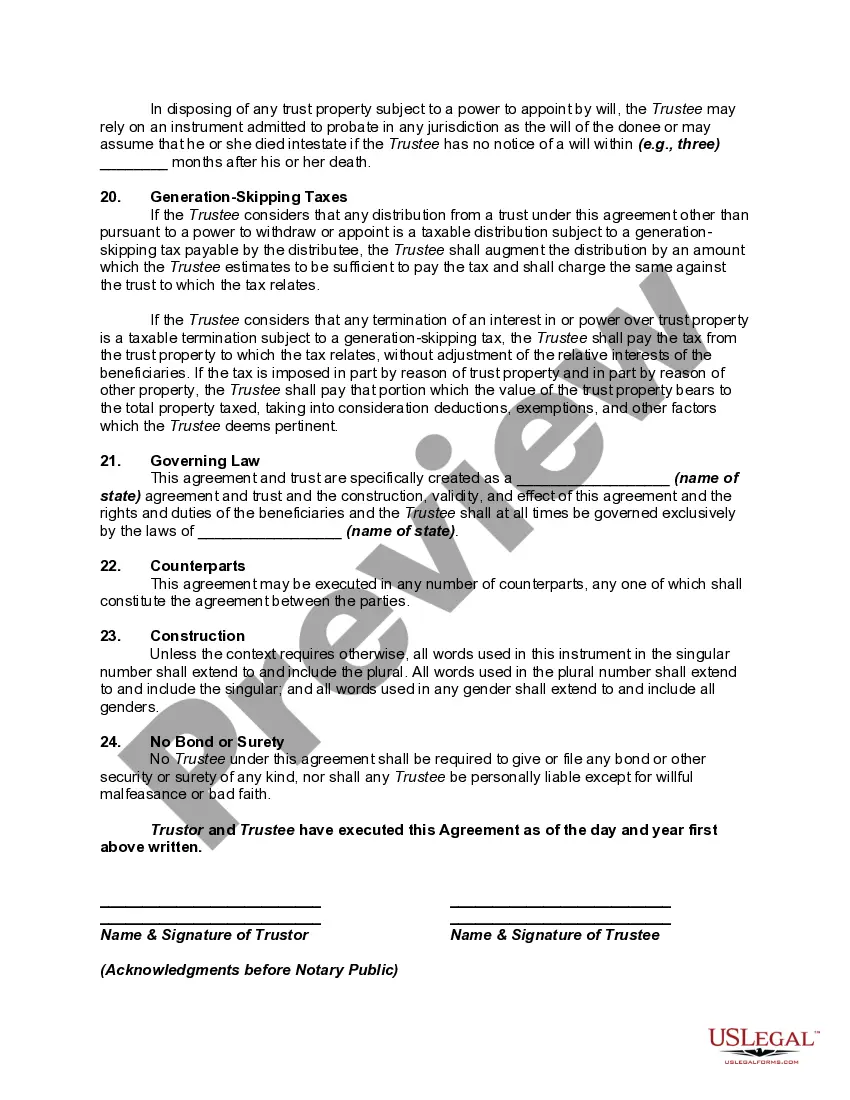
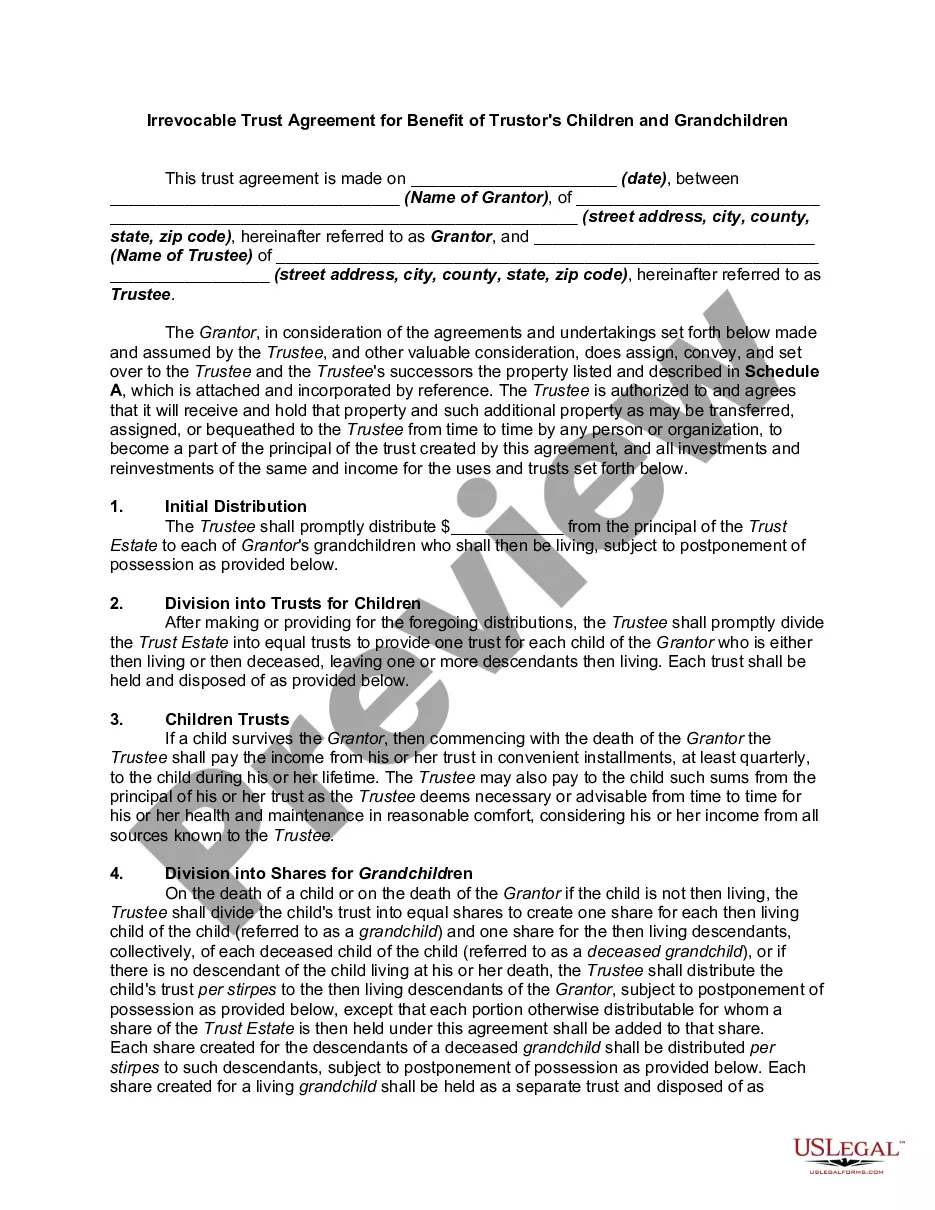
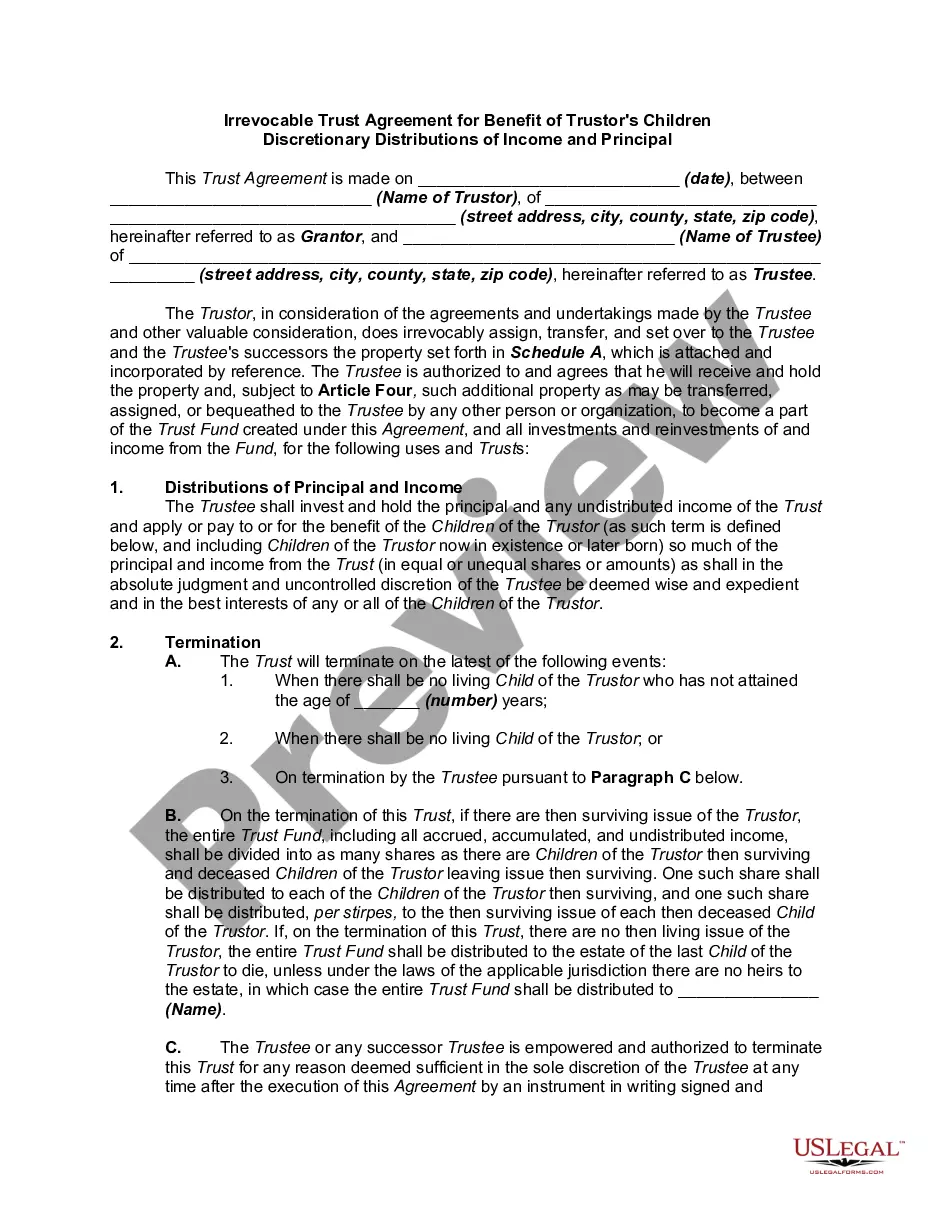
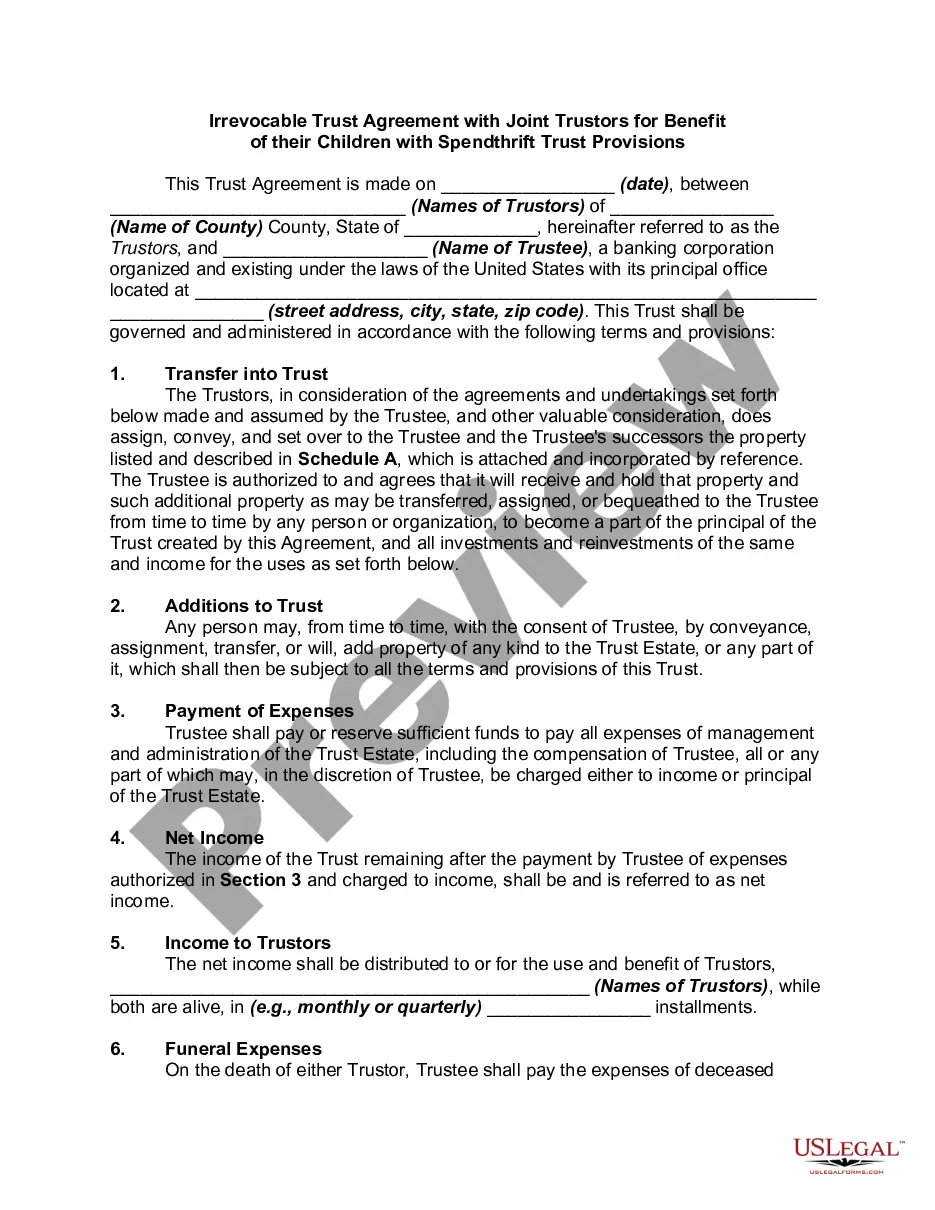
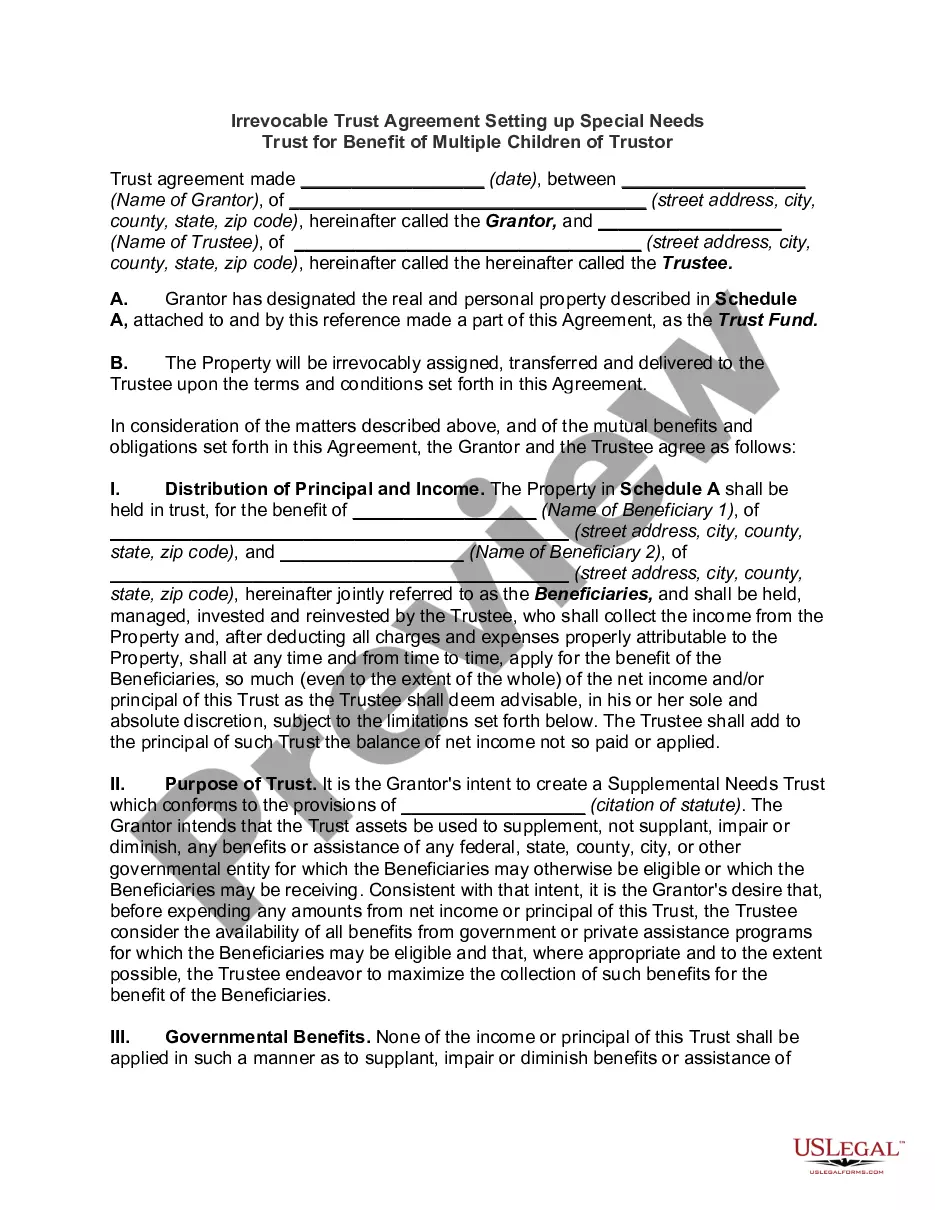
How to fill out Irrevocable Trust Agreement For Benefit Of Trustor's Children And Grandchildren With Spendthrift Trust Provisions?
It’s clear that you cannot transform into a legal expert instantly, nor can you understand how to swiftly draft Ending An Irrevocable Trust For Real Estate without a specialized education.
Drafting legal documents is an extensive undertaking that necessitates specific training and expertise. So why not entrust the creation of the Ending An Irrevocable Trust For Real Estate to the professionals.
With US Legal Forms, one of the most extensive compilations of legal documents, you can locate everything from legal filings to templates for internal business correspondence.
You can access your documents again via the My documents section at any time. If you are a current customer, simply Log In to locate and download the template from the same section.
Regardless of the intent of your documents—be it financial, legal, or personal—our site has you covered. Try US Legal Forms today!
- Identify the document you require with the search feature at the top of the page.
- View a preview (if available) and examine the accompanying description to see if Ending An Irrevocable Trust For Real Estate meets your needs.
- Begin your search anew if you are seeking a different document.
- Establish a free account and select a subscription plan to purchase the template.
- Click Buy now. After the purchase is completed, you can obtain the Ending An Irrevocable Trust For Real Estate, fill it out, print it, and deliver or mail it to the relevant parties or entities.
Form popularity
FAQ
The irrevocable trust will automatically dissolve if its intent has been fulfilled. You might also contend that: The purpose of the trust has become illegal, impossible, wasteful or impractical to fulfill; Compliance with trust terms preclude accomplishing a material purpose of the trust; and.
Instead, in most cases, an irrevocable trust can only be dissolved by court order. The details of dissolving an irrevocable trust differ widely between states and jurisdictions. However, typically you will need to get approval from the trust's beneficiaries and potentially its trustees as well.
The two most common ways to terminate and/or modify an irrevocable trust is to 1) argue that there has been a change of circumstances not anticipated by the settlors at the time they created the trust (for example changes in tax law, and 2) argue that all beneficiaries consent to the proposed termination and or ...
You can dissolve a revocable trust by removing assets from the trust, and signing the proper legal document, called a trust dissolution form, which you can find online or hire a lawyer to write for you.
The two most common ways to terminate and/or modify an irrevocable trust is to 1) argue that there has been a change of circumstances not anticipated by the settlors at the time they created the trust (for example changes in tax law, and 2) argue that all beneficiaries consent to the proposed termination and or ...