Copyright Logo Copy With Base Point
Description

Get your form ready online
Our built-in tools help you complete, sign, share, and store your documents in one place.
Make edits, fill in missing information, and update formatting in US Legal Forms—just like you would in MS Word.
Download a copy, print it, send it by email, or mail it via USPS—whatever works best for your next step.
Sign and collect signatures with our SignNow integration. Send to multiple recipients, set reminders, and more. Go Premium to unlock E-Sign.
If this form requires notarization, complete it online through a secure video call—no need to meet a notary in person or wait for an appointment.
We protect your documents and personal data by following strict security and privacy standards.

Make edits, fill in missing information, and update formatting in US Legal Forms—just like you would in MS Word.

Download a copy, print it, send it by email, or mail it via USPS—whatever works best for your next step.

Sign and collect signatures with our SignNow integration. Send to multiple recipients, set reminders, and more. Go Premium to unlock E-Sign.

If this form requires notarization, complete it online through a secure video call—no need to meet a notary in person or wait for an appointment.

We protect your documents and personal data by following strict security and privacy standards.
Looking for another form?










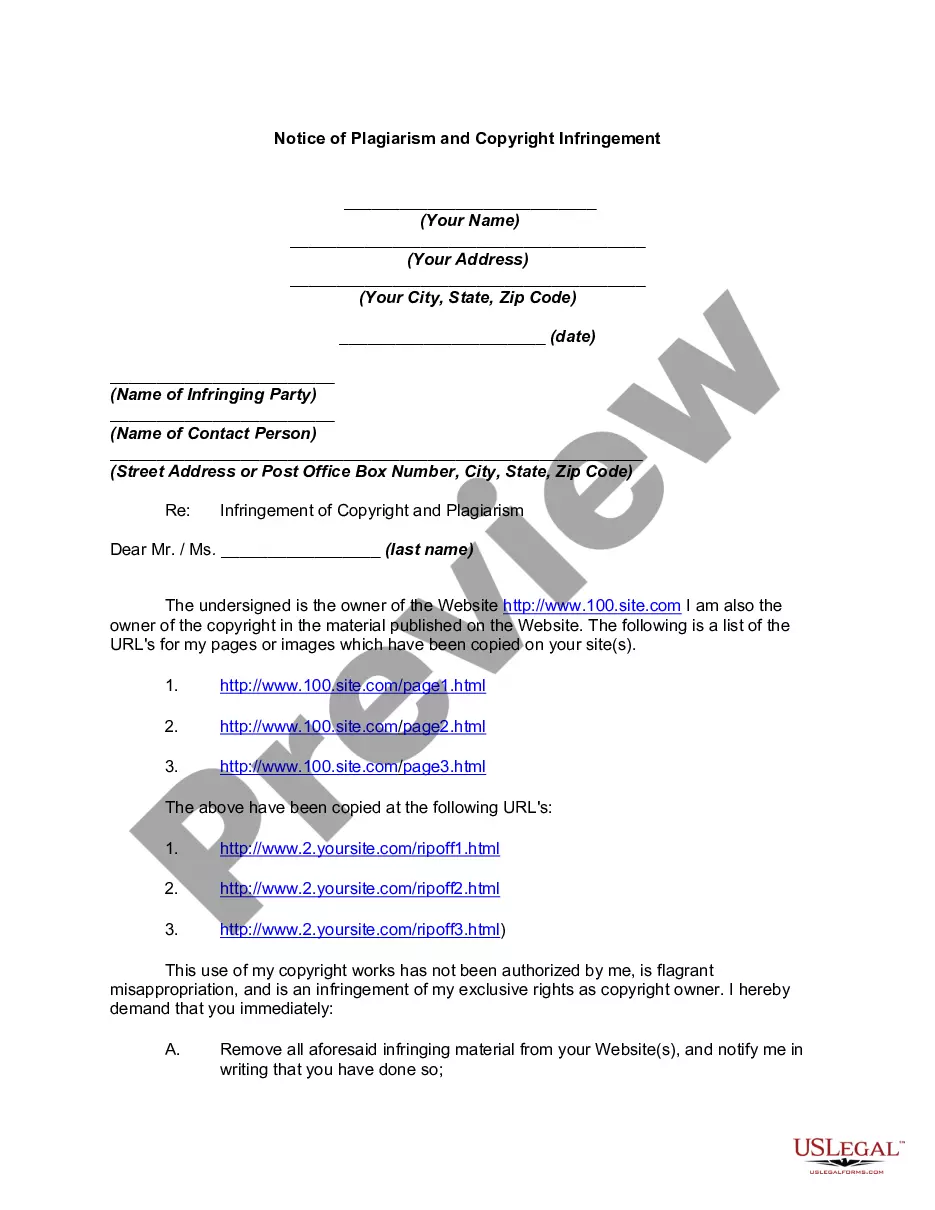
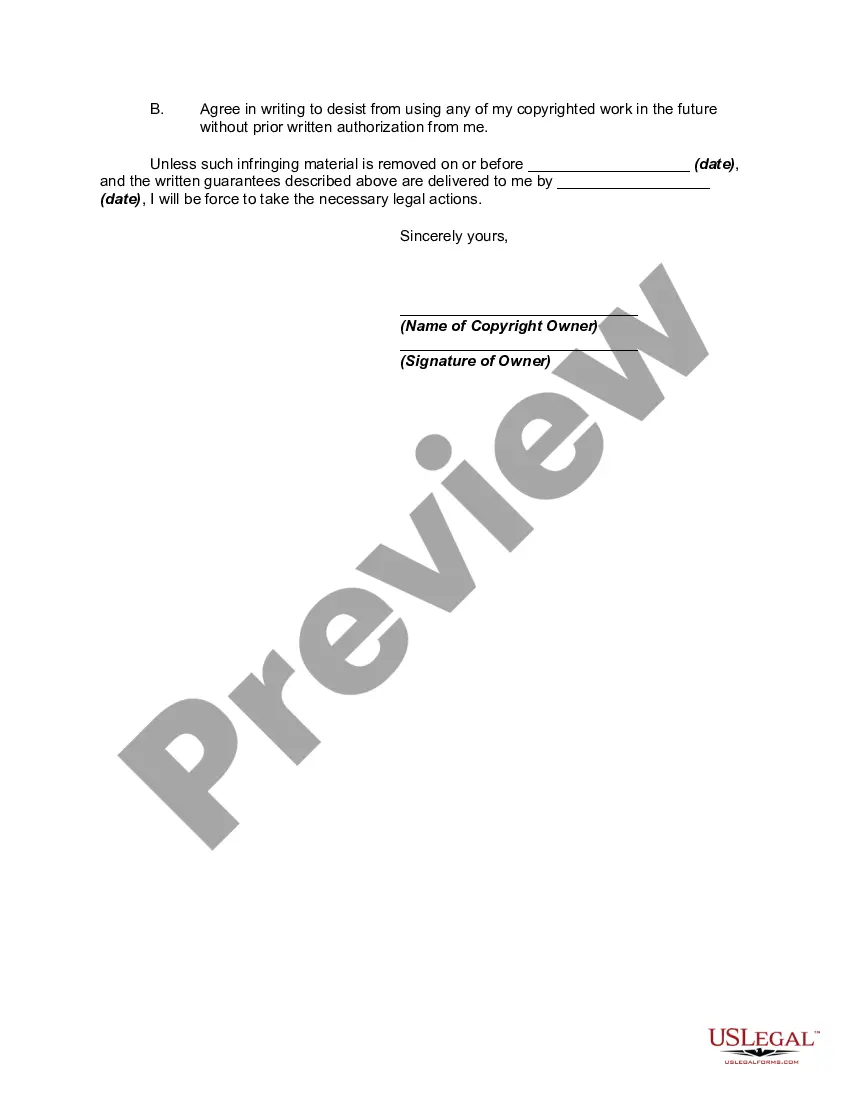
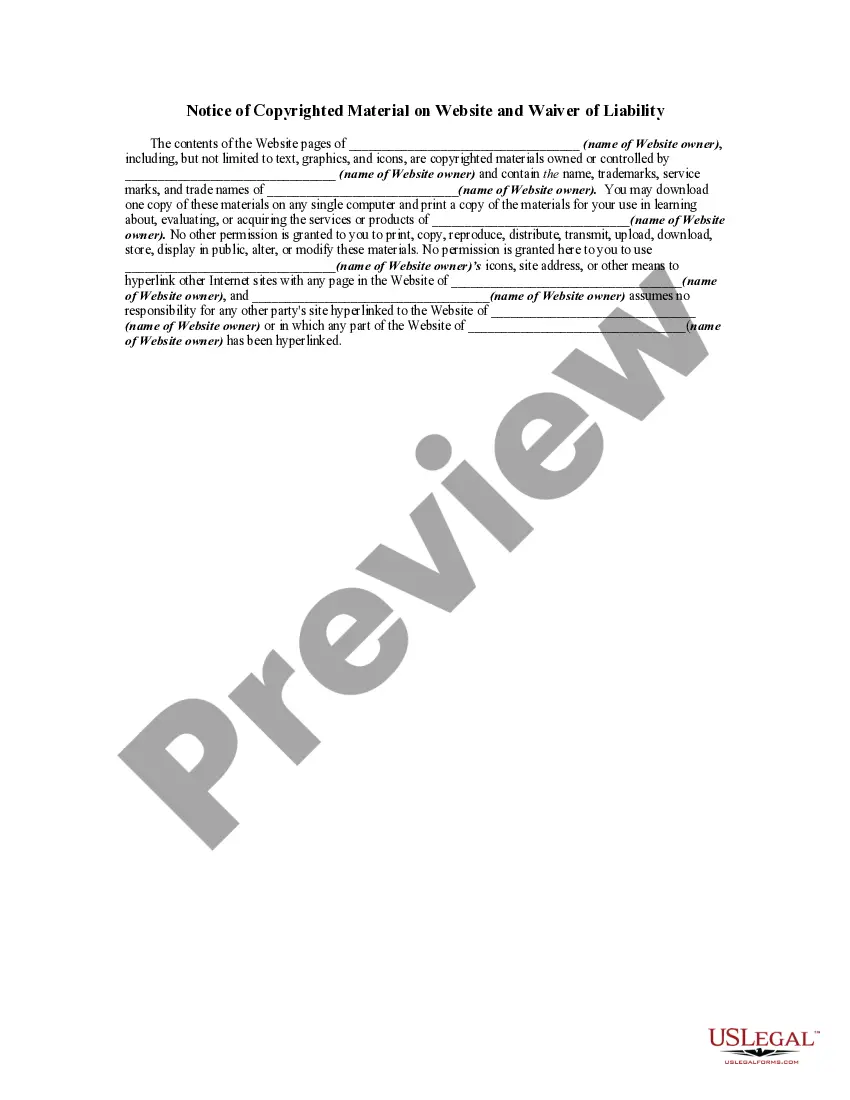
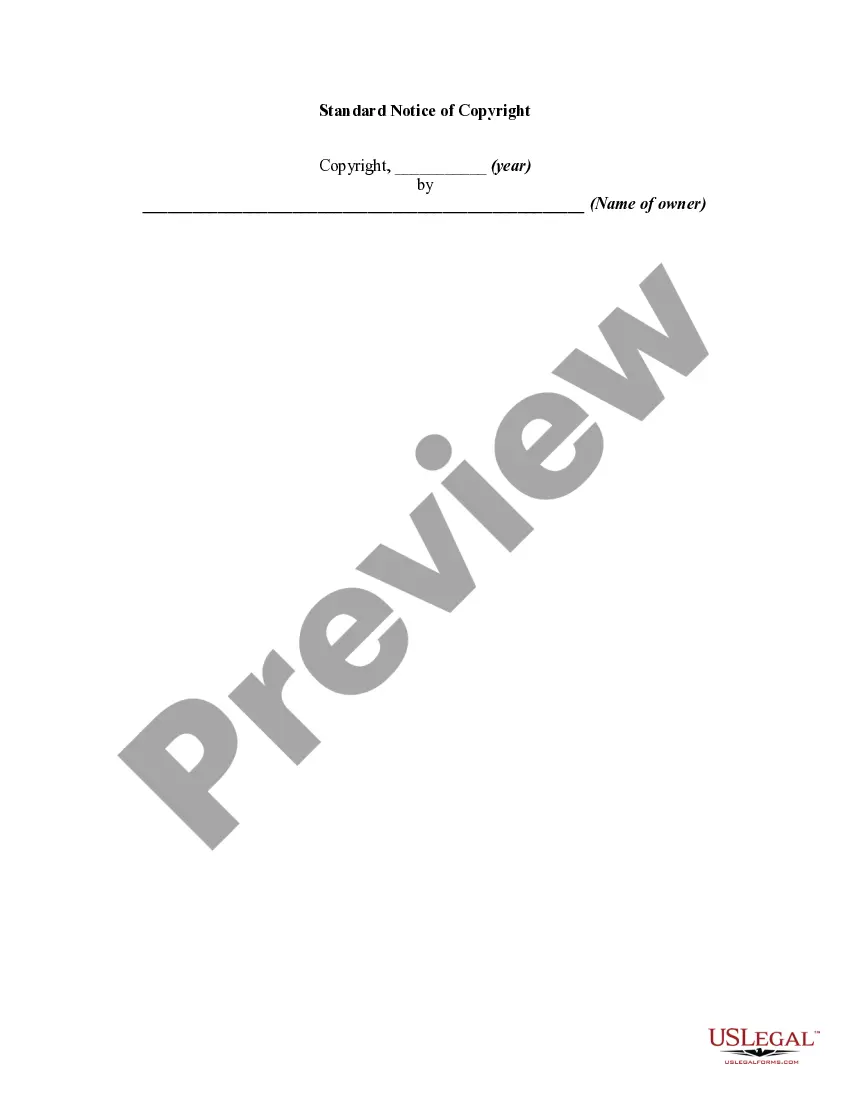
How to fill out Notice Of Plagiarism And Copyright Infringement?
Managing legal papers and activities can be a lengthy addition to your day.
Copyright Logo Copy With Base Point and similar documents frequently require you to look for them and understand how to fill them out correctly.
Consequently, if you are addressing financial, legal, or personal issues, utilizing a comprehensive and user-friendly online directory of forms readily available will provide significant support.
US Legal Forms is the top online resource for legal templates, offering over 85,000 state-specific documents and a range of tools to help you complete your papers with ease.
Simply Log In to your account, search for Copyright Logo Copy With Base Point, and download it immediately from the My documents section. You can also access previously downloaded forms.
- Browse the collection of relevant documents accessible to you with a single click.
- US Legal Forms provides you with state- and county-specific forms available for download at any time.
- Protect your document management procedures with a premium service that enables you to prepare any document within minutes without additional or concealed fees.
Form popularity
FAQ
To insert a copyright logo, first, find the copyright symbol, which is ©. You can easily copy this symbol from a reliable source or use a keyboard shortcut, usually Alt + 0169 on a Windows PC or Option + G on a Mac. Once you have the symbol, paste it into your document or content where you want the copyright logo to appear. Remember, using the copyright logo copy with base point signifies your ownership and protects your creative work.
Typing a copyright symbol on your keyboard can be straightforward with the right method. If you are using a standard keyboard setup, you can hold the 'Alt' key and type '0169' for Windows, or use 'Option' and 'G' for Mac. This capability enables you to incorporate the copyright logo copy with base point into your work effortlessly, ensuring you protect your creative content.
To input the copyright symbol, you can use a simple keyboard shortcut. On Windows, press 'Alt' and type '0169' on the numeric keypad. For Mac users, press 'Option' and 'G' simultaneously. This method allows you to easily add the copyright logo copy with base point to your documents.
You can obtain the copyright logo by using the keyboard shortcut 'Alt + 0169' on a Windows laptop or by pressing 'Option + G' on a Mac. If you prefer, you can also copy the copyright symbol from a website or a document that displays it. For those looking to use the Copyright logo copy with base point in their work, uslegalforms provides resources and templates to ensure you use it correctly and legally.
To write the at symbol (@) on your laptop, you can easily do this by pressing the 'Shift' key and the '2' key simultaneously on a standard US keyboard layout. This will insert the @ symbol wherever your cursor is positioned. If you are using a different keyboard layout, you might need to check the specific key combination for that layout. Understanding how to use symbols like the Copyright logo copy with base point can enhance your digital communication.
The (@) symbol is commonly referred to as the 'at' symbol. It is widely used in email addresses and social media handles. Knowing how to use this symbol can enhance your online presence, just as understanding the copyright logo copy with base point can help protect your digital content.
The small copy-paste symbol for copyright is the © symbol. You can easily copy and paste it from any text where it appears. This symbol is vital for indicating copyright ownership, and understanding how to utilize the copyright logo copy with base point can protect your intellectual property.
To type the ℗ symbol, which stands for phonorecord, you can use a similar method as with the copyright symbol. On Windows, hold down the Alt key and type 8499 on the numeric keypad. On Mac, use the character viewer to locate and insert the ℗ symbol, enhancing your content with the relevant copyright logo copy with base point.
Inserting a copyright symbol is straightforward. You can access the symbol in most word processing software by finding it in the 'Insert' menu under 'Symbol.' If you're using applications like Microsoft Word or Google Docs, you can also use keyboard shortcuts to quickly add the copyright logo copy with base point to your document.
To type the 'C' in a circle, which represents the copyright symbol, you can use a keyboard shortcut. On Windows, you can press Alt+0169 on the numeric keypad, and on Mac, you can press Option+G. This creates the copyright logo copy with base point directly in your text.