Booth Rental Form With Tax
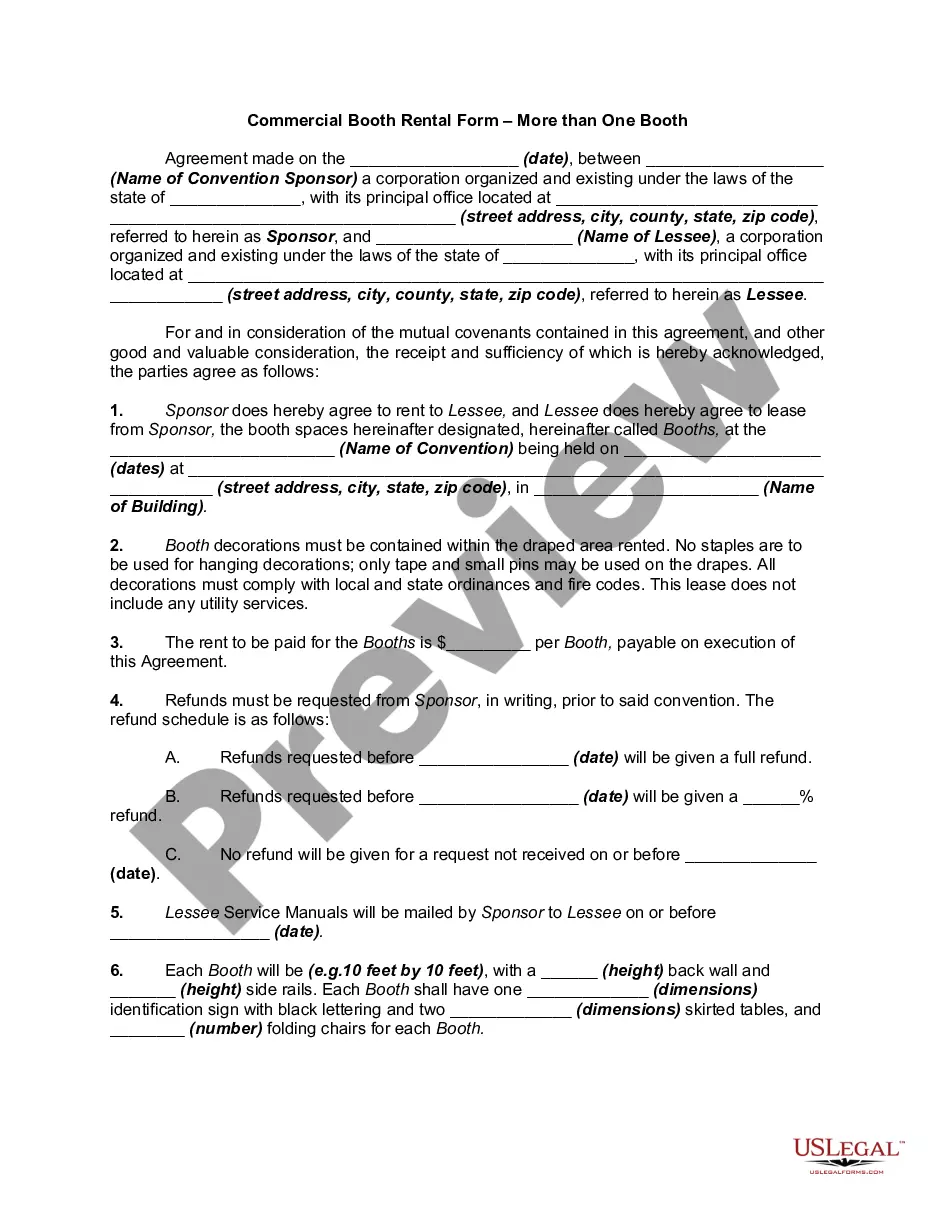
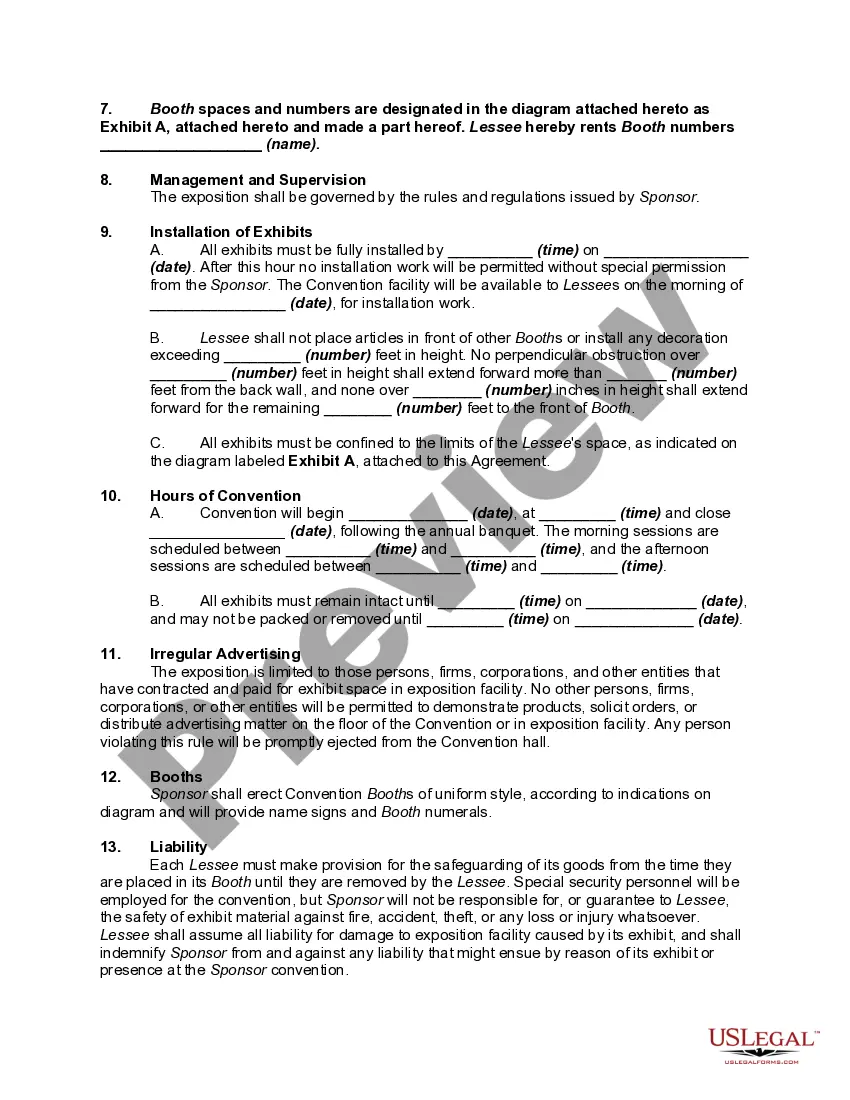
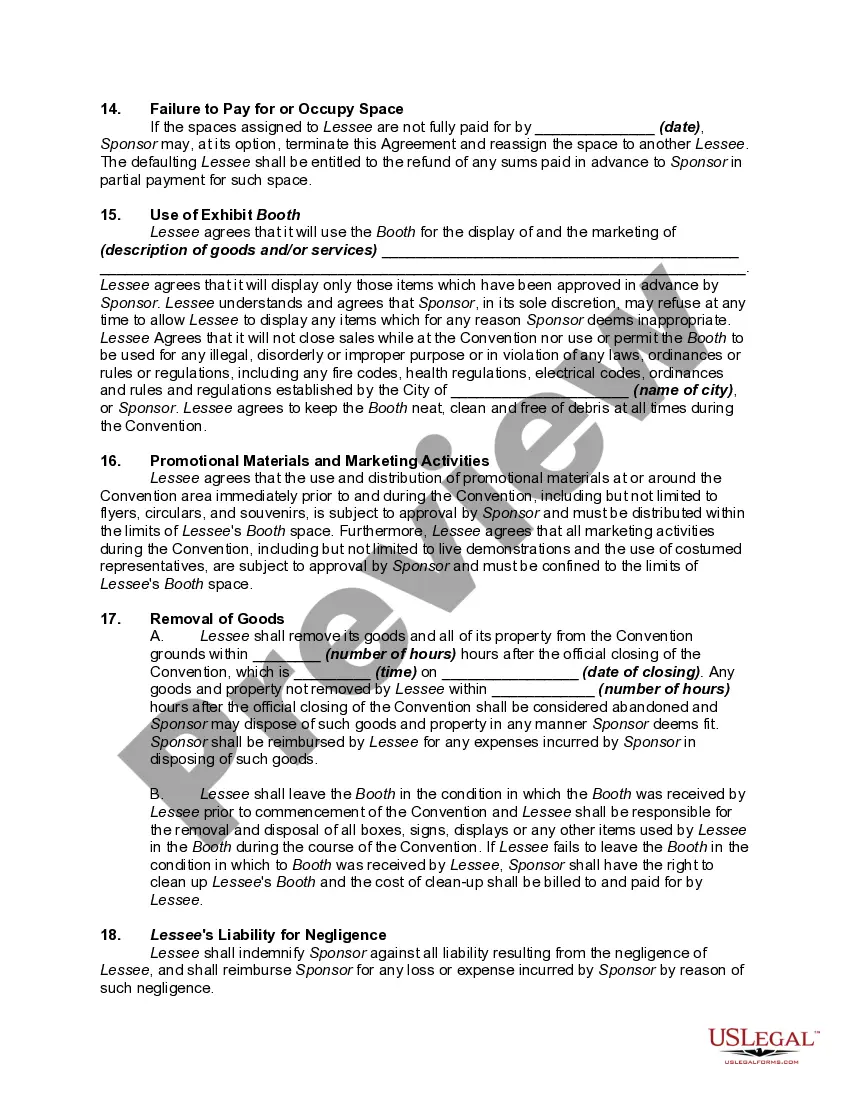
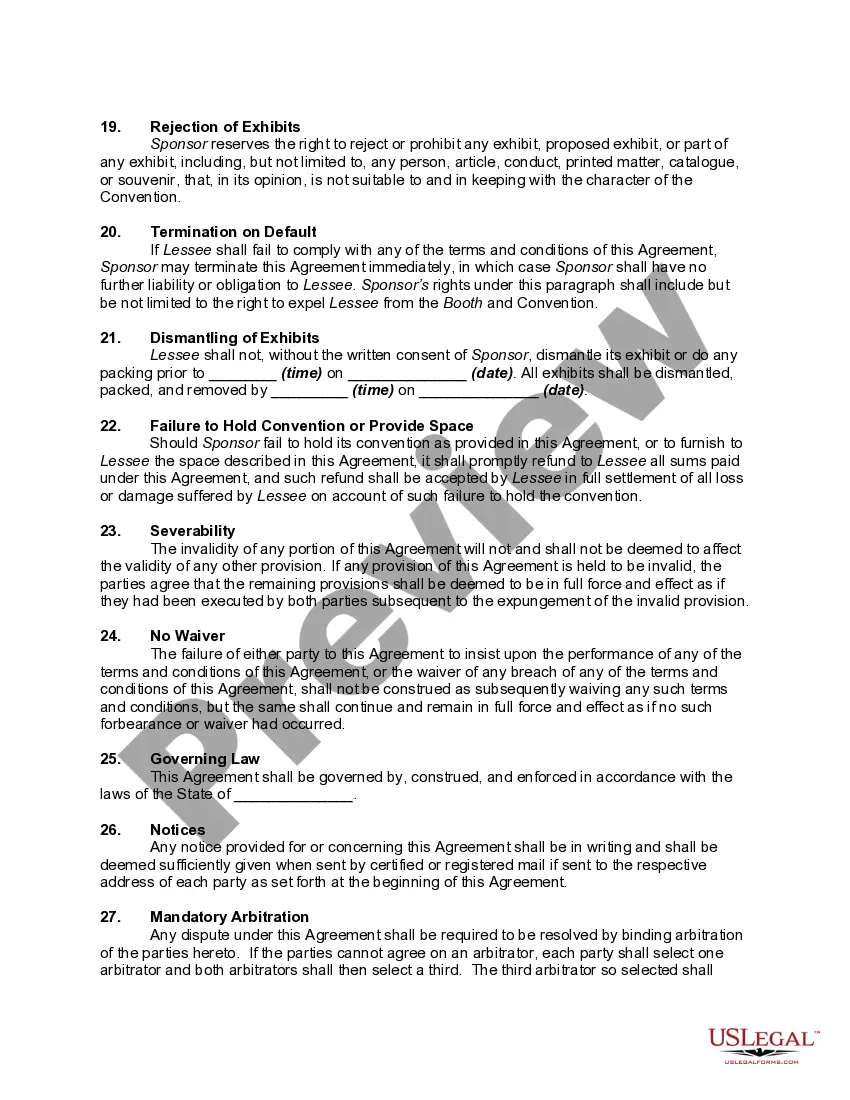
Description
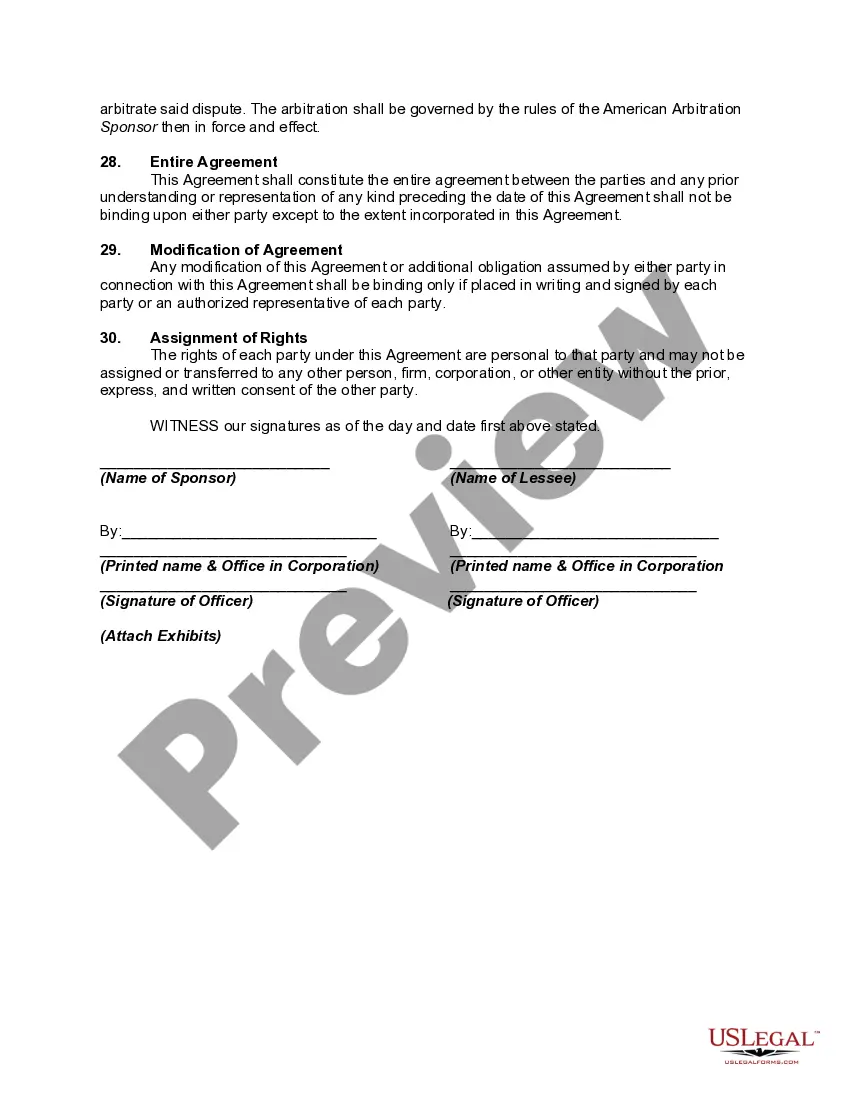
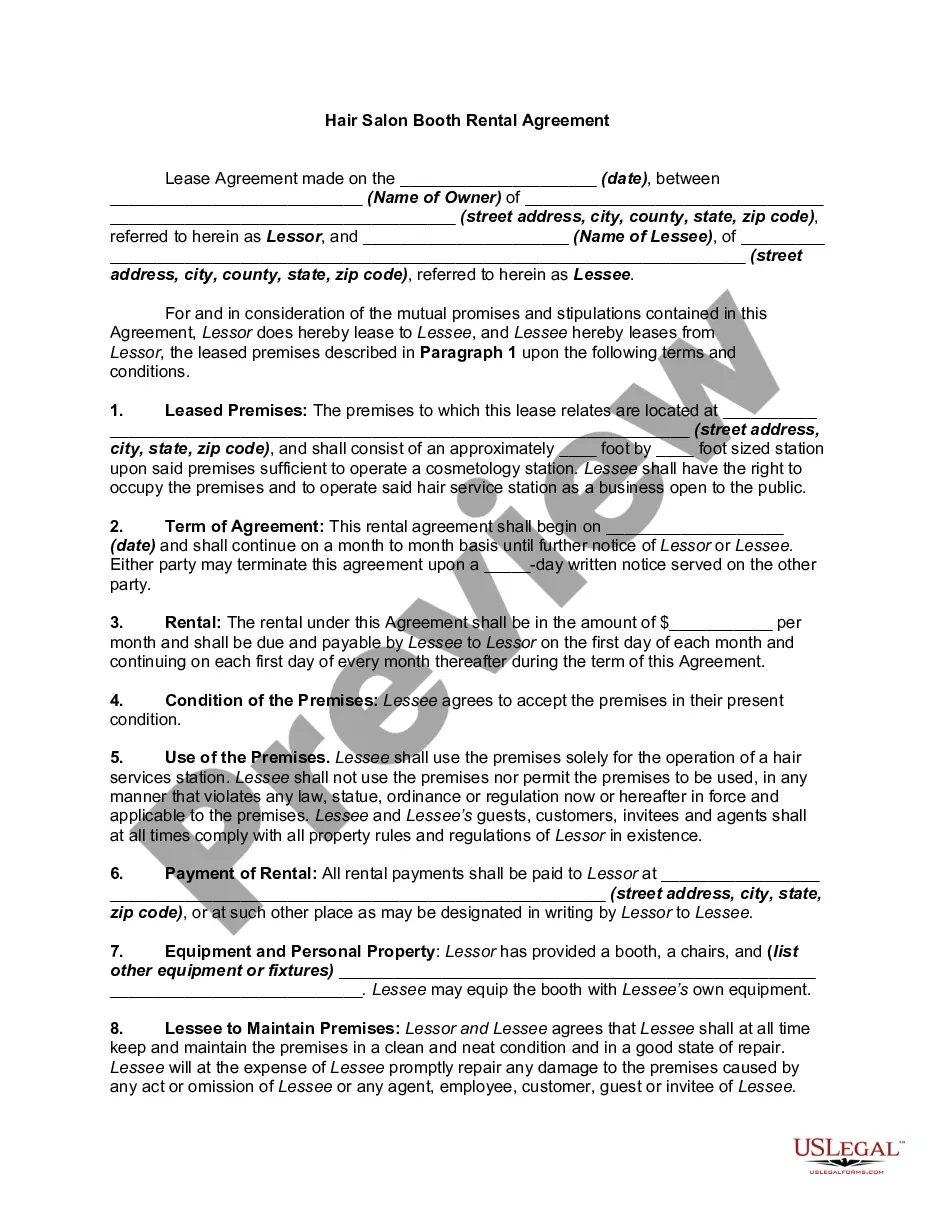
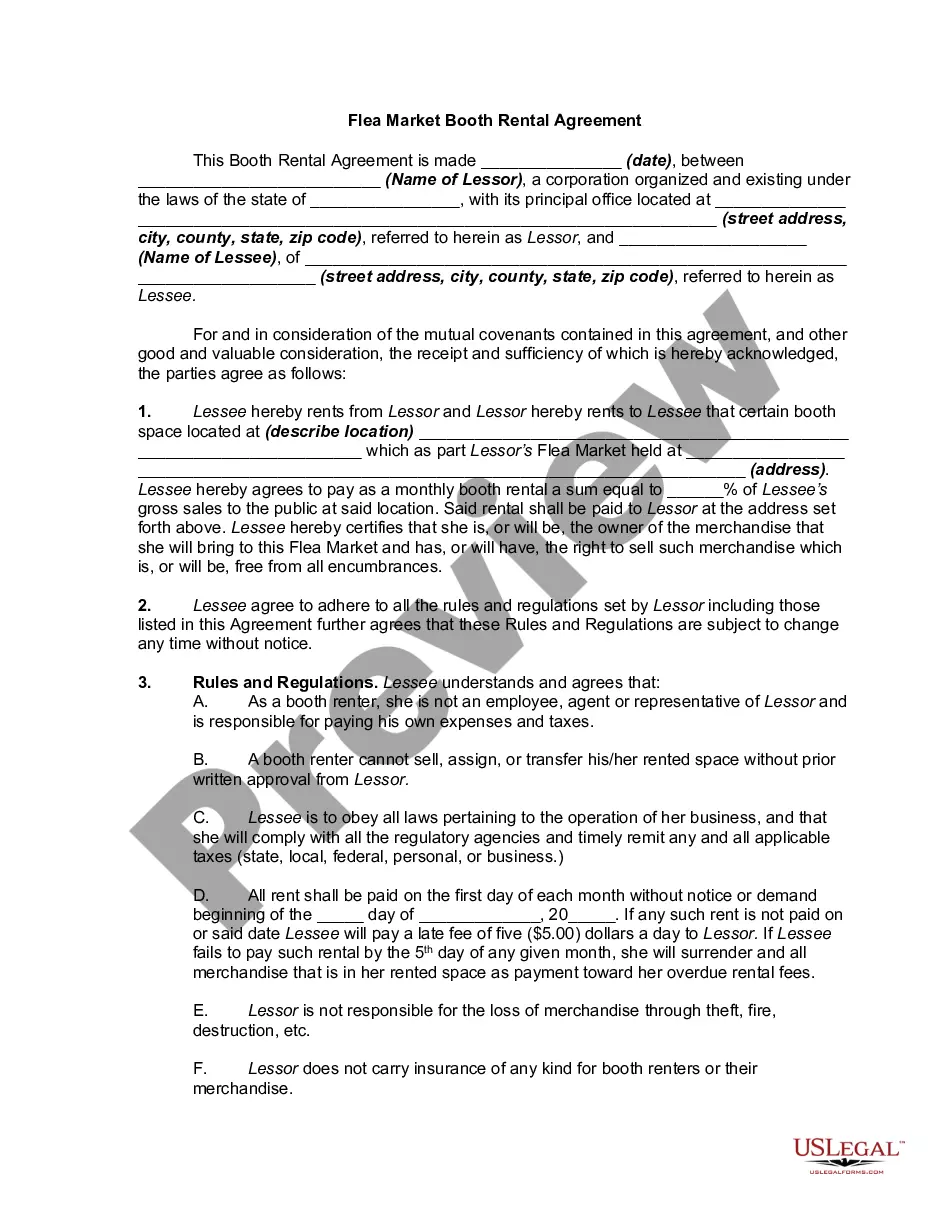
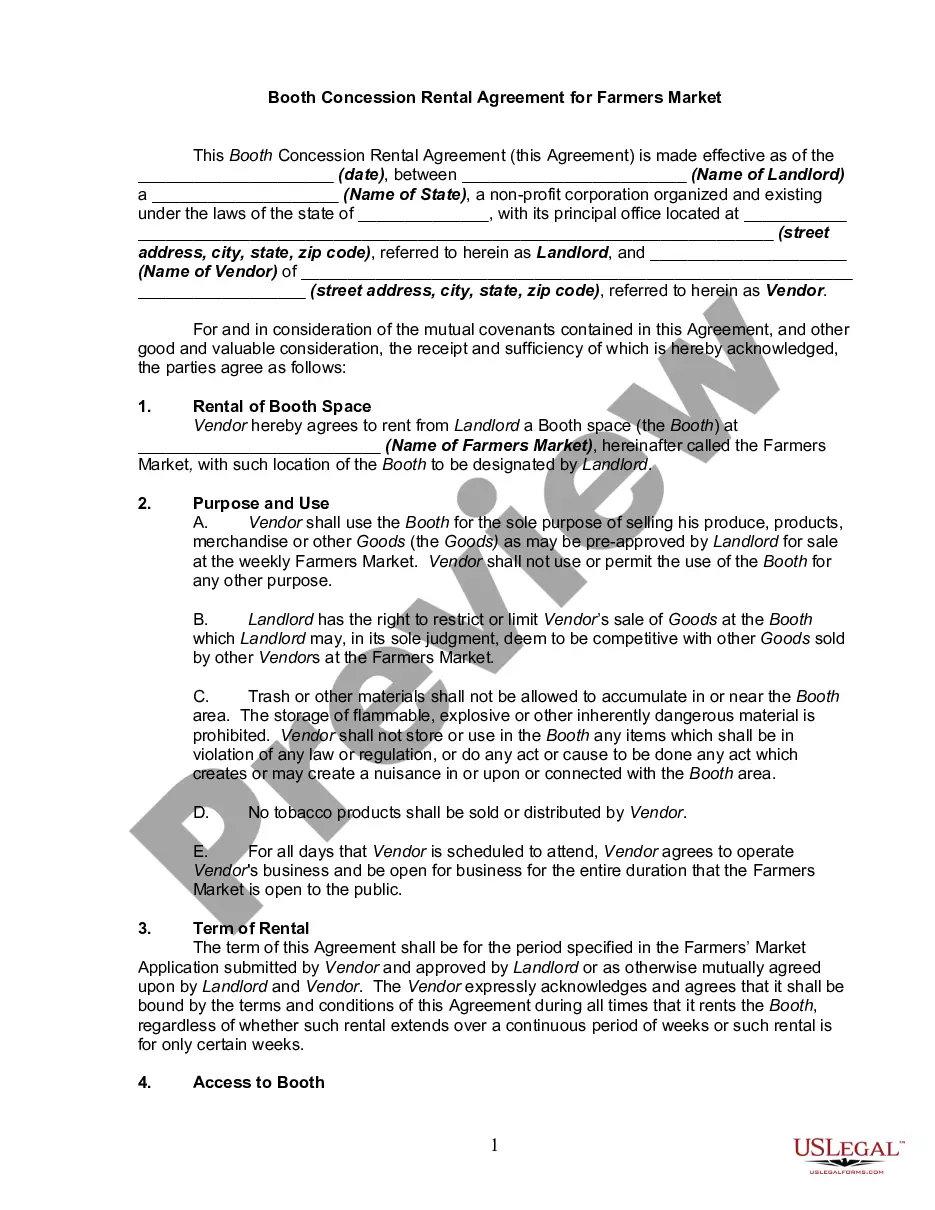
Get your form ready online
Our built-in tools help you complete, sign, share, and store your documents in one place.
Make edits, fill in missing information, and update formatting in US Legal Forms—just like you would in MS Word.
Download a copy, print it, send it by email, or mail it via USPS—whatever works best for your next step.
Sign and collect signatures with our SignNow integration. Send to multiple recipients, set reminders, and more. Go Premium to unlock E-Sign.
If this form requires notarization, complete it online through a secure video call—no need to meet a notary in person or wait for an appointment.
We protect your documents and personal data by following strict security and privacy standards.

Make edits, fill in missing information, and update formatting in US Legal Forms—just like you would in MS Word.

Download a copy, print it, send it by email, or mail it via USPS—whatever works best for your next step.

Sign and collect signatures with our SignNow integration. Send to multiple recipients, set reminders, and more. Go Premium to unlock E-Sign.

If this form requires notarization, complete it online through a secure video call—no need to meet a notary in person or wait for an appointment.

We protect your documents and personal data by following strict security and privacy standards.
Looking for another form?


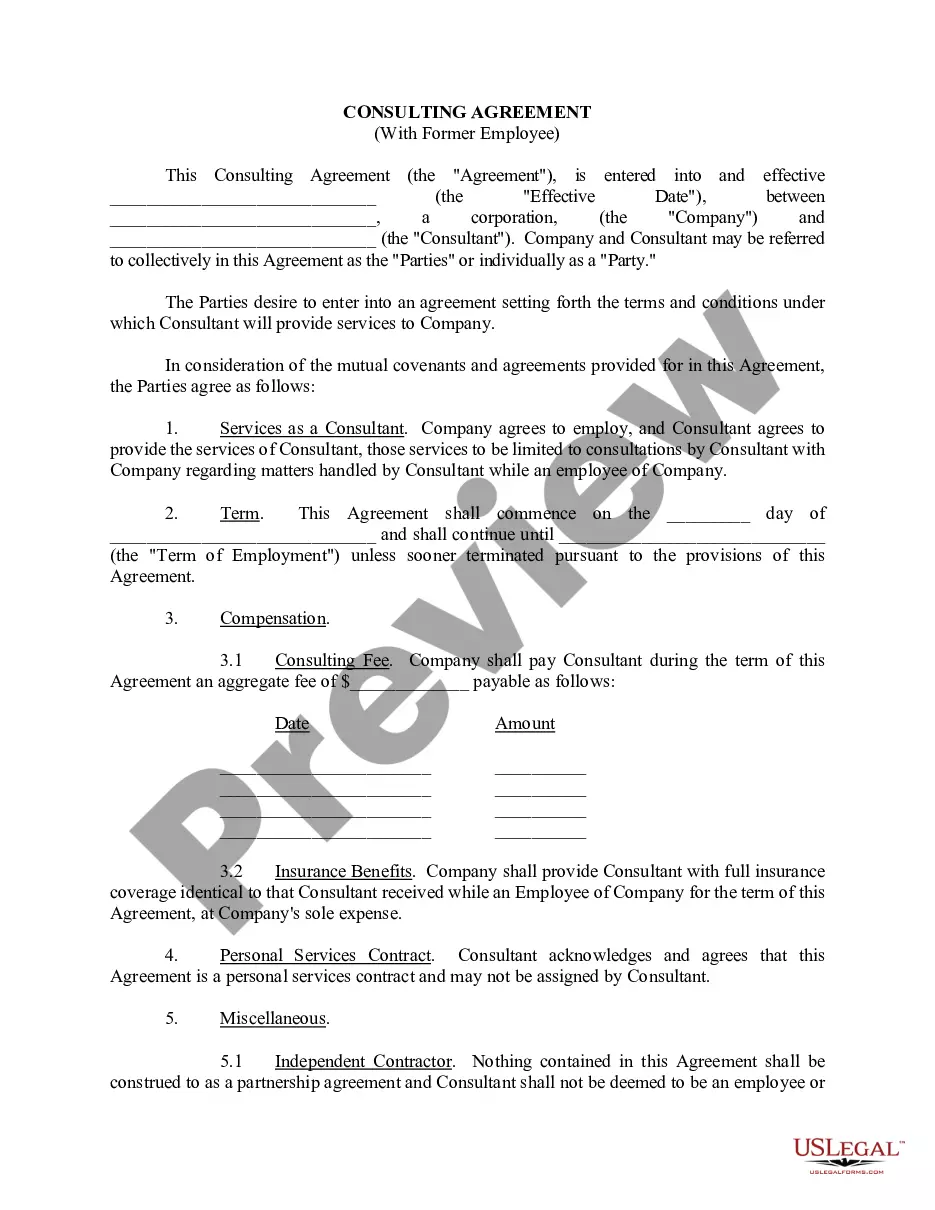


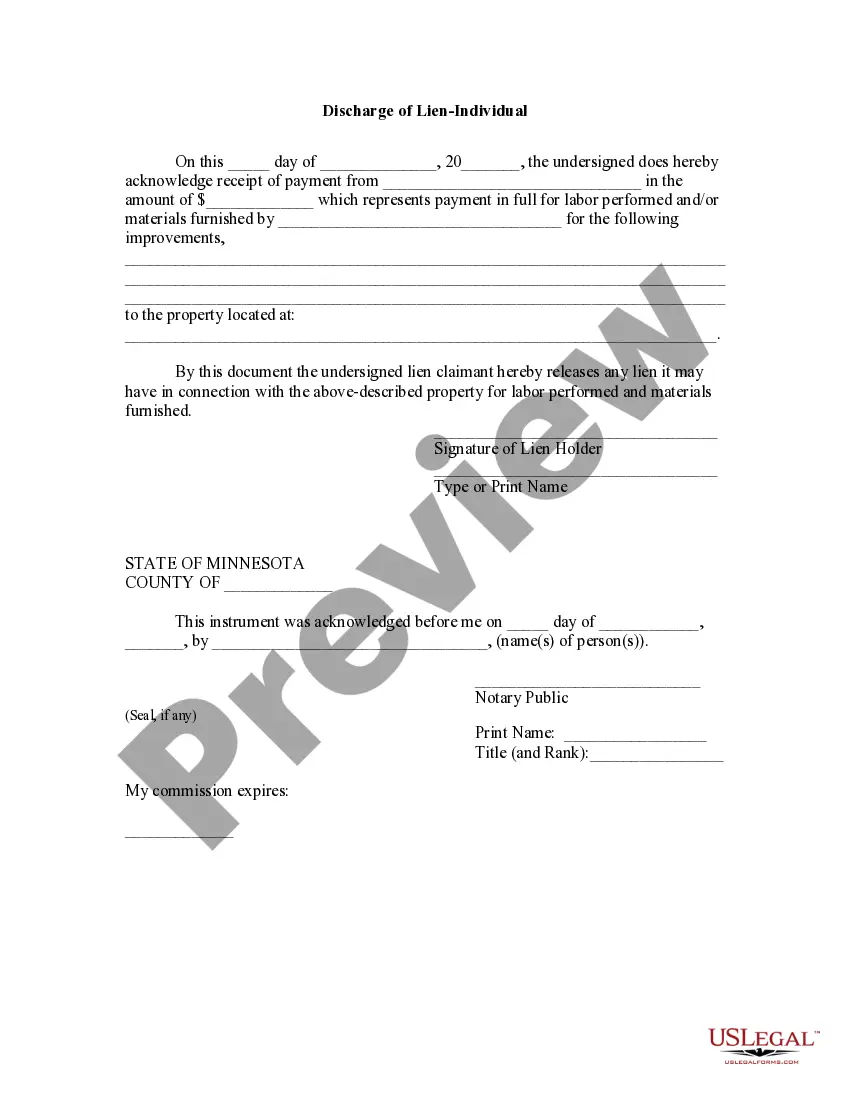
How to fill out Commercial Booth Rental Form - More Than One Booth - Conventions?
The Booth Rental Document Including Tax presented on this page is a versatile legal template crafted by expert attorneys in compliance with federal and local laws and regulations.
For over 25 years, US Legal Forms has supplied individuals, entities, and legal practitioners with more than 85,000 authenticated, state-specific documents for any business and personal needs. It’s the fastest, simplest, and most trustworthy method to acquire the paperwork you require since the service offers bank-level data protection and anti-malware safeguards.
Choose the format you prefer for your Booth Rental Document Including Tax (PDF, Word, RTF) and save the template on your device.
- Search for the document you require and verify it.
- Browse the file you searched and preview it or assess the form description to ensure it meets your needs. If it doesn’t, use the search bar to locate the suitable one. Click Buy Now when you have identified the template you want.
- Register and Log In to your account.
- Select the payment plan that matches your needs and set up an account. Use PayPal or a credit card for a quick payment. If you already possess an account, Log In and review your subscription to proceed.
- Acquire the fillable document.
Form popularity
FAQ
Qualifying for the Patent Pro Bono Program allows inventors to receive pro bono services from a licensed patent agent or attorney. Unfortunately, that is all an inventor can get for free. Applicants are still responsible for the USPTO fees, which include filing, searching, examination, and issuance fees.
A patent can cost from $900 for a do-it-yourself application to between $5,000 and $10,000+ with the help of patent lawyers. A patent protects an invention and the cost of the process to get the patent will depend on the type of patent (provisional, non-provisional, or utility) and the complexity of the invention.
6 Steps to Patent an Idea Step 1 ? Verify the Idea is Eligible For a Patent. ... Step 2 ? Keep a Detailed Record of Everything. ... Step 3 ? Make a Prototype. ... Step 4 ? Apply For a Provisional Patent. ... Step 5 ? Hire a Patent Attorney. ... Step 6 ? File Your Patent Application.
A patent application is subject to the payment of a basic filing fee and additional fees that include a search fee, an examination fee, and issue fee. The fees vary with the type, content, and size of the application being filed and the entity status of the applicant.
Drafting your own patent application can be a great way for applicants to defer costs and mitigate risk, and there is some potential for overall cost savings.
How to get a patent in 5 steps Understand your invention. Research your invention. Choose the type of protection. Draft your patent application. Wait for a formal response.
You must have a USPTO.gov account to order certified copies of patent and trademark documents. To view your previous order history, link your USPTO.gov account to your online document ordering system account. Only online orders (not fax or email orders) are viewable online.
The Patent Pro Bono Program attempts to match inventors with registered patent agents or patent attorneys. These practitioners volunteer their time without charging the inventor. However, the inventor still must pay all fees that are required by the USPTO; these cannot be paid by the practitioner.