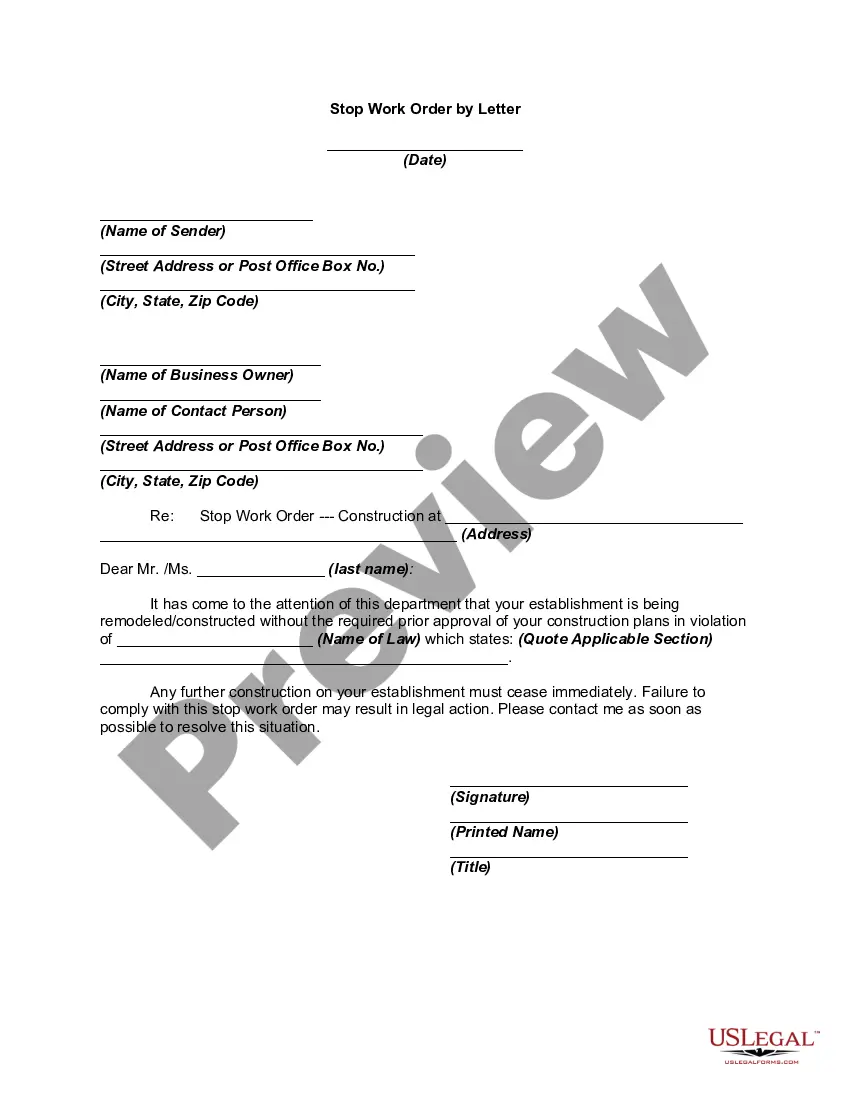
Stop Work Order Template With Terms And Conditions
Description
Get your form ready online
Our built-in tools help you complete, sign, share, and store your documents in one place.
Make edits, fill in missing information, and update formatting in US Legal Forms—just like you would in MS Word.
Download a copy, print it, send it by email, or mail it via USPS—whatever works best for your next step.
Sign and collect signatures with our SignNow integration. Send to multiple recipients, set reminders, and more. Go Premium to unlock E-Sign.
If this form requires notarization, complete it online through a secure video call—no need to meet a notary in person or wait for an appointment.
We protect your documents and personal data by following strict security and privacy standards.

Make edits, fill in missing information, and update formatting in US Legal Forms—just like you would in MS Word.

Download a copy, print it, send it by email, or mail it via USPS—whatever works best for your next step.

Sign and collect signatures with our SignNow integration. Send to multiple recipients, set reminders, and more. Go Premium to unlock E-Sign.

If this form requires notarization, complete it online through a secure video call—no need to meet a notary in person or wait for an appointment.

We protect your documents and personal data by following strict security and privacy standards.
Looking for another form?
How to fill out Stop Work Order By Letter?
Handling legal documents can be exasperating, even for experienced experts.
When you are looking for a Stop Work Order Template With Terms And Conditions and don't have the opportunity to dedicate to searching for the correct and updated version, the processes can be taxing.
Gain entry to a valuable library of articles, guides, and manuals relevant to your situation and needs.
Save time and effort looking for the documents you require, and use US Legal Forms’ sophisticated search and Preview function to find Stop Work Order Template With Terms And Conditions and obtain it.
Enjoy the US Legal Forms online catalog, backed by 25 years of experience and trustworthiness. Transform your daily document management into a smooth and user-friendly process today.
- If you have a subscription, Log In to your US Legal Forms account, search for the form, and get it.
- Check your My documents section to view the documents you have previously downloaded and manage your folders as needed.
- If it is your first time using US Legal Forms, create a free account and gain unlimited access to all the benefits of the library.
- Here are the steps to follow after downloading the form you need.
- Confirm it is the appropriate form by previewing and reviewing its description.
- Make certain that the template is recognized in your state or county.
- Click Buy Now when you are prepared.
- Choose a monthly subscription plan.
- Select the file format you need, then Download, fill it out, sign it, print it, and send your document.
- Access state- or county-specific legal and business documents.
- US Legal Forms meets any needs you may have, from personal to corporate paperwork, all in a single location.
- Leverage cutting-edge tools to create and manage your Stop Work Order Template With Terms And Conditions.
Form popularity
FAQ
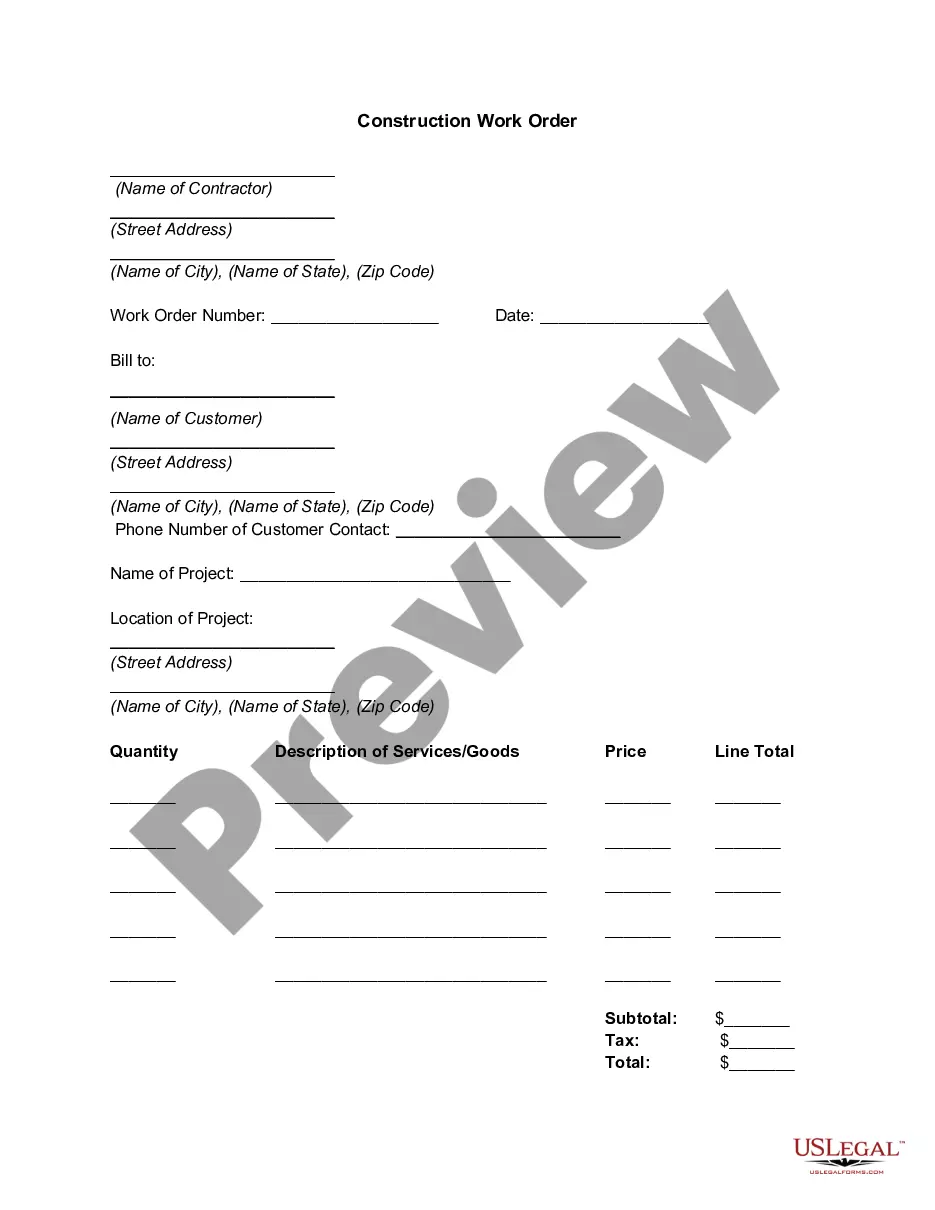
What to include in the Work Order Format? 1: Company Name. Start with your company's name, which should be in one of the top corners. ... 2: Company Address. Add your address under the company name. ... 3: Work Order Number. Submit the work order number. ... 4: Work Order Title. ... 5: Work Location. ... 6: Worker's Name. ... 7: Sender's Name.
Essential fields for a work order form template. Company information. Deadlines. Job description. Billing and shipping details. Cost per unit and total cost. Line for electronic signatures.
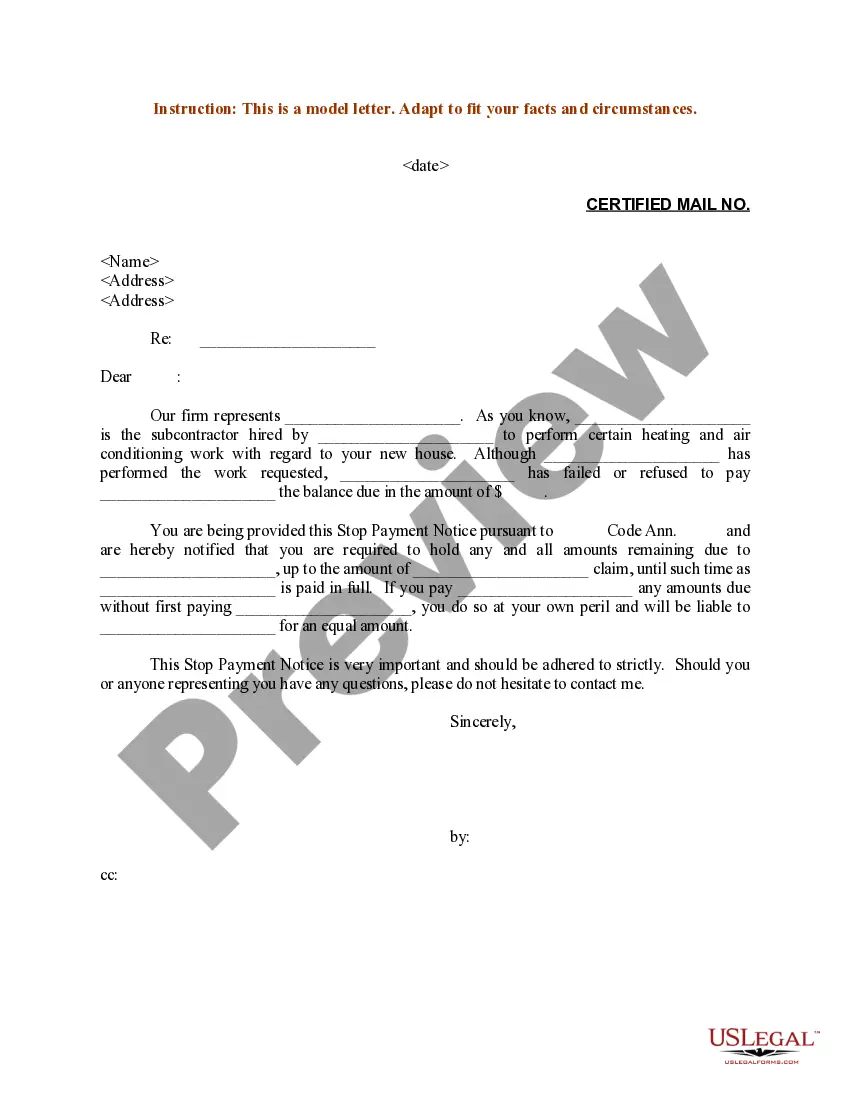
A work order specifies what work is to be completed and provides details such as pricing, materials used, taxes, payment terms, and contact information.
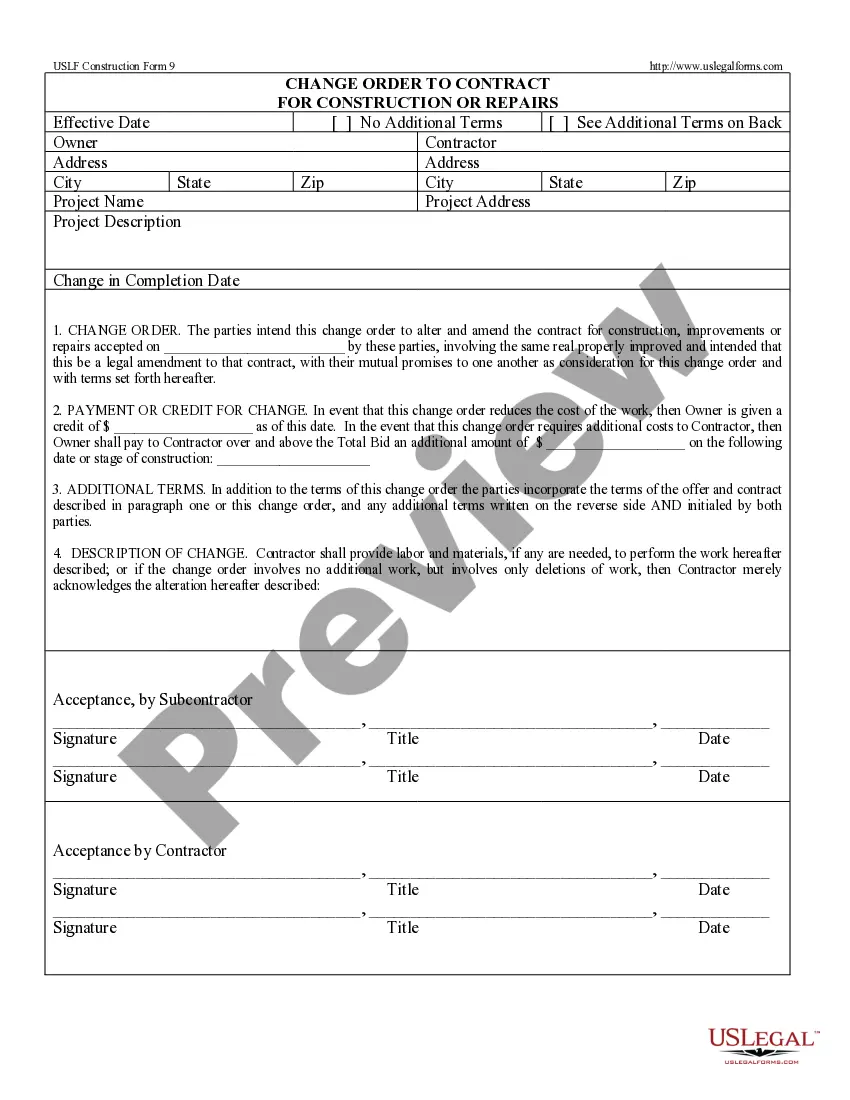
What are the Four Main Different Types of Work Orders? Inspection Work Orders. Inspection work orders arrange for a technician to come and inspect a particular asset. ... Preventive Maintenance Work Orders. ... Emergency Work Orders. ... Corrective Maintenance Work Orders.
You should include the following information in your work order letter: Company name. Start with your company name, typically in one of the upper corners. ... Company address. Below the company name, include your address. ... Work order number. ... Work order title. ... Work order description. ... Priority level. ... Work location. ... Worker's name.