Notice Default Form Within
Description
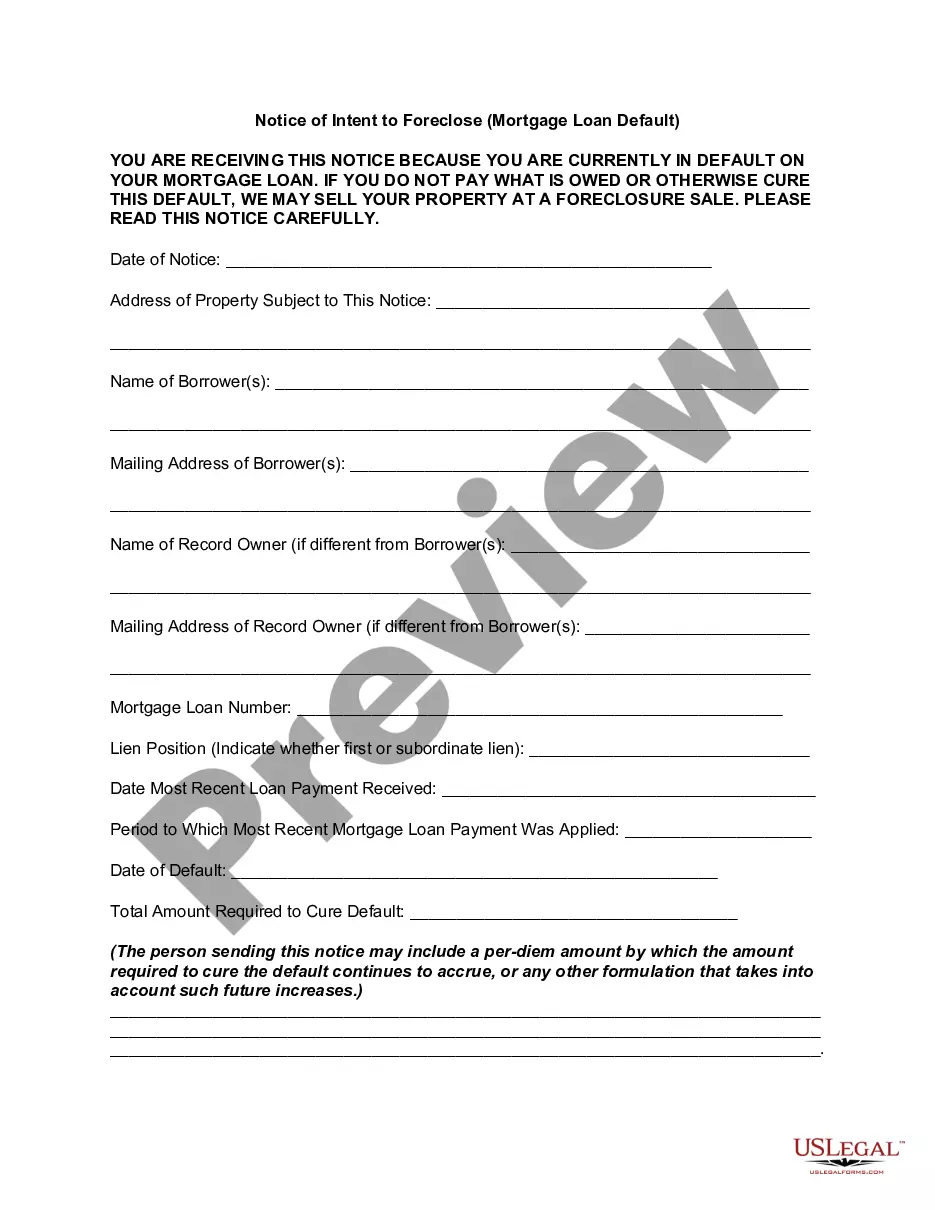
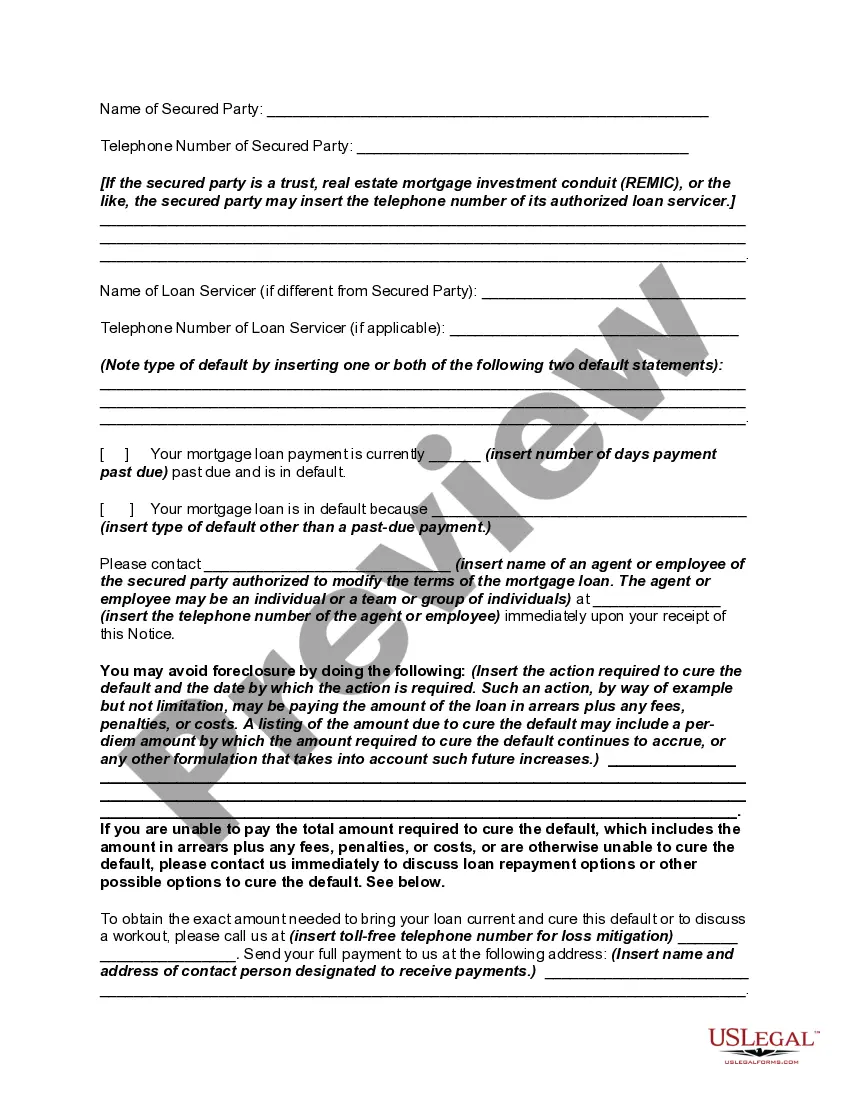
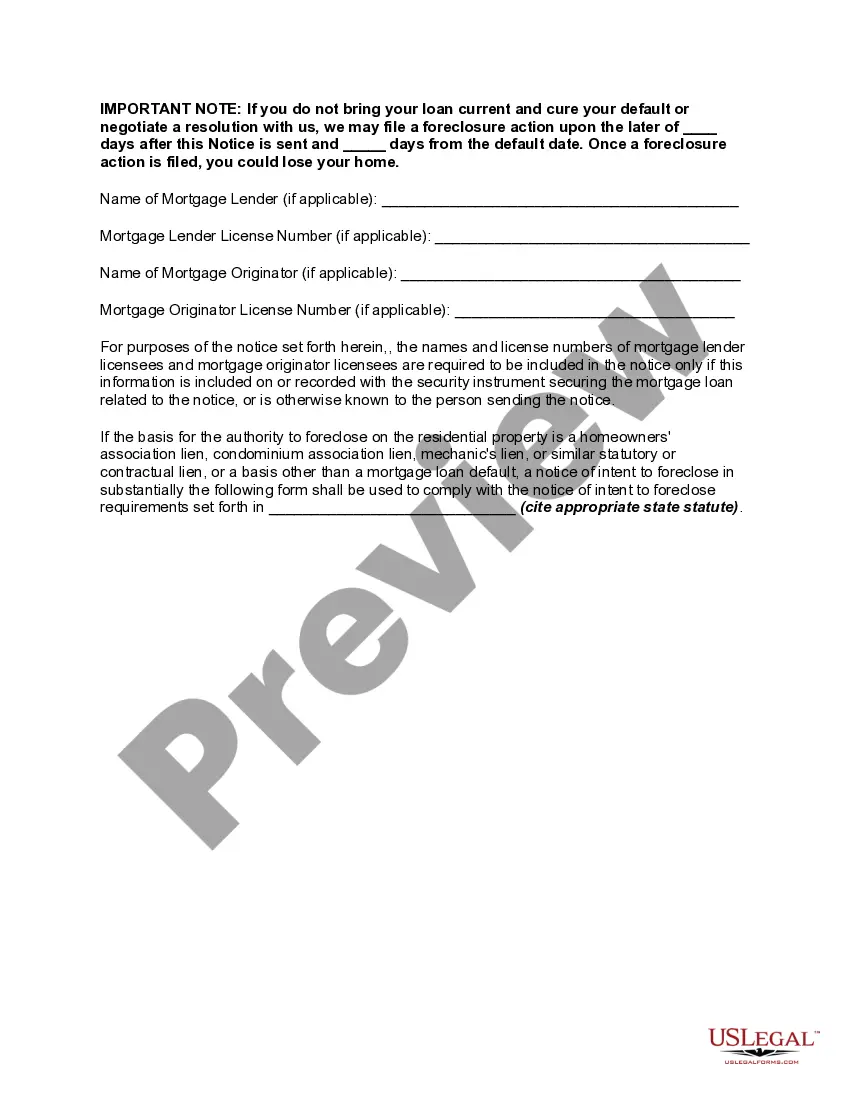
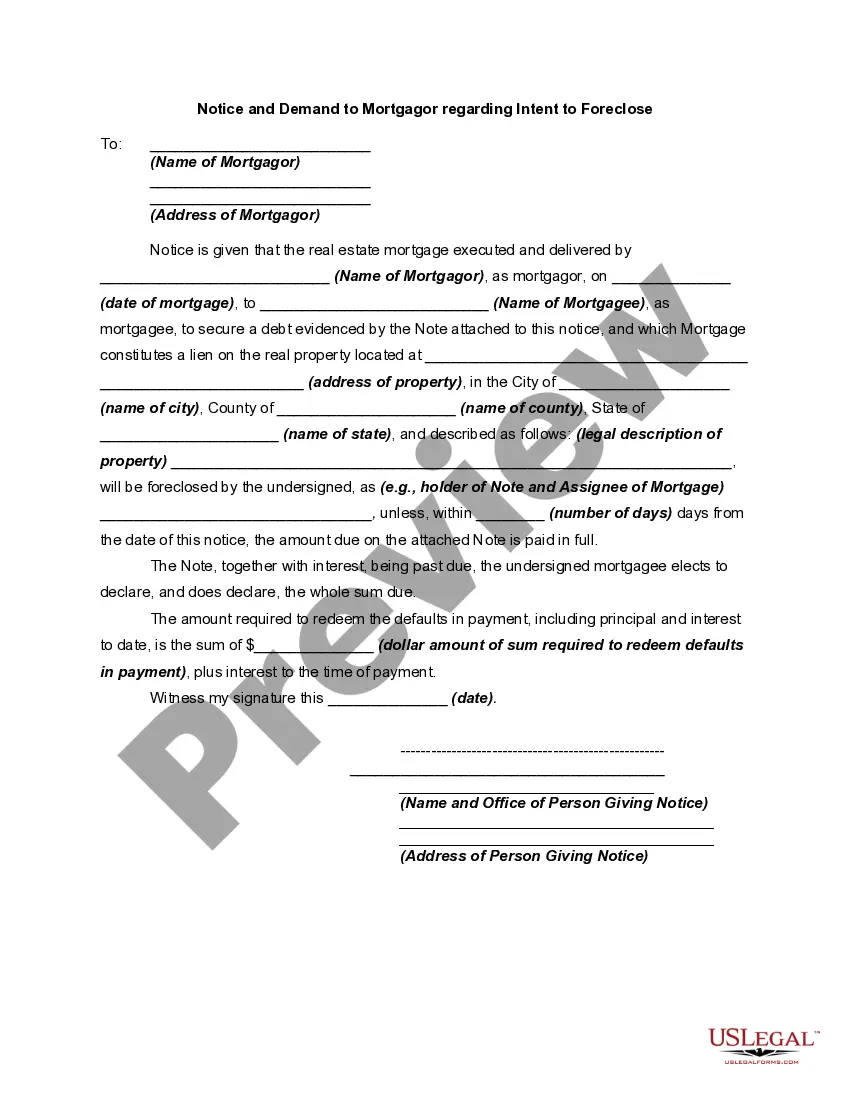
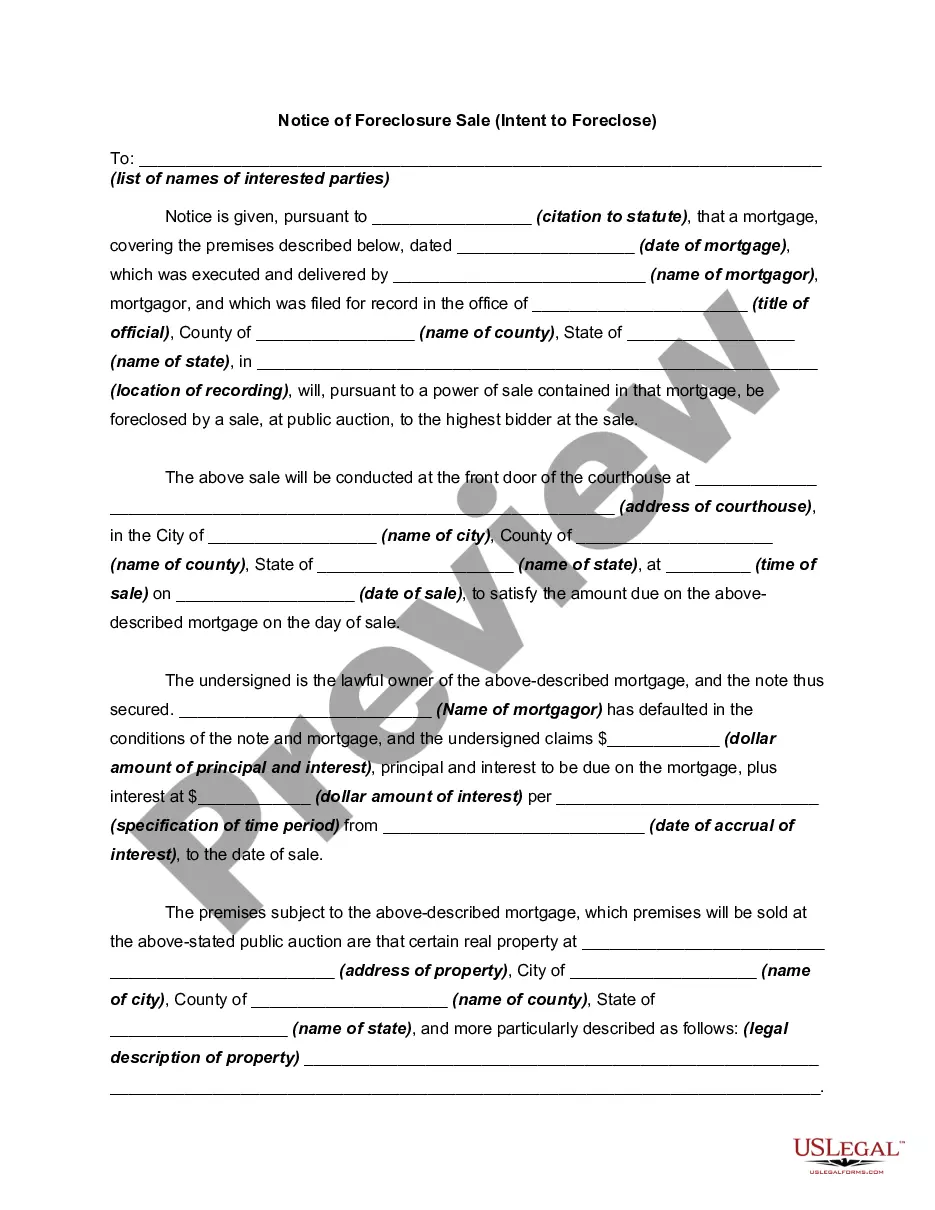
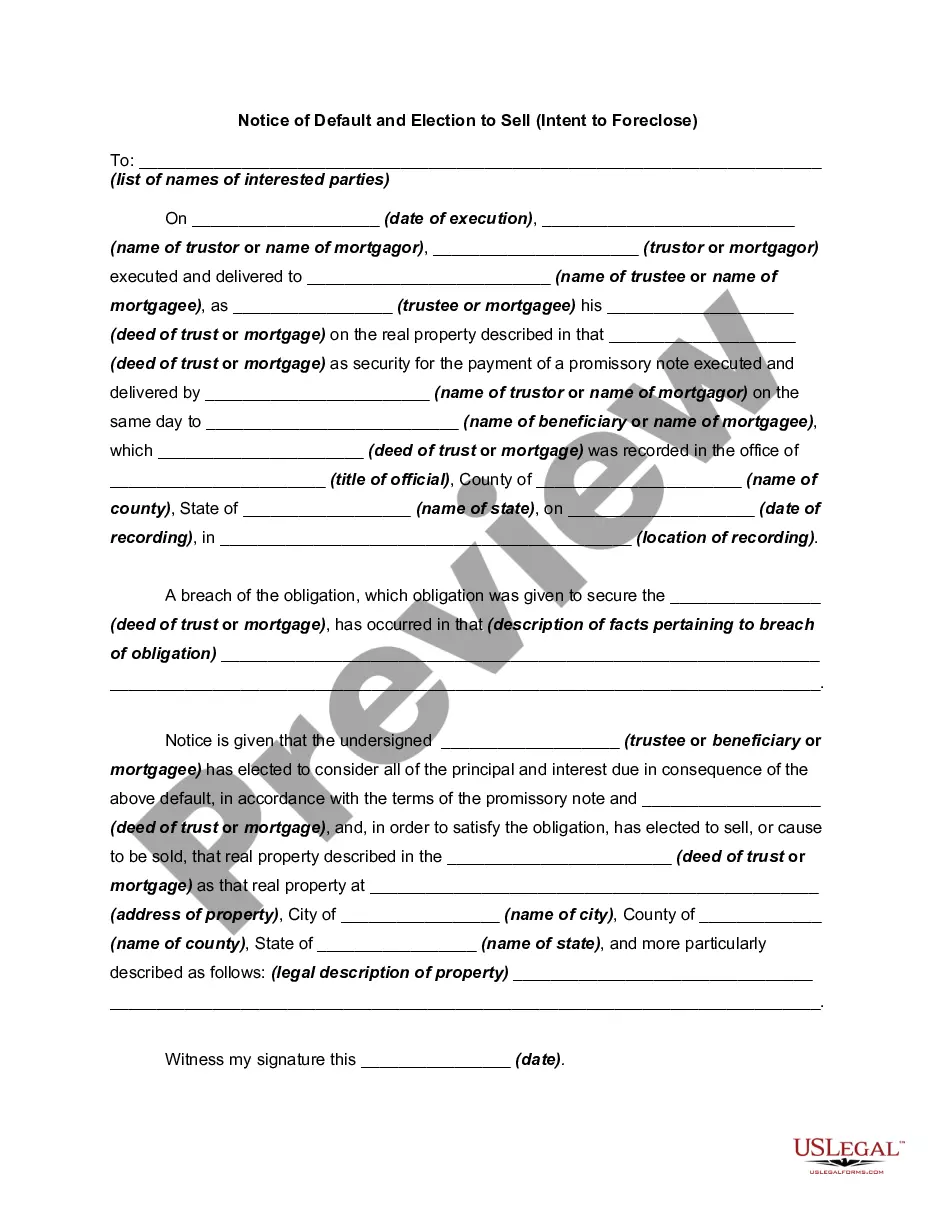
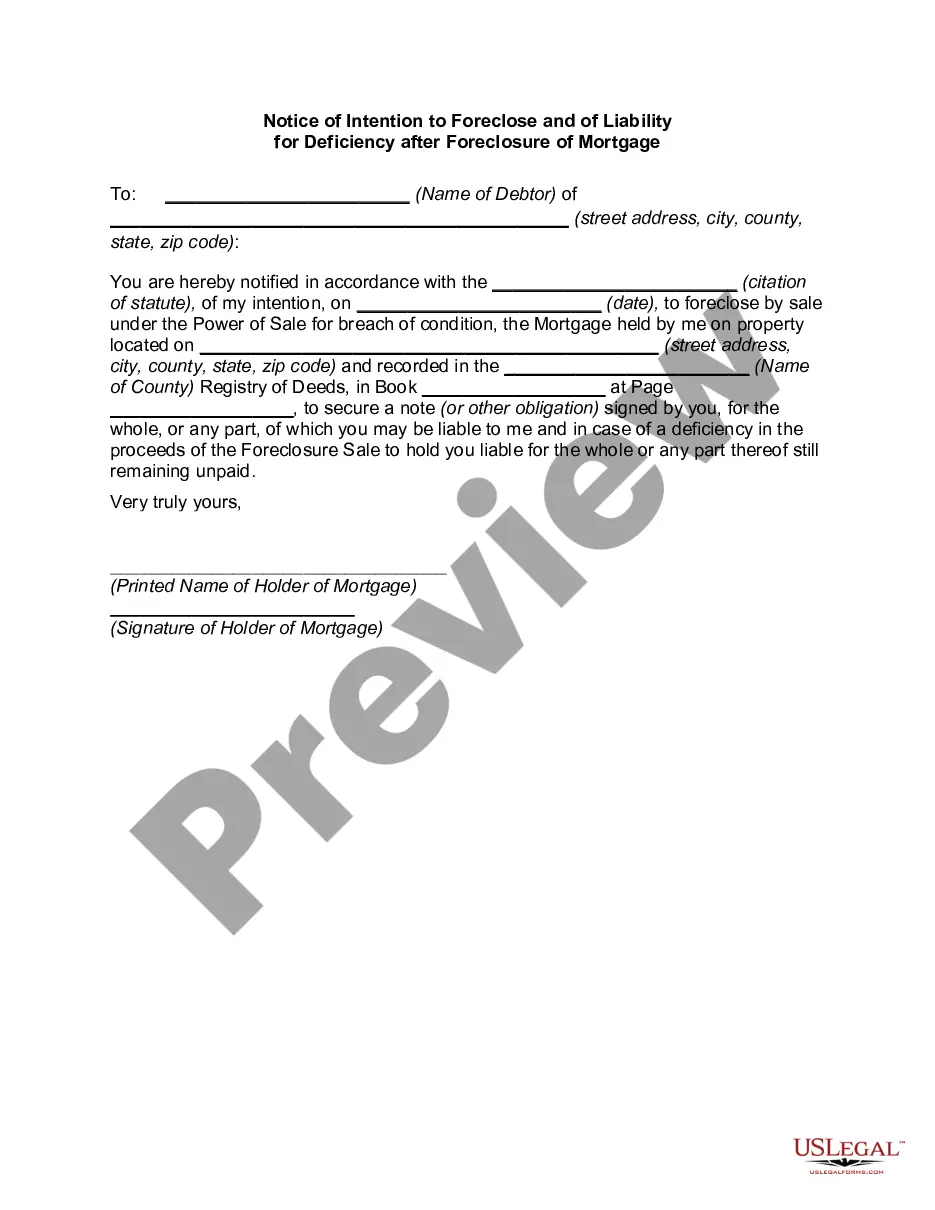
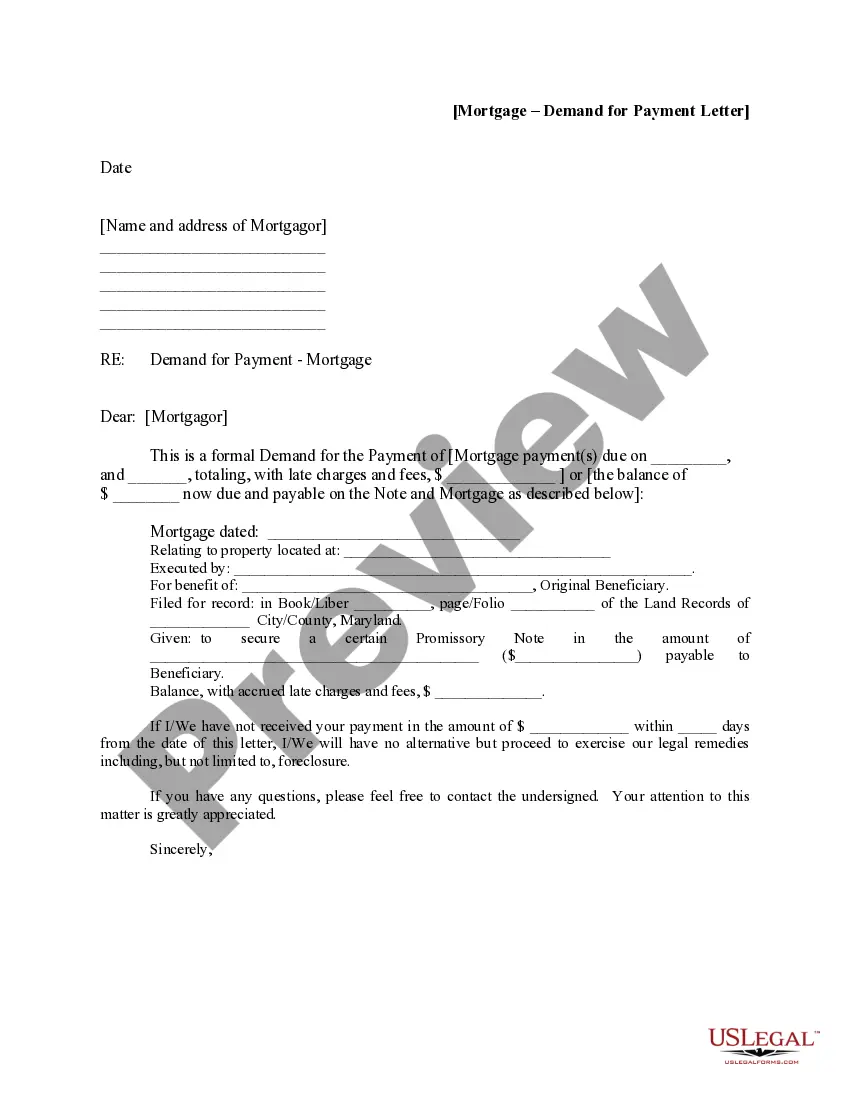
Get your form ready online
Our built-in tools help you complete, sign, share, and store your documents in one place.
Make edits, fill in missing information, and update formatting in US Legal Forms—just like you would in MS Word.
Download a copy, print it, send it by email, or mail it via USPS—whatever works best for your next step.
Sign and collect signatures with our SignNow integration. Send to multiple recipients, set reminders, and more. Go Premium to unlock E-Sign.
If this form requires notarization, complete it online through a secure video call—no need to meet a notary in person or wait for an appointment.
We protect your documents and personal data by following strict security and privacy standards.

Make edits, fill in missing information, and update formatting in US Legal Forms—just like you would in MS Word.

Download a copy, print it, send it by email, or mail it via USPS—whatever works best for your next step.

Sign and collect signatures with our SignNow integration. Send to multiple recipients, set reminders, and more. Go Premium to unlock E-Sign.

If this form requires notarization, complete it online through a secure video call—no need to meet a notary in person or wait for an appointment.

We protect your documents and personal data by following strict security and privacy standards.
Looking for another form?







How to fill out Notice Of Intent To Foreclose - Mortgage Loan Default?
Whether for business purposes or for individual affairs, everyone has to deal with legal situations sooner or later in their life. Filling out legal paperwork demands careful attention, beginning from picking the correct form template. For instance, if you pick a wrong edition of a Notice Default Form Within, it will be turned down once you send it. It is therefore important to have a trustworthy source of legal documents like US Legal Forms.
If you need to obtain a Notice Default Form Within template, stick to these easy steps:
- Find the sample you need using the search field or catalog navigation.
- Check out the form’s information to ensure it fits your case, state, and county.
- Click on the form’s preview to examine it.
- If it is the incorrect document, go back to the search function to find the Notice Default Form Within sample you require.
- Download the file when it meets your requirements.
- If you have a US Legal Forms profile, just click Log in to access previously saved files in My Forms.
- If you do not have an account yet, you can download the form by clicking Buy now.
- Choose the appropriate pricing option.
- Finish the profile registration form.
- Pick your payment method: use a credit card or PayPal account.
- Choose the file format you want and download the Notice Default Form Within.
- Once it is saved, you can complete the form by using editing software or print it and complete it manually.
With a substantial US Legal Forms catalog at hand, you don’t have to spend time looking for the appropriate sample across the internet. Utilize the library’s simple navigation to get the right template for any occasion.
Form popularity
FAQ
A request for default is filed in an adversary case and is filed by the plaintiff against the defendant when the defendant has failed to answer the complaint, plead or defend. The Clerk can grant the request certifying that the defendant has failed to answer, plead or defend.
You can ask to cancel, or ?set aside? a default judgment. You have to have a good reason for not responding in 30 days. If the judgment is canceled, you'll get a chance to answer.
If the defendant didn't file a response by the deadline, you can ask the court to enter a default. A default ends the defendant's chance to file a response because the defendant has not responded in time. You must ask for a default within 10 days of the defendant missing the deadline to respond.
California Default Divorce Timeline Most of the time, a person requesting a default will have to wait the mandatory 30 days. If the other spouse does not file a Response, the court will only review the terms requested by the petitioner. If all paperwork is in order, the judge will enter a default.
A defendant noted in default thus faces a potential judgment ordered against them in two ways: (1) having a default judgment ordered against them; (2) having a regular judgment if the default is set aside and the case goes to trial.