Baa Agreement Form For Nonprofit Organizations
Description

Get your form ready online
Our built-in tools help you complete, sign, share, and store your documents in one place.
Make edits, fill in missing information, and update formatting in US Legal Forms—just like you would in MS Word.
Download a copy, print it, send it by email, or mail it via USPS—whatever works best for your next step.
Sign and collect signatures with our SignNow integration. Send to multiple recipients, set reminders, and more. Go Premium to unlock E-Sign.
If this form requires notarization, complete it online through a secure video call—no need to meet a notary in person or wait for an appointment.
We protect your documents and personal data by following strict security and privacy standards.
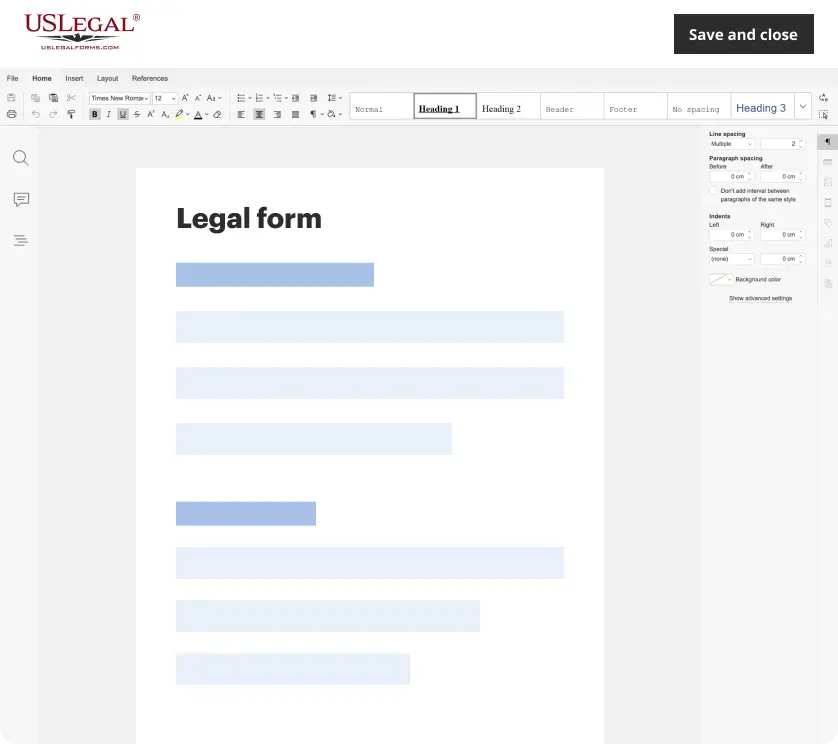
Make edits, fill in missing information, and update formatting in US Legal Forms—just like you would in MS Word.
Download a copy, print it, send it by email, or mail it via USPS—whatever works best for your next step.
Sign and collect signatures with our SignNow integration. Send to multiple recipients, set reminders, and more. Go Premium to unlock E-Sign.
If this form requires notarization, complete it online through a secure video call—no need to meet a notary in person or wait for an appointment.
We protect your documents and personal data by following strict security and privacy standards.
Looking for another form?
How to fill out HIPAA Business Associates Agreement?
Identifying a reliable location to obtain the most up-to-date and suitable legal templates constitutes a significant portion of dealing with bureaucracy. Locating the right legal documents requires accuracy and meticulousness, which is why it’s crucial to source Baa Agreement Form For Nonprofit Organizations exclusively from trustworthy providers, such as US Legal Forms. An incorrect template could squander your time and delay your current situation. With US Legal Forms, you’ll have minimal concerns. You can access and review all the details regarding the document’s applicability and relevance for your specific context and within your state or county.
Follow these steps to complete your Baa Agreement Form For Nonprofit Organizations.
Eliminate the complications associated with your legal documentation. Explore the vast US Legal Forms library to locate legal templates, verify their relevance to your situation, and download them instantly.
- Utilize the catalog navigation or search option to locate your sample.
- Access the form's details to verify it aligns with the requirements of your state and locale.
- View the form preview, if available, to confirm that the template is the one you need.
- Return to the search to find the appropriate document if the Baa Agreement Form For Nonprofit Organizations does not meet your requirements.
- If you are confident about the form's applicability, proceed to download it.
- As a registered user, click Log in to verify your identity and access your selected forms in My documents.
- If you haven't created an account yet, click Buy now to acquire the form.
- Choose the pricing plan that best fits your needs.
- Continue with the registration to complete your purchase.
- Conclude your purchase by selecting a payment method (credit card or PayPal).
- Choose the file format for downloading the Baa Agreement Form For Nonprofit Organizations.
- Once you have the form on your device, you can modify it using the editor or print it to fill it out manually.
Form popularity
FAQ
To get a BAA with Google Workspace, you need to follow a few simple steps. First, ensure that you have a Google Workspace account, then visit the Google Cloud website and navigate to the BAA section. This process is straightforward and crucial for your nonprofit, allowing you to use tools securely while complying with your BAA agreement form for nonprofit organizations. Remember, signing this form is essential for safeguarding sensitive data.
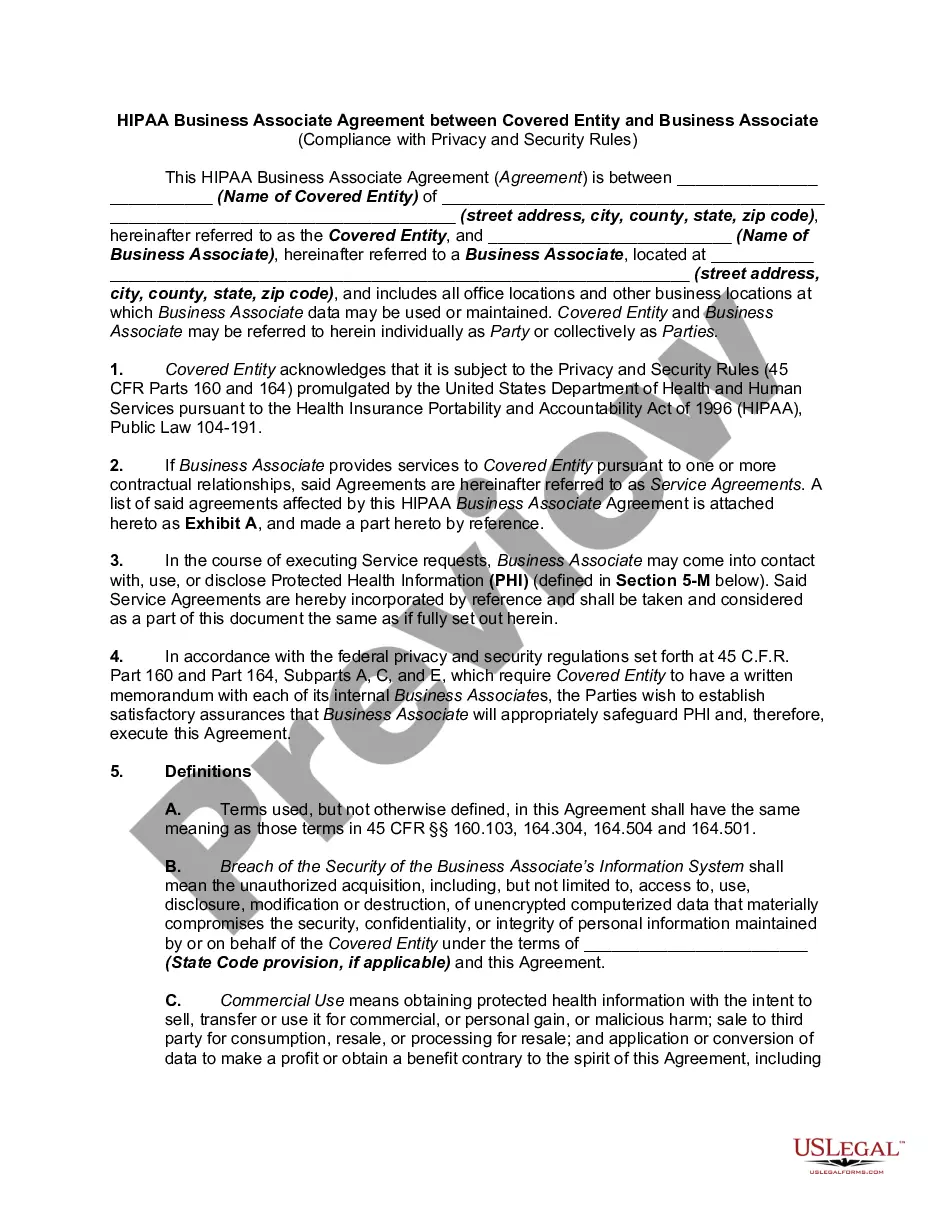
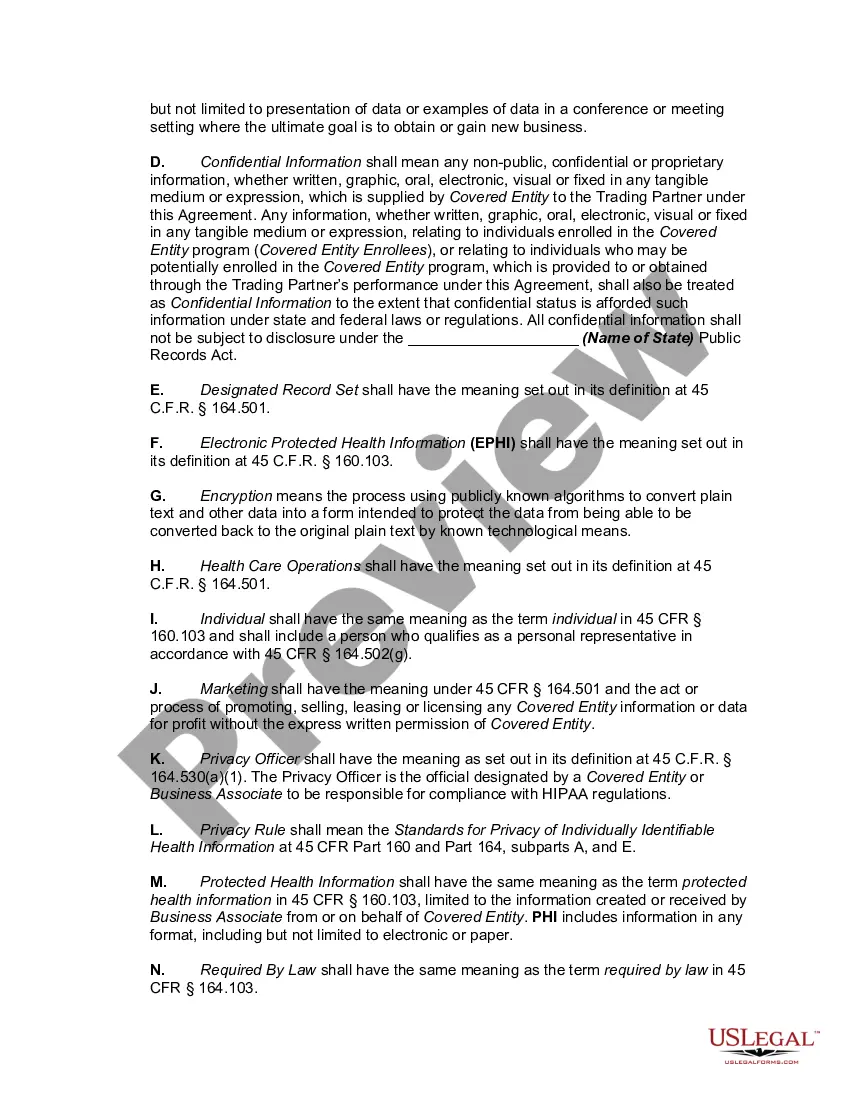
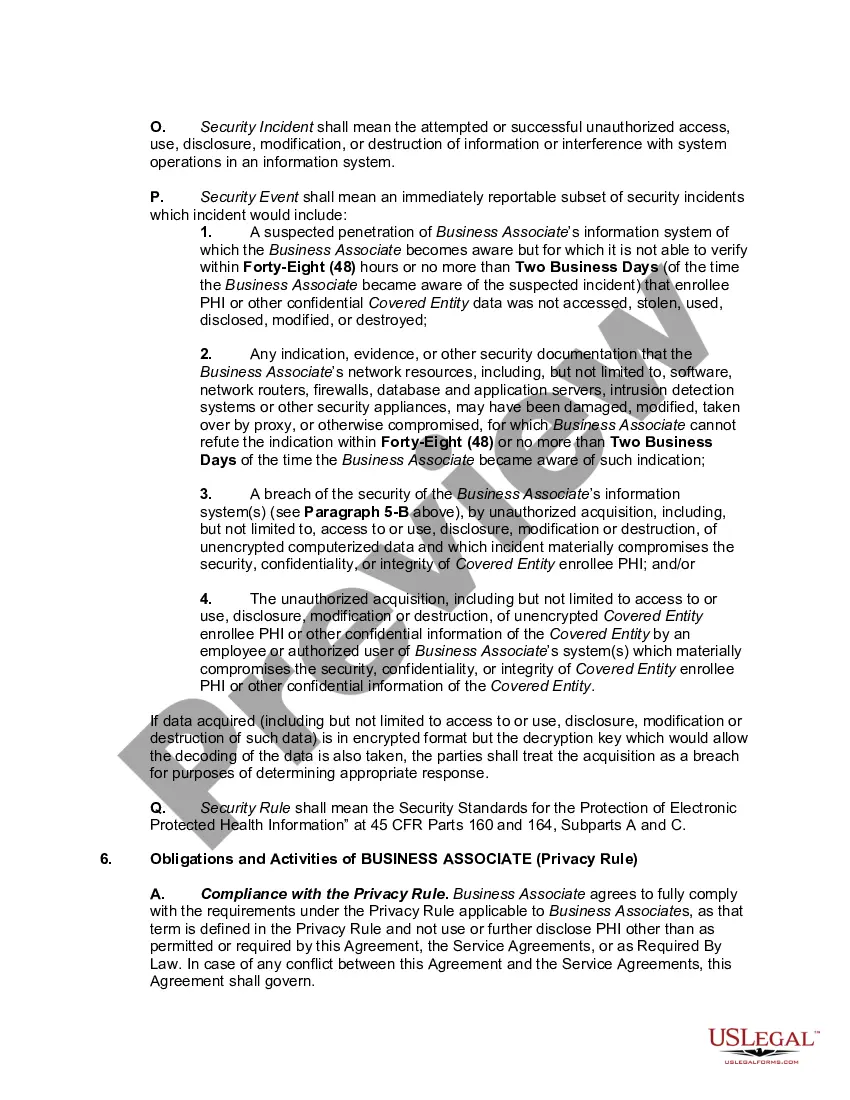
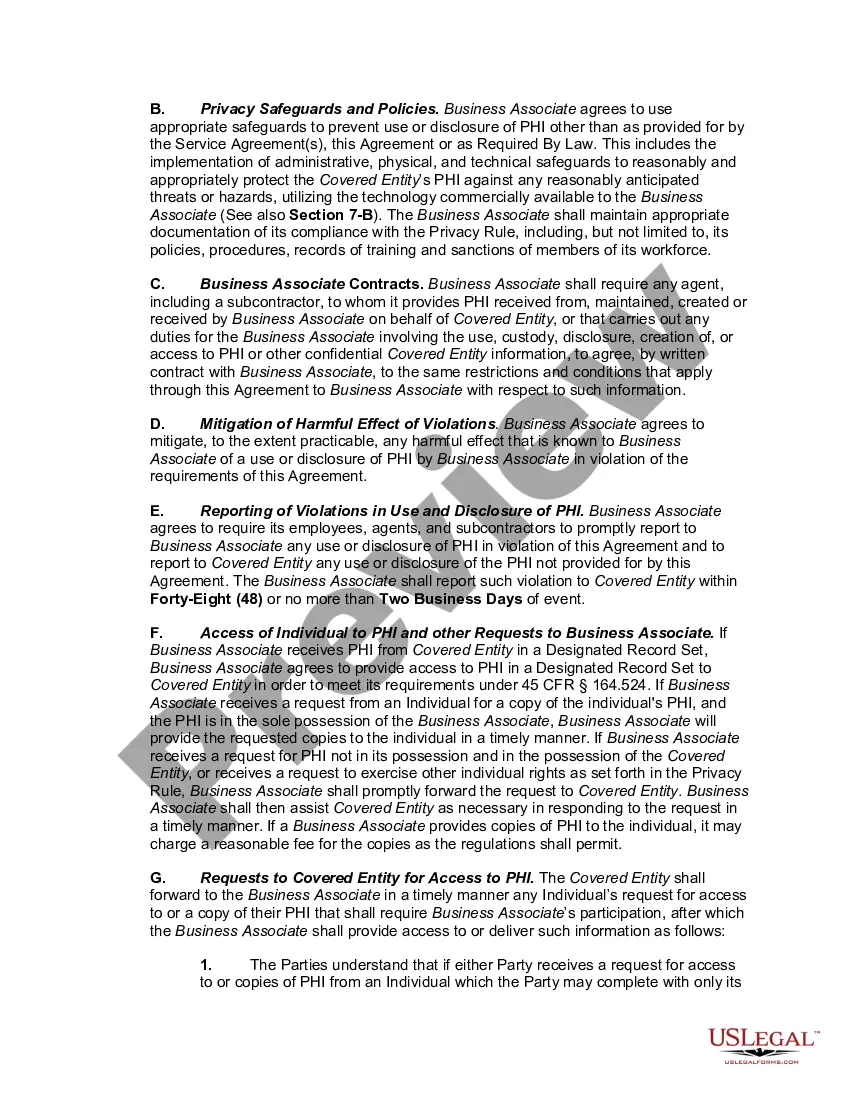
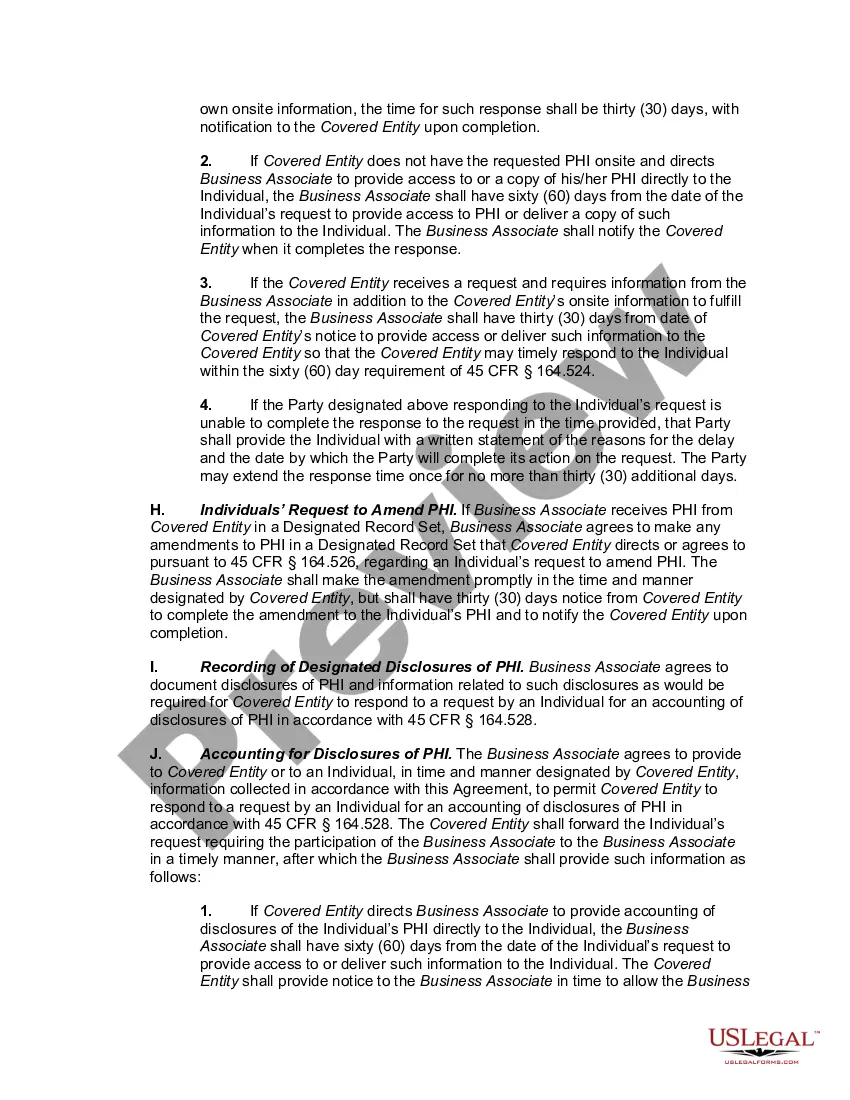
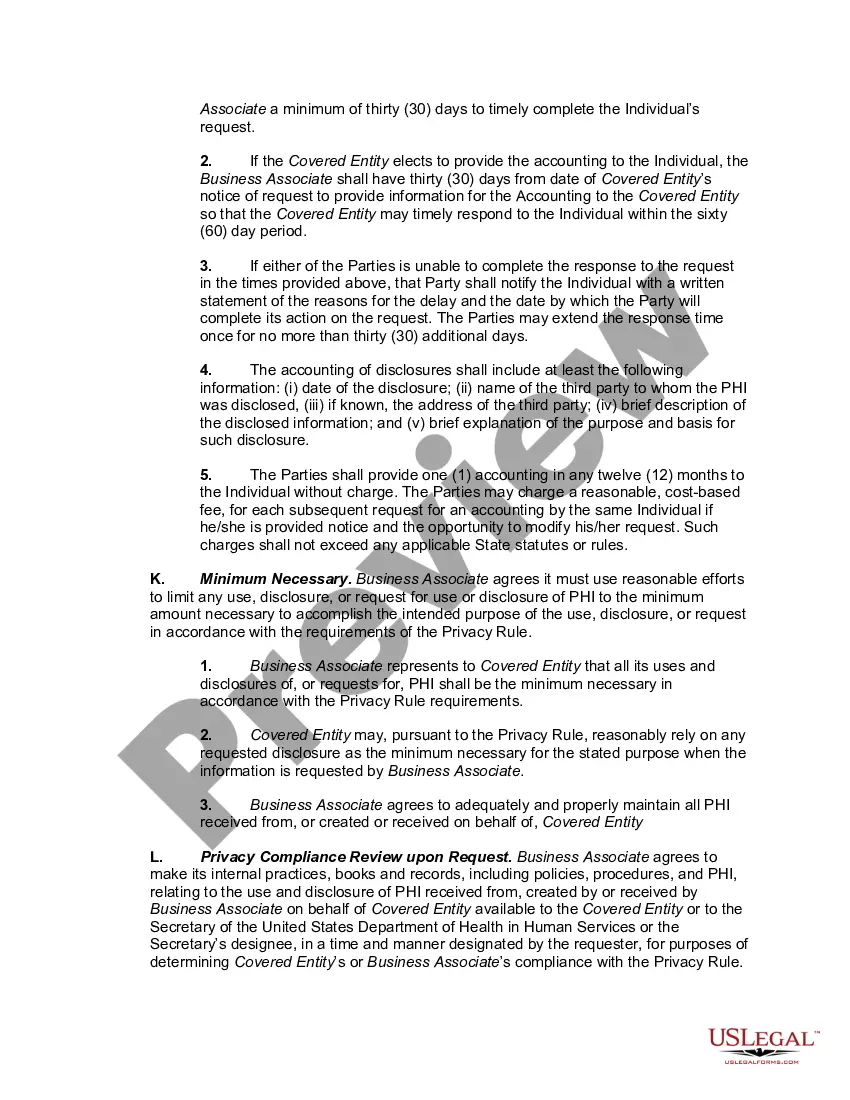
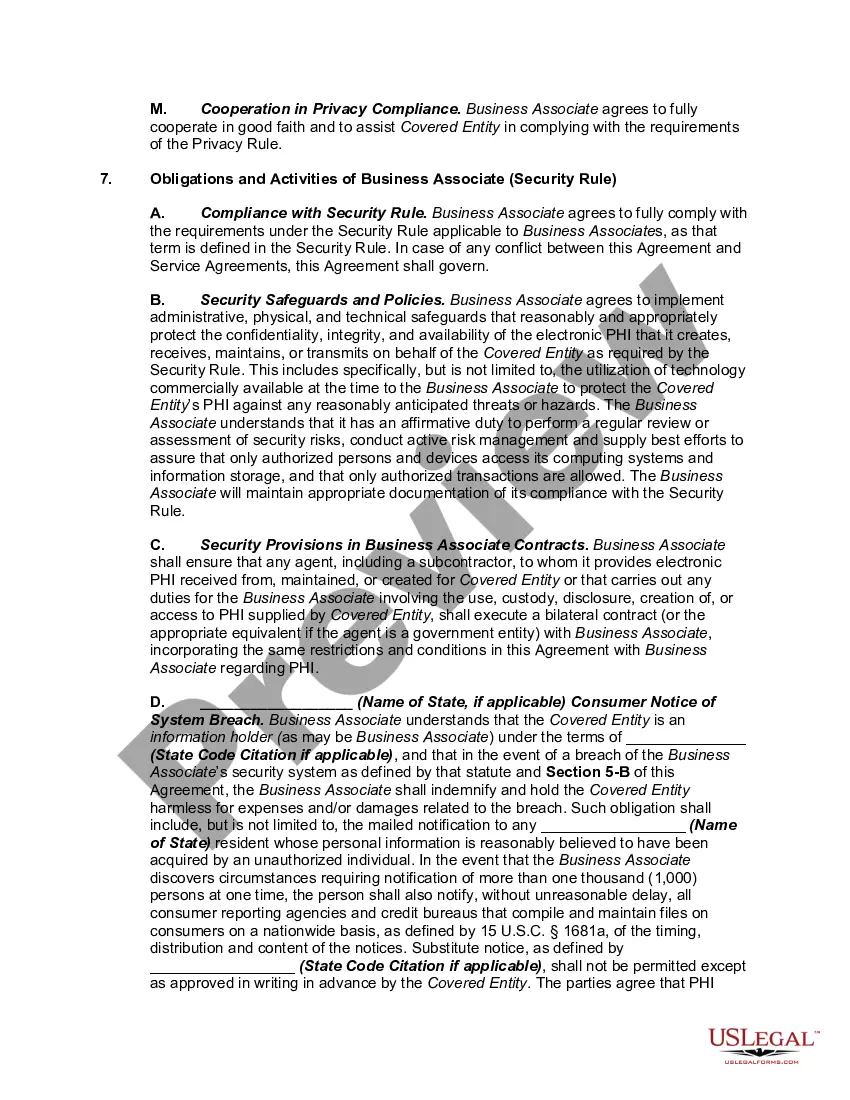
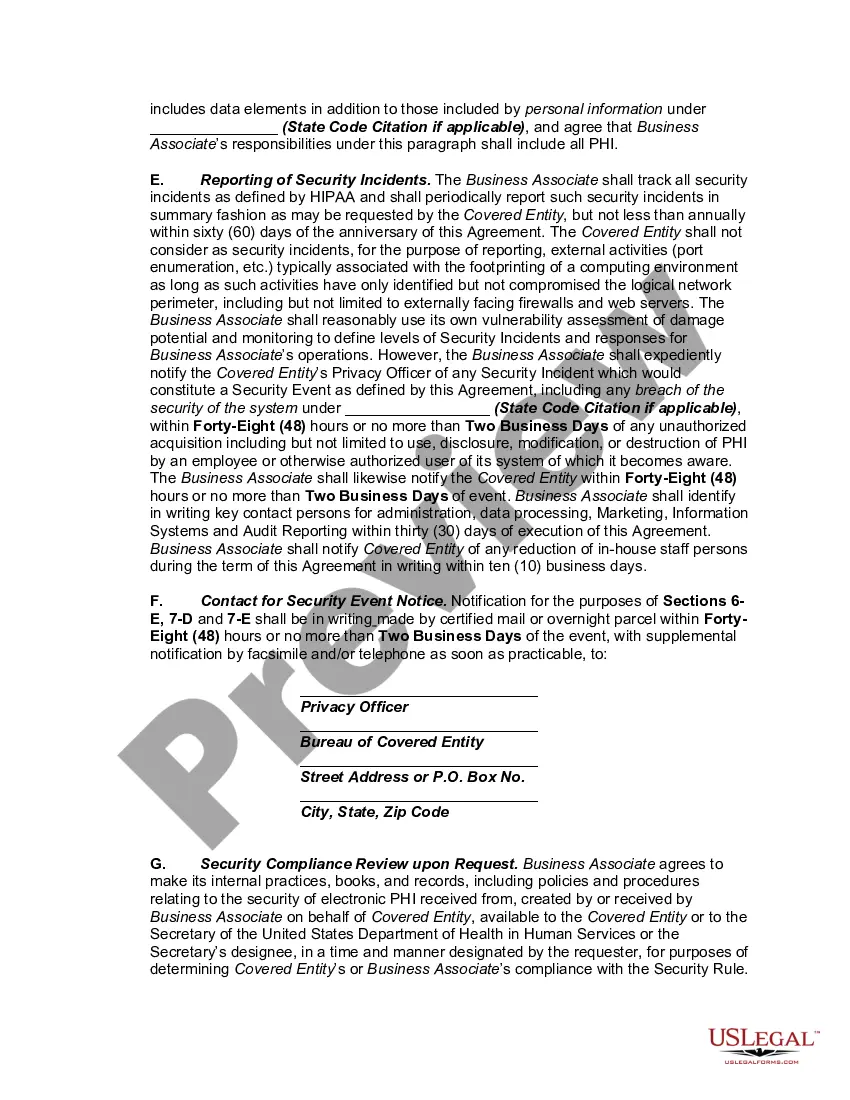
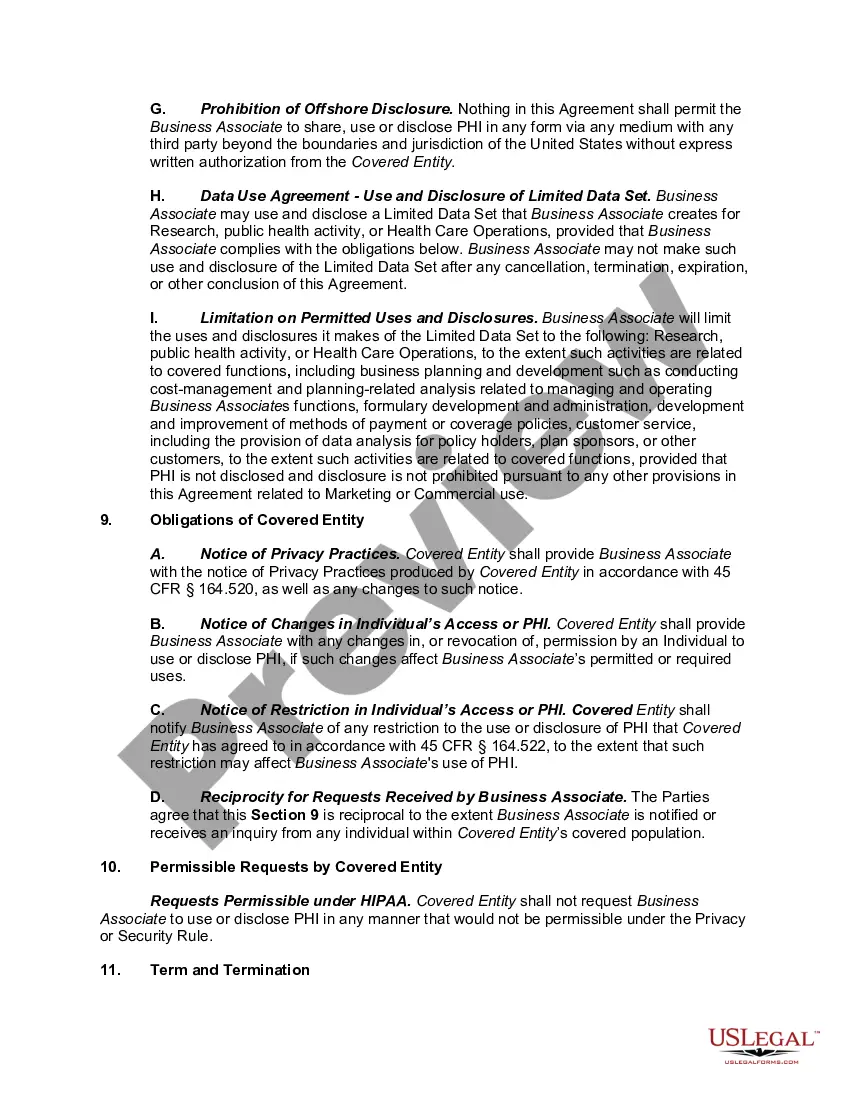
Business associate agreements form the backbone of your organization's HIPAA compliance program. These agreements include clauses outlining the permissible and impermissible uses of Protected Health Information (PHI), each party's liabilities, consequences of failing to comply with stated requirements, and more.
Covered entity means: (1) A health plan. (2) A healthcare clearinghouse. (3) A healthcare provider who transmits any health information in electronic form in connection with a transaction covered by this subchapter. (4) Medicare Prescription Drug Card Sponsors.
Covered entities are defined in the HIPAA rules as (1) health plans, (2) health care clearinghouses, and (3) health care providers who electronically transmit any health information in connection with transactions for which HHS has adopted standards.
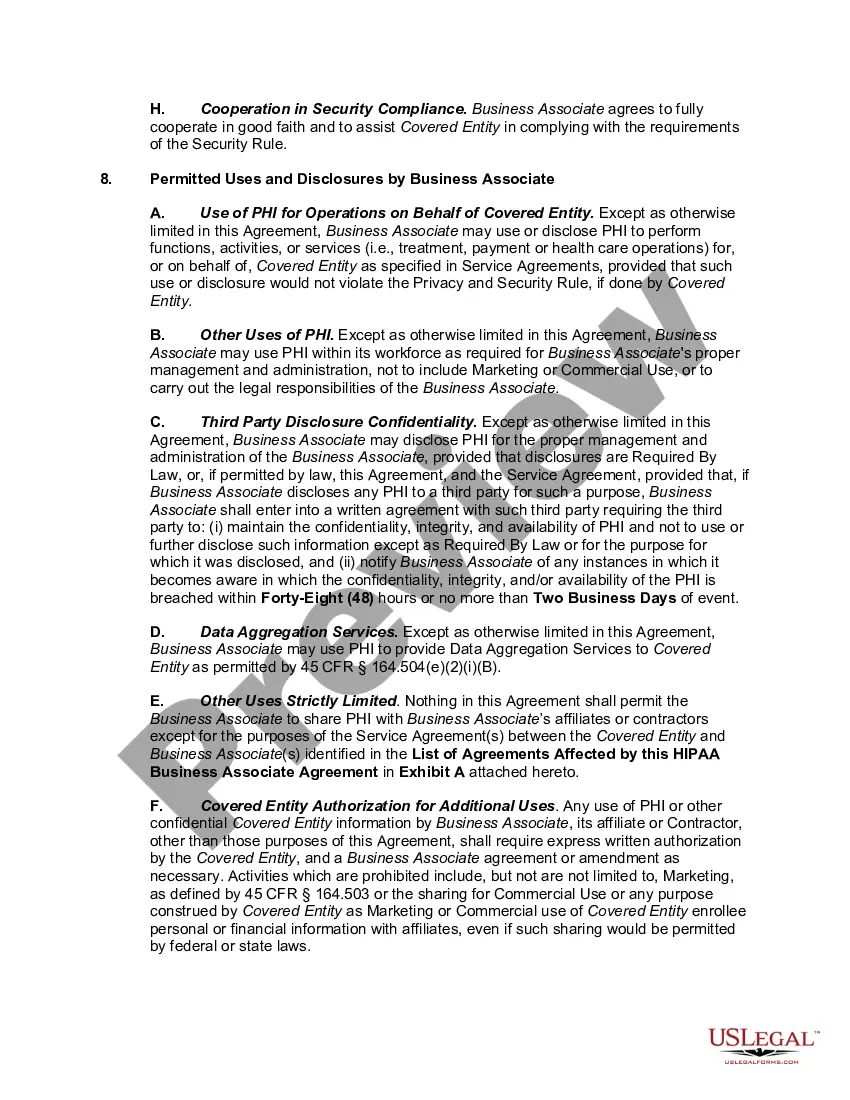
A BAA is an agreement entered into specifically to protect PHI. As such, it lists safeguards for that purpose. It also outlines steps to take in case of a breach or other situations that could compromise the PHI. A non-disclosure agreement simply requires the signer to keep certain information confidential.
BAAs are mandated by the HIPAA Security Rule. Business Associate Agreements consist of information regarding the permissible and impermissible uses of PHI between two HIPAA-beholden organizations. That can include relationships between a CE and a BA, as well as relationships between two BAs.