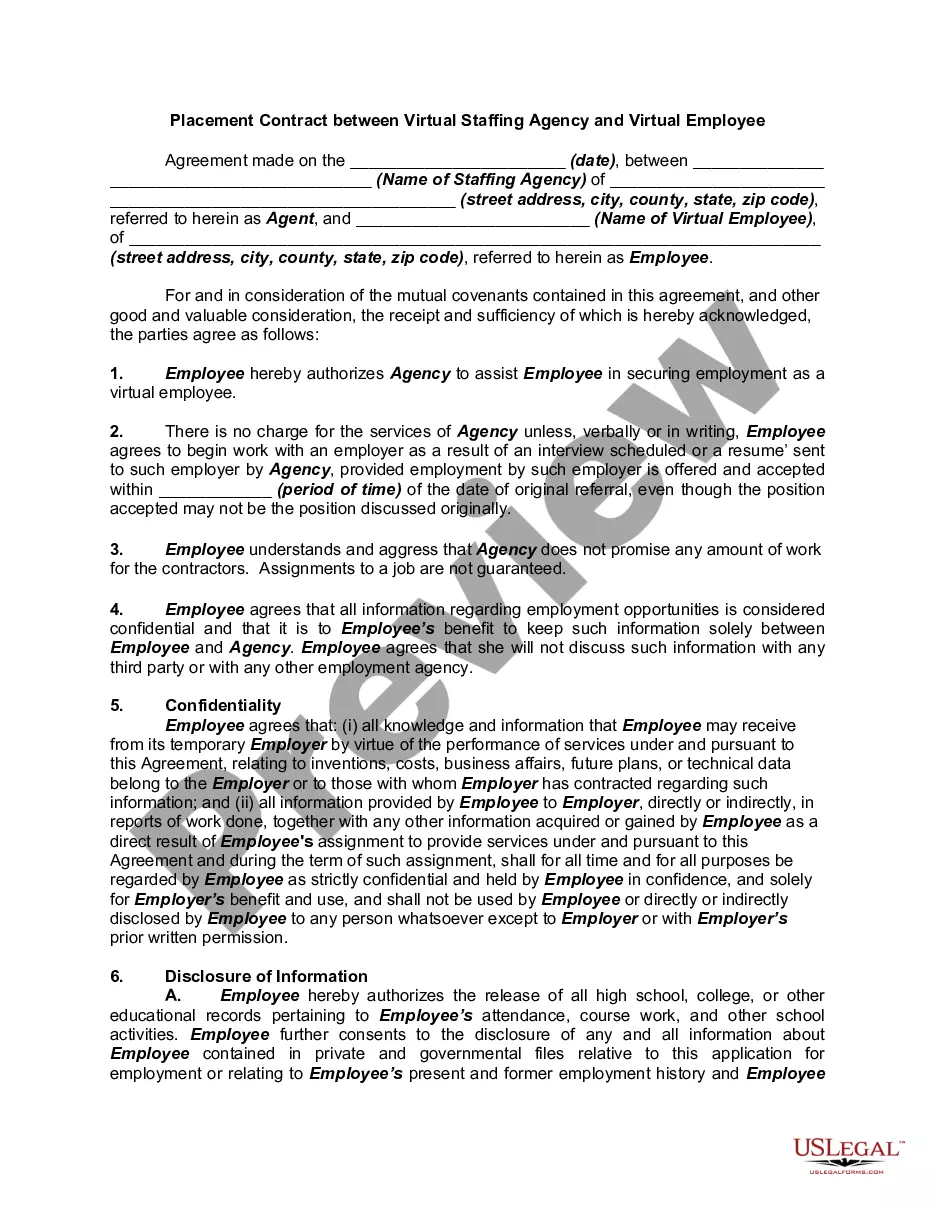
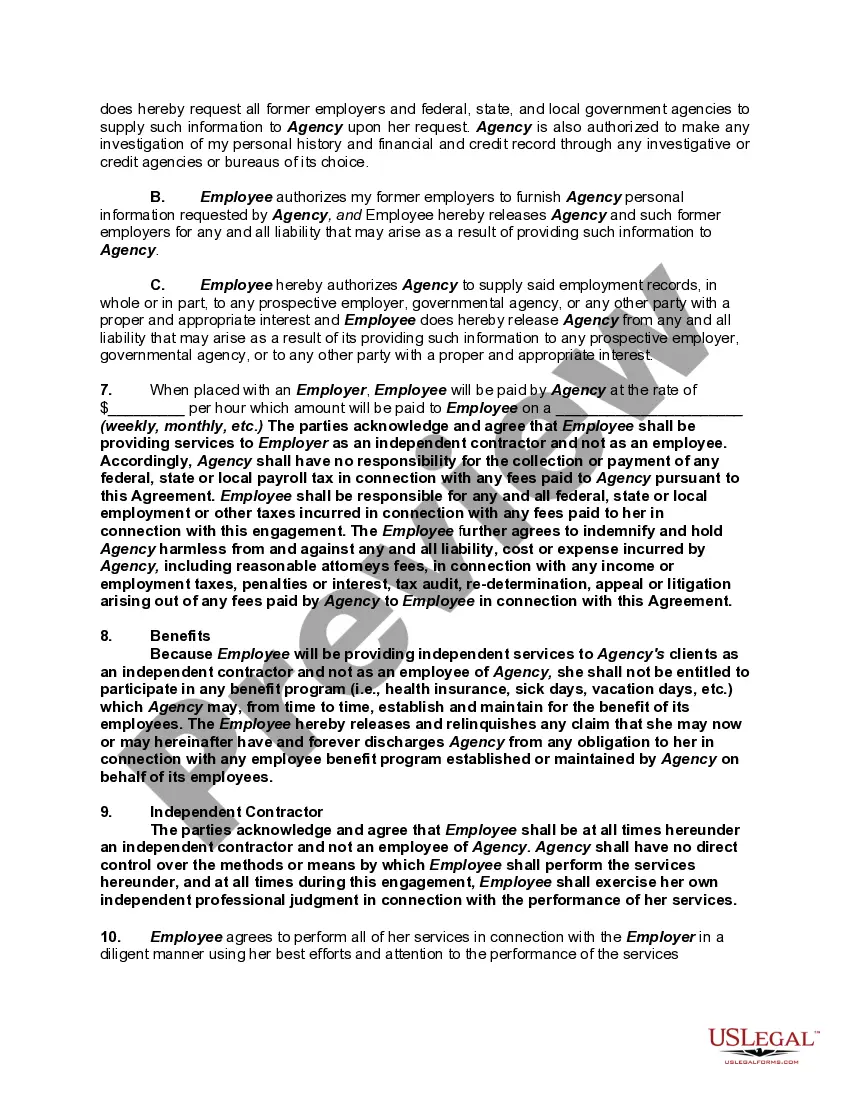
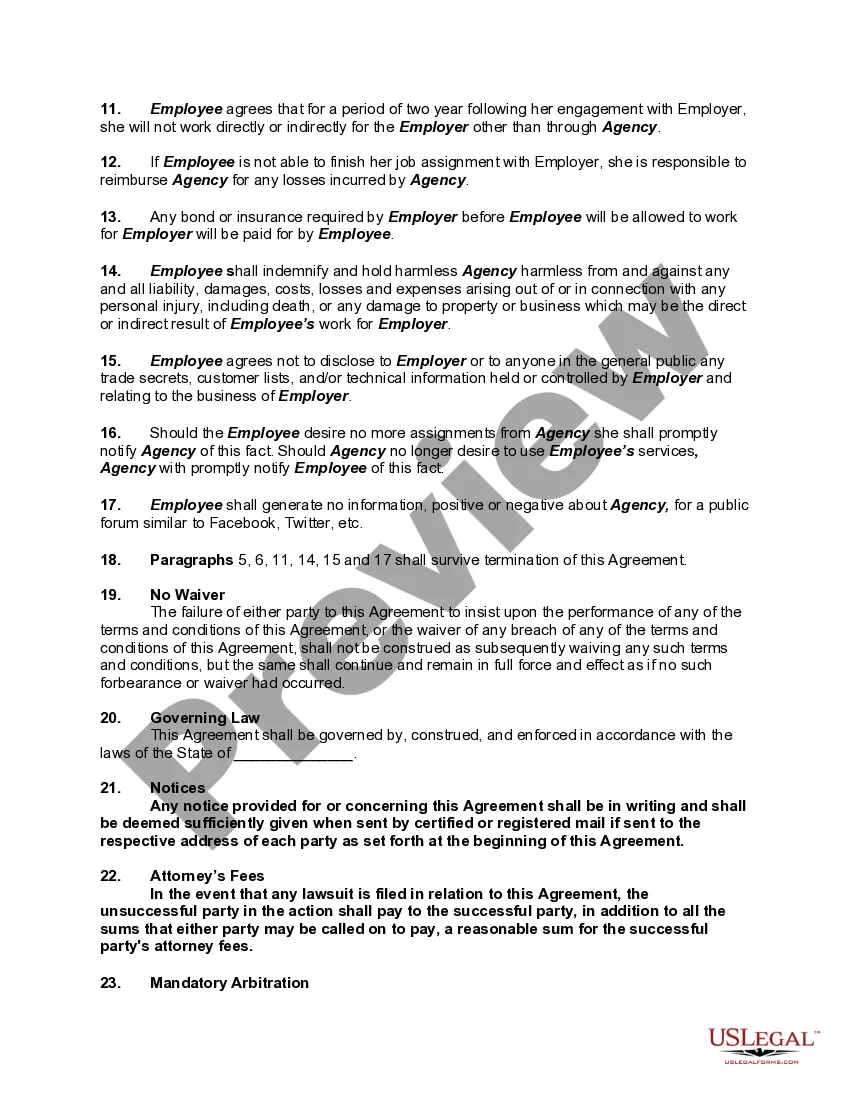
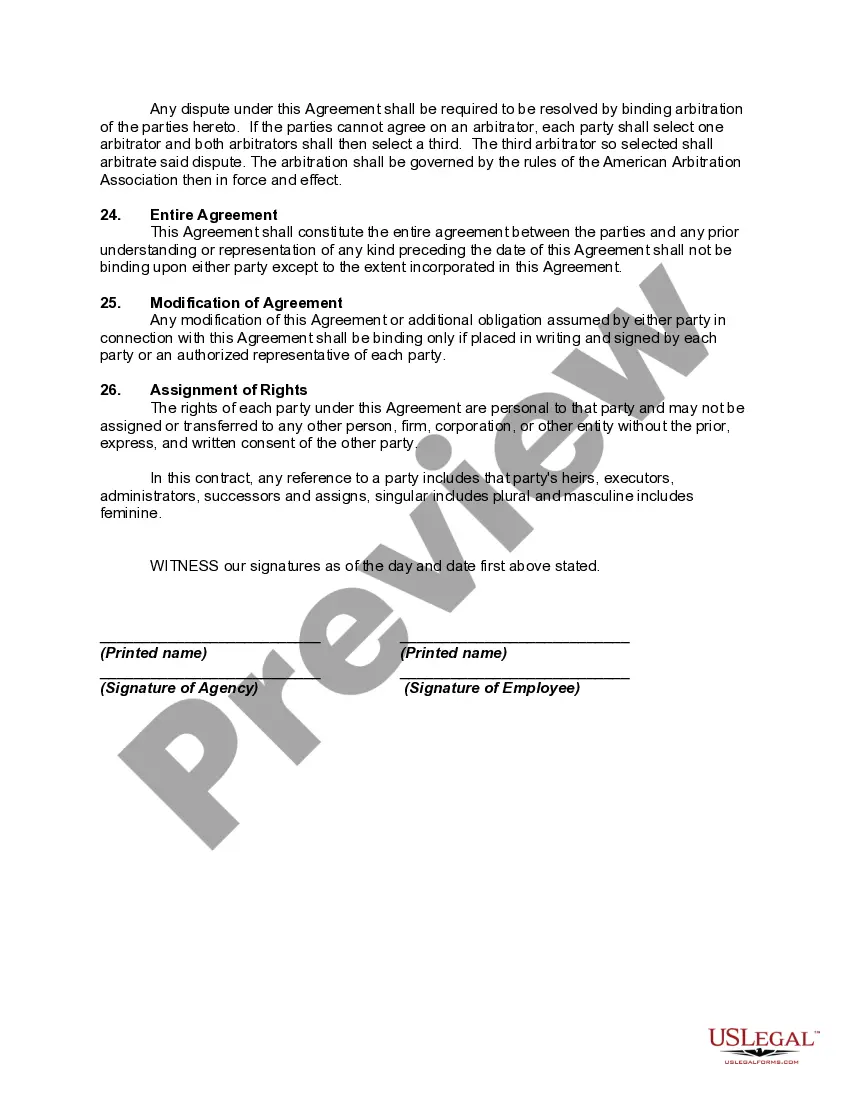
Virtual Assistant Staffing Agency For Remote Jobs
Description
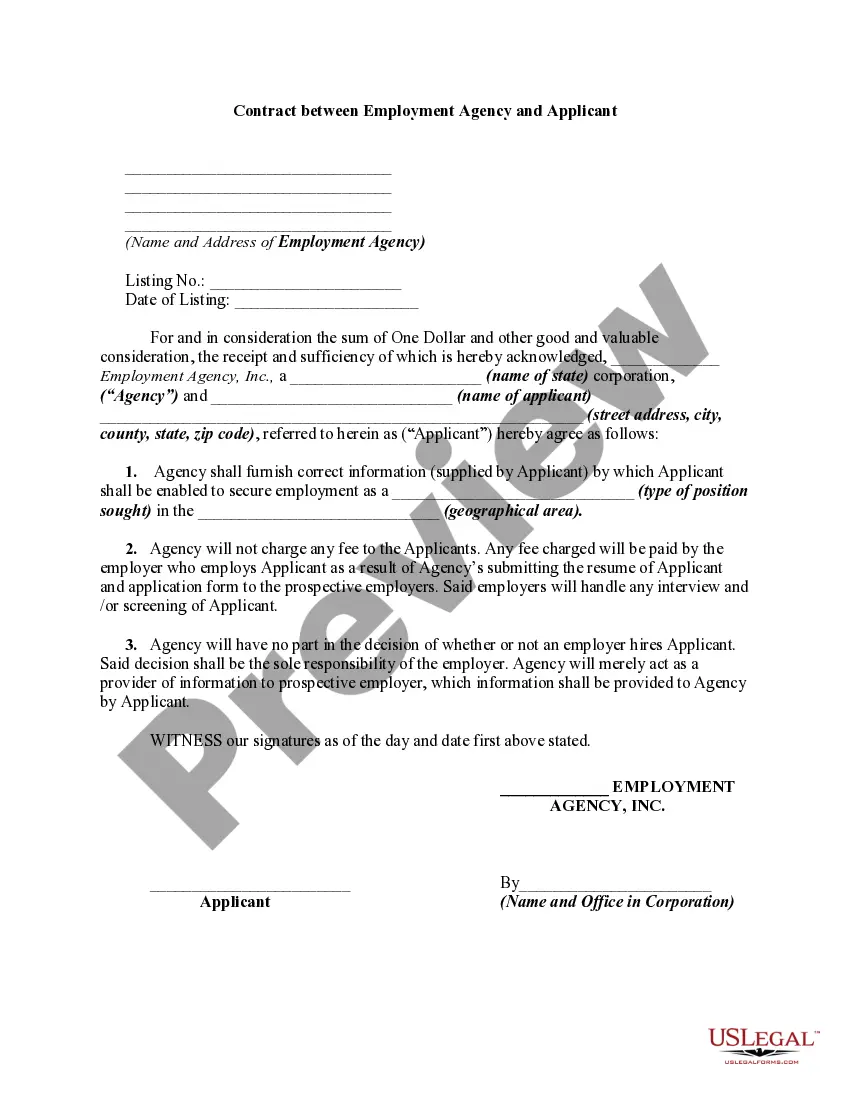
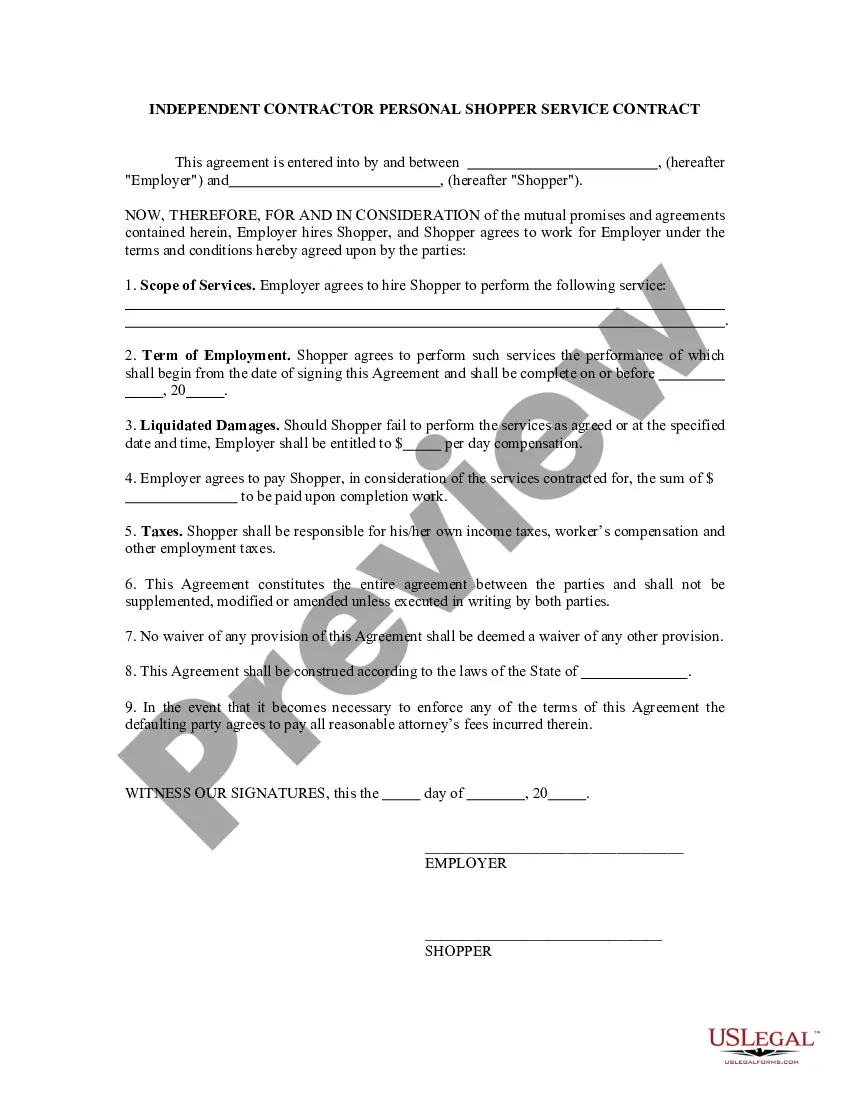
Get your form ready online
Our built-in tools help you complete, sign, share, and store your documents in one place.
Make edits, fill in missing information, and update formatting in US Legal Forms—just like you would in MS Word.
Download a copy, print it, send it by email, or mail it via USPS—whatever works best for your next step.
Sign and collect signatures with our SignNow integration. Send to multiple recipients, set reminders, and more. Go Premium to unlock E-Sign.
If this form requires notarization, complete it online through a secure video call—no need to meet a notary in person or wait for an appointment.
We protect your documents and personal data by following strict security and privacy standards.

Make edits, fill in missing information, and update formatting in US Legal Forms—just like you would in MS Word.

Download a copy, print it, send it by email, or mail it via USPS—whatever works best for your next step.

Sign and collect signatures with our SignNow integration. Send to multiple recipients, set reminders, and more. Go Premium to unlock E-Sign.

If this form requires notarization, complete it online through a secure video call—no need to meet a notary in person or wait for an appointment.

We protect your documents and personal data by following strict security and privacy standards.
Looking for another form?
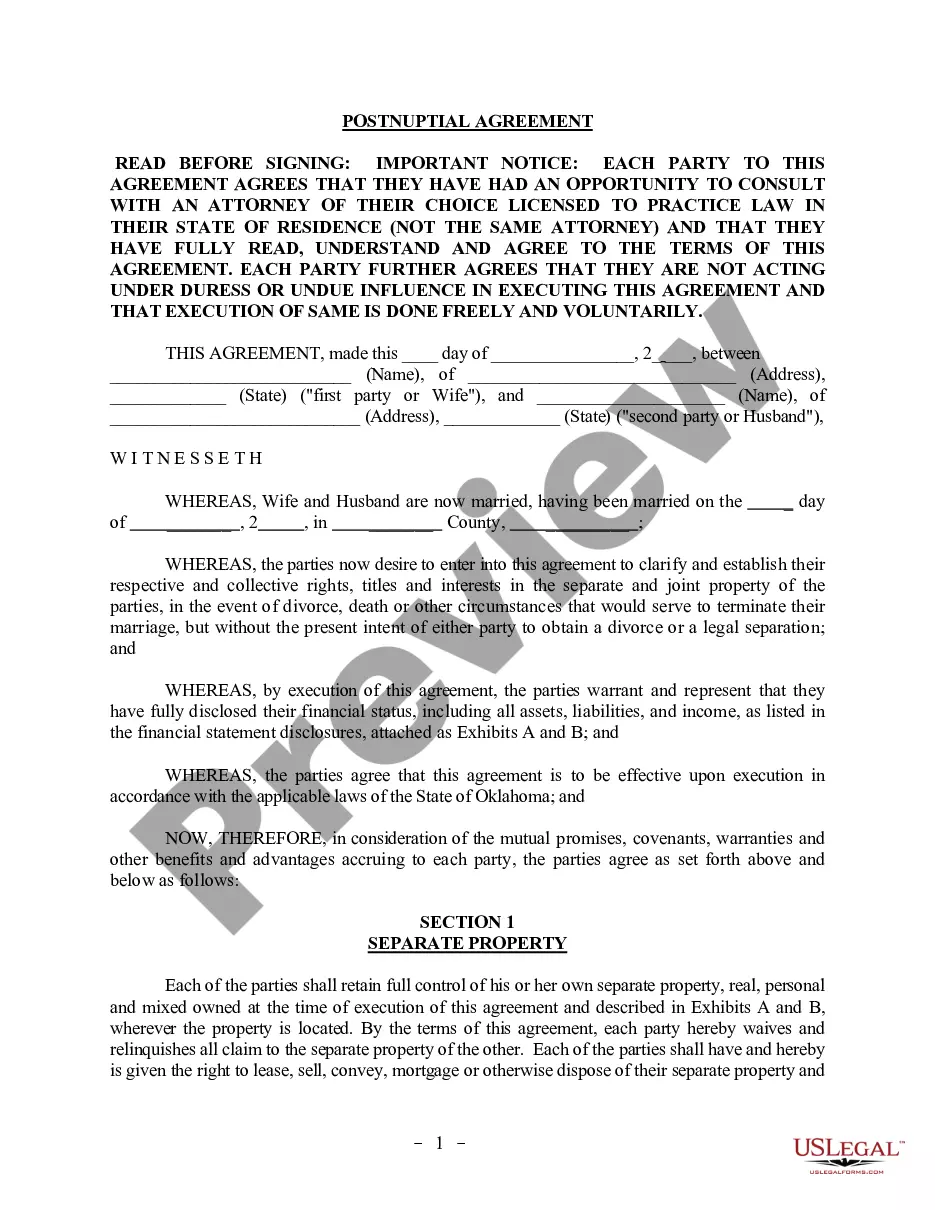

How to fill out Placement Contract Between Virtual Staffing Agency And Virtual Employee?
Managing legal documents and tasks can be a lengthy addition to your overall day.
Virtual Assistant Staffing Agency For Remote Jobs and similar resources frequently necessitate that you locate them and figure out how to properly finalize them.
As a result, if you are handling financial, legal, or personal affairs, utilizing a thorough and accessible online directory of forms at your disposal will be tremendously beneficial.
US Legal Forms is the premier online platform for legal templates, featuring over 85,000 state-specific forms and numerous tools to help you complete your documents effortlessly.
Is this your first experience with US Legal Forms? Create and establish a free account within minutes to gain access to the form repository and Virtual Assistant Staffing Agency For Remote Jobs. Then, follow the instructions below to finalize your form: Be certain you possess the correct form using the Preview option and reviewing the form details. Choose Buy Now when prepared, and select the monthly subscription plan that suits your requirements. Click Download, then fill out, sign, and print the document. US Legal Forms has twenty-five years of experience assisting clients in managing their legal documents. Obtain the form you require today and streamline any process without hassle.
- Browse the online repository of pertinent documents available with a single click.
- US Legal Forms provides you with state- and county-specific documents available for download at any time.
- Protect your document management tasks by utilizing a high-quality service that enables you to prepare any form in a few minutes without any additional or concealed fees.
- Simply Log In to your account, locate Virtual Assistant Staffing Agency For Remote Jobs, and download it directly from the My documents section.
- You can also access previously downloaded documents.
Form popularity
FAQ
How to become a virtual assistant Decide what types of services you will offer. Answer these questions to gain clarity: ... Build relevant skills. Once you know who you can help and how to help them, assess your skills and experience. ... Create an online presence. ... Look for virtual assistant jobs.
Here's how to write a virtual assistant resume: List your contact information. ... Include a professional summary. ... Describe your educational background. ... List any certifications. ... List relevant work experience and accomplishments. ... Detail your related skills.
9 Ways to Get More Clients as a Virtual Assistant Network with Other Virtual Assistants. ... Reach Out Locally. ... Give Existing Clients Opportunities to Write Reviews. ... Keep Your LinkedIn Profile Updated. ... Reconnect with Past Clients. ... Join Groups and Advertise Yourself. ... Optimize Your Customer Service. ... Improve Your Payment System.
A virtual assistant is an independent contractor who provides administrative services to clients while operating outside of the client's office. A virtual assistant typically operates from a home office but can access the necessary planning documents, such as shared calendars, remotely.
A virtual assistant agency is a company that connects clients with pre-screened, trained virtual assistants. These agencies typically have a pool of VAs with various skill sets and expertise, allowing clients to find a suitable assistant based on their specific requirements.