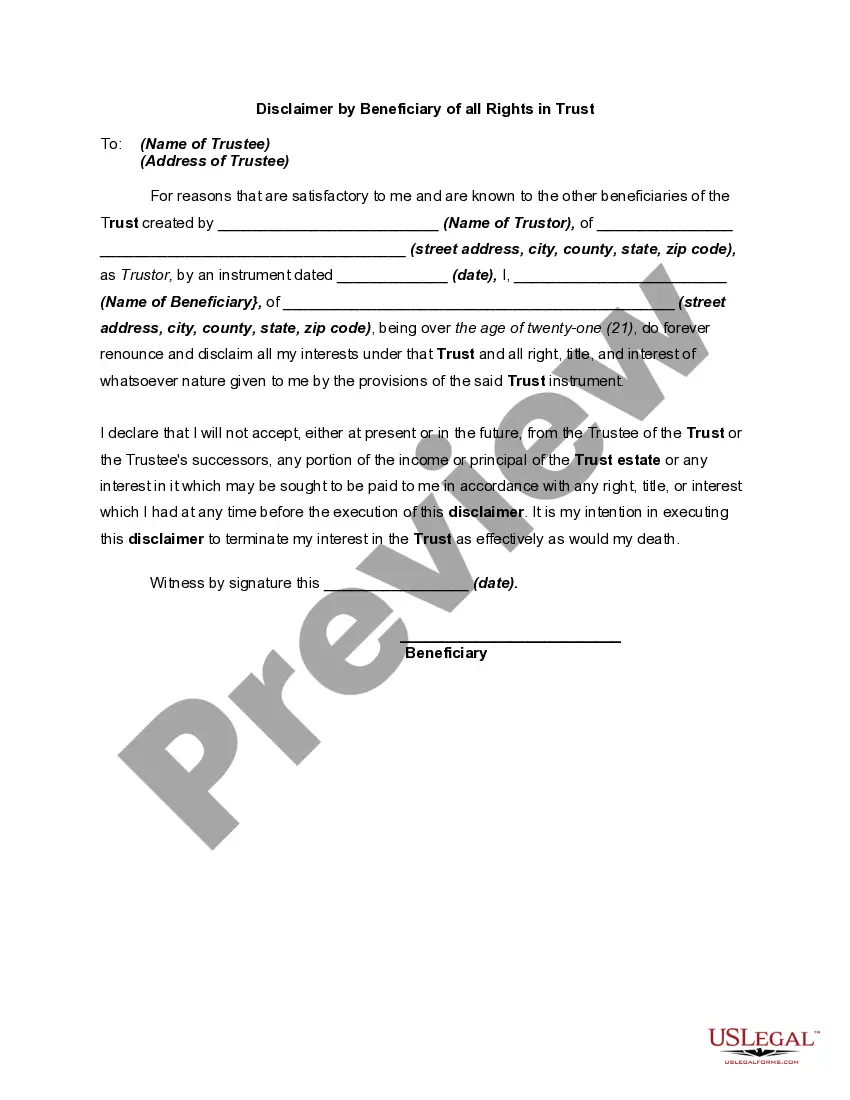
Beneficiary Trust Agreement With Trust
Description
Get your form ready online
Our built-in tools help you complete, sign, share, and store your documents in one place.
Make edits, fill in missing information, and update formatting in US Legal Forms—just like you would in MS Word.
Download a copy, print it, send it by email, or mail it via USPS—whatever works best for your next step.
Sign and collect signatures with our SignNow integration. Send to multiple recipients, set reminders, and more. Go Premium to unlock E-Sign.
If this form requires notarization, complete it online through a secure video call—no need to meet a notary in person or wait for an appointment.
We protect your documents and personal data by following strict security and privacy standards.

Make edits, fill in missing information, and update formatting in US Legal Forms—just like you would in MS Word.

Download a copy, print it, send it by email, or mail it via USPS—whatever works best for your next step.

Sign and collect signatures with our SignNow integration. Send to multiple recipients, set reminders, and more. Go Premium to unlock E-Sign.

If this form requires notarization, complete it online through a secure video call—no need to meet a notary in person or wait for an appointment.

We protect your documents and personal data by following strict security and privacy standards.
Looking for another form?




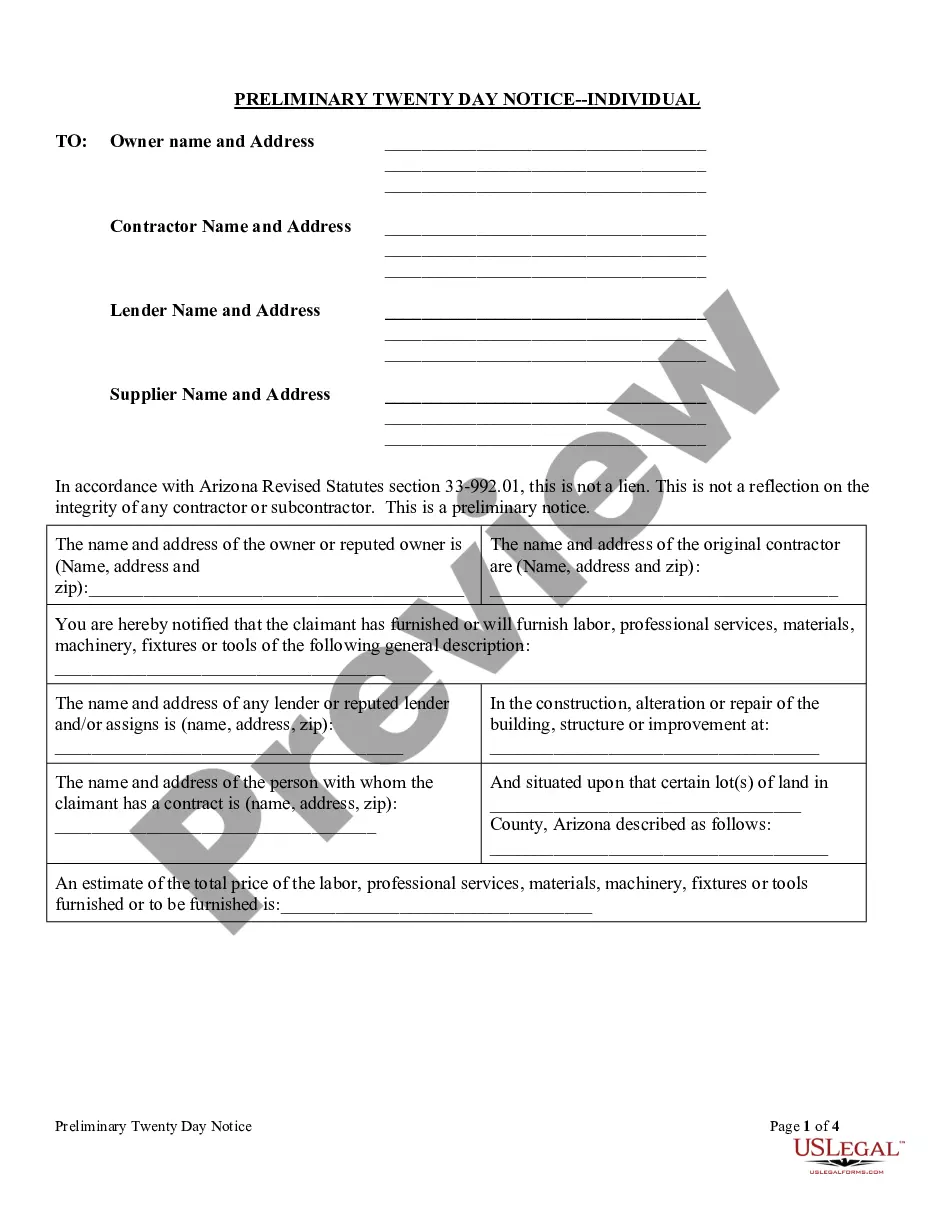



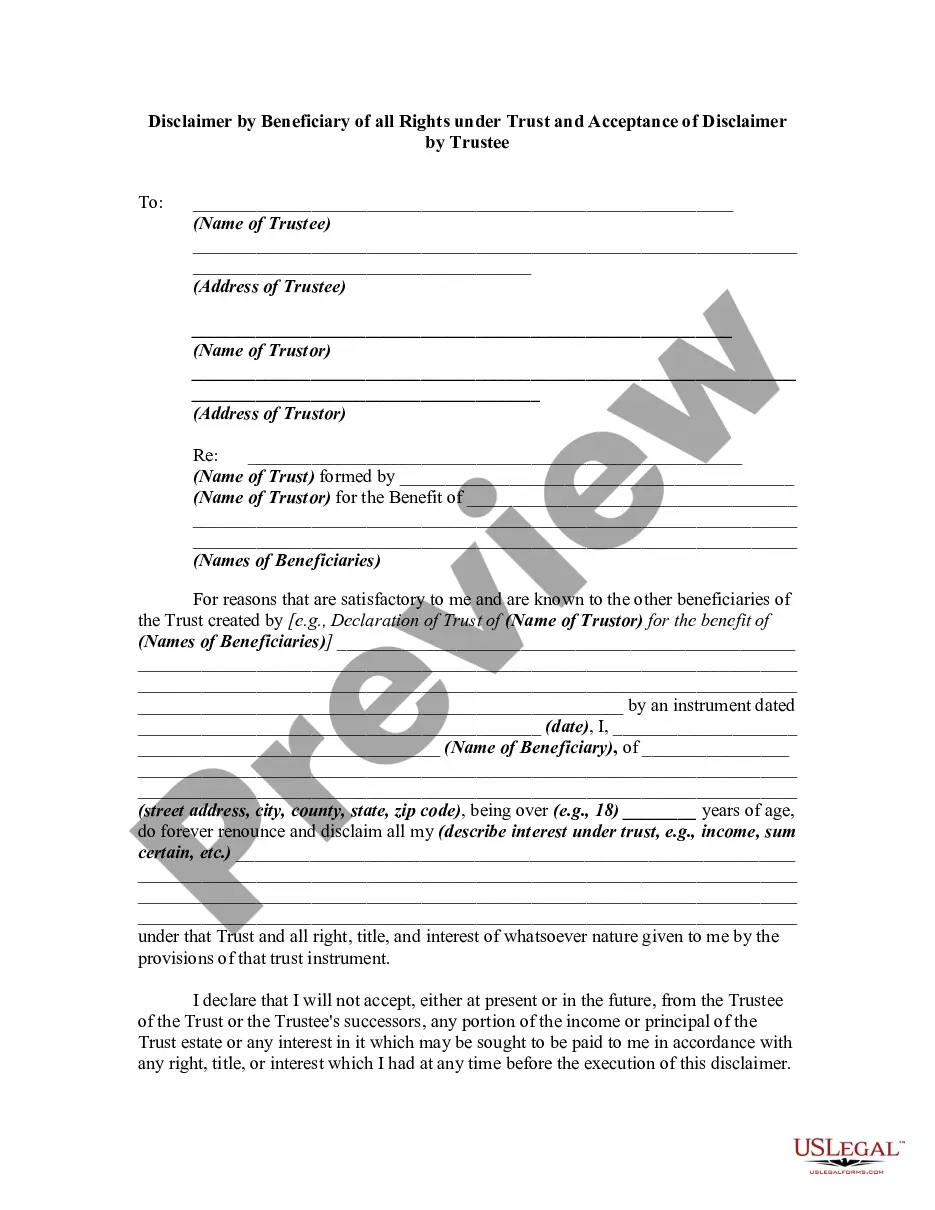
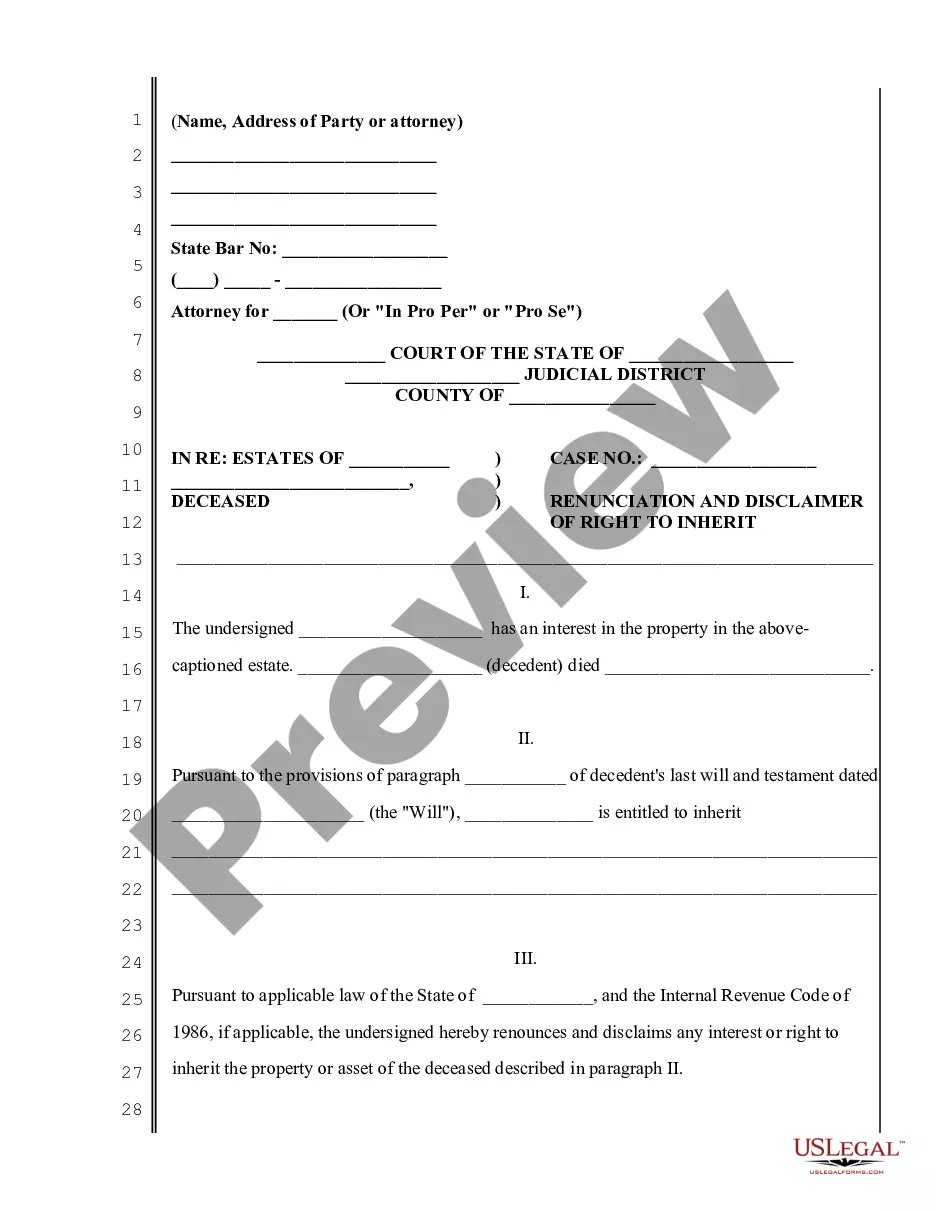
How to fill out Disclaimer By Beneficiary Of All Rights In Trust?
Handling judicial documentation and activities can be an exhaustive augmentation to your daily schedule.
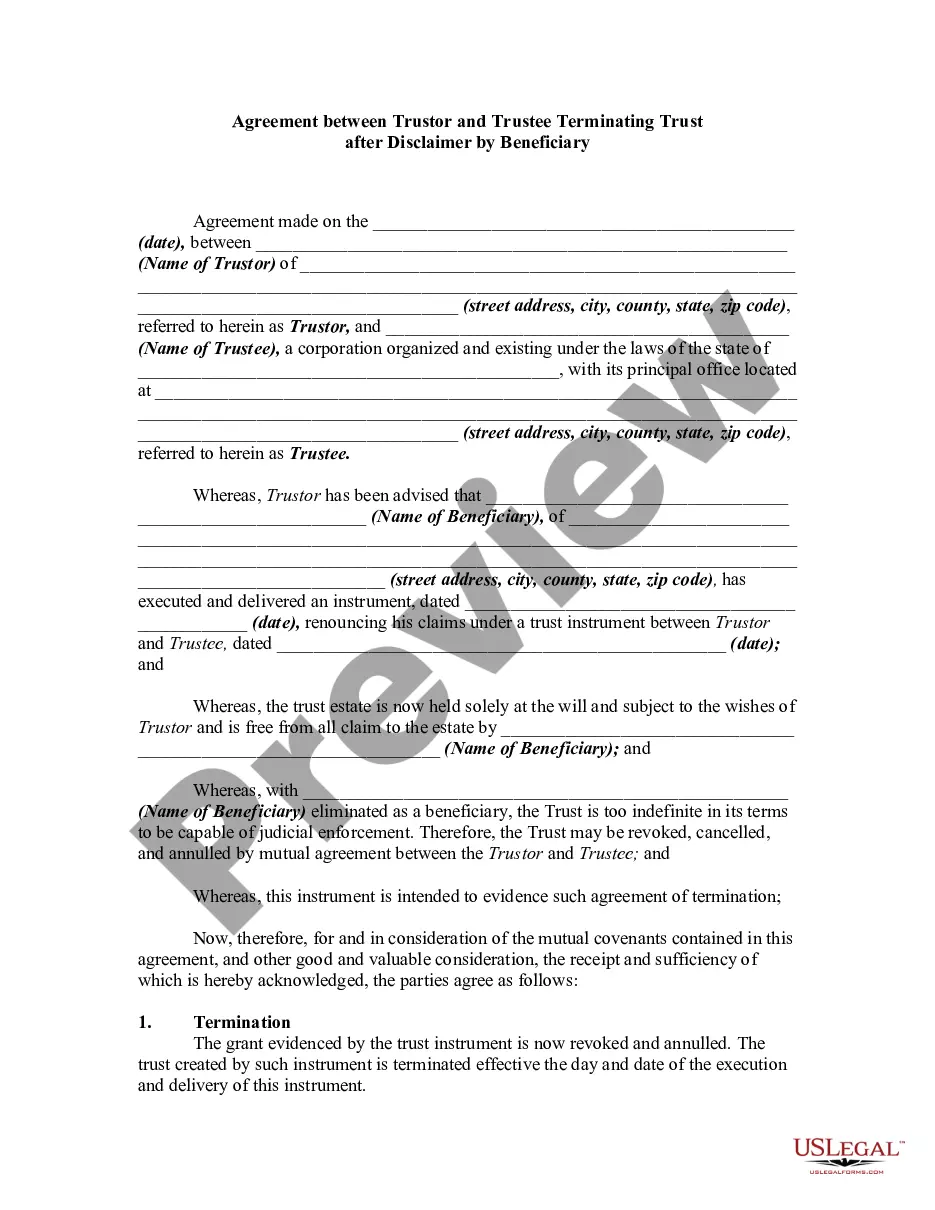
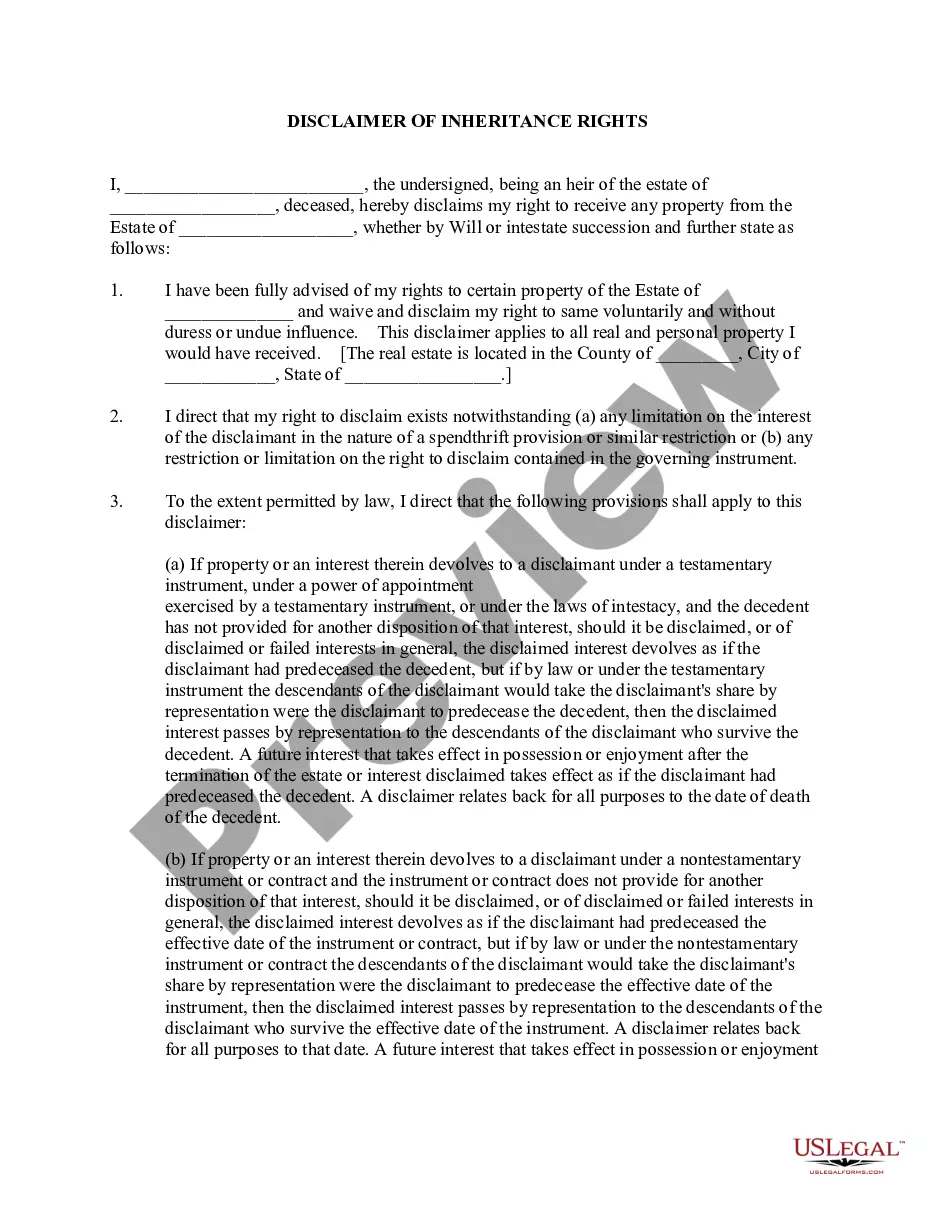
Beneficiary Trust Agreement With Trust and similar documents typically necessitate that you seek them out and find the most efficient way to fill them out accurately.
For that reason, if you are managing financial, legal, or personal issues, possessing a thorough and effortless online archive of documents at your disposal will significantly help.
US Legal Forms is the leading online platform for legal templates, featuring over 85,000 state-specific documents and various tools to aid you in completing your paperwork effortlessly.
Is this your first time using US Legal Forms? Sign up and create an account in just a few minutes to gain access to the document library and Beneficiary Trust Agreement With Trust. Next, follow the steps below to finish your document.
- Explore the collection of relevant documents accessible to you with just a click.
- US Legal Forms provides you with state- and county-specific documents available at any time for download.
- Protect your document management activities by utilizing a premium service that allows you to prepare any document in minutes without extra or concealed fees.
- Simply Log In to your account, find Beneficiary Trust Agreement With Trust, and download it instantly from the My documents section.
- You can also access previously downloaded documents.
Form popularity
FAQ
Most beneficiary designations will require you to provide a person's full legal name and their relationship to you (spouse, child, mother, etc.). Some beneficiary designations also include information like mailing address, email, phone number, date of birth and Social Security number.
To leave property to your living trust, name your trust as beneficiary for that property, using the trustee's name and the name of the trust. For example: John Doe as trustee of the John Doe Living Trust, dated January 1, 20xx.
A trust can give you more control over how your assets are distributed. You can name a trust as a direct beneficiary of an account. Upon your death, your assets transfer to the trust and distributions are made from the trust to its beneficiaries ing to your wishes.
Provide the following information on the beneficiary designation: The full name of the trust as it shows on the trust document. The date the trust was created. The name of the trustee, followed by the word ?trustee?, or if you cannot provide a trustee, ETF may accept another contact person. The trustee's address.
Write only one beneficiary on each line. Make sure that you write the full names of all beneficiaries. For example, if you name you children as beneficiaries, DO NOT merely write ?children? on one of the lines; instead write the full names of each of your children on separate lines.