Notary Oath Of Affirmation
Description
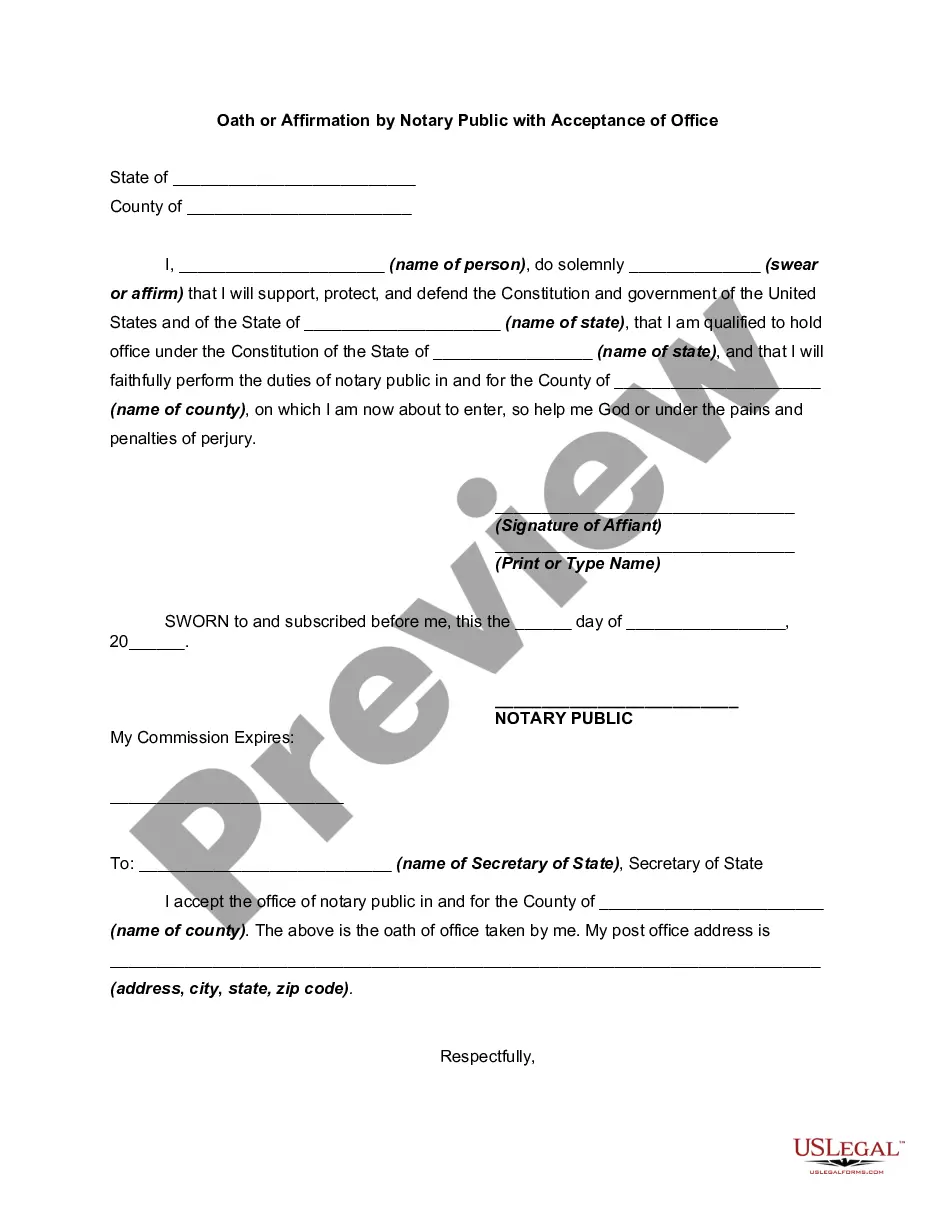
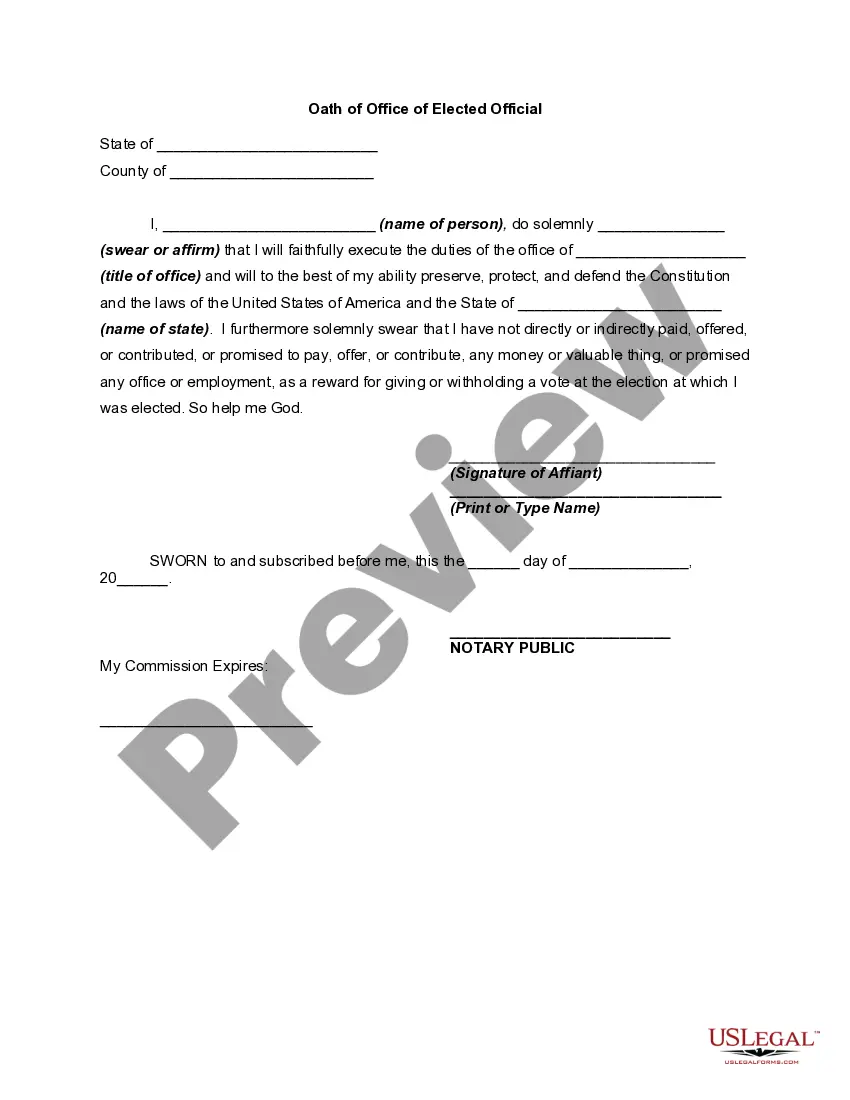
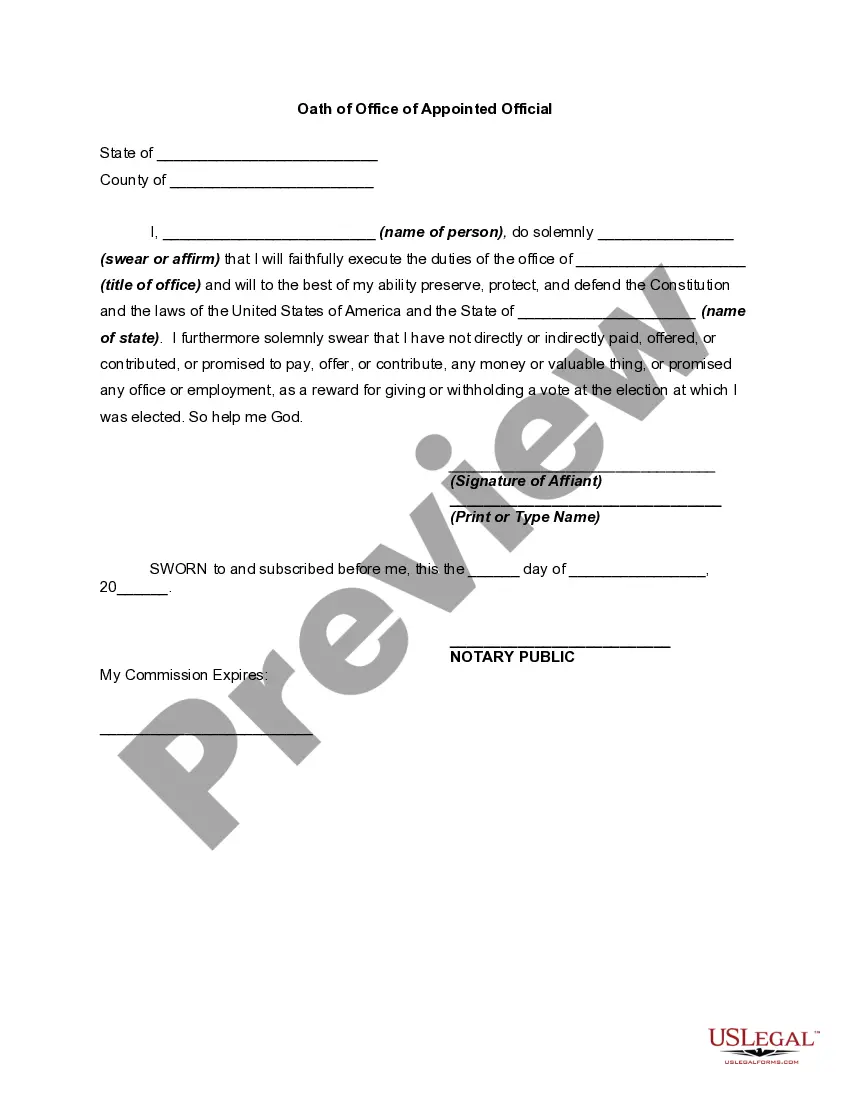
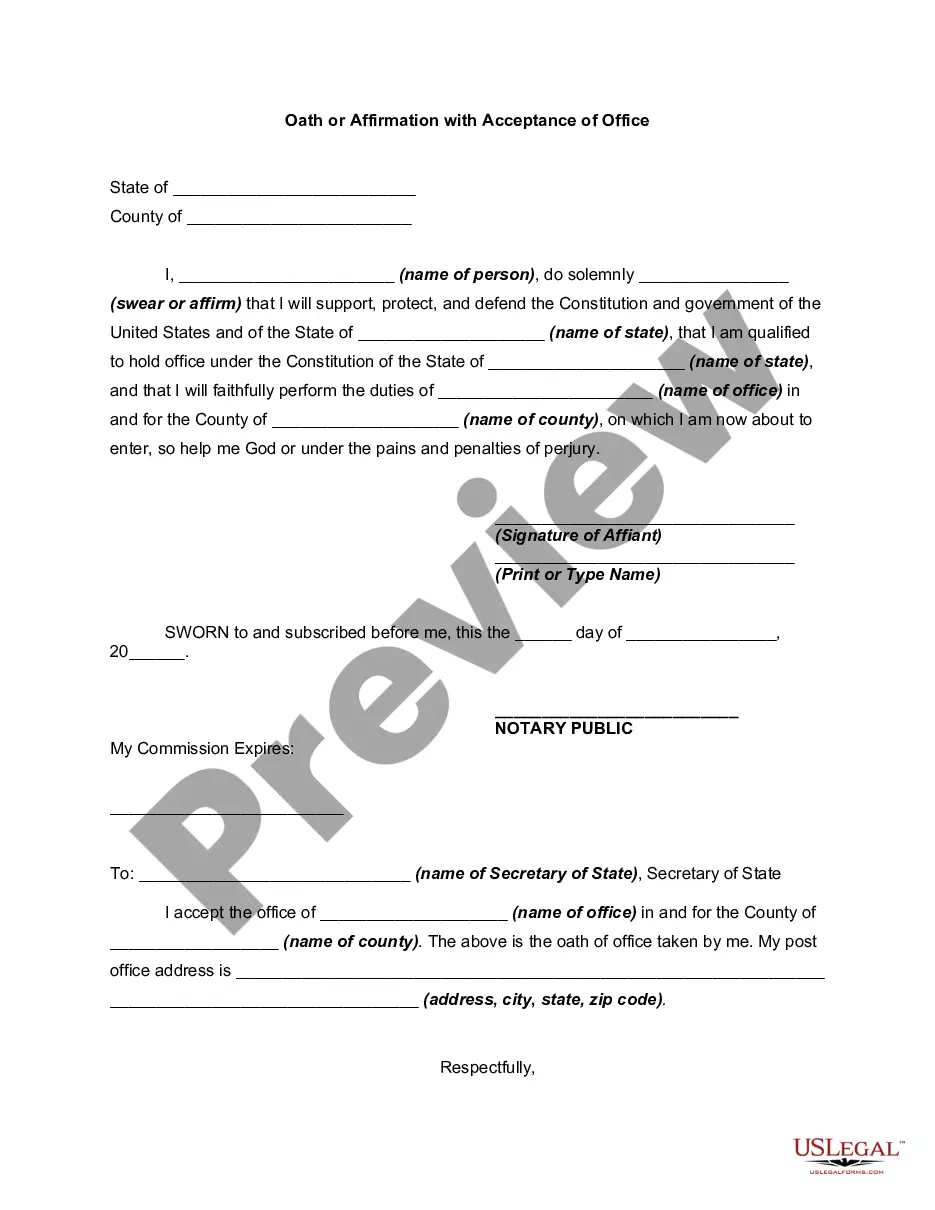
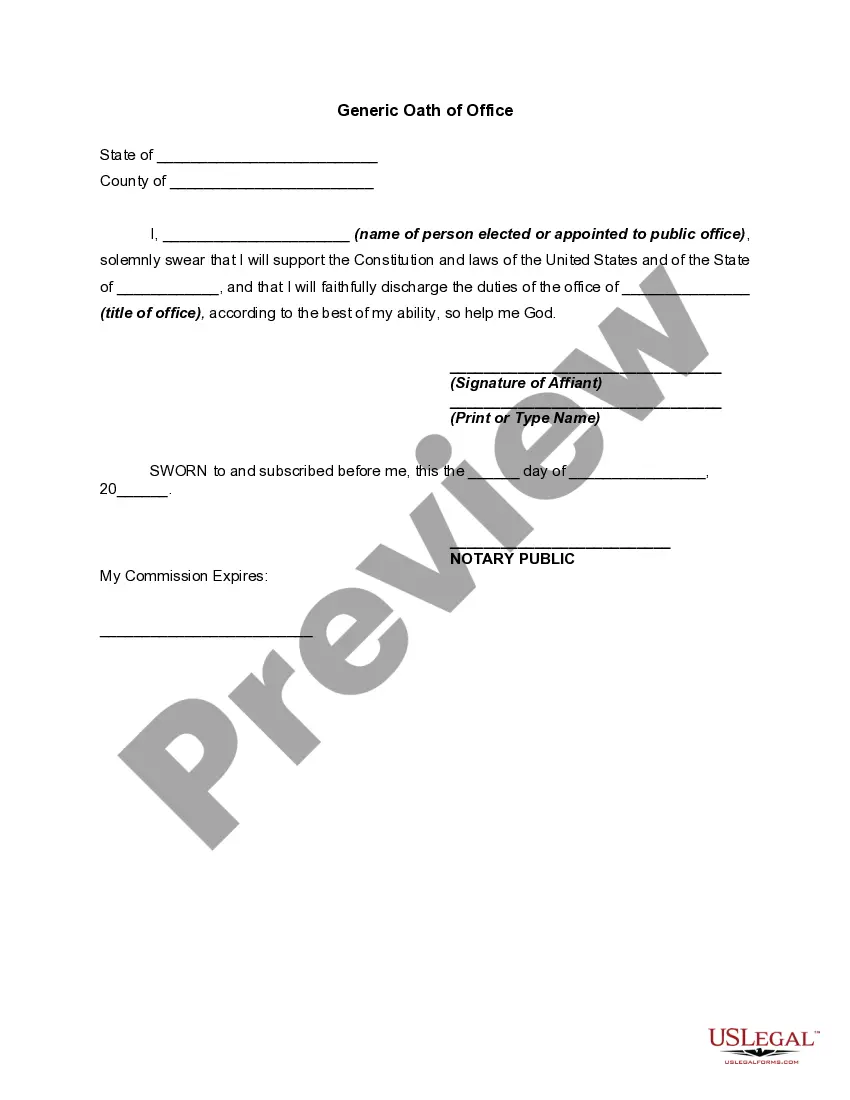
Get your form ready online
Our built-in tools help you complete, sign, share, and store your documents in one place.
Make edits, fill in missing information, and update formatting in US Legal Forms—just like you would in MS Word.
Download a copy, print it, send it by email, or mail it via USPS—whatever works best for your next step.
Sign and collect signatures with our SignNow integration. Send to multiple recipients, set reminders, and more. Go Premium to unlock E-Sign.
If this form requires notarization, complete it online through a secure video call—no need to meet a notary in person or wait for an appointment.
We protect your documents and personal data by following strict security and privacy standards.

Make edits, fill in missing information, and update formatting in US Legal Forms—just like you would in MS Word.

Download a copy, print it, send it by email, or mail it via USPS—whatever works best for your next step.

Sign and collect signatures with our SignNow integration. Send to multiple recipients, set reminders, and more. Go Premium to unlock E-Sign.

If this form requires notarization, complete it online through a secure video call—no need to meet a notary in person or wait for an appointment.

We protect your documents and personal data by following strict security and privacy standards.
Looking for another form?
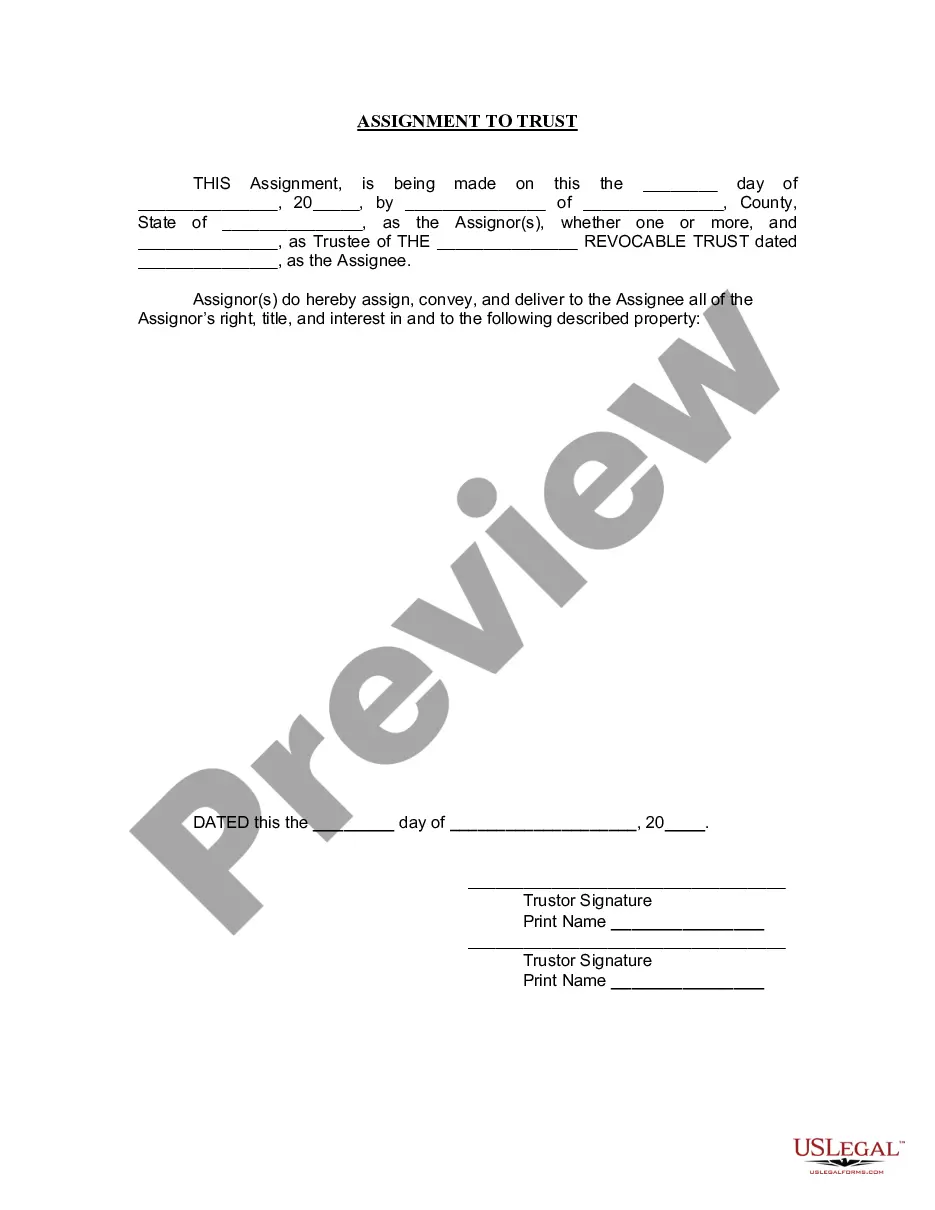
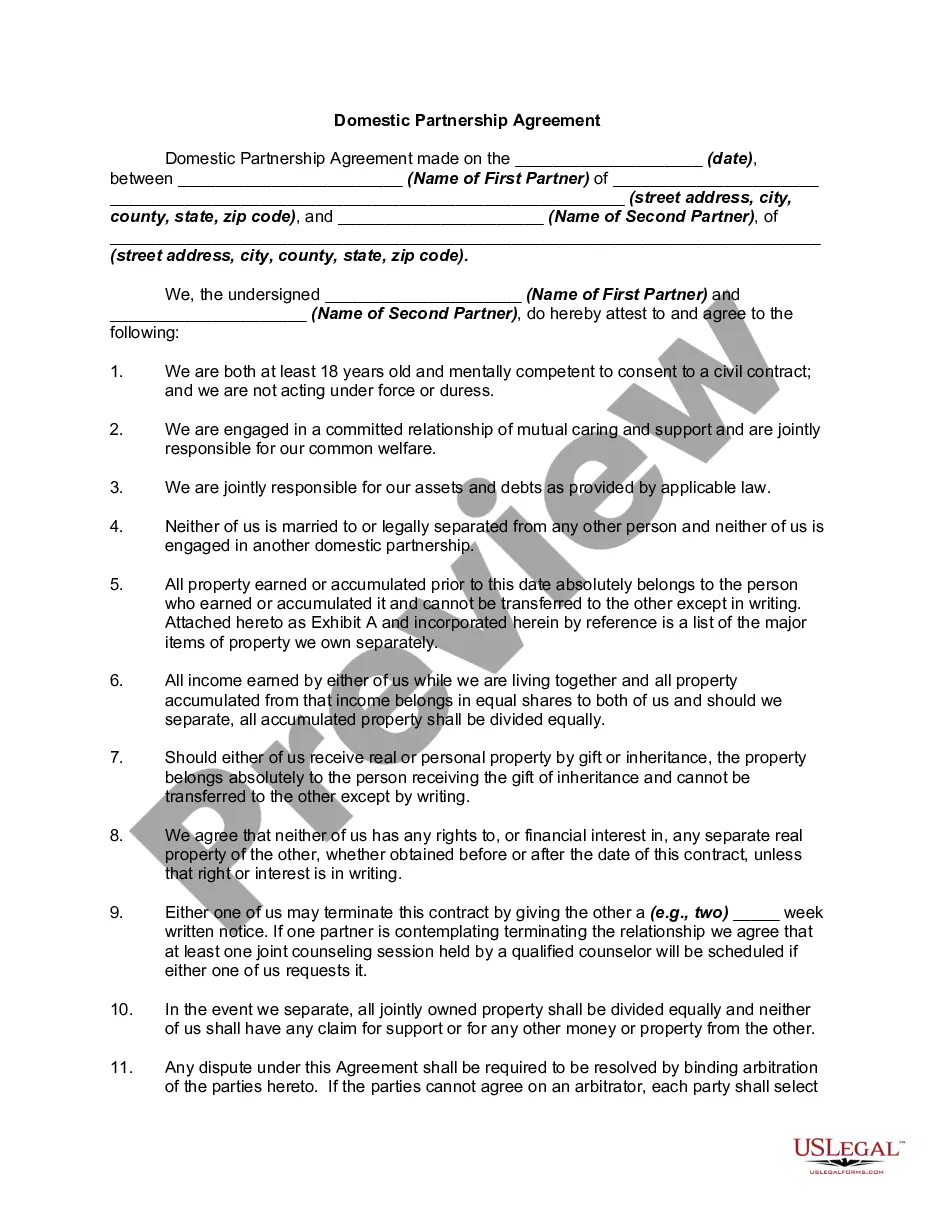
How to fill out Oath Or Affirmation By Notary Public With Acceptance Of Office?
Regardless of whether it's for corporate reasons or personal matters, everyone must handle legal issues at some point in their lives.
Completing legal paperwork demands meticulous focus, beginning with choosing the correct form template.
With a comprehensive US Legal Forms catalog available, you will never have to waste time searching for the right sample online. Take advantage of the library’s user-friendly navigation to find the necessary form for any circumstance.
- Acquire the document you require using the search bar or catalog browsing.
- Review the form’s details to ensure it aligns with your circumstances, state, and county.
- Click on the form’s preview to inspect it.
- If it's the wrong document, go back to the search feature to find the Notary Oath Of Affirmation template you need.
- Obtain the template when it suits your specifications.
- If you already possess a US Legal Forms account, simply click Log in to access previously saved templates in My documents.
- If you do not have an account yet, you can acquire the form by clicking Buy now.
- Select the appropriate pricing option.
- Fill out the profile registration form.
- Choose your payment method: use a credit card or PayPal account.
- Select the desired file format and download the Notary Oath Of Affirmation.
- Once downloaded, you can complete the form using editing software or print it out to fill it in by hand.
Form popularity
FAQ
For an affirmation: ?Do you solemnly state, under penalty of perjury, that the evidence that you shall give in this issue (or matter) shall be the truth, the whole truth, and nothing but the truth?? (Code of Civil Procedure 2094[a]).
If the signer prefers to affirm to the truthfulness of the document's content, the notary will ask the signer: ?Do you solemnly affirm under penalty of perjury that the statements in this document are true and correct to the best of your knowledge and belief?? The signer will reply: ?I do? or ?yes.?
The oath of office required by members of the U.S. Senate. the Naturalization Oath of Allegiance taken when someone becomes a citizen of the United States. wedding vows in which you make a solemn promise to be faithful before a deity and/or authorized officiant.
"I do solemnly swear (or affirm) that I will support and defend the Constitution of the United States against all enemies, foreign and domestic; that I will bear true faith and allegiance to the same; that I take this obligation freely, without any mental reservation or purpose of evasion; and that I will well and ...
"I swear by Almighty God that the evidence I shall give will be the truth, the whole truth, and nothing but the truth". "I solemnly declare and affirm that the evidence I shall give will be the truth, the whole truth, and nothing but the truth".