Supporting Documentation
Description
Get your form ready online
Our built-in tools help you complete, sign, share, and store your documents in one place.
Make edits, fill in missing information, and update formatting in US Legal Forms—just like you would in MS Word.
Download a copy, print it, send it by email, or mail it via USPS—whatever works best for your next step.
Sign and collect signatures with our SignNow integration. Send to multiple recipients, set reminders, and more. Go Premium to unlock E-Sign.
If this form requires notarization, complete it online through a secure video call—no need to meet a notary in person or wait for an appointment.
We protect your documents and personal data by following strict security and privacy standards.

Make edits, fill in missing information, and update formatting in US Legal Forms—just like you would in MS Word.

Download a copy, print it, send it by email, or mail it via USPS—whatever works best for your next step.

Sign and collect signatures with our SignNow integration. Send to multiple recipients, set reminders, and more. Go Premium to unlock E-Sign.

If this form requires notarization, complete it online through a secure video call—no need to meet a notary in person or wait for an appointment.

We protect your documents and personal data by following strict security and privacy standards.
Looking for another form?
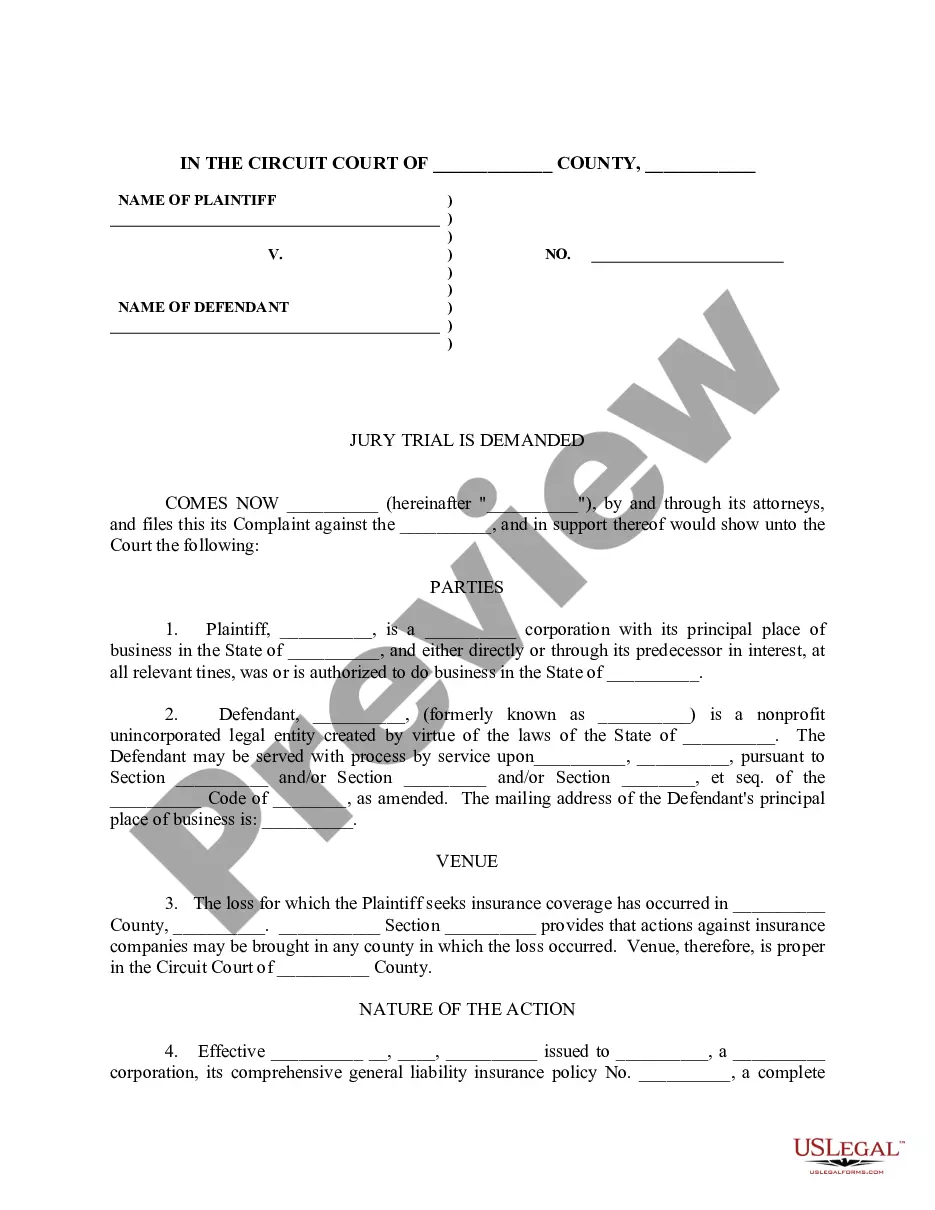

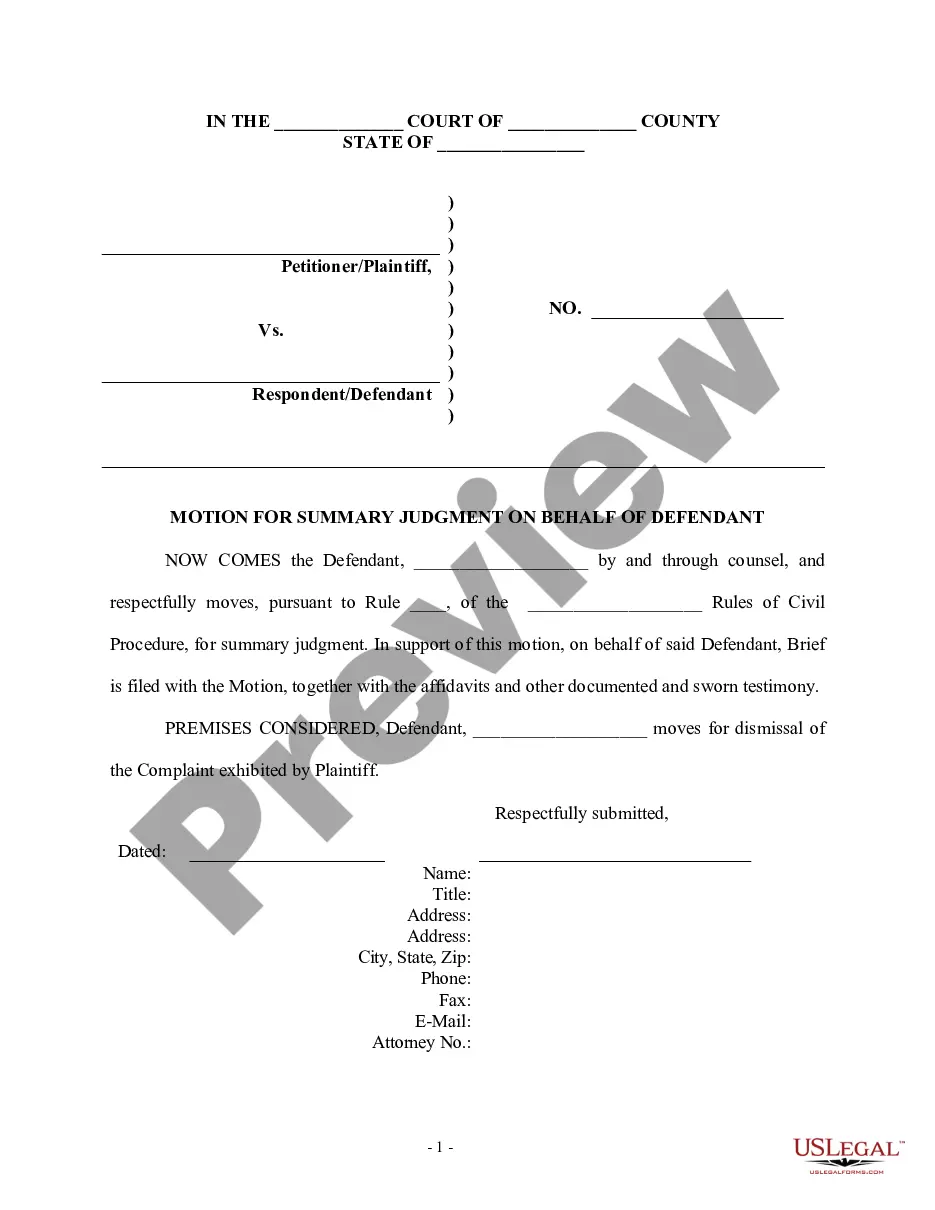
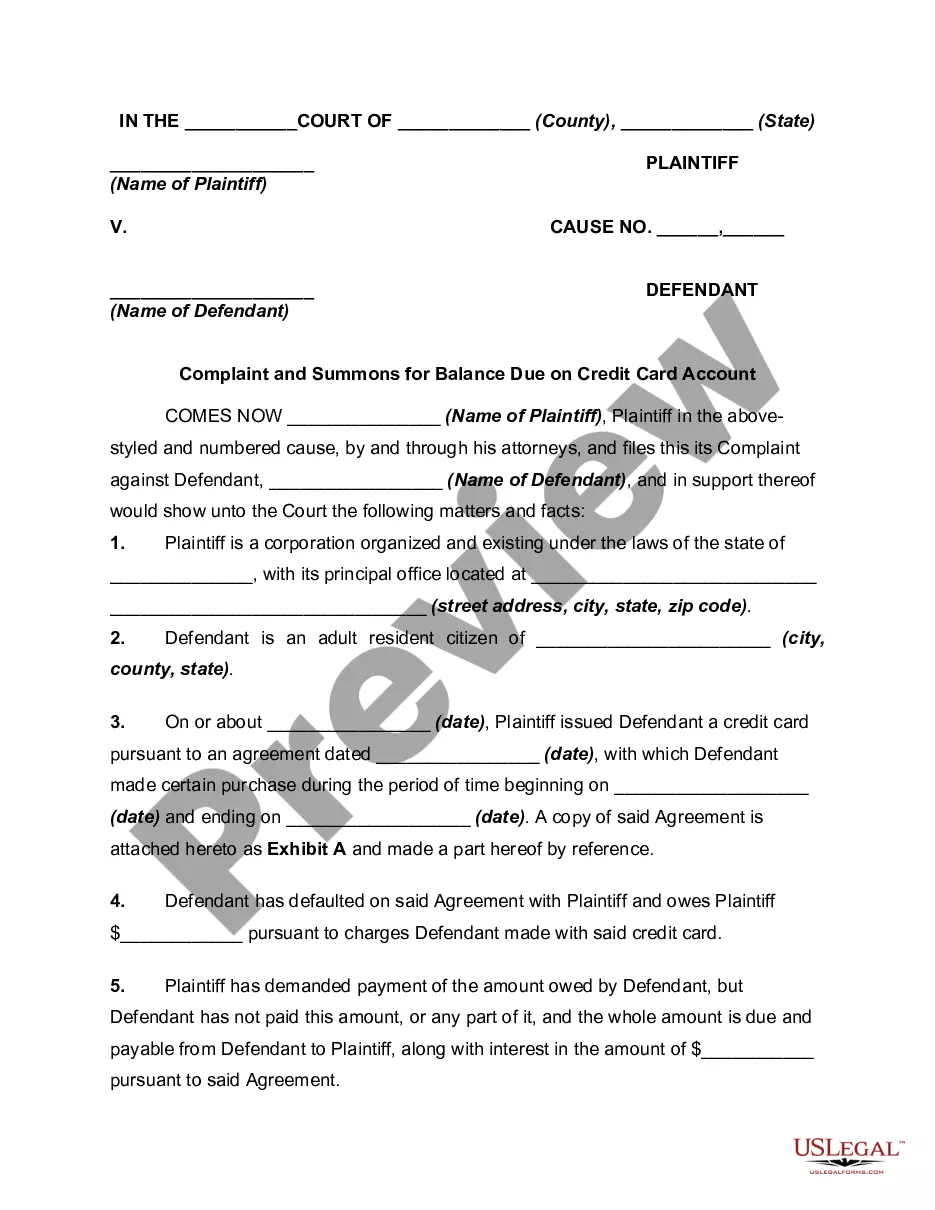
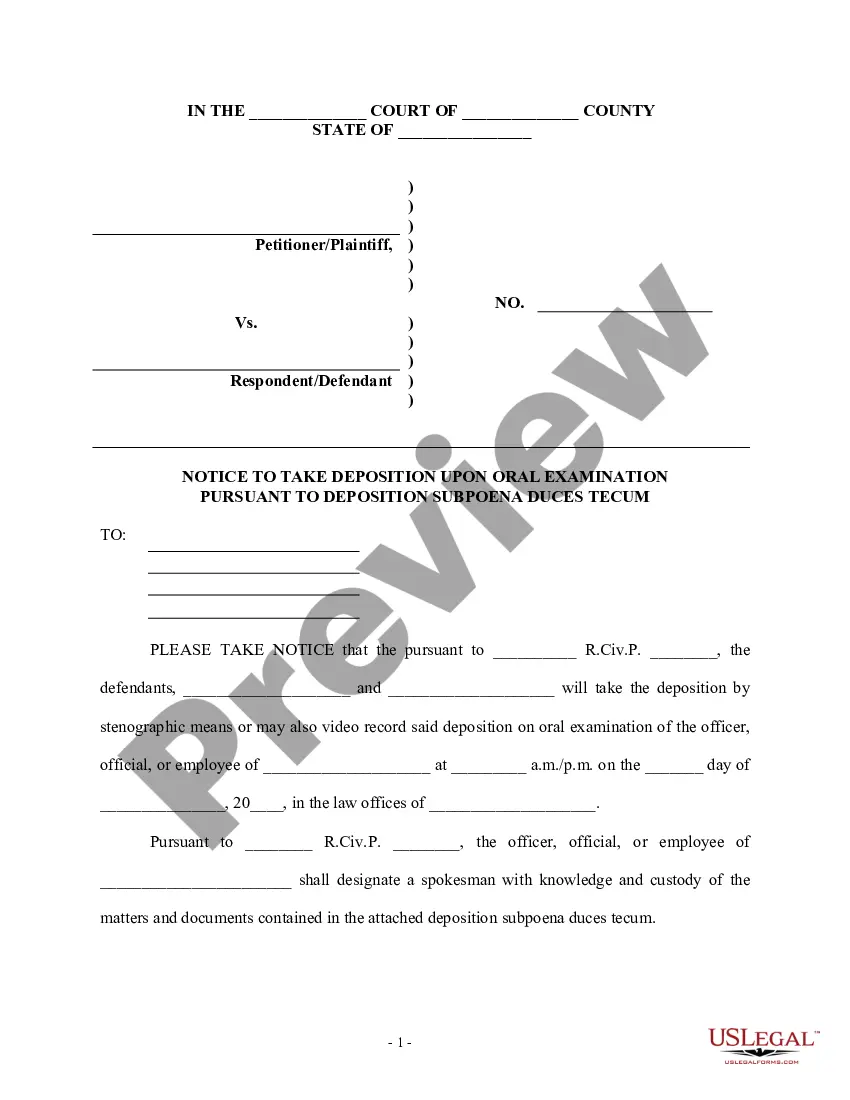
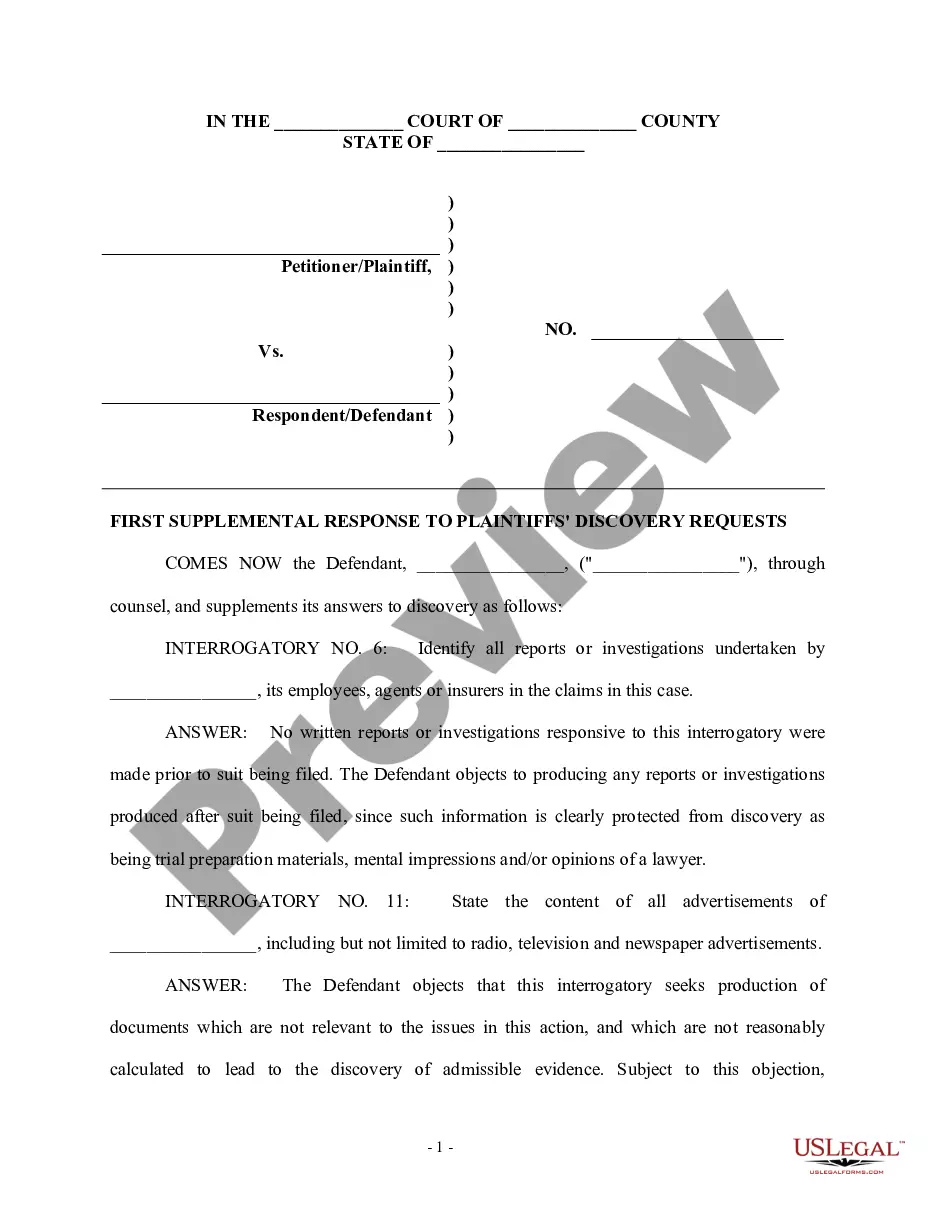

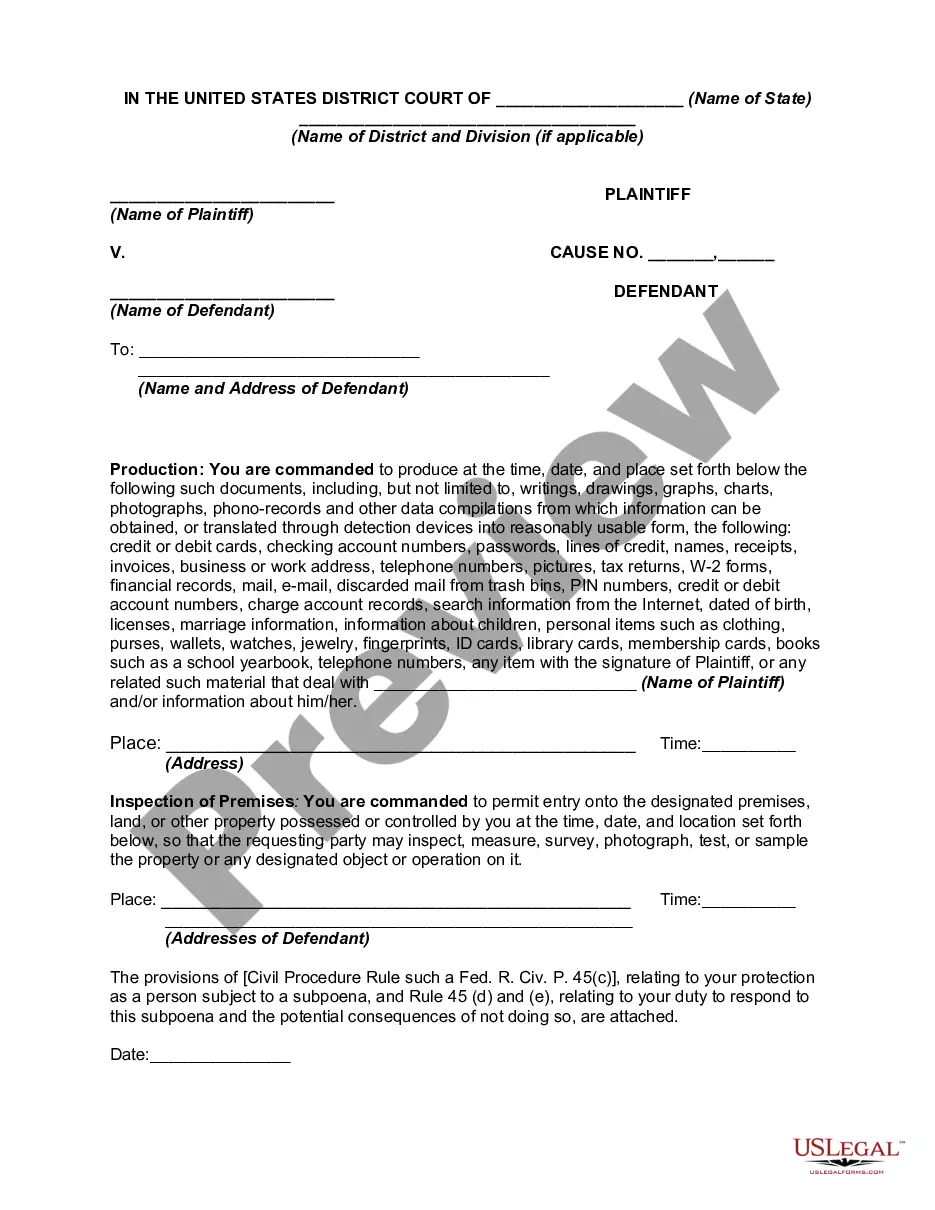
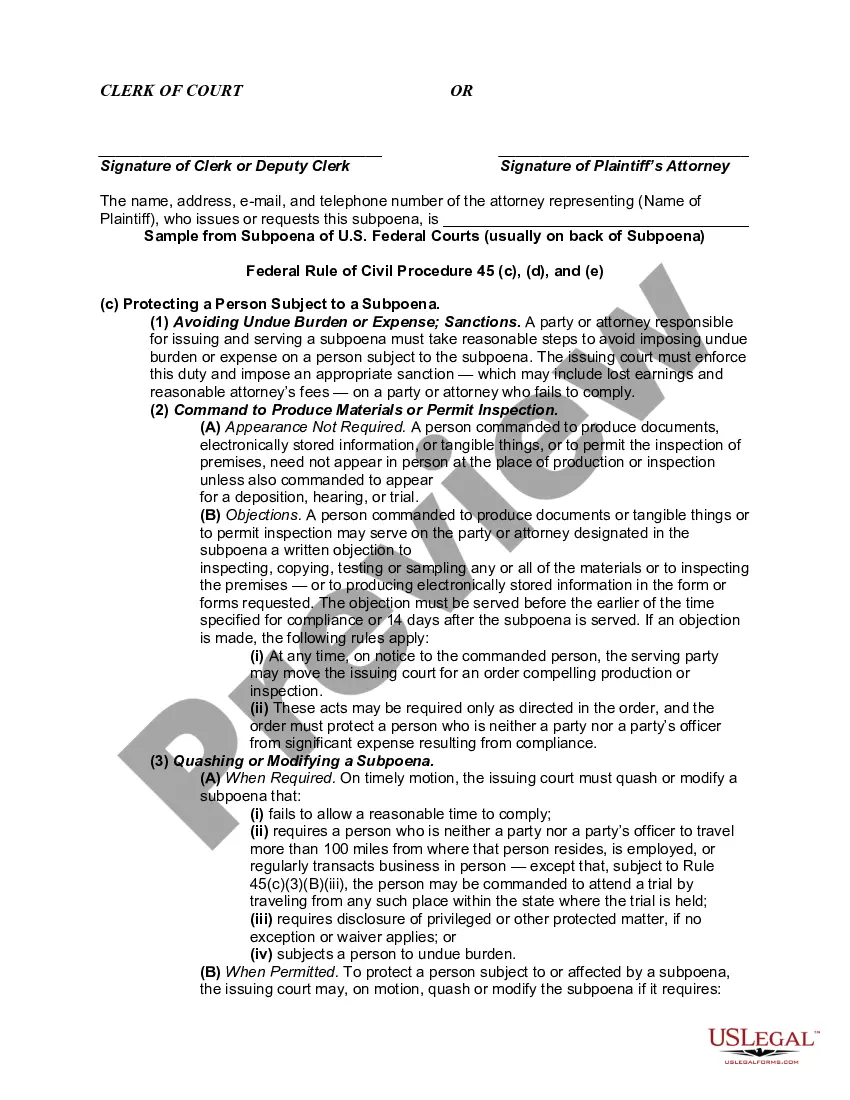
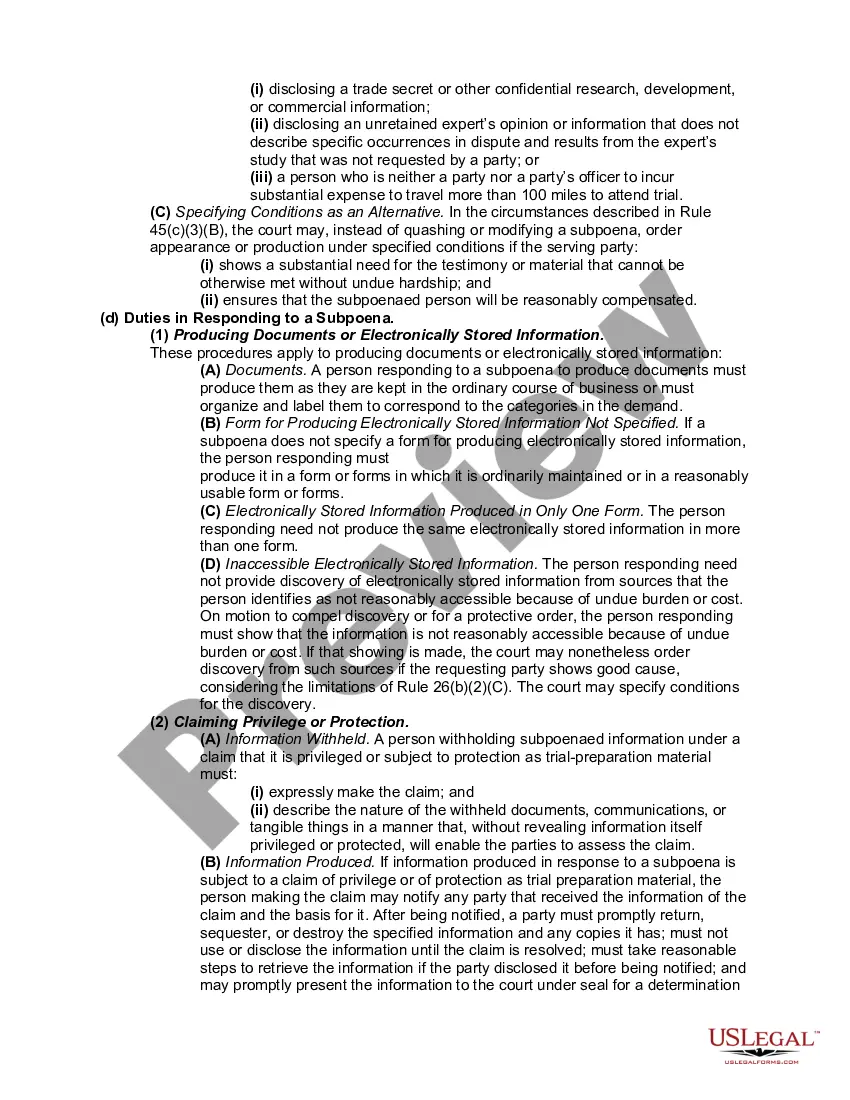
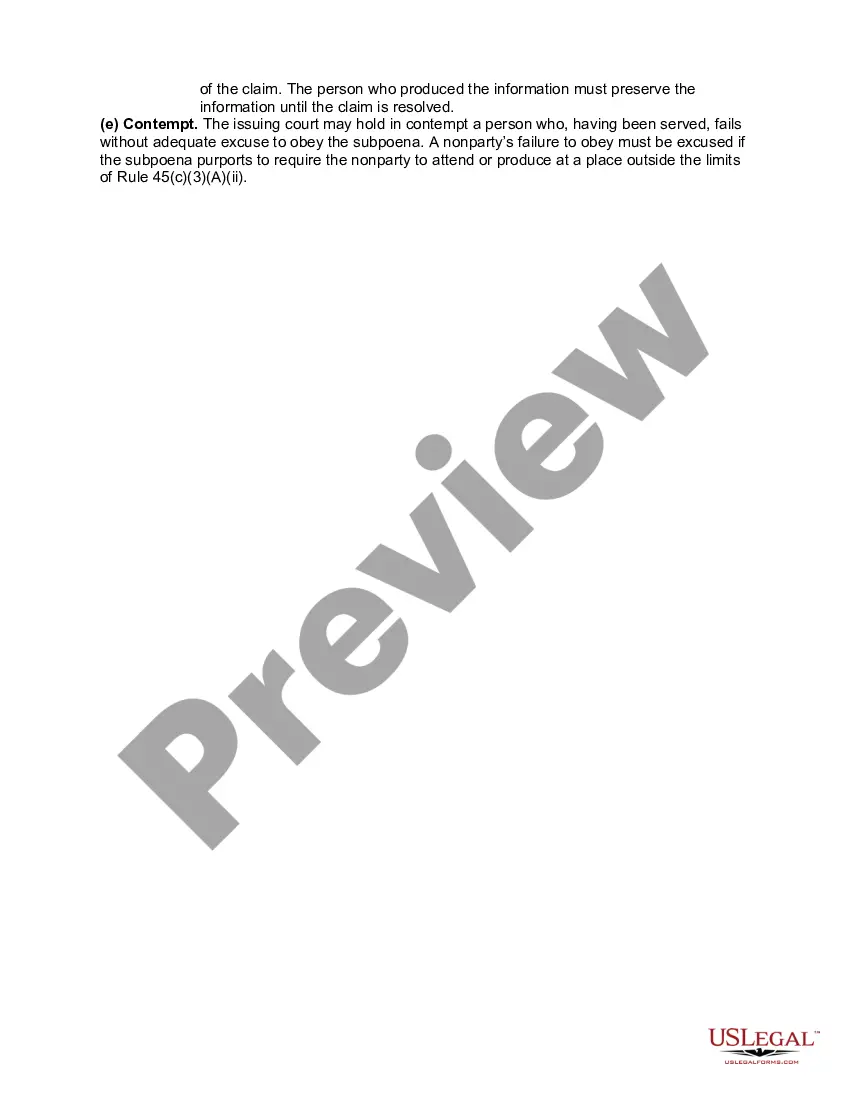
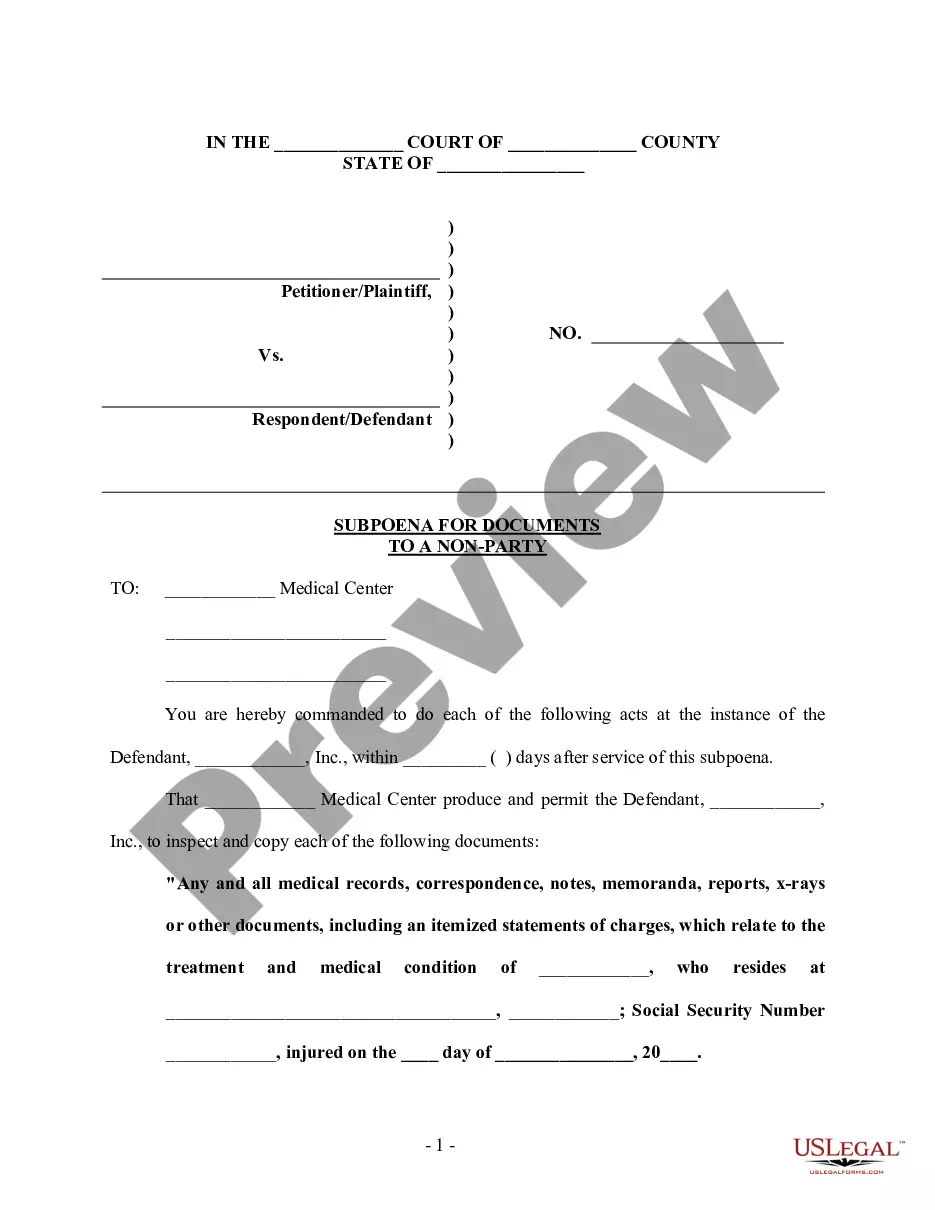
How to fill out Subpoena To Produce Documents, Information, Or Objects Or Permit Inspection Of Premises In A Civil Action Involving Identity Theft?
- If you're an existing user, start by logging in to your account. Make sure your subscription is current to enable document downloads.
- For new users, begin by exploring the Preview mode to check the form descriptions. This helps ensure you select a document that meets your legal and jurisdictional needs.
- Should you need a different template, utilize the Search tab located at the top of the site to find the form that best fits your requirements.
- Click on the Buy Now button for the selected document, and choose the subscription plan that works for you. New users will need to register for an account.
- Complete your purchase by entering your payment information, whether it be credit card details or PayPal for payment processing.
- Finally, download your form directly to your device. You can easily access it via the My Forms section whenever you need.
In conclusion, US Legal Forms offers a robust library of over 85,000 forms that ensures you find the right documentation for your legal needs.
By following these steps, you can efficiently secure the necessary forms and get expert assistance when required. Don’t hesitate – start using US Legal Forms today!
Form popularity
FAQ
When requesting supporting documentation, be clear and specific about what you need. You can start by explaining the purpose of your request and how the documents will aid your process. Consider using polite language and providing a deadline for submission, if applicable. If you’re using a platform like US Legal Forms, you can streamline this request through accessible templates that guide you in effectively asking for necessary documents.
Supporting documentation refers to any documents or materials that validate the information you provide during a legal process. Common examples include contracts, photographs, receipts, or letters. Each context may demand different types of documents, so it’s important to understand what is required for your specific situation. Utilizing the right supporting documentation not only strengthens your case but also helps establish credibility.
A supporting statement example could be: 'Our platform allows users to access a variety of legal forms in one convenient location.' This illustrates how supporting documentation can showcase a feature's benefits. By providing specific examples, you can clearly demonstrate the value of your services. User-friendly solutions like USLegalForms simplify access to necessary documentation.
A supporting statement can be seen in the phrase: 'Based on user feedback, our service has improved customer satisfaction.' This statement highlights evidence that reinforces your main point. Supporting statements lend weight to your assertions and clarify your message. Effective use of supporting documentation is essential here.
An example of a supporting sentence might be: 'Research shows that proper nutrition leads to better overall health.' This sentence backs a larger claim by providing an evidence-based statement. Supporting sentences like this one help to build a stronger argument. They enhance your overall message and provide clarity.
To write a supporting document, begin by determining its purpose and audience. Outline the main points you want to convey and gather relevant supporting documentation to back them up. Use clear headings and bullet points for easy readability. A well-structured document can significantly strengthen your message.
Writing a support statement involves clearly outlining the reasons behind your position. Start by identifying your main argument, then provide evidence that bolsters your claim. Use supporting documentation to reinforce your points and enhance credibility. Remember to keep your statements concise and focused for maximum impact.
To file as head of household, you need to provide supporting documentation that proves your filing status. This includes evidence of your dependent’s residency, such as school records or utility bills. Having the right supporting documentation can significantly streamline the filing process and support your claims.
When using tax software like Tax Act, look for the section that prompts you to upload or attach supporting documentation. You can simply drag and drop or browse your files to include PDF documents. Remember to double-check that your files are correctly attached before submitting your return.
To attach a PDF to your return when filing electronically, ensure that the platform you are using allows for file uploads. Most online tax services provide options to attach supporting documentation in PDF format easily. Check the guidelines provided by your chosen platform to confirm the process.