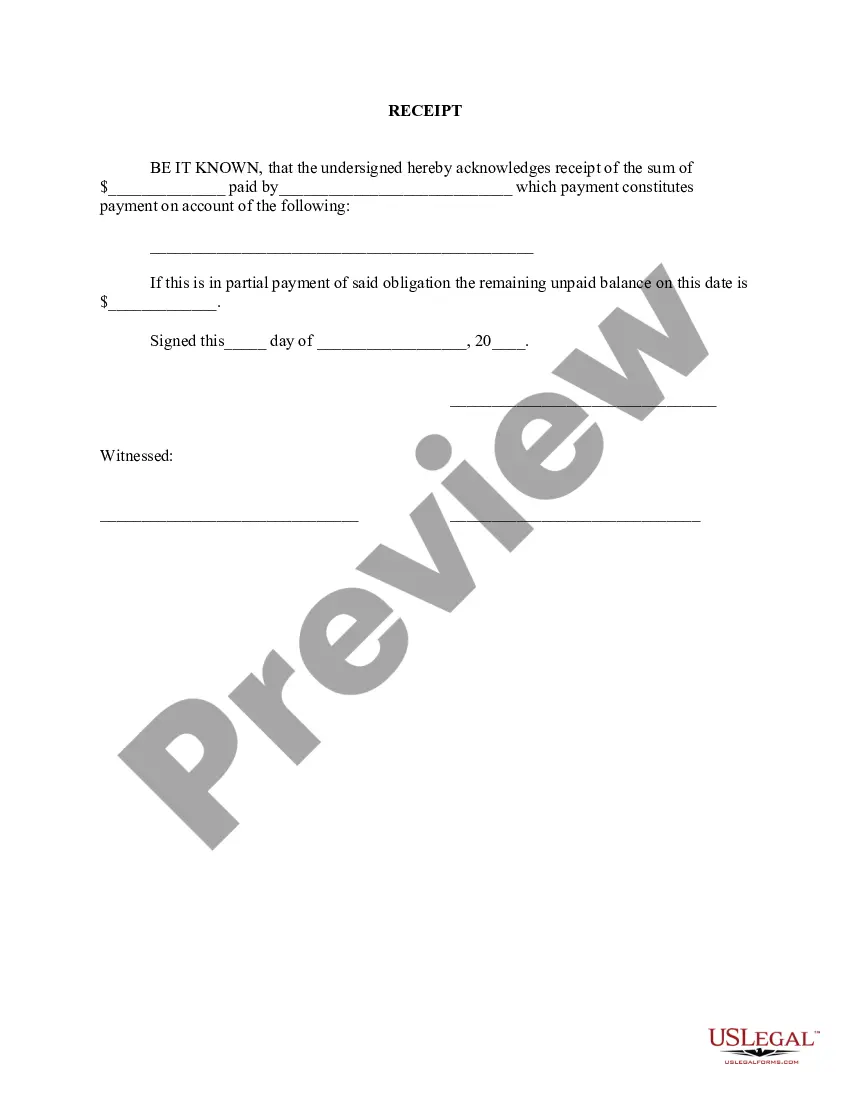
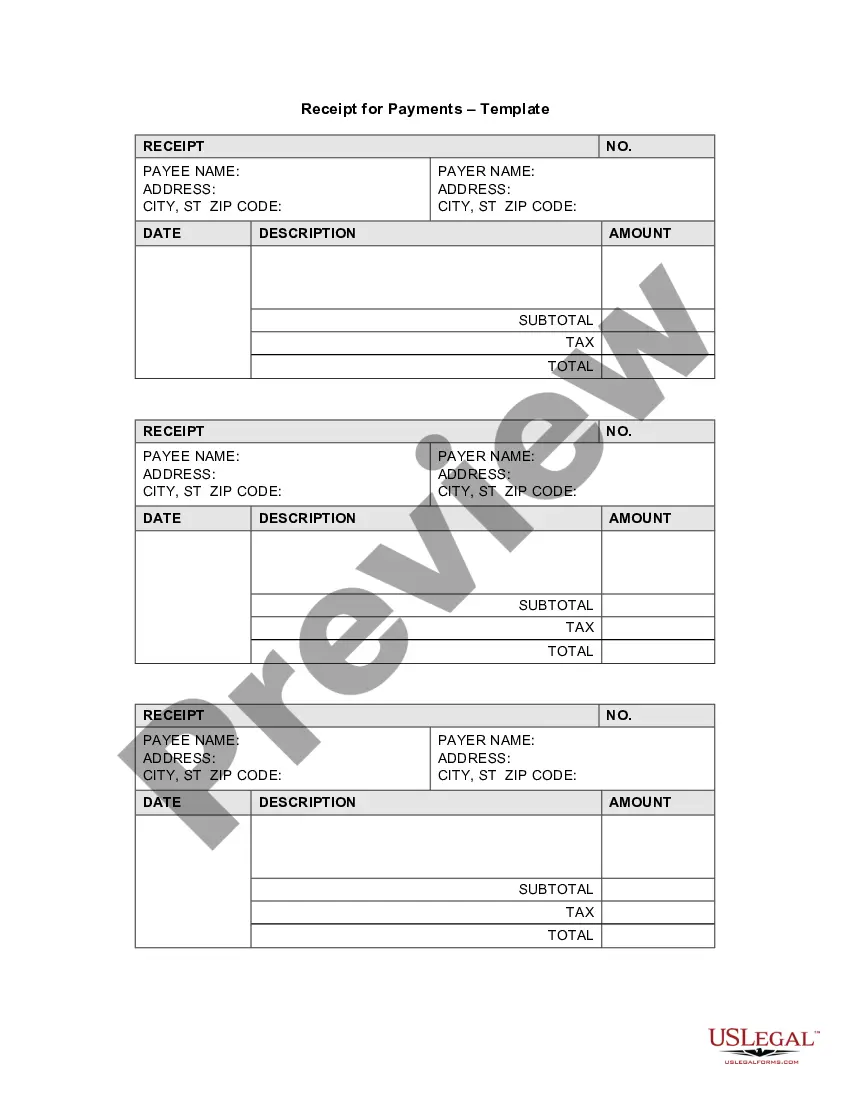
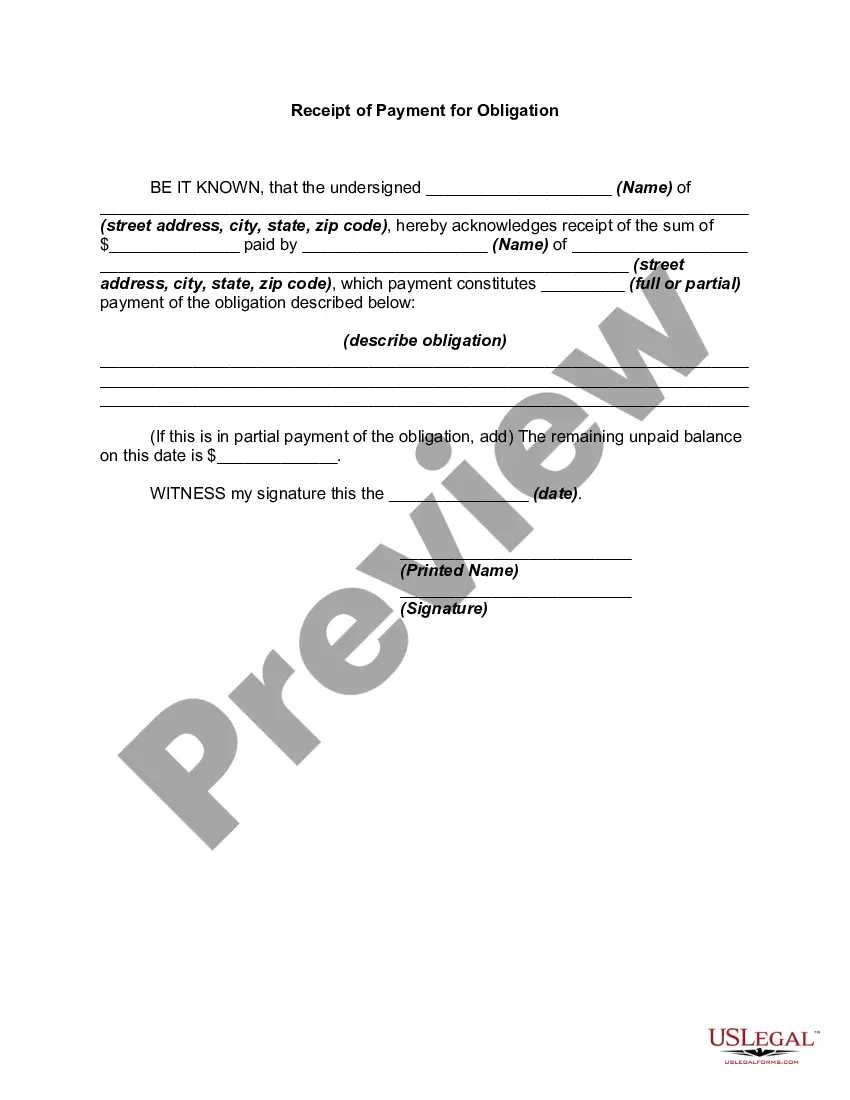
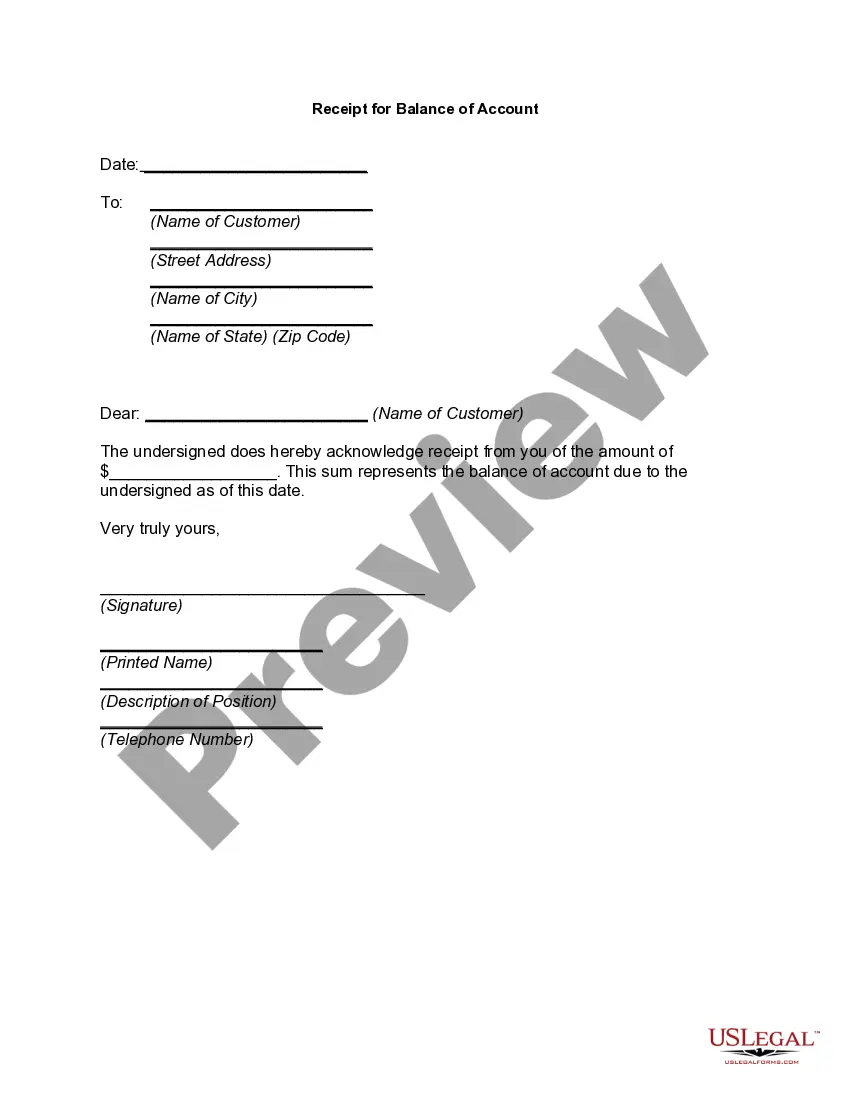
Payment Receipt Paid With Credit Card
Description
Get your form ready online
Our built-in tools help you complete, sign, share, and store your documents in one place.
Make edits, fill in missing information, and update formatting in US Legal Forms—just like you would in MS Word.
Download a copy, print it, send it by email, or mail it via USPS—whatever works best for your next step.
Sign and collect signatures with our SignNow integration. Send to multiple recipients, set reminders, and more. Go Premium to unlock E-Sign.
If this form requires notarization, complete it online through a secure video call—no need to meet a notary in person or wait for an appointment.
We protect your documents and personal data by following strict security and privacy standards.

Make edits, fill in missing information, and update formatting in US Legal Forms—just like you would in MS Word.

Download a copy, print it, send it by email, or mail it via USPS—whatever works best for your next step.

Sign and collect signatures with our SignNow integration. Send to multiple recipients, set reminders, and more. Go Premium to unlock E-Sign.

If this form requires notarization, complete it online through a secure video call—no need to meet a notary in person or wait for an appointment.

We protect your documents and personal data by following strict security and privacy standards.
Looking for another form?







How to fill out Receipt For Payment Of Account?
The Payment Receipt Settled With Credit Card displayed on this page is a versatile legal template prepared by expert attorneys in accordance with federal and local laws.
For over 25 years, US Legal Forms has supplied individuals, businesses, and legal practitioners with more than 85,000 validated, state-specific documents for any commercial and personal situation. It’s the quickest, simplest, and most dependable method to acquire the documents you require, as the service ensures bank-level data protection and anti-malware safeguards.
Choose the format you desire for your Payment Receipt Settled With Credit Card (PDF, DOCX, RTF) and download the sample onto your device. Complete and sign the documents. Print out the template to fill it out manually. Alternatively, use an online multifunctional PDF editor to quickly and accurately fill in and sign your form with a legally-binding electronic signature. Download your documents again. Reuse the same document whenever necessary. Access the My documents tab in your profile to redownload any forms you have previously acquired. Subscribe to US Legal Forms to have verified legal templates for every life circumstance available to you.
- Search for the document you require and review it.
- Examine the file you found and preview it or look over the form description to verify it meets your needs. If it doesn’t, utilize the search feature to locate the correct one. Click Buy Now after you have identified the template you want.
- Choose and Log In.
- Select the pricing option that fits you and create an account. Use PayPal or a credit card to complete a swift payment. If you already possess an account, Log In and review your subscription to continue.
- Acquire the editable template.
Form popularity
FAQ
To show proof of credit card payments, gather all relevant documents like payment receipts paid with credit card and bank statements. Ensure these documents detail the date, amount, and merchant name. You can also use software or templates from US Legal Forms to create professional-looking receipts. Having organized records simplifies the verification process for both personal and business use.
To show proof of payment on a credit card, you can present a payment receipt paid with credit card that you received during the transaction. Additionally, you can log into your online banking account to download transaction statements. These statements will display the payment details, which can be useful for verifying expenses. Keeping these records organized can help you manage your finances better.
To write a proof of payment receipt, start by including your business name and contact information at the top. Then, add the date, transaction details, and the amount paid. A payment receipt paid with credit card should also specify the payment method and provide a unique receipt number for tracking. This format ensures clarity and professionalism.
Credit card receipts can often be sufficient for IRS documentation, but they should be detailed. A payment receipt paid with credit card should clearly state the transaction specifics, including the date and amount. It's advisable to keep additional records, such as bank statements or invoices, to enhance your documentation. This comprehensive approach ensures you meet IRS requirements.
You can show proof of payment by providing a payment receipt paid with credit card. This receipt should include essential details like the transaction date, amount, and merchant information. In addition, bank statements or transaction notifications from your credit card provider also serve as valid proof. Keeping these documents handy can simplify any verification process.
Recording a receipt of payment involves documenting the transaction details such as the date, amount, and payment method. You can create a payment receipt paid with credit card by using templates available on platforms like US Legal Forms. Ensure you keep these records organized for future reference and tax purposes. This practice helps maintain clear financial records.
A credit card receipt typically contains essential information like the transaction date, the merchant’s name, and the total amount charged. It also includes the credit card type, the last four digits of the card number, and the cardholder’s signature. This information is crucial for both the consumer and the merchant, serving as a proof of payment receipt paid with credit card.
Filling out for a credit card generally requires you to enter specific details on the payment receipt paid with credit card. Include the cardholder’s name, the credit card number, and the expiration date. Additionally, you should add the billing address and the CVV code, ensuring all information is accurate to avoid any transaction issues.
When you fill out a credit card receipt, start by recording the transaction date and the total amount charged. Then, add the credit card information, including the card type and last four digits of the card number. Lastly, provide a space for the cardholder's signature to confirm the transaction, making it a valid payment receipt paid with credit card.
Filling out a credit card payment authorization involves several key steps. First, write the cardholder's name and billing address, followed by the credit card number and expiration date. Don't forget to include the cardholder's signature, which authorizes the payment receipt paid with credit card, ensuring that the transaction is legitimate.