Sample Letter Format With Thru
Description
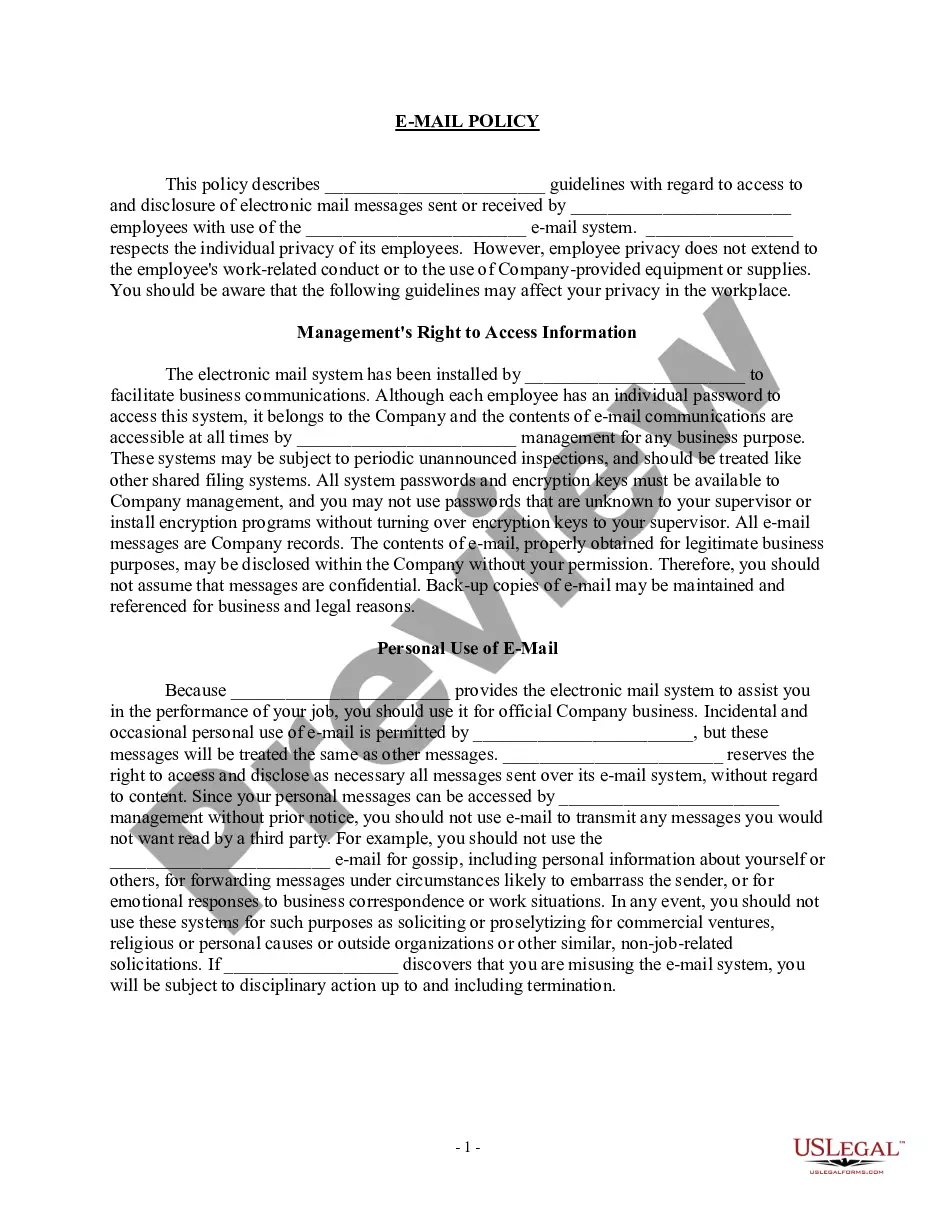
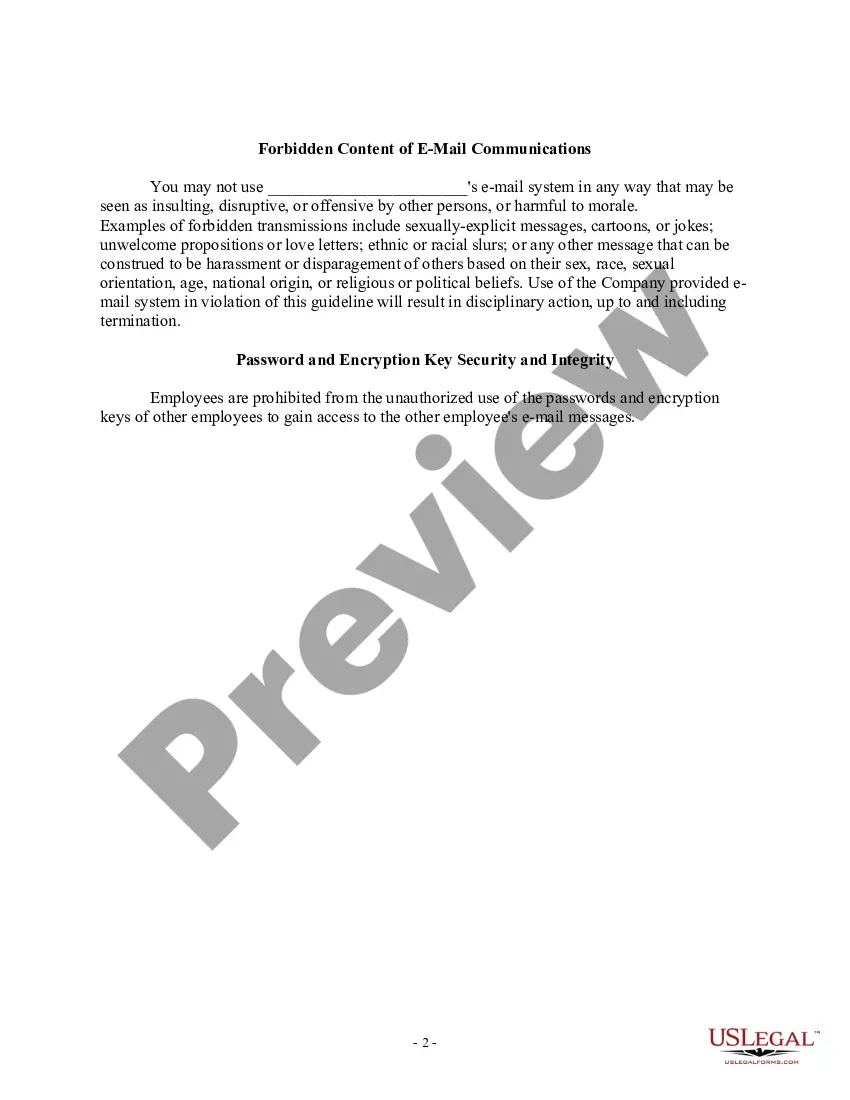
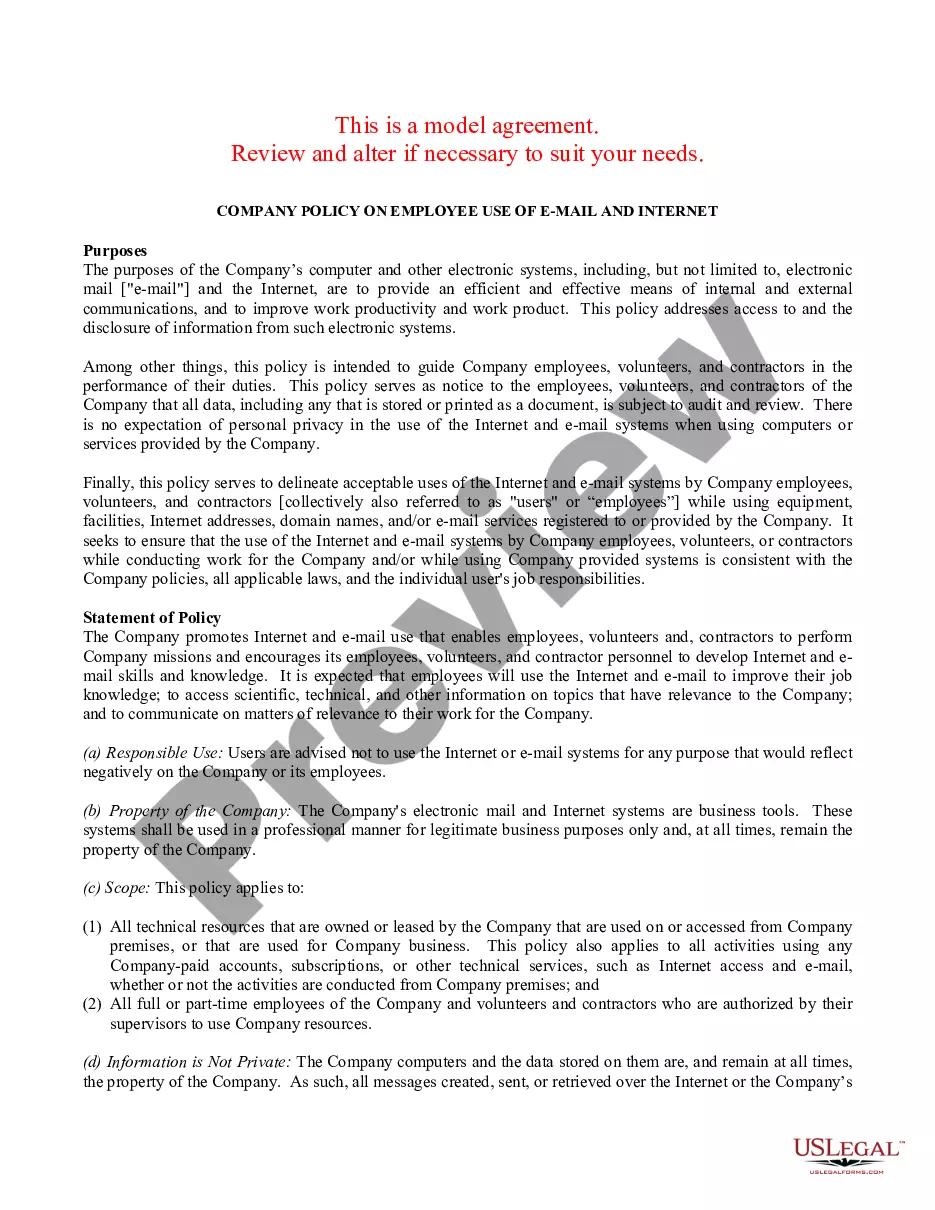
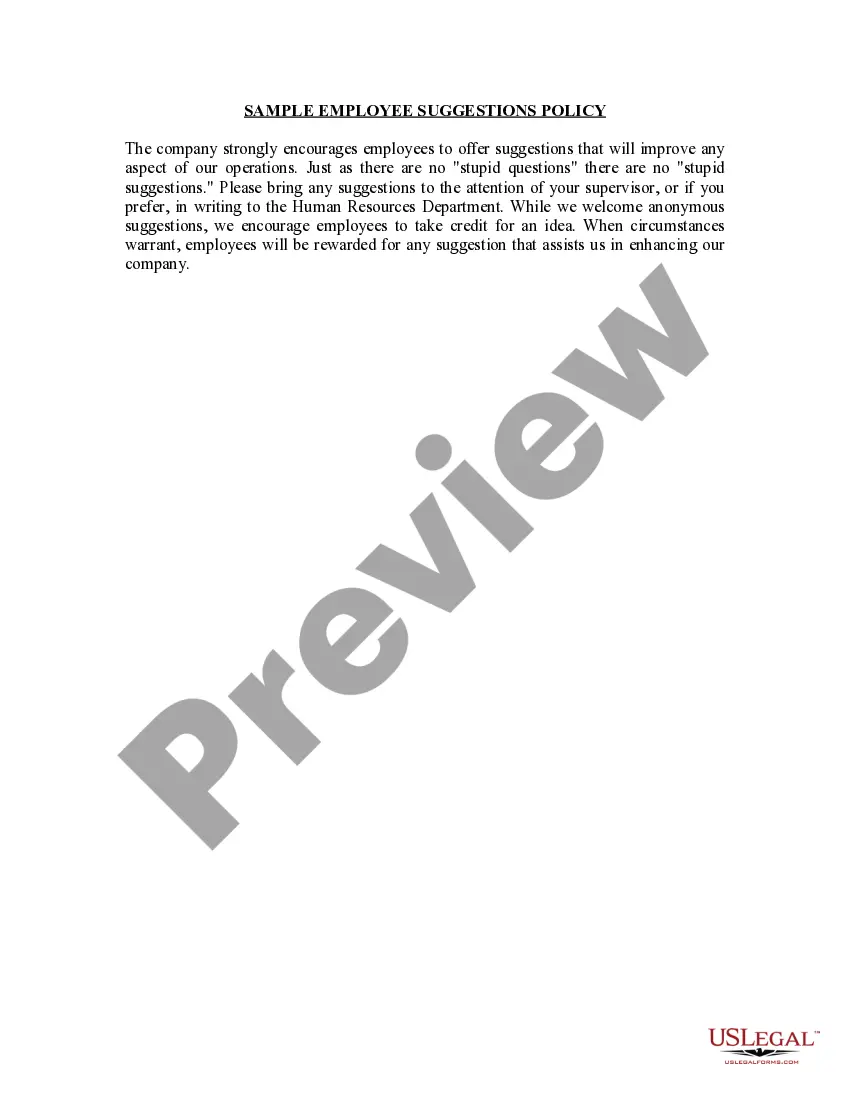
Get your form ready online
Our built-in tools help you complete, sign, share, and store your documents in one place.
Make edits, fill in missing information, and update formatting in US Legal Forms—just like you would in MS Word.
Download a copy, print it, send it by email, or mail it via USPS—whatever works best for your next step.
Sign and collect signatures with our SignNow integration. Send to multiple recipients, set reminders, and more. Go Premium to unlock E-Sign.
If this form requires notarization, complete it online through a secure video call—no need to meet a notary in person or wait for an appointment.
We protect your documents and personal data by following strict security and privacy standards.

Make edits, fill in missing information, and update formatting in US Legal Forms—just like you would in MS Word.

Download a copy, print it, send it by email, or mail it via USPS—whatever works best for your next step.

Sign and collect signatures with our SignNow integration. Send to multiple recipients, set reminders, and more. Go Premium to unlock E-Sign.

If this form requires notarization, complete it online through a secure video call—no need to meet a notary in person or wait for an appointment.

We protect your documents and personal data by following strict security and privacy standards.
Looking for another form?





How to fill out Sample EMail Policy?
Legal documents handling can be intimidating, even for seasoned professionals.
When you are seeking a Sample Letter Format With Thru and don’t have the opportunity to invest time searching for the correct and current version, the tasks can be challenging.
Access a repository of articles, guides, and materials pertinent to your circumstance and requirements.
Save time and effort searching for the forms you need, and utilize US Legal Forms’ advanced search and Preview feature to locate Sample Letter Format With Thru and acquire it.
Select Buy Now when you are ready. Choose a monthly subscription plan. Select the file format you require, and Download, complete, sign, print, and submit your documents. Take advantage of the US Legal Forms online repository, backed by 25 years of experience and reliability. Transform your daily document management into a seamless and user-friendly process today.
- If you have a monthly subscription, Log In to your US Legal Forms account, search for the form, and download it.
- Check your My documents section to see the documents you have previously downloaded and manage your folders as needed.
- If it's your first experience with US Legal Forms, create an account to gain unlimited access to all the platform's benefits.
- Below are the steps to follow after downloading the form you need.
- Confirm it is the appropriate form by previewing it and reviewing its details.
- Ensure that the sample is valid in your state or county.
- Access state- or jurisdiction-specific legal and business documents.
- US Legal Forms accommodates any requirements you may possess, from personal to corporate paperwork, all in one place.
- Utilize cutting-edge tools to complete and manage your Sample Letter Format With Thru.
Form popularity
FAQ
Yes, using 'I' in a formal letter is acceptable, especially when expressing your personal thoughts or experiences. However, be sure to balance it with other perspectives to maintain a professional tone. A well-crafted sample letter format with thru can demonstrate how to integrate personal statements effectively.
Through is the only acceptable way to spell the word in a formal situation. In informal situations, and especially when texting or instant messaging, the form thru is becoming increasingly popular: Did you come thru with the tickets? Come to my place, we'll go thru all the episodes of Firefly.
Through is the official spelling and means ?from one end or side of something to the other.? It mainly functions as a preposition, but can be used as an adjective and an adverb. Thru is an alternate spelling for through that should only be used in informal contexts.
How to write a formal letter Write your name and contact information. ... Include the date. ... Include the recipient's name and contact information. ... Write a subject line for AMS style. ... Write a salutation for block style. ... Write the body of the letter. ... Include a sign-off. ... Proofread your letter.
Through is the official spelling and means ?from one end or side of something to the other.? It mainly functions as a preposition, but can be used as an adjective and an adverb. Thru is an alternate spelling for through that should only be used in informal contexts.
Here are the steps to follow if you need to send a properly formatted business letter as an email: Define your audience. ... Write your subject line. ... Use an appropriate salutation. ... Introduce yourself. ... Share your message. ... Close with gratitude and a call to action. ... Sign with contact information. ... Proofread and edit.