Contract Disc Jockey Entertainment Forum
Description

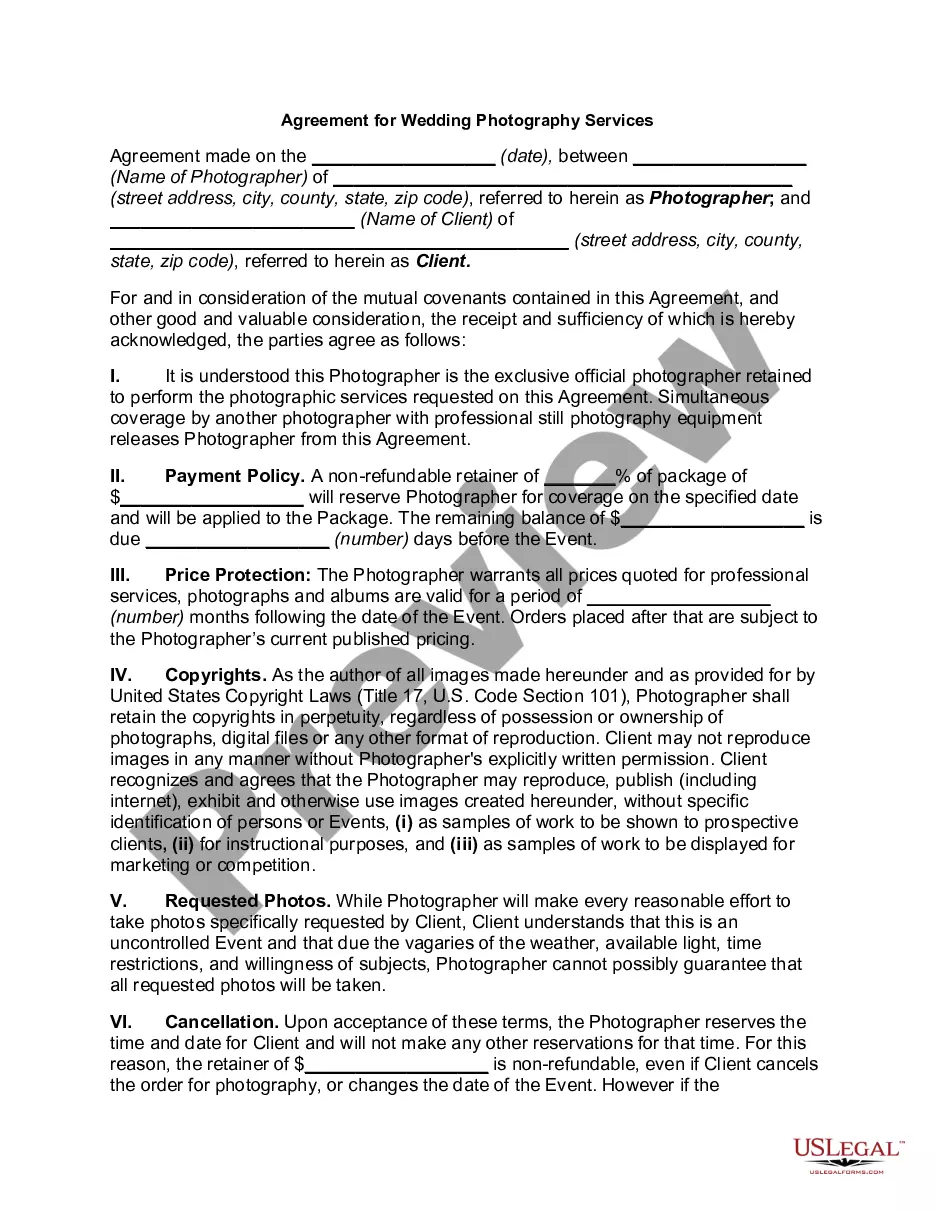
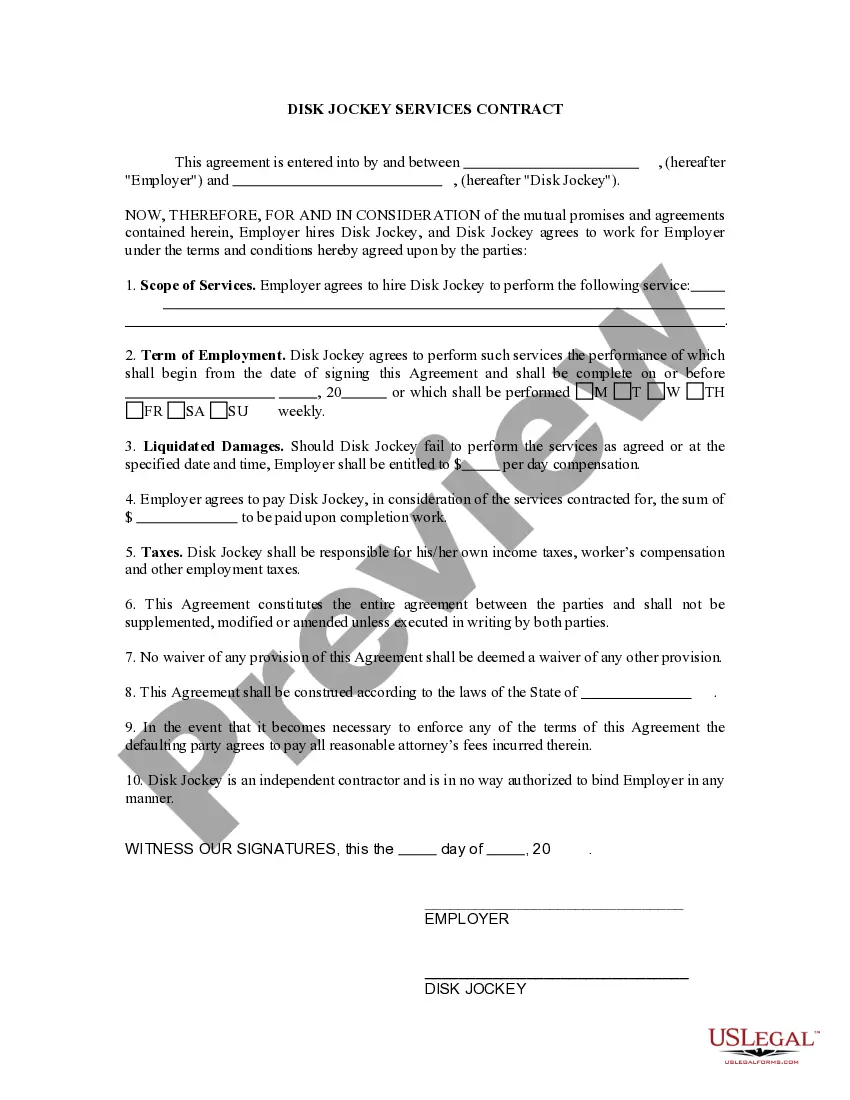
Get your form ready online
Our built-in tools help you complete, sign, share, and store your documents in one place.
Make edits, fill in missing information, and update formatting in US Legal Forms—just like you would in MS Word.
Download a copy, print it, send it by email, or mail it via USPS—whatever works best for your next step.
Sign and collect signatures with our SignNow integration. Send to multiple recipients, set reminders, and more. Go Premium to unlock E-Sign.
If this form requires notarization, complete it online through a secure video call—no need to meet a notary in person or wait for an appointment.
We protect your documents and personal data by following strict security and privacy standards.

Make edits, fill in missing information, and update formatting in US Legal Forms—just like you would in MS Word.

Download a copy, print it, send it by email, or mail it via USPS—whatever works best for your next step.

Sign and collect signatures with our SignNow integration. Send to multiple recipients, set reminders, and more. Go Premium to unlock E-Sign.

If this form requires notarization, complete it online through a secure video call—no need to meet a notary in person or wait for an appointment.

We protect your documents and personal data by following strict security and privacy standards.
Looking for another form?







How to fill out Contract For Services Of Disc Jockey?
Creating legal documents from the ground up can occasionally feel a bit daunting. Some situations may require extensive research and significant financial investment.
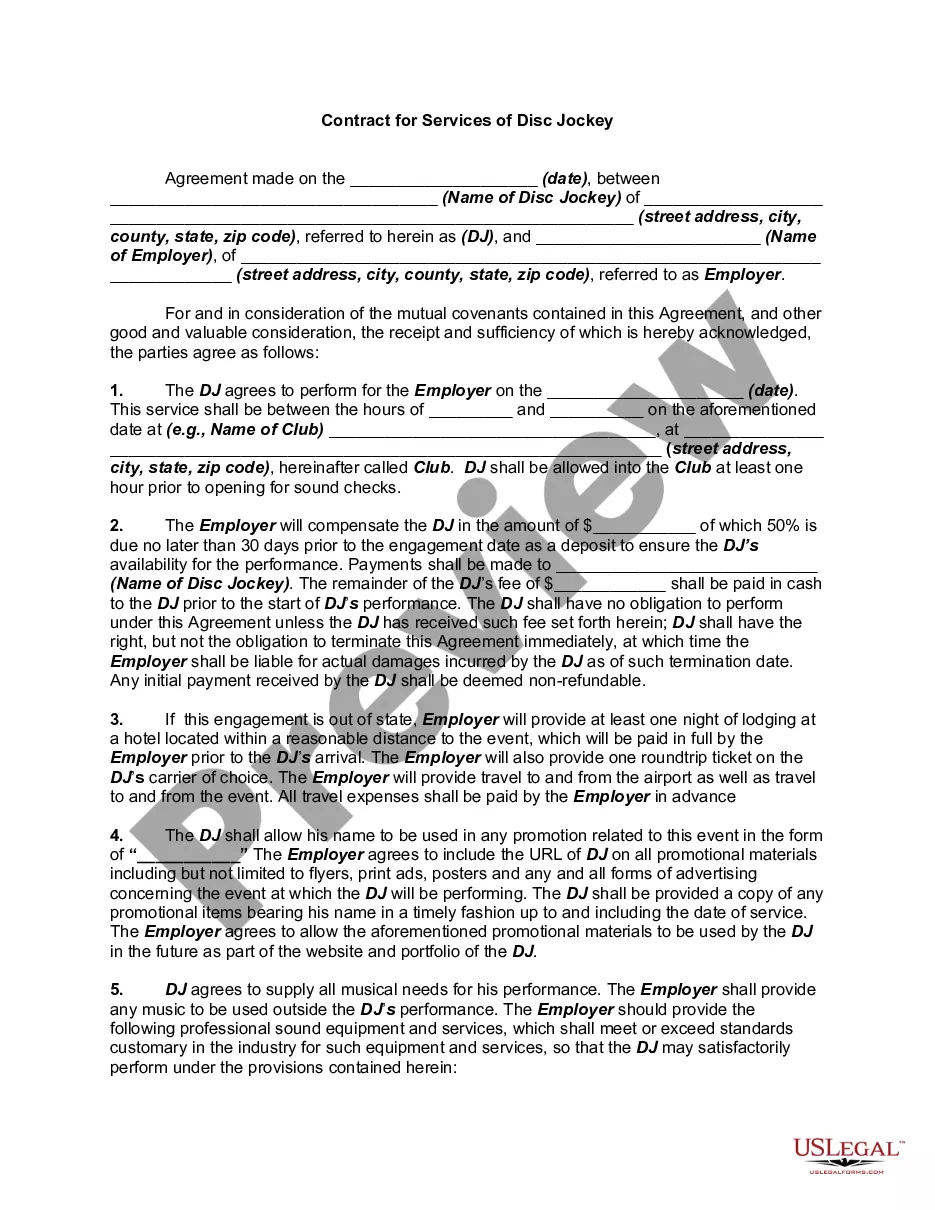
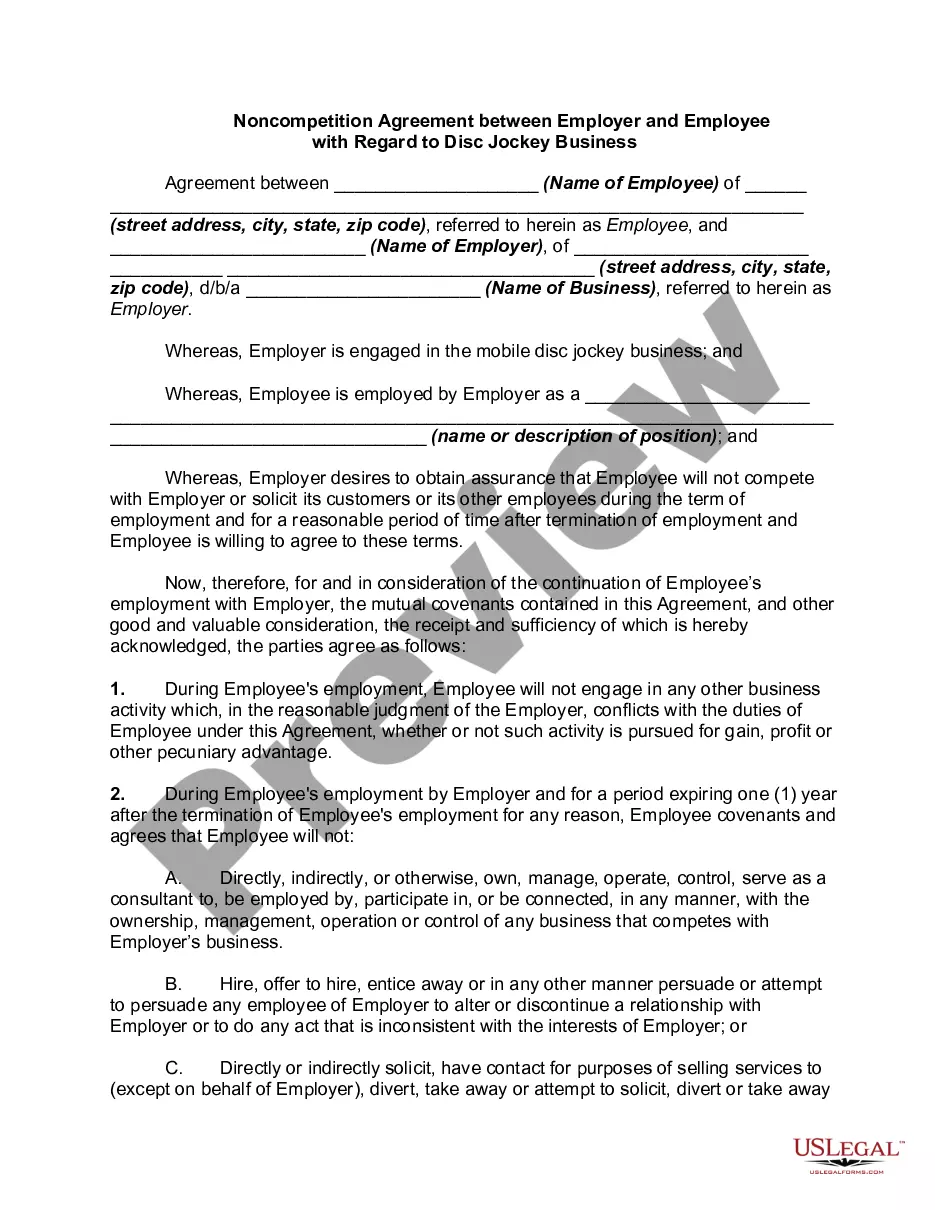
If you’re looking for a simpler and more cost-effective method of drafting the Contract Disc Jockey Entertainment Forum or any other papers without unnecessary complications, US Legal Forms is readily accessible.
Our online collection of over 85,000 current legal templates covers almost every aspect of your financial, legal, and personal matters. With just a few clicks, you can swiftly find state- and county-compliant documents meticulously assembled for you by our legal experts.
Utilize our platform whenever you require a dependable and trustworthy service through which you can easily discover and retrieve the Contract Disc Jockey Entertainment Forum. If you’re familiar with our offerings and have previously registered with us, just Log In to your account, find the form, and download it, or access it again at any moment in the My documents section.
Select the appropriate subscription plan to purchase the Contract Disc Jockey Entertainment Forum. Download the document, then complete, validate, and print it. US Legal Forms enjoys a strong reputation and over 25 years of expertise. Join us today and make form completion an effortless and efficient process!
- No account? No problem. It takes only a few minutes to create one and browse the library.
- Before jumping straight into downloading the Contract Disc Jockey Entertainment Forum, consider these suggestions.
- Examine the form preview and details to confirm that it is the one you need.
- Ensure the form you choose adheres to the rules and laws of your region and county.
Form popularity
FAQ
Write the contract in six steps Start with a contract template. ... Open with the basic information. ... Describe in detail what you have agreed to. ... Include a description of how the contract will be ended. ... Write into the contract which laws apply and how disputes will be resolved. ... Include space for signatures.
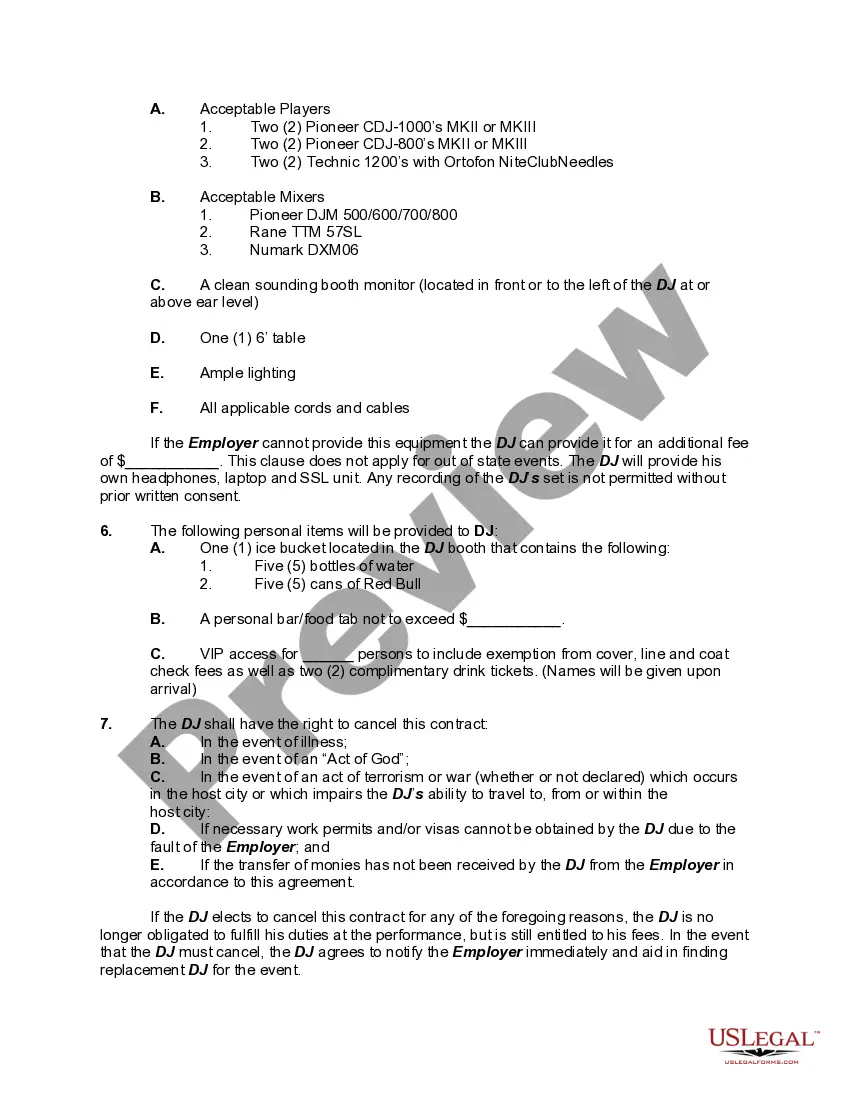
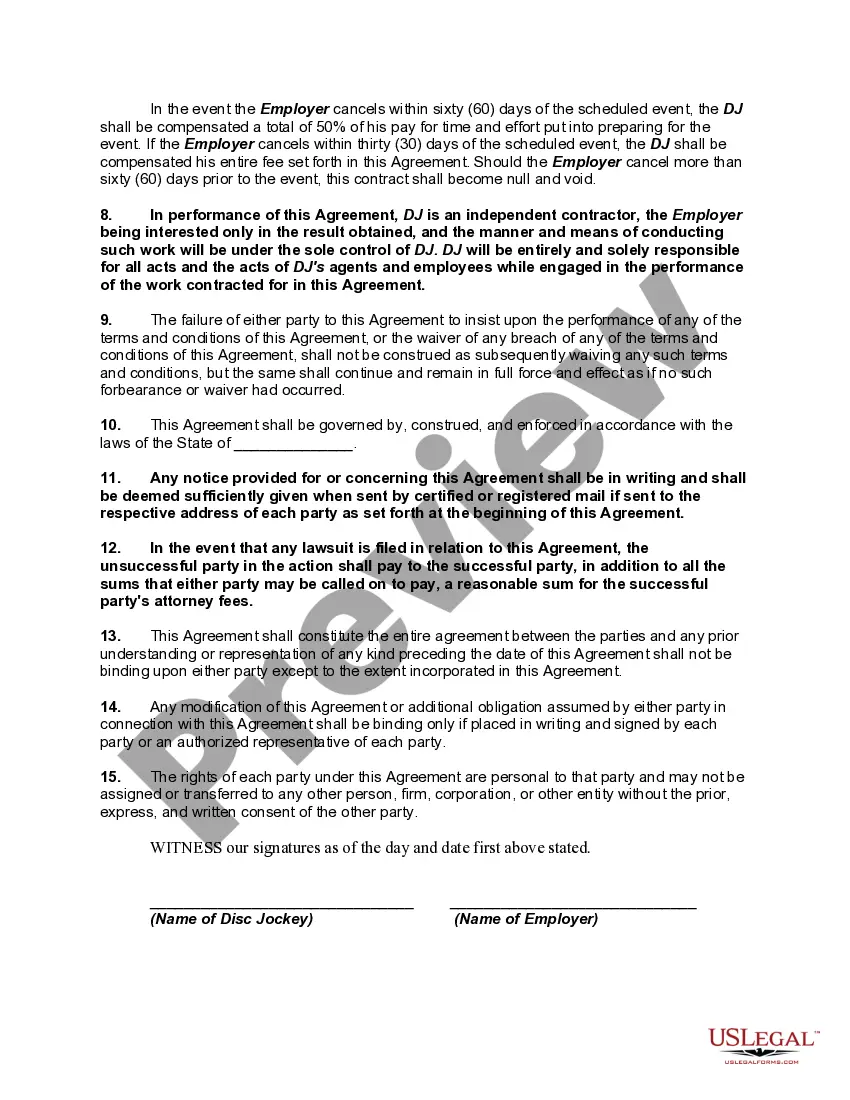
The following items should be included in a DJ contract: DJ's Name ? If a specific person is requested; Event Date & Time ? Start and end times; Rate ($) ? Either on an Hourly ($/hr) or per event basis; Termination ? Terms under a cancelation by either party; and.
Every contract should have all the event details, client's personal information, address, cell, email, the venues info, contact information, services being booked, total time contracted for, event date, event type, total booked fees, deposit amount and due date, balance amount and due date, and likely more things ...
Every contract should have all the event details, client's personal information, address, cell, email, the venues info, contact information, services being booked, total time contracted for, event date, event type, total booked fees, deposit amount and due date, balance amount and due date, and likely more things ...
You should always have a contract in place when DJing corporate or professional gigs. Smaller gigs are often only agreed verbally.