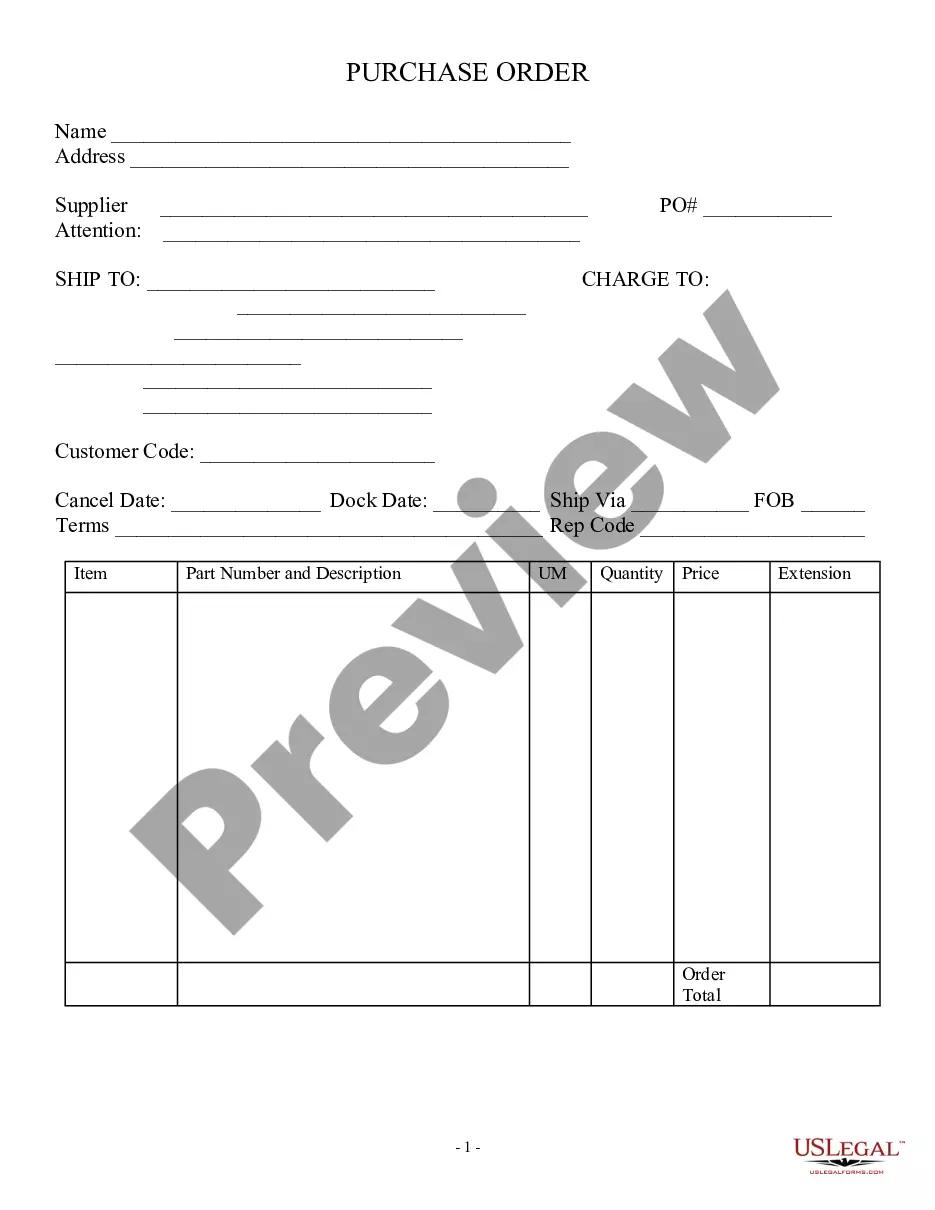
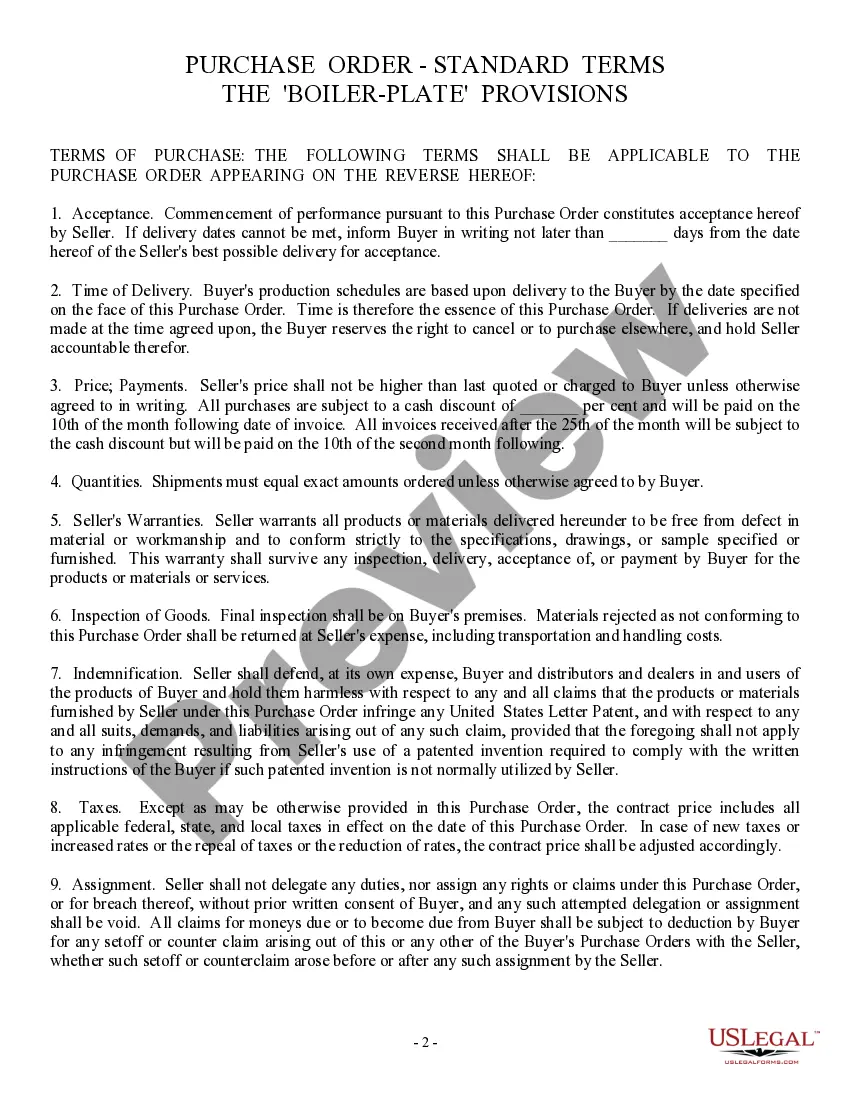
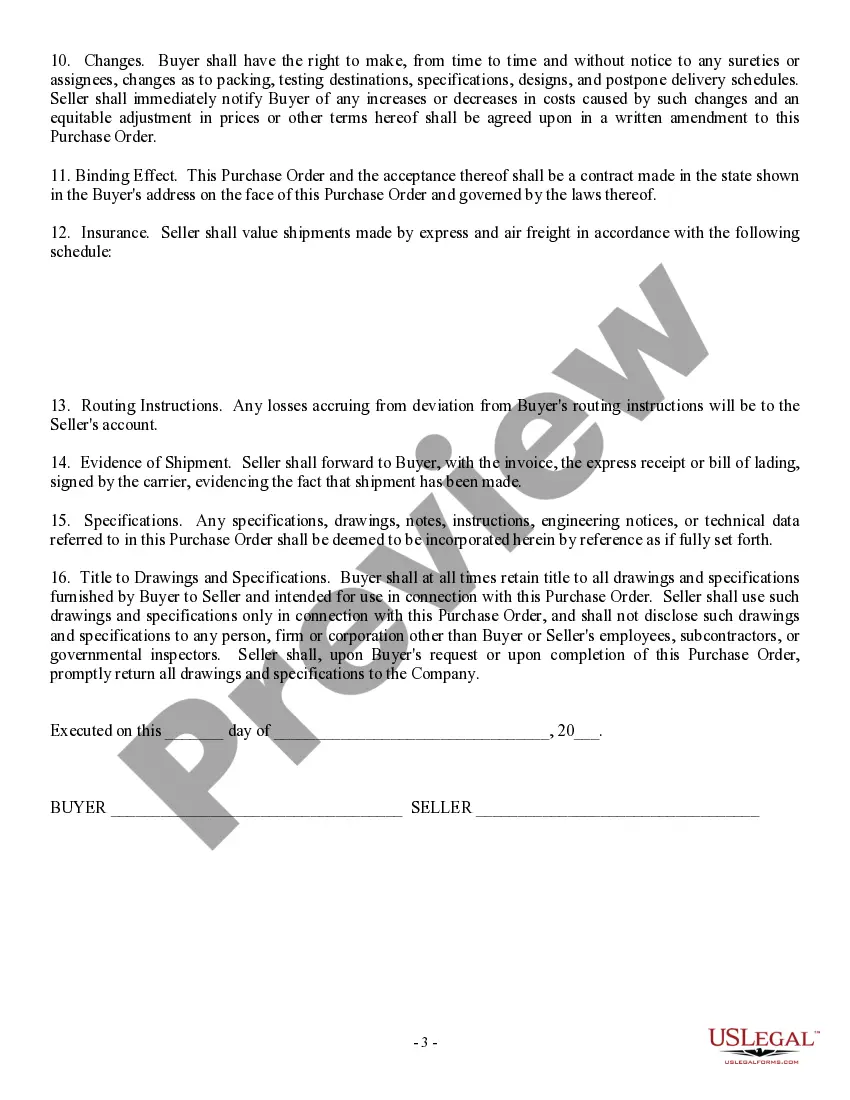
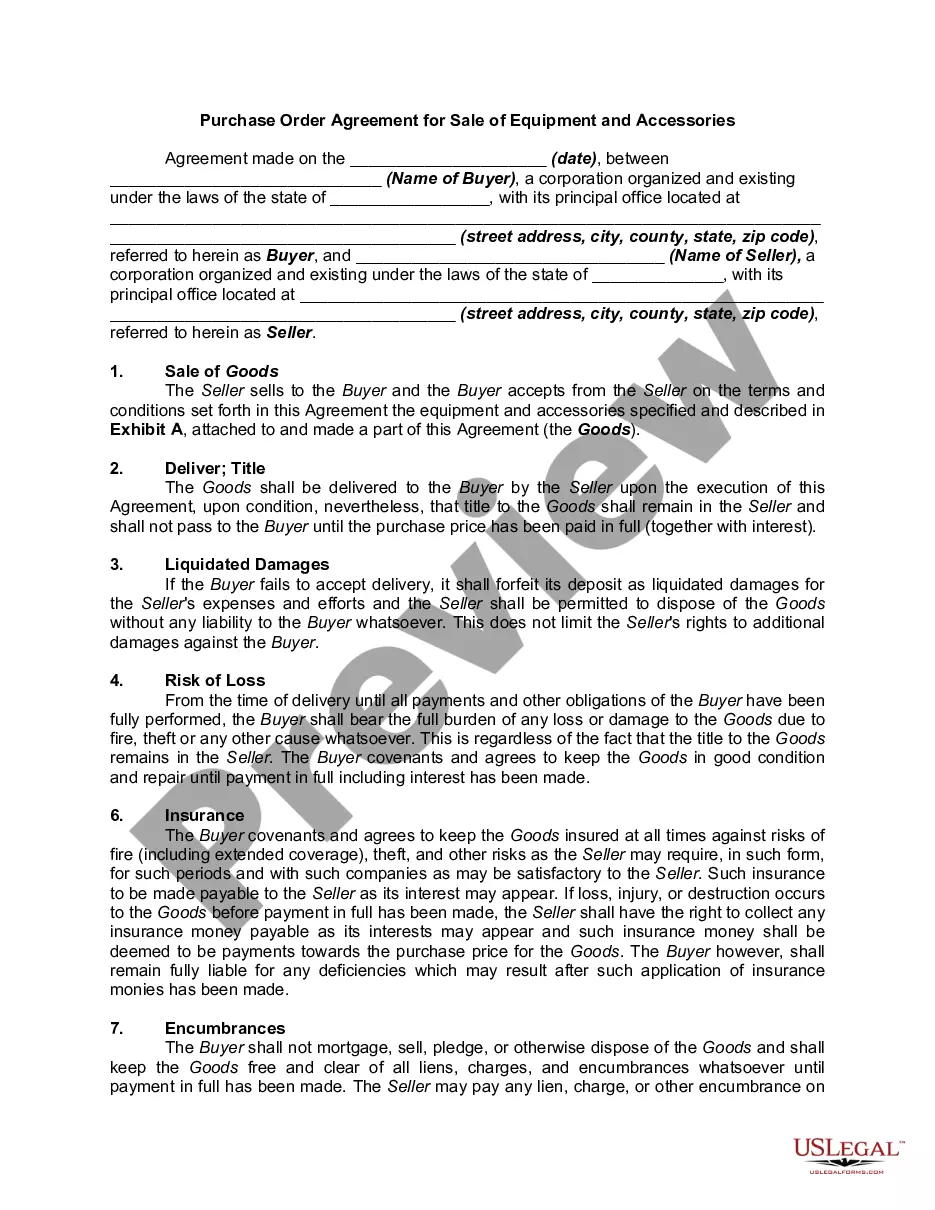
Purchase Order Format With Terms And Conditions
Description
Get your form ready online
Our built-in tools help you complete, sign, share, and store your documents in one place.
Make edits, fill in missing information, and update formatting in US Legal Forms—just like you would in MS Word.
Download a copy, print it, send it by email, or mail it via USPS—whatever works best for your next step.
Sign and collect signatures with our SignNow integration. Send to multiple recipients, set reminders, and more. Go Premium to unlock E-Sign.
If this form requires notarization, complete it online through a secure video call—no need to meet a notary in person or wait for an appointment.
We protect your documents and personal data by following strict security and privacy standards.

Make edits, fill in missing information, and update formatting in US Legal Forms—just like you would in MS Word.

Download a copy, print it, send it by email, or mail it via USPS—whatever works best for your next step.

Sign and collect signatures with our SignNow integration. Send to multiple recipients, set reminders, and more. Go Premium to unlock E-Sign.

If this form requires notarization, complete it online through a secure video call—no need to meet a notary in person or wait for an appointment.

We protect your documents and personal data by following strict security and privacy standards.
Looking for another form?
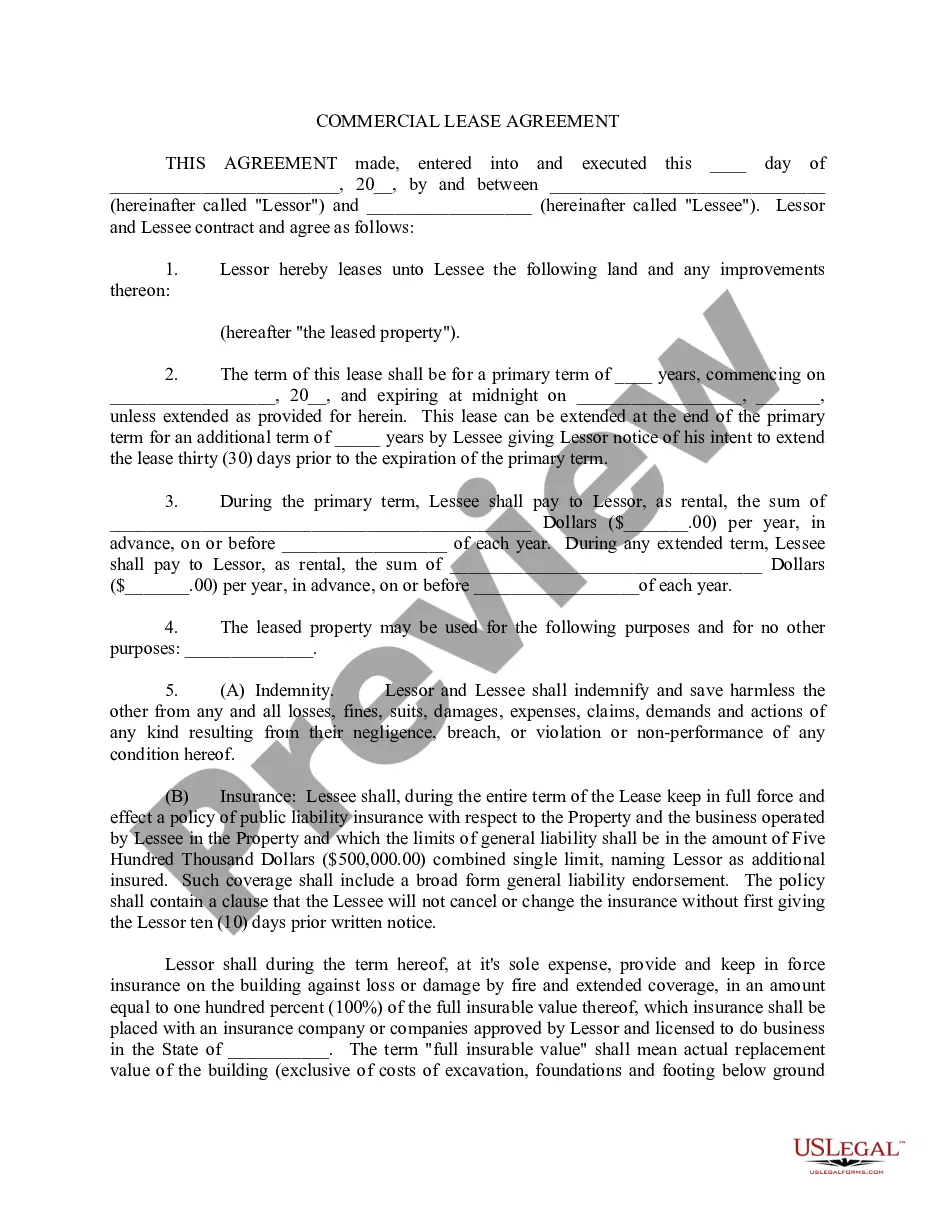



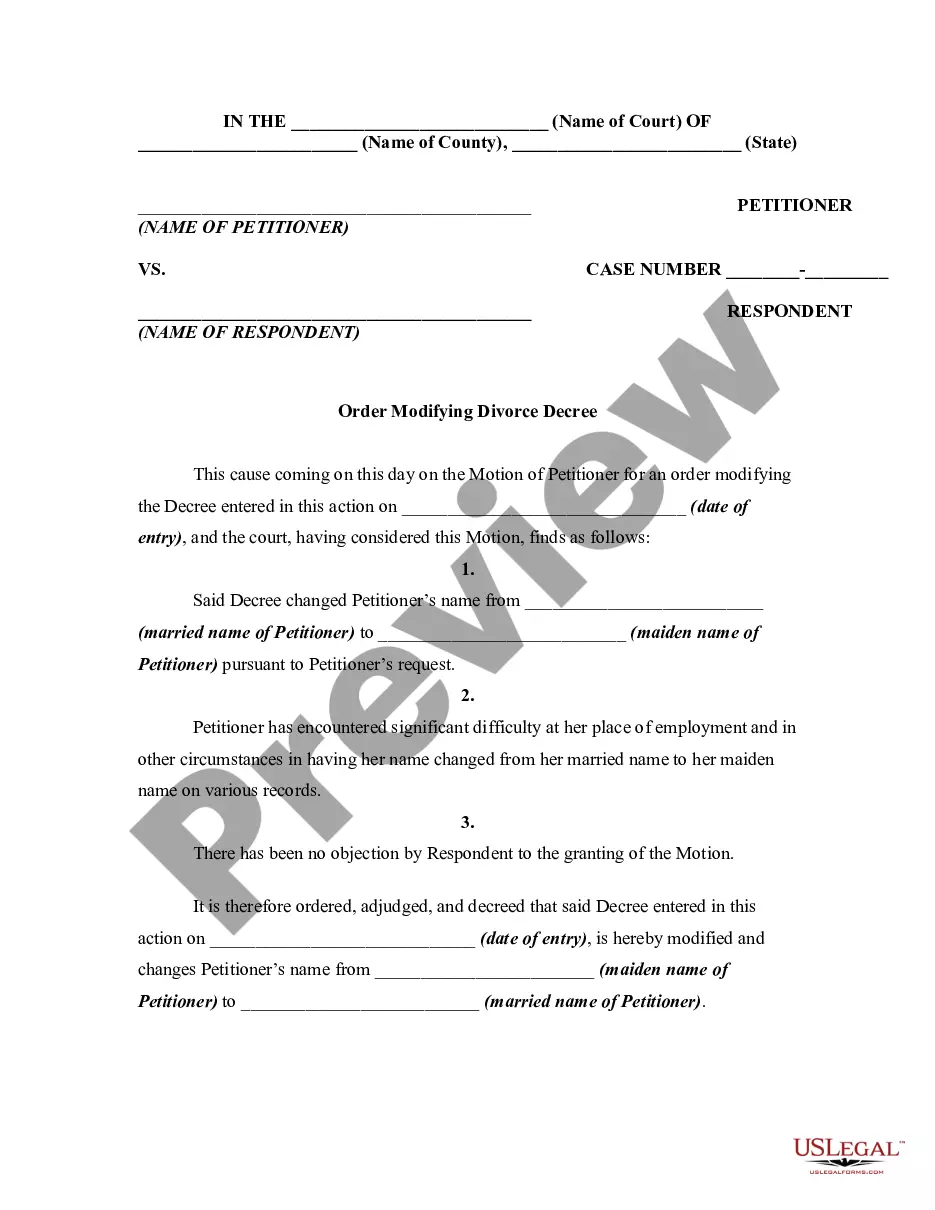
How to fill out Purchase Order, Standard?
Legal administration can be perplexing, even for seasoned experts.
When you're seeking a Purchase Order Format With Terms And Conditions but don't have the opportunity to invest time searching for the accurate and updated edition, the processes can be stressful.
Access a valuable resource library of articles, guides, and materials relevant to your situation and needs.
Save time and energy searching for the documents you need, and use US Legal Forms’ advanced search and Review feature to find the Purchase Order Format With Terms And Conditions and obtain it.
Choose a subscription plan. Select the file format you prefer, and Download, complete, sign, print, and send your documents. Leverage the US Legal Forms web library, backed by 25 years of expertise and reliability. Streamline your document management into a straightforward and user-friendly process today.
- If you have a subscription, Log In to your US Legal Forms account, search for the form, and download it.
- Check your My documents tab to view the documents you have previously downloaded and to manage your folders as you prefer.
- If this is your first experience with US Legal Forms, create a free account and gain unlimited access to all the benefits of the platform.
- After locating the form you need, ensure it is the correct one by previewing it and reviewing its details.
- Confirm that the sample is valid in your state or county, then select Buy Now when you are ready.
- Access state- or county-specific legal and business documents.
- US Legal Forms addresses any requirements you may have, ranging from personal to business forms, all in one platform.
- Utilize cutting-edge tools to complete and manage your Purchase Order Format With Terms And Conditions.
Form popularity
FAQ
A foreign corporation or LLC must file a certificate of registration with the SOS within 10 days after it starts doing business in Massachusetts. Along with your application, you'll need to submit an authenticated certificate of good standing or certificate of existence issued by your home state.
The Certificate of Registration for a foreign Massachusetts corporation costs $400 to file. Below, you'll find answers to frequently asked questions about how to file the Certificate of Registration and register a foreign corporation in Massachusetts.
Foreign corporations are required to file a foreign registration certificate with the Secretary of the Commonwealth within 10 days of commencing business in Massachusetts.
A foreign limited liability company whose registration was revoked by the Division may apply for reinstatement at any time. In order to reinstate the limited liability company, all annual reports owed must be filed and a certificate of legal existence from the state of origin must accompany the reinstatement document.
The Massachusetts LLC name change form is called the Certificate of Amendment. (It's called this because you're amending your Massachusetts Certificate of Organization. The Certificate of Organization is the document which officially created your LLC originally.)
If you need to make changes to your Massachusetts articles of organization, file Articles of Amendment with the Massachusetts Secretary of the Commonwealth, Corporations Division (SOC). Amendment forms are available in your online account or on the SOC website. However, use of Massachusetts SOC forms is not mandatory.
To register a foreign nonprofit in the State of Massachusetts, you must file a Foreign Corporation Certificate of Registration with the Secretary of the Commonwealth, Corporations Division. You can submit this document by mail, by fax, or in person.
Top 5 Tips on Registering a Business in Massachusetts The costs to start an LLC in Massachusetts are significant. LLCs pay a $500 formation fee and $500 annual report fee. Most corporations pay only $275 to get started then $125 per year. Massachusetts registered agent and resident agent are synonymous.