Notificación Pago With Google
Description
Get your form ready online
Our built-in tools help you complete, sign, share, and store your documents in one place.
Make edits, fill in missing information, and update formatting in US Legal Forms—just like you would in MS Word.
Download a copy, print it, send it by email, or mail it via USPS—whatever works best for your next step.
Sign and collect signatures with our SignNow integration. Send to multiple recipients, set reminders, and more. Go Premium to unlock E-Sign.
If this form requires notarization, complete it online through a secure video call—no need to meet a notary in person or wait for an appointment.
We protect your documents and personal data by following strict security and privacy standards.

Make edits, fill in missing information, and update formatting in US Legal Forms—just like you would in MS Word.

Download a copy, print it, send it by email, or mail it via USPS—whatever works best for your next step.

Sign and collect signatures with our SignNow integration. Send to multiple recipients, set reminders, and more. Go Premium to unlock E-Sign.

If this form requires notarization, complete it online through a secure video call—no need to meet a notary in person or wait for an appointment.

We protect your documents and personal data by following strict security and privacy standards.
Looking for another form?




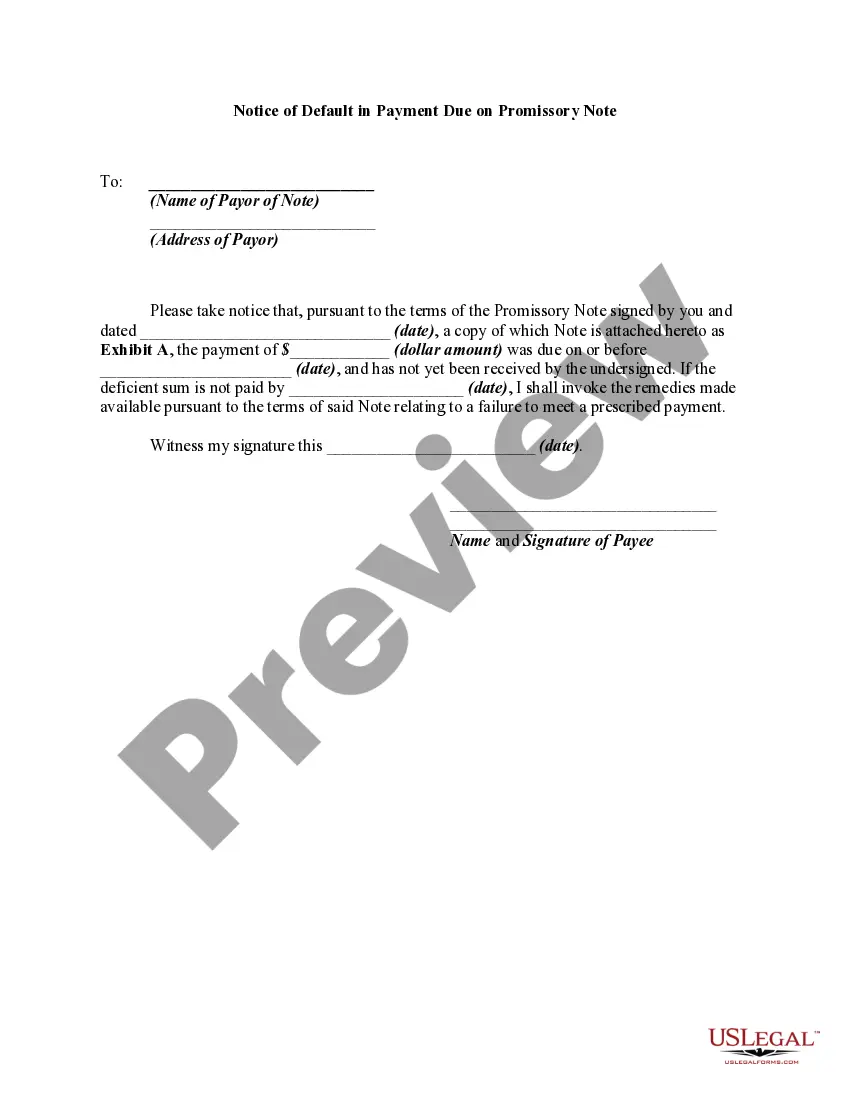
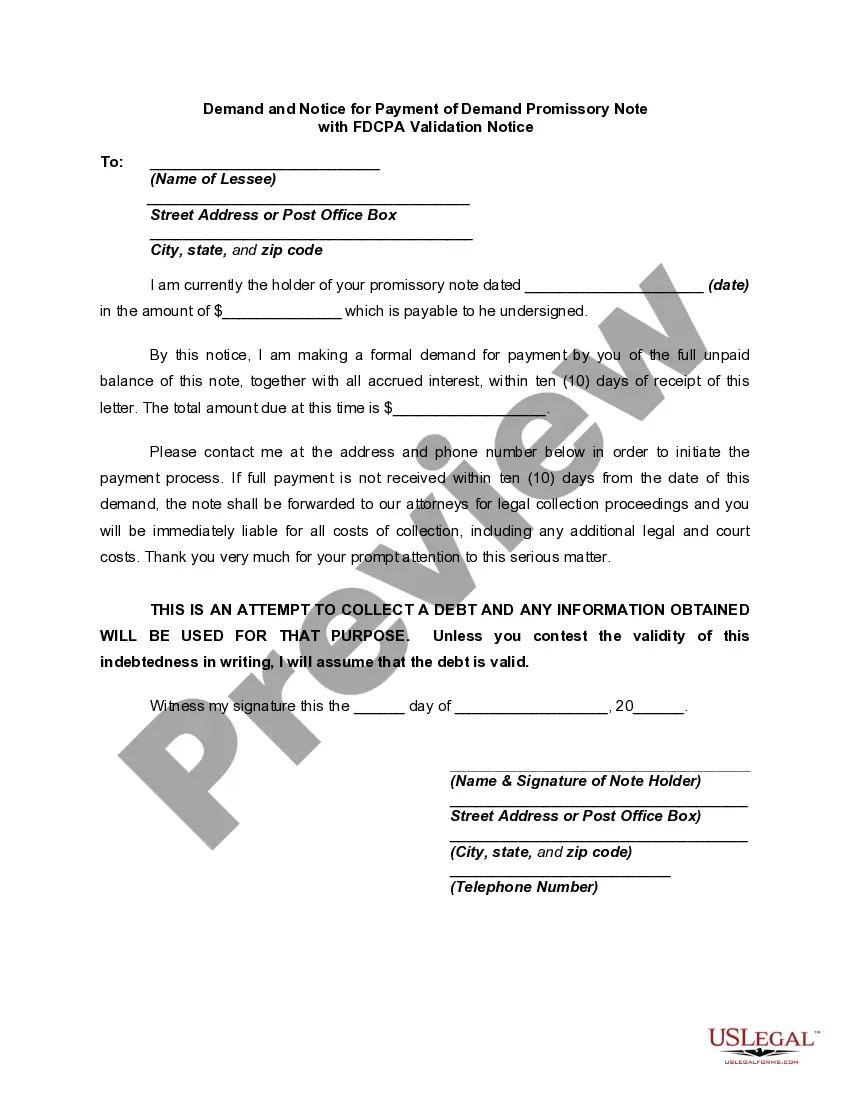
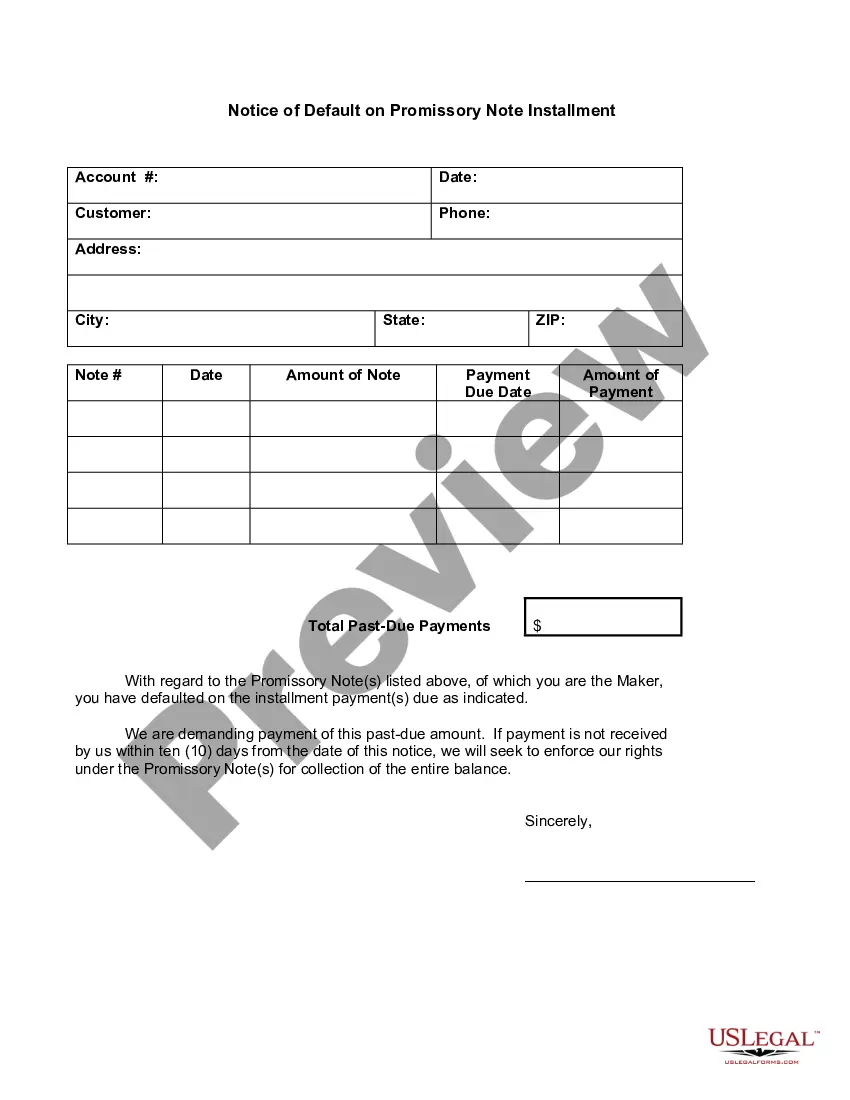
How to fill out Notice Of Default In Payment Due On Promissory Note?
Whether for commercial objectives or for personal matters, everyone inevitably encounters legal scenarios at some point in their lives.
Completing legal documents demands meticulous focus, starting from selecting the right form template.
Once it is downloaded, you can fill out the form using editing software or print it out to complete manually. With a vast catalog from US Legal Forms available, you need not waste time searching for the suitable template online. Use the library’s straightforward navigation to find the right form for every circumstance.
- Obtain the template you require by using the search bar or browsing the catalog.
- Review the form’s details to confirm it is suitable for your situation, jurisdiction, and area.
- Click on the form’s preview to view it.
- If it is not the correct document, return to the search feature to find the Notificación Pago With Google sample that you need.
- Obtain the file if it aligns with your requirements.
- If you already possess a US Legal Forms account, just click Log in to access previously stored templates in My documents.
- If you don’t have an account yet, you can download the form by clicking Buy now.
- Select the correct pricing option.
- Fill out the profile registration form.
- Choose your payment method: utilize a credit card or PayPal.
- Select the desired file format and download the Notificación Pago With Google.
Form popularity
FAQ
To discover the reasons behind Google charges, first check your recent Notificación pago with Google on your account. This notification will detail the services or subscriptions associated with the charges. If you still have questions, visit Google's billing section for a breakdown of your transactions. Additionally, using platforms like US Legal Forms can help you manage billing queries effectively and ensure you're aware of any fees associated with your account.
To trigger Google Autofill, you need to enable the feature in your browser settings. This allows Google to remember your personal information, including payment details, for future use. Once activated, simply start typing in fields like your name or address, and Google will suggest the saved information. This makes completing forms, especially for Notificación pago with google, quicker and more efficient.
If your Google notifications are not appearing, several factors might be at play. First, check your notification settings to ensure that notifications for 'Notificación pago with google' are enabled. Sometimes, app permissions or device settings can block these notifications, so review those as well. Additionally, if you experience recurring issues, consider reaching out to the US Legal Forms support team for assistance or checking platform updates for any relevant fixes.
Activating notifications for Google services is straightforward. Begin by opening the Google app on your device. Tap on your profile icon and select 'Settings', then go to 'Notifications'. Ensure that notifications are turned on for the features you wish to receive updates on, including important alerts related to notificación pago with google.
To turn on Google Play push notifications, first open the Google Play Store app on your device. Next, tap on your profile icon in the top right corner, then go to 'Settings'. From there, select 'Notifications' and ensure that the options for push notifications are enabled. This way, you will receive updates about your apps and, importantly, any relevant notificación pago with google.
Get the Google Pay app Download Google Pay on phones running Android 5.0 (Lollipop) or higher. Enter your phone number. Sign in with your Google Account. Follow the instructions to secure your Google Pay app and add a bank account. You can also add a debit or credit card. Fix problems verifying your phone number.
The contactless Google Pay feature is only available on Android 7.0 and higher, though the app can be downloaded on Apple devices. To use Google Pay, simply unlock your phone and hold the back of your phone near the payment reader until a blue checkmark appears on the screen.
To be eligible for most rewards, turn on this setting. Open the Google Pay app . At the top right, tap your profile picture or Account . Tap Settings. Offers & rewards. Turn on Earn rewards on qualifying actions. If the setting is turned on, you've opted in.
How to edit your payment method Open the Google Play app . At the top right, tap the profile icon. Tap Payments & subscriptions Payment methods. More payment settings. If asked, sign in to Google Pay. Under the payment method you want to remove, tap Edit. Make your changes. Tap Update.
When you're signed in to Chrome and you enter your payment method into an online form, Chrome may ask if you want to save your payment info in Google Pay. If you accept, your payment information is saved in Google Pay.