Credit Card Charge Form For Stripe
Description
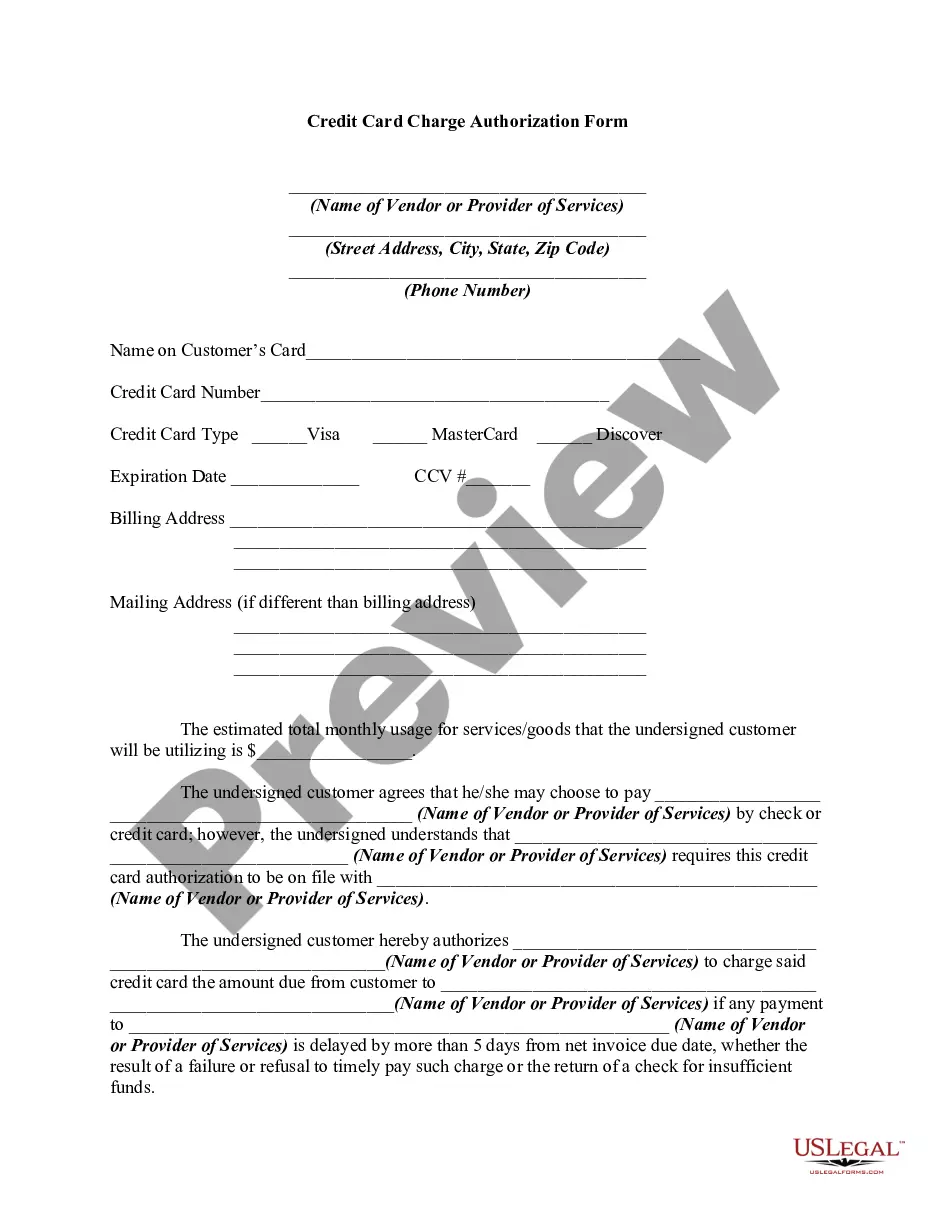
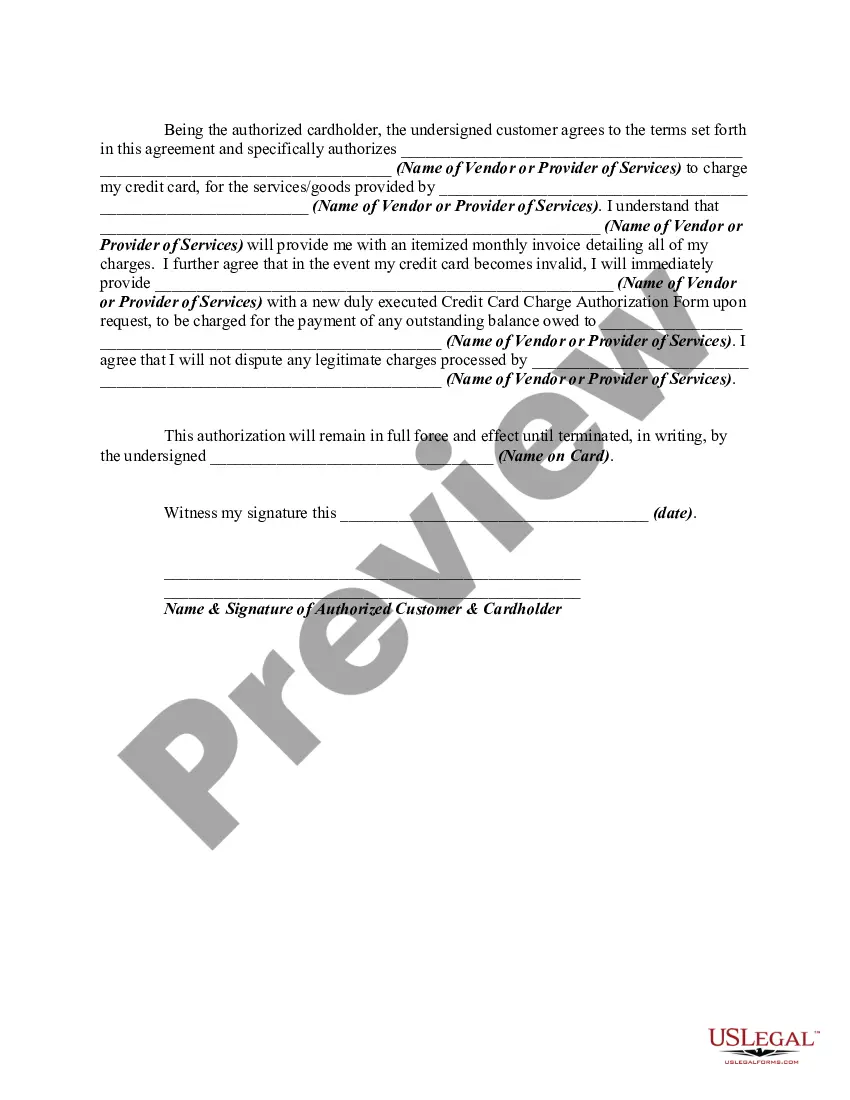









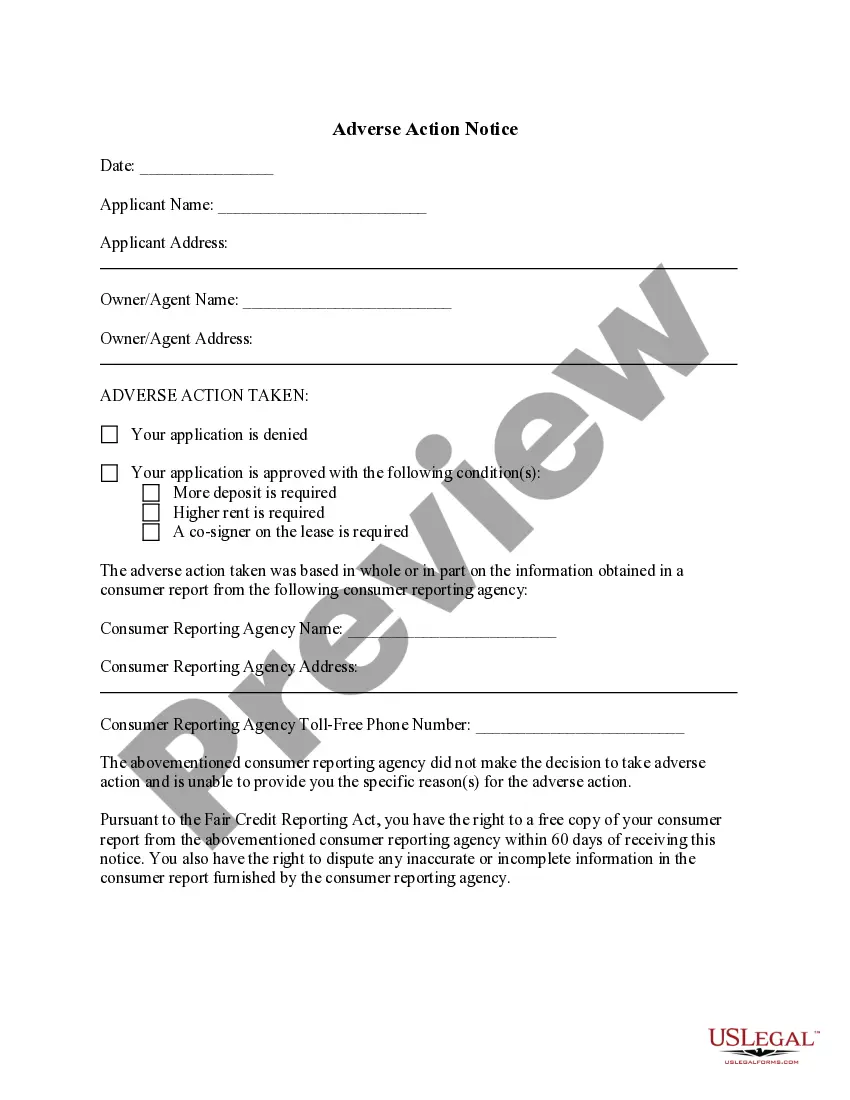
How to fill out Credit Card Charge Authorization Form?
The Charge Form for Credit Card Transactions with Stripe presented on this page is a reusable legal document created by skilled attorneys in compliance with federal and state laws and regulations.
For over 25 years, US Legal Forms has offered individuals, organizations, and lawyers access to more than 85,000 validated, state-specific forms suitable for any business or personal scenario. It’s the quickest, simplest, and most reliable way to acquire the documents you require, as the service ensures bank-level data encryption and anti-malware safeguards.
Subscribe to US Legal Forms to have verified legal templates available for all of life’s circumstances.
- Search for the document you require and examine it.
- Browse the file you have searched and look at the preview or review the form description to confirm it meets your requirements. If it does not, make use of the search bar to find the suitable one. Hit Buy Now once you locate the template you are looking for.
- Subscribe and Log In.
- Select the pricing option that fits your needs and create an account. Use PayPal or a credit card to process your payment swiftly. If you already possess an account, Log In and verify your subscription to proceed.
- Acquire the fillable template.
- Choose the format you desire for your Credit Card Charge Form for Stripe (PDF, DOCX, RTF) and download the sample to your device.
- Complete and sign the document.
- Print the template to fill it out manually. Alternatively, use an online multifunctional PDF editor to swiftly and precisely complete and sign your form with a legally binding electronic signature.
- Re-download your paperwork.
- Utilize the same document again whenever necessary. Access the My documents tab in your profile to download any previously purchased forms.
Form popularity
FAQ
An authorization for a credit card is a permission granted by cardholders to merchants, allowing them to charge funds to their cards. When you complete a credit card charge form for Stripe, you effectively approve a specific transaction amount. This process not only secures your payment but also maintains legal compliance between you and the merchant.
Filling out a credit card charge form for Stripe is essential for securing your transaction, protecting both you and the merchant. This form serves as a documented agreement, allowing the merchant to charge your card legally. Moreover, it helps prevent unauthorized charges, ensuring transparency and trust in financial transactions.
You authorize a credit card by providing your credit card charge form for Stripe with all required information and your signature. This action allows businesses to bill your card for the agreed amount. It's a secured way to confirm that you approve the transaction, ensuring both parties have documented consent.
When you fill out a credit card charge form for Stripe, begin by entering your name, address, and email at the top. Follow this by detailing the credit card information, ensuring accuracy with the card number and other relevant data. Lastly, sign the form to validate your authorization, which allows the transaction to proceed.
To fill out a credit card charge form for Stripe, start with your personal information, including your name and contact details. Next, provide the credit card details such as the card number, expiration date, and security code. Finally, ensure you include your signature to authorize the transaction, confirming that you agree to the charges.
You can pass your Stripe fees on to your customers by including the fee into the final charge amount.
Web Open the invoice you want to take payment for. From the Preview or Send tab, click on Add payment on the right side of the screen. Click on Charge a card. Enter your client's credit or debit card details. Click on Charge now.
A credit card authorization form serves two primary purposes: First, it gives a business the authority to charge a credit card without the buyer being physically present. Second, it prevents unwanted and fraudulent chargebacks that can hurt the relationship between a business and a merchant processor.
Typically it contains: The cardholder's credit card information: Card type, Name on card, Card number, Expiration date. The merchant's business information. Cardholder's billing address. Language authorizing the merchant to charge the customer's card on file. Name and signature of the cardholder. Date.
If you have chosen to use Stripe as a payment service, you can automatically add a processing fee to the payment total when your customer pays by credit card. You can do this by going to Settings > Payment Services and selecting the Charge my customer a processing fee option.