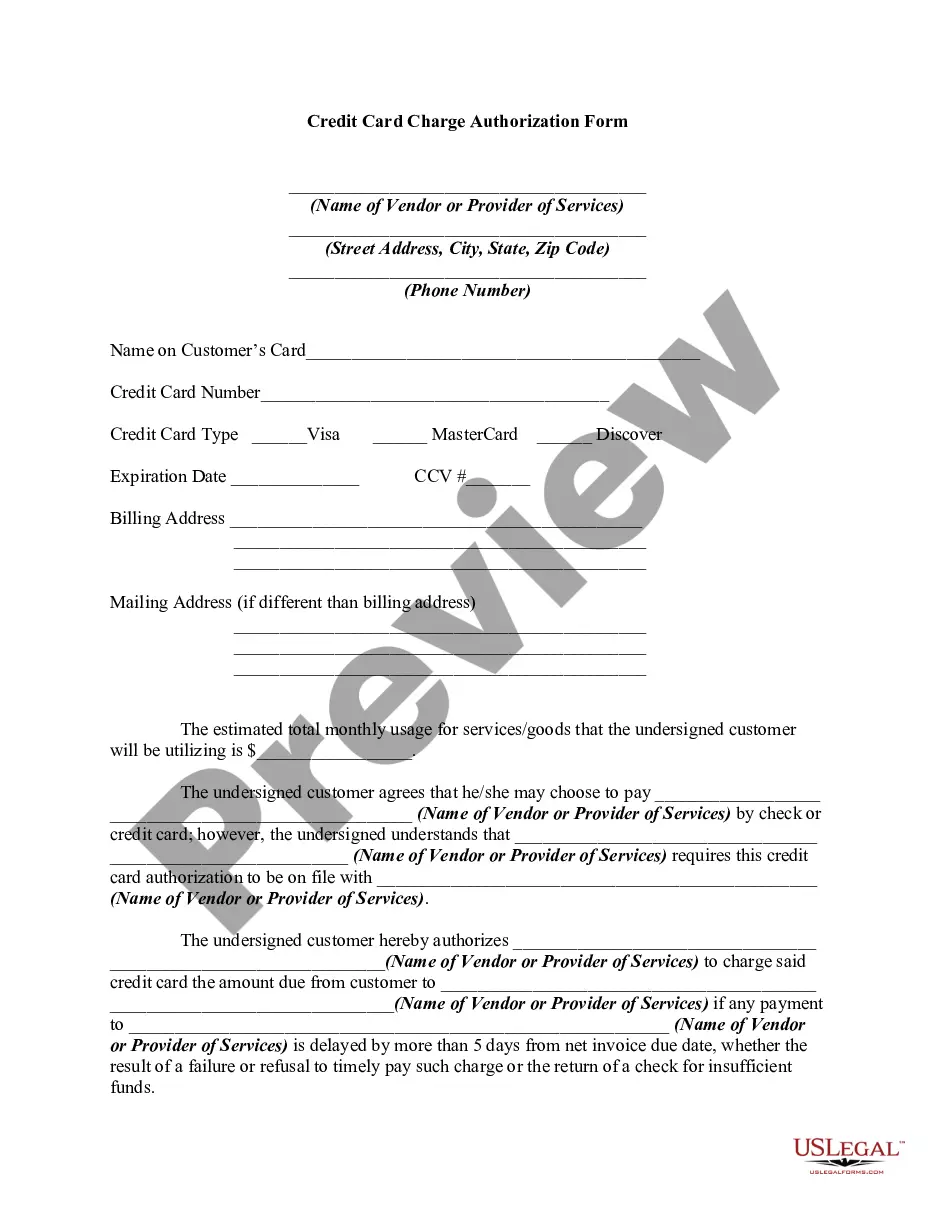
Blank Credit Card Payment Form With Stripe
Description
Get your form ready online
Our built-in tools help you complete, sign, share, and store your documents in one place.
Make edits, fill in missing information, and update formatting in US Legal Forms—just like you would in MS Word.
Download a copy, print it, send it by email, or mail it via USPS—whatever works best for your next step.
Sign and collect signatures with our SignNow integration. Send to multiple recipients, set reminders, and more. Go Premium to unlock E-Sign.
If this form requires notarization, complete it online through a secure video call—no need to meet a notary in person or wait for an appointment.
We protect your documents and personal data by following strict security and privacy standards.

Make edits, fill in missing information, and update formatting in US Legal Forms—just like you would in MS Word.

Download a copy, print it, send it by email, or mail it via USPS—whatever works best for your next step.

Sign and collect signatures with our SignNow integration. Send to multiple recipients, set reminders, and more. Go Premium to unlock E-Sign.

If this form requires notarization, complete it online through a secure video call—no need to meet a notary in person or wait for an appointment.

We protect your documents and personal data by following strict security and privacy standards.
Looking for another form?


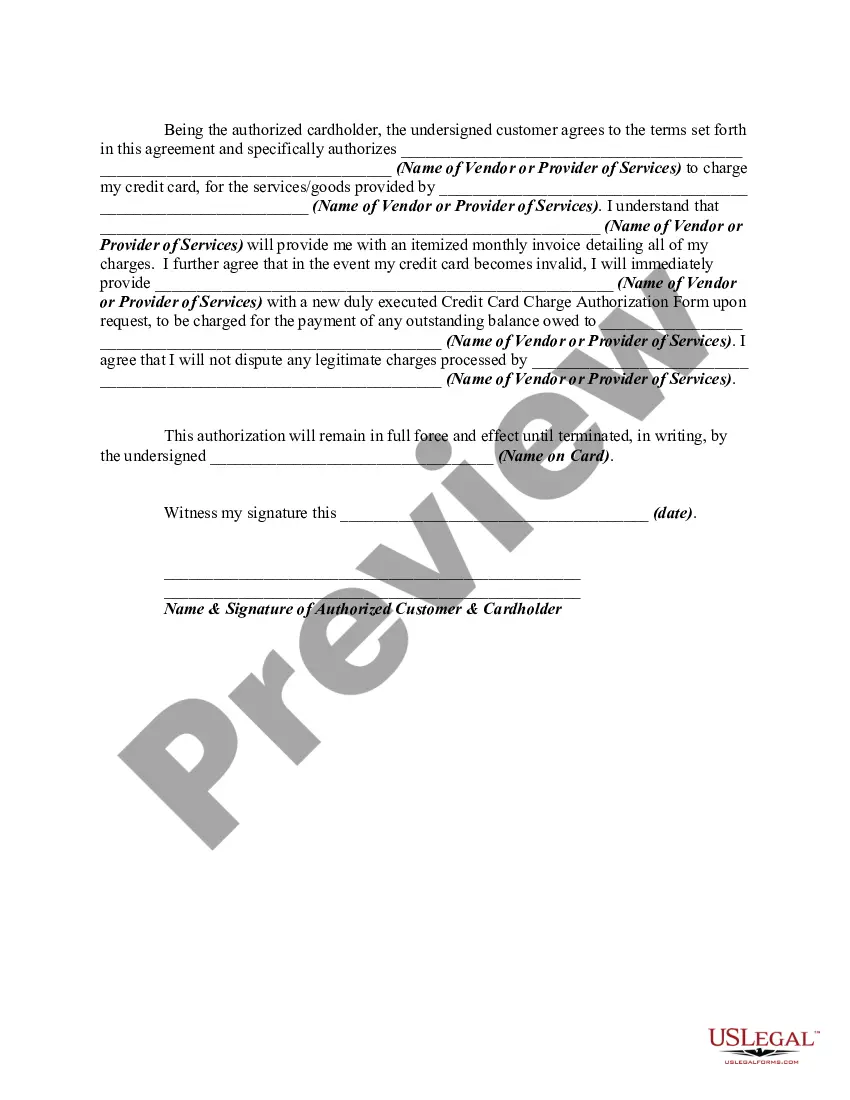
How to fill out Credit Card Charge Authorization Form?
It’s clear that you cannot become a legal expert instantly, nor can you swiftly learn to create a Blank Credit Card Payment Form With Stripe without a specific skill set.
Drafting legal papers is a lengthy endeavor that necessitates particular training and abilities. So why not assign the preparation of the Blank Credit Card Payment Form With Stripe to the experts.
With US Legal Forms, one of the most comprehensive legal document libraries, you can access everything from court documents to templates for internal corporate communication.
You can regain access to your forms from the My documents tab at any time.
If you’re an existing client, you can simply Log In, and find and download the template from the same tab. No matter the purpose of your documents, whether financial and legal or personal, our website has you covered. Try US Legal Forms today!
- Locate the document you need using the search bar at the top of the webpage.
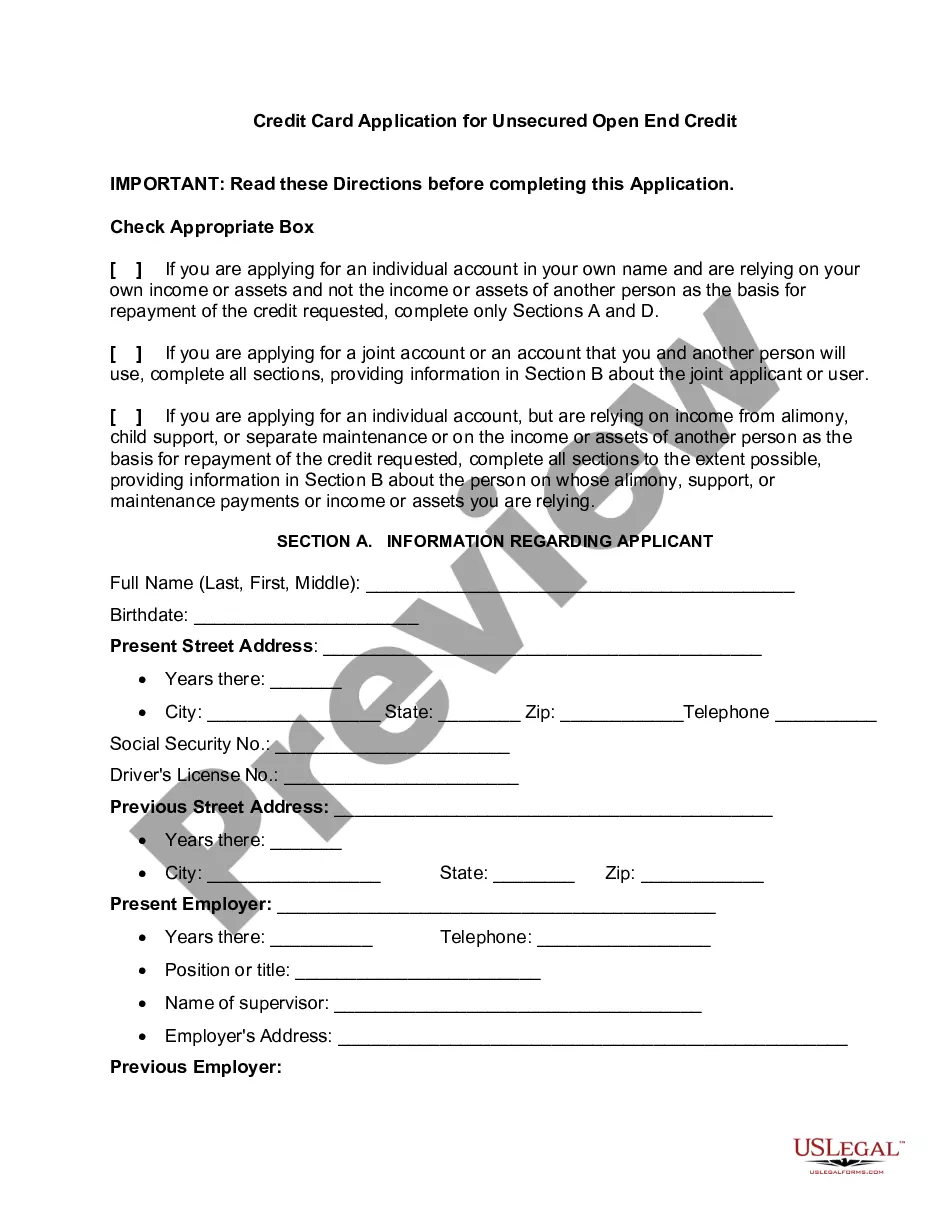
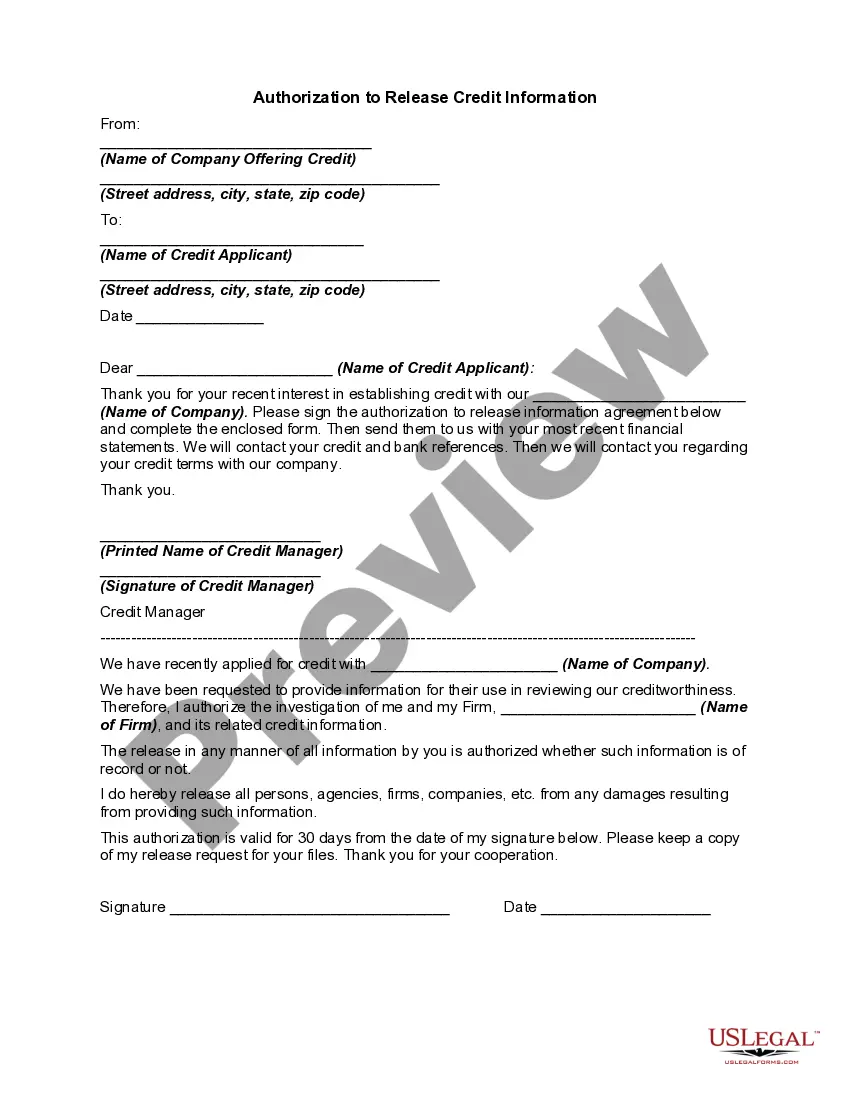
- Preview it (if this option is available) and examine the accompanying description to confirm if Blank Credit Card Payment Form With Stripe is what you are looking for.
- Initiate your search again if you require any other template.
- Create a free account and choose a subscription plan to purchase the template.
- Select Buy now. Once the purchase is completed, you can obtain the Blank Credit Card Payment Form With Stripe, fill it out, print it, and send or mail it to the required individuals or organizations.
Form popularity
FAQ
Custom payment flow the Stripe Ruby library. settings. ... Create a PaymentIntent. settings. ... Configure payment methods. settings. ... Load Stripe.js. settings. ... Define the payment form. settings. ... Initialize Stripe.js. settings. ... Fetch a PaymentIntent. settings. ... Initialize Stripe Elements. settings.
Create a payments page Step 1: Create a PaymentIntent Server-side. Destination. ... Step 2: Collect card details Client-side. You're ready to collect card information on the client with Stripe Elements. ... Step 3: Submit the payment to Stripe Client-side. ... Step 4: Fulfillment Server-side. ... Step 5: Disputes.
To complete a payment online, customers enter their card information at checkout. Wallets are linked to a card or bank account, but can also store monetary value. Wallets typically require customer verification (e.g., biometrics, SMS, passcode) to complete a payment.
Stripe Checkout is a prebuilt payment form optimized for conversion. Embed Checkout into your website or direct customers to a Stripe-hosted page to easily and securely accept one-time payments or subscriptions.
The customer provides their card information, either online or in person. Those card details enter Stripe's payment gateway, which encrypts the data. Stripe sends that data to the acquirer, which is a bank that will process the transaction on the merchant's behalf.