Employee Handbooks For Construction Company
Description
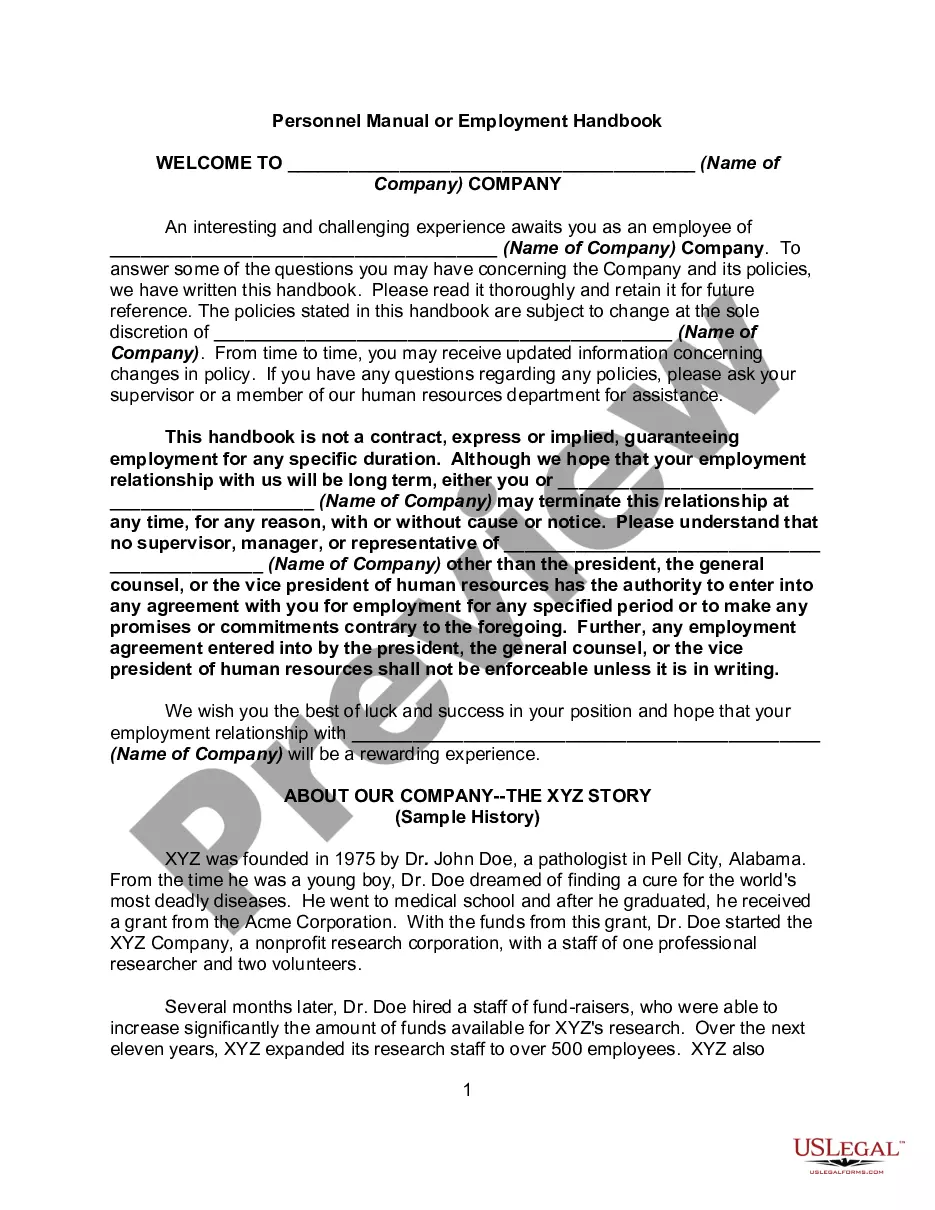
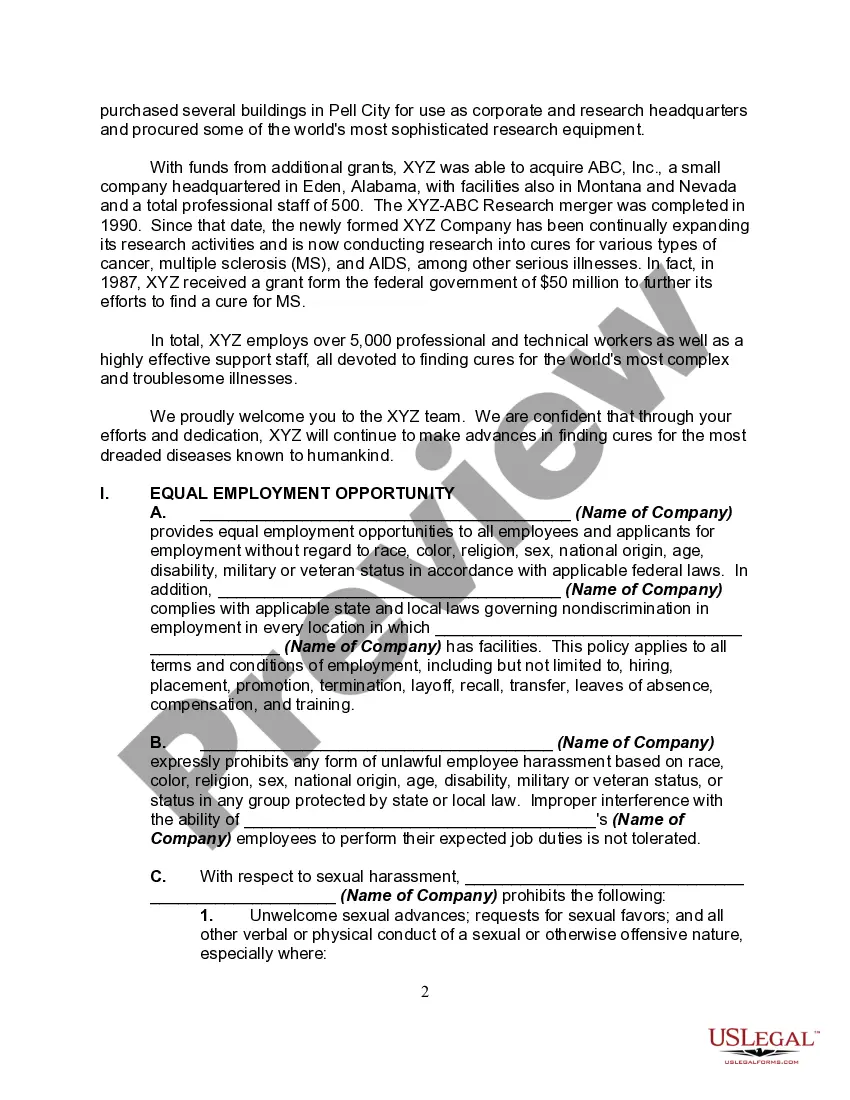
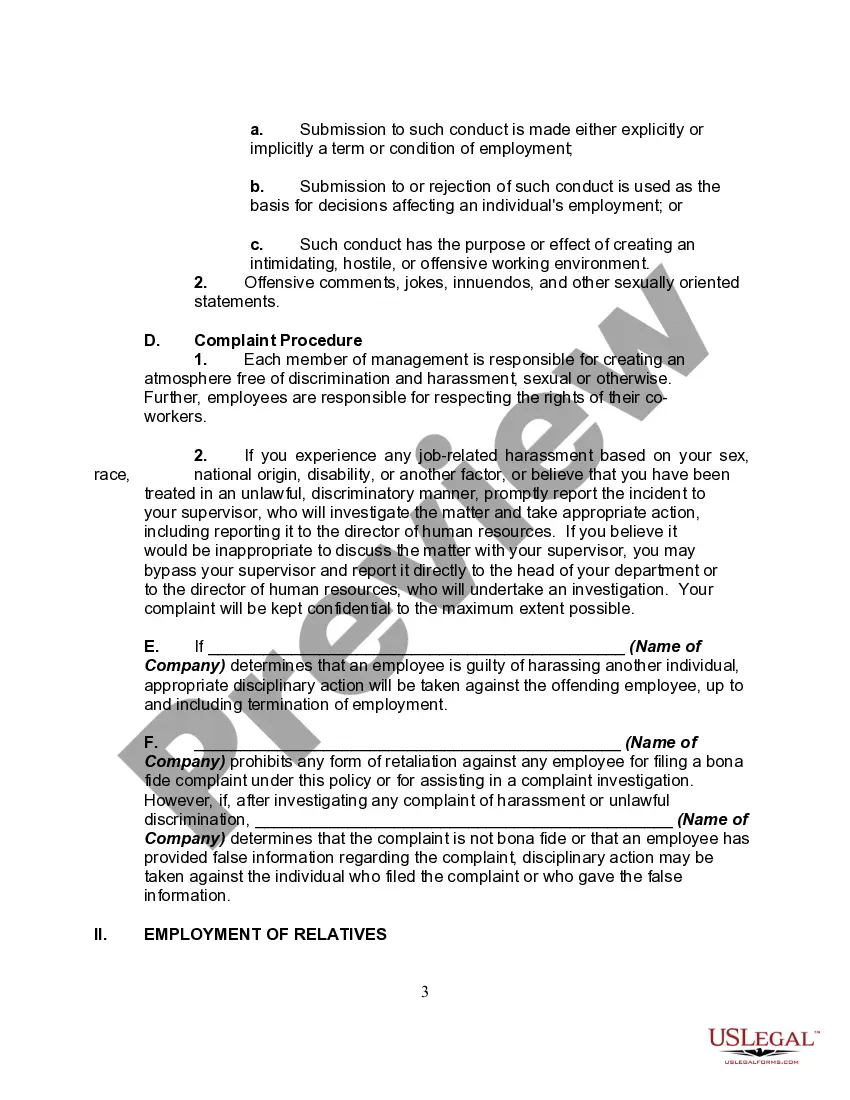
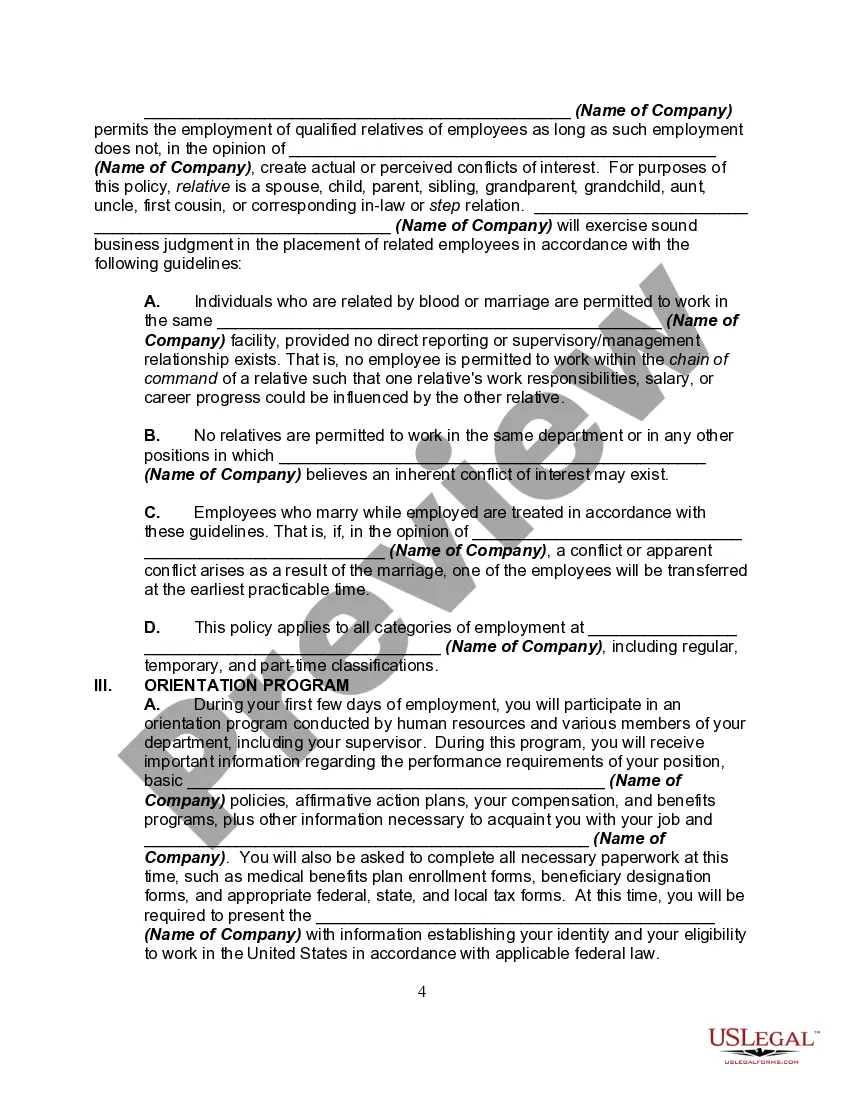
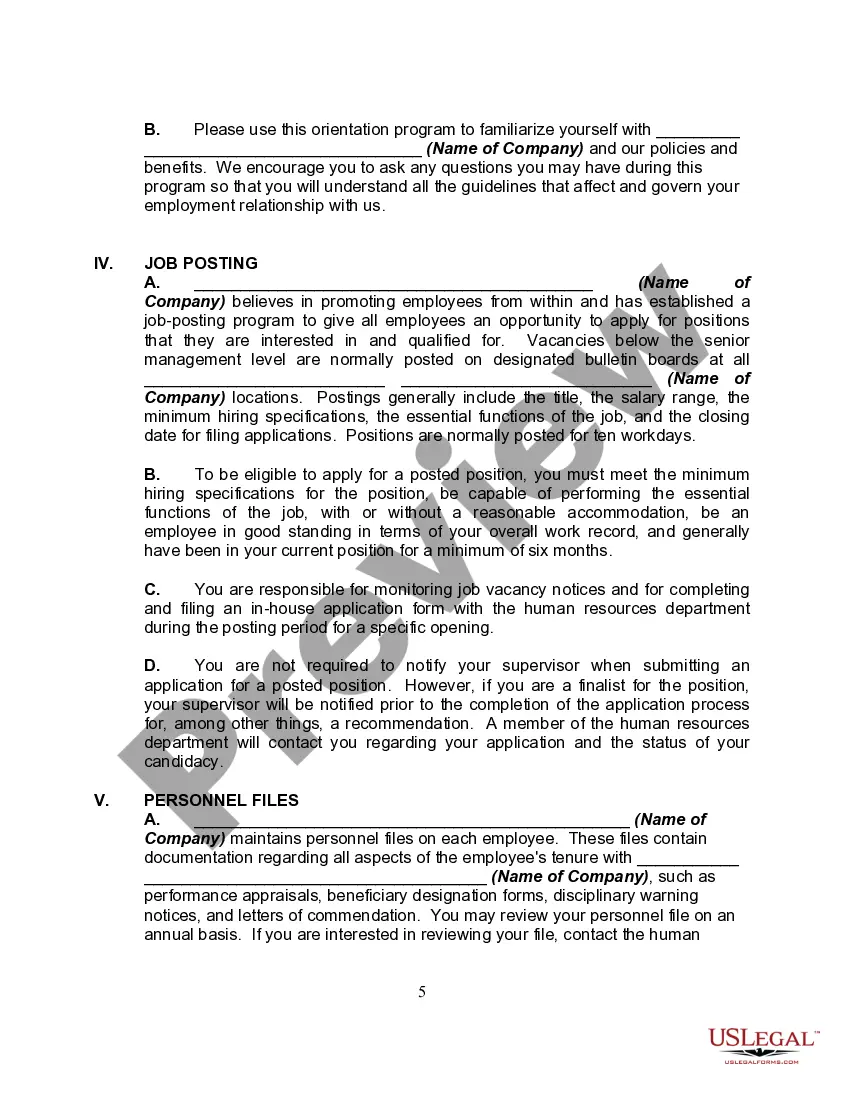
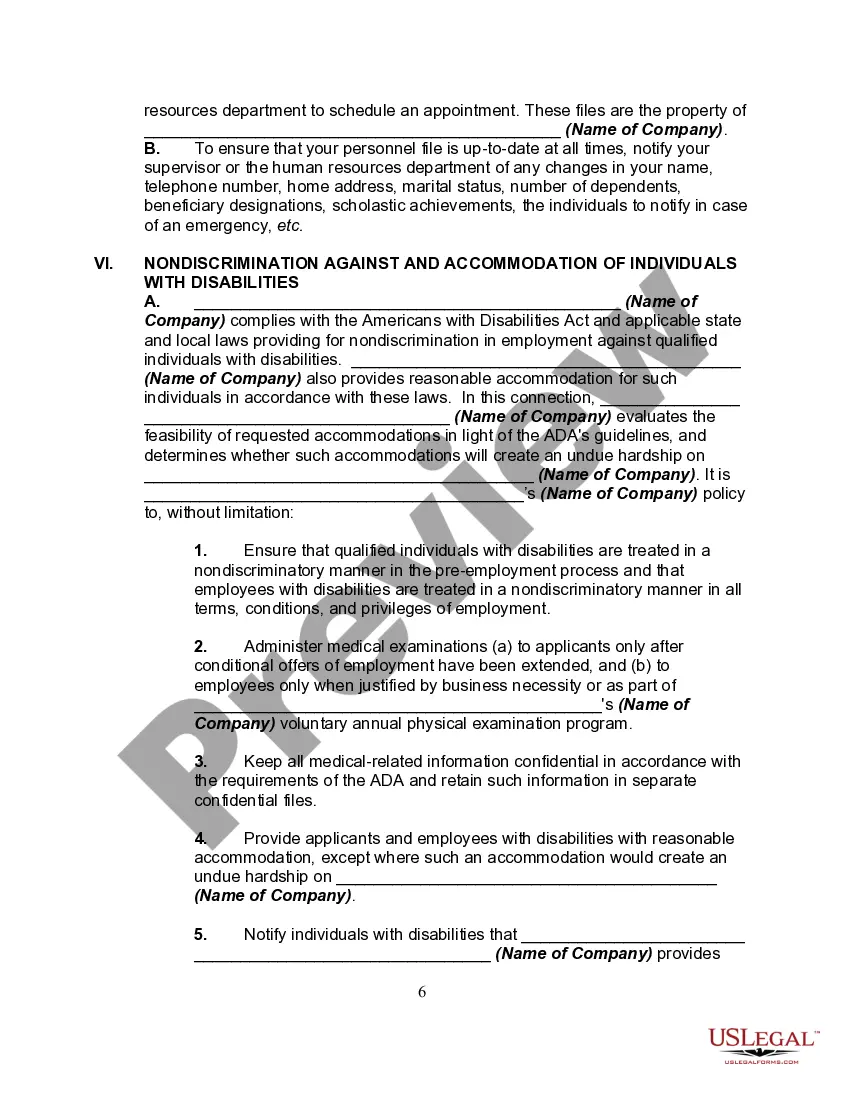
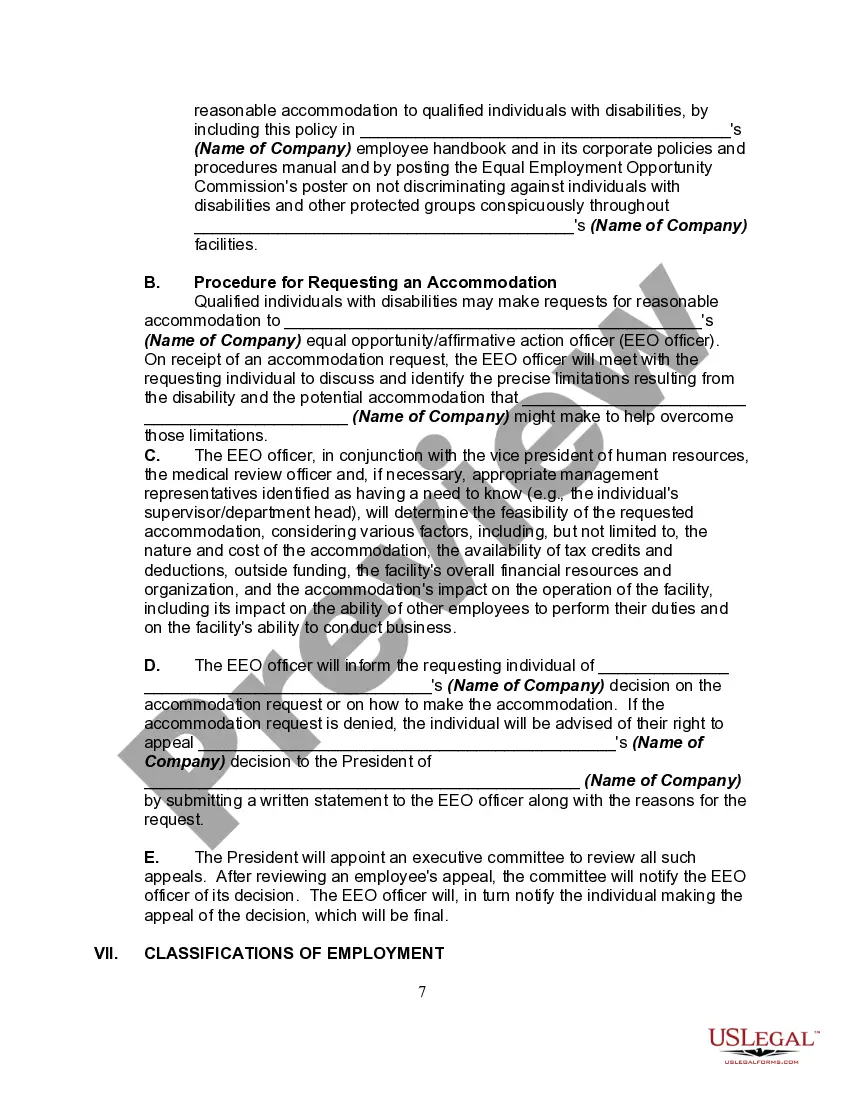
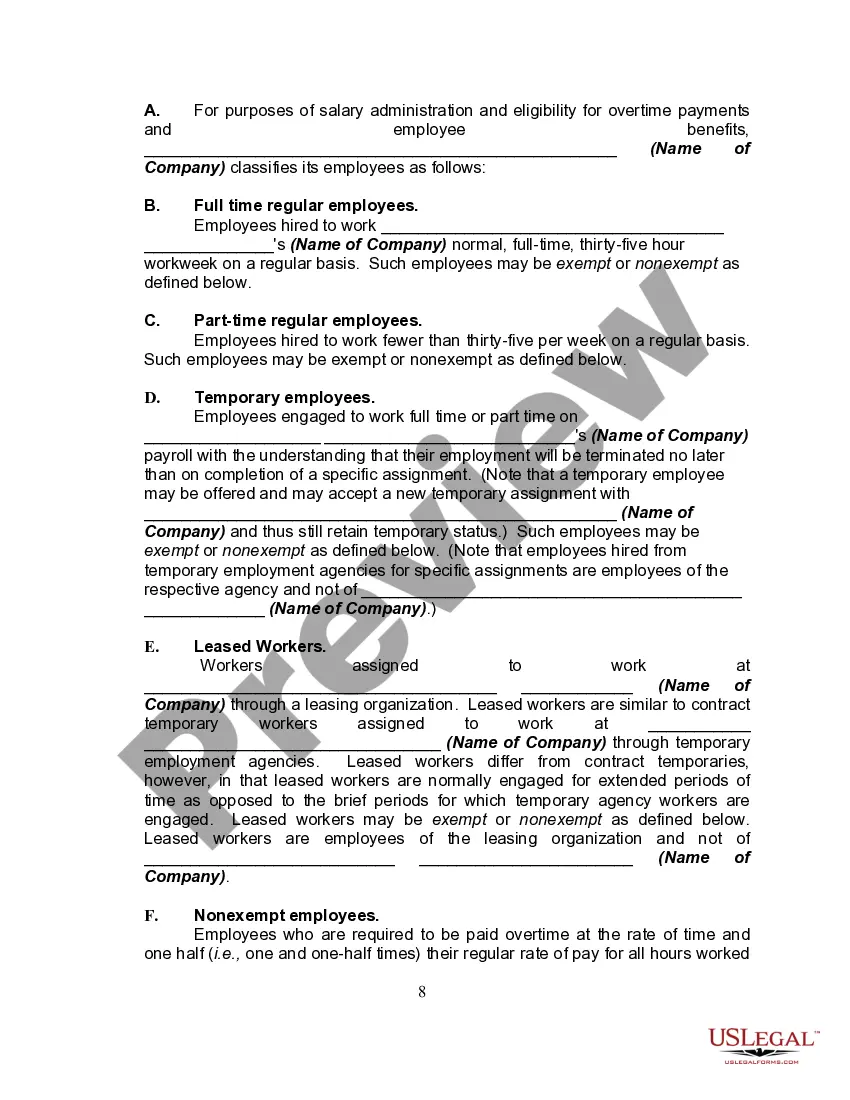

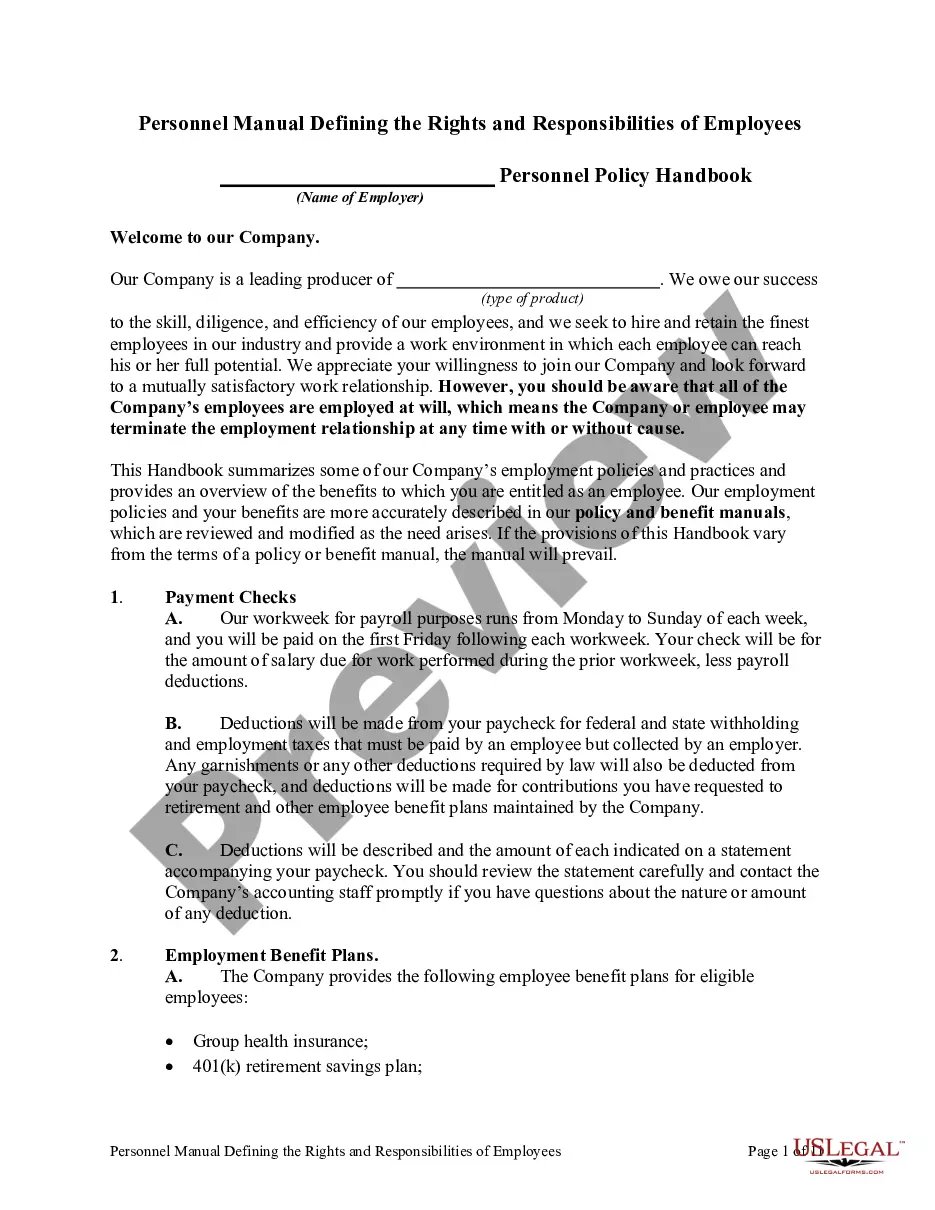
Get your form ready online
Our built-in tools help you complete, sign, share, and store your documents in one place.
Make edits, fill in missing information, and update formatting in US Legal Forms—just like you would in MS Word.
Download a copy, print it, send it by email, or mail it via USPS—whatever works best for your next step.
Sign and collect signatures with our SignNow integration. Send to multiple recipients, set reminders, and more. Go Premium to unlock E-Sign.
If this form requires notarization, complete it online through a secure video call—no need to meet a notary in person or wait for an appointment.
We protect your documents and personal data by following strict security and privacy standards.

Make edits, fill in missing information, and update formatting in US Legal Forms—just like you would in MS Word.

Download a copy, print it, send it by email, or mail it via USPS—whatever works best for your next step.

Sign and collect signatures with our SignNow integration. Send to multiple recipients, set reminders, and more. Go Premium to unlock E-Sign.

If this form requires notarization, complete it online through a secure video call—no need to meet a notary in person or wait for an appointment.

We protect your documents and personal data by following strict security and privacy standards.
Looking for another form?

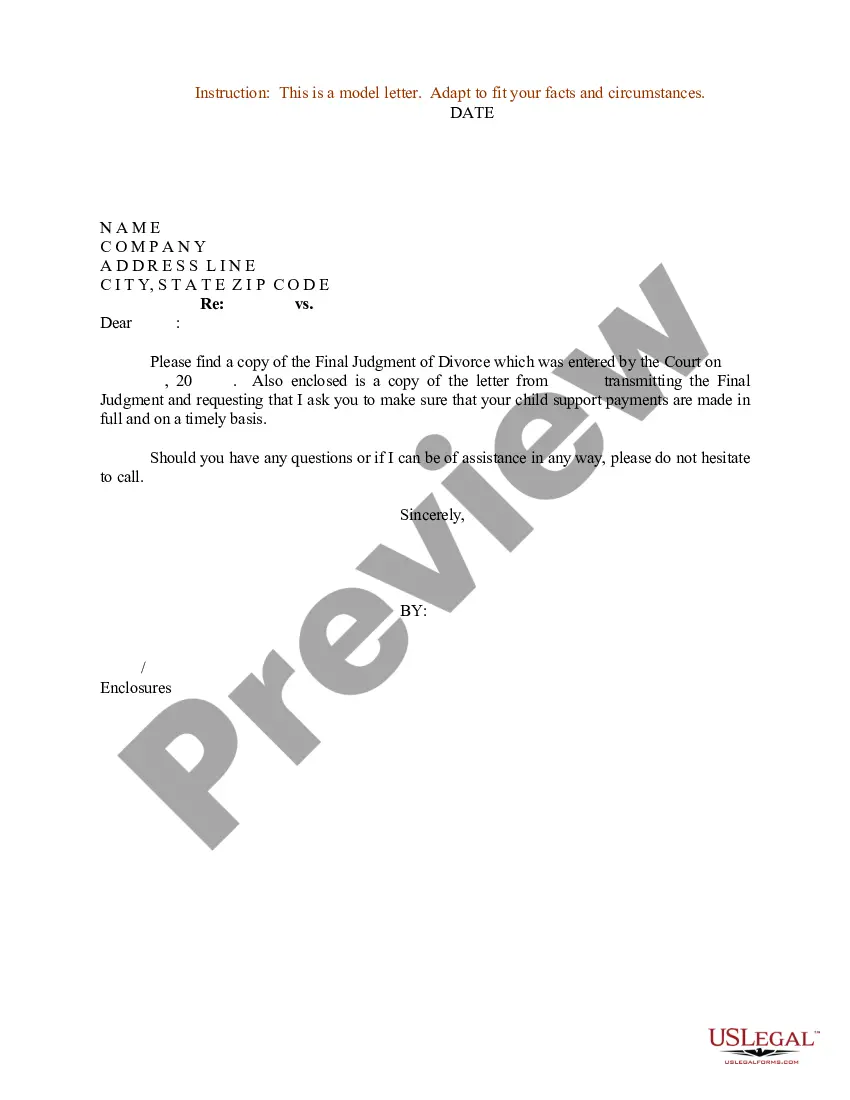

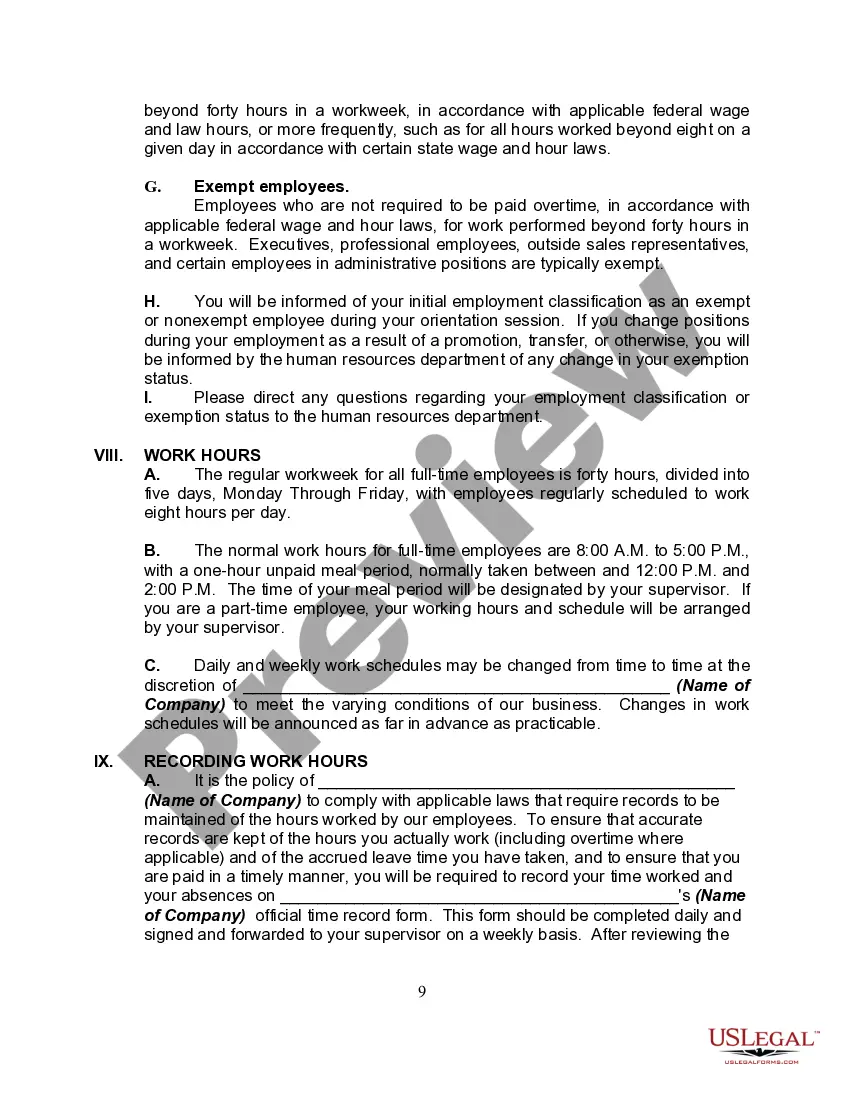
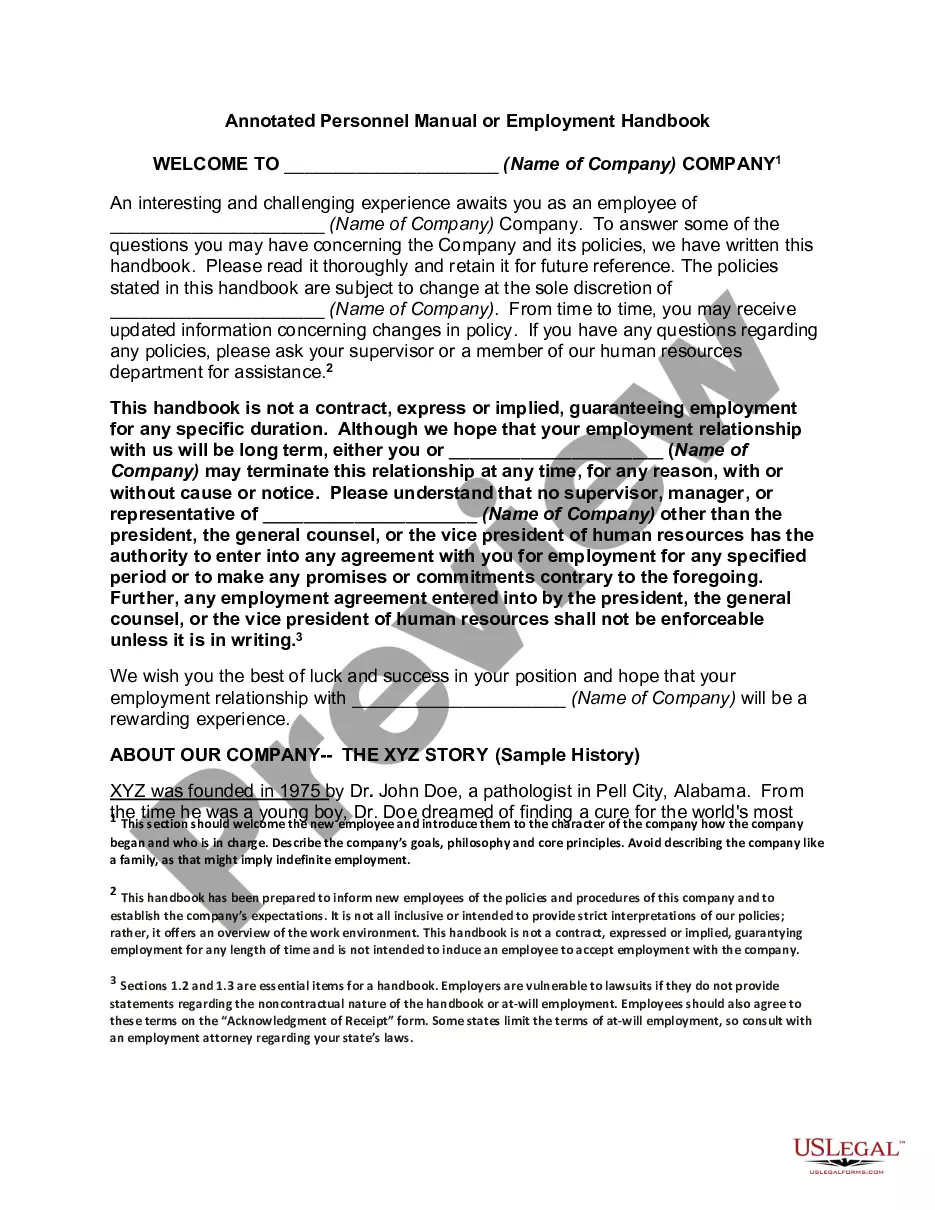
How to fill out Personnel Manual, Policies Or Employment Handbook?
There is no longer a reason to spend countless hours hunting for legal documents to satisfy your regional state stipulations. US Legal Forms has compiled all of them in one location and simplified their availability.
Our site offers over 85k templates for various business and personal legal situations organized by state and category of use. All documents are properly drafted and authenticated for accuracy, allowing you to feel confident in acquiring the most recent Employee Handbooks For Construction Company.
If you are acquainted with our service and already possess an account, it's essential to verify that your subscription is active before accessing any templates. Log In to your account, select the document, and click Download. You can also return to all saved forms whenever necessary by accessing the My documents section in your profile.
You can print your form to fill it out manually or upload the template if you prefer to complete it using an online editor. Creating legal documents under federal and state laws and regulations is quick and straightforward with our collection. Experience US Legal Forms today to keep your paperwork organized!
- If this is your first time using our service, the process will require a few additional steps to finalize.
- To begin, carefully examine the page content to ensure it contains the sample you need.
- Use the form description and preview options if available to help you.
- If the current template does not meet your needs, employ the Search bar above to find another template.
- Once you identify the correct one, click Buy Now next to the template title.
- Select the desired subscription plan and create an account or Log In.
- Proceed to make payment for your subscription using a credit card or through PayPal.
- Lastly, choose the file format for your Employee Handbooks For Construction Company and download it to your device.
Form popularity
FAQ
How to Create an Employee HandbookClarify your business policies.Establish clear work expectations.Inform employees of their rights and benefits.Simplify on-boarding of new hires.Signal to employees that the same rules apply to everyone equally.Prepare for challenging HR scenarios, like disputes between co-workers.More items...
Nine Tips for Writing an Employee HandbookKeep It Simple & Engaging.Use Your Handbook As A Communication Tool.Pay Attention to Format and Visuals.Clearly Mention Work Hours, Compensations, and Benefits.Mention Your Company Culture & How Employees Can Maintain The Same.Mention Legal Issues.Mention Employee Appreciation.More items...?
Most employee handbooks include information on: Company culture, values, and a mission statement. Human resource and legal information as well as rights and obligations related to employment. Realistic expectations; both what the company expects to see from its employees and what employees can expect from the company.
If you're unsure, refer to the IRS definition of a contractor. Independent contractor relationships are best managed with a contract. Additionally, don't give your 1099 contractors a copy of your employee handbook, because you never want to muddy the line between contract and employee labor.
What to include in an employee handbook. An employee handbook should include your business's policies, your expectations of your employees, and what your employees can expect from your business. It should lay out your legal obligations as an employer and your employees' rights.
