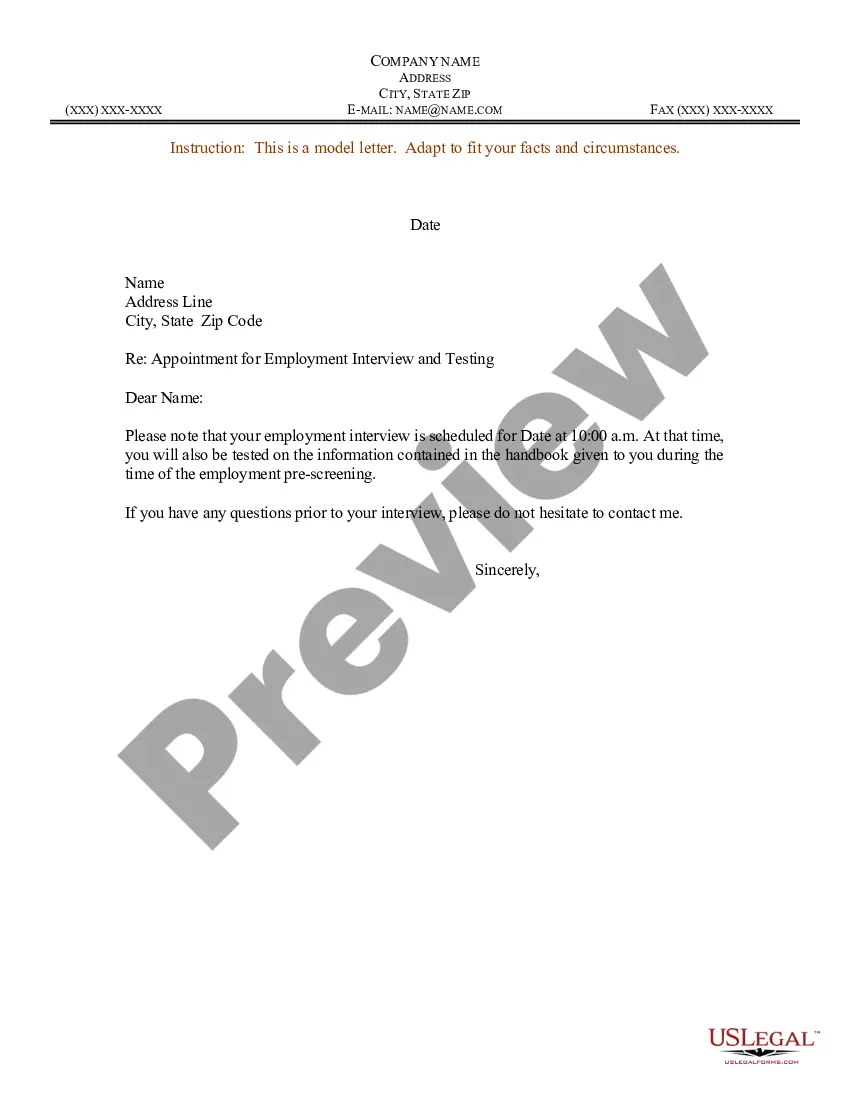
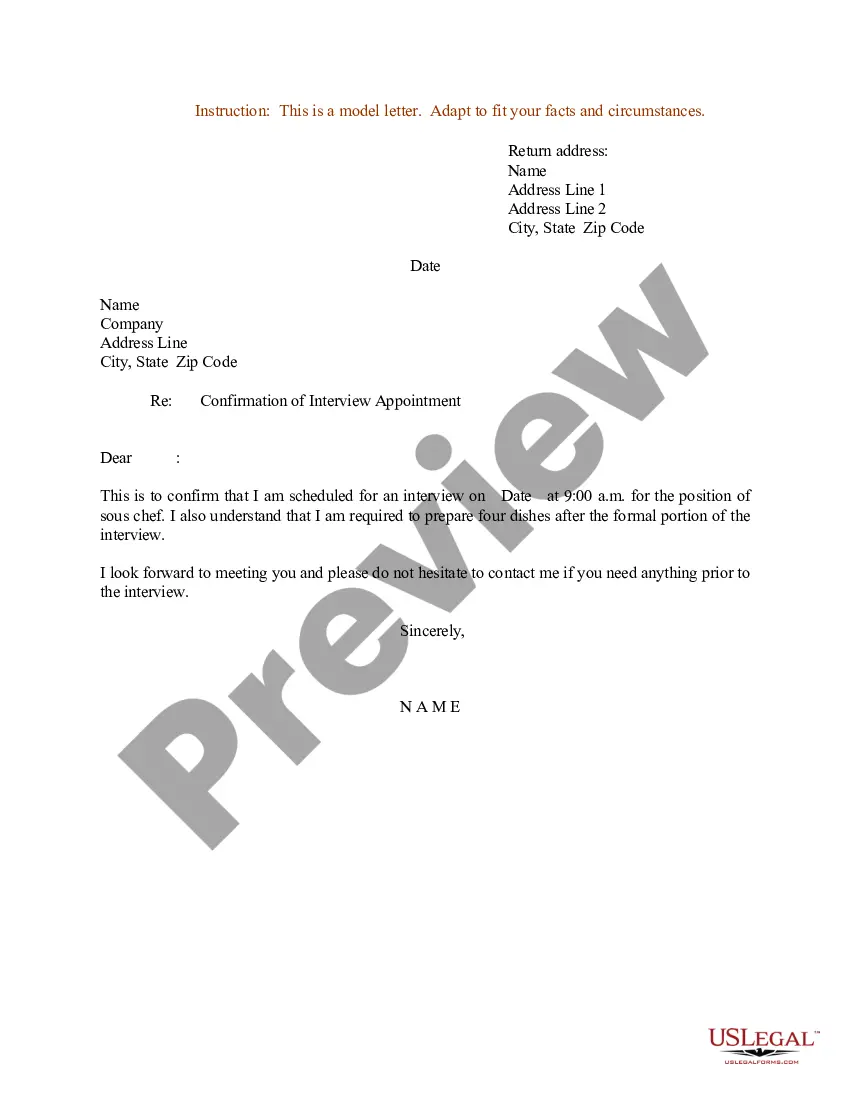
Appointment Letter With Ctc
Description
Get your form ready online
Our built-in tools help you complete, sign, share, and store your documents in one place.
Make edits, fill in missing information, and update formatting in US Legal Forms—just like you would in MS Word.
Download a copy, print it, send it by email, or mail it via USPS—whatever works best for your next step.
Sign and collect signatures with our SignNow integration. Send to multiple recipients, set reminders, and more. Go Premium to unlock E-Sign.
If this form requires notarization, complete it online through a secure video call—no need to meet a notary in person or wait for an appointment.
We protect your documents and personal data by following strict security and privacy standards.

Make edits, fill in missing information, and update formatting in US Legal Forms—just like you would in MS Word.

Download a copy, print it, send it by email, or mail it via USPS—whatever works best for your next step.

Sign and collect signatures with our SignNow integration. Send to multiple recipients, set reminders, and more. Go Premium to unlock E-Sign.

If this form requires notarization, complete it online through a secure video call—no need to meet a notary in person or wait for an appointment.

We protect your documents and personal data by following strict security and privacy standards.
Looking for another form?
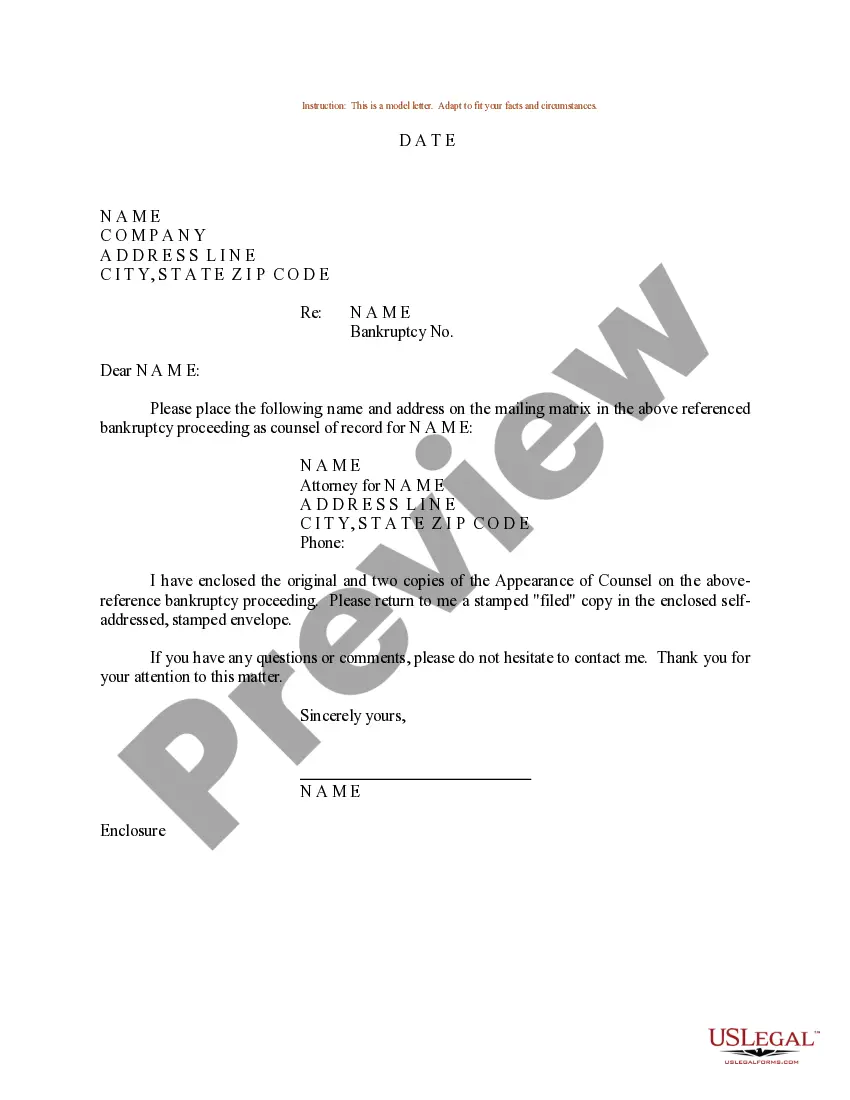

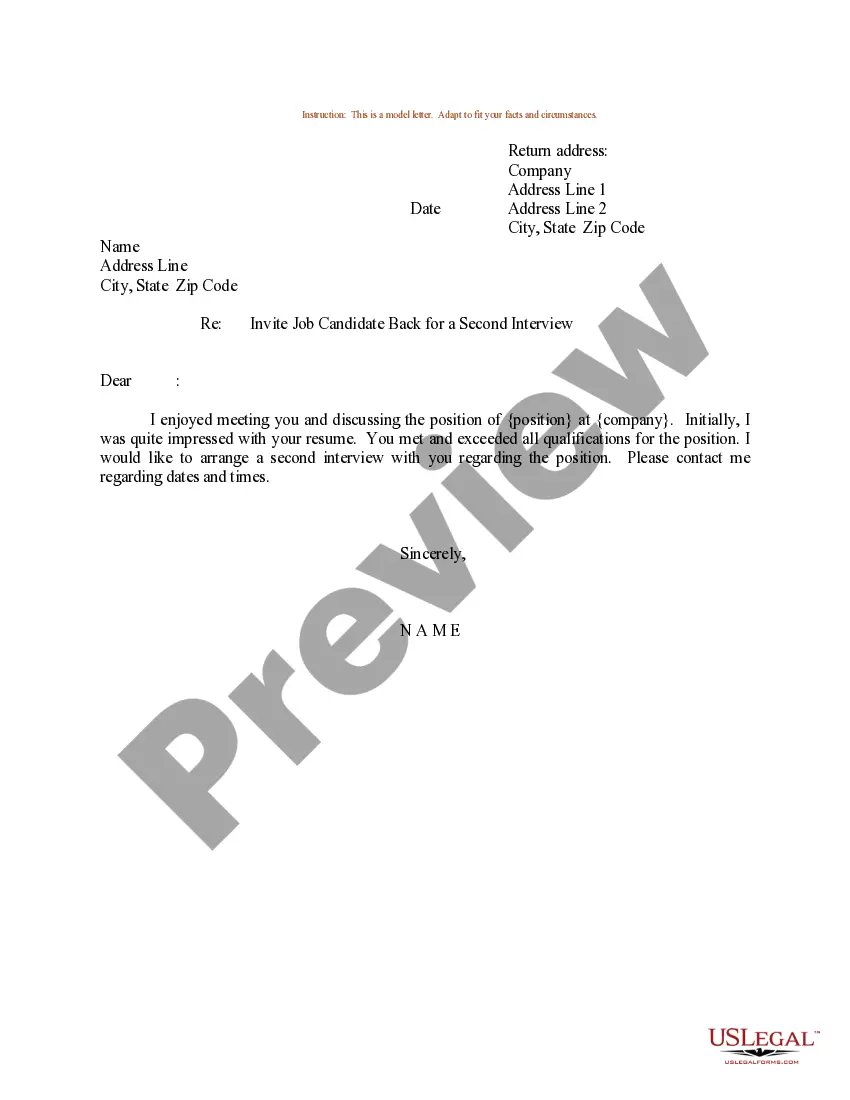
How to fill out Sample Letter For Appointment For Employment Interview And Testing?
Creating legal documents from the ground up can sometimes feel a bit daunting.
Certain situations may require extensive research and significant financial investment.
If you’re seeking a simpler and more budget-friendly method to generate an Appointment Letter With Ctc or other forms without the hassle, US Legal Forms is readily accessible.
Our online collection of over 85,000 current legal documents encompasses nearly every aspect of your financial, legal, and personal matters.
However, before rushing into downloading the Appointment Letter With Ctc, follow these suggestions: Ensure to check the document preview and descriptions to confirm you have the correct document. Verify that the form you select adheres to your state and county requirements. Opt for the appropriate subscription plan to acquire the Appointment Letter With Ctc. Download the form, then complete, verify, and print it out. US Legal Forms boasts an immaculate reputation and over 25 years of experience. Join us today and simplify document processing into a seamless experience!
- With just a few clicks, you can promptly obtain state- and county-compliant forms meticulously prepared by our legal specialists.
- Utilize our website whenever you need a dependable and trustworthy service to quickly find and download the Appointment Letter With Ctc.
- If you're already familiar with our site and have established an account, simply Log In to your account, locate the form, and download it or access it at any later time from the My documents section.
- Don't have an account? That's alright. Registering takes minimal time and allows you to browse the catalog.
Form popularity
FAQ
Are appointment letters and joining letters the same? Answer ? An appointment letter is sent by the firm to the candidate offering them a job with its details. Whereas a joining letter is sent by the candidate along with their documents and other details.
An appointment letter should include the following: The date on which the appointment letter is issued. The name, address and contact details of the selected candidate. The salutation. The body of the letter stating the job title, emoluments, job location, probation period and other details.
Include the base salary or hourly wage and payment schedule, a summary of company benefits, any bonus structure, and applicable work options (such as telecommuting or flex time). At-will status. Make it clear that the company may terminate their employment for any lawful reason and at any time.
In an appointment letter, it is important to mention the name, address, contact details and email address of the employee at the beginning of the letter. You have to clearly state the date of joining, job location, designation, emoluments, period of probation/employment, etc.