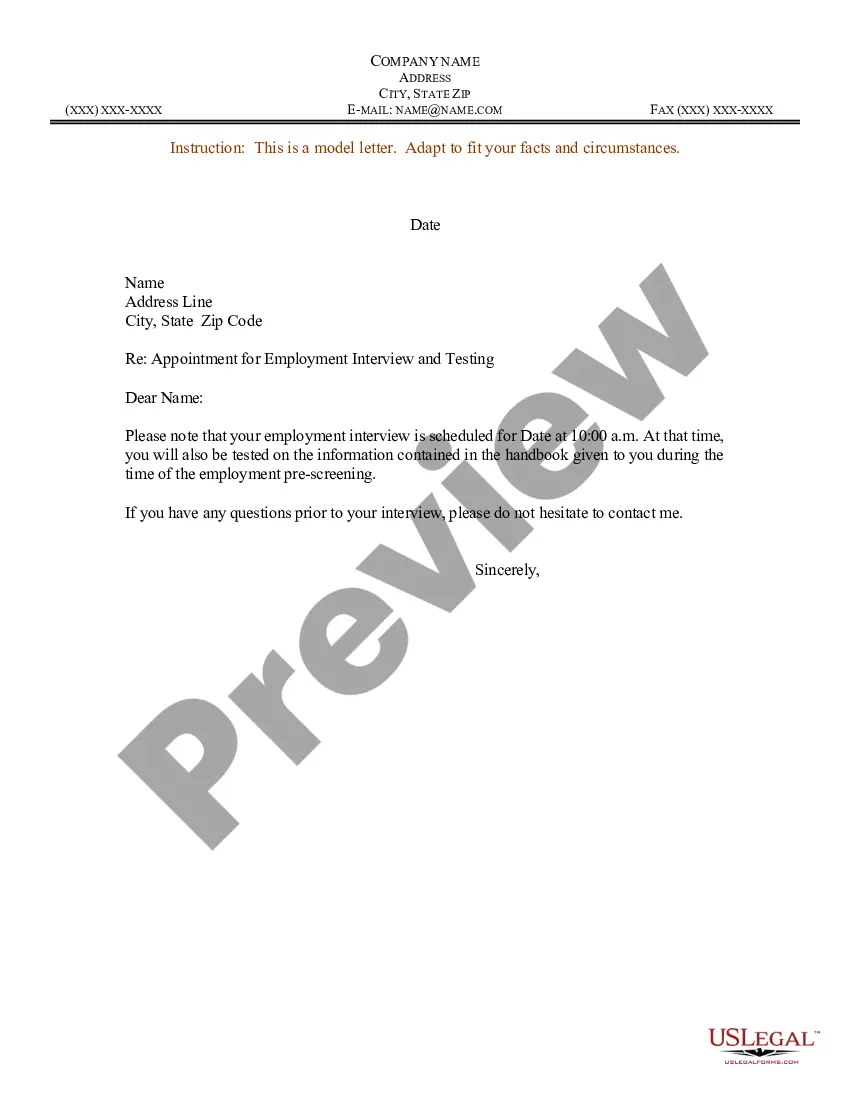
Appointment Letter For Internship
Description
Get your form ready online
Our built-in tools help you complete, sign, share, and store your documents in one place.
Make edits, fill in missing information, and update formatting in US Legal Forms—just like you would in MS Word.
Download a copy, print it, send it by email, or mail it via USPS—whatever works best for your next step.
Sign and collect signatures with our SignNow integration. Send to multiple recipients, set reminders, and more. Go Premium to unlock E-Sign.
If this form requires notarization, complete it online through a secure video call—no need to meet a notary in person or wait for an appointment.
We protect your documents and personal data by following strict security and privacy standards.

Make edits, fill in missing information, and update formatting in US Legal Forms—just like you would in MS Word.

Download a copy, print it, send it by email, or mail it via USPS—whatever works best for your next step.

Sign and collect signatures with our SignNow integration. Send to multiple recipients, set reminders, and more. Go Premium to unlock E-Sign.

If this form requires notarization, complete it online through a secure video call—no need to meet a notary in person or wait for an appointment.

We protect your documents and personal data by following strict security and privacy standards.
Looking for another form?
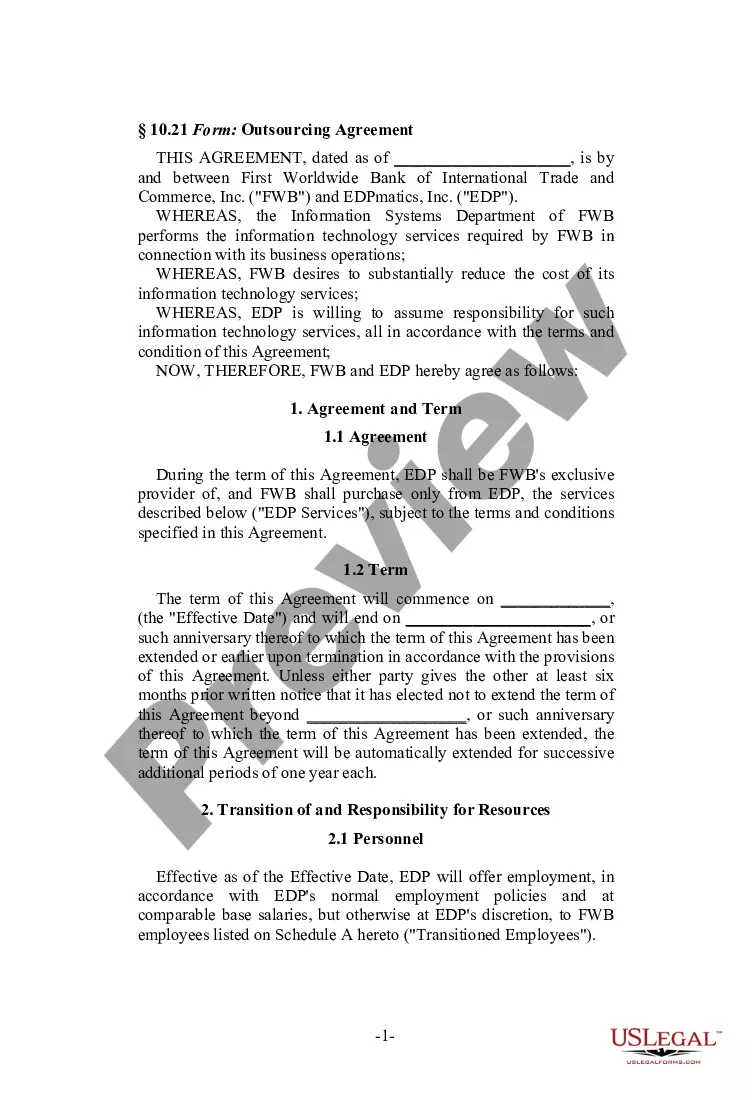

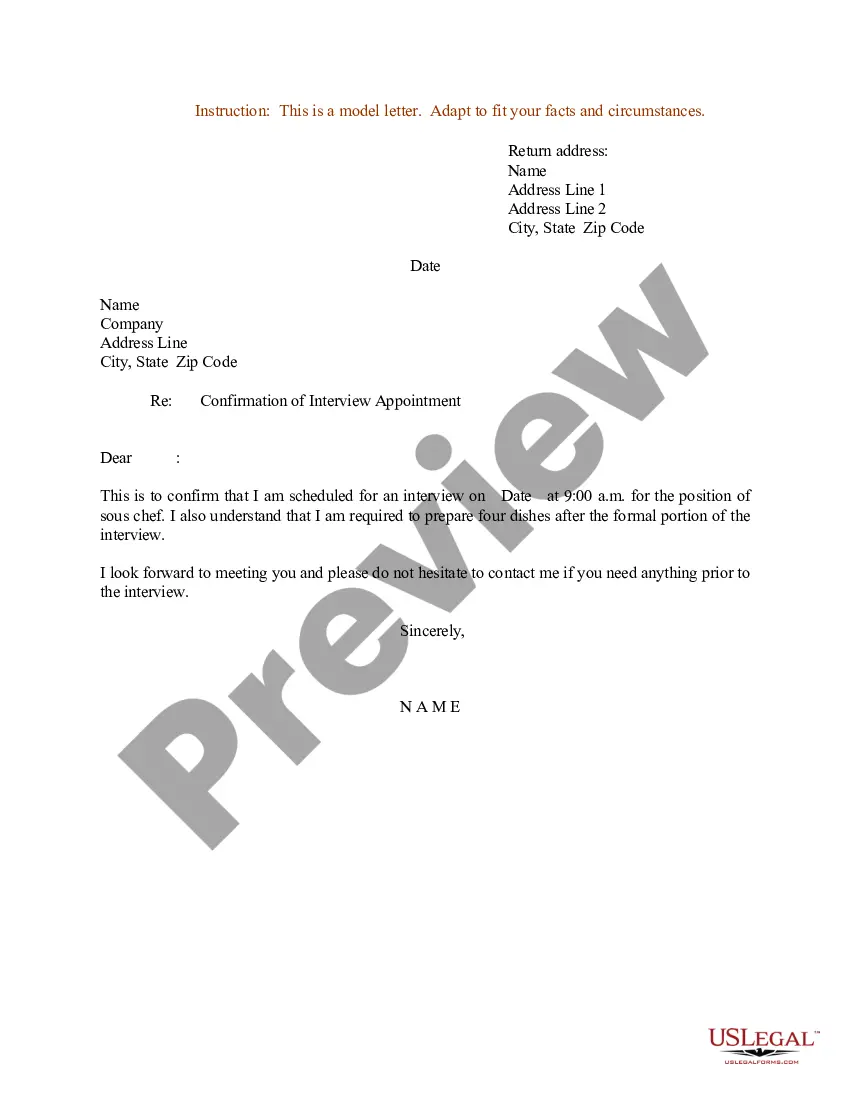
How to fill out Sample Letter For Appointment For Employment Interview And Testing?
The Internship Appointment Document displayed on this page is a reusable formal template crafted by expert attorneys in accordance with federal and local regulations.
For over 25 years, US Legal Forms has supplied individuals, businesses, and legal experts with more than 85,000 authenticated, state-specific documents for any commercial and personal occasion. It’s the fastest, simplest, and most reliable method to obtain the materials you require, as the service assures bank-level data confidentiality and anti-malware safeguards.
Select the format you desire for your Internship Appointment Document (PDF, Word, RTF) and download the example onto your device. Complete and sign the documentation. Print out the template to fill it out manually. Alternatively, utilize an online multipurpose PDF editor to rapidly and accurately fill out and sign your form with a legally-enforceable electronic signature. Re-download your documents whenever necessary. Access the My documents tab in your profile to retrieve any previously acquired documents.
- Search for the document you require and examine it.
- Look through the file you searched and preview it or check the document description to confirm it meets your requirements. If it does not, use the search bar to find the suitable one. Click Buy Now when you have located the template you want.
- Register and Log In.
- Choose the pricing option that fits your needs and set up an account. Utilize PayPal or a credit card for a swift payment. If you already possess an account, Log In and check your subscription to proceed.
- Obtain the editable template.
Form popularity
FAQ
How to Write a Cover Letter for an Internship Include your name, date, location, and contact information. Include the company, department, and company address. Address the hiring manager. Set the context for your application. Sell your experience. Close the letter with grace and a call to action.
Following an internship, you can choose to seek employment or try to get accepted into graduate school. In either case, you may need a letter of recommendation from someone you worked with during your internship. Learning how to ask them for a recommendation letter properly may help make the process easier.
Companies have to release a formal mail or letter that this person is selected for internship on or before joining date and if they don't they might be disorganized or might make you work and not provide the certificate at the end.
An internship offer letter should include several important details about the position, such as: Name of the company. Title of the internship position. Dates the internship program will begin and end. Expected work schedule during the internship program. Details about whether the position will be paid or unpaid.
How to create an internship report Draft a title page. ... Create a table of contents. ... Include background information on the company. ... Include your position and responsibilities in the internship. ... Discuss what you learned and the skills you developed. ... Conclude with ongoing considerations.