Puppy Payment Contract With 1099
Description
Get your form ready online
Our built-in tools help you complete, sign, share, and store your documents in one place.
Make edits, fill in missing information, and update formatting in US Legal Forms—just like you would in MS Word.
Download a copy, print it, send it by email, or mail it via USPS—whatever works best for your next step.
Sign and collect signatures with our SignNow integration. Send to multiple recipients, set reminders, and more. Go Premium to unlock E-Sign.
If this form requires notarization, complete it online through a secure video call—no need to meet a notary in person or wait for an appointment.
We protect your documents and personal data by following strict security and privacy standards.

Make edits, fill in missing information, and update formatting in US Legal Forms—just like you would in MS Word.

Download a copy, print it, send it by email, or mail it via USPS—whatever works best for your next step.

Sign and collect signatures with our SignNow integration. Send to multiple recipients, set reminders, and more. Go Premium to unlock E-Sign.

If this form requires notarization, complete it online through a secure video call—no need to meet a notary in person or wait for an appointment.

We protect your documents and personal data by following strict security and privacy standards.
Looking for another form?






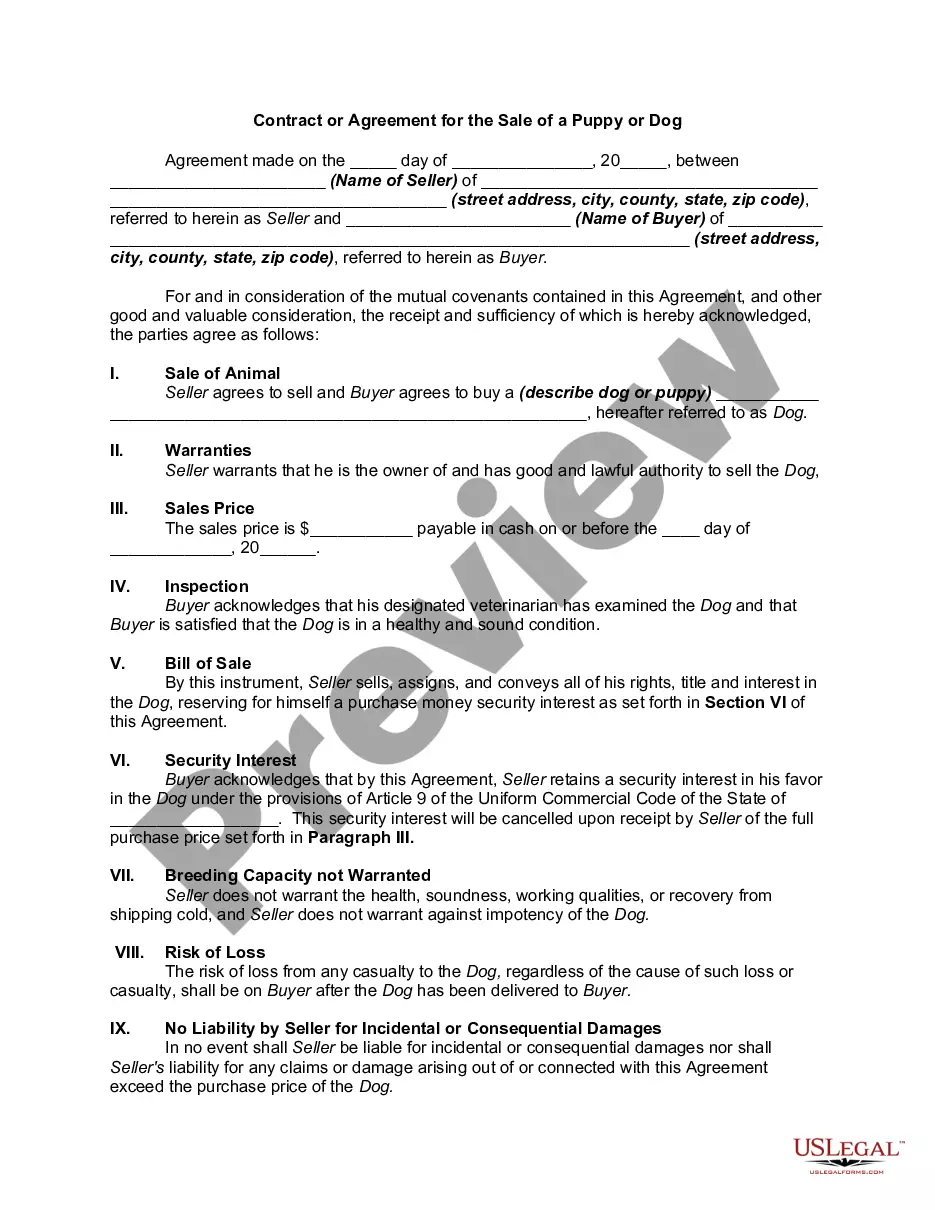
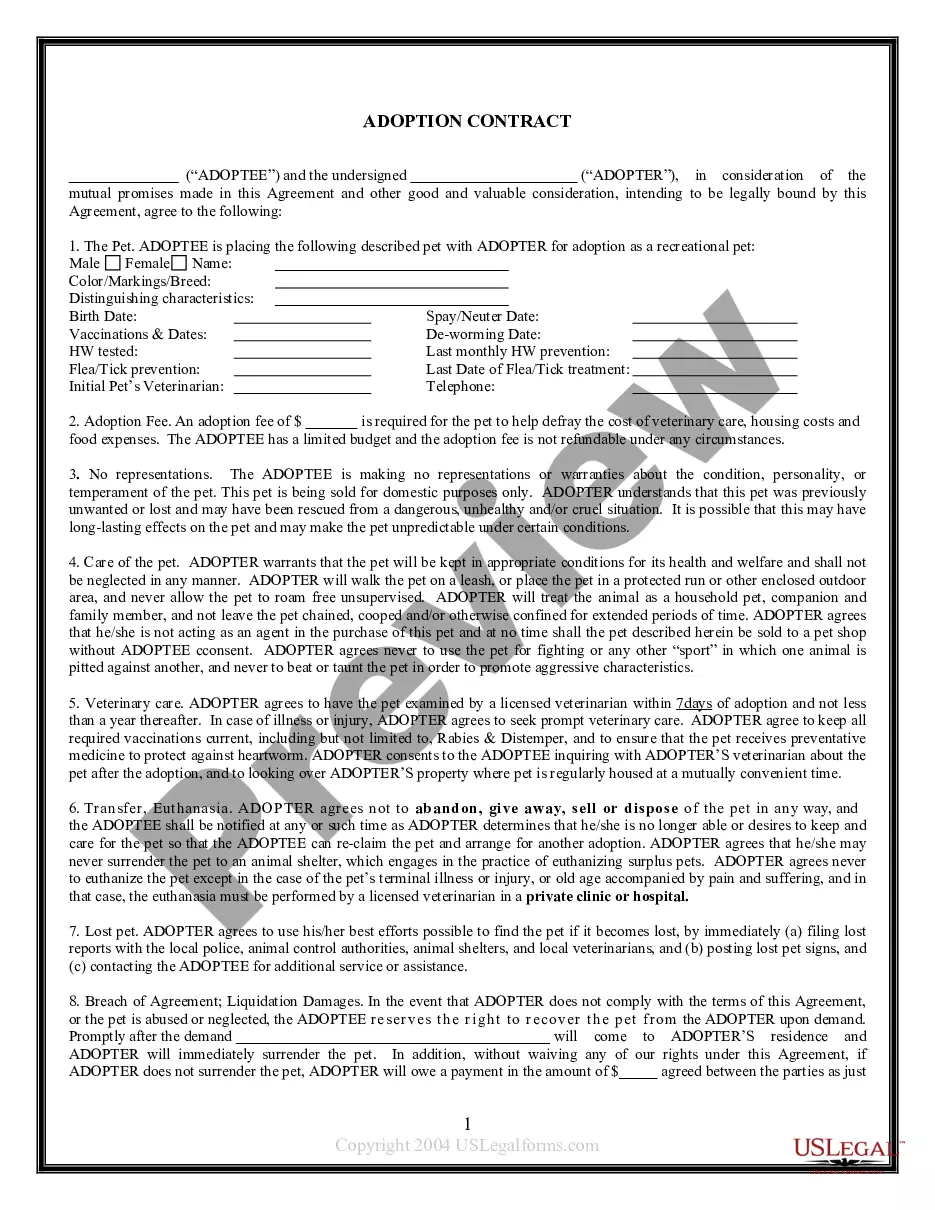
How to fill out Contract Or Agreement For The Sale Of A Puppy Or Dog?
Regardless of whether for professional objectives or personal issues, everyone must handle legal matters at some point in their life.
Completing legal documents necessitates meticulous attention, beginning with selecting the appropriate form template. For example, if you select an incorrect version of the Puppy Payment Agreement With 1099, it will be rejected once you submit it. Therefore, it is crucial to obtain a reliable source of legal documents such as US Legal Forms.
With a comprehensive US Legal Forms catalog available, you do not need to waste time searching for the right template across the internet. Utilize the library’s straightforward navigation to find the suitable template for any situation.
- Locate the template you require by using the search feature or catalog browsing.
- Review the form’s description to ensure it aligns with your circumstances, state, and locality.
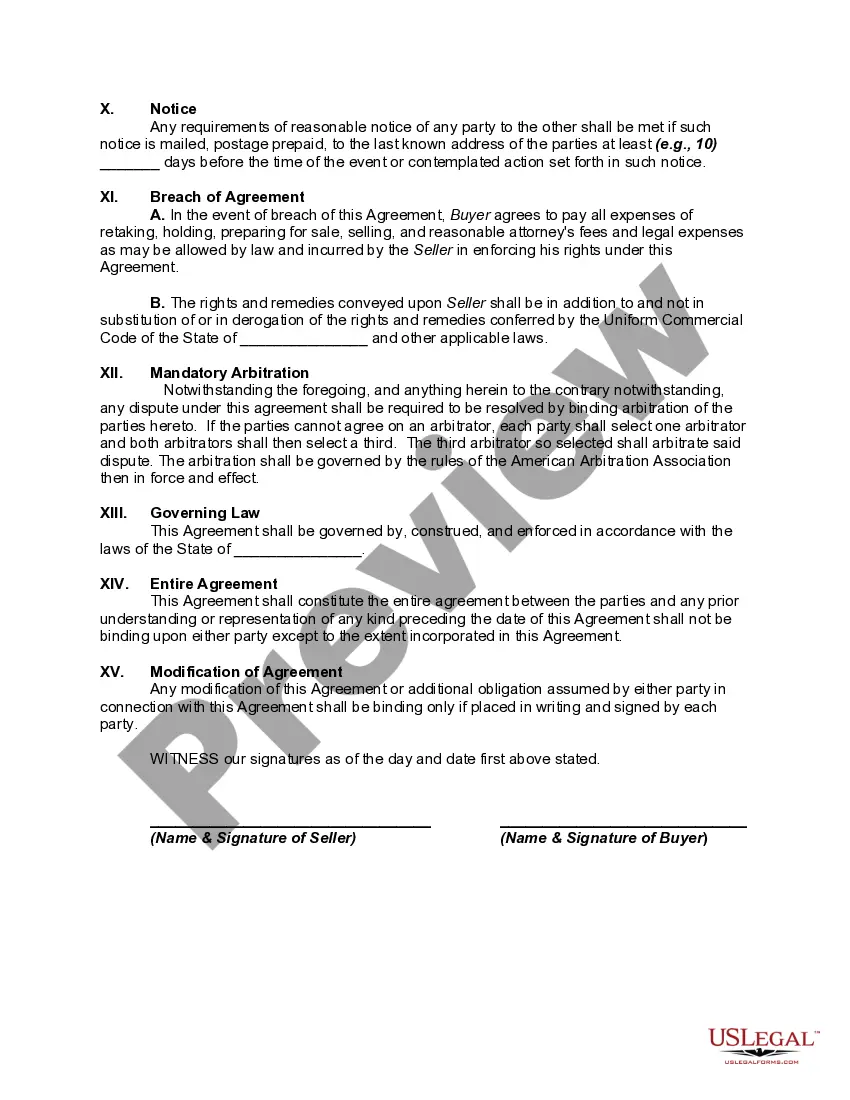
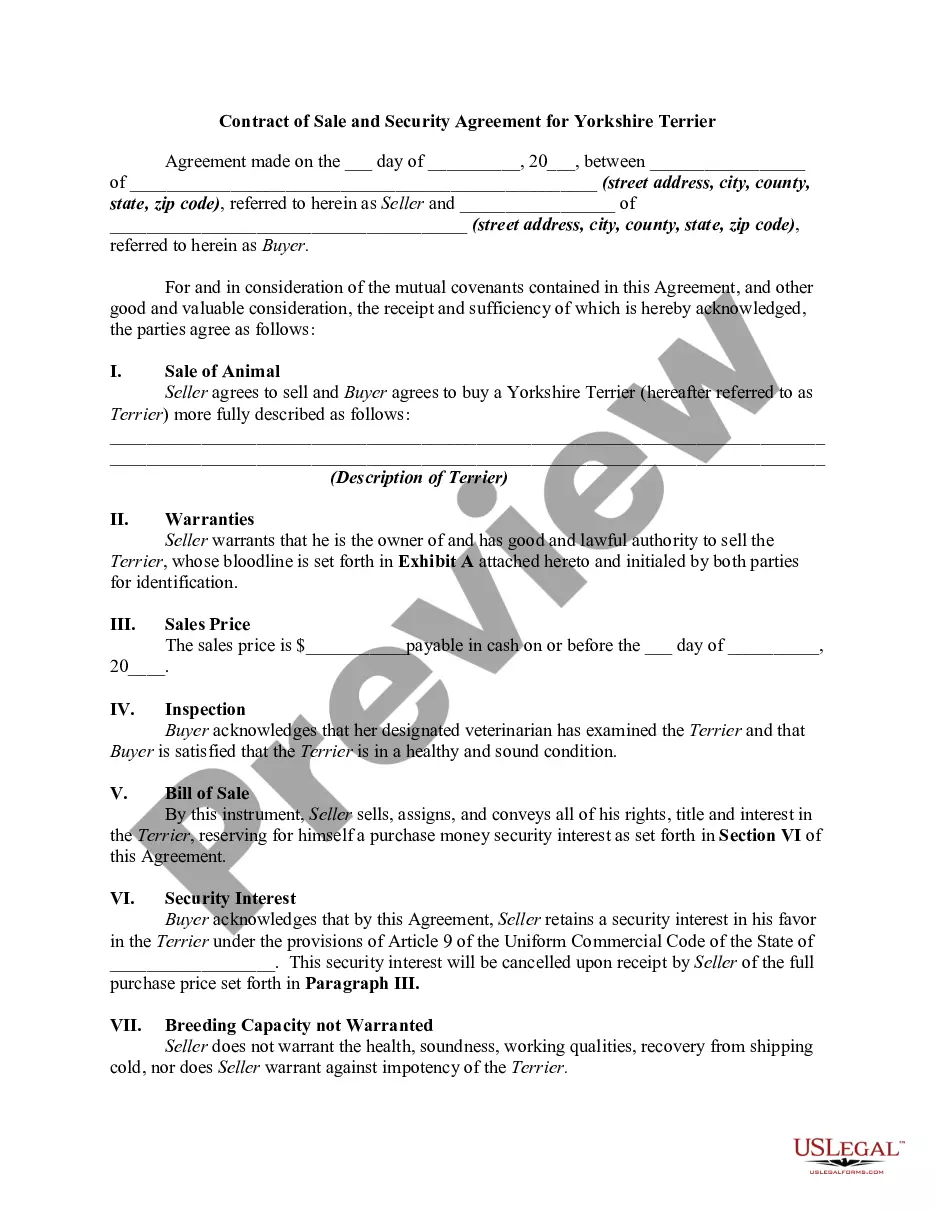
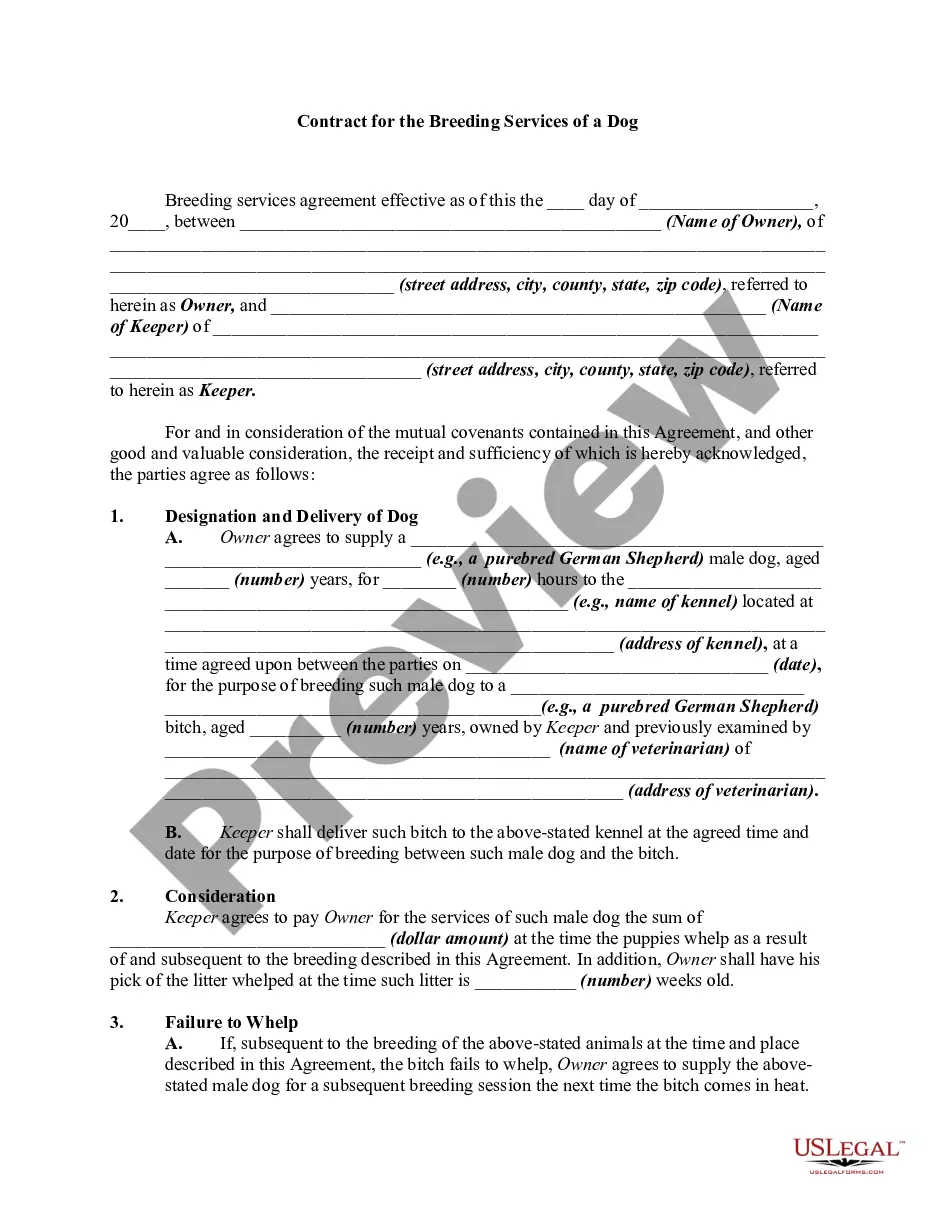
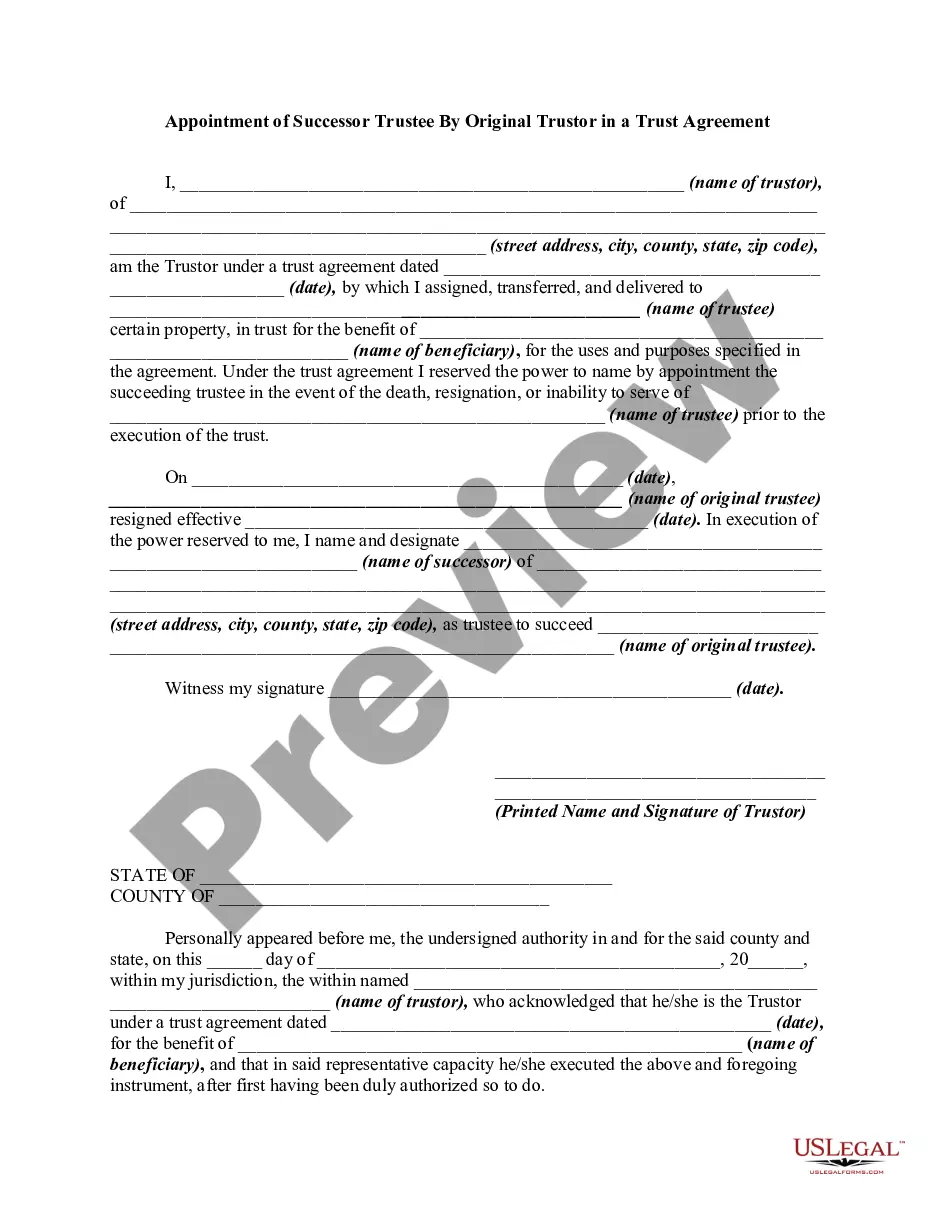
- Click on the form’s preview to view it.
- If it is the incorrect form, return to the search option to find the Puppy Payment Agreement With 1099 sample you need.
- Download the template when it suits your requirements.
- If you possess a US Legal Forms account, simply click Log in to access previously saved documents in My documents.
- If you do not have an account yet, you can acquire the form by clicking Buy now.
- Select the appropriate pricing option.
- Complete the account registration form.
- Choose your payment method: either a credit card or PayPal account.
- Select the document format you wish and download the Puppy Payment Agreement With 1099.
- Once it is downloaded, you can fill out the form using editing software or print it and complete it manually.
Form popularity
FAQ
Some contracts include a guarantee against all genetic defects (usually up to a certain age), while others guarantee against specific ailments, such as heart problems, sometimes under certain conditions that may affect a breed.
The contract should include information on the dog's health, vaccination history, and any microchip information. It should also specify what is included in the sale (such as food, toys, and veterinary care). Most importantly, it should state what will happen if the dog is ever returned to the breeder.
How to Pay Using Direct Deposit. To set up direct deposit for a 1099 contractor, they'll need to fill out an ACH authorization form with their bank account number and routing number. You will also need the account type (checking or savings) and the transaction type (one-time or recurring).
How to file a 1099 form. There are two copies of Form 1099: Copy A and Copy B. If you hire an independent contractor, you must report what you pay them on Copy A, and submit it to the IRS. You must report the same information on Copy B, and send it to the contractor.
Every situation is different, but the general steps are as follows: Obtain the independent contractor's Form W-9, Request for Taxpayer Identification Number and Certification. ... Provide compensation for work performed. ... Remit backup withholding payments to the IRS, if necessary.