Education Trust Form Application Withdrawn
Description
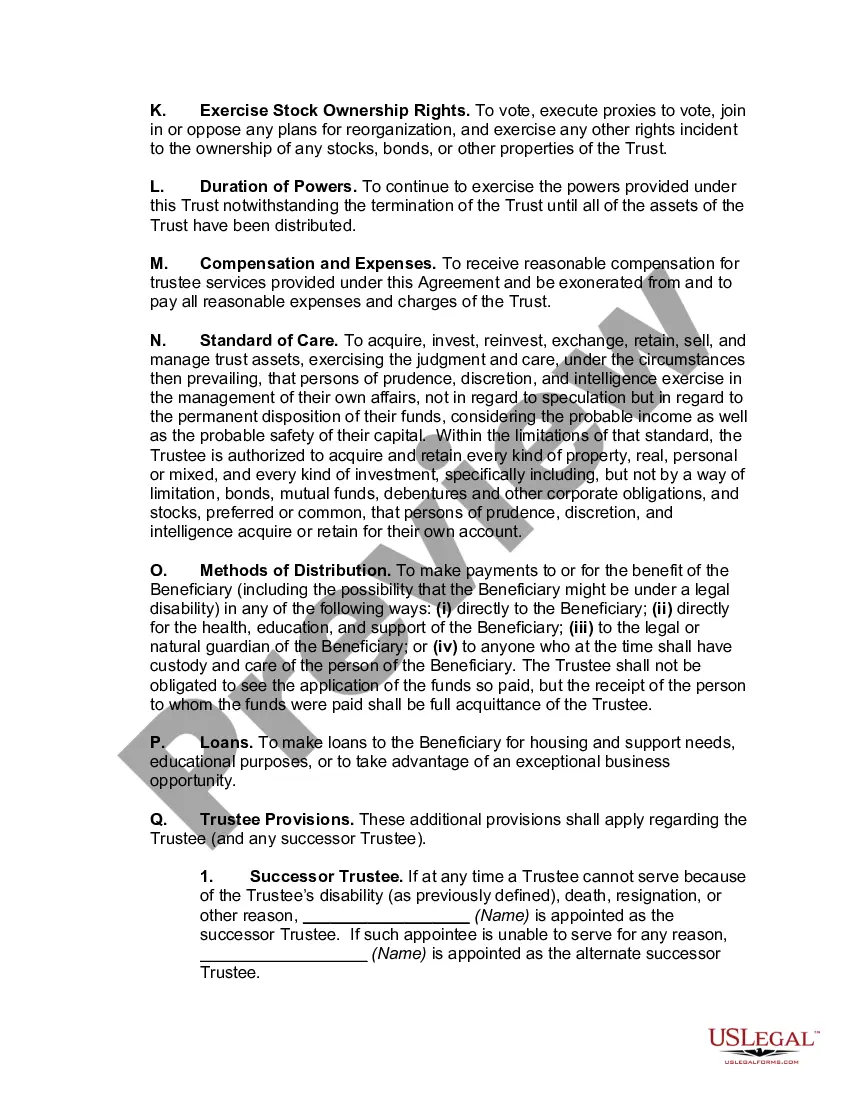
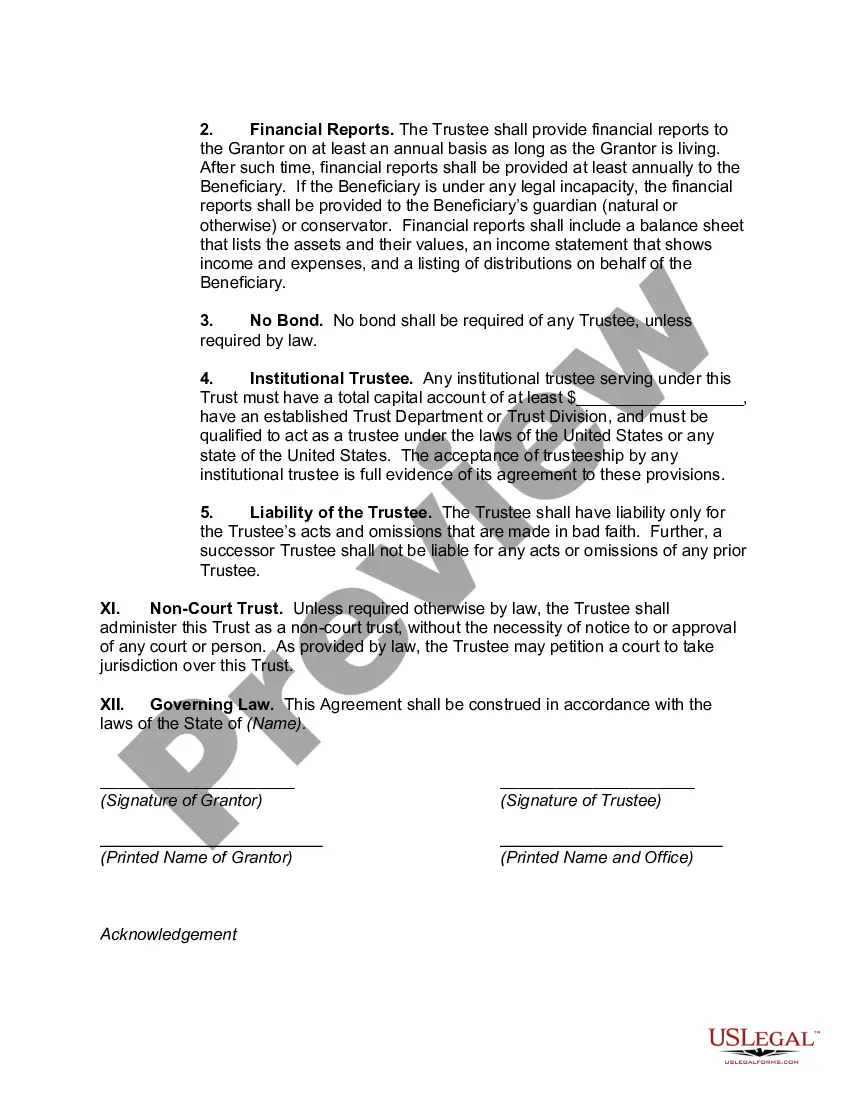
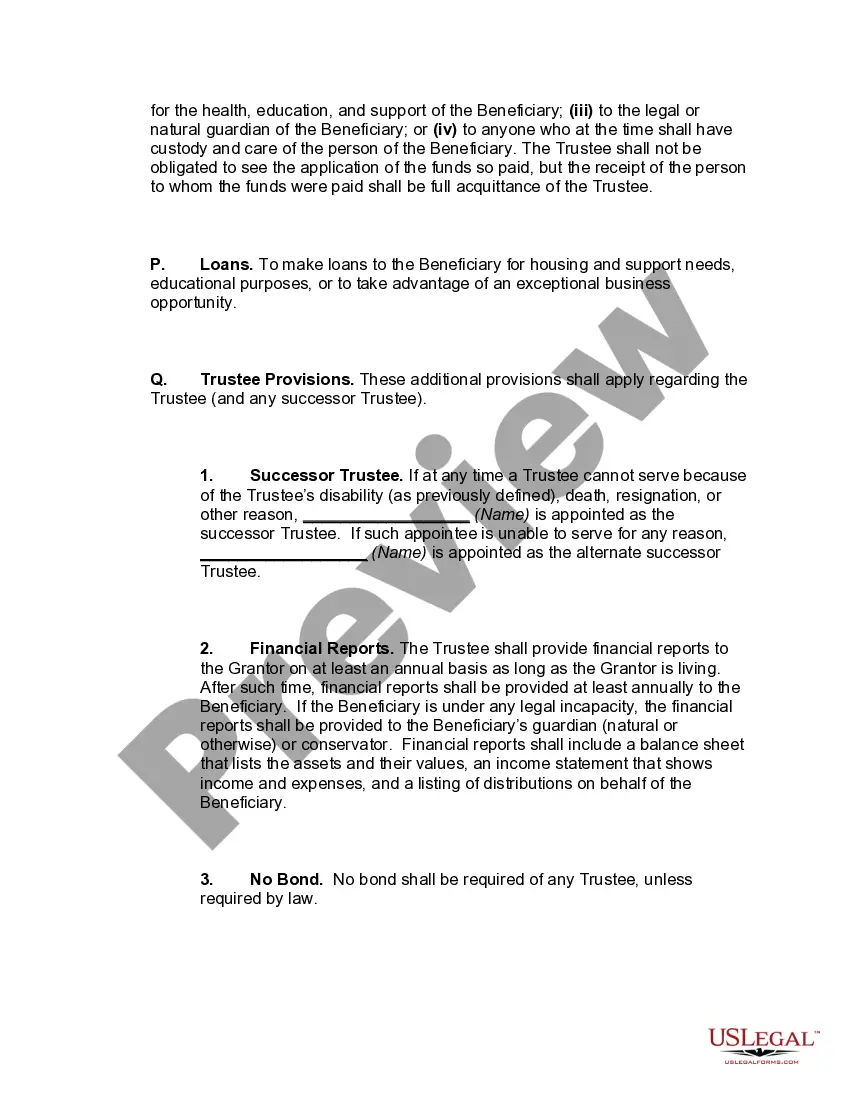
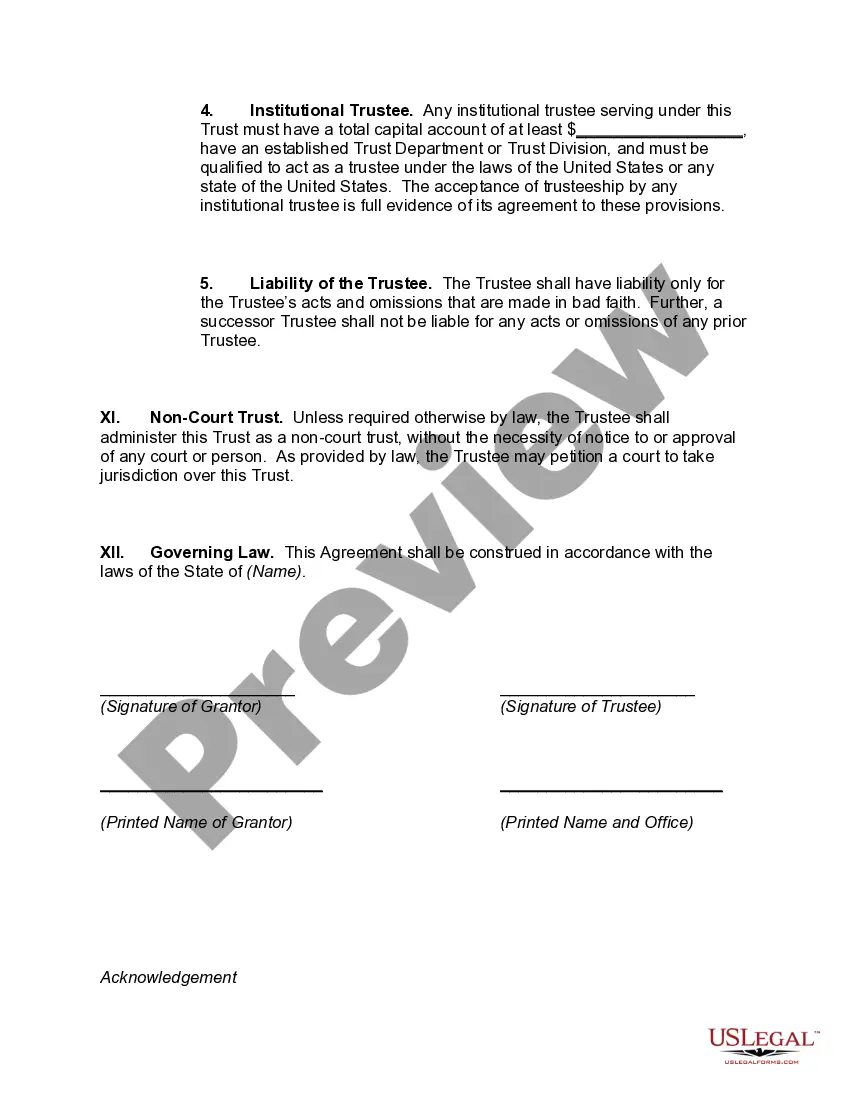
Get your form ready online
Our built-in tools help you complete, sign, share, and store your documents in one place.
Make edits, fill in missing information, and update formatting in US Legal Forms—just like you would in MS Word.
Download a copy, print it, send it by email, or mail it via USPS—whatever works best for your next step.
Sign and collect signatures with our SignNow integration. Send to multiple recipients, set reminders, and more. Go Premium to unlock E-Sign.
If this form requires notarization, complete it online through a secure video call—no need to meet a notary in person or wait for an appointment.
We protect your documents and personal data by following strict security and privacy standards.

Make edits, fill in missing information, and update formatting in US Legal Forms—just like you would in MS Word.

Download a copy, print it, send it by email, or mail it via USPS—whatever works best for your next step.

Sign and collect signatures with our SignNow integration. Send to multiple recipients, set reminders, and more. Go Premium to unlock E-Sign.

If this form requires notarization, complete it online through a secure video call—no need to meet a notary in person or wait for an appointment.

We protect your documents and personal data by following strict security and privacy standards.
Looking for another form?




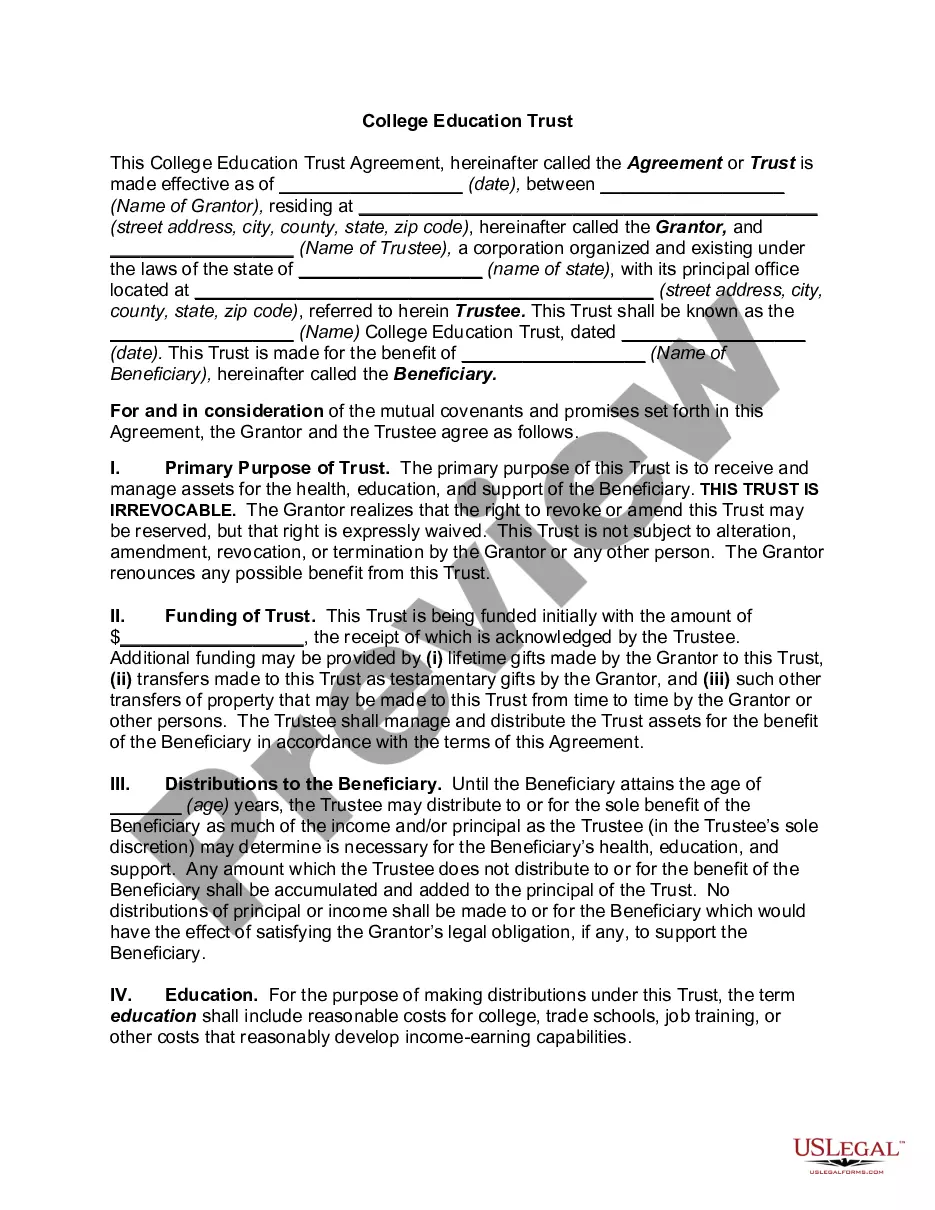
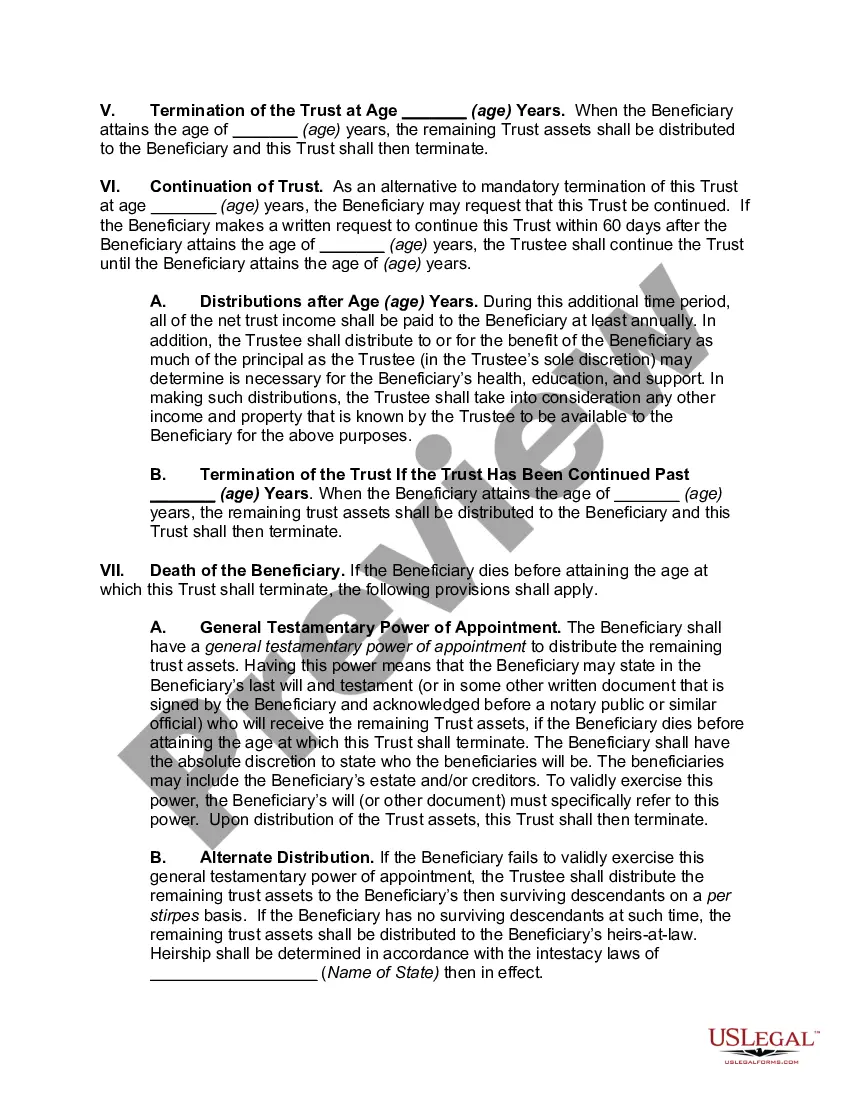
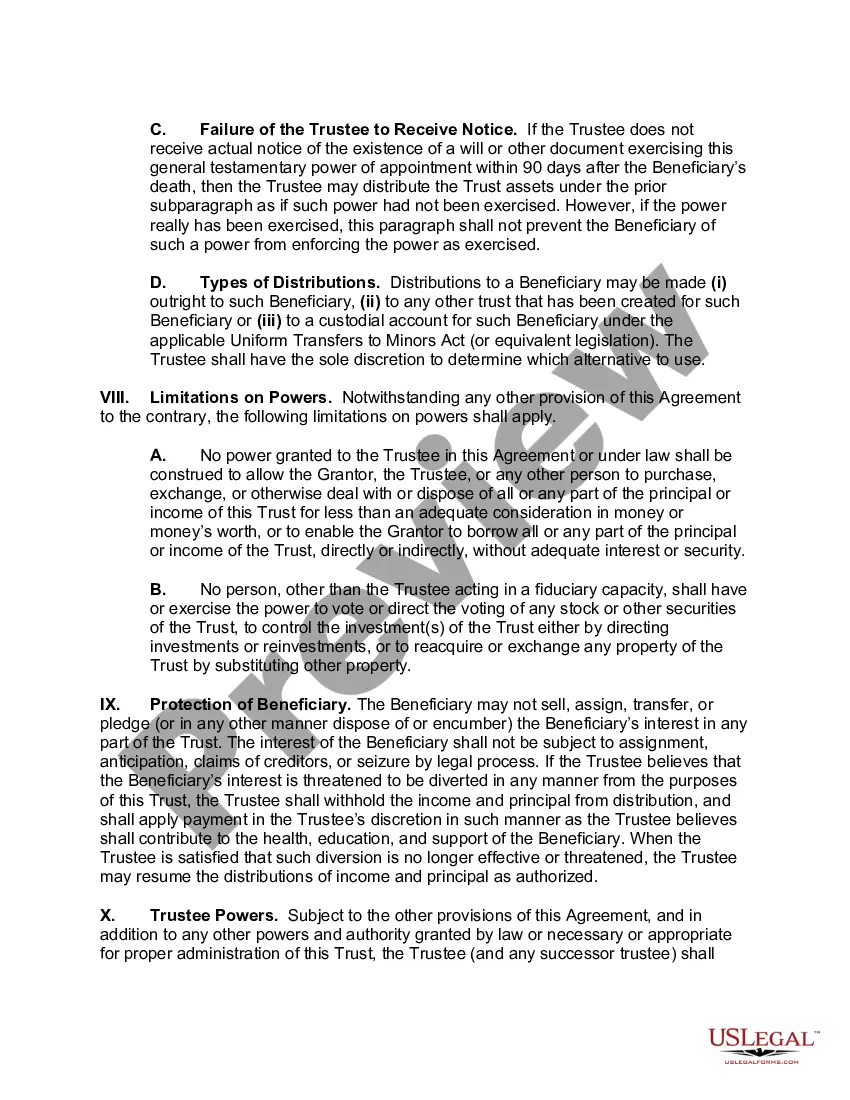
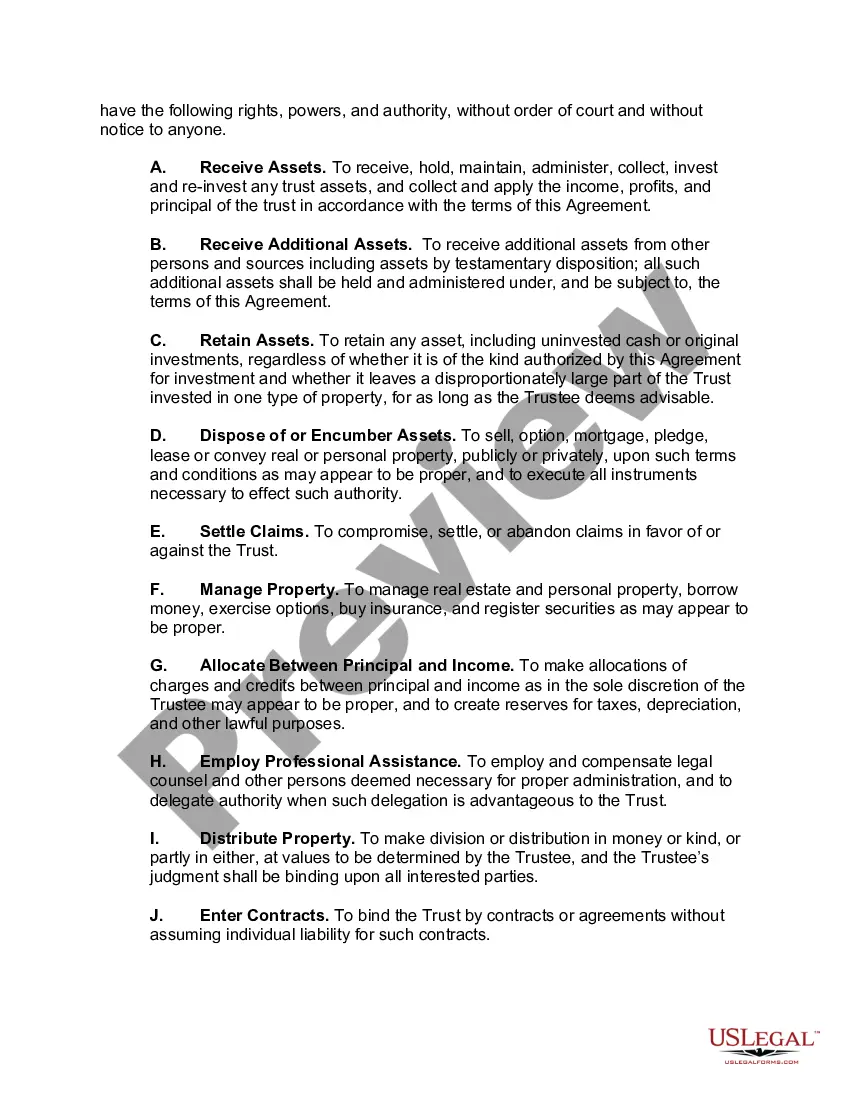
How to fill out College Education Trust Agreement?
Managing legal documents and processes can be a lengthy addition to your day.
Education Trust Form Application Withdrawn and similar forms usually necessitate you to look for them and navigate how to fill them out correctly.
For this reason, whether you are addressing financial, legal, or personal issues, having an extensive and user-friendly online repository of forms readily available will be greatly beneficial.
US Legal Forms is the premier online service for legal templates, offering over 85,000 state-specific documents and various resources to help you complete your paperwork seamlessly.
Is this your first time using US Legal Forms? Sign up and create a free account in just a few minutes, granting you access to the form library and Education Trust Form Application Withdrawn. Then, follow the steps outlined below to complete your form: Ensure you have located the correct form using the Preview feature and reviewing the form description. Choose Buy Now once you are ready, and select the monthly subscription plan that suits you best. Hit Download, then fill out, eSign, and print the form. US Legal Forms has 25 years of experience helping clients handle their legal documents. Get the form you need today and streamline any process effortlessly.
- Explore the collection of pertinent documents accessible with just a single click.
- US Legal Forms gives you access to state- and county-specific forms available for download at any time.
- Safeguard your document management processes with high-quality support that allows you to prepare any form within minutes without additional or concealed charges.
- Simply Log In to your account, locate Education Trust Form Application Withdrawn, and download it directly from the My documents section.
- You can also access previously downloaded forms.
Form popularity
FAQ
This means keeping detailed records that include account statements with tuition and room and board; receipts for computer equipment, accessories, software, and internet; syllabi documenting course requirements (e.g., lab fees); canceled checks and records showing withdrawals for all other qualified education expenses.
The result must be reported as income on the beneficiary's or the account owner's federal income tax return, Schedule 1 Form 1040, line 8 or Form 1040NR, line 21. If the distribution is subject to the 10% penalty tax, the additional tax must be reported on Schedule 2 (Form 1040), line 6, or Form 1040NR, line 57.
Contributions to 529 plans are not eligible for a federal tax deduction, so they represent money that has already been taxed. As a result, account owners (typically parents) can withdraw any part of their original contributions without taxes or penalties.
Withdraw it (possibly with penalties) You are typically allowed to withdraw unused money from a 529 plan. Just keep in mind that you'll owe federal and state taxes on the funds, along with an additional 10 percent penalty on your account's earnings, ing to the Securities and Exchange Commission (SEC).