Sample Warranty Form With Recaptcha
Description
Get your form ready online
Our built-in tools help you complete, sign, share, and store your documents in one place.
Make edits, fill in missing information, and update formatting in US Legal Forms—just like you would in MS Word.
Download a copy, print it, send it by email, or mail it via USPS—whatever works best for your next step.
Sign and collect signatures with our SignNow integration. Send to multiple recipients, set reminders, and more. Go Premium to unlock E-Sign.
If this form requires notarization, complete it online through a secure video call—no need to meet a notary in person or wait for an appointment.
We protect your documents and personal data by following strict security and privacy standards.

Make edits, fill in missing information, and update formatting in US Legal Forms—just like you would in MS Word.

Download a copy, print it, send it by email, or mail it via USPS—whatever works best for your next step.

Sign and collect signatures with our SignNow integration. Send to multiple recipients, set reminders, and more. Go Premium to unlock E-Sign.

If this form requires notarization, complete it online through a secure video call—no need to meet a notary in person or wait for an appointment.

We protect your documents and personal data by following strict security and privacy standards.
Looking for another form?


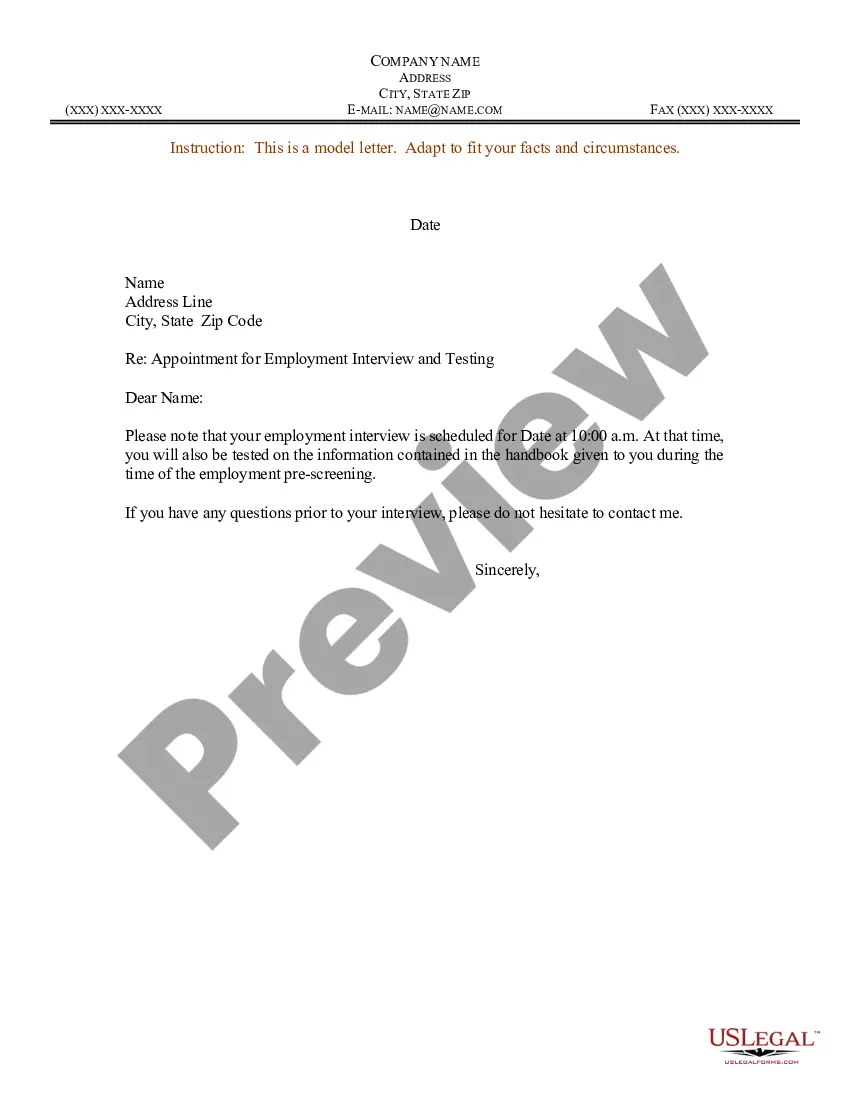

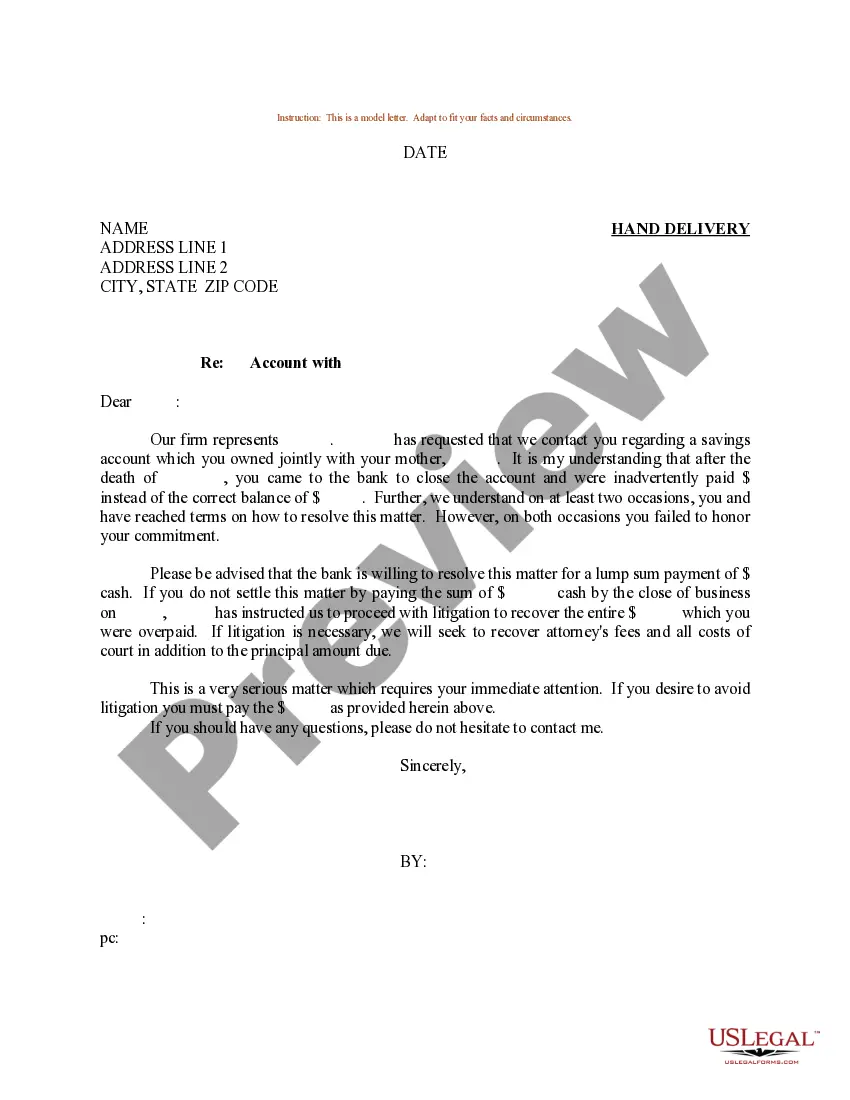
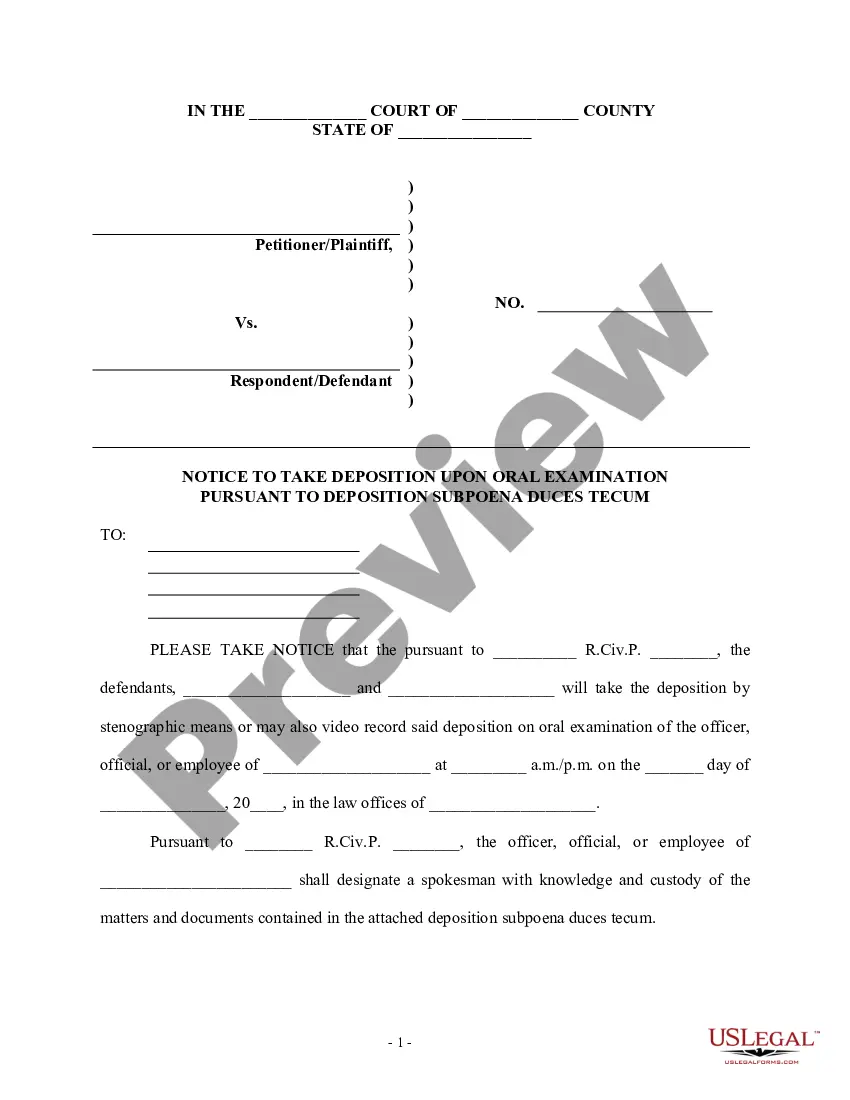
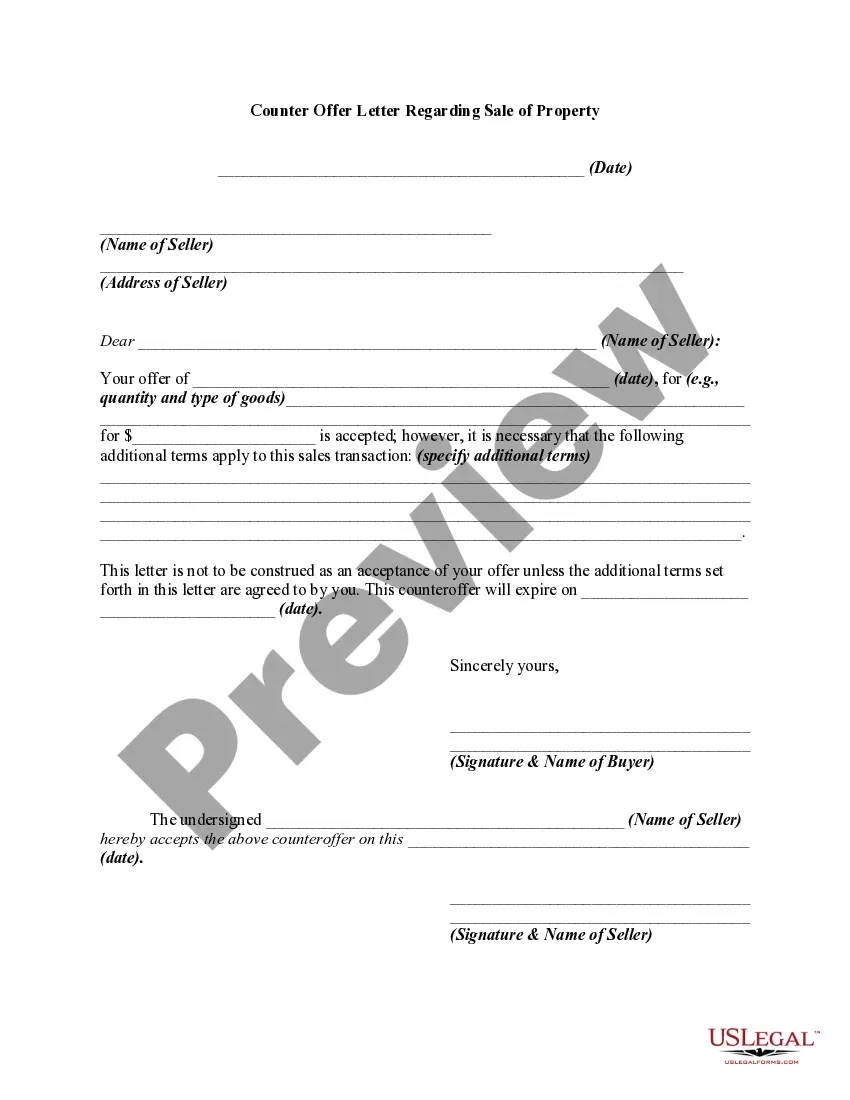

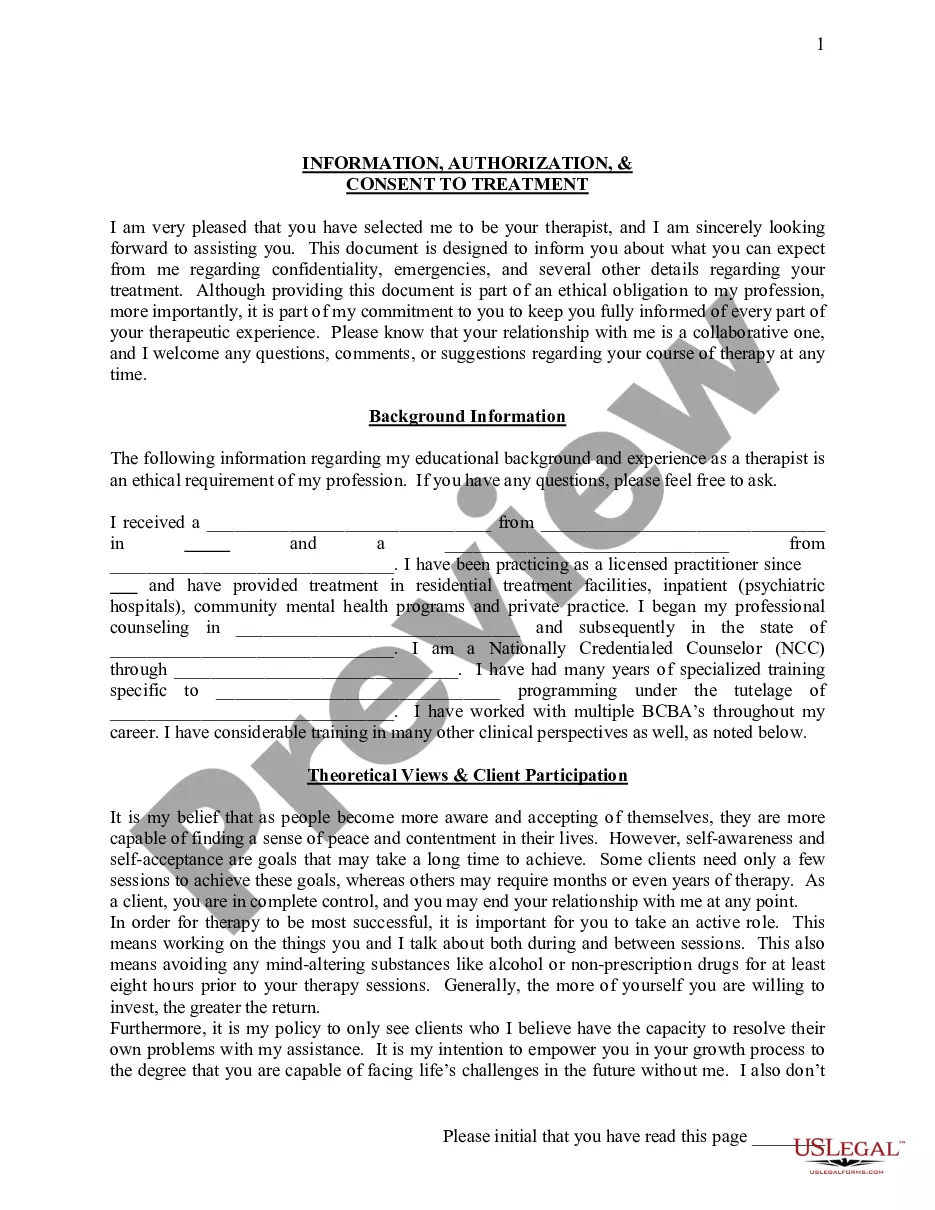
How to fill out Sample Letter With Corrected Warranty Deed?
It’s widely acknowledged that you cannot transform into a legal expert in a day, nor can you swiftly figure out how to draft a Sample Warranty Form With Recaptcha without possessing a specialized skill set.
Compiling legal documents is a labor-intensive process that demands particular training and expertise. So why not entrust the development of the Sample Warranty Form With Recaptcha to the experts.
With US Legal Forms, one of the most extensive legal document collections, you can discover everything from court forms to templates for internal business communications. We recognize the significance of compliance with federal and state statutes and regulations.
Select Buy now. Once your payment is processed, you can download the Sample Warranty Form With Recaptcha, complete it, print it out, and forward it via post to the intended recipients or organizations.
You can revisit your forms at any moment from the My documents tab. If you're an existing client, you can easily Log In, find, and download the template from the same section. Regardless of the intent behind your documents—whether financial, legal, or personal—our website has you supported. Give US Legal Forms a try today!
- Here’s how to get started with our site and acquire the document you need in just minutes.
- Utilize the search bar positioned at the top of the page to find the document you require.
- Preview it (if this option is available) and read the accompanying description to decide if the Sample Warranty Form With Recaptcha meets your needs.
- Initiate another search if you're in need of a different form.
- Establish a free account and choose a subscription plan to buy the template.
Form popularity
FAQ
If the CAPTCHA on your sample warranty form with recaptcha says 'I'm wrong,' it often means that the entered response did not match the challenge. This may occur due to network issues or if the form has been refreshed. Double-check your entry, ensure a stable internet connection, and try again.
Using reCaptcha for custom forms Declare the recaptcha_validation child block. Add a child block called recaptcha_validation as a child to the block rendering your form. ... Render the reCAPTCHA hidden field. In your form, render the hidden reCAPTCHA input field and legal notice. ... Add client side reCAPTCHA validation.
ReCAPTCHA is a free service from Google that helps protect websites from spam and abuse. A ?CAPTCHA? is a turing test to tell human and bots apart. It is easy for humans to solve, but hard for ?bots? and other malicious software to figure out.
You can display the captcha field in your custom form using the following action: do_action( 'c4wp_captcha_form_field' ); The below code is a simple example of a website form with the CAPTCHA check. Ideally the CAPTCHA check should be triggered right before the submit button.
Unlike the No CAPTCHA reCAPTCHA checkbox, the invisible reCAPTCHA is only a badge. With this invisible reCAPTCHA badge, no user interaction is required at all. Similar to the ?I'm not a robot? reCAPTCHA, Google also analyzes the user's activity like typing patterns, mouse movements, and browsing history.
Enable Google reCAPTCHA in forms Click Edit on the page, then click the pencil icon on the form block. Click the Storage tab. Click Google reCAPTCHA. Switch the Enable Google reCAPTCHA toggle on.
