Fire Attorney Template With Email Address
Description

Get your form ready online
Our built-in tools help you complete, sign, share, and store your documents in one place.
Make edits, fill in missing information, and update formatting in US Legal Forms—just like you would in MS Word.
Download a copy, print it, send it by email, or mail it via USPS—whatever works best for your next step.
Sign and collect signatures with our SignNow integration. Send to multiple recipients, set reminders, and more. Go Premium to unlock E-Sign.
If this form requires notarization, complete it online through a secure video call—no need to meet a notary in person or wait for an appointment.
We protect your documents and personal data by following strict security and privacy standards.

Make edits, fill in missing information, and update formatting in US Legal Forms—just like you would in MS Word.

Download a copy, print it, send it by email, or mail it via USPS—whatever works best for your next step.

Sign and collect signatures with our SignNow integration. Send to multiple recipients, set reminders, and more. Go Premium to unlock E-Sign.

If this form requires notarization, complete it online through a secure video call—no need to meet a notary in person or wait for an appointment.

We protect your documents and personal data by following strict security and privacy standards.
Looking for another form?




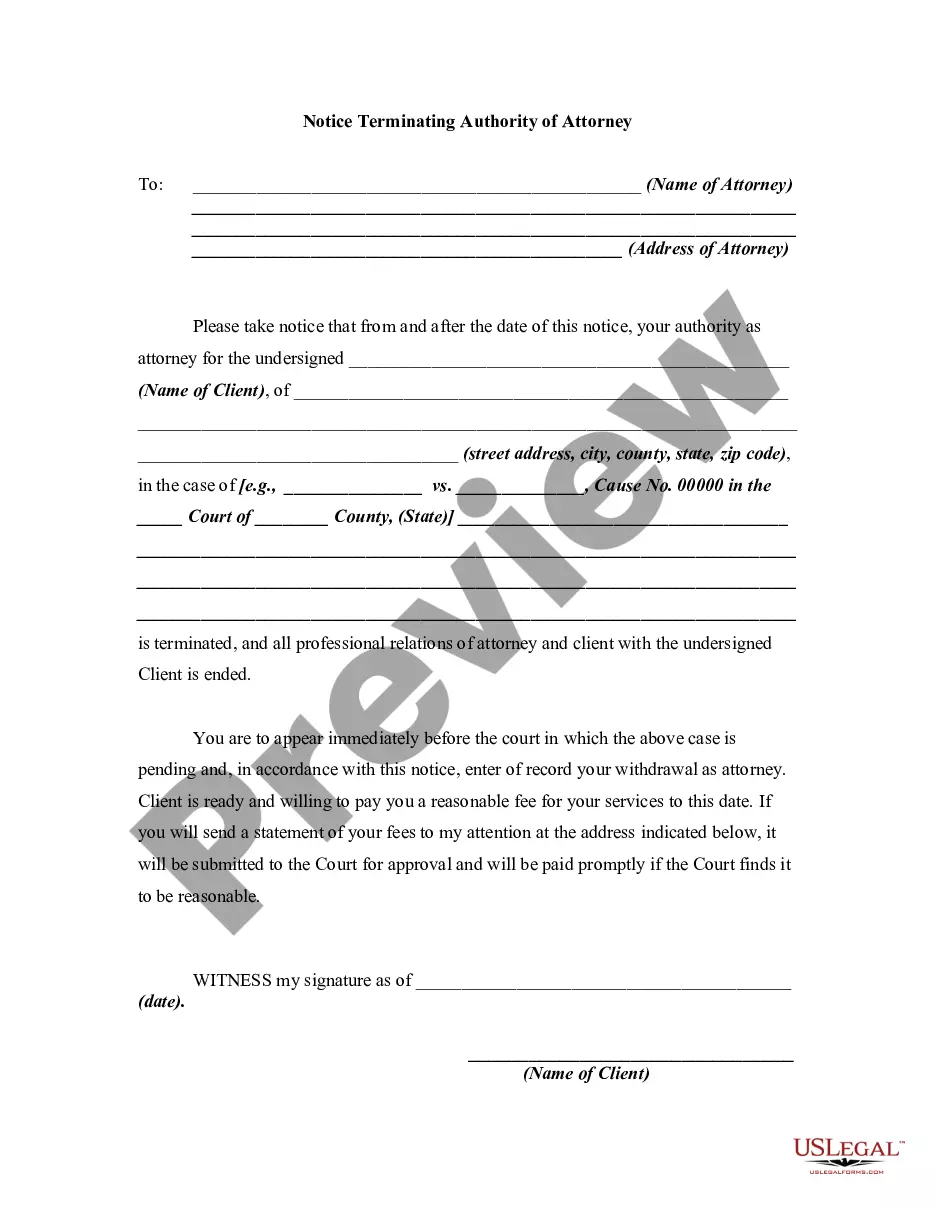
How to fill out Notice To Fire Or Terminating Authority Of Attorney?
Whether for commercial reasons or for personal issues, everyone must handle legal circumstances eventually in their life.
Completing legal documentation requires meticulous consideration, starting from selecting the appropriate form template.
With an extensive US Legal Forms catalog available, you never have to waste time searching for the right template online. Use the library’s easy navigation to locate the appropriate form for any scenario.
- For example, if you choose an incorrect version of a Fire Attorney Template With Email Address, it will be rejected upon submission.
- Thus, it is essential to find a trustworthy source of legal documents like US Legal Forms.
- If you need to obtain a Fire Attorney Template With Email Address sample, follow these straightforward steps.
- Retrieve the template you need by utilizing the search bar or catalog browsing.
- Review the form’s details to ensure it aligns with your circumstances, state, and locality.
- Click on the form’s preview to inspect it.
- If it is the incorrect document, return to the search feature to find the Fire Attorney Template With Email Address sample you need.
- Download the file when it fulfills your criteria.
- If you possess a US Legal Forms account, click Log in to access previously saved templates in My documents.
- In case you do not have an account yet, you can acquire the form by clicking Buy now.
- Select the appropriate pricing option.
- Complete the account registration form.
- Choose your payment method: you can utilize a credit card or PayPal account.
- Select the file format you desire and download the Fire Attorney Template With Email Address.
- Once it is downloaded, you can fill out the form using editing software or print it and complete it manually.
Form popularity
FAQ
Make sure always to use correct grammar and punctuation. Try not to use slang or abbreviations when sending an email. Excellent legal writing is one of a lawyer's most important skills; thus, if you send email correspondence laden with text slang and emoticons, you could lose credibility.
Use the Appropriate Title: If the lawyer has a specific title, such as "Attorney," "Esquire," or "Counsel," use it in your greeting. For example, "Dear Attorney Smith" or "Dear Mr. Johnson, Esq." Include Their Last Name: Address the lawyer by their last name, followed by the appropriate title.
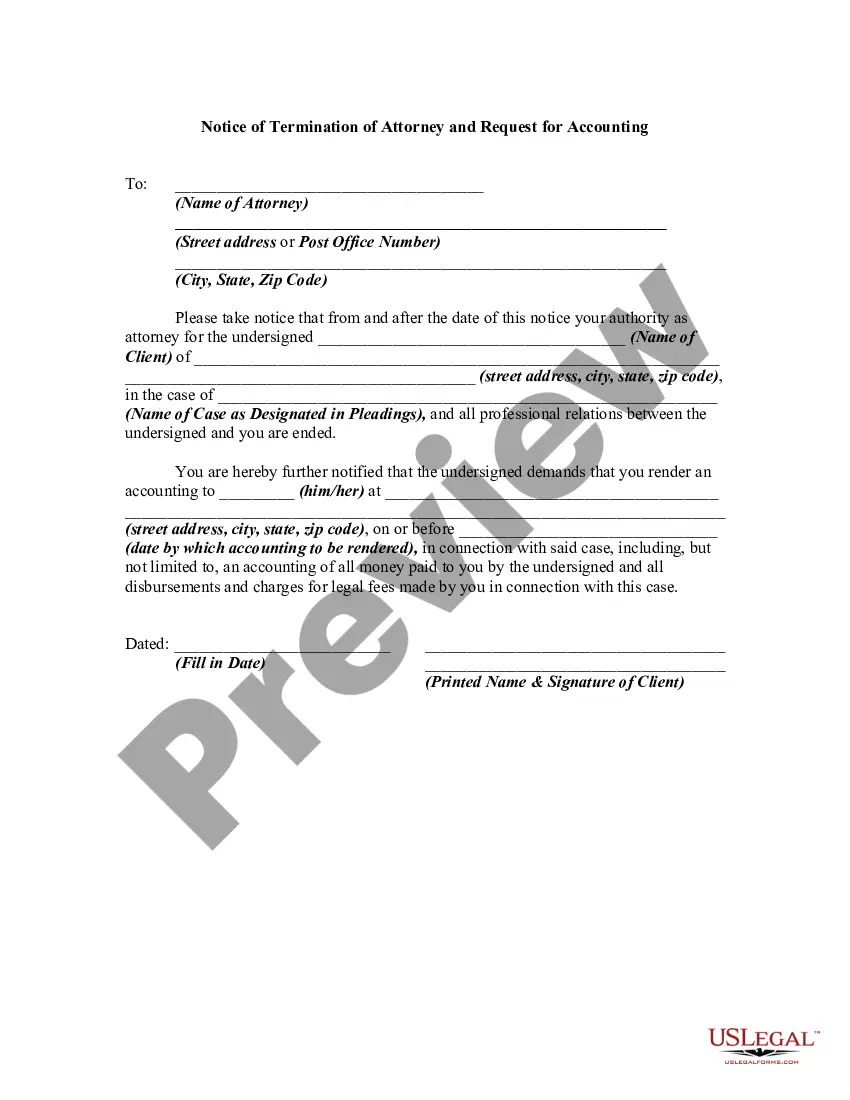
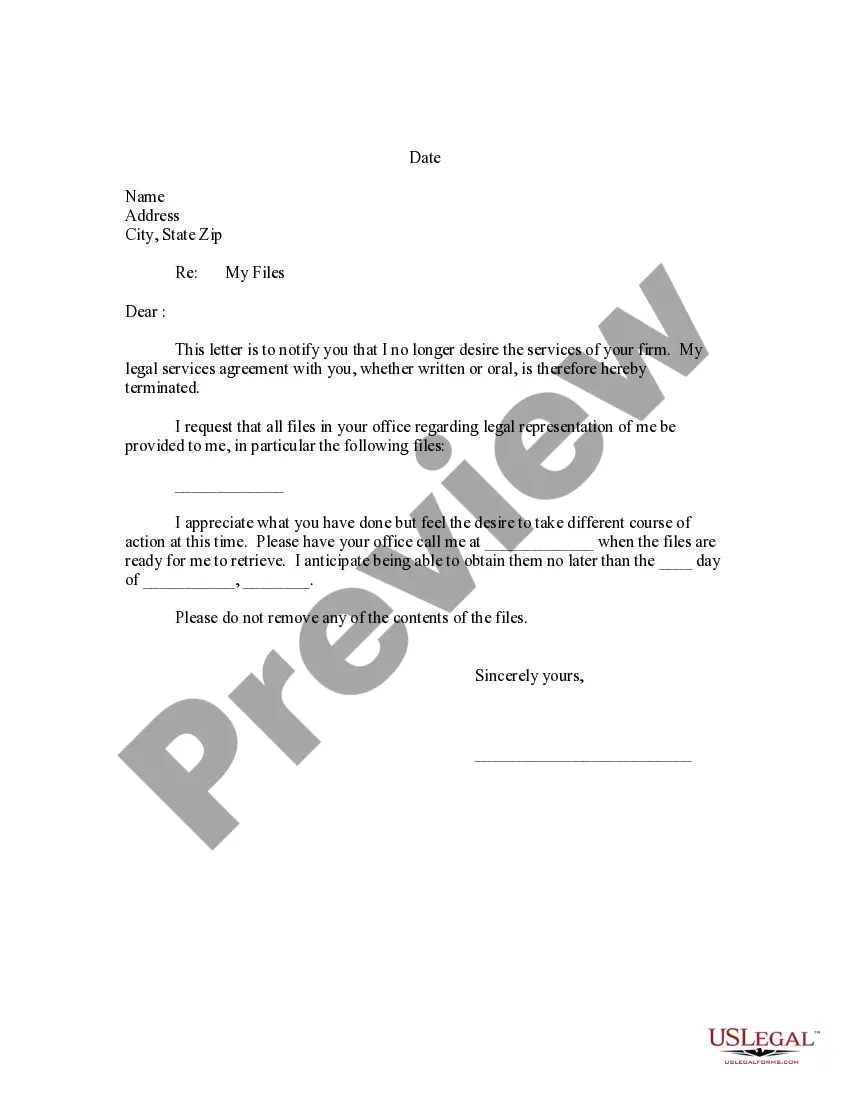
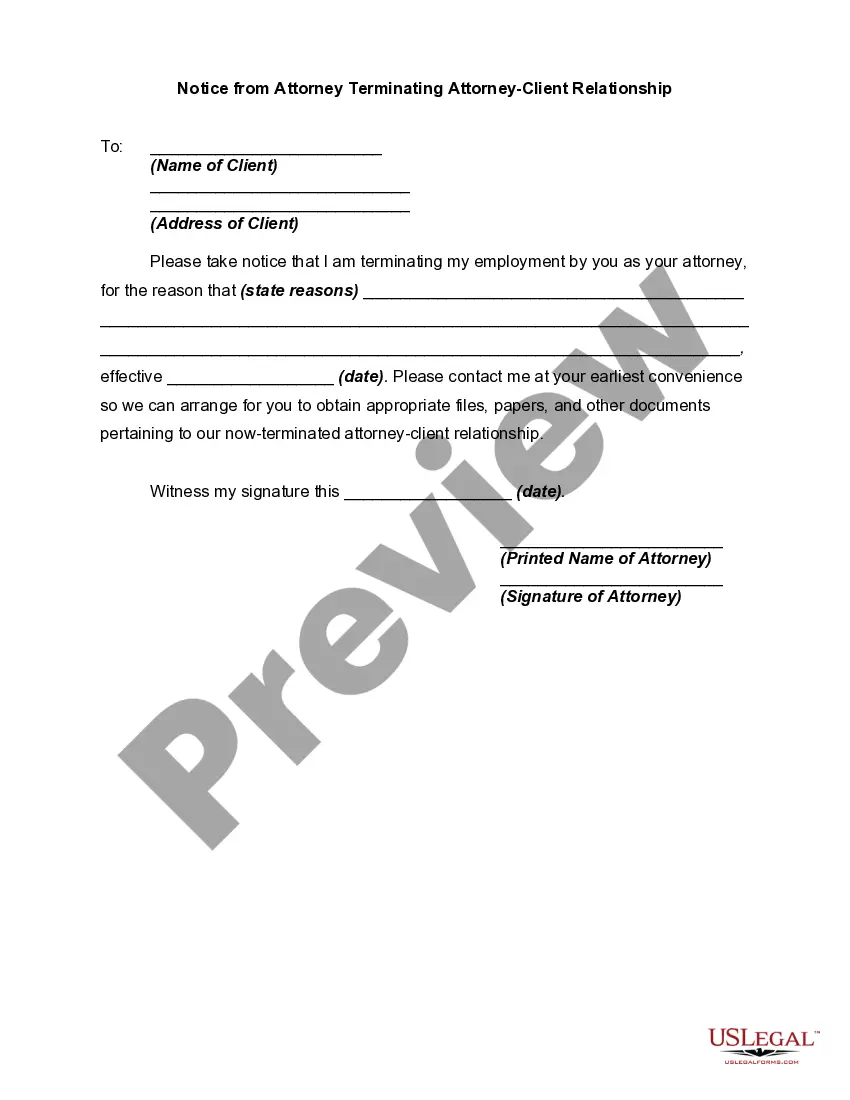
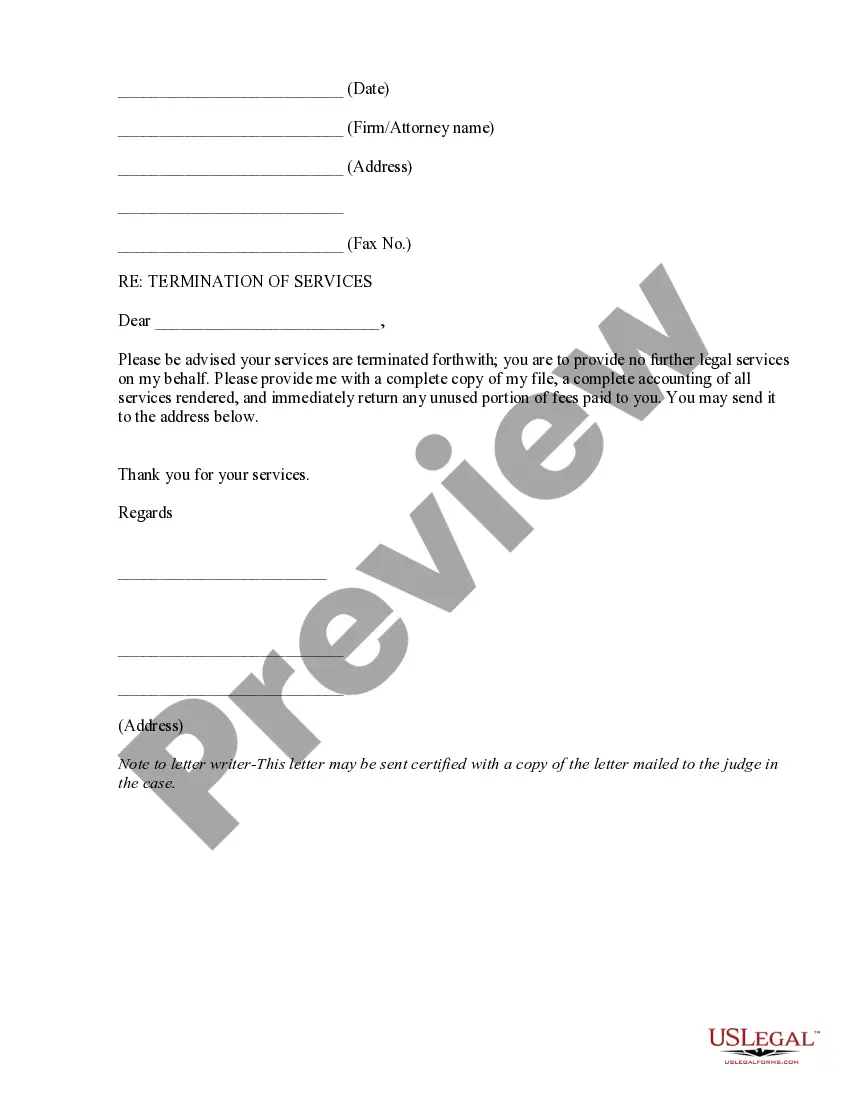
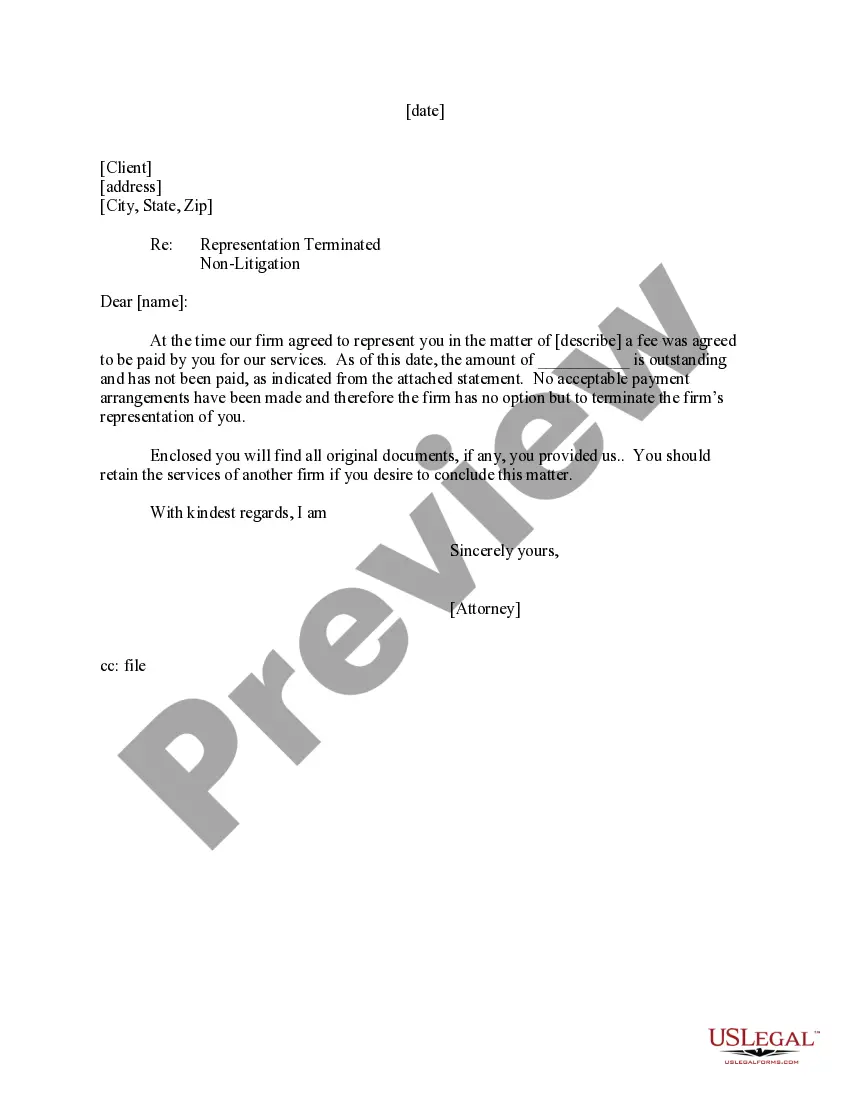
But if you decide to fire your lawyer, it is best to do it in writing. That can be in an email, in a letter, or in a text message. It can be simple. You might as well be polite (because being rude won't accomplish anything).
Be Clear: Be direct and get straight to the point. Clearly state that you are terminating the attorney and briefly state the reasons why. Additionally, the termination letter should state that the attorney should immediately stop working on any pending matters.
Address an attorney as "Mr." or "Ms." in most contexts. In the salutation for a letter or email, address an attorney the same way you would any other respected professional- using "Mr." or "Ms." followed by their surname. Generally, this is the best way to address an attorney if you've never spoken to them before.