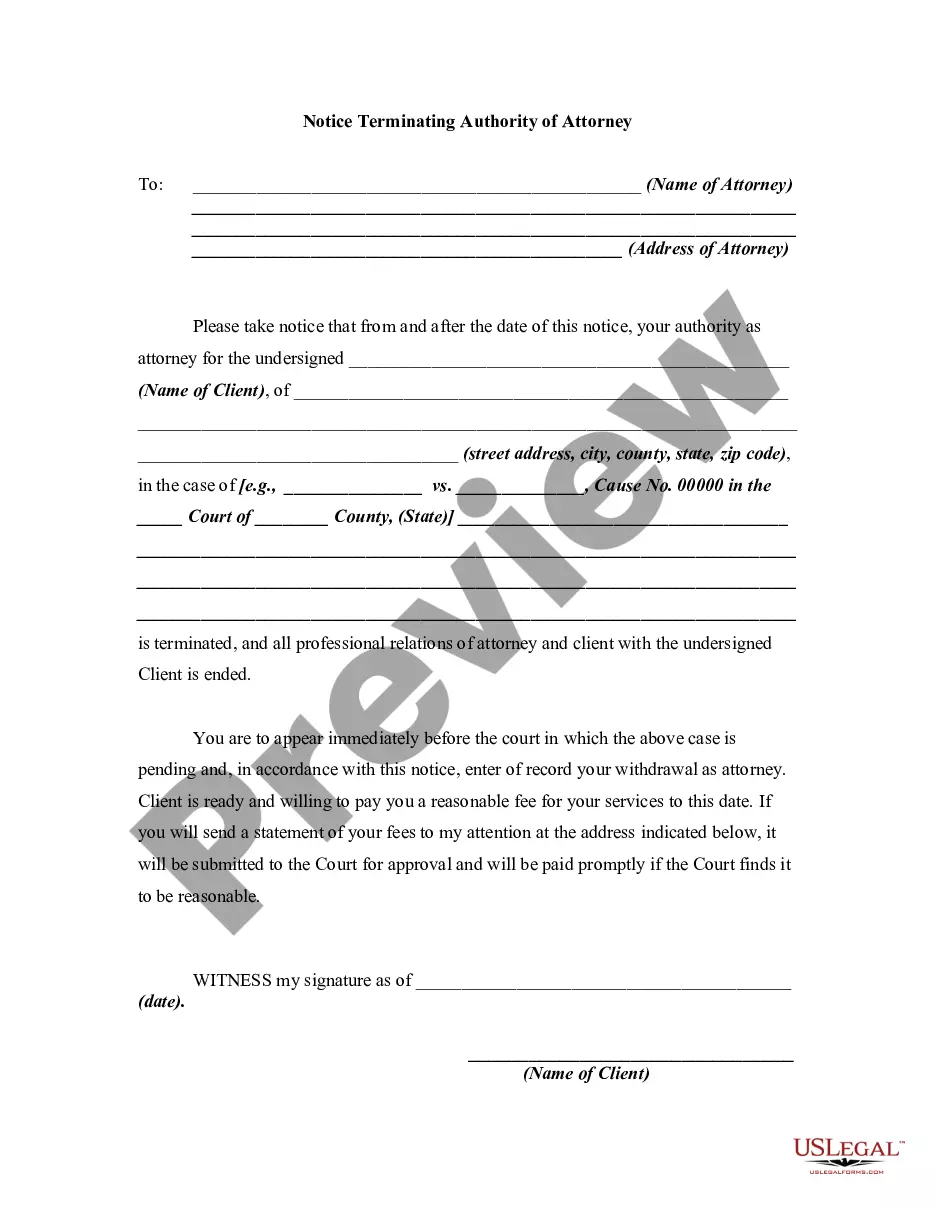
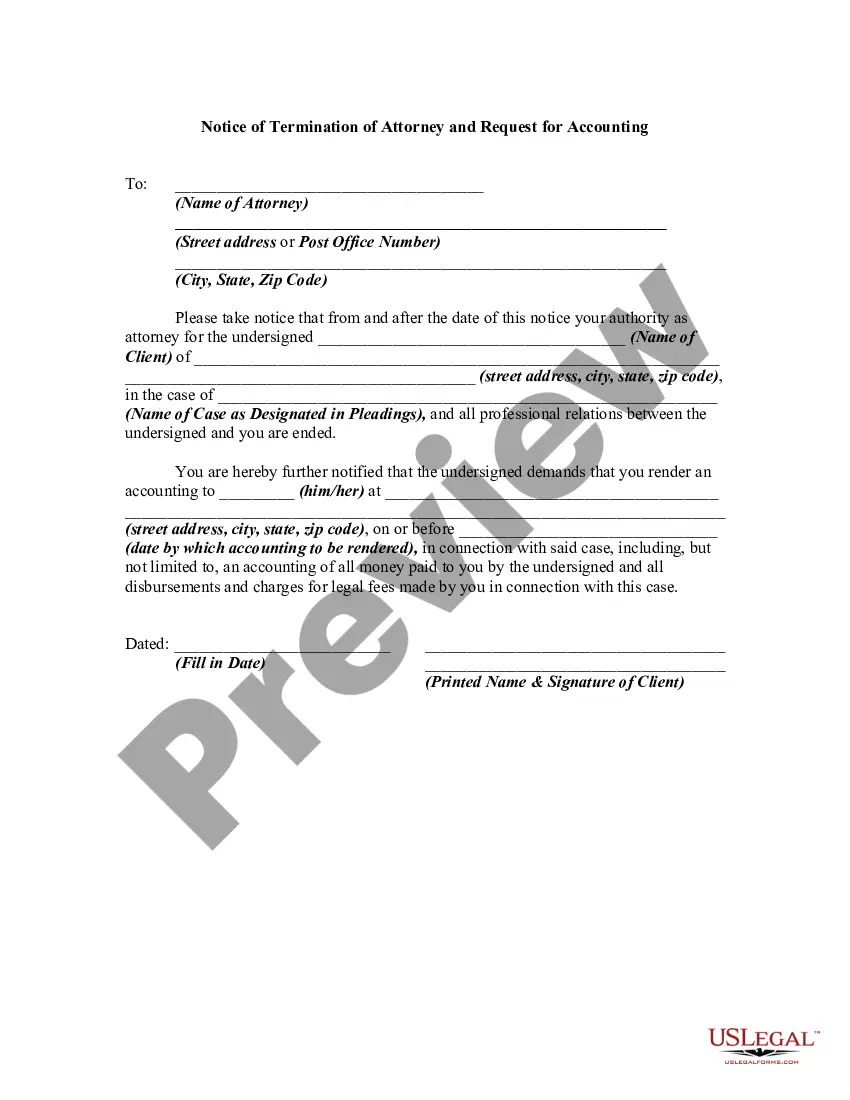
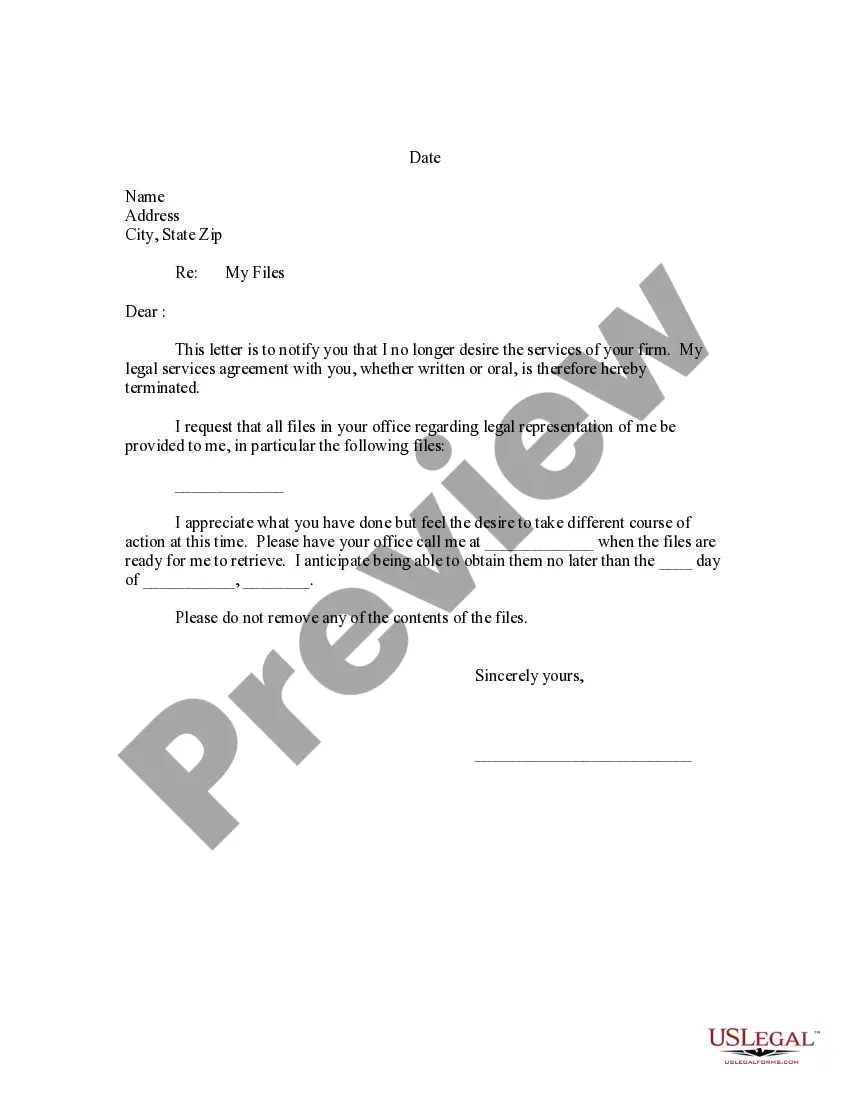
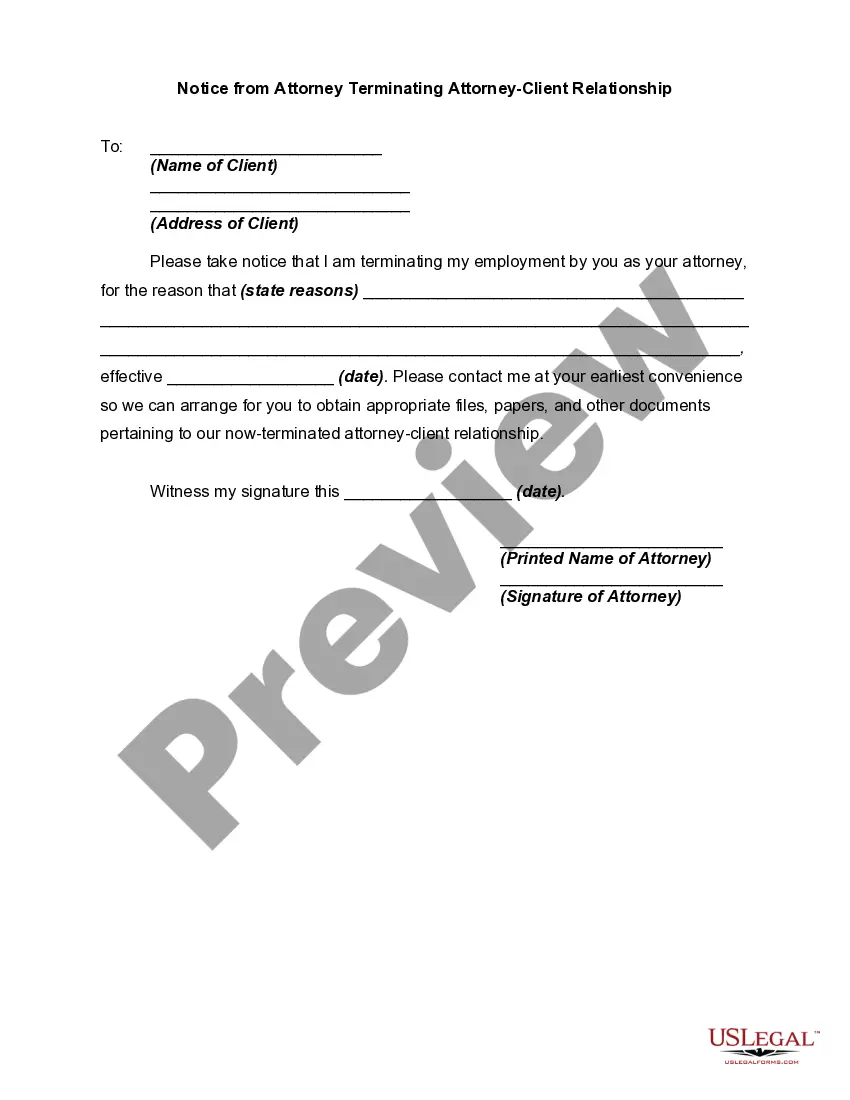
Fire Attorney Template With Email
Description

Get your form ready online
Our built-in tools help you complete, sign, share, and store your documents in one place.
Make edits, fill in missing information, and update formatting in US Legal Forms—just like you would in MS Word.
Download a copy, print it, send it by email, or mail it via USPS—whatever works best for your next step.
Sign and collect signatures with our SignNow integration. Send to multiple recipients, set reminders, and more. Go Premium to unlock E-Sign.
If this form requires notarization, complete it online through a secure video call—no need to meet a notary in person or wait for an appointment.
We protect your documents and personal data by following strict security and privacy standards.

Make edits, fill in missing information, and update formatting in US Legal Forms—just like you would in MS Word.

Download a copy, print it, send it by email, or mail it via USPS—whatever works best for your next step.

Sign and collect signatures with our SignNow integration. Send to multiple recipients, set reminders, and more. Go Premium to unlock E-Sign.

If this form requires notarization, complete it online through a secure video call—no need to meet a notary in person or wait for an appointment.

We protect your documents and personal data by following strict security and privacy standards.
Looking for another form?

How to fill out Notice To Fire Or Terminating Authority Of Attorney?
Legal administration can be perplexing, even for the most experienced professionals.
When you are seeking a Fire Attorney Template With Email and do not have the opportunity to spend time finding the suitable and updated version, the processes can be stressful.
US Legal Forms meets all your requirements, from personal to business paperwork, all in one location.
Utilize advanced tools to complete and manage your Fire Attorney Template With Email.
Here are the steps to follow after obtaining the form you need: Verify it is the correct form by previewing it and checking its description. Ensure that the template is authorized in your state or county. Click Buy Now when you are ready. Choose a monthly subscription plan. Find the format you require, and Download, complete, eSign, print, and deliver your documents. Take advantage of the US Legal Forms online catalog, supported by 25 years of expertise and trustworthiness. Improve your daily document management in a seamless and user-friendly manner today.
- Access a valuable resource hub of articles, guides, and materials pertinent to your situation and requirements.
- Save time and effort searching for the documents you need, and leverage US Legal Forms’ enhanced search and Review feature to locate the Fire Attorney Template With Email and download it.
- If you have a subscription, Log In to your US Legal Forms account, search for the form, and download it.
- Check your My documents tab to review the documents you have previously saved and to organize your folders as desired.
- If this is your first experience with US Legal Forms, create an account and gain unlimited access to all benefits of the library.
- A robust online form library could be a transformative tool for anyone aiming to navigate these situations effectively.
- US Legal Forms is a leading provider of online legal documents, offering over 85,000 state-specific legal forms at any moment.
- With US Legal Forms, you can access state- or county-specific legal and business documents.
Form popularity
FAQ
Understand the limits of the attorney-client privilege Emails between you and your attorney are presumed to be confidential under most circumstances. However, the presence of a third party on your email makes your perceived confidentiality less definite.
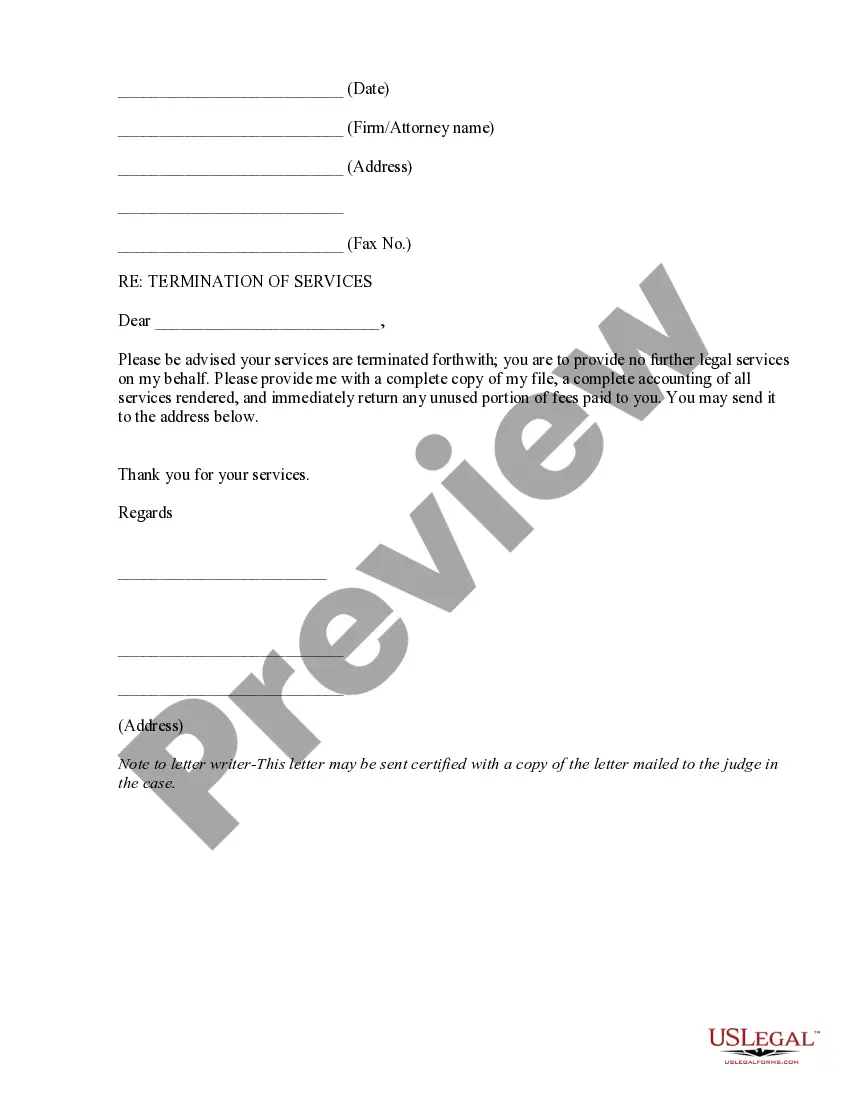
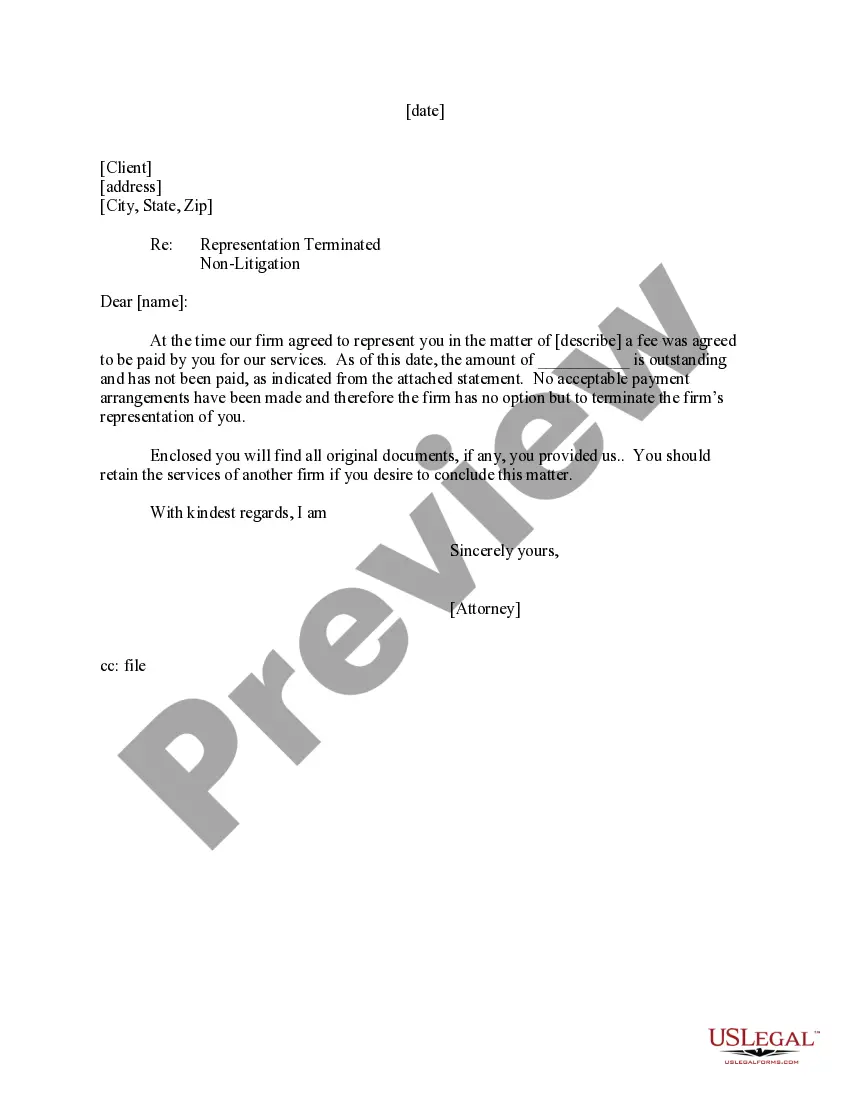
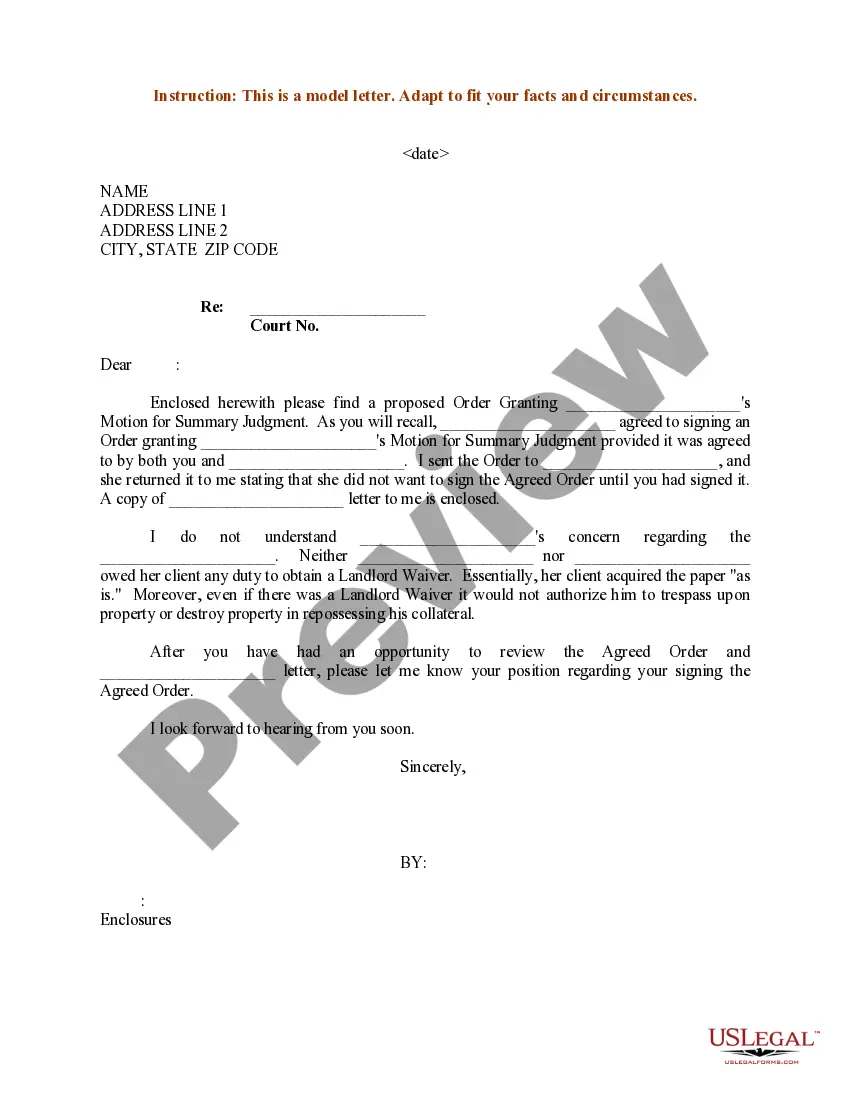
But if you decide to fire your lawyer, it is best to do it in writing. That can be in an email, in a letter, or in a text message. It can be simple. You might as well be polite (because being rude won't accomplish anything).
Use the Appropriate Title: If the lawyer has a specific title, such as "Attorney," "Esquire," or "Counsel," use it in your greeting. For example, "Dear Attorney Smith" or "Dear Mr. Johnson, Esq." Include Their Last Name: Address the lawyer by their last name, followed by the appropriate title.
Be Clear: Be direct and get straight to the point. Clearly state that you are terminating the attorney and briefly state the reasons why. Additionally, the termination letter should state that the attorney should immediately stop working on any pending matters.