Court Hearing Form Withdrawal
Description
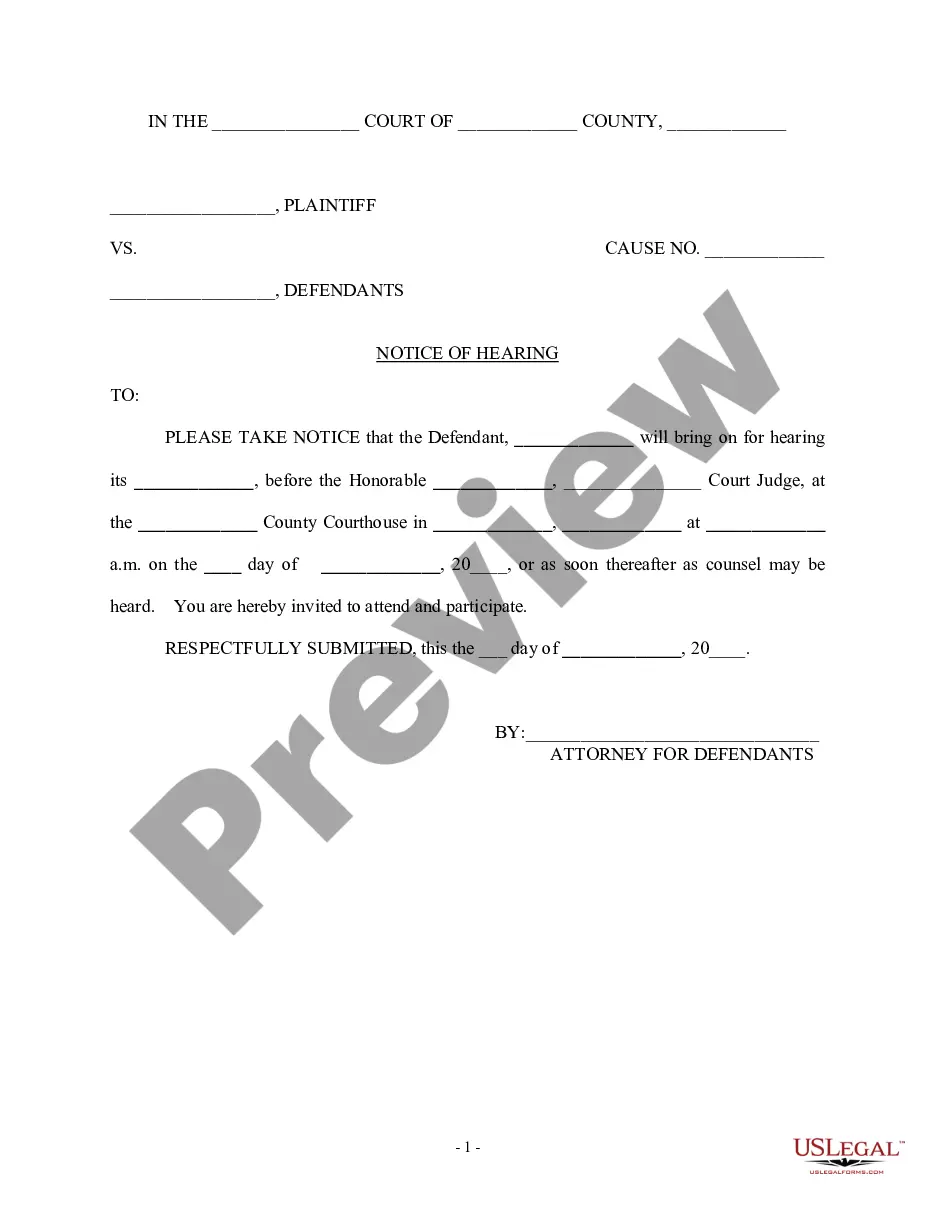
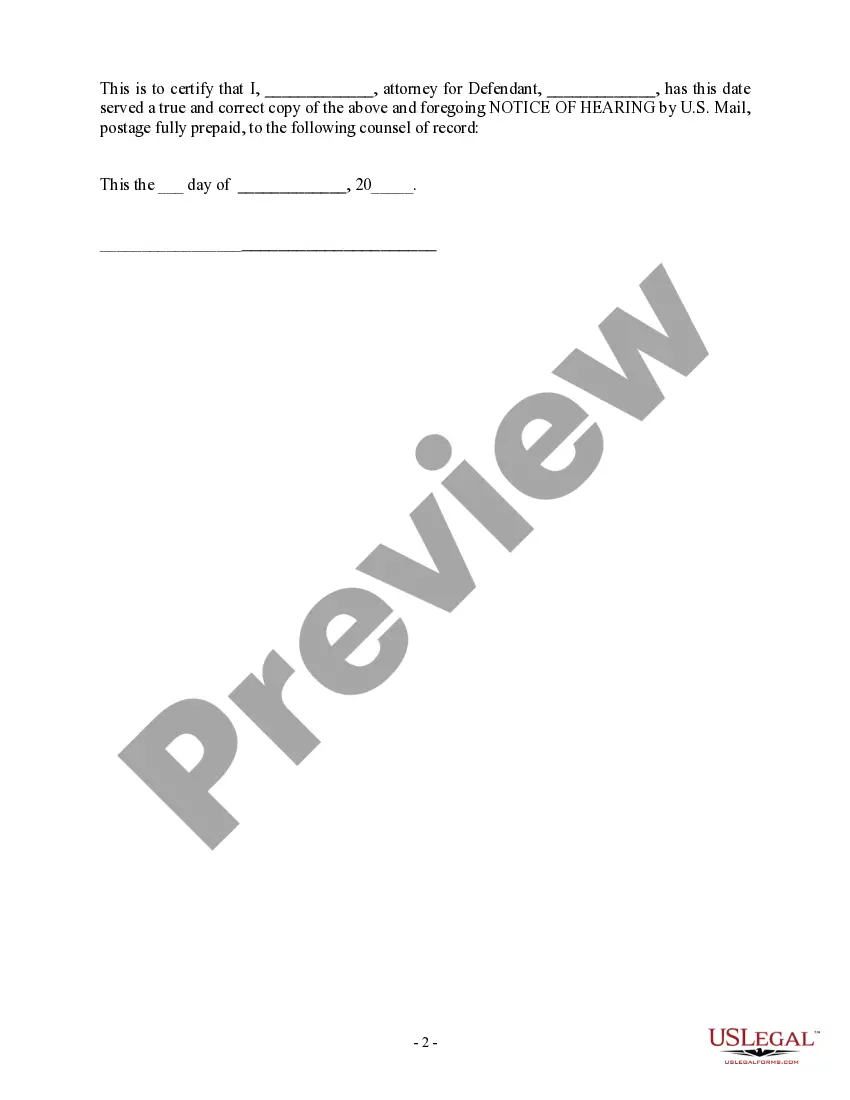
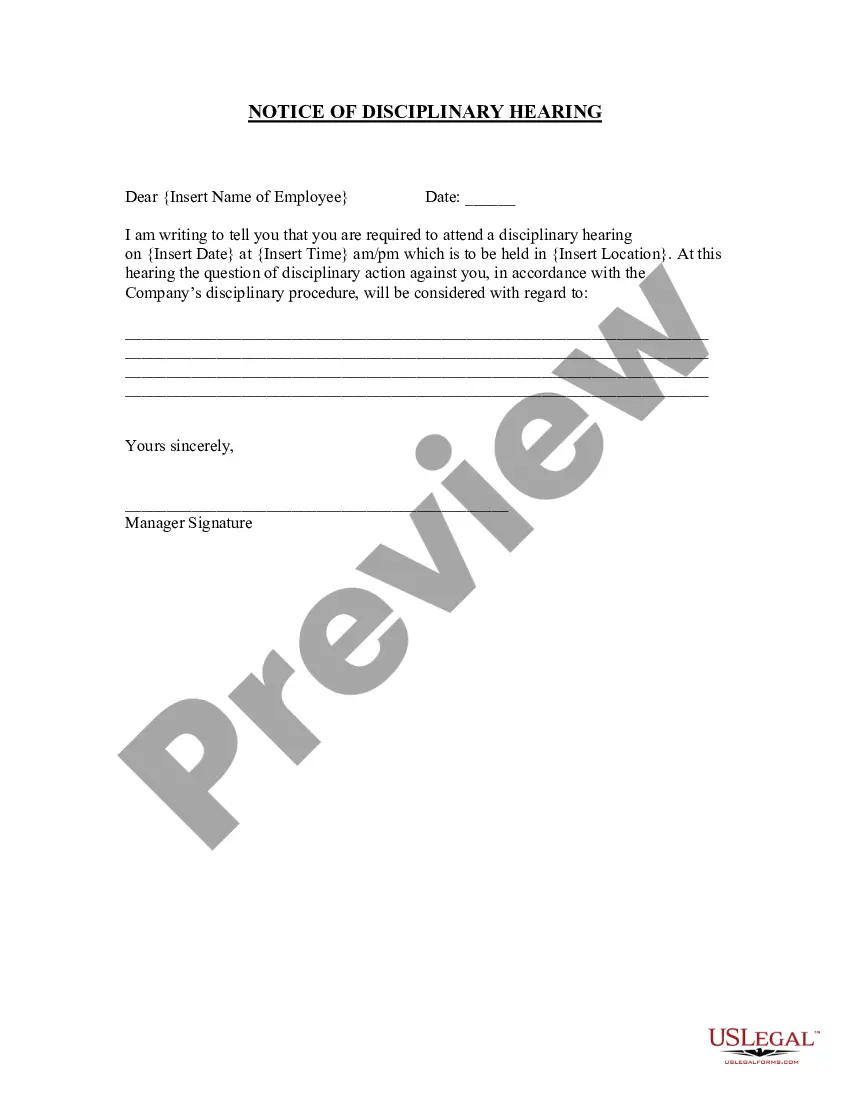
Get your form ready online
Our built-in tools help you complete, sign, share, and store your documents in one place.
Make edits, fill in missing information, and update formatting in US Legal Forms—just like you would in MS Word.
Download a copy, print it, send it by email, or mail it via USPS—whatever works best for your next step.
Sign and collect signatures with our SignNow integration. Send to multiple recipients, set reminders, and more. Go Premium to unlock E-Sign.
If this form requires notarization, complete it online through a secure video call—no need to meet a notary in person or wait for an appointment.
We protect your documents and personal data by following strict security and privacy standards.

Make edits, fill in missing information, and update formatting in US Legal Forms—just like you would in MS Word.

Download a copy, print it, send it by email, or mail it via USPS—whatever works best for your next step.

Sign and collect signatures with our SignNow integration. Send to multiple recipients, set reminders, and more. Go Premium to unlock E-Sign.

If this form requires notarization, complete it online through a secure video call—no need to meet a notary in person or wait for an appointment.

We protect your documents and personal data by following strict security and privacy standards.
Looking for another form?
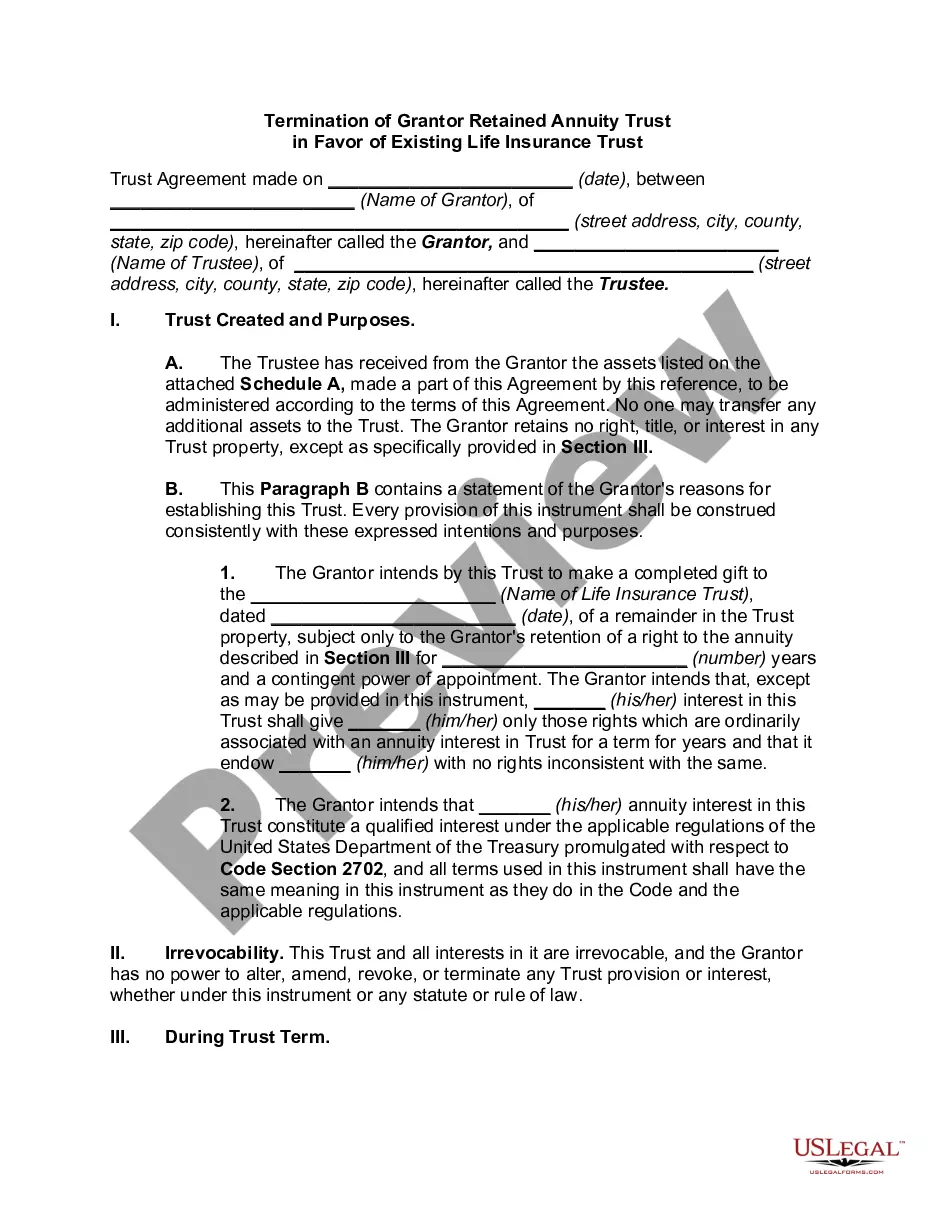





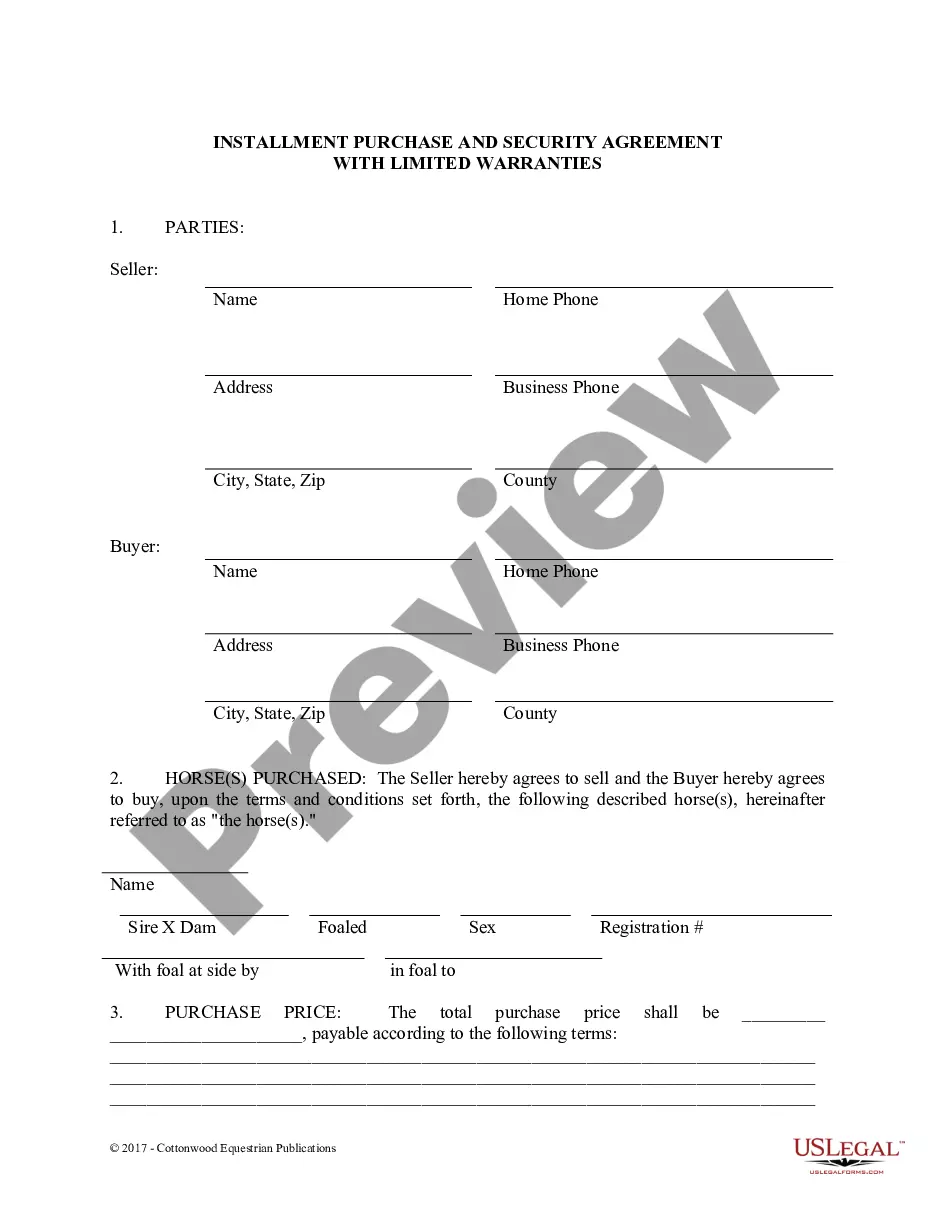
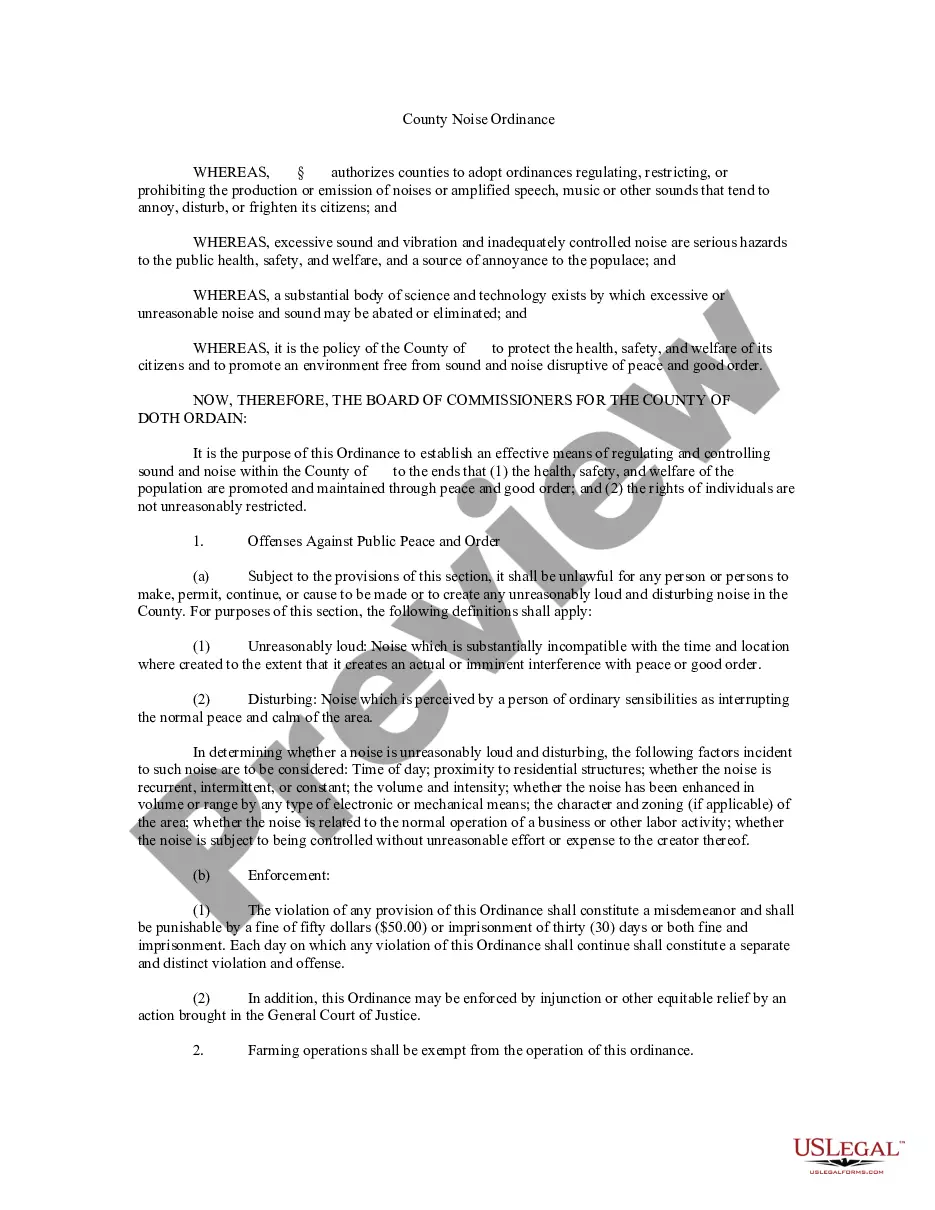

How to fill out Notice Of Hearing?
Legal documents handling can be perplexing, even for seasoned professionals.
When you are in search of a Court Hearing Form Withdrawal and lack the time to spend seeking the appropriate and current version, the procedures can be stressful.
Access a resource library of articles, manuals, and materials related to your circumstance and needs.
Save time and energy searching for the documents you require, and use US Legal Forms’ enhanced search and Preview feature to locate Court Hearing Form Withdrawal and retrieve it.
Select Buy Now when you are ready. Choose a subscription package. Select the format you prefer, and Download, fill out, sign, print, and submit your documents. Enjoy the US Legal Forms online library, supported with 25 years of expertise and reliability. Transform your document handling into a straightforward and user-friendly process today.
- If you possess a subscription, Log In to your US Legal Forms account, locate the form, and retrieve it.
- Check your My documents tab to review the documents you have previously downloaded and organize your folders as desired.
- If this is your initial experience with US Legal Forms, create an account to gain unrestricted access to all features of the library.
- Here are the steps to take after acquiring the form you need.
- Confirm this is the correct form by previewing it and reviewing its description. Ensure that the template is valid in your state or county.
- Access state- or county-specific legal and business documents.
- US Legal Forms meets any needs you may have, from personal to commercial paperwork, all in one location.
- Utilize advanced features to complete and oversee your Court Hearing Form Withdrawal.
Form popularity
FAQ
Right now unfortunately, you can recover the entire Form from recycle bin if, it was deleted. however, recovering only a deleted question from the Form is currently not supported.
Re: Restoring a prior version of your Form that has been edited and autosaved. @MarciAngela there's no way to restore a previous version of a form.
To copy a form within List view, hover to the right of the form, select More options > Copy. You'll see a duplicate form at the top of your list under All My Forms. It will have the same name as your original form.
Google Forms does not have version history like Google Docs or Sheets. When you delete responses in Google Forms, it will be deleted permanently. The deleted form responses cannot be restored later.
(2) At the top of your Google Form, click Add-ons (puzzle icon) > Forms History > Open. (3) If this is the first time you are using Forms History, you will be prompted to provide the necessary permissions.
There is also no version history which makes it very difficult to reset the questions that have been overwritten.
Click the Microsoft Forms application. Click "All my Forms" Click "Deleted Forms" Click the 3 dots of the quiz you'd like to restore and click "Restore"
Once you've made your changes, click the Undo button at the top right of the page. This looks like a curved arrow pointing to the left. When you click this button, your changes will be undone.