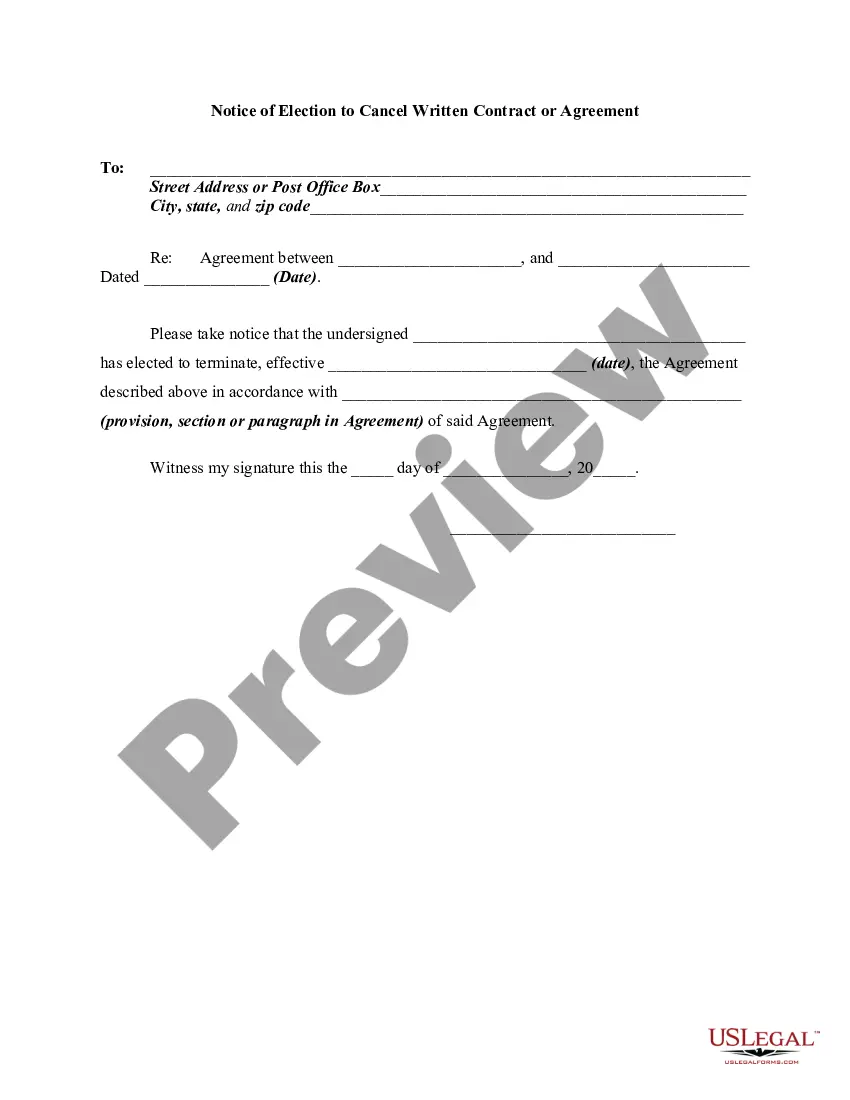
Cancel Contract Example
Description

Get your form ready online
Our built-in tools help you complete, sign, share, and store your documents in one place.
Make edits, fill in missing information, and update formatting in US Legal Forms—just like you would in MS Word.
Download a copy, print it, send it by email, or mail it via USPS—whatever works best for your next step.
Sign and collect signatures with our SignNow integration. Send to multiple recipients, set reminders, and more. Go Premium to unlock E-Sign.
If this form requires notarization, complete it online through a secure video call—no need to meet a notary in person or wait for an appointment.
We protect your documents and personal data by following strict security and privacy standards.

Make edits, fill in missing information, and update formatting in US Legal Forms—just like you would in MS Word.

Download a copy, print it, send it by email, or mail it via USPS—whatever works best for your next step.

Sign and collect signatures with our SignNow integration. Send to multiple recipients, set reminders, and more. Go Premium to unlock E-Sign.

If this form requires notarization, complete it online through a secure video call—no need to meet a notary in person or wait for an appointment.

We protect your documents and personal data by following strict security and privacy standards.
Looking for another form?

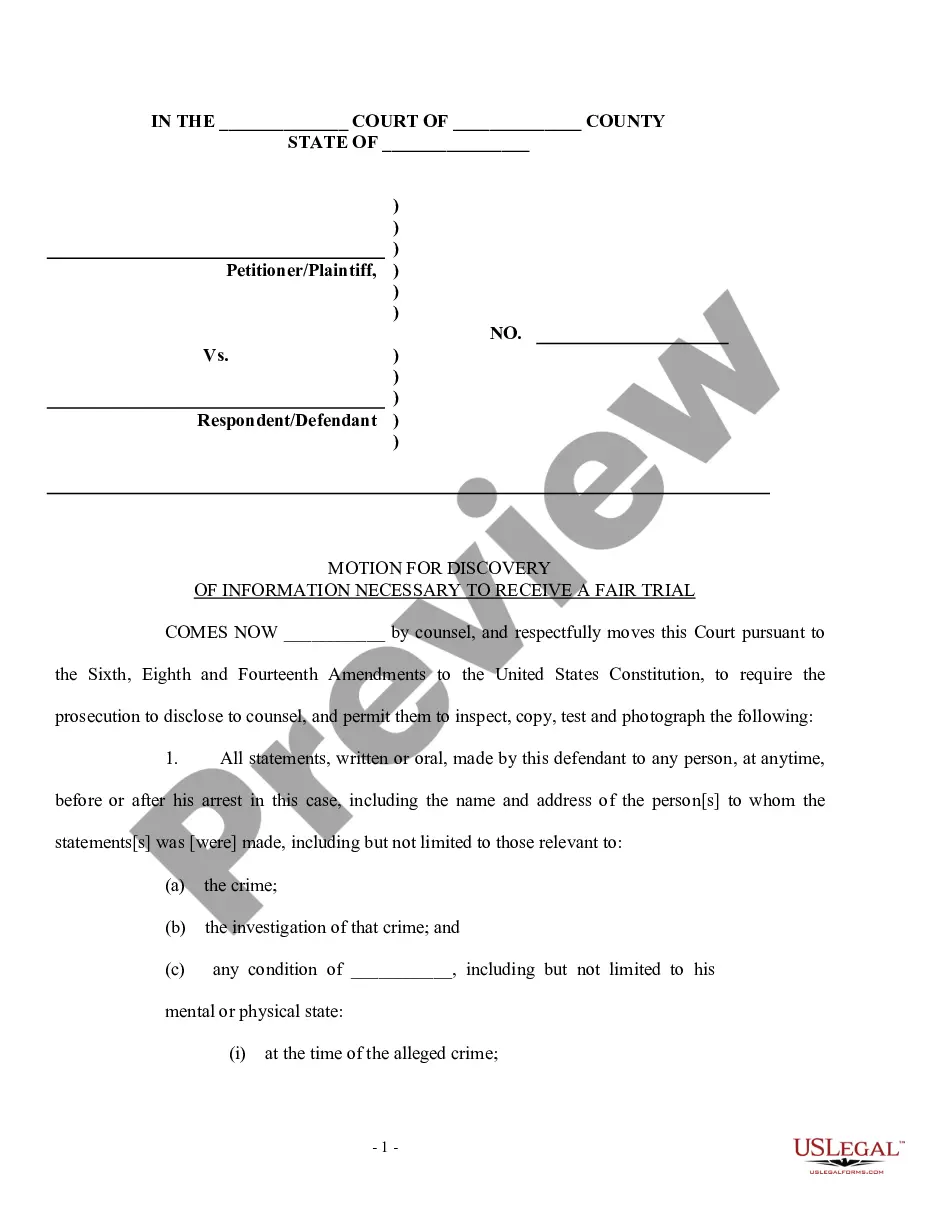
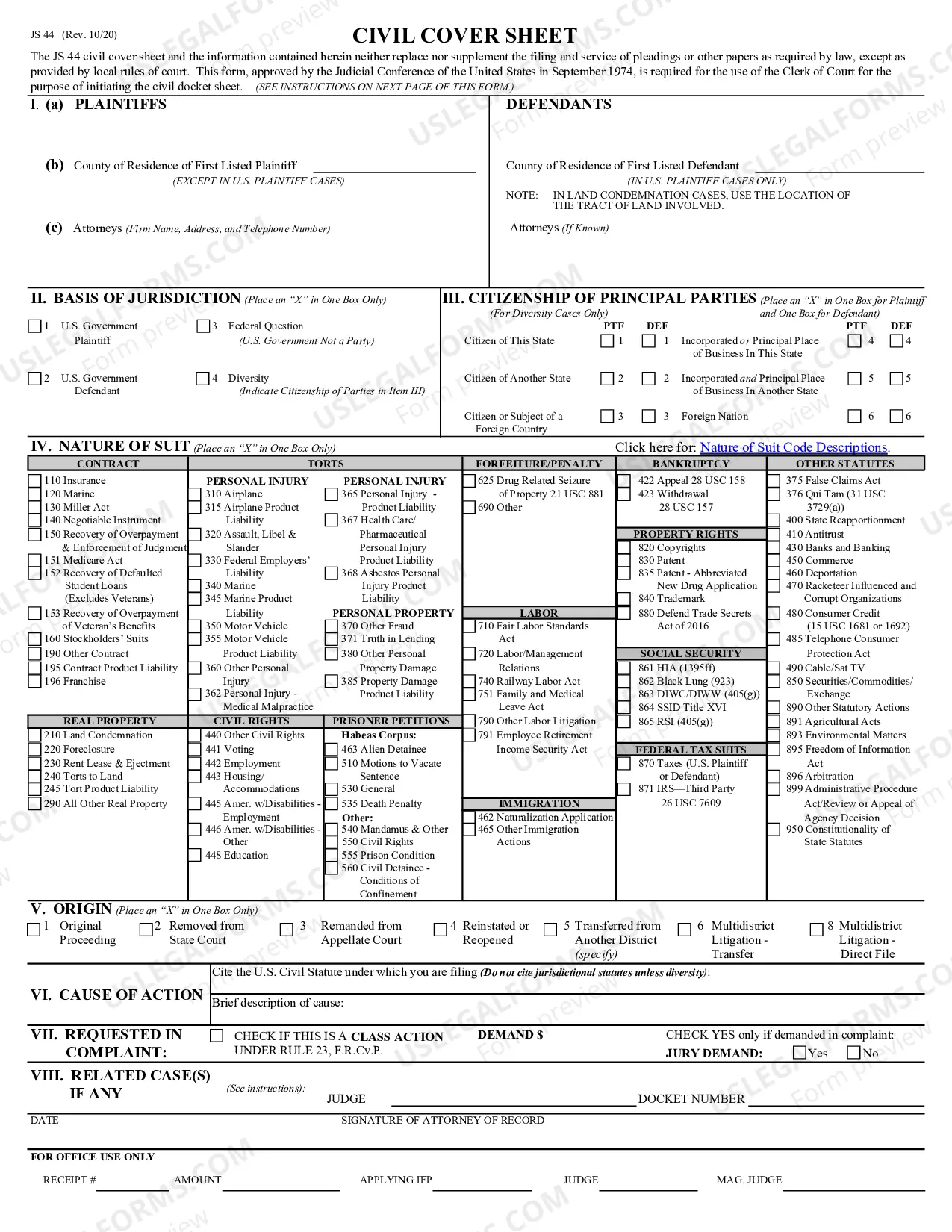

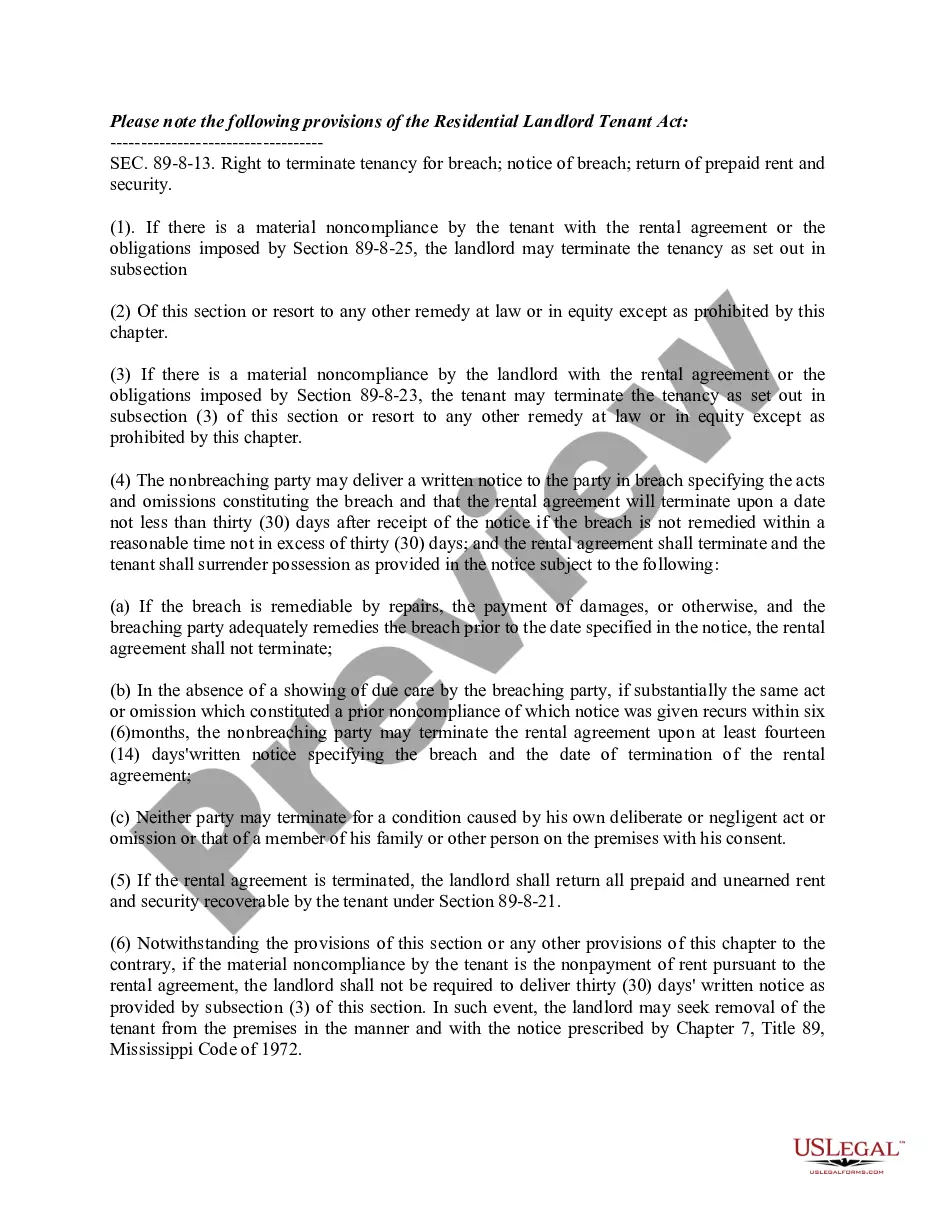
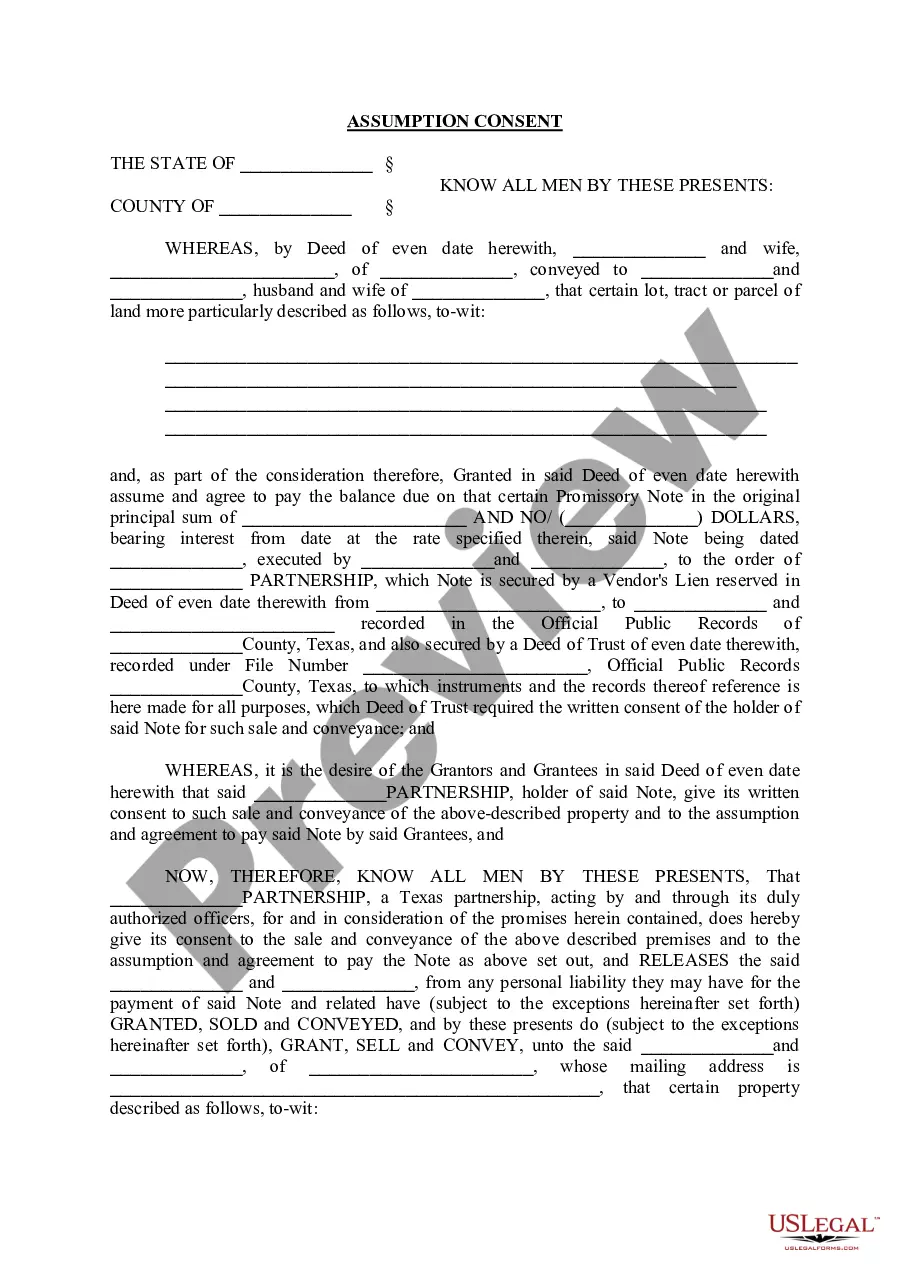
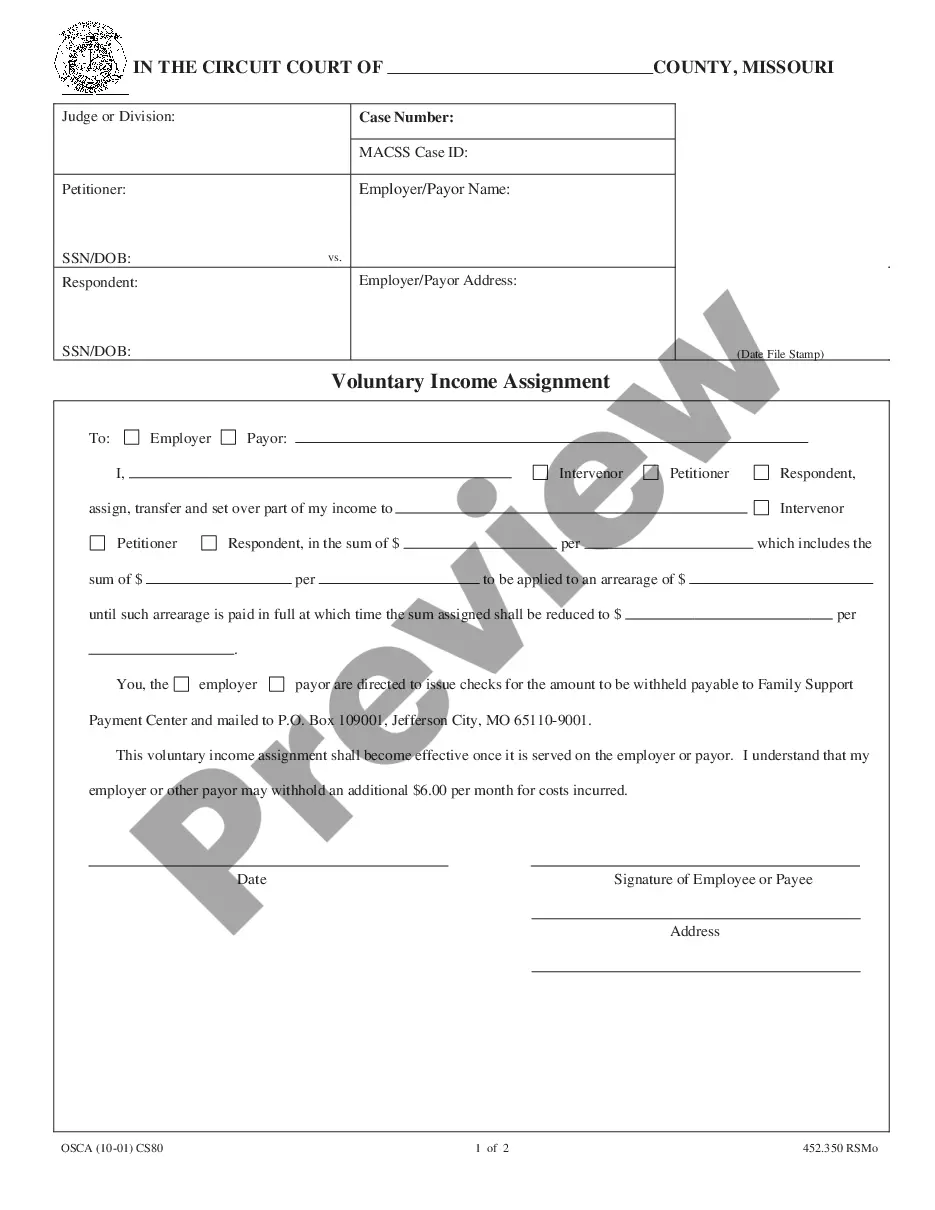
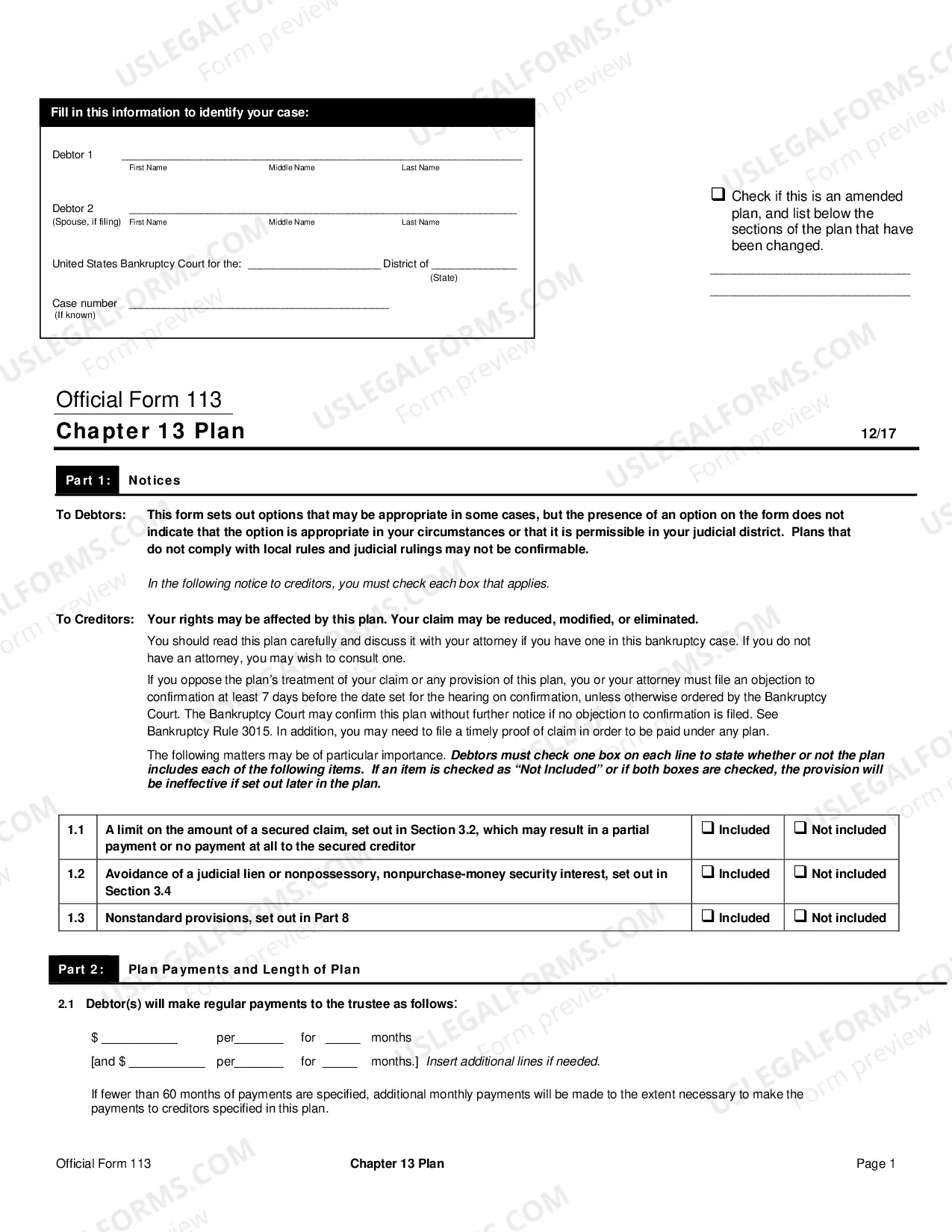
How to fill out Notice Of Right Or Election To Cancel Written Contract Or Agreement?
The Cancel Contract Sample you observe on this page is a reusable legal framework crafted by expert attorneys in compliance with federal and regional regulations.
For over 25 years, US Legal Forms has supplied individuals, enterprises, and legal practitioners with more than 85,000 validated, state-specific documents for various business and personal circumstances. It’s the fastest, most direct, and most dependable method to acquire the documents you require, as the service assures bank-level data protection and anti-malware safeguards.
Utilize the same document again whenever required. Access the My documents section in your profile to redownload any previously stored forms. Subscribe to US Legal Forms to have verified legal templates for all of life’s scenarios readily available.
- Explore the document you need and assess it.
- Browse the example you sought and preview it or examine the document description to ensure it meets your requirements. If it falls short, utilize the search function to discover the correct one. Click Buy Now when you have located the template you require.
- Register and sign in.
- Select the pricing package that fits your needs and create an account. Employ PayPal or a credit card for a swift payment. If you already possess an account, Log In and check your subscription to move forward.
- Acquire the editable template.
- Pick the format you desire for your Cancel Contract Sample (PDF, DOCX, RTF) and store the sample on your device.
- Finalize and endorse the documents.
- Print the template to fill it out manually. Alternatively, use an online versatile PDF editor to quickly and accurately complete and endorse your form with a legitimate signature.
Form popularity
FAQ
You can say 'cancel a contract' in straightforward terms. This phrase effectively conveys the action you want to take regarding a legally binding agreement. If you're looking for a more formal alternative, you might say 'terminate the contract.' Regardless of the phrasing, using a clear and direct approach will help in discussions about your decision to cancel a contract.
Write using a formal business format and specify the subscription you're canceling. Give a reason for the cancelation and request confirmation. Cancel a business contract by writing a letter stating your intentions, explaining why, and including a final payment for services. End on a friendly note.
Directly state your purpose for writing in the first paragraph of your letter. While maintaining a respectful tone, succinctly state why you've chosen to terminate the contract. In addition, specify the date you intend to officially end your working relationship.
Hi (Recipient's name), I would like to cancel my subscription to (service). My details (including personal information, account number, etc.) Please confirm that you have received this email and that my subscription has been canceled.
To soften the blow, start with a heartfelt appreciation for what they have done for you. So you could say something like, ?We are grateful for the great work you've been doing for us. Unfortunately, due to a change in circumstances, we will not be needing these services anymore.
How to write a cancellation letter for an event Choose a letter format. The first step is to choose a letter format. ... Make the cancellation clear. ... Share why the event was cancelled. ... Apologise for the cancellation. ... Include information about event refunds. ... Share words of appreciation.